
FaceTime Like a Pro
Get our exclusive Ultimate FaceTime Guide 📚 — absolutely FREE when you sign up for our newsletter below.

FaceTime Like a Pro
Get our exclusive Ultimate FaceTime Guide 📚 — absolutely FREE when you sign up for our newsletter below.


Learn how to turn on or off Professional Mode on Facebook and use its tools to grow your profile and reach more people using your iPhone.
Are you looking for ways to boost your social media presence? Your search ends here! Professional Mode on Facebook provides creators with unique tools designed to help you reach a broader audience. By enabling this mode in the Facebook app on your iPhone, you gain access to powerful features not available to regular Facebook users.
In this guide, I’ll explain exactly what Professional Mode on Facebook is, how to turn it on, and how to turn it off using your iPhone or Android. Let’s dive in!
Professional Mode lets you customize your Facebook experience to better fit your professional needs. This mode enhances privacy, productivity, and overall user experience by allowing you to control who can see your profile, manage notifications related to work content, and hide posts or comments from specific individuals or groups.
It’s especially beneficial for entrepreneurs who want to promote their businesses or individuals aiming to build professional networks. Additionally, Professional Mode includes specialized tools such as Insights for business pages and Workplace by Facebook, a collaborative space for teams.
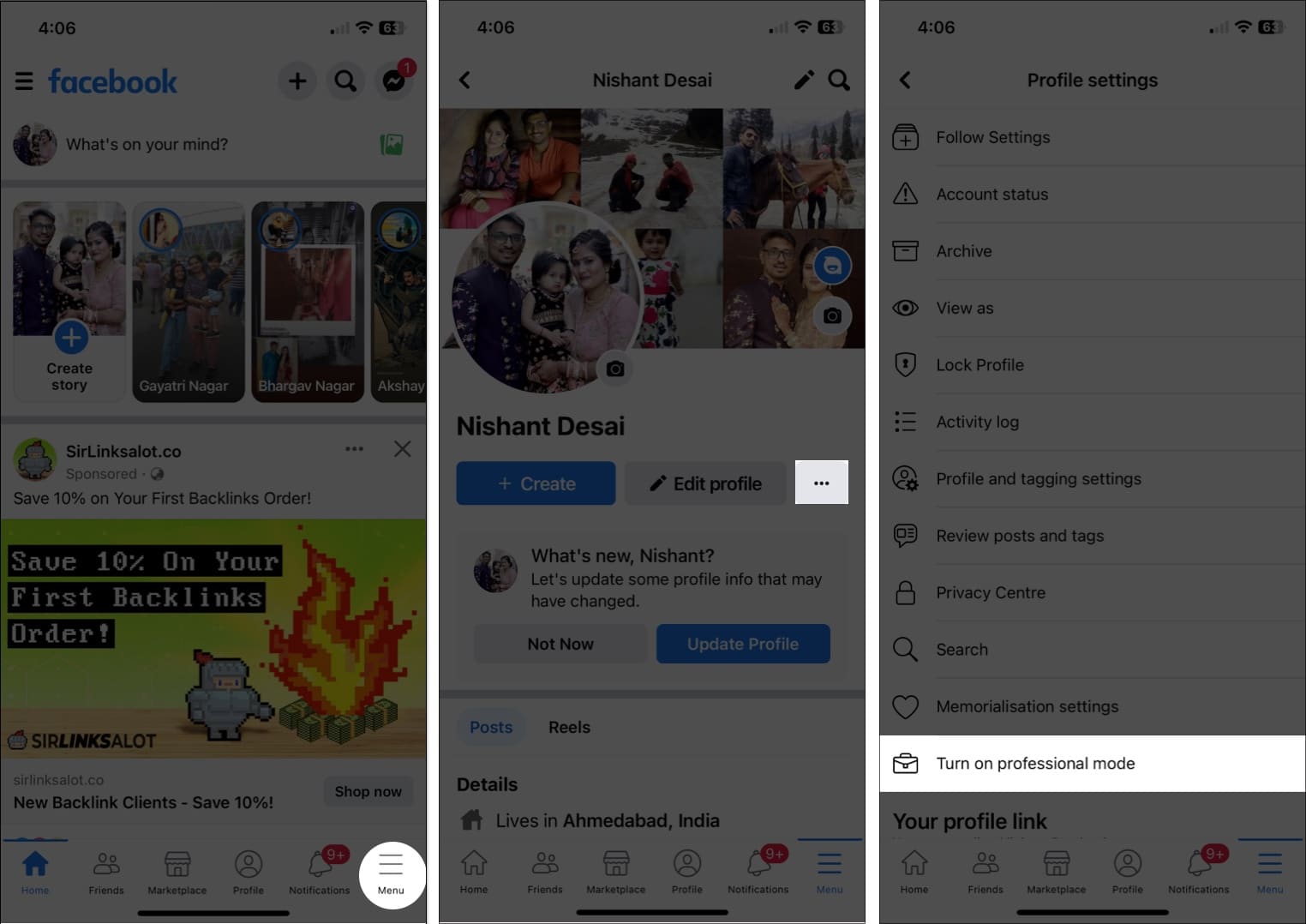
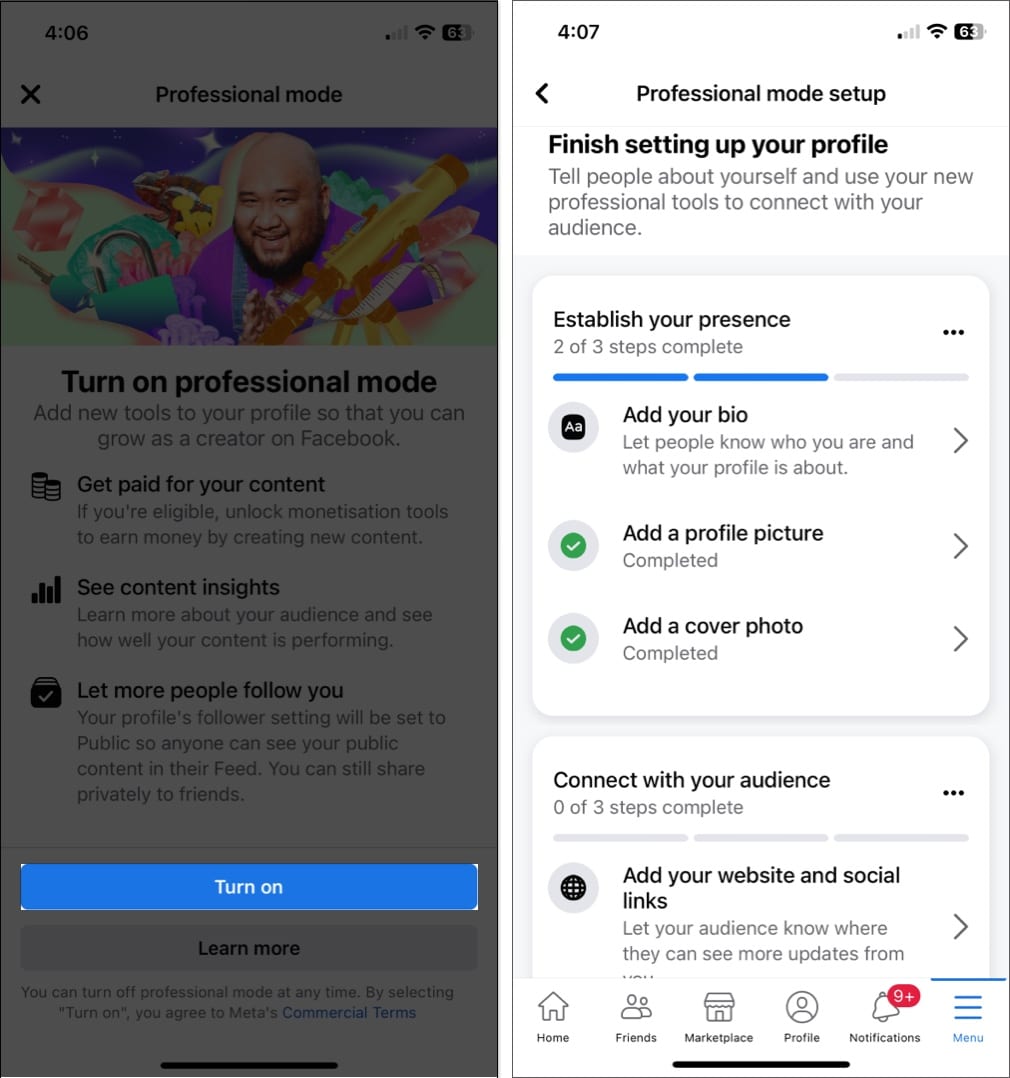
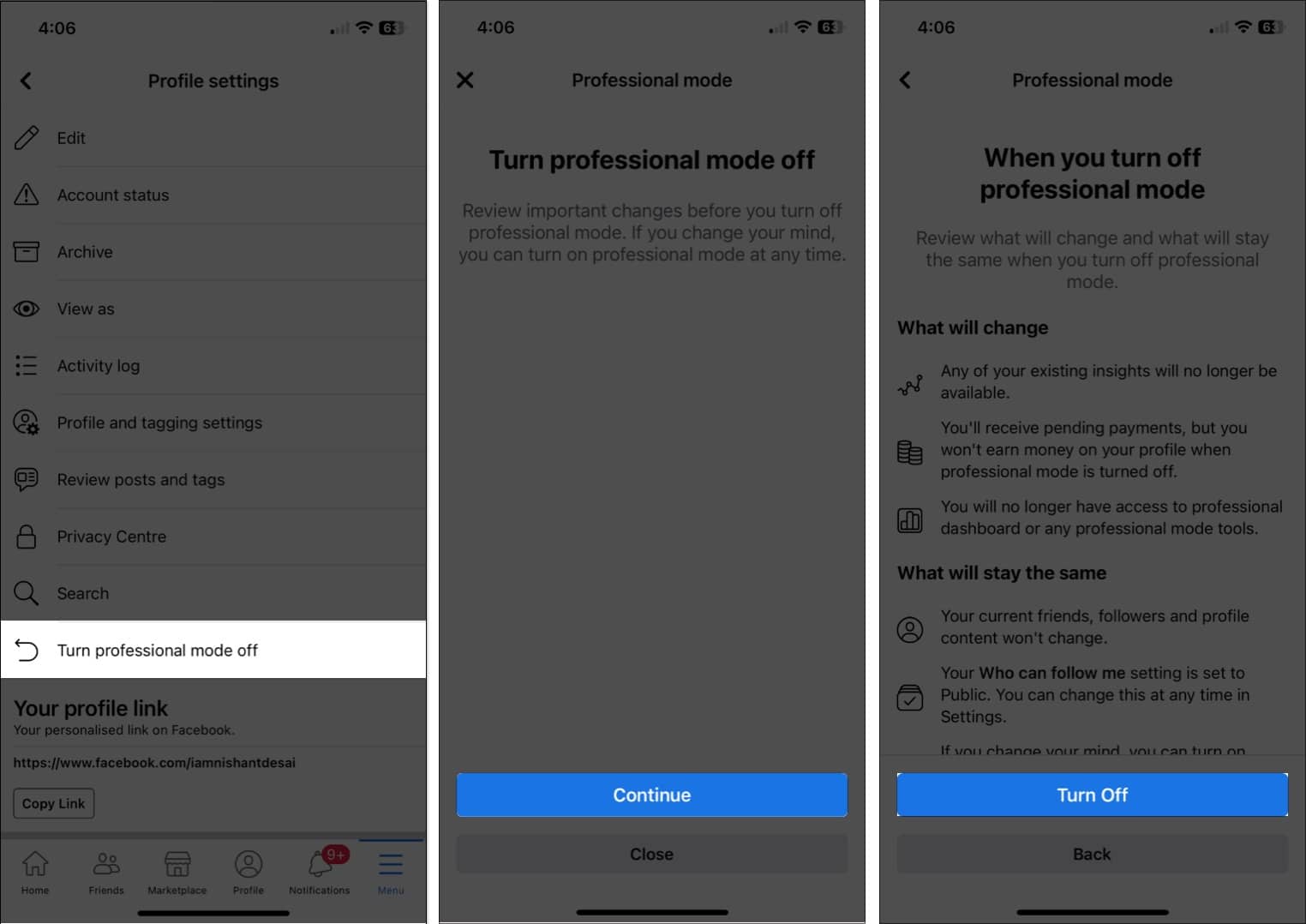
If you’ve tried Professional Mode and prefer to revert your profile to normal, follow these easy steps:
Your account will return to its original interface.
If you’re exploring Professional Mode for the first time, you might be curious about the benefits. Here’s what you get when you enable it:
Update your profile with professional details such as your job title, qualifications, employment history, and accomplishments. These updates help demonstrate your expertise to potential clients or professional connections.
Professional Mode equips you with powerful tools:
Professional Mode also provides opportunities for monetization, ideal for creators producing engaging content:
Professional Mode includes crucial safety features to protect your account:
Whether you use an iPhone or Android device, Professional Mode on Facebook can significantly enhance your social media presence. Give it a try—you’ll be amazed by the results!
Thanks for reading, and feel free to share your thoughts below.
FAQs
Professional Mode offers tools specifically beneficial to businesses and influencers, but anyone can benefit from additional analytics and customization options.
No, turning on Professional Mode won’t alter your profile or feed appearance; it simply unlocks advanced features unavailable in the standard app.
No, activating Professional Mode doesn’t increase vulnerability. Always maintain basic security practices such as strong passwords and two-factor authentication.
No, Professional Mode applies to your entire Facebook account. However, you can selectively manage pages or groups using its advanced features once it’s activated.
Read more:












