FaceTime Like a Pro
Get our exclusive Ultimate FaceTime Guide 📚 — absolutely FREE when you sign up for our newsletter below.

FaceTime Like a Pro
Get our exclusive Ultimate FaceTime Guide 📚 — absolutely FREE when you sign up for our newsletter below.



We’ve all experienced the overwhelming feeling of being swamped with email. So it’s useful to know how to delete all…
Sometimes, there are people you don’t want to share your Instagram stories with, such as an ex, a nosy work…
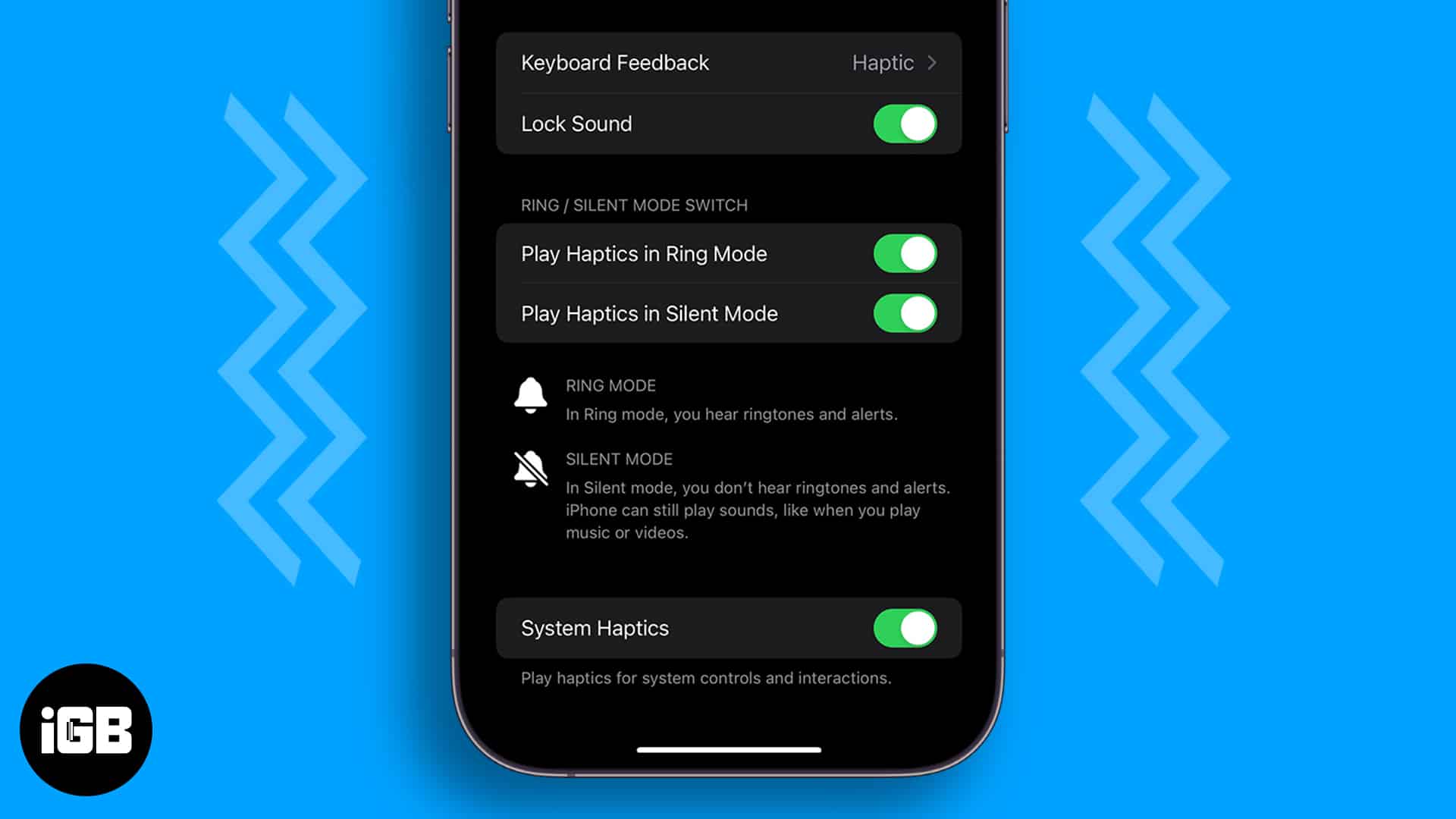
System Haptics can be switched off in several places, including keyboard and accessibility settings. These eight fixes track down every toggle that silences the Taptic Engine on iPhone.
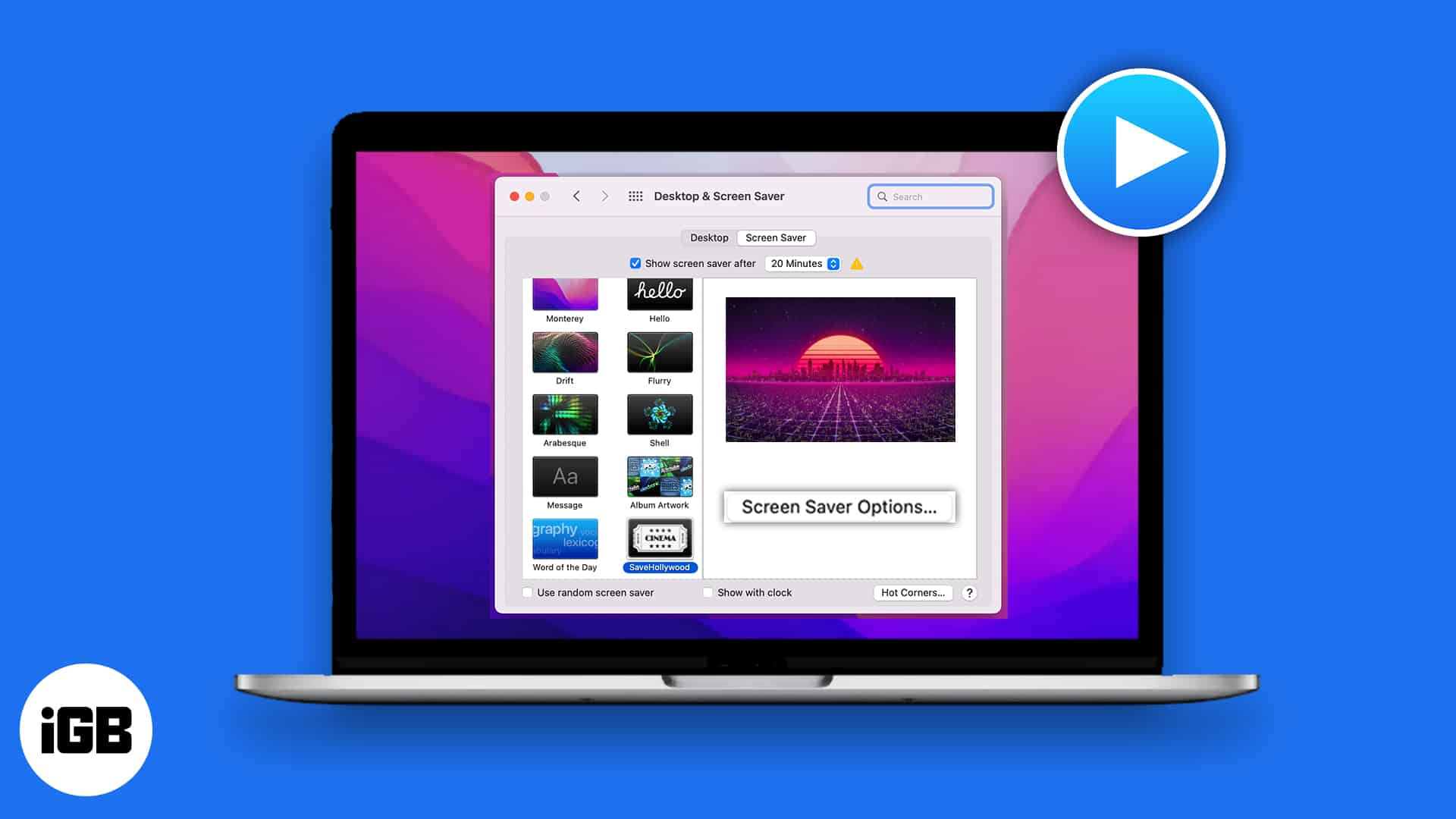
Despite having dynamic desktops, we are limited to using the old screen savers on MacBook. However, Apple lets you use…
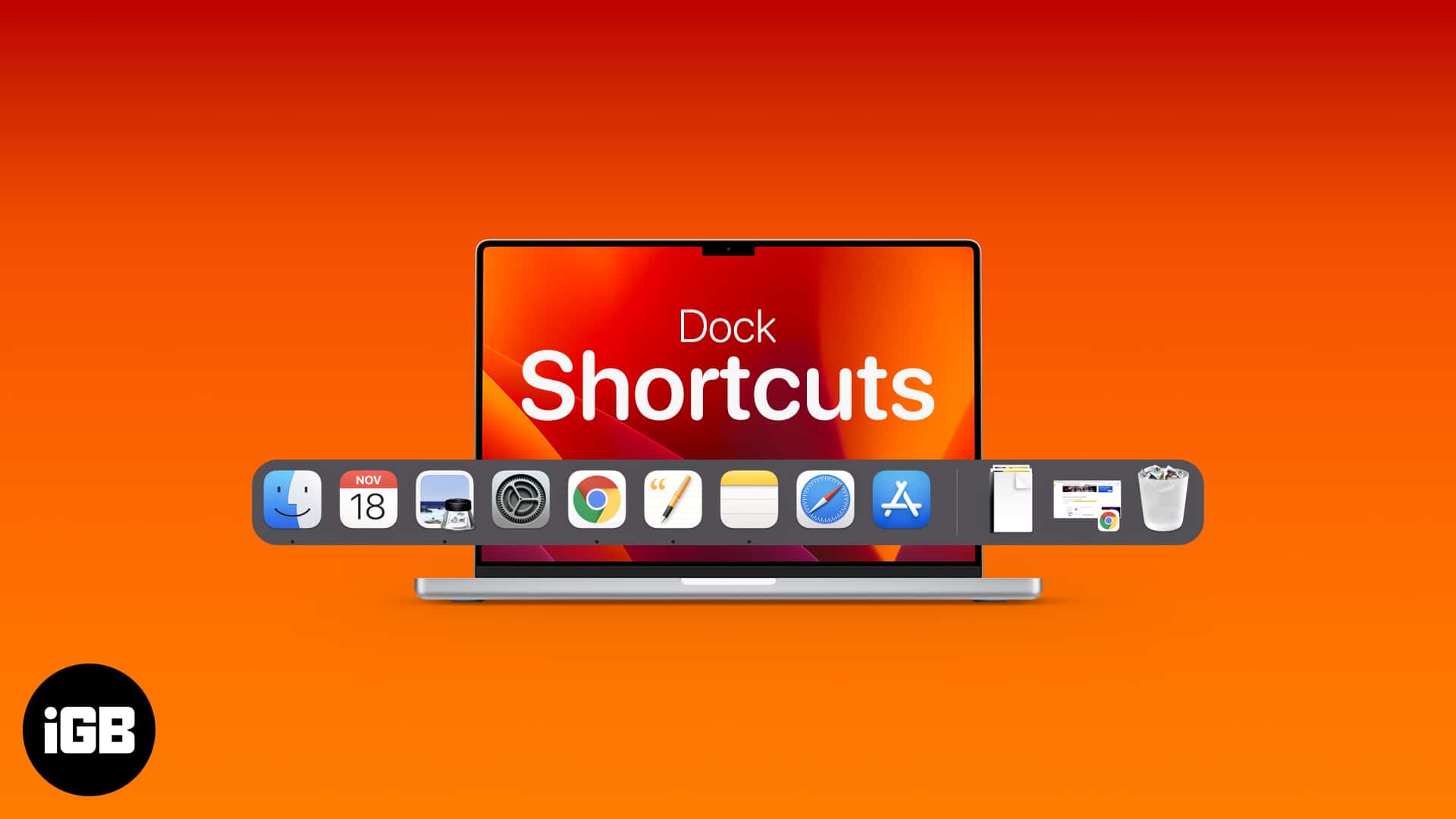
The Dock is faster than it looks once you learn its shortcuts. Here are the general and Dock-specific key combinations, plus how to add, rearrange, remove, and customize items.
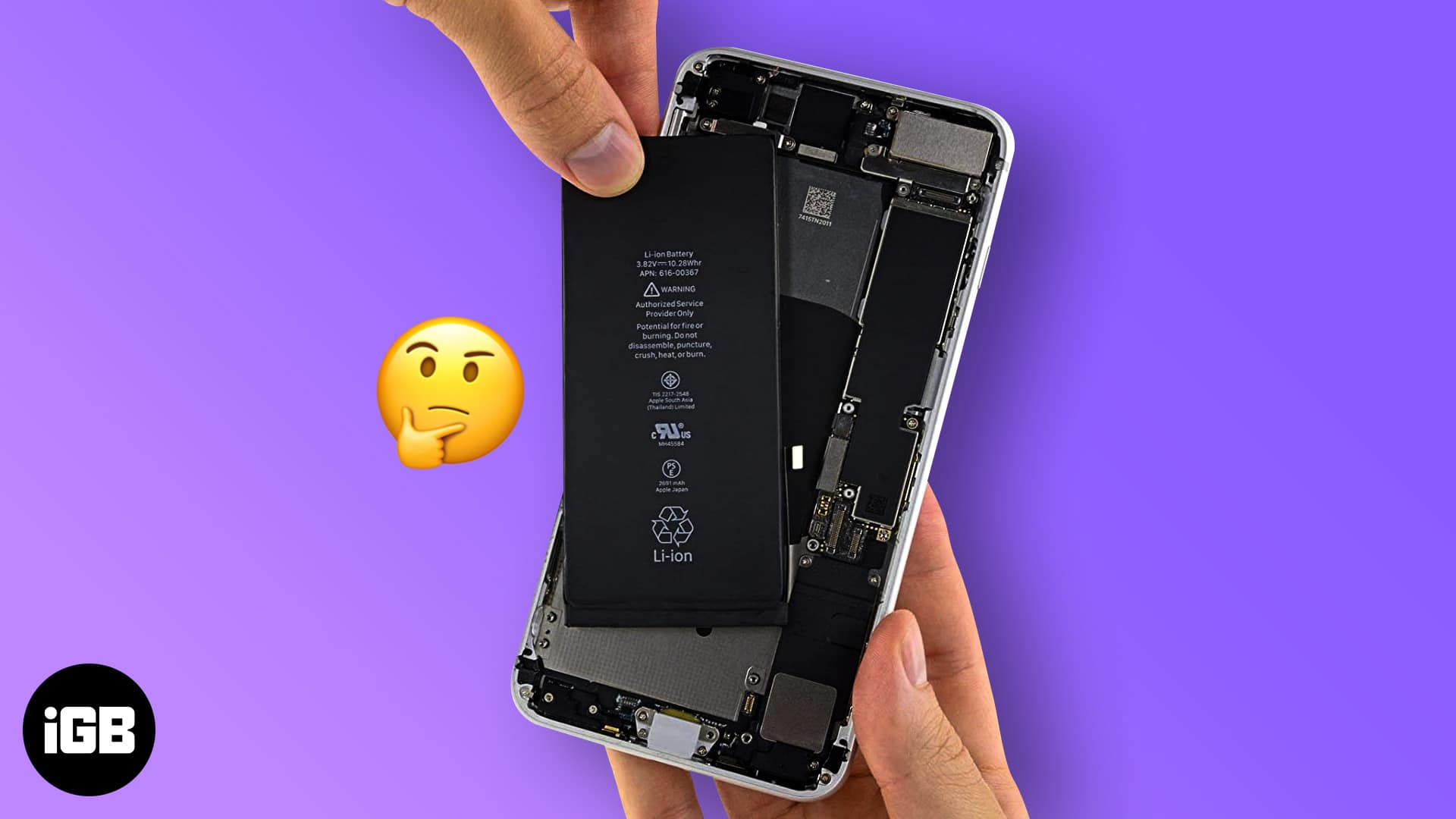
Random shutdowns and rapid drain usually mean a worn battery rather than a failing phone. Here is how to read Battery Health, interpret the usage data, and decide when replacement is worth it.
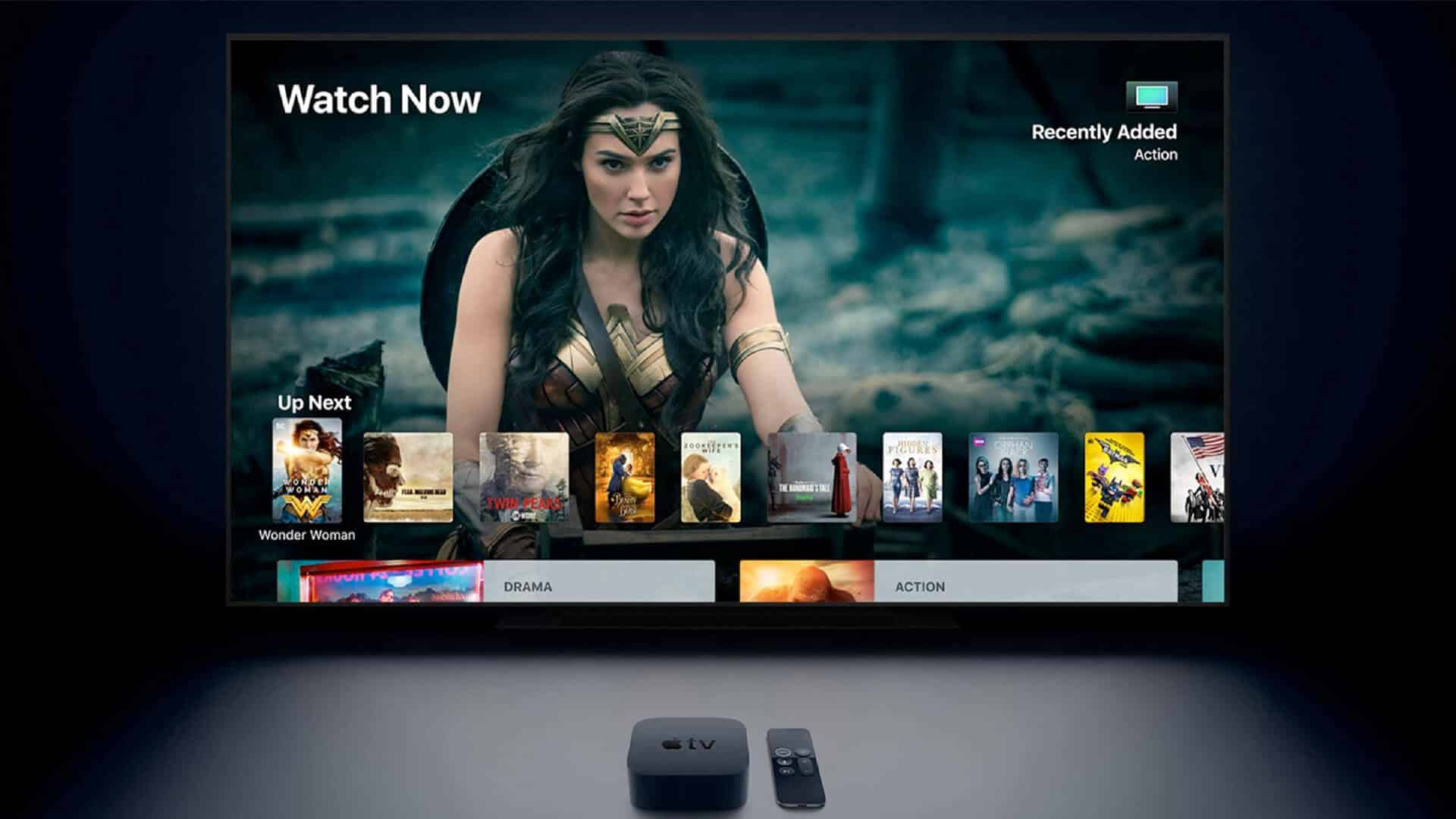
A bright tvOS interface is punishing in a dark room. Here is how to enable dark mode on Apple TV from Settings, do it hands-free with Siri, and schedule it to change automatically.
Planning a trip on your iPhone? These travel apps help you book flights, find hotels, track itineraries, and get local info easily.
A phone that will not appear in iTunes is usually a driver or trust-prompt problem, not a cable fault. These six fixes cover drivers, the Location and Privacy reset, and a clean iTunes reinstall.
Apple News crashes are usually caused by a stuck app process or an outdated iOS build rather than a damaged install. These four fixes escalate from a force quit to a clean reinstall.
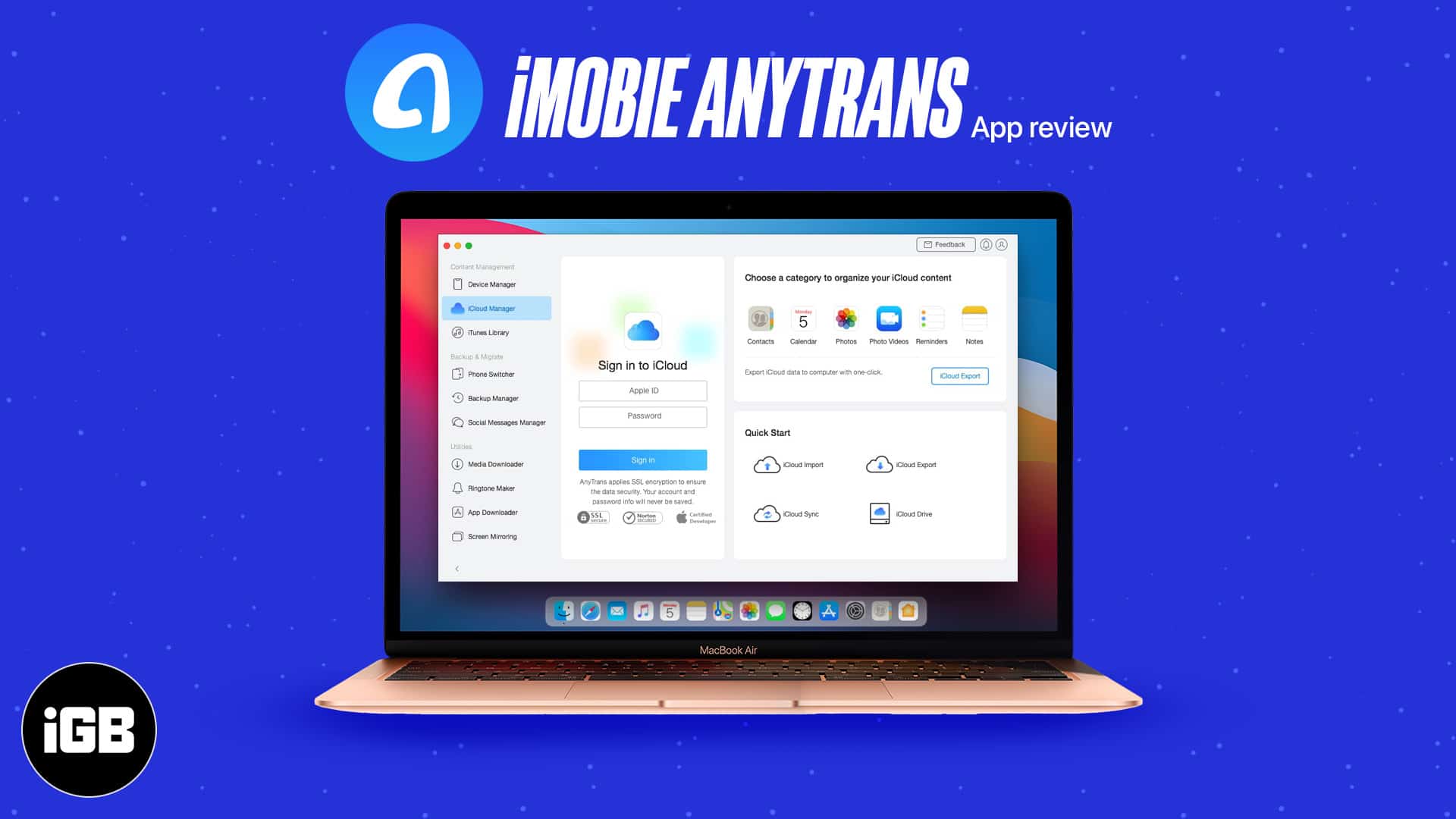
AnyTrans replaces iTunes for moving music, photos, and messages on and off an iPhone. We look at its transfer tools, backup features, and how much friction it removes from device management.
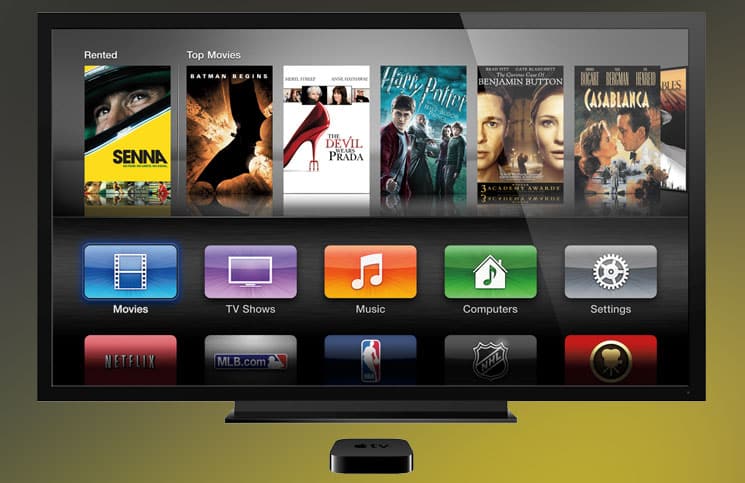
tvOS has no built-in screenshot function, so the capture happens on a connected Mac. Here is how to do it with QuickTime Player, and the Xcode method for older Apple TV software.
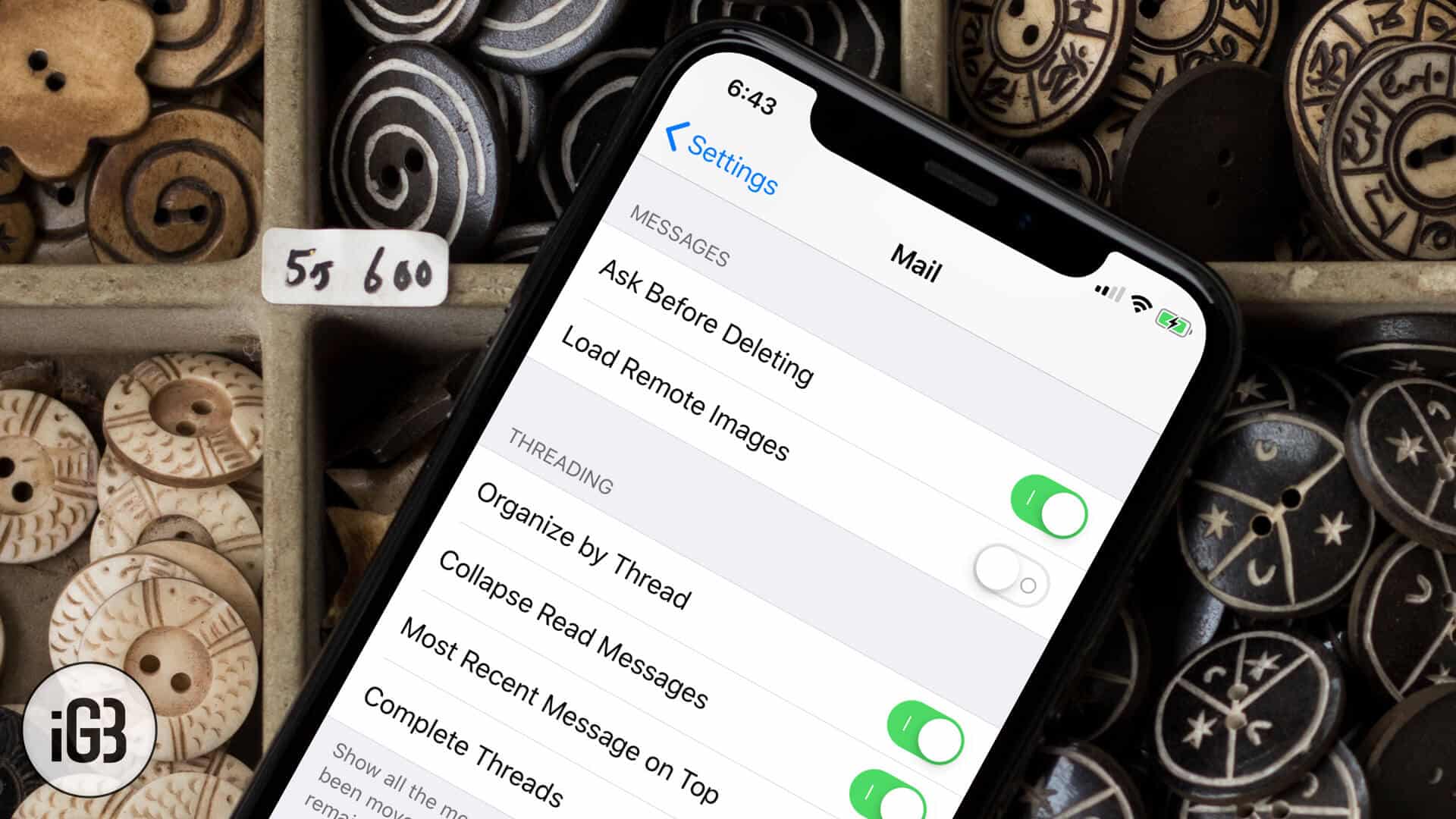
Auto-loading images burn data and tell senders you opened the message. Here is how to turn off remote image loading in the Mail app on iPhone and iPad, and what changes when you do.
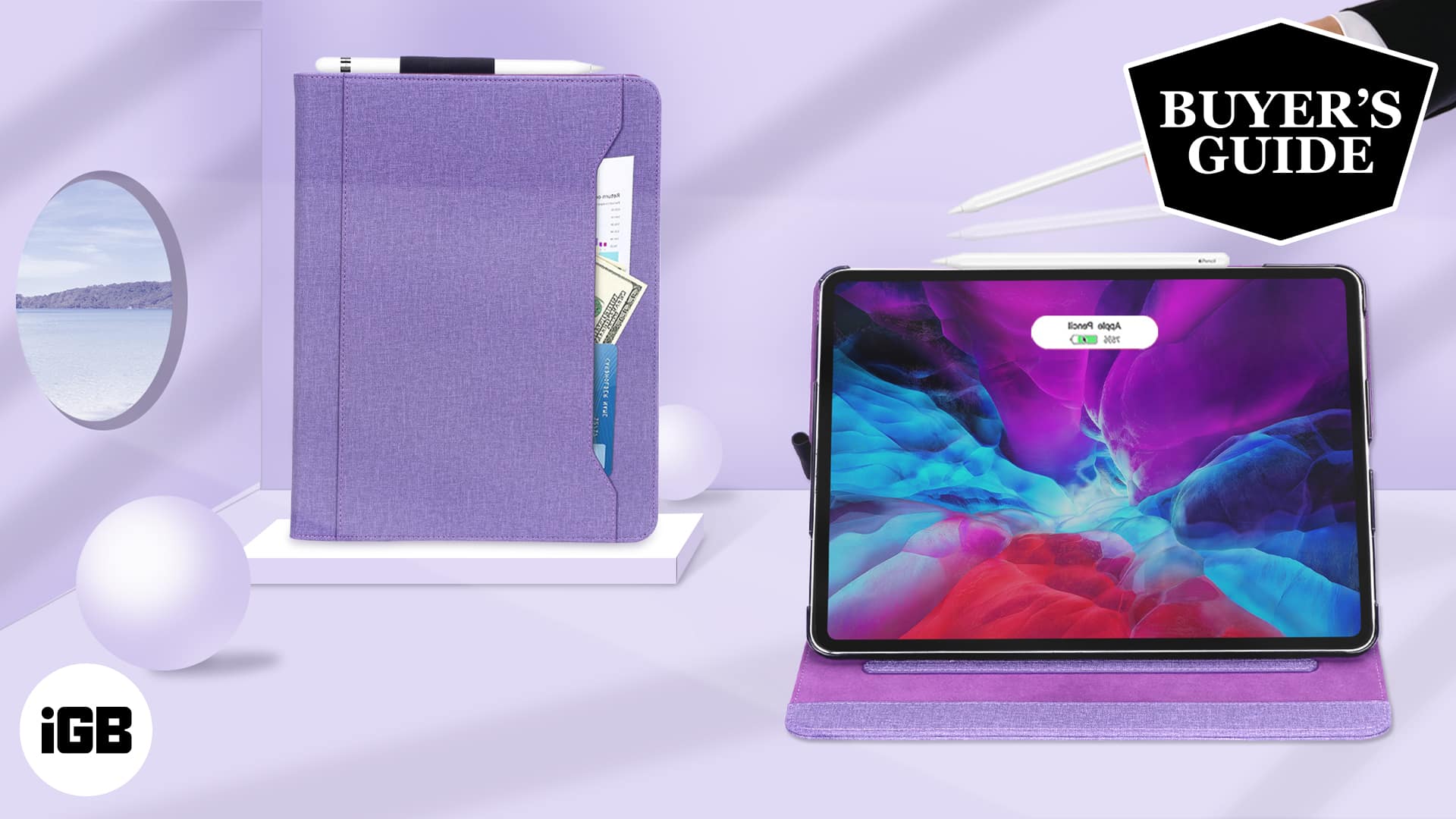
A folio shields both the screen and the back of your iPad Pro while doubling as a stand. These 9.7-inch picks span slim everyday covers through rugged OtterBox-grade protection.

Check out the best stands for iPad Pro to make your workspace more ergonomic. We’ve found top-rated adjustable and foldable picks for any desk setup.
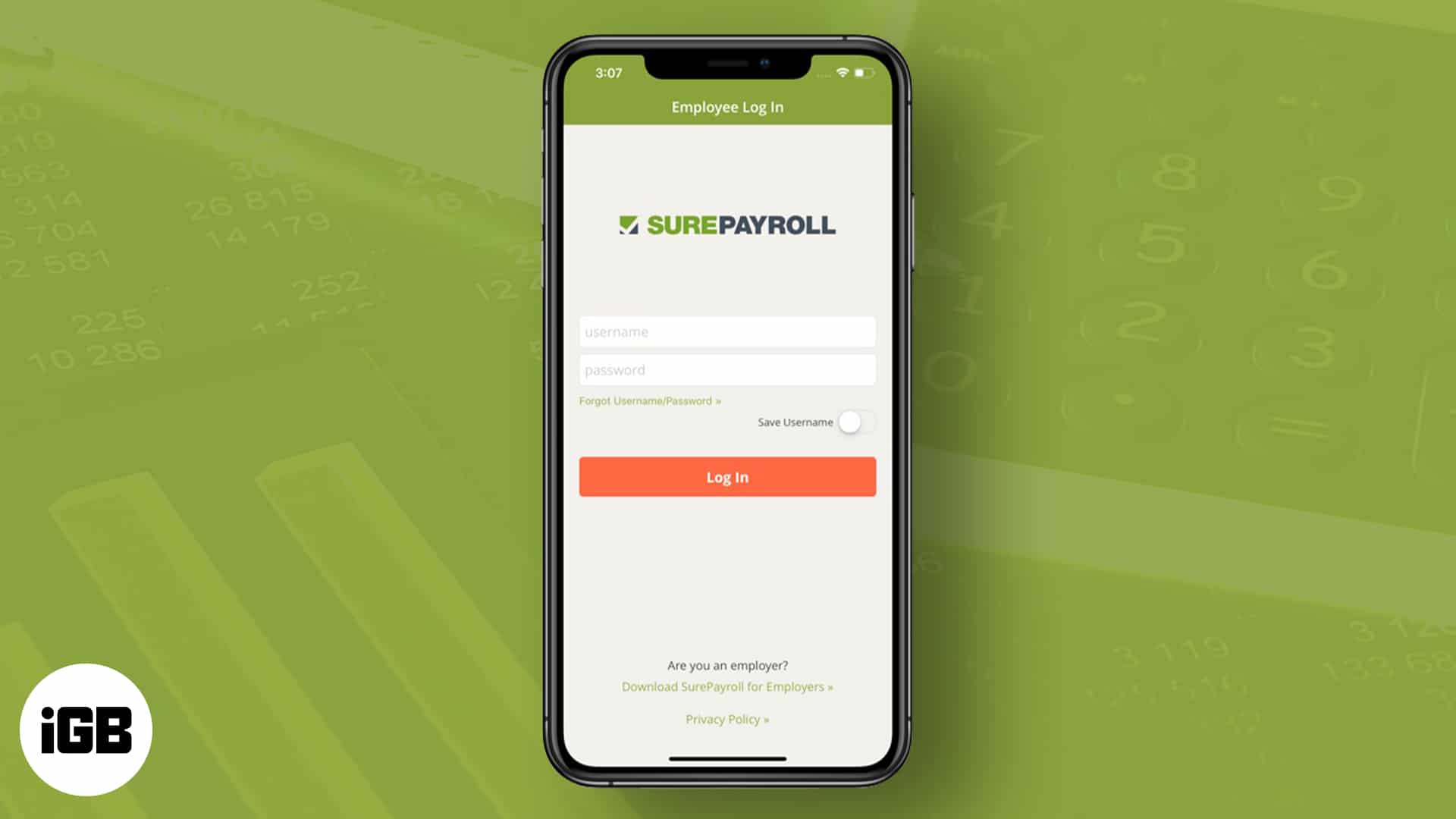
Need to handle payroll on your iPad? These apps help you calculate wages, manage pay runs, and keep employee records in one place.
Apple's Screen Time leaves gaps that worry many parents. FamiSafe adds app blocking, location history, web filtering, and activity reports. We look at what it monitors and how well it works.
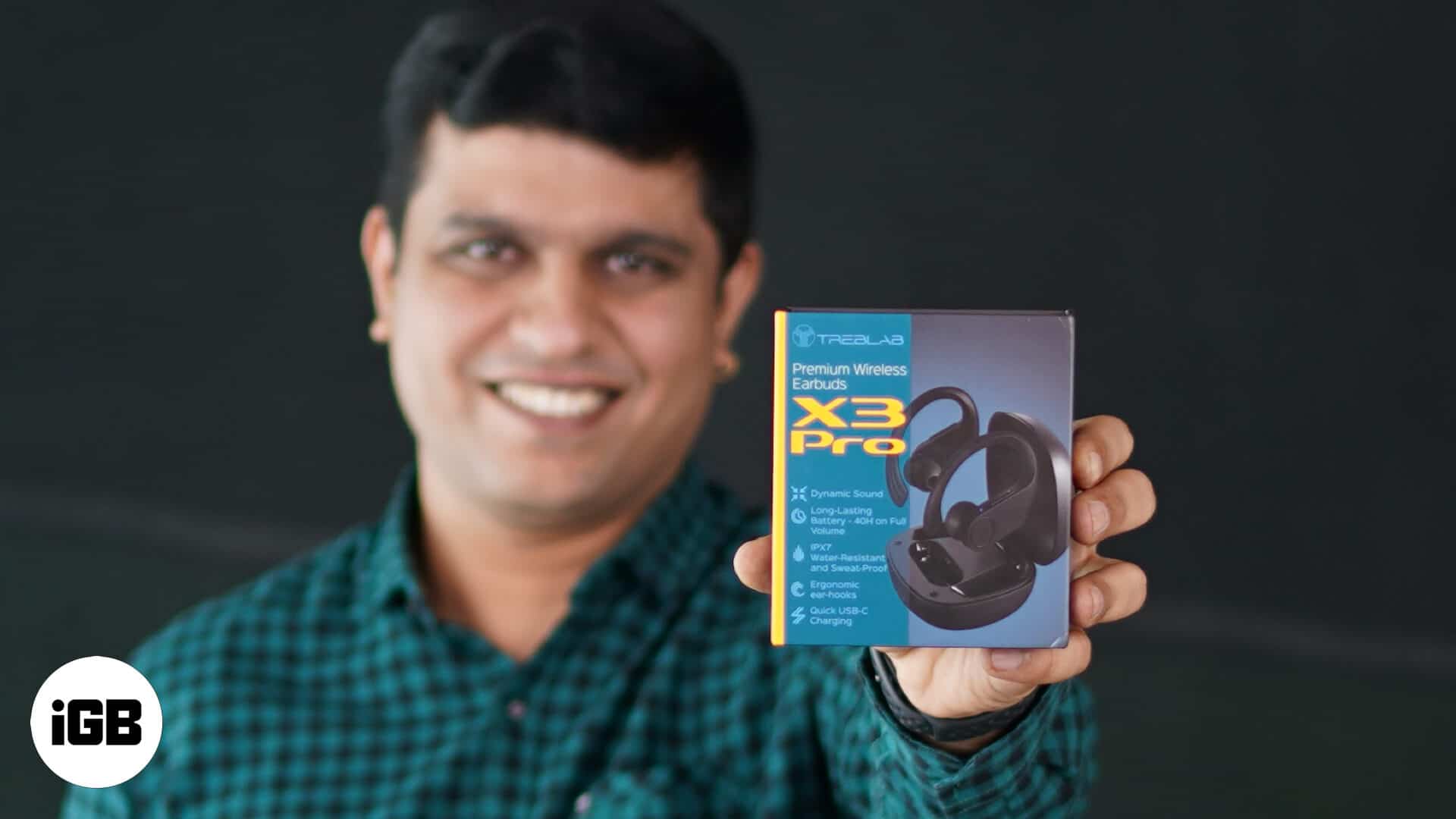
Workout earbuds live or die on fit and sweat resistance. We test the Treblab X3 Pro on secure fit, water resistance, sound signature, and battery life across real training sessions.
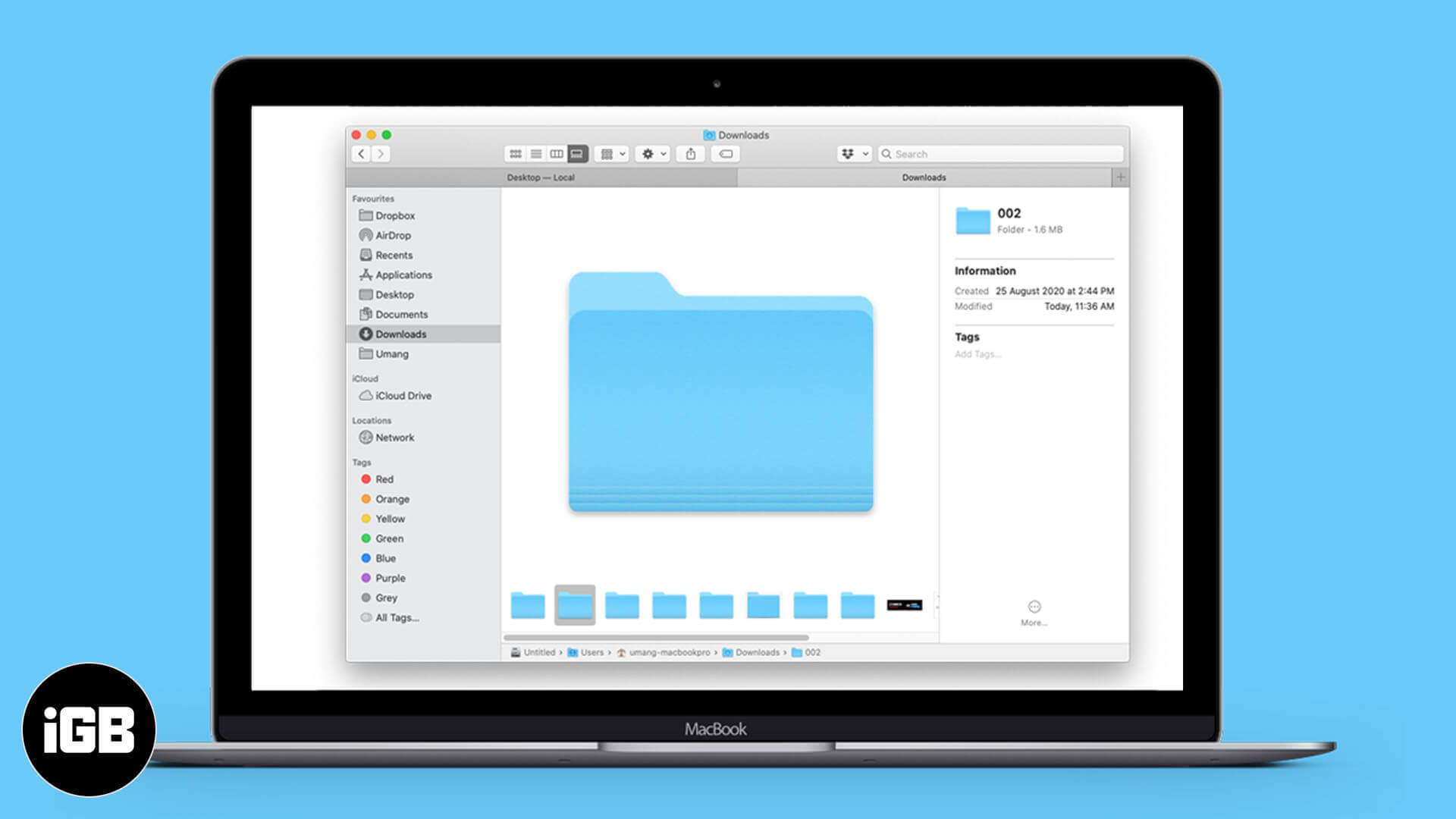
Finder hides folder sizes by default, which makes tracking down storage hogs awkward. Here are three ways to see how much space any folder occupies on your Mac.
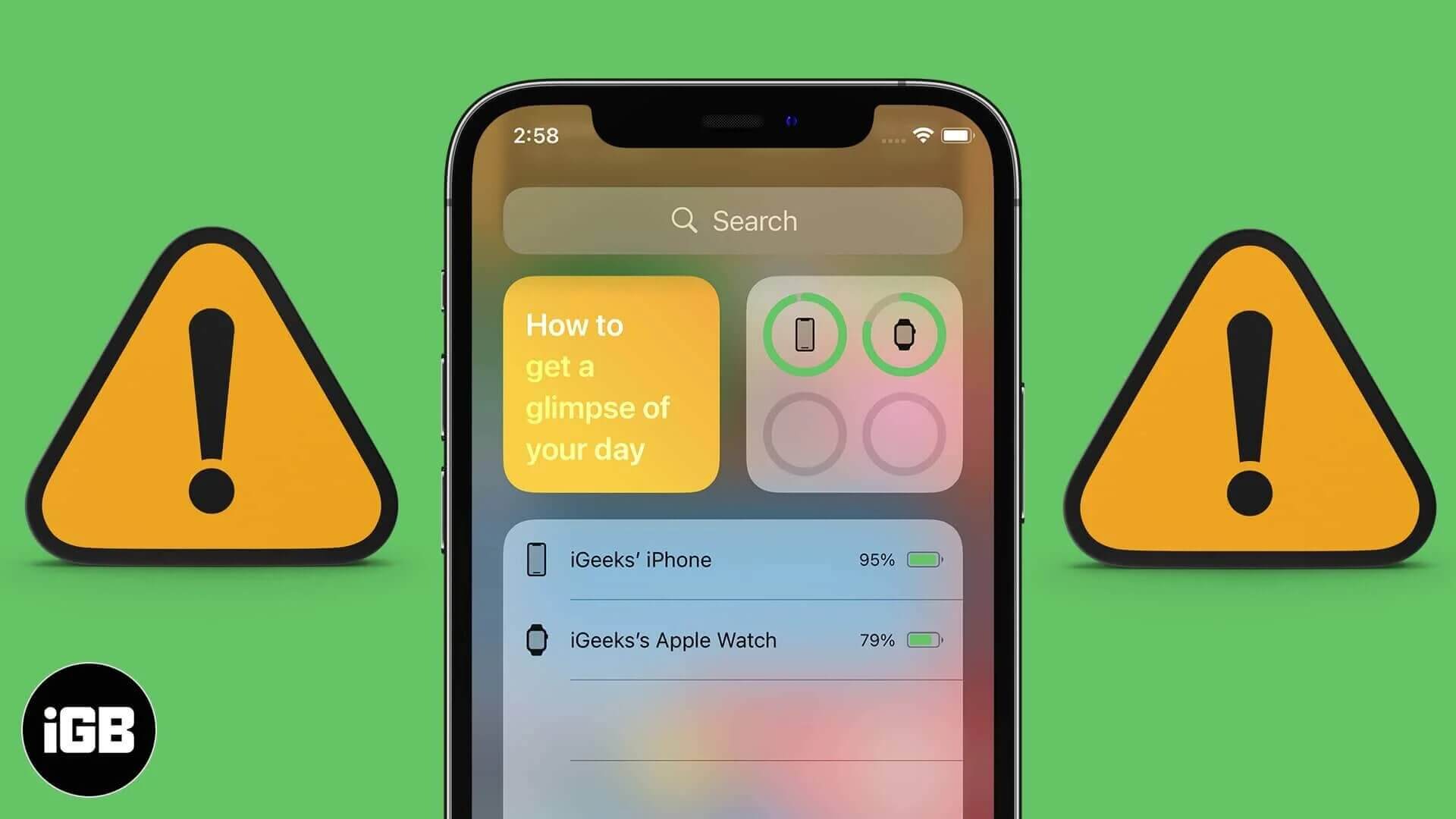
The Batteries widget only appears once a Bluetooth accessory is paired, which catches many people out. These fixes cover adding the widget, lock screen access, iOS updates, and a settings reset.
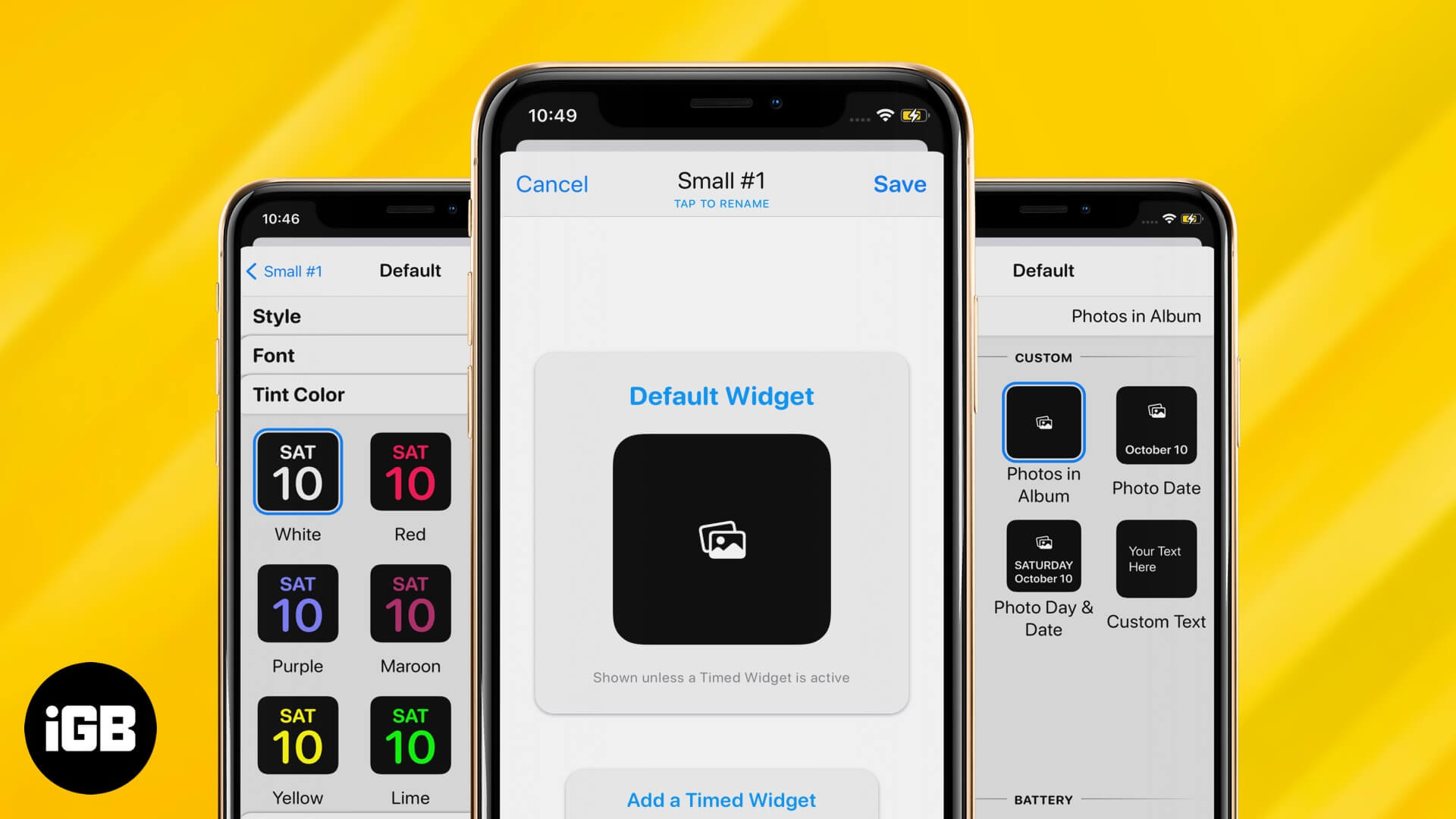
Widgetsmith is the app behind most custom iPhone Home Screens. Here is how to design a widget with your own styling, add a photo widget, and place the result on your Home Screen.
Shared Albums let you send photos to specific people without filling their storage. Here is how to enable or disable the feature on every platform, and how it differs from iCloud Photos.

Faxing might sound like an outdated means of communication or sharing documents, but it is still as respected as it…
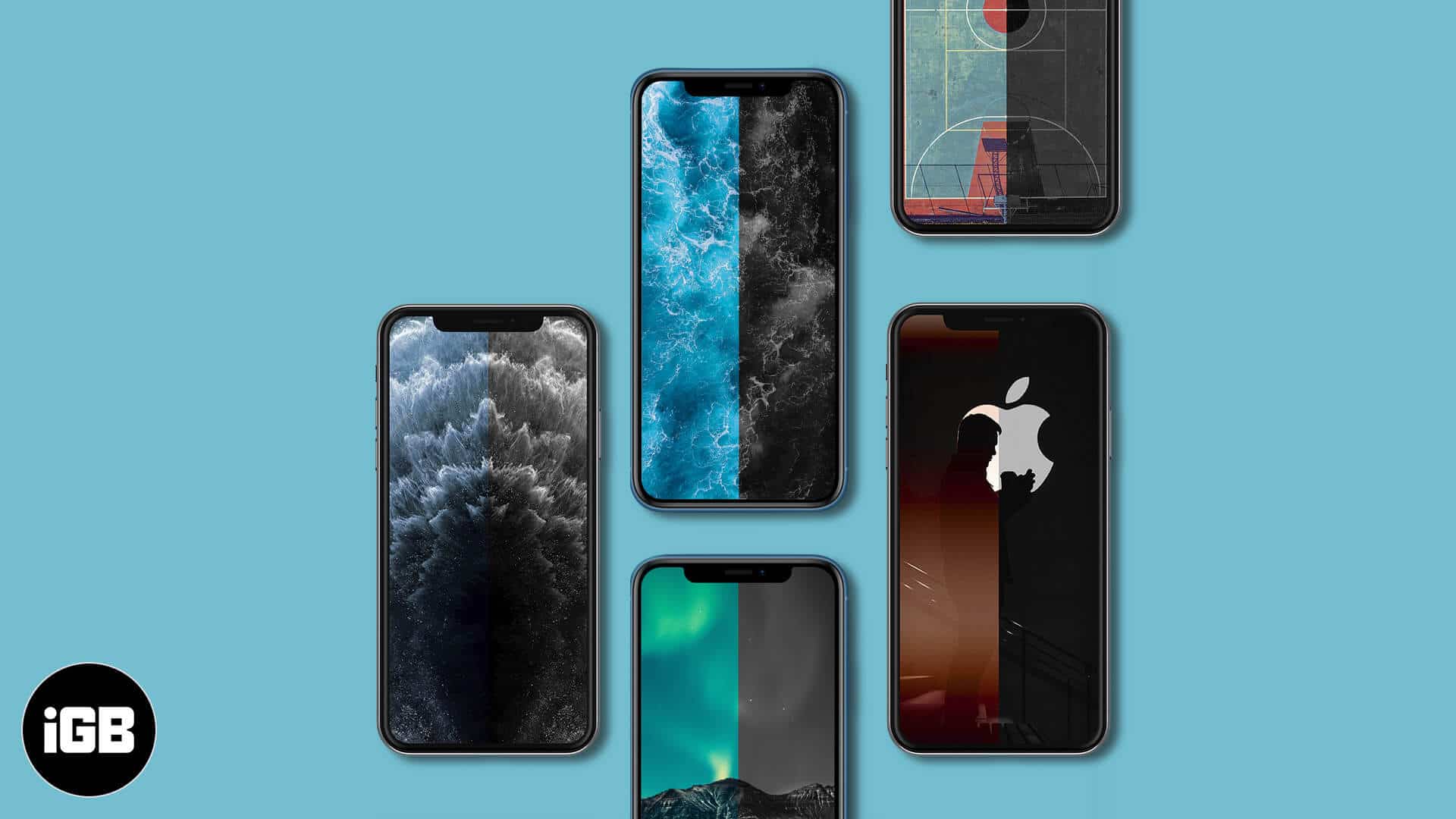
The Juxtapose series pairs contrasting shapes and colors for wallpapers that stand out from the usual gradients. Here is what the collection is and how to download the set for your iPhone.
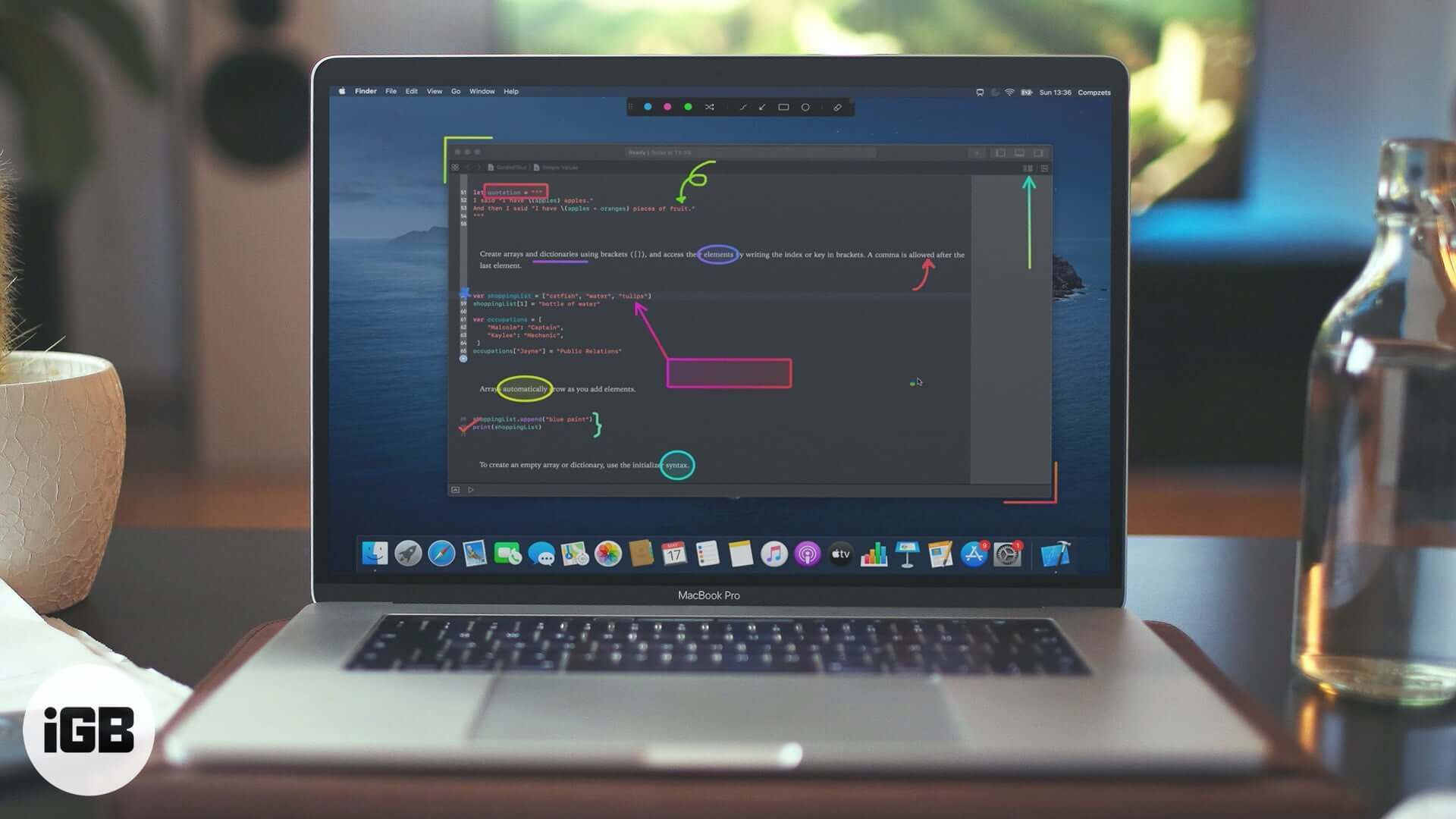
Presentify Screen Annotation app for Mac is what you should use to bolster your presentation. Head over to read the detailed review.
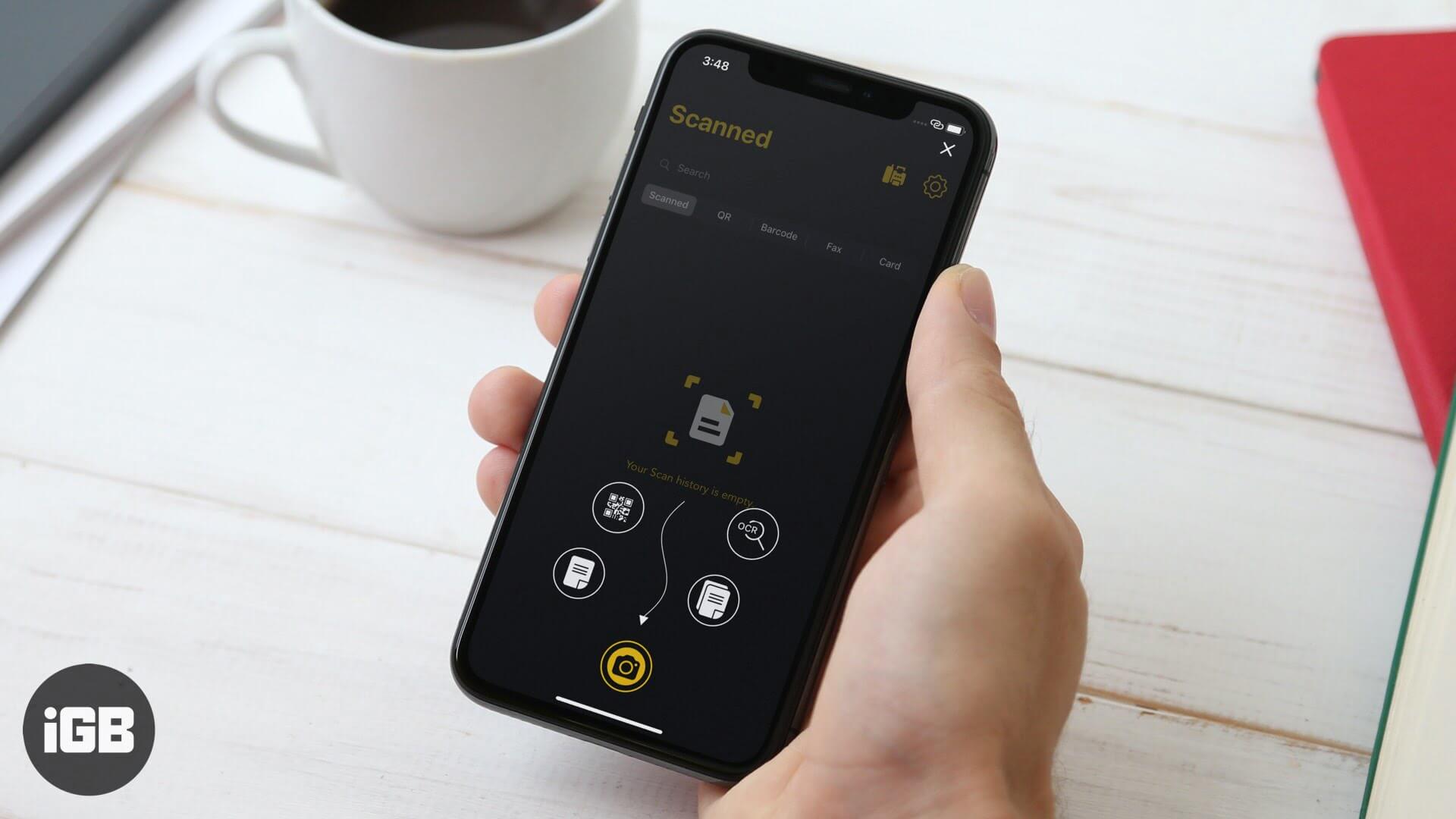
A phone camera makes a capable scanner with the right app. mScanner handles document capture, signing, and sharing. We look at its scanning quality, editing tools, and export options.
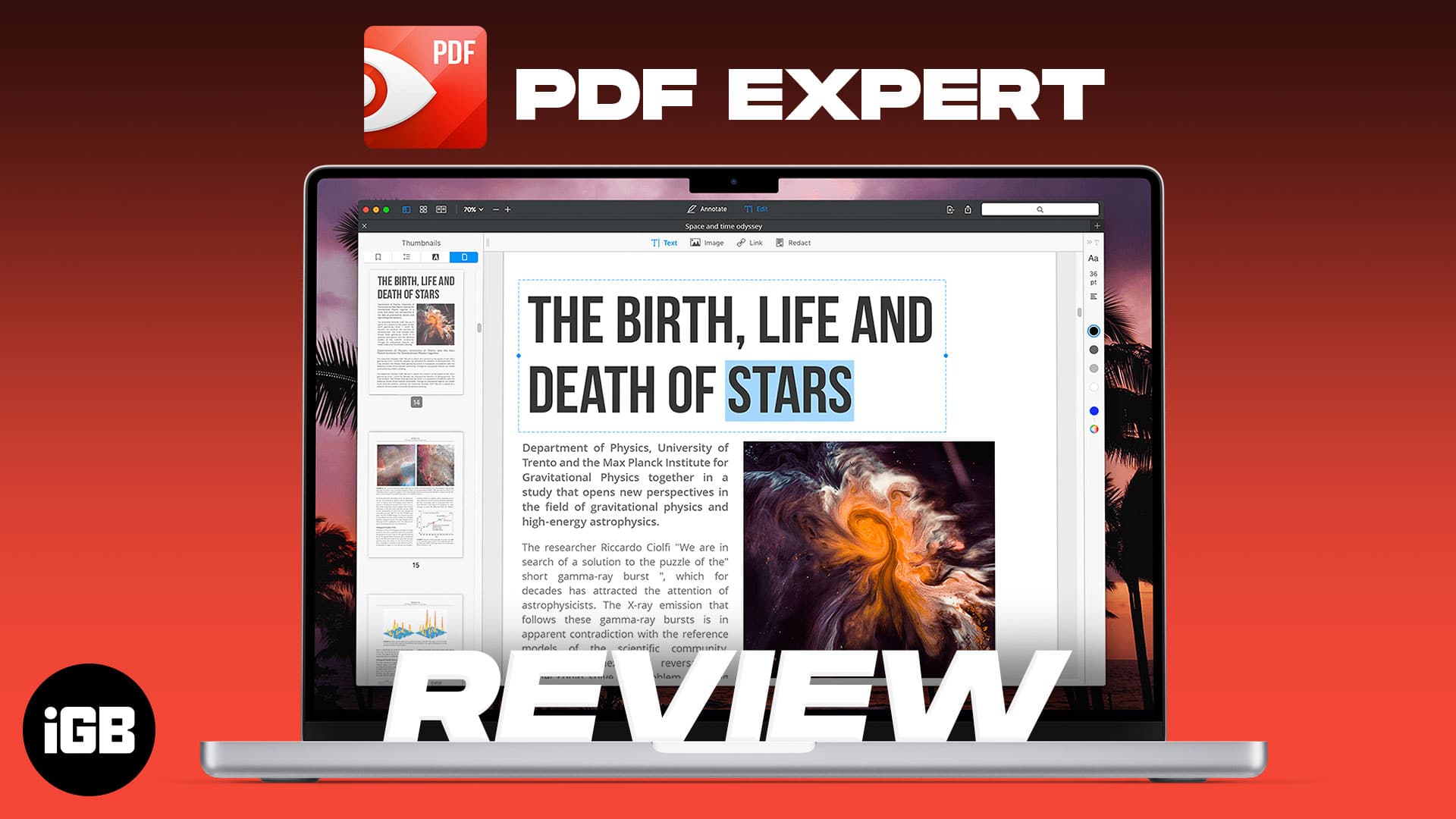
PDF Expert is built for speed on large documents where Preview struggles. We look at its editing and annotation tools, form handling, interface, and whether it justifies the upgrade.
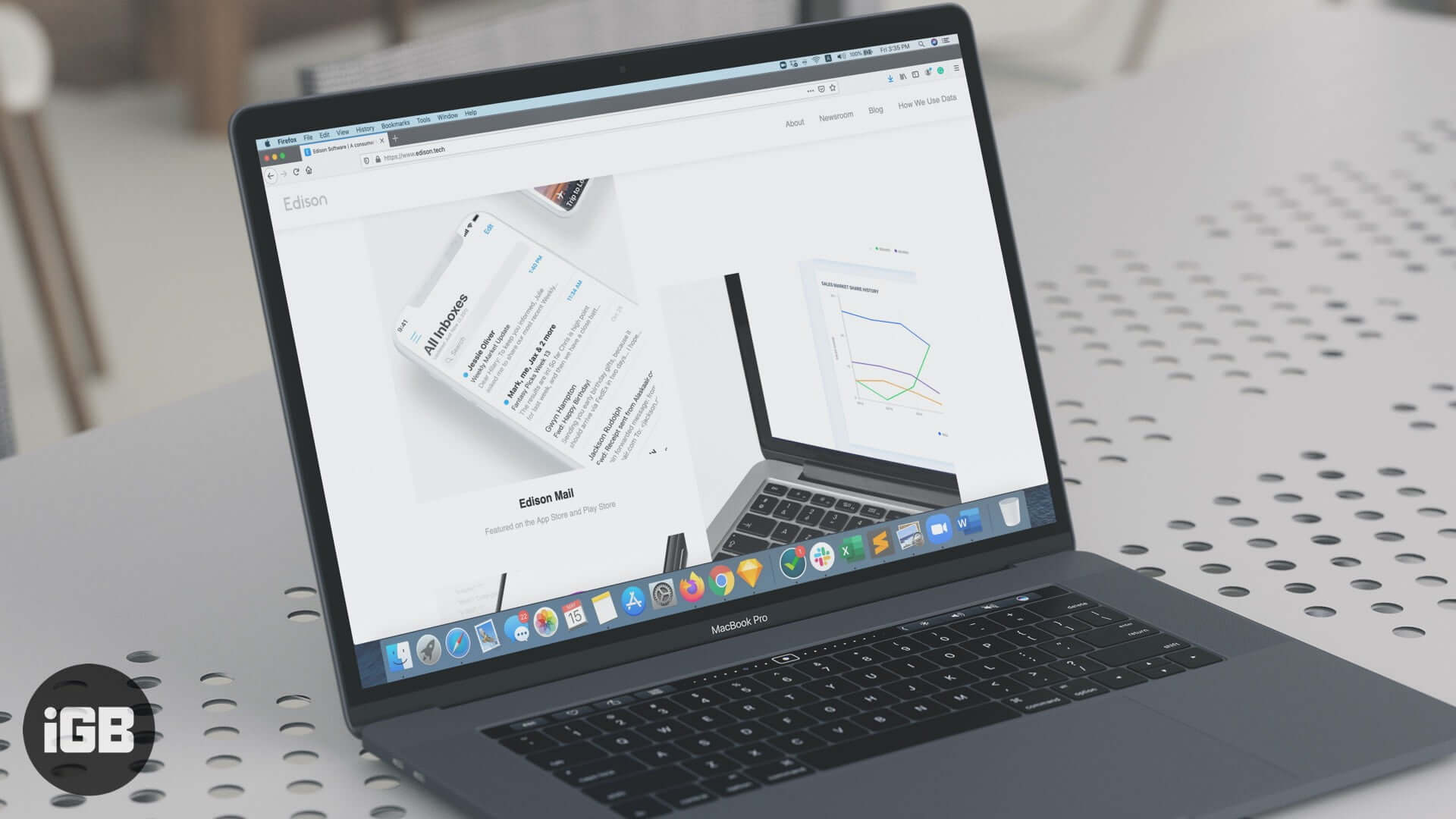
Edison Mail organizes receipts, travel, and subscriptions automatically and makes unsubscribing a single tap. We look at its features, speed, and privacy model to see if it deserves your inbox.
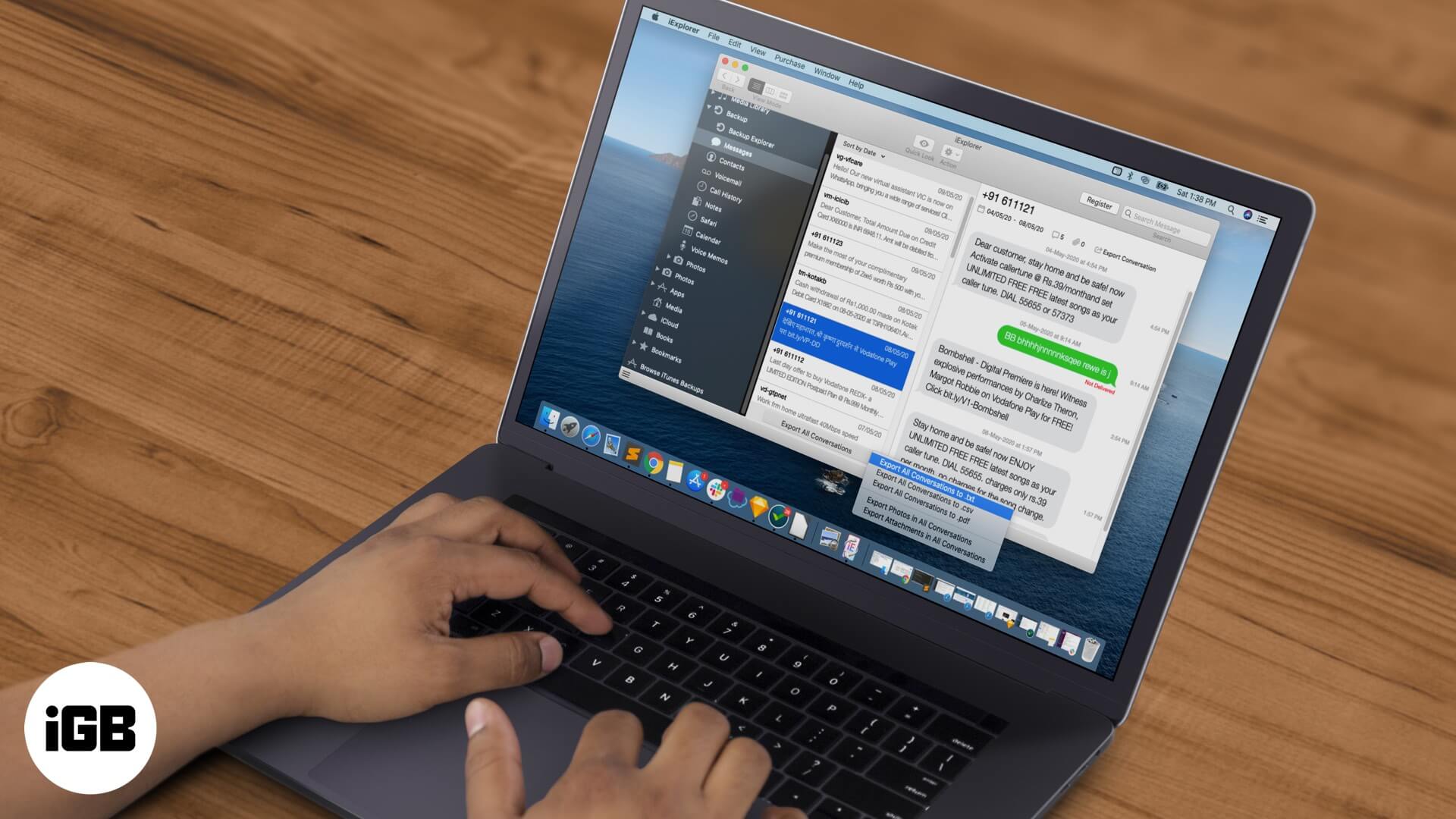
Follow this detailed guide to extract text messages from your iPhone backup to a computer. Export your messages as txt or pdf files and save your photos and videos.