FaceTime Like a Pro
Get our exclusive Ultimate FaceTime Guide 📚 — absolutely FREE when you sign up for our newsletter below.

FaceTime Like a Pro
Get our exclusive Ultimate FaceTime Guide 📚 — absolutely FREE when you sign up for our newsletter below.



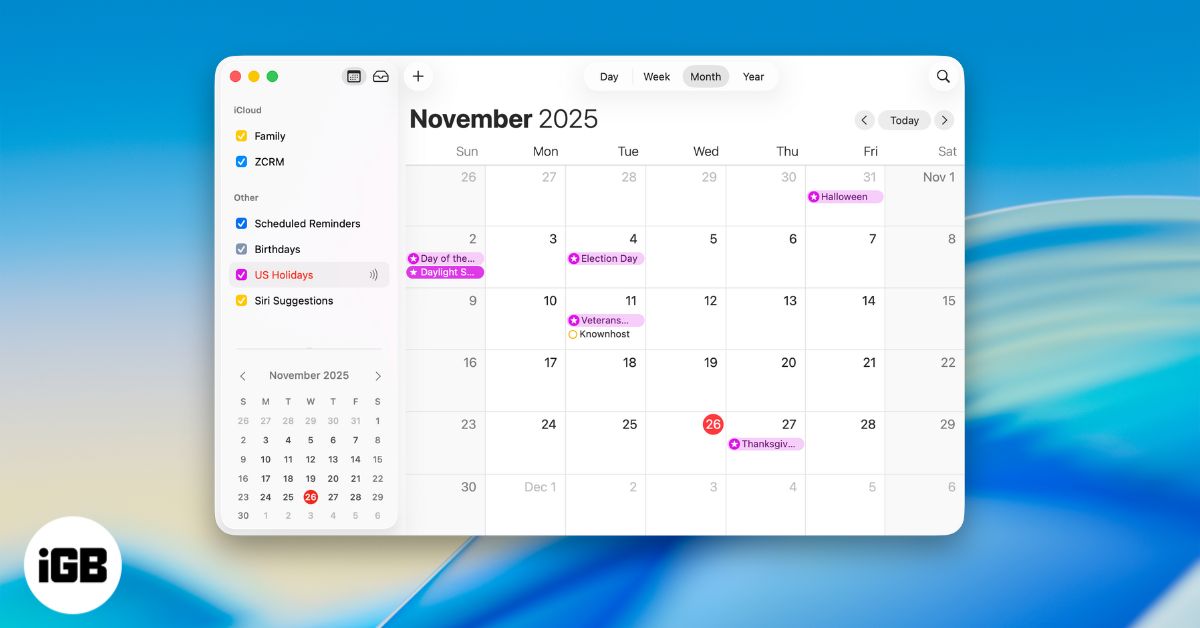
Get more out of Apple Calendar on Mac with essential tips. Learn how to plan your day, organize events, and use powerful built-in tools.
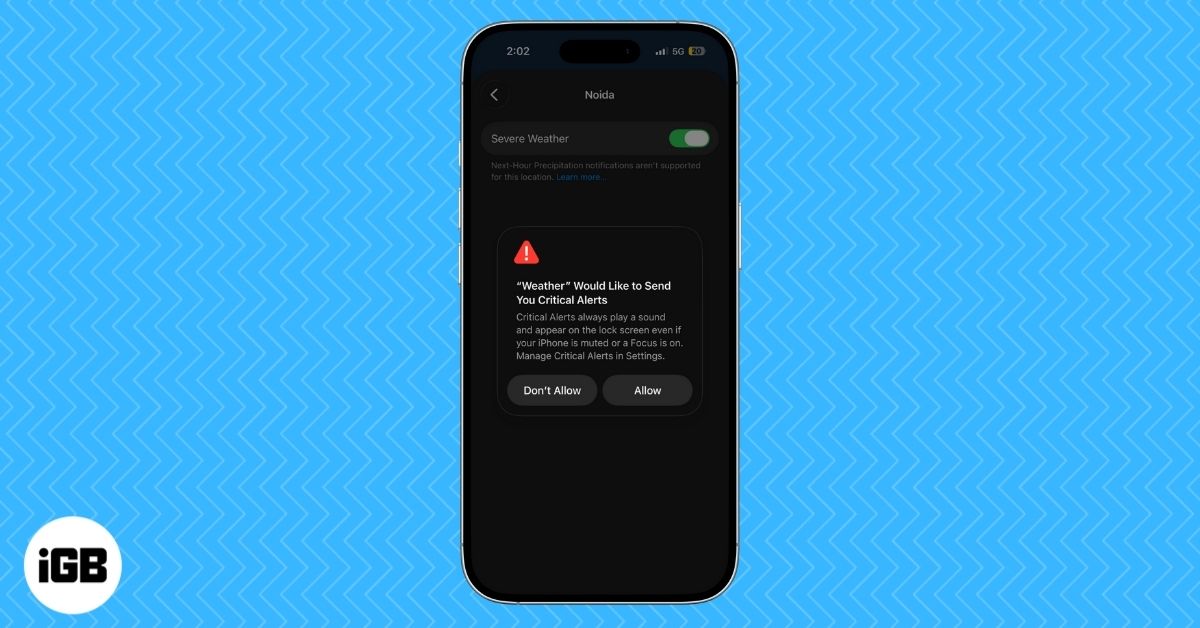
Turn on severe weather alerts on iPhone and iPad with this easy guide. Enable critical alerts, emergency warnings, and location-based weather notifications.
Master Siri on your iPhone with this ultimate guide! Learn how to set it up, activate it, use ChatGPT features, and boost productivity with voice or text commands.
Touch ID acting up on your MacBook can be frustrating. Here are quick and reliable fixes to get your fingerprint sensor working smoothly again.
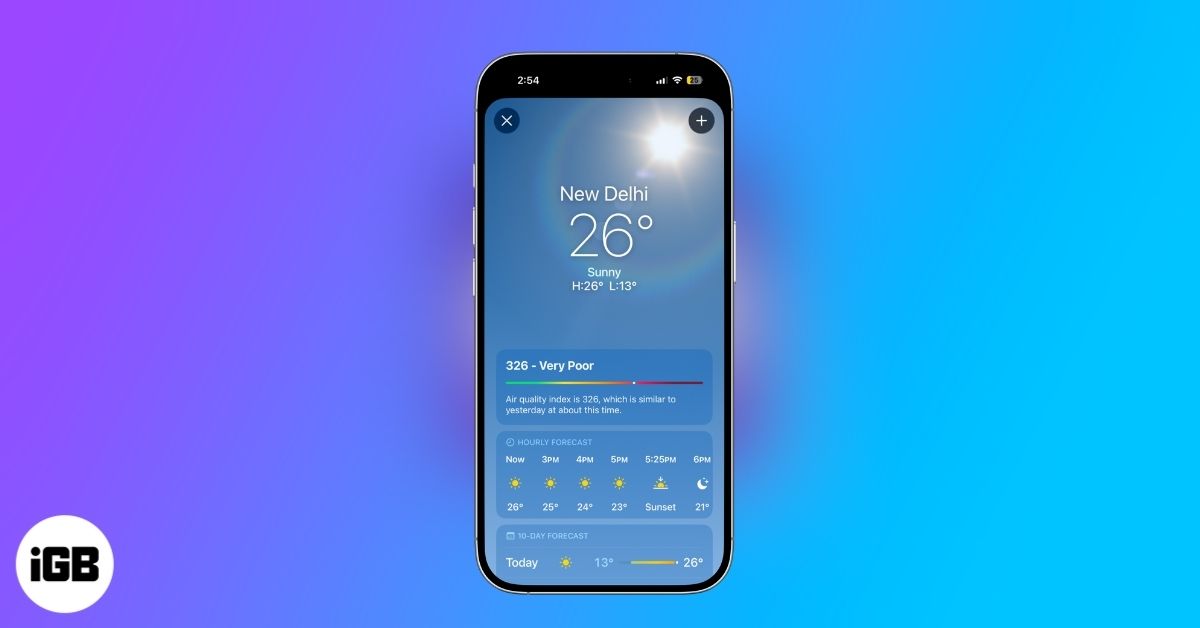
Turn your iPhone or iPad Weather app into a powerful forecasting tool with features like severe weather alerts, real-time maps, next-hour precipitation updates and detailed air quality and UV insights.
Mail Drop lets you send large videos, photos, and documents by uploading them to iCloud and sharing a secure link. It sidesteps email size limits and makes sending big files quick and simple.
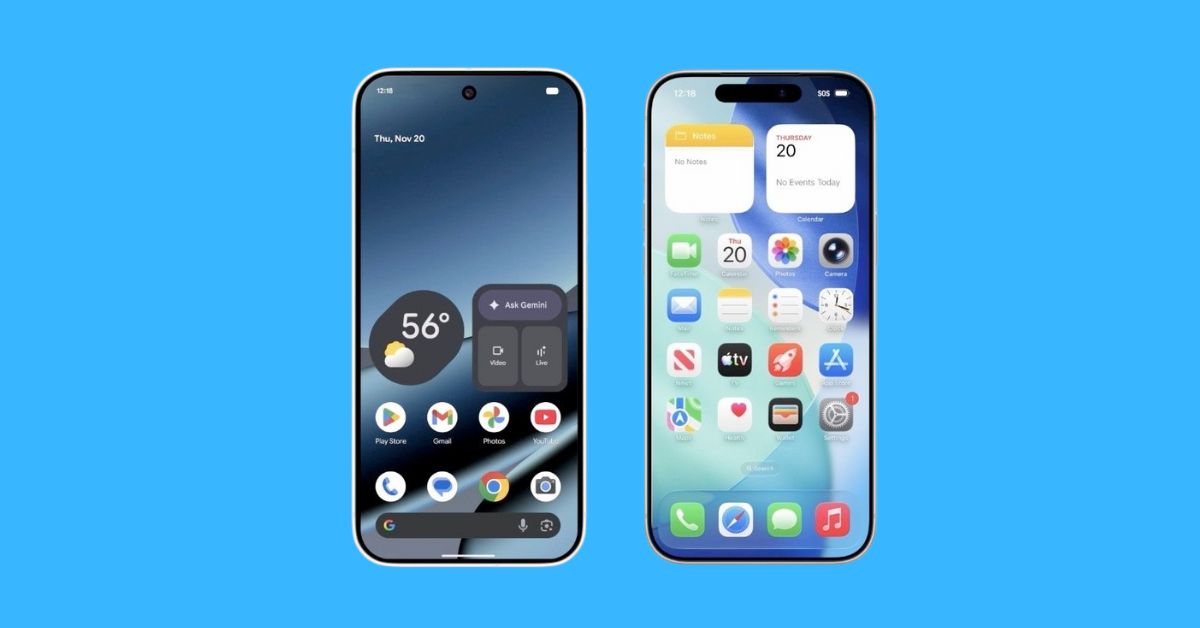
Google is finally bridging the gap between Android and Apple. With the Pixel 10, Quick Share now works directly with AirDrop, creating simple, peer-to-peer file sharing across both platforms with no servers or workarounds.
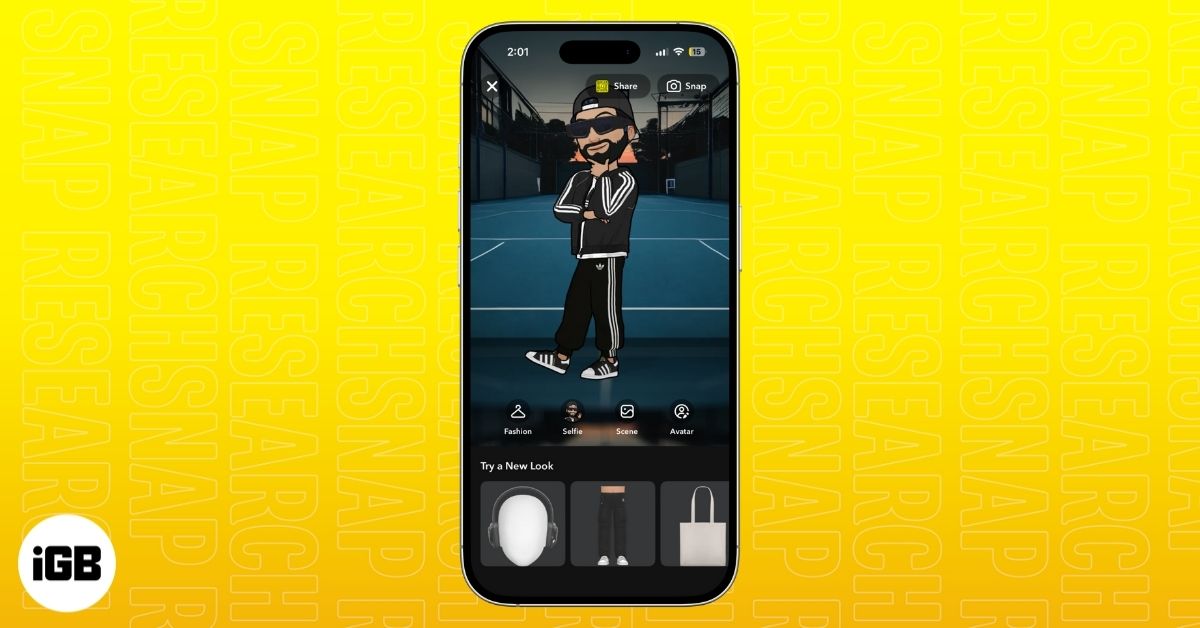
Snapchat’s Comic Bitmoji brings back the classic 2D look with a clean, illustrated style. Learn how it works, who gets access, and how to turn it on instantly.

Apple has revealed the 45 finalists for the 2025 App Store Awards, showcasing standout apps and games across every platform. Winners will be announced soon.
Apple has expanded AppleCare+ in India with new flexible plans and added Theft and Loss coverage for iPhone users, offering stronger protection and easier access through the Settings app.
Ookla’s latest Speedtest data shows Apple’s new N1 chip gives the iPhone 17 lineup up to 40 percent faster Wi-Fi and noticeably smoother real-world connectivity compared to the iPhone 16 series.
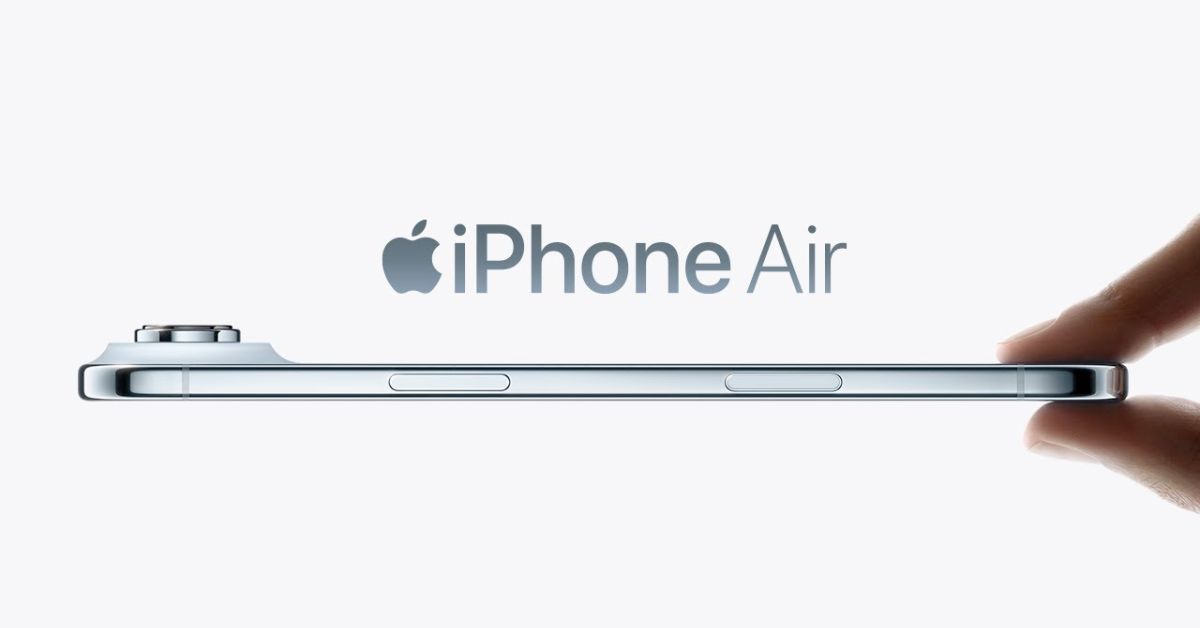
Abidur Chowdhury, the Apple designer who introduced the iPhone Air in September, has left the company for an AI startup amid a period of major transition within Apple’s design ranks.
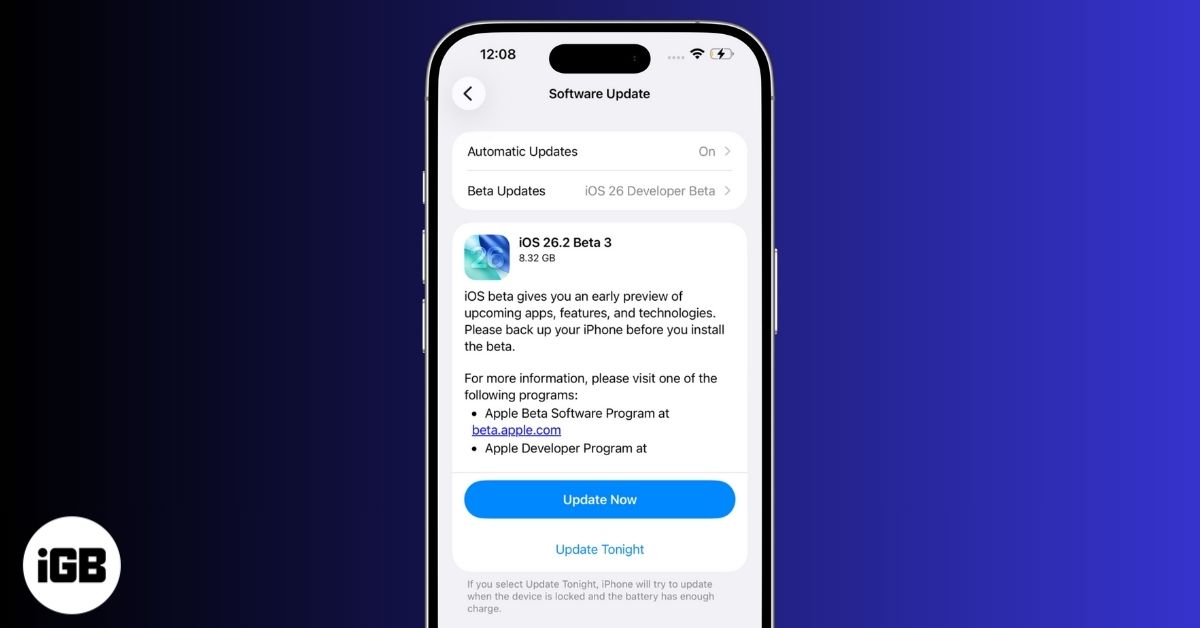
iOS 26.2 beta 3 adds AirDrop codes, new health and privacy updates, Side button options in Japan, app tweaks, and restored iPad multitasking.
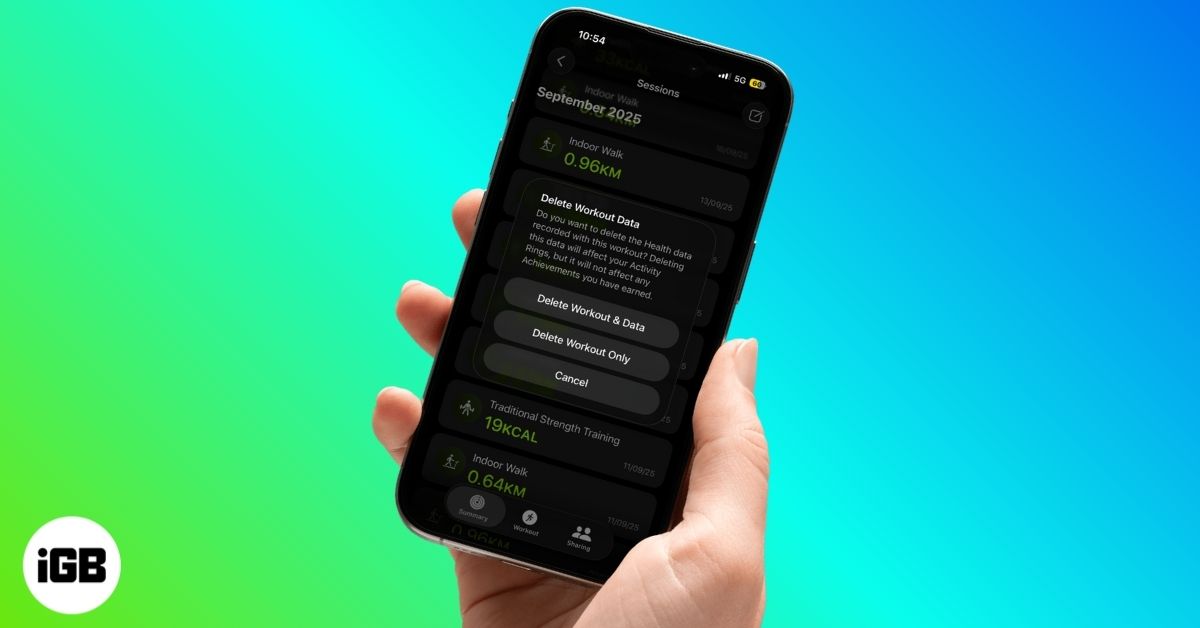
Accidentally logged a workout on Apple Watch? This guide shows how to clean it up in a few quick taps.
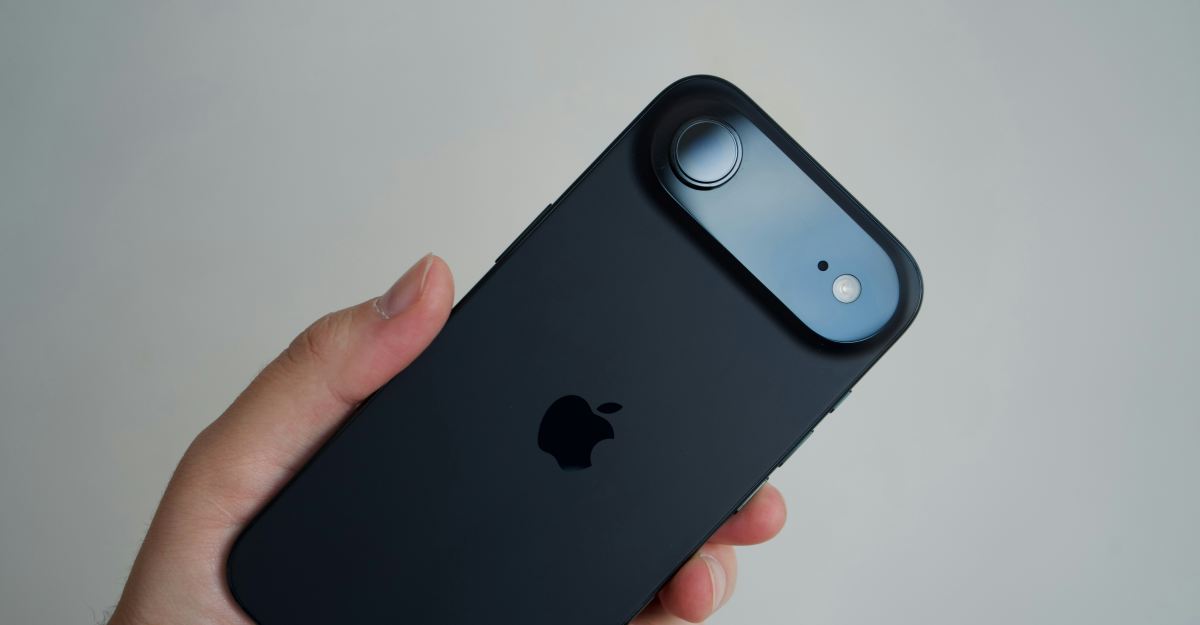
A closer look at Apple’s evolving plans for the next iPhone Air and how it shapes the company’s future devices.
Apple tightens App Store rules, requiring clear consent before apps share user data with AI services.
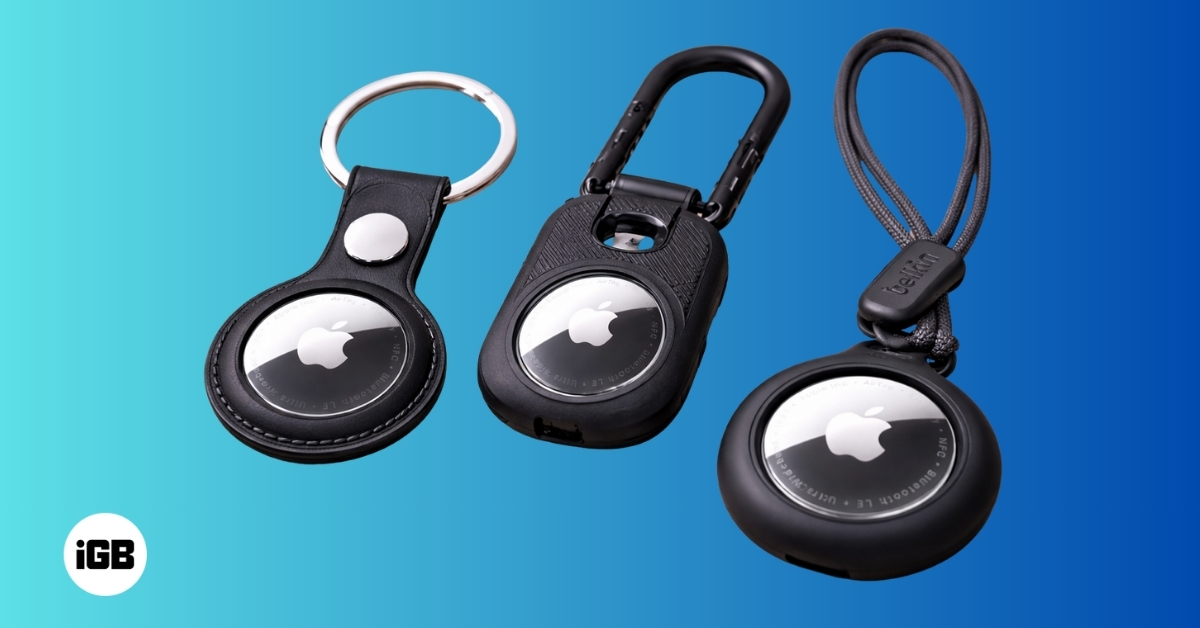
Explore AirTag cases that offer strong protection, secure attachment options, and designs suited for keys, wallets, bags, and travel gear.

Find the right Apple Watch charger for your routine, whether you travel light, charge at your desk, or want a fast and tidy setup.
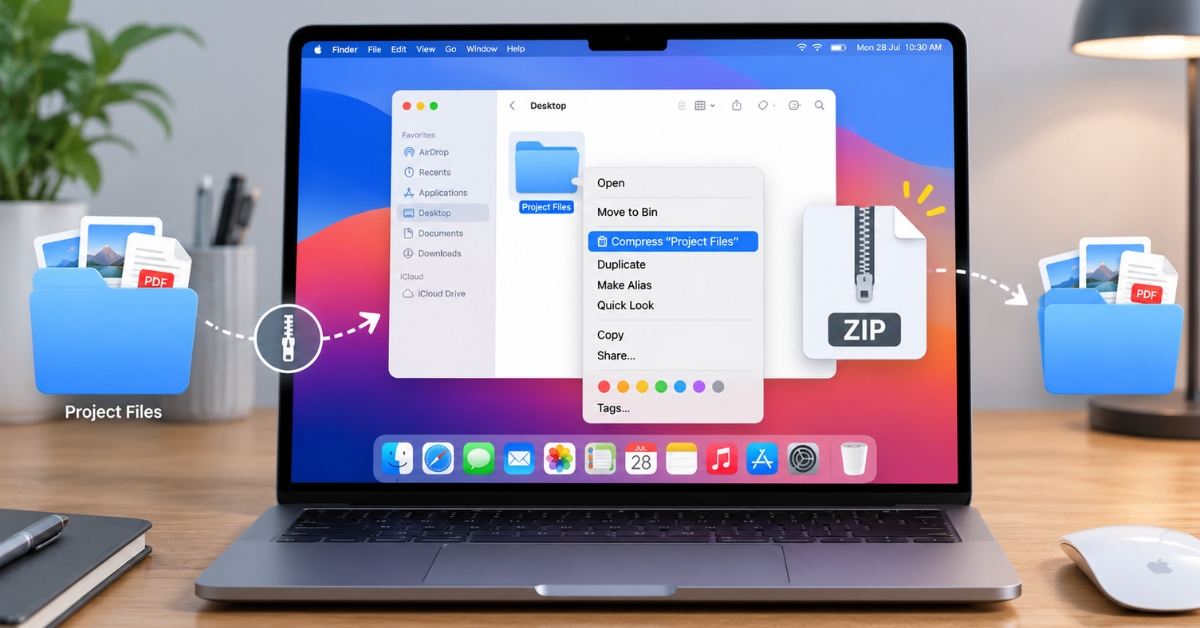
Tired of cluttered folders? Keep your Mac tidy by zipping and unzipping files with Finder, Archive Utility, and Terminal.
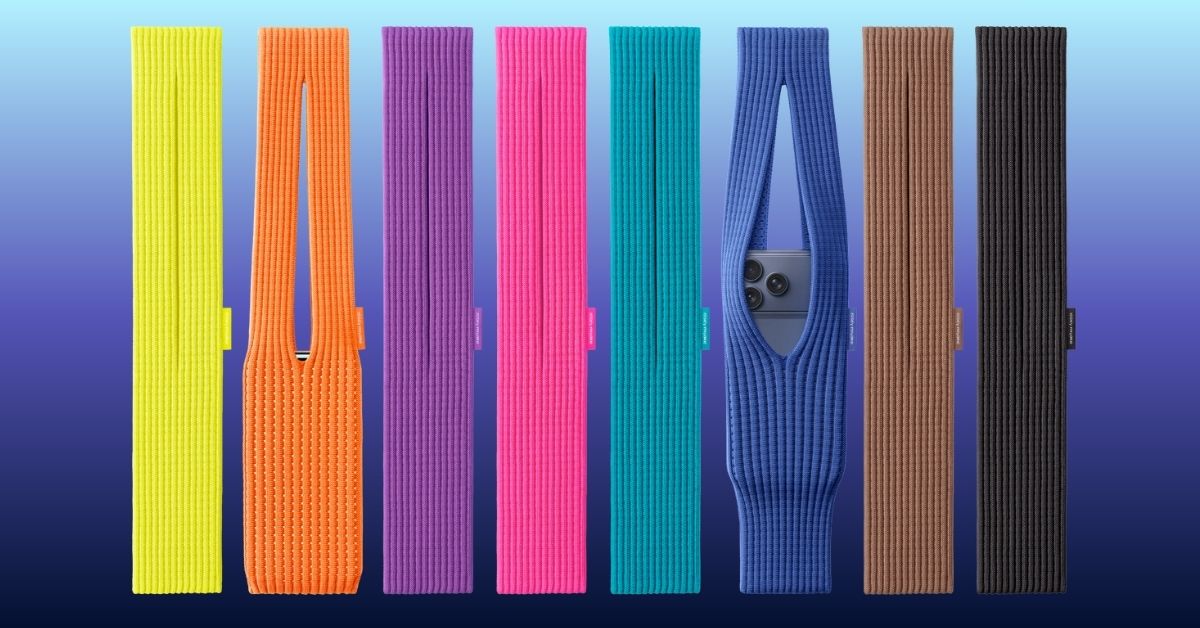
Apple has introduced the iPhone Pocket, a limited edition 3D-knitted accessory made with Issey Miyake’s design team. It’s a stylish, flexible pocket for your iPhone that comes in multiple colors and strap options.

Explore Apple’s new Calculator app on iPad. Learn to use Math Notes with Apple Pencil, scientific calculations, and the built-in converter for currency, length, and more.
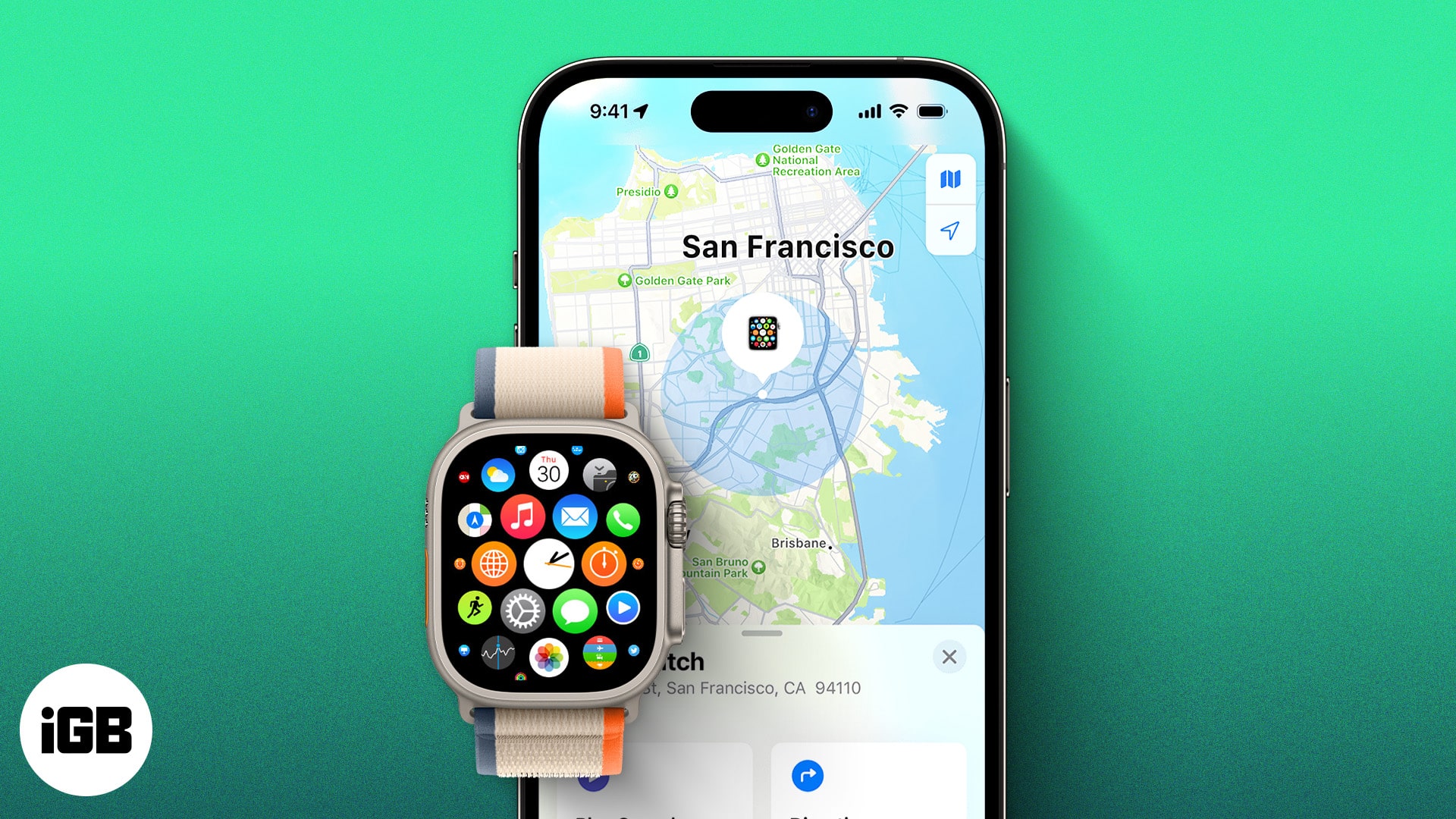
Lost your Apple Watch? Here’s how to track it using your iPhone or Find My app, even if it’s dead. Plus, what to do when you can’t find it anywhere.

WhatsApp is rolling out a new Media Hub for Mac and Web that puts all your shared photos, videos, documents, and links in one easy spot to browse and manage.
Snapchat now offers paid Memories storage plans with options up to 5TB. Here’s what’s changing, who it affects, and how to manage your saved Snaps.
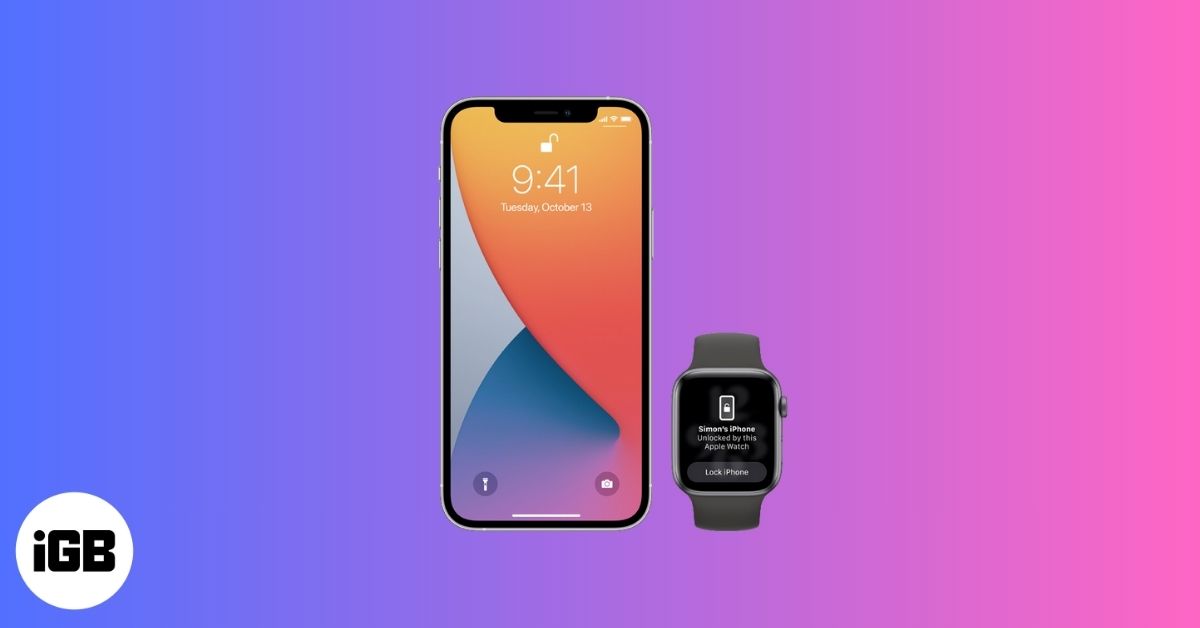
Unlock your iPhone effortlessly using your Apple Watch, even when Face ID struggles with masks or sunglasses. Learn how to set it up, keep it secure, and fix common issues in minutes.

Snapchat’s Imagine Lens turns your photos into creative AI-generated Snaps with a simple text prompt. Discover how it works and why creators love it.
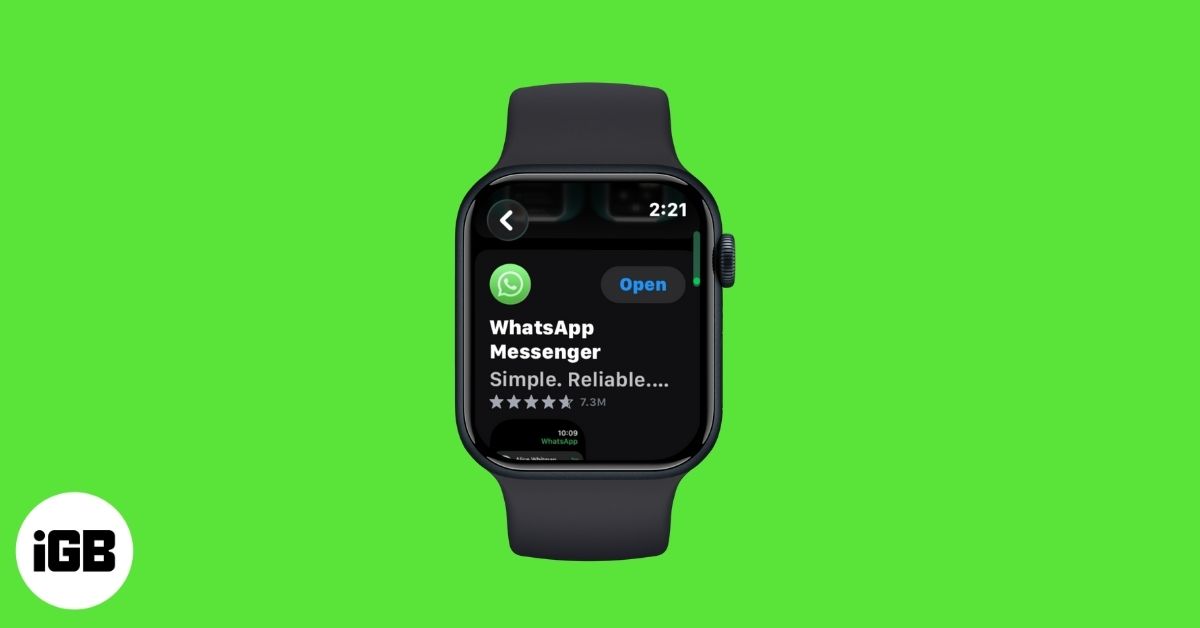
After years of waiting, WhatsApp has launched its official Apple Watch app. You can now browse chats, send messages, and get WhatsApp call alerts right from your wrist. Here’s everything you need to know to get started.
Apple is testing iOS 26.2 with exciting upgrades, including a Liquid Glass clock for the Lock Screen, improved Sleep tracking, and AirPods Live Translation across the EU.
Clear your iPhone or iPad keyboard history to remove unwanted words and reset predictive text.