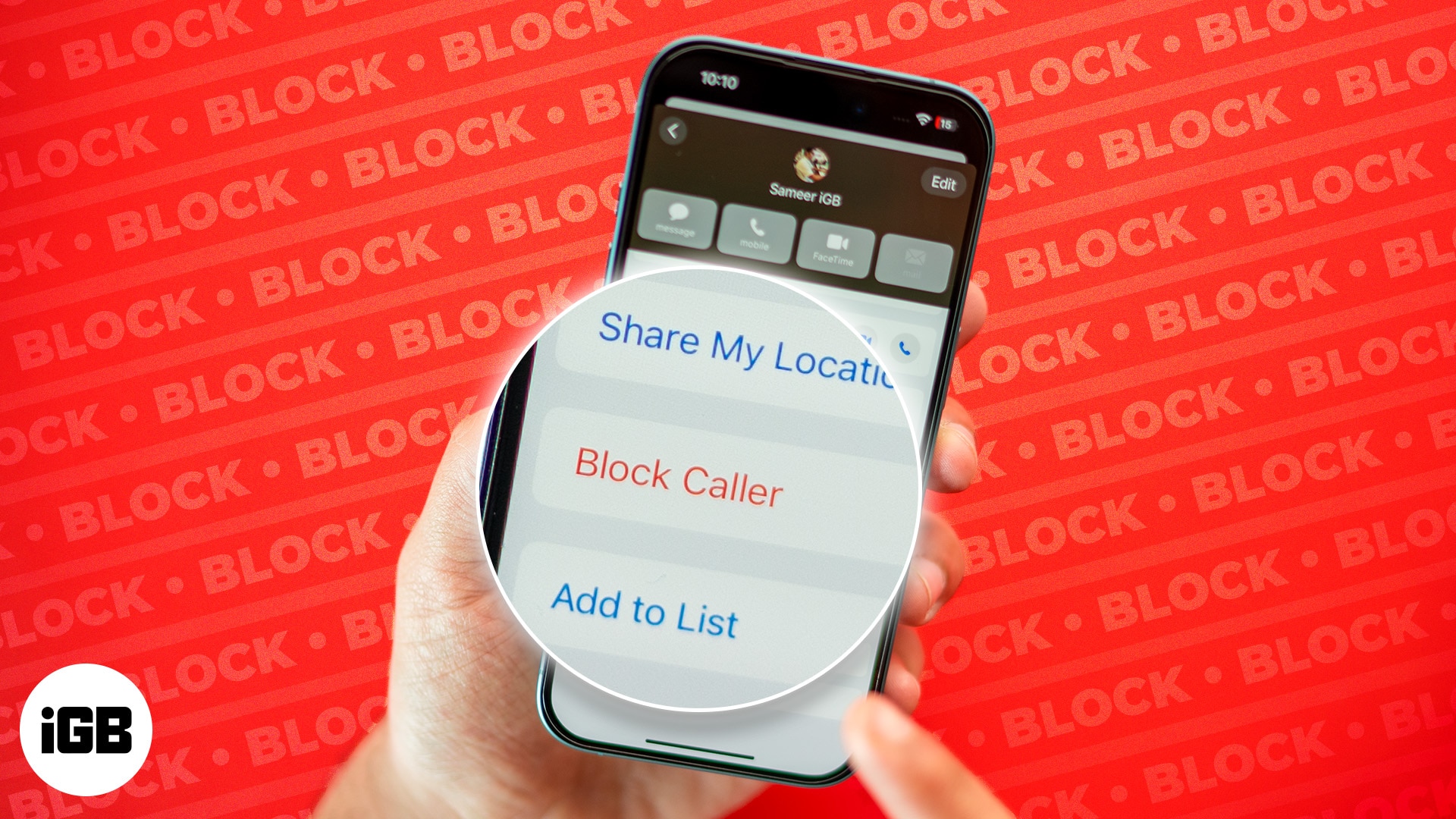
FaceTime Like a Pro
Get our exclusive Ultimate FaceTime Guide 📚 — absolutely FREE when you sign up for our newsletter below.

FaceTime Like a Pro
Get our exclusive Ultimate FaceTime Guide 📚 — absolutely FREE when you sign up for our newsletter below.



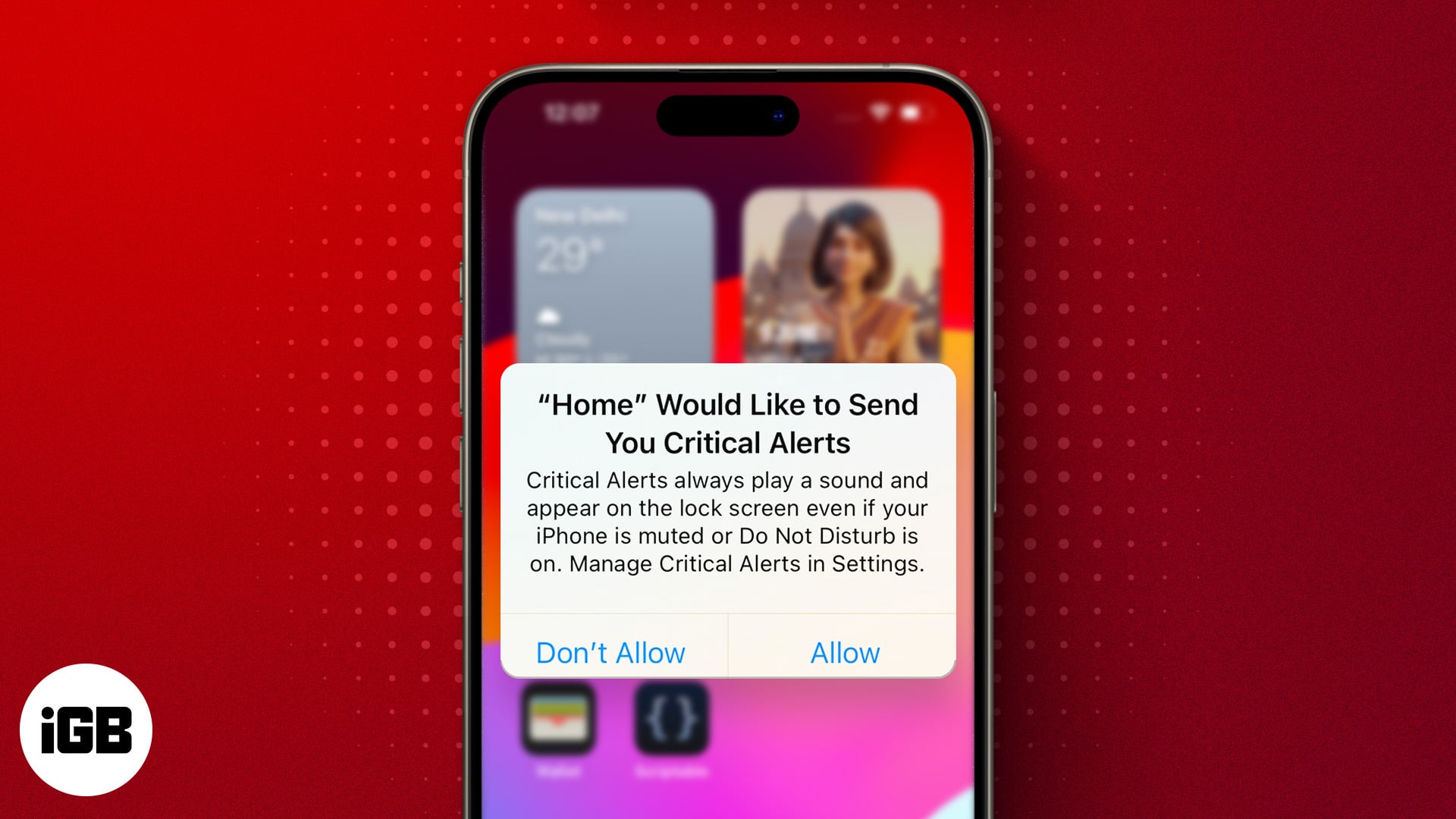
Is your iPhone displaying "Home Would Like to Send You Critical Alerts?" Find out what this error means and how to fix it.
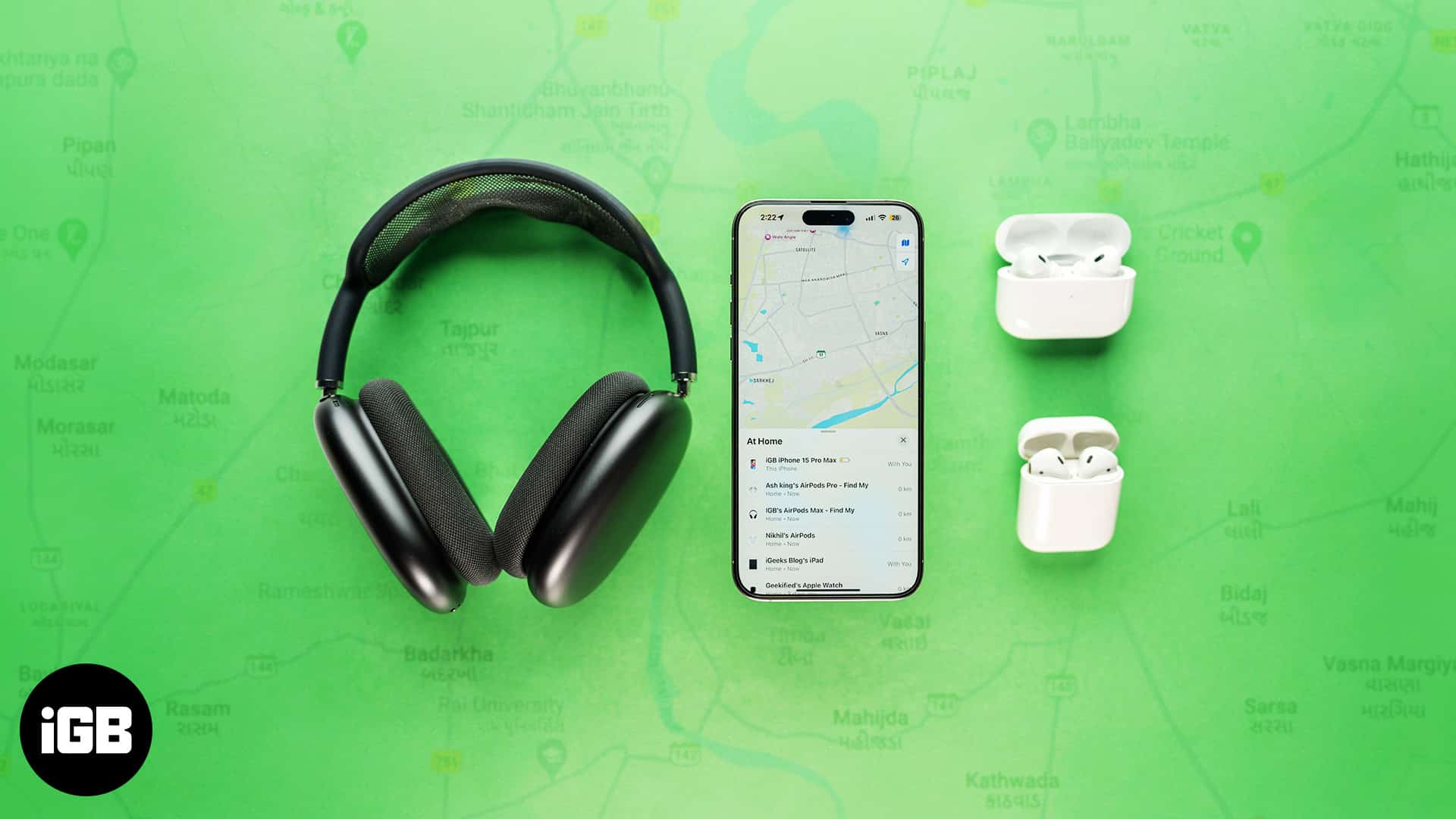
Have you misplaced your AirPods? Don't worry. Follow this step-by-step guide to find your lost AirPods, even if it's offline or dead.
iPhone calls going straight to voicemail? Checkout these easy solutions to fix this issue and get your iPhone ringing again.
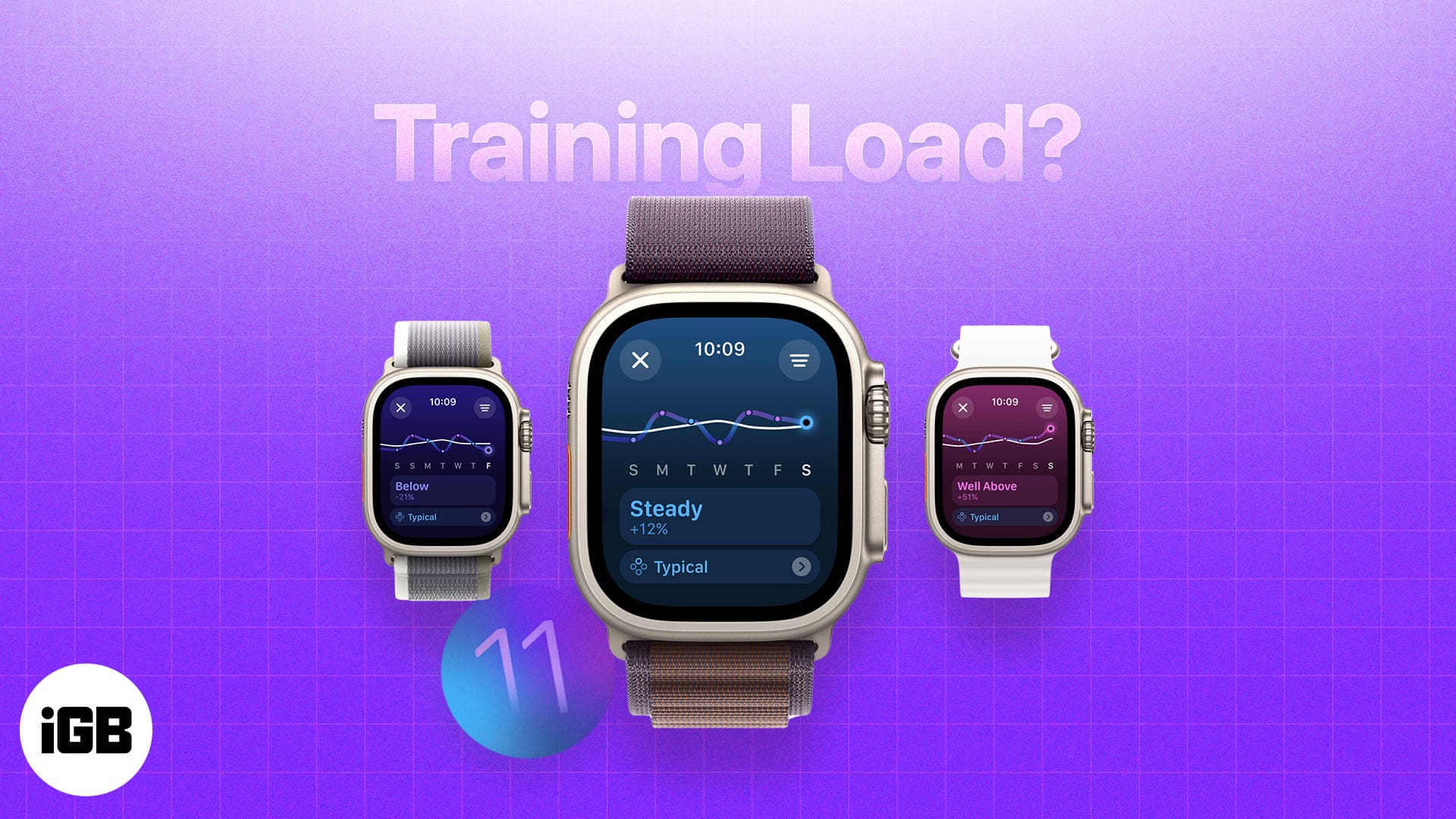
Training Load is an Apple Watch feature that gives users better insight into their workouts. Here's how it works and how to use it.
ChatGPT now has an official app for the Mac. Here's how to download, install, customize, and use the ChatGPT app on a Mac.
Has your iPhone screen turned white and become unresponsive? Here are a few ways to fix the white screen of death issue on your iPhone.
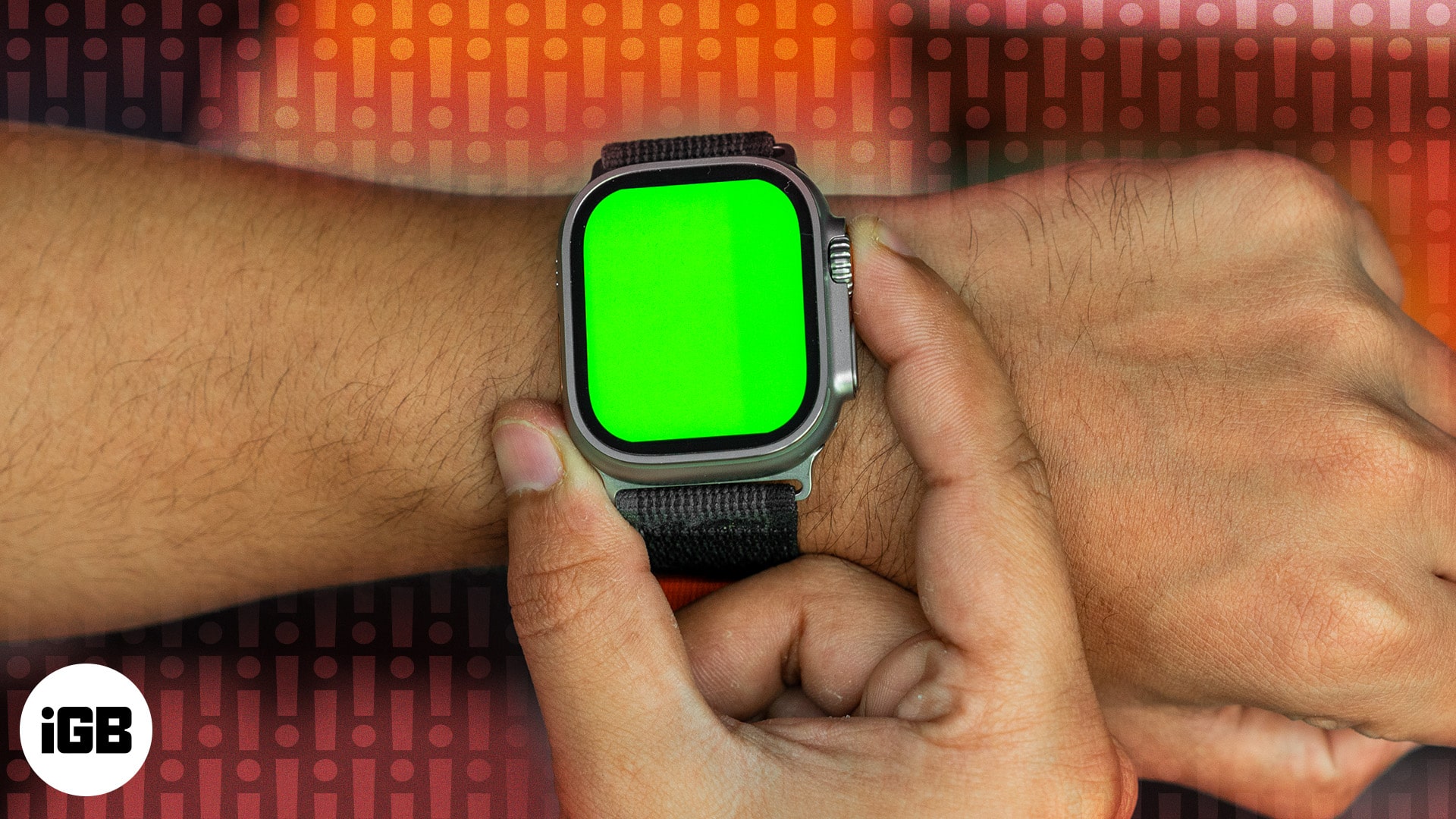
Are you noticing an unusual green screen on your Apple Watch? Here's why it occurs and 5 effective solutions to fix it.
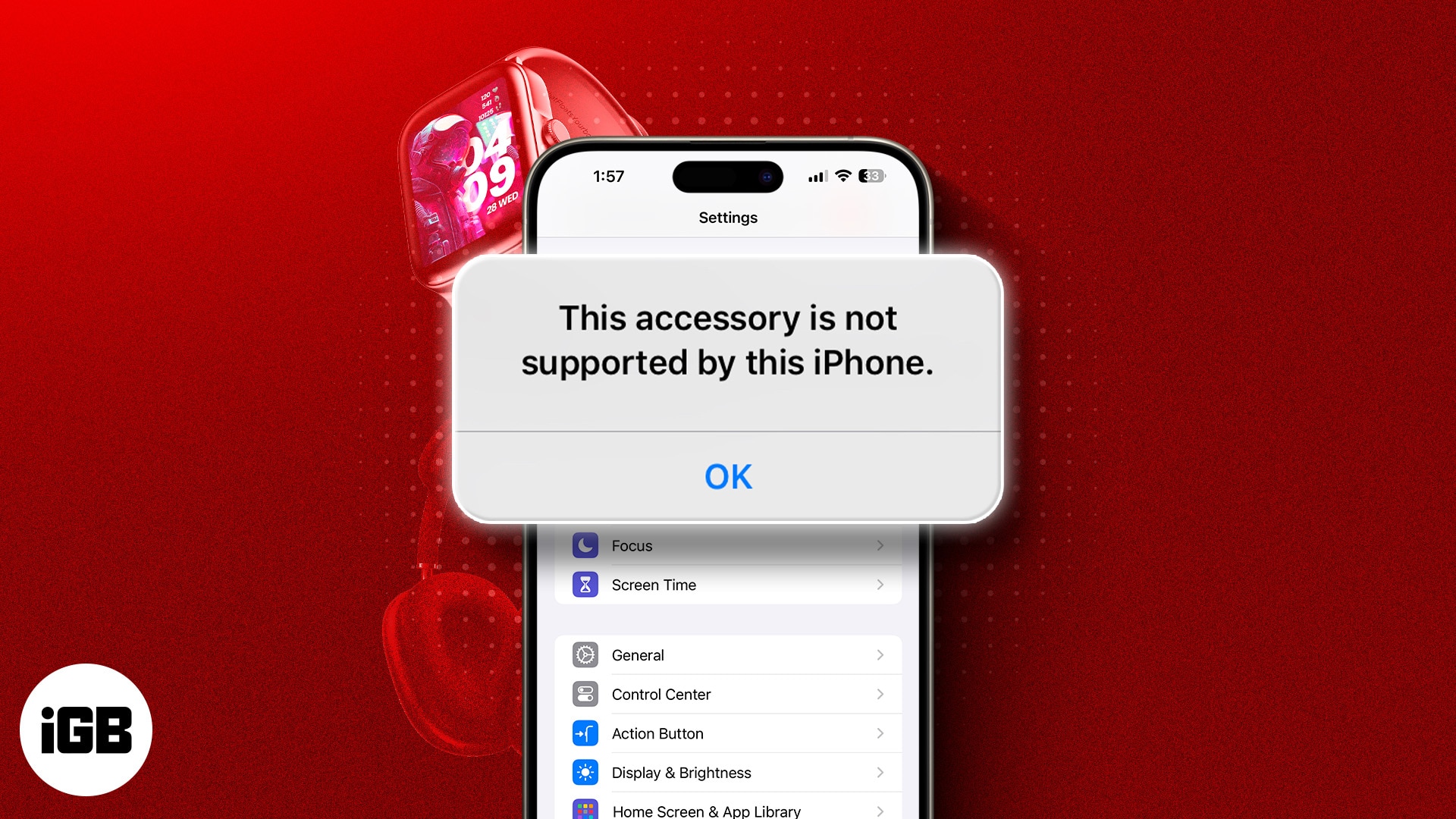
Ever reached for your charger to revive your dying iPhone only to be met with a "This accessory may not be supported" error? Keep reading, as we share what causes the error and how to fix it.
Apple Watch isn't responding to swipe gestures? Follow this simple guide to fix an Apple Watch that won't swipe up or down.
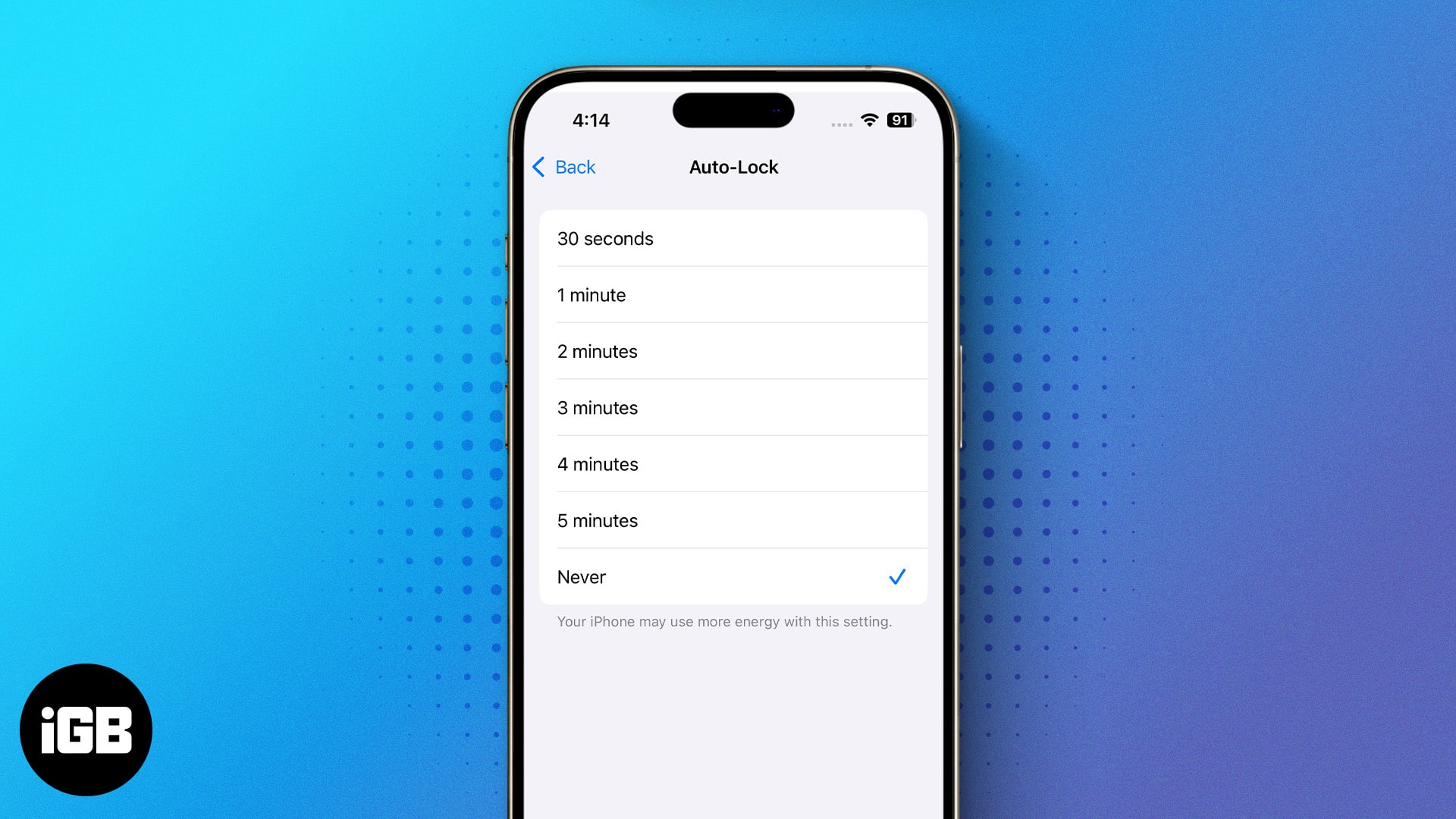
Is your iPhone screen turned off too often? Here are two different ways to keep your iPhone screen on for a longer time.
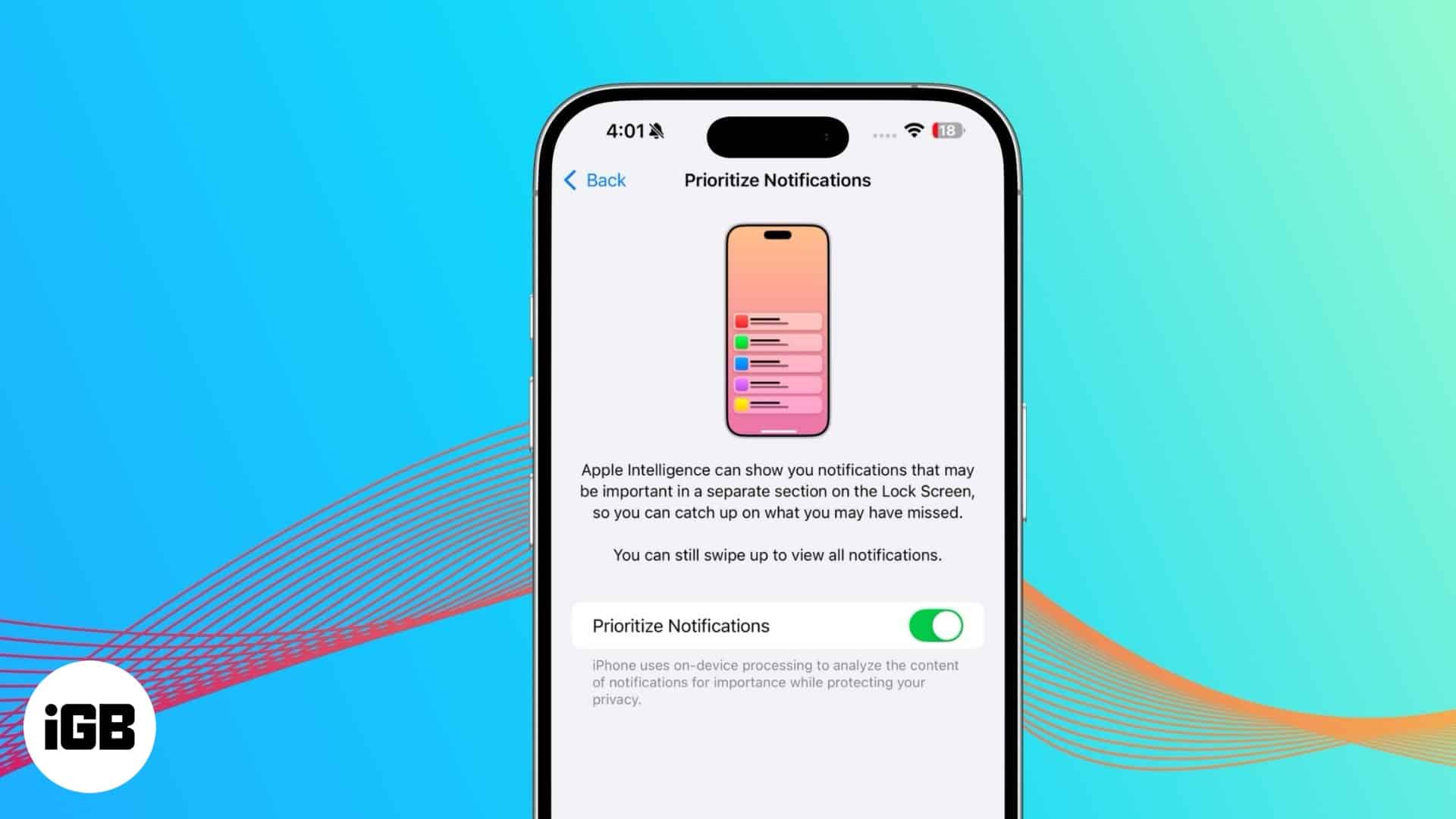
Reduce notification overload with Priority Notifications. This Apple Intelligence feature ensures you never miss important alerts.
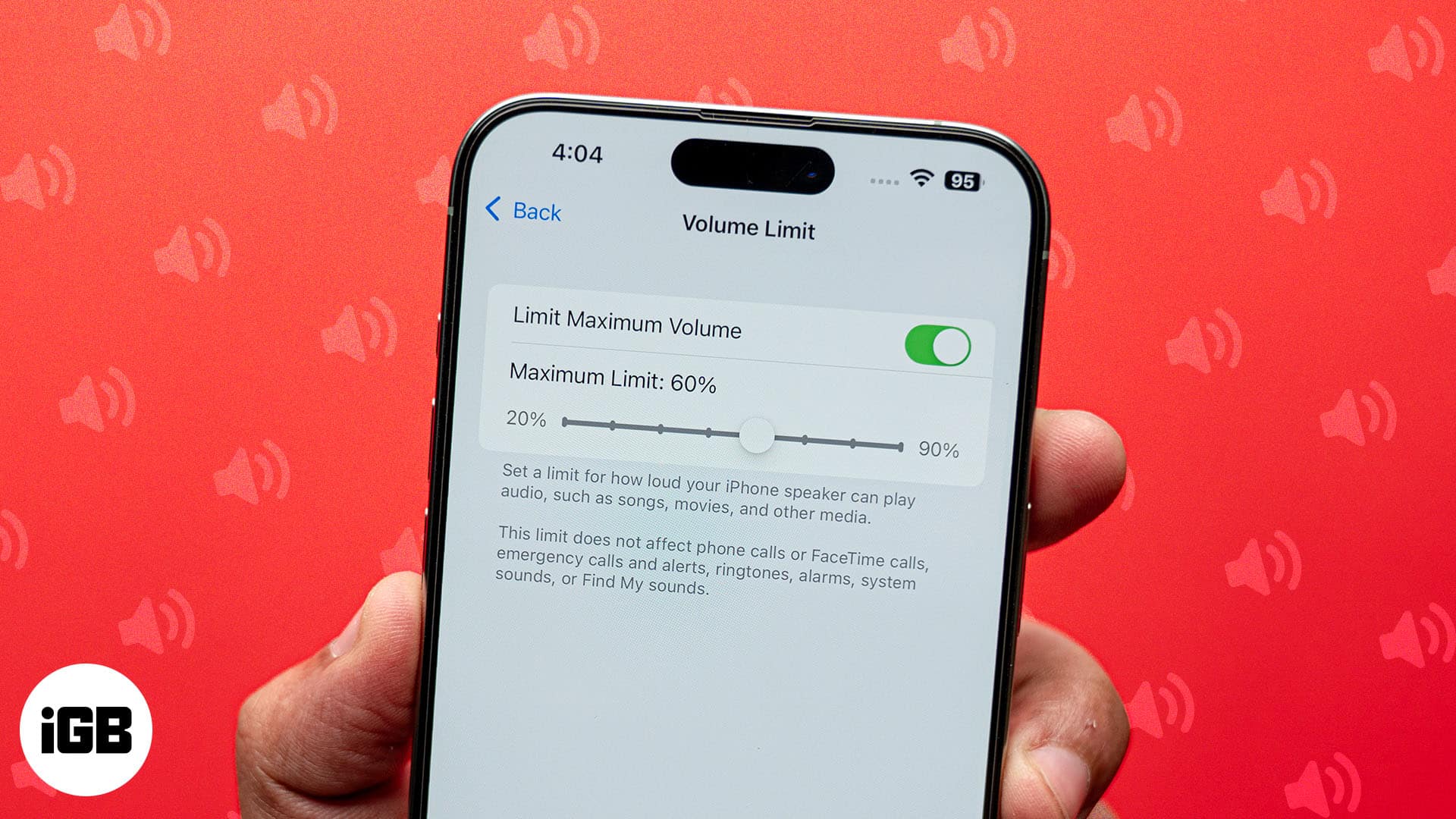
Want to save the embarrassment of having your iPhone play loud audio in public? The Volume Limit feature lets you set your iPhone's speaker volume.
Snapchat crashes are usually caused by an outdated app, a corrupted cache, or unofficial add-ons. Here is why it happens and the fixes that stop the app quitting on you.
Can’t find an app on your iPhone? Here’s a simple guide to find hidden apps on iPhone and iPad across recent iOS updates.
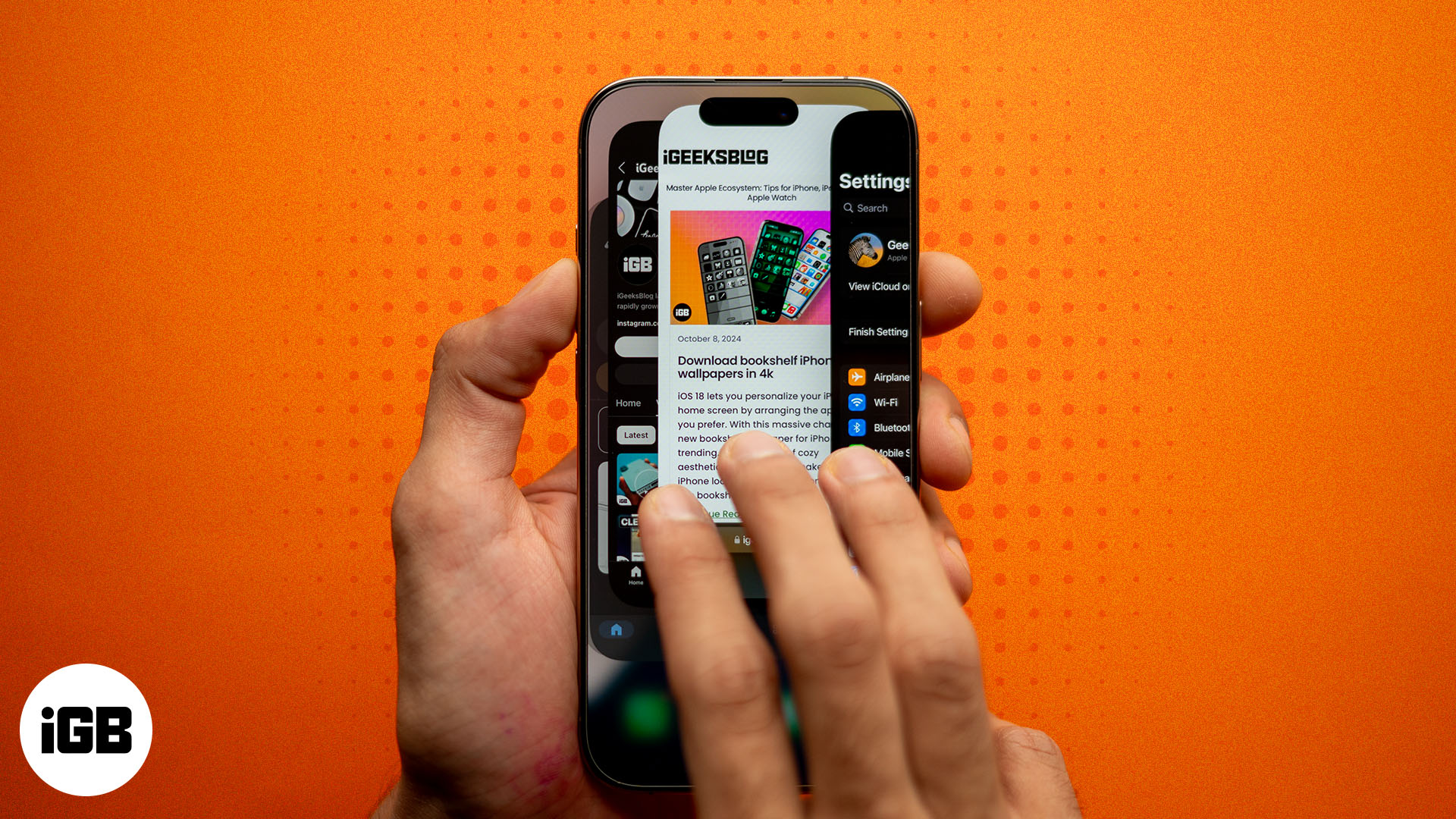
Quickly resolve app problems by force quitting apps.
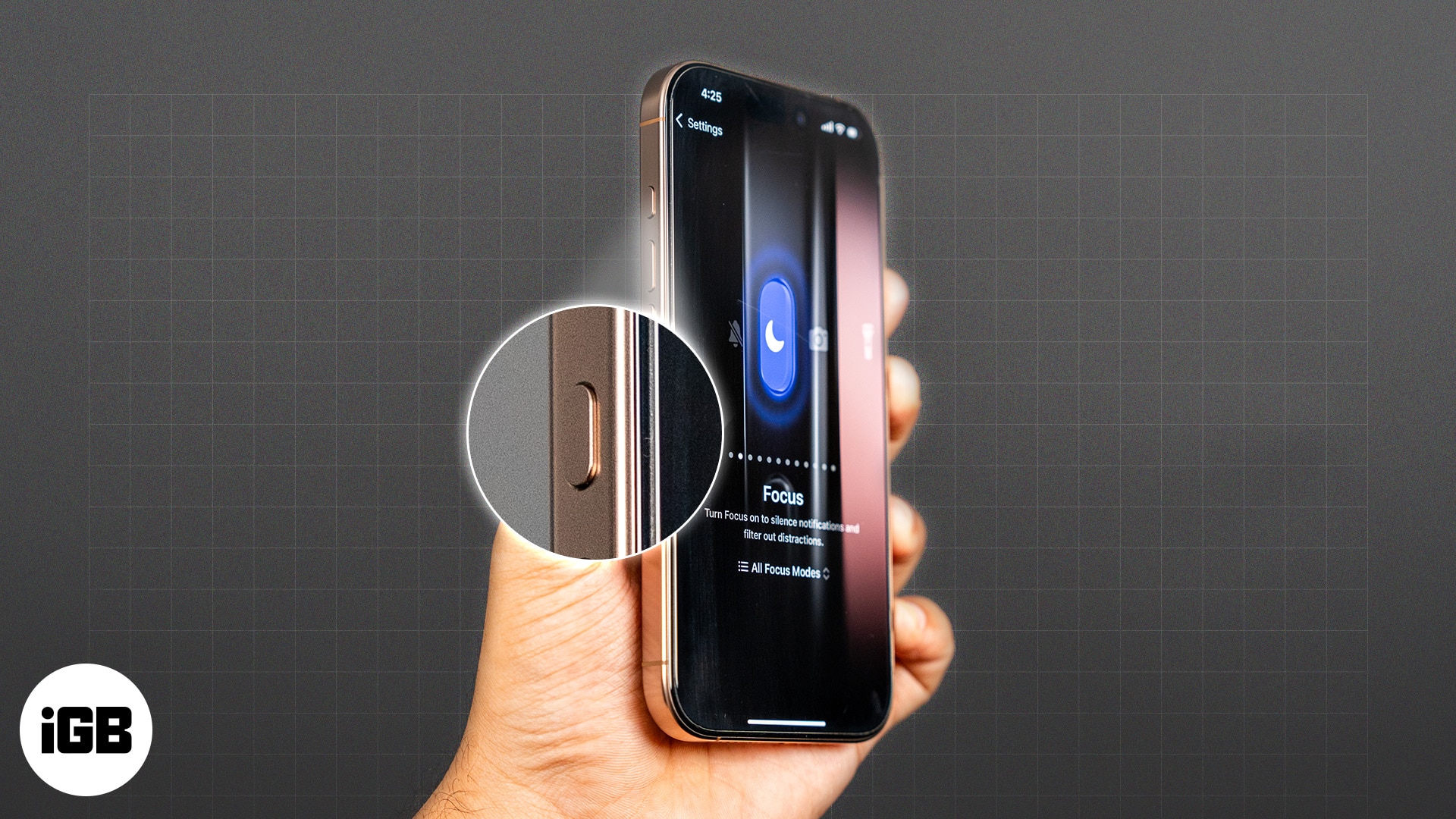
Make the most of the Action Button to enhance the functionality of your iPhone.
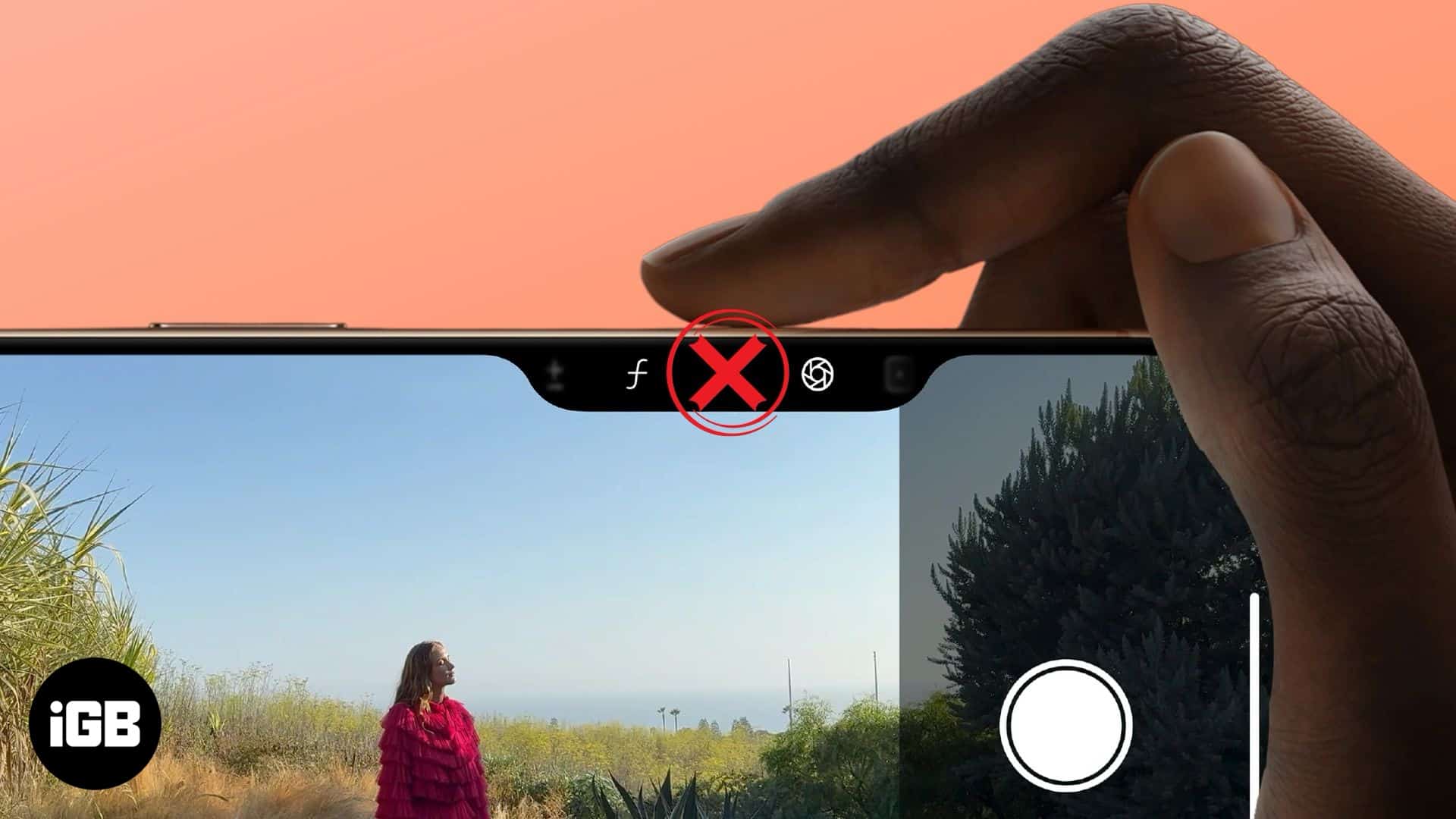
Troubleshoot your Camera Control button and start capturing your moments again.
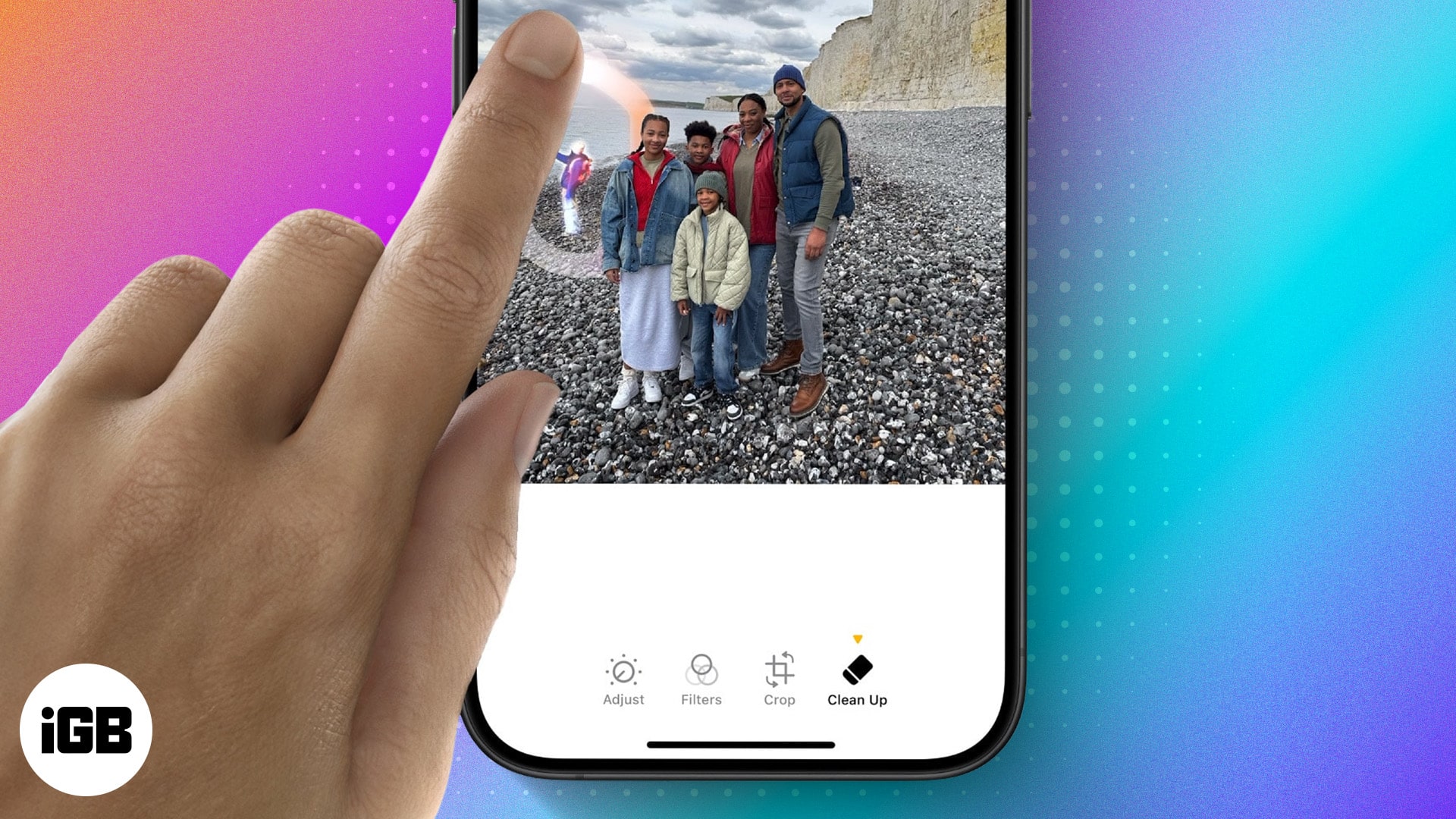
Clean Up uses Apple Intelligence to erase distractions from a photo and fill the gap convincingly. Here is what hardware it requires, when it works well, and how to use it step by step.
On supported iOS versions, you can change Siri’s name on your iPhone using the Vocal Shortcuts accessibility feature. Here’s how to do it.
macOS Sequoia added several genuinely useful additions rather than cosmetic ones. Here are the eight worth knowing, from iPhone Mirroring and window tiling to the standalone Passwords app.
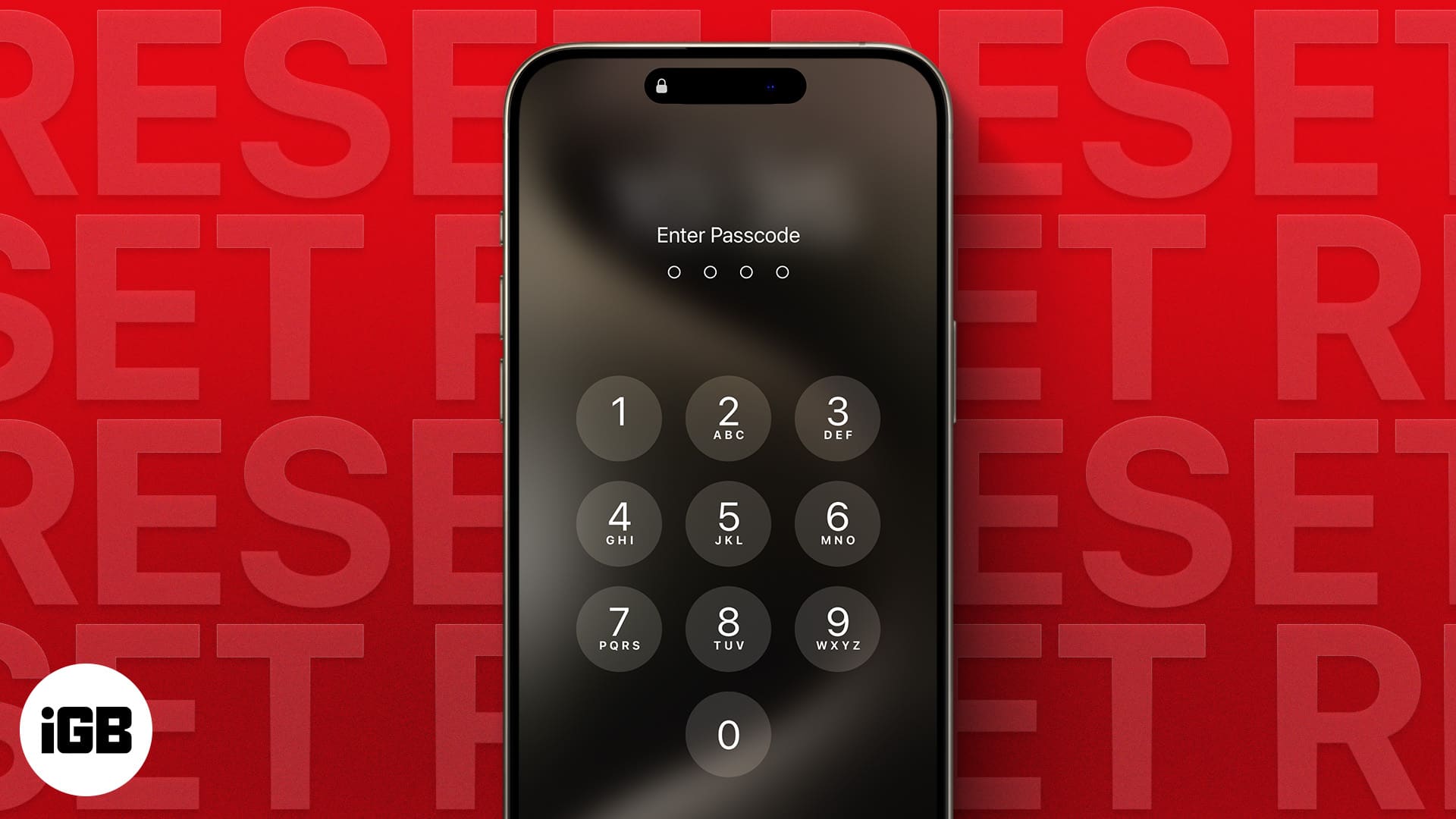
Repeated wrong entries lock an iPhone entirely, and there is no way to recover the passcode itself. These four tested methods erase and restore the device, plus what to do once you are back in.
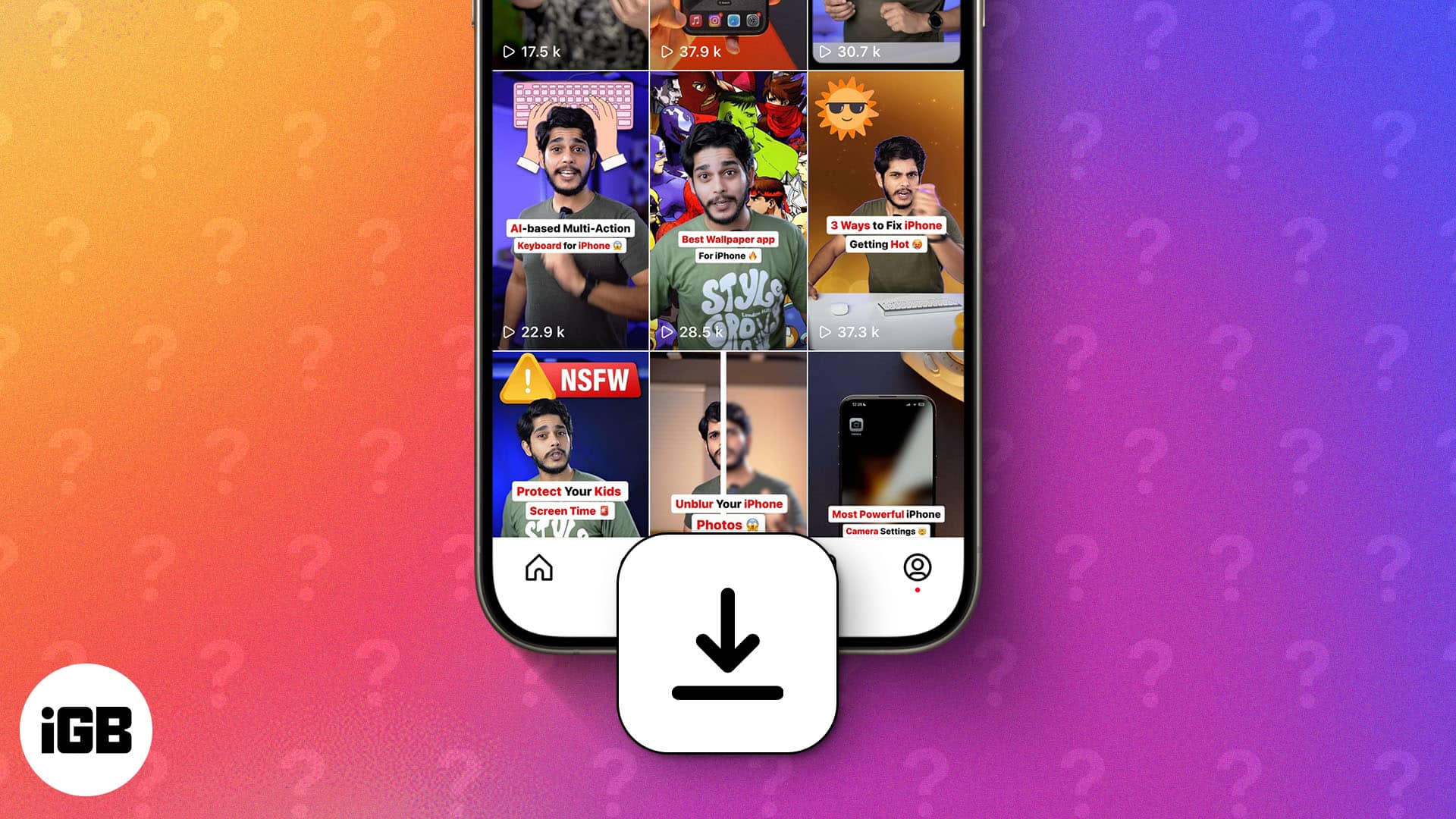
Learn how to download Instagram reels on your iPhone. Discover safe, easy methods with and without third-party apps. Step-by-step guide inside!
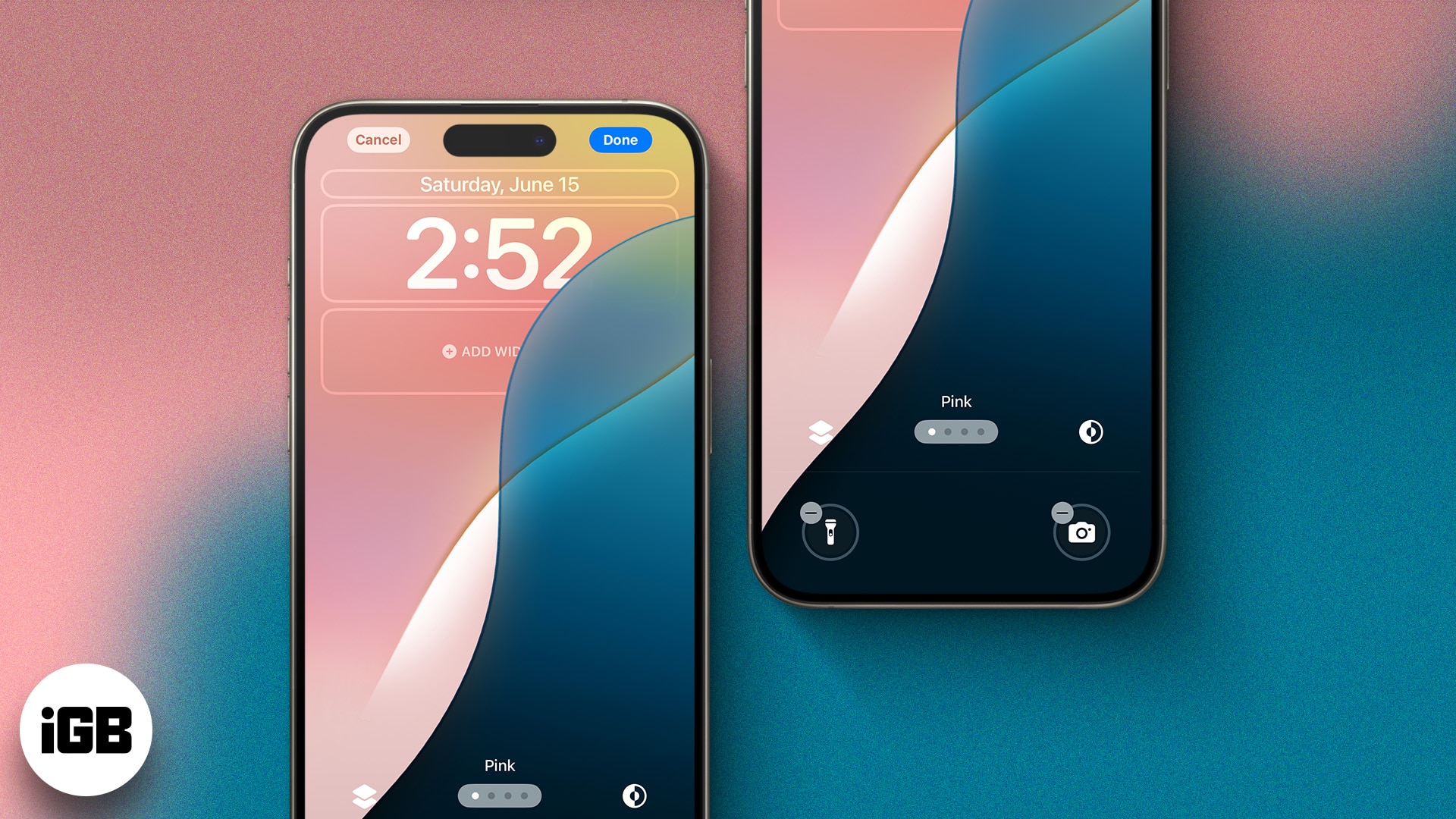
The Lock Screen became genuinely customizable in iOS 16 and has expanded since. Here is how to build multiple Lock Screens, add widgets, change the controls, and tie each one to a Focus.
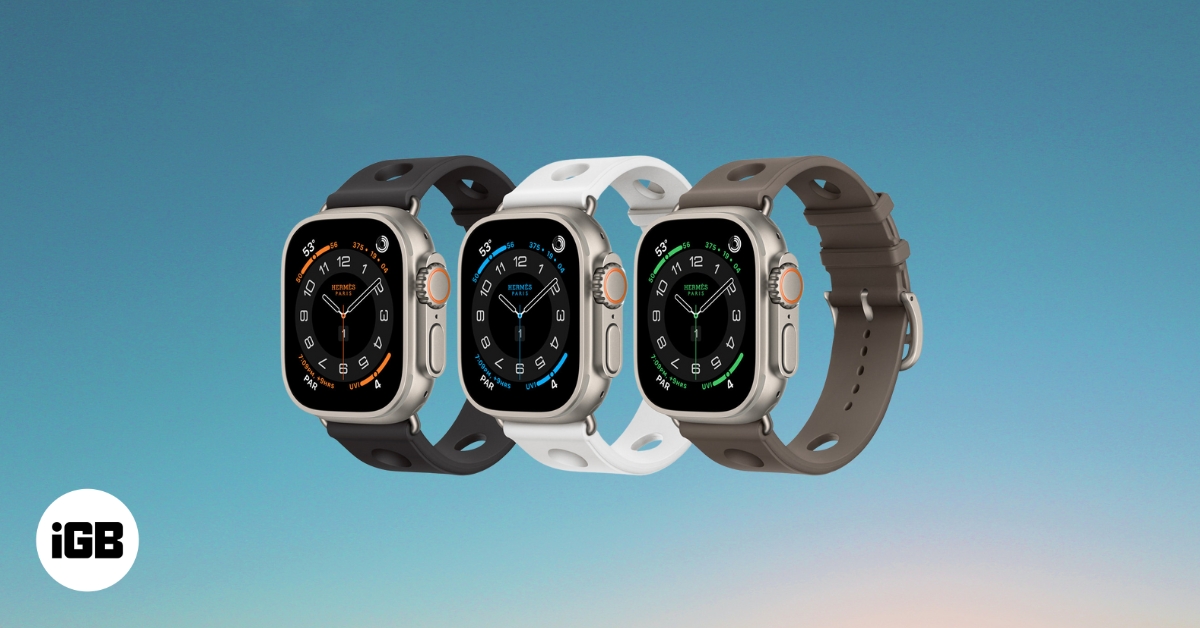
The Apple Watch Ultra 3 is rumored to bring major upgrades, including a bigger microLED display, S10 chip, satellite texting, and blood pressure tracking. Here’s everything leaked so far, including expected specs, price, and launch date.
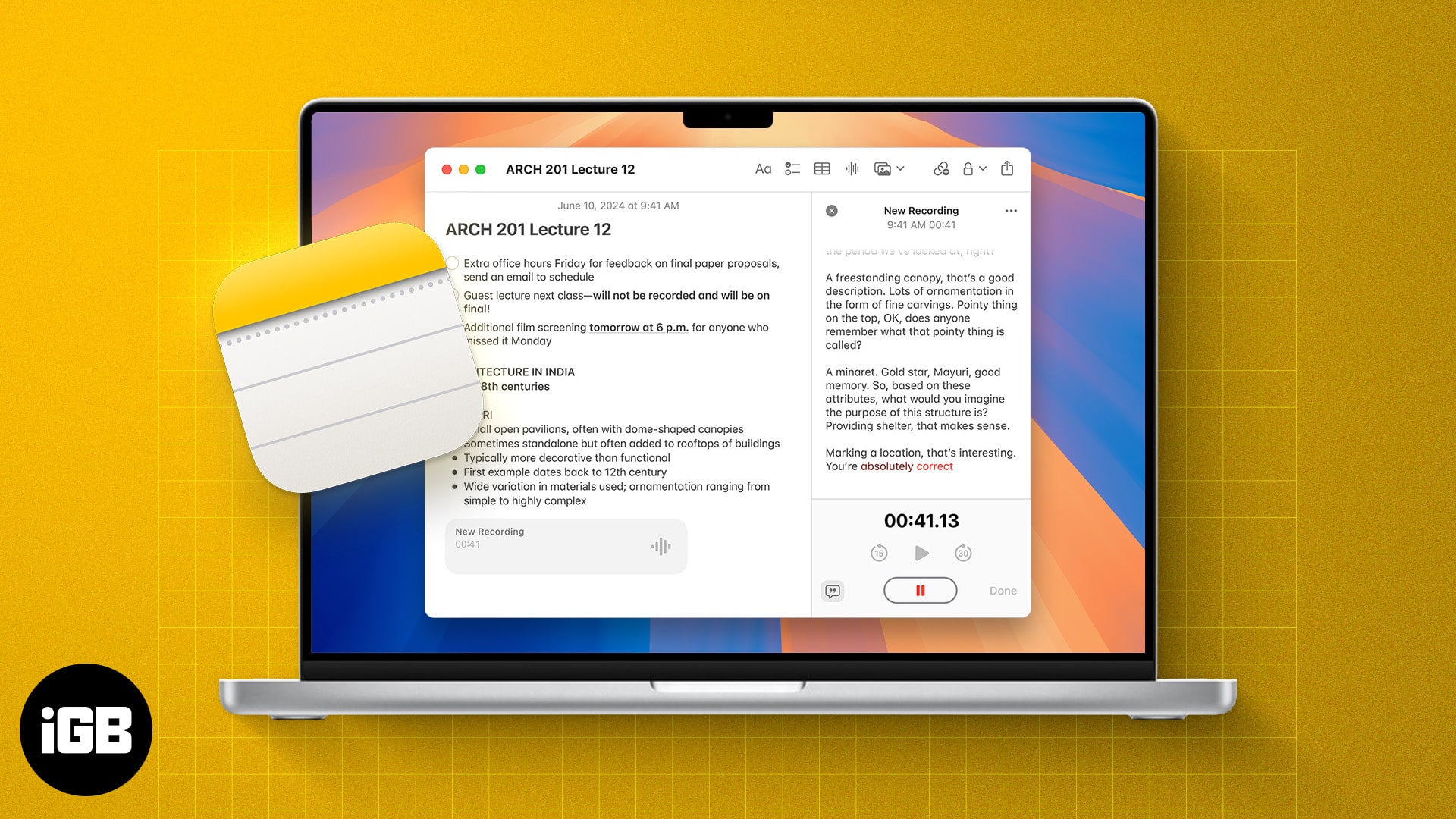
With iOS 18 and later, Apple's Notes app now supports live audio transcription. Learn how to use live transcriptions in Apple Notes on iPhone and Mac.
If AirDrop not working on your iPhone, iPad, or Mac, be it due to wrong AirDrop settings or compatibility issues, we've got you covered.
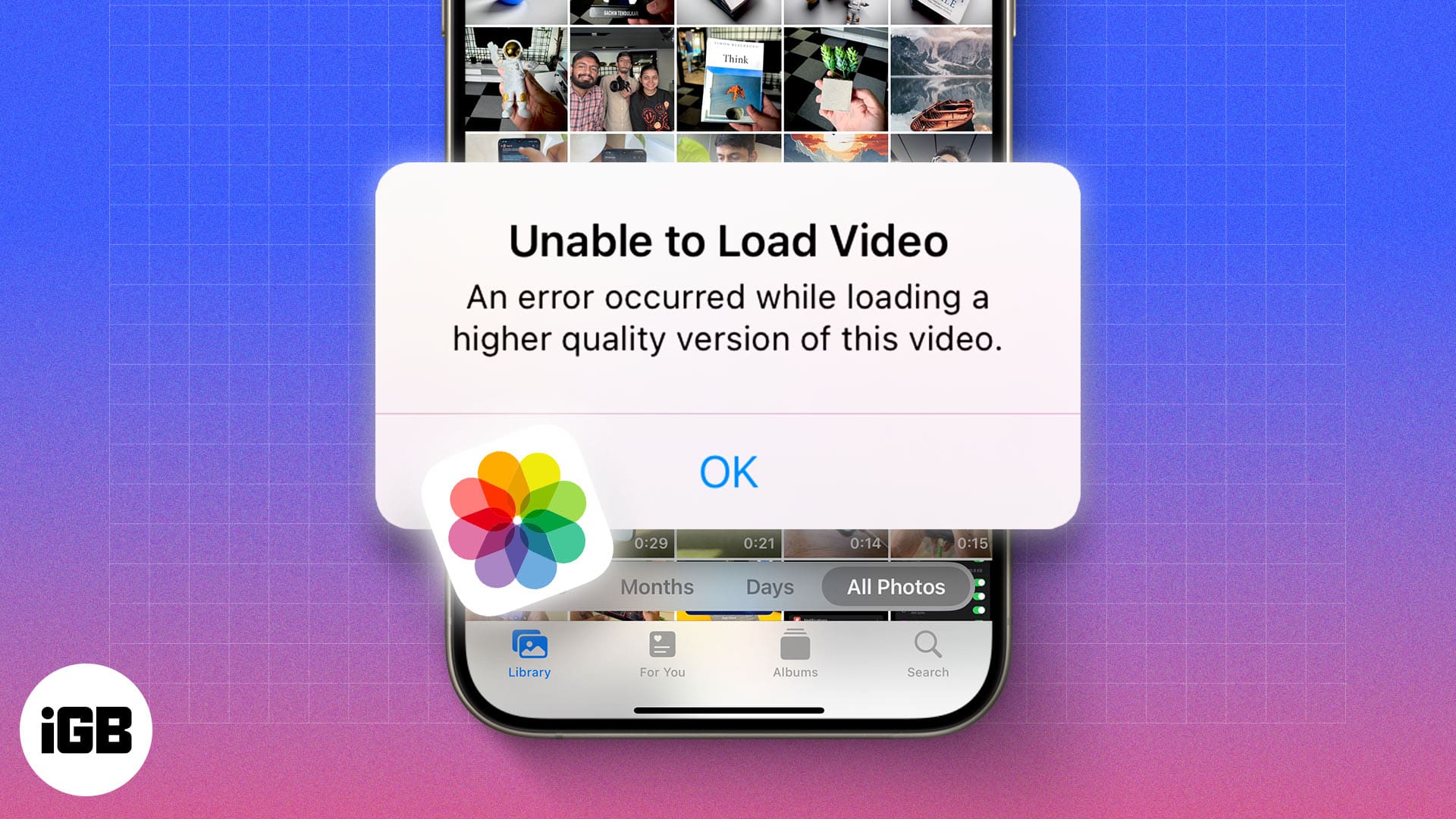
Seeing "Unable to Load Photo" or "Unable to Load Video" on your iPhone? This guide explains why it happens and how to fix it in just a few steps.
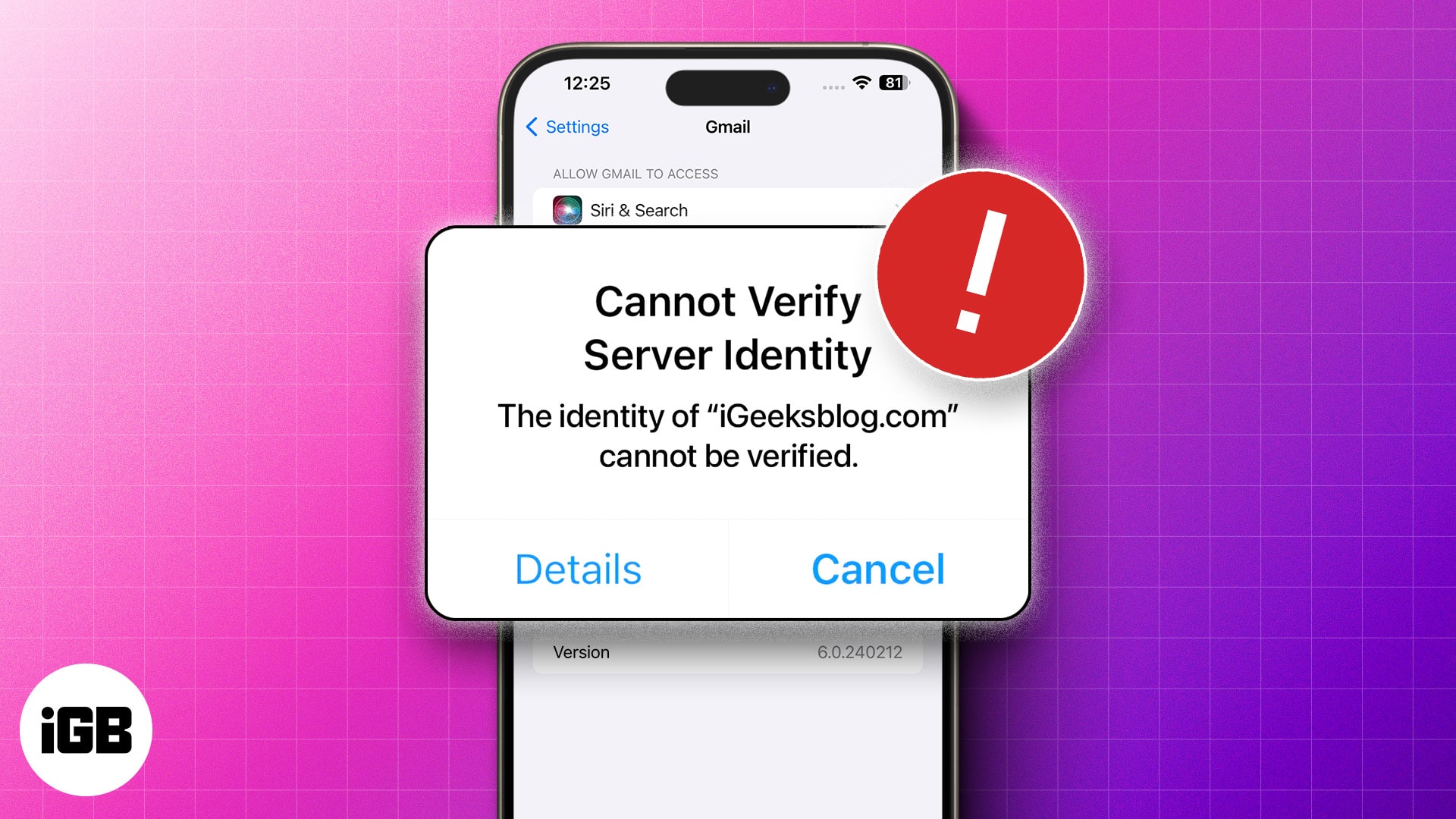
Learn how to troubleshoot and fix Mail app errors on iPhone with this easy-to-follow guide.
Zoom into the subject or cut out the distracting item from your photos