FaceTime Like a Pro
Get our exclusive Ultimate FaceTime Guide 📚 — absolutely FREE when you sign up for our newsletter below.

FaceTime Like a Pro
Get our exclusive Ultimate FaceTime Guide 📚 — absolutely FREE when you sign up for our newsletter below.



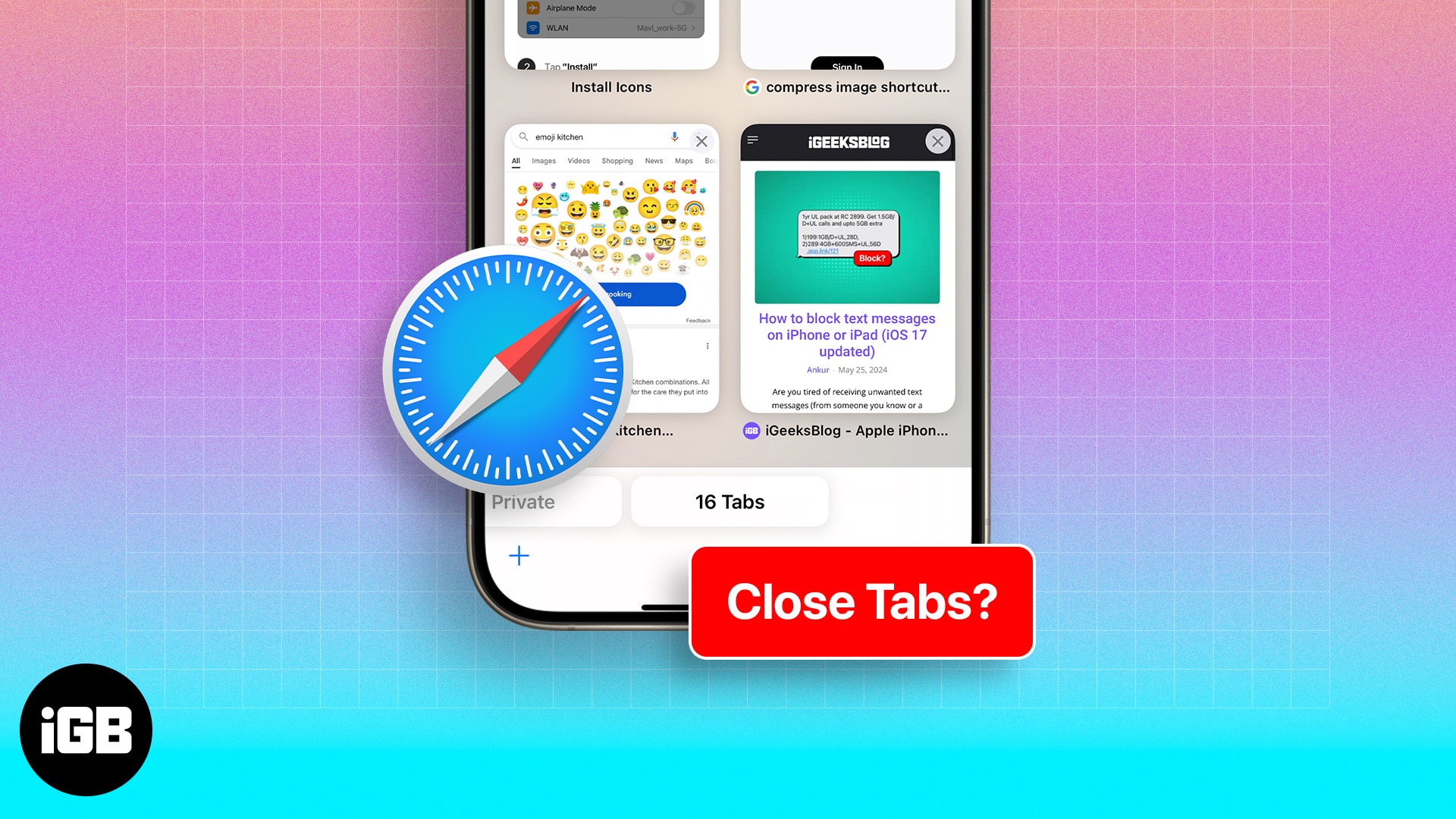
Looking for an easy shortcut to close all open tabs at once in Safari. Here are multiple ways to close all tabs on iPhone or iPad.
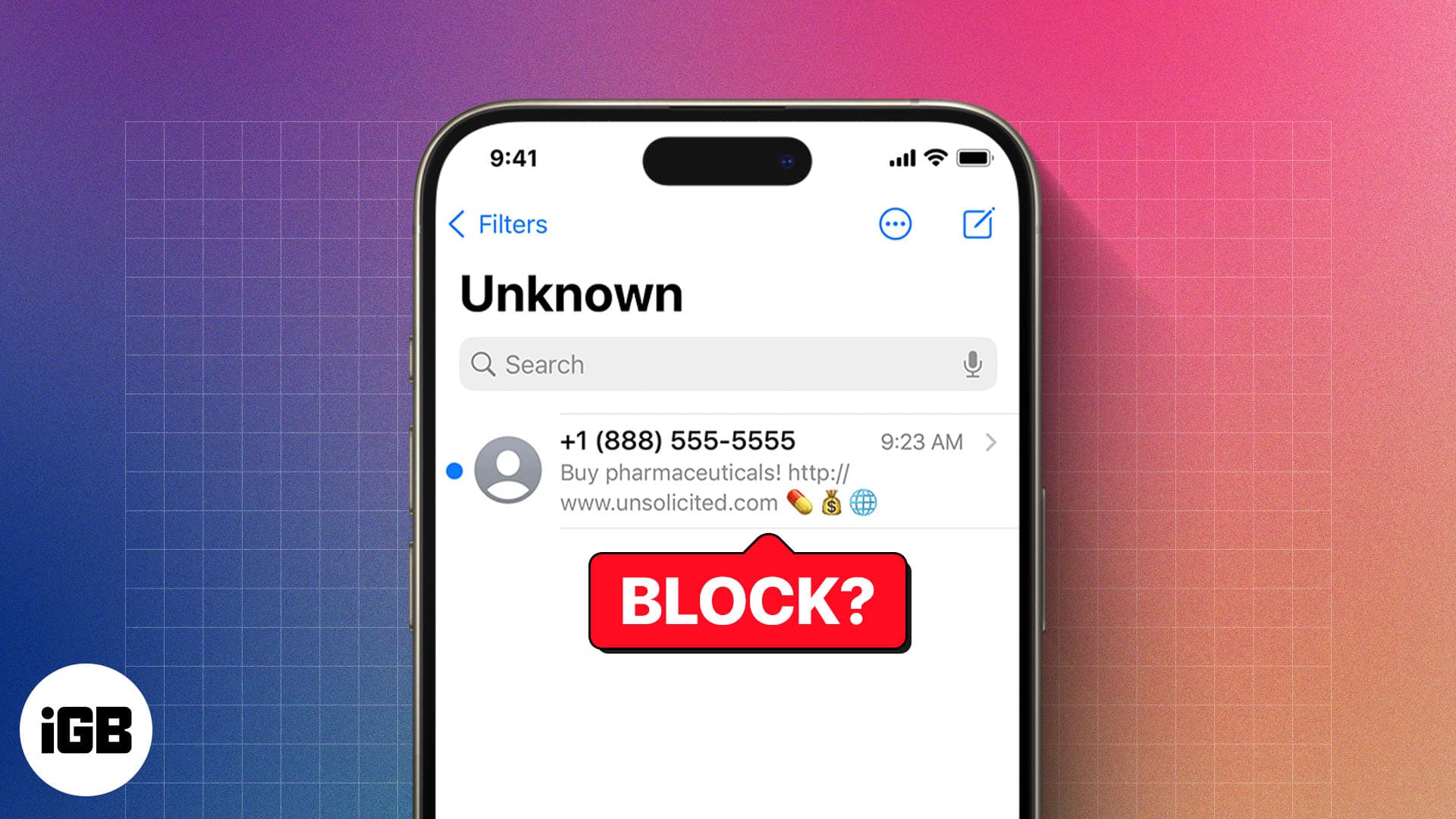
Blocking stops calls, texts, and FaceTime from a number in one move. Here is how to do it from every app that offers it, where to review your blocked list, and how to reverse it later.
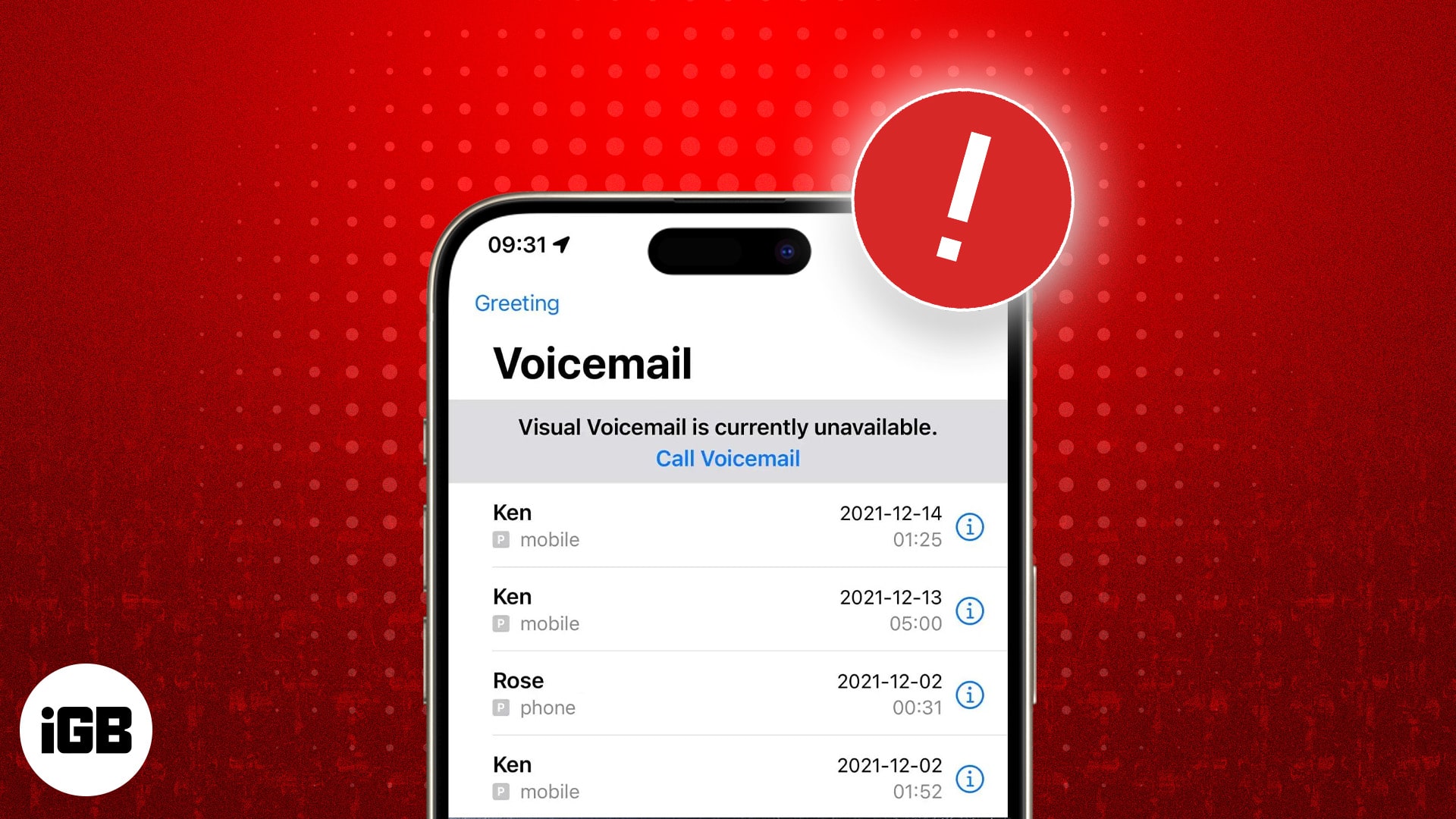
Voicemail breaks after iOS updates and carrier changes more often than anything else. These eight fixes cover setup in Phone settings, carrier provisioning, and network resets.
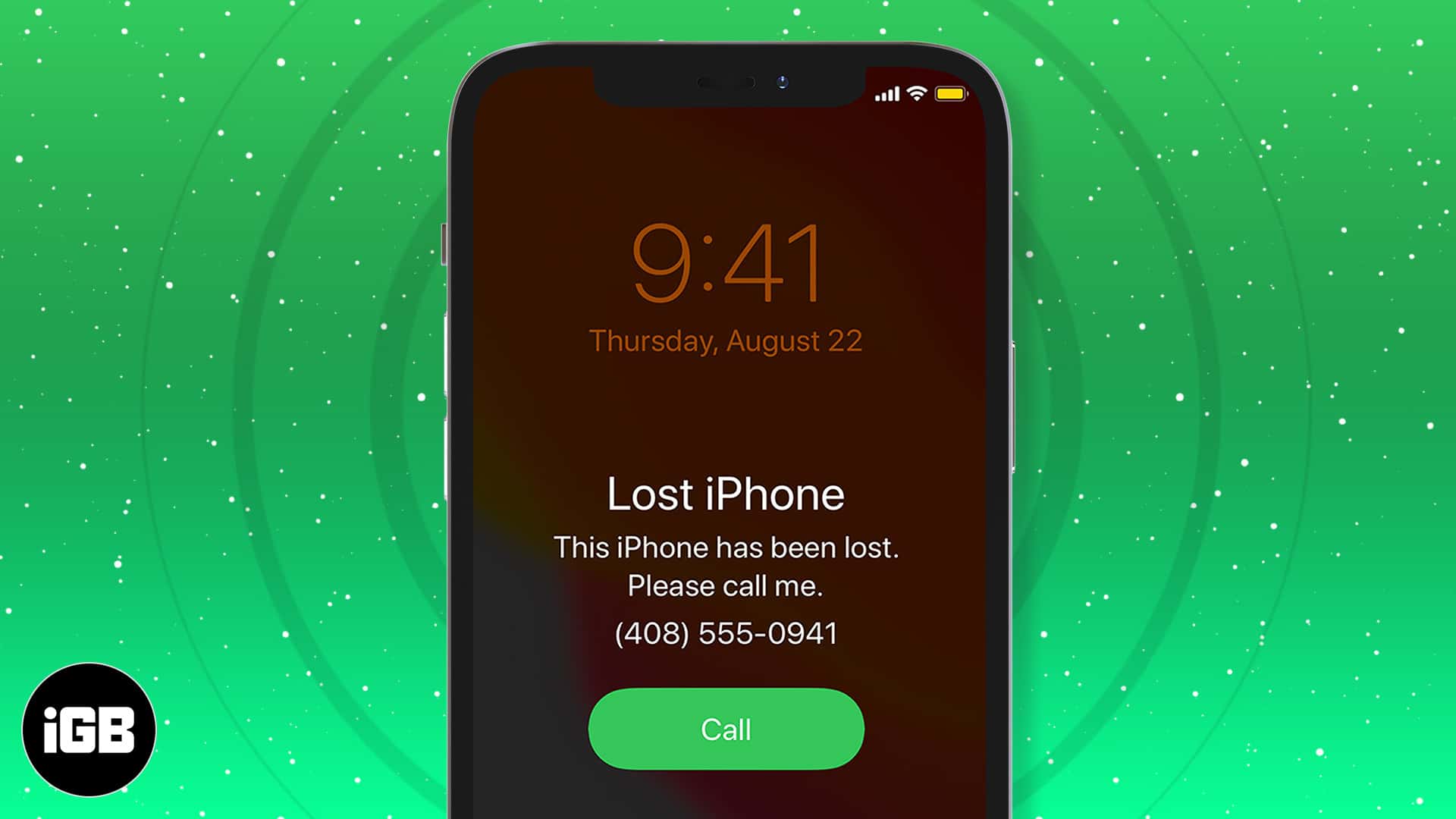
The first hour matters most. Here is how to locate your iPhone with Find My, put it in Lost Mode, erase it remotely if needed, secure your accounts, and reduce the risk next time.
What are the new accessibility features in iOS 18? This article will answer this question and explain how to use them.

A pinned post is the first thing visitors to your profile see. Here is how to pin and unpin your own posts on X across every device, and how pinning someone else's post works.
Preview merges PDFs natively, so third-party tools are rarely necessary. Here is how to combine multiple documents on Mac, rearrange the pages, and save a single tidy file.
Wondering what Cancelled Call means on your iPhone? This guide explains the cancelled call meaning, why it happens, and how to fix it easily.
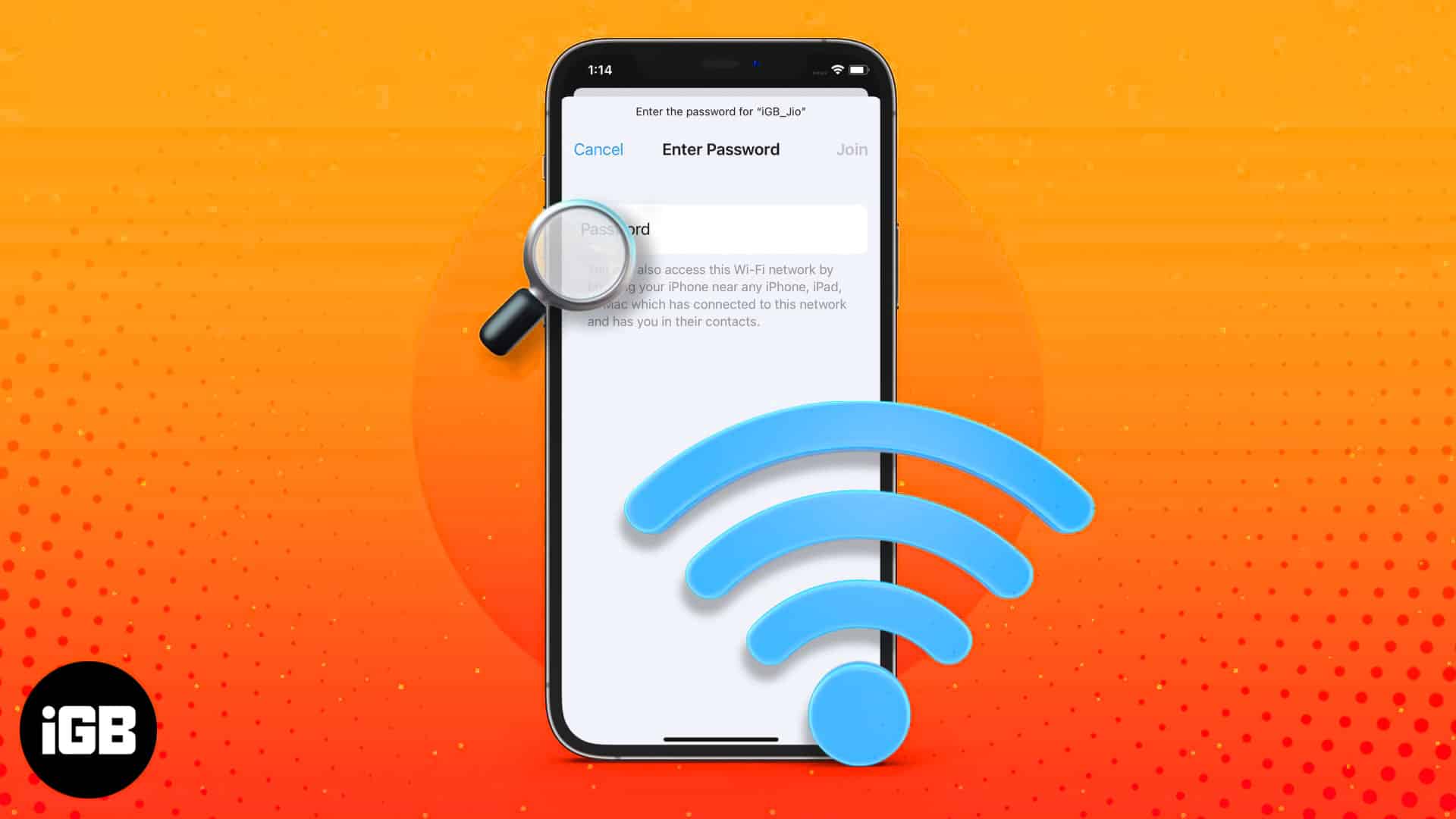
iOS finally lets you read saved Wi-Fi keys rather than just share them. Here is where to find them in iOS 18, the older iOS 17 method, and how to share a network with someone nearby.
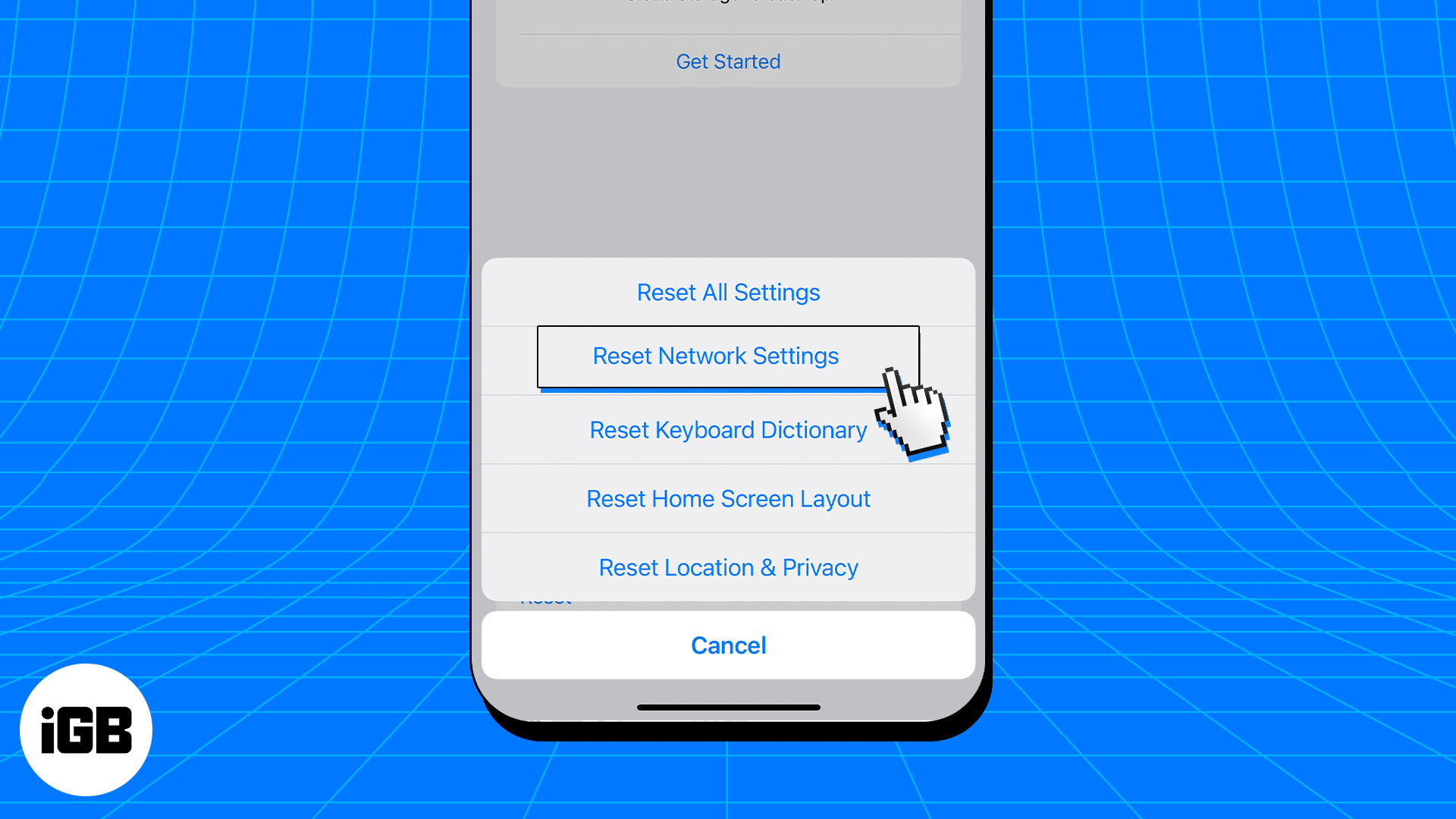
A corrupted DNS cache sends your browser to stale addresses, causing pages to fail for no obvious reason. Here is what the cache does, how to flush it on iOS, and when it actually helps.

Apple’s new Invites app lets you design beautiful event invitations, track RSVPs, and collaborate on music and photos all from your iPhone. Here’s how it works.
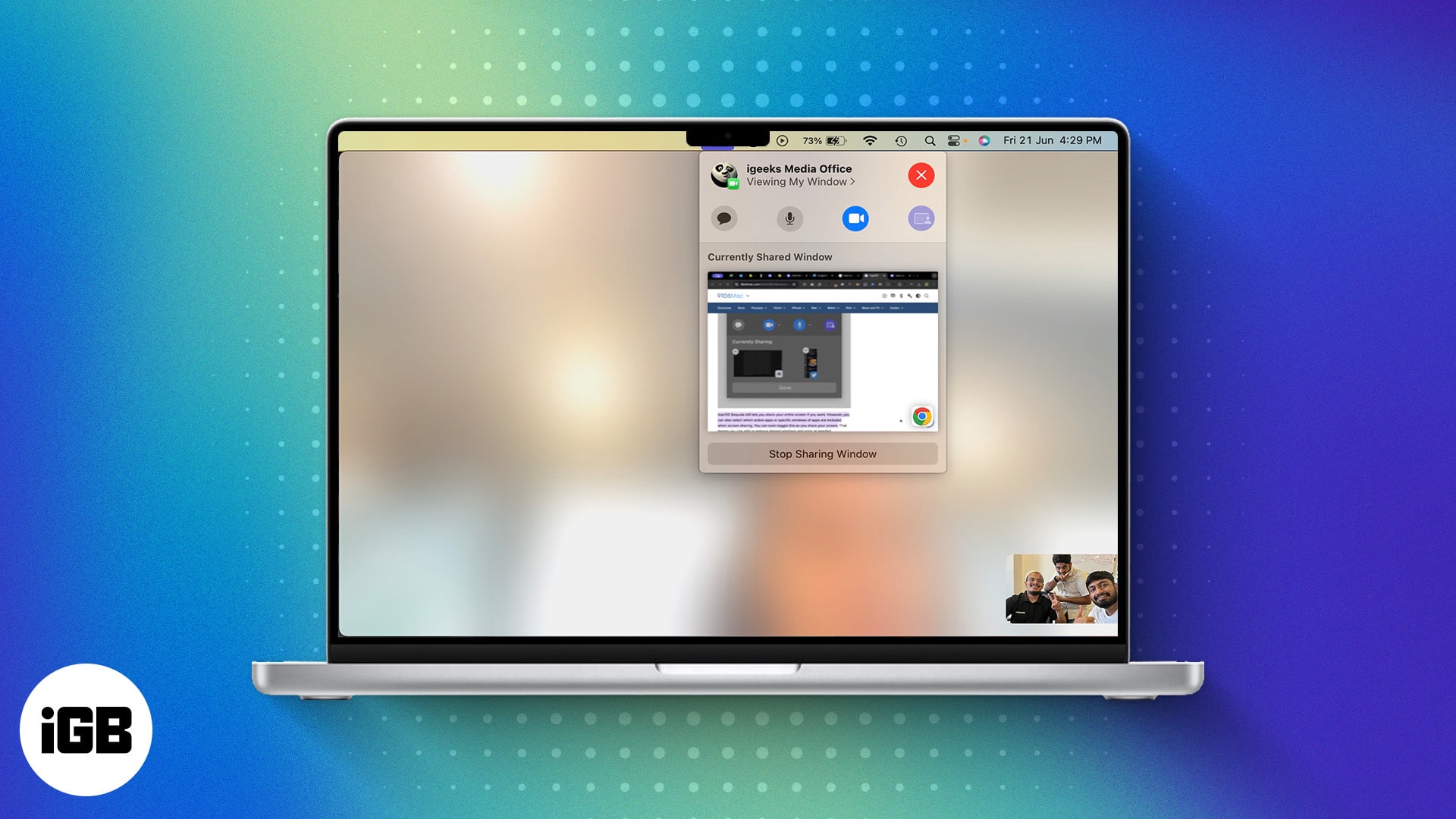
Sequoia lets you preview a window before sharing it and swap your video call background. Here is how to use Presenter Preview and background replacements on Mac during calls.
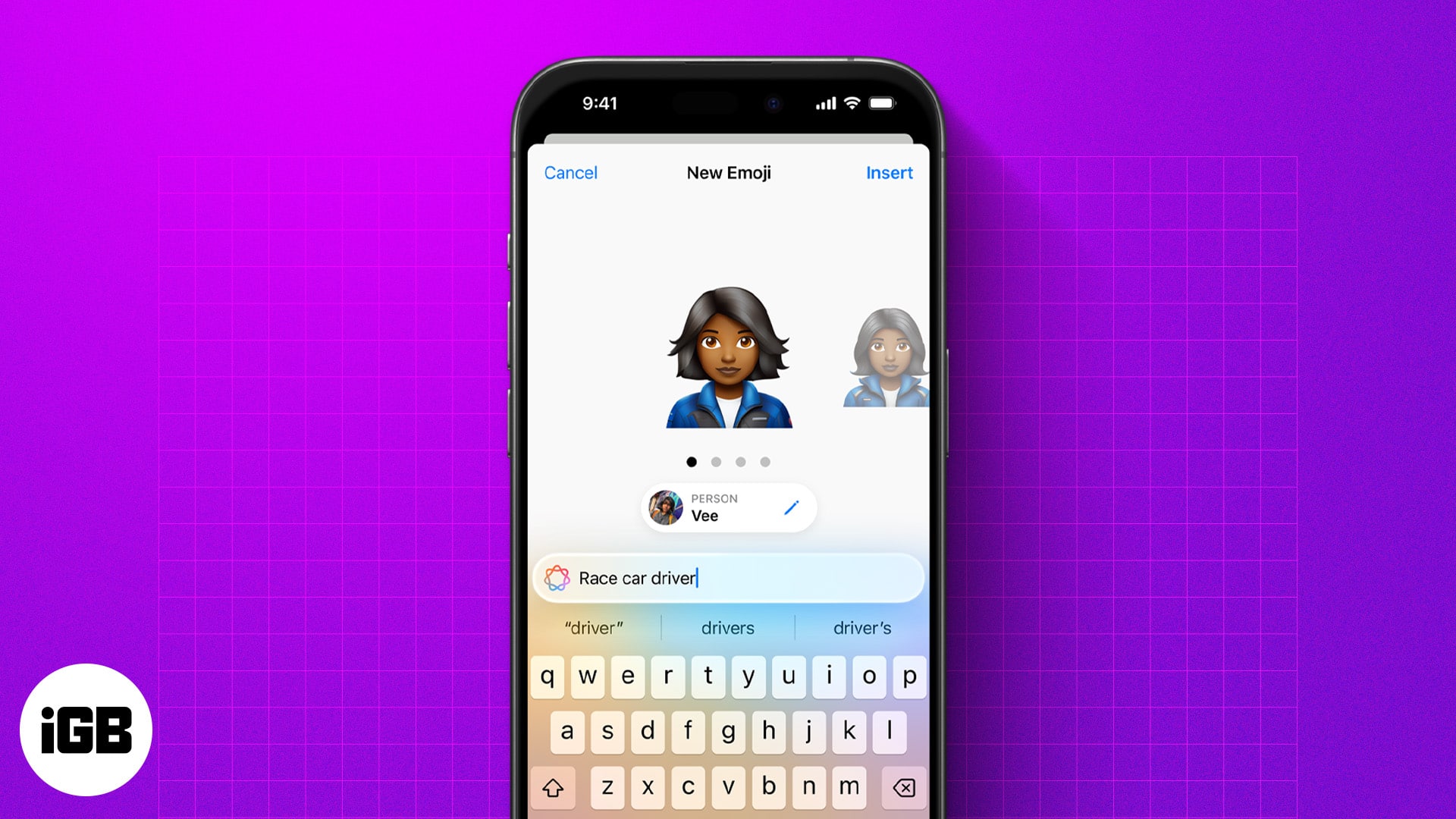
Genmoji lets you create custom emojis from text, emojis, or photos. Here’s how to use, customize, and share them on your iPhone.
Your Mac’s gone silent—right when you need it most. Don’t worry, we’ve got the fixes to get your mic talking again in no time.
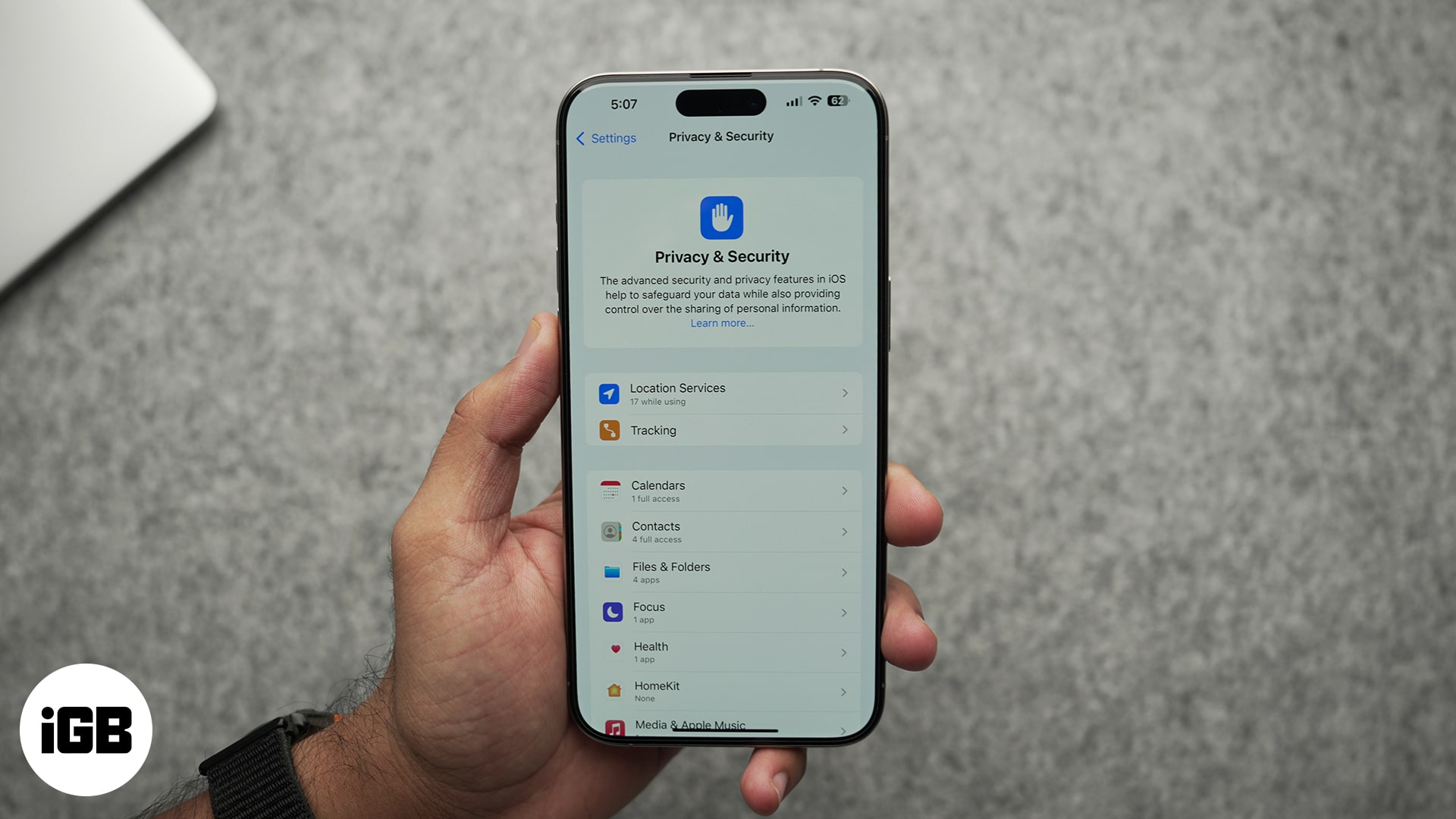
Here's how to block apps from tracking your activity across other apps and websites.

RSS readers pull every site you follow into a single timeline with no algorithm in between. These eight iOS apps are compared on sync services, offline reading, and handling large feed lists.

Markup is built into Photos, Mail, Files, and Safari but easy to miss. Here is which apps include it, what you can annotate with it, and how to use every tool on iPhone and iPad.

Wan to save Facebook videos offline? Follow our step-by-step guide to learn how to download Facebook videos on an iPhone, iPad, and desktop.
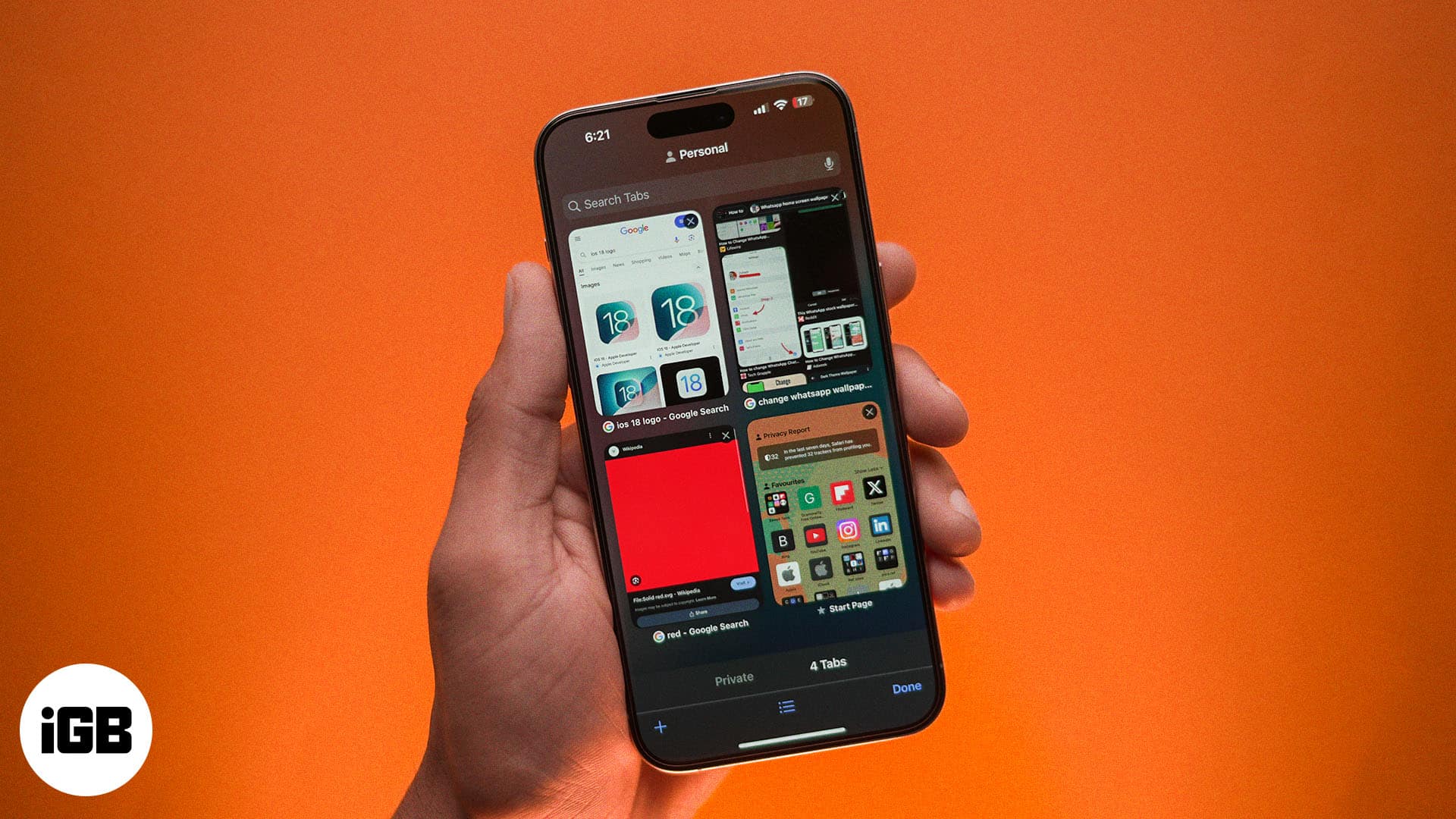
Disappearing Safari tabs on your iPhone or iPad? This guide explains why Safari tabs disappeared on your iOS device and how to get them back.
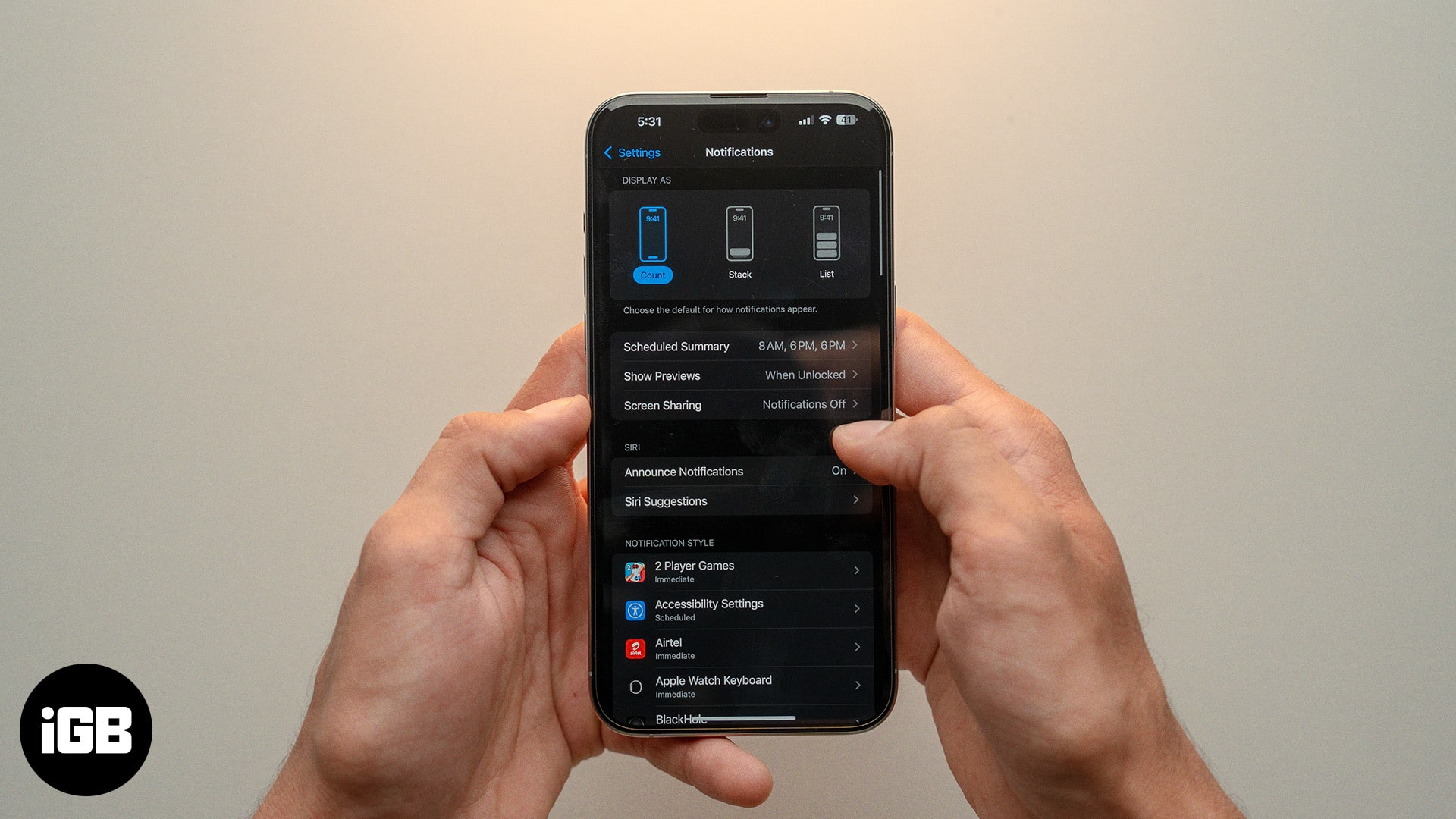
Notification settings are scattered across several screens on iOS. Here is how to see and clear alerts, change the default delivery style, and control what shows on your Lock Screen.

Only subscriptions billed through your Apple Account can be cancelled in Settings. Here is how to do that on every device, plus what to do about services like Netflix billed directly.

Solve equations and plot 3D graphs with Math Notes on iPhone and iPad in iPadOS 26—here’s how to use Apple’s powerful new Calculator feature.

Is your iPhone enhancing photos automatically? Read this quick guide to learn how to turn off photo auto-enhance on iPhone.
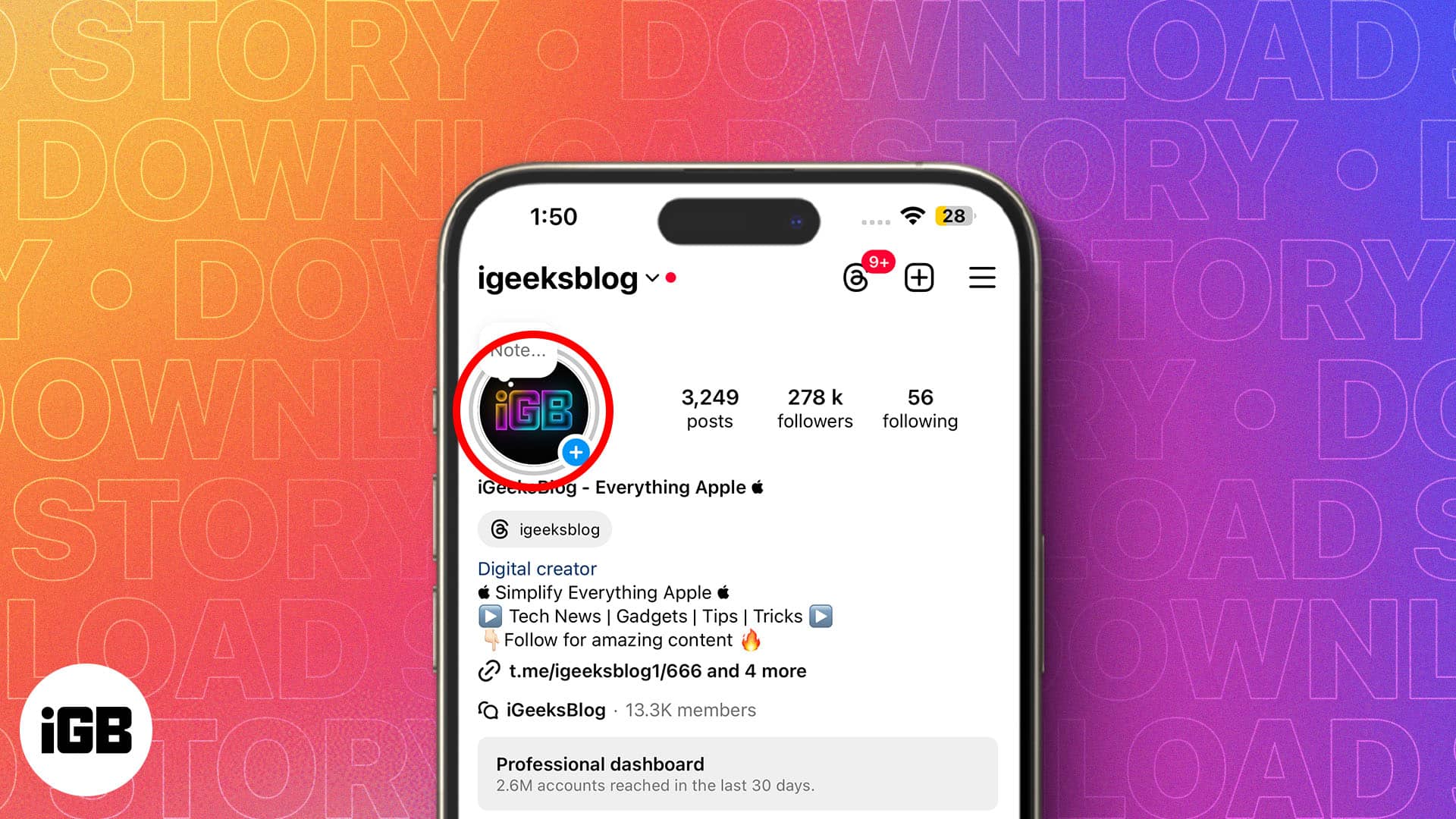
Looking to download Instagram Stories on your iPhone? Here are different methods for saving your own and other users' Instagram stories.
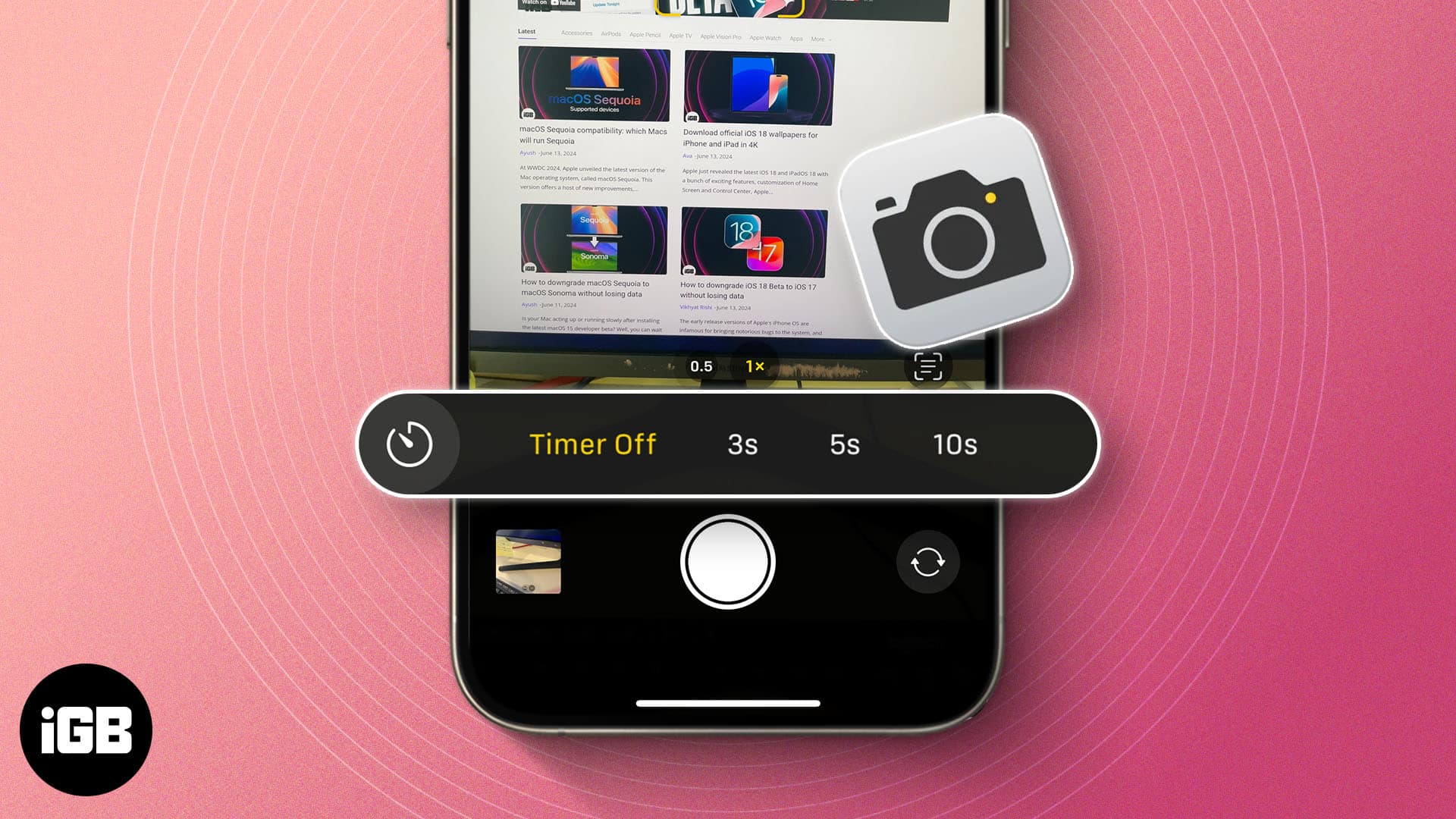
Want to take a selfie or set a timer for a group photo on your iPhone? Here's how to use timer on iPhone camera.

WhatsApp Payments lets you send and receive money within your chats. Learn how to set up and use WhatsApp Payments on iPhone.
Want to delete your old backups from Time Machine on a Mac? Here are three methods to delete Time Machine backups and snapshots on Mac.
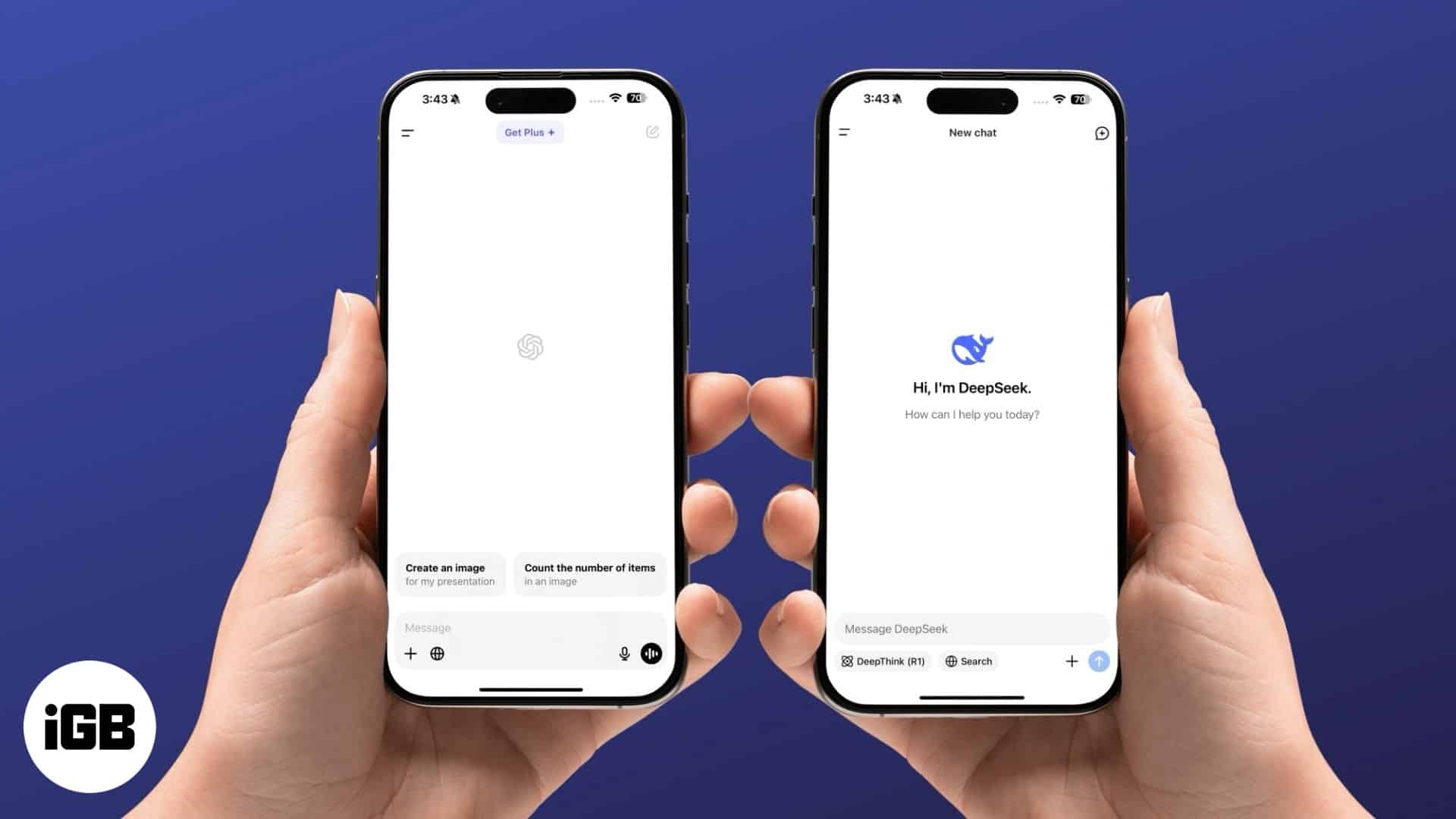
A quick overview of the differences between DeepSeek and ChatGPT iPhone apps.
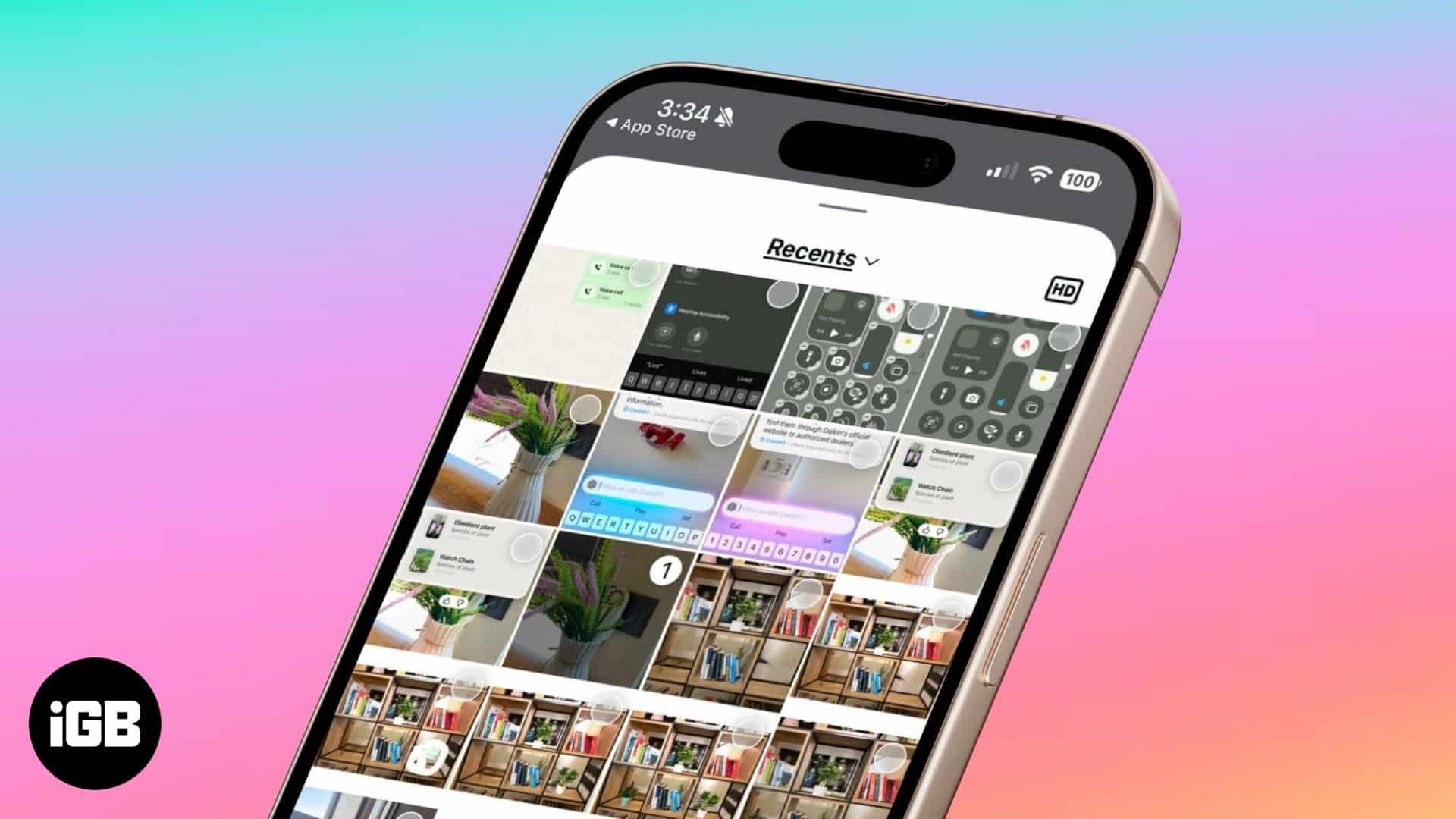
Instagram now lets you send high-quality photos in direct messages. Here’s how to do it.