
FaceTime Like a Pro
Get our exclusive Ultimate FaceTime Guide 📚 — absolutely FREE when you sign up for our newsletter below.

FaceTime Like a Pro
Get our exclusive Ultimate FaceTime Guide 📚 — absolutely FREE when you sign up for our newsletter below.



Find out how long Apple Watch models take to charge, what impacts charging time, and the best practices for quicker, safer charging.
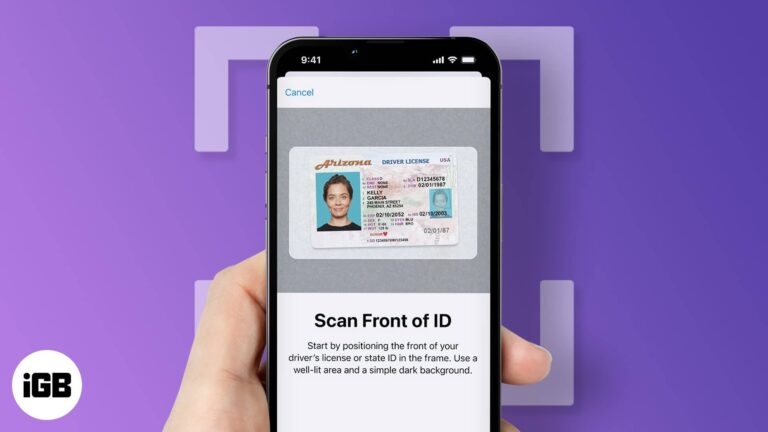
Apple Wallet now supports digital driver’s licenses and state IDs in select states. Here’s how to add yours, verify your identity, and use it securely in 2025.

StandBy mode turns your iPhone into a smart display whenever it’s charging on its side. Learn how to set it up, customize the widgets, and make the most of its best features.
Easy fixes to restore cannot get mail error on your iPhone.

Accidentally logged a workout on Apple Watch? This guide shows how to clean it up in a few quick taps.

 Arshmeet Kaur and Vikhyat
Here’s how to find any lost Apple Pencil and practical tips to prevent losing it again.

If your iPhone keyboard feels slow or unresponsive, don’t worry. Here are easy fixes to solve keyboard lag and get back to smooth, fast typing.
Learn how to create and use Apple Passkeys on your iPhone, iPad, and Mac to enjoy faster, safer, password-free logins.
Learn about the icons and symbols on the Apple Watch to make navigating easier and more intuitive.
Tired of cluttered folders? Keep your Mac tidy by zipping and unzipping files with Finder, Archive Utility, and Terminal.

Lost your Mac? Use Find My Mac to track it, lock it, or erase your data remotely from any device.

The iOS 26 update brings a new unified Phone app layout, but if you prefer the old tabbed design, you can easily switch back to the classic view.

If the Depth Effect isn’t showing on your iPhone Lock Screen, the issue could be your wallpaper, iOS version, or settings. Here’s how to restore the layered 3D look in minutes.
The Stolen Device Protection feature prevents thieves from accessing your iPhone's data.

Explore Apple’s new Calculator app on iPad. Learn to use Math Notes with Apple Pencil, scientific calculations, and the built-in converter for currency, length, and more.

Lost your Apple Watch? Here’s how to track it using your iPhone or Find My app, even if it’s dead. Plus, what to do when you can’t find it anywhere.
Snapchat now offers paid Memories storage plans with options up to 5TB. Here’s what’s changing, who it affects, and how to manage your saved Snaps.

Visual Intelligence makes your iPhone smarter. Point your camera to identify, translate, or ask ChatGPT on the spot.

Make your new iPhone smarter. From AssistiveTouch to Live Text and Siri hacks, discover 22 iPhone tricks that’ll transform how you use your device.

Wondering which iPhone you own? This quick guide shows how to find your iPhone model using Settings, the SIM slot, or the back, with a full model list included.

Unlock your iPhone effortlessly using your Apple Watch, even when Face ID struggles with masks or sunglasses. Learn how to set it up, keep it secure, and fix common issues in minutes.
 Ankur Thakur and Vikhyat
Snapchat’s Imagine Lens turns your photos into creative AI-generated Snaps with a simple text prompt. Discover how it works and why creators love it.
A quick guide to the common reasons your HomePod stops responding and the simple methods to fix it.

After years of waiting, WhatsApp has launched its official Apple Watch app. You can now browse chats, send messages, and get WhatsApp call alerts right from your wrist. Here’s everything you need to know to get started.
Never forget where you parked; track your car’s location easily with your iPhone.
Clear your iPhone or iPad keyboard history to remove unwanted words and reset predictive text.
 Idowu Omisola and Vikhyat
Locked out of the App Store? Don't panic—this guide will help you reconnect and get back to downloading in a snap!

iOS 26 brings Call Screening to iPhone, letting you identify unknown callers in real time without answering. Here’s how to enable and use this privacy-focused feature.
 Vikhyat and Ava Biswas
Learn how to quickly restore accidentally closed Safari tabs using simple methods.


