FaceTime Like a Pro
Get our exclusive Ultimate FaceTime Guide 📚 — absolutely FREE when you sign up for our newsletter below.

FaceTime Like a Pro
Get our exclusive Ultimate FaceTime Guide 📚 — absolutely FREE when you sign up for our newsletter below.


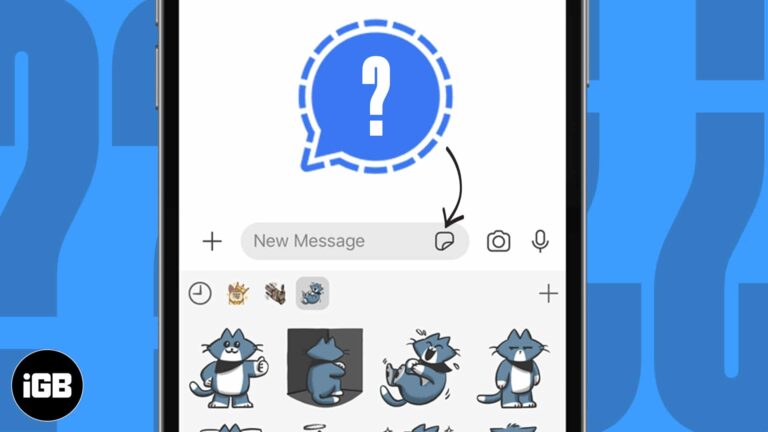
Signal supports stickers without giving up its privacy model. Here is how to use the built-in packs on iPhone, add third-party ones, and send your own Memoji stickers in a conversation.
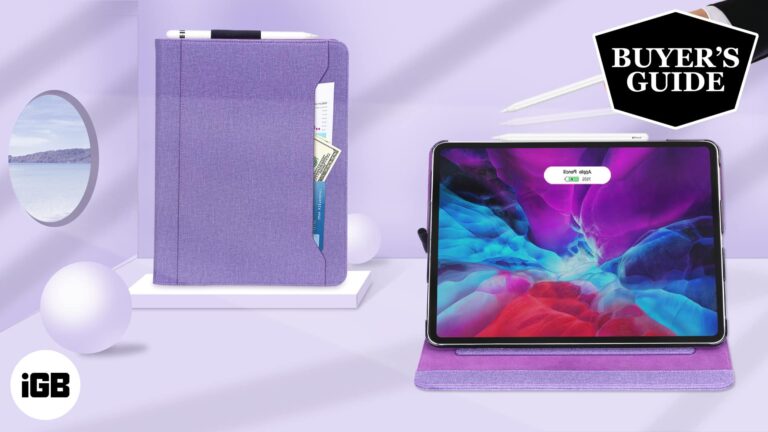
A folio shields both the screen and the back of your iPad Pro while doubling as a stand. These 9.7-inch picks span slim everyday covers through rugged OtterBox-grade protection.
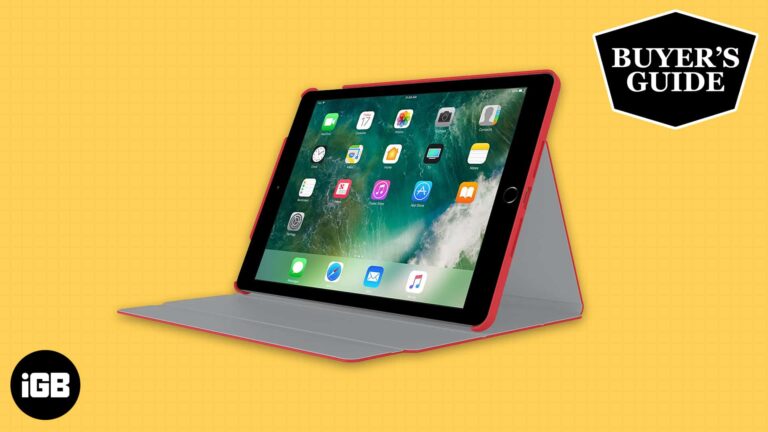
A good folio protects the screen, props the iPad at usable angles, and does not add bulk. These picks for the 10.5-inch iPad Pro cover budget options through premium leather builds.
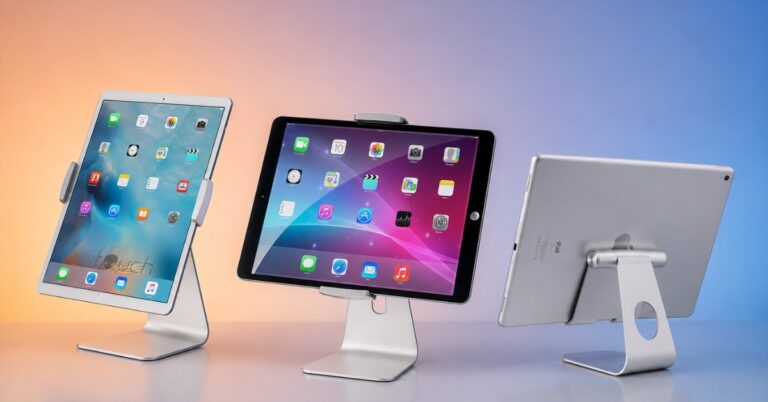
Check out the best stands for iPad Pro to make your workspace more ergonomic. We’ve found top-rated adjustable and foldable picks for any desk setup.
Need to handle payroll on your iPad? These apps help you calculate wages, manage pay runs, and keep employee records in one place.
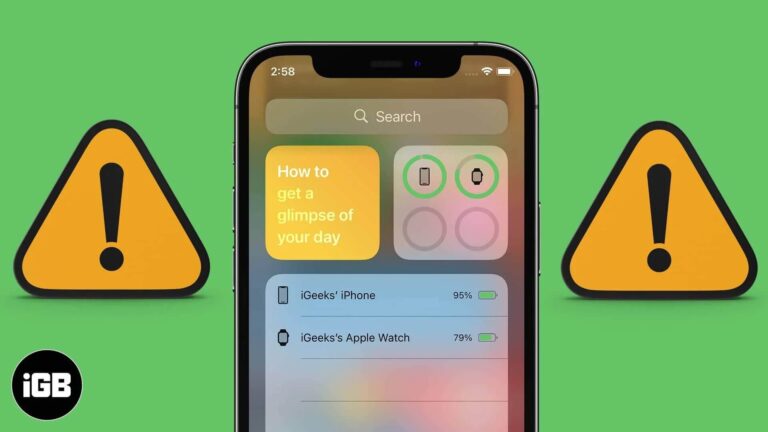
The Batteries widget only appears once a Bluetooth accessory is paired, which catches many people out. These fixes cover adding the widget, lock screen access, iOS updates, and a settings reset.
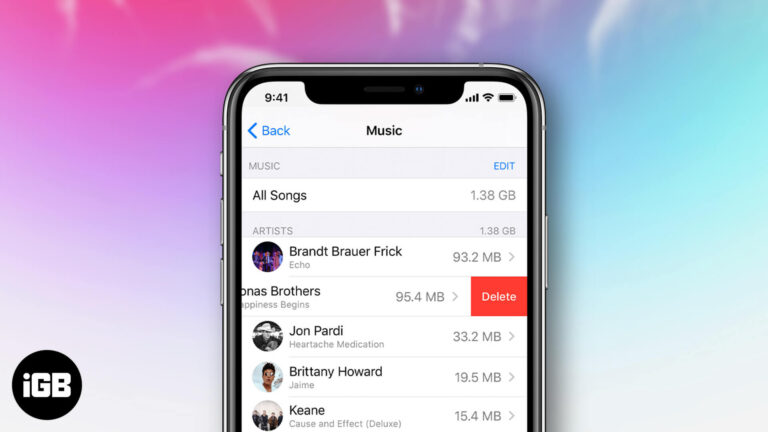
Purchased tracks stay in your library forever unless you hide them. Here is how to hide, unhide, and permanently delete purchased music across iPhone, iPad, and the Music app on Mac.
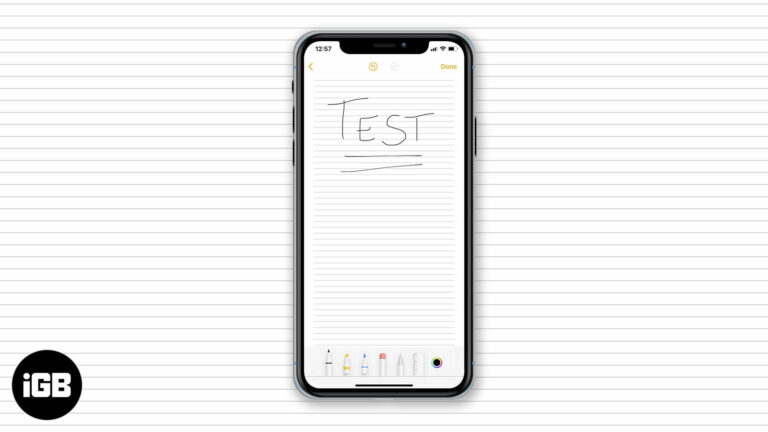
Lined and grid backgrounds make handwritten notes far neater on iPad. Here is how to apply a paper style, remove it from an existing note, and set your preferred default for every new note.
A video shot in the wrong orientation is fixable without a computer. Here is how to rotate one in the Photos app on iOS, and how to do it in iMovie for more control.
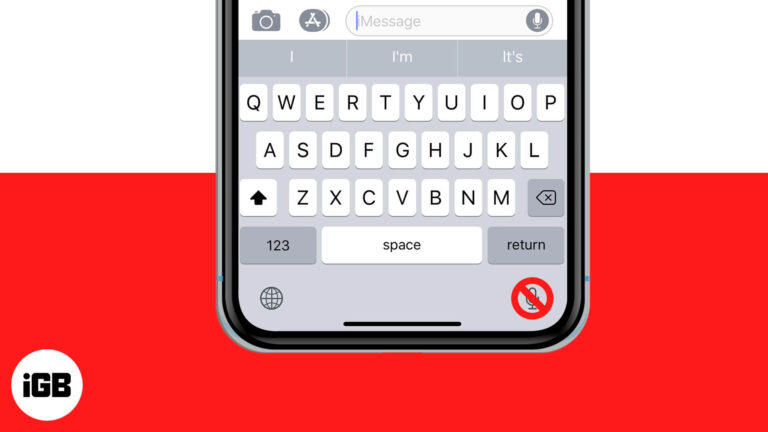
The dictation key sits next to the space bar and gets pressed by accident constantly. Here is how to remove it from the iPhone and iPad keyboard by disabling Dictation.
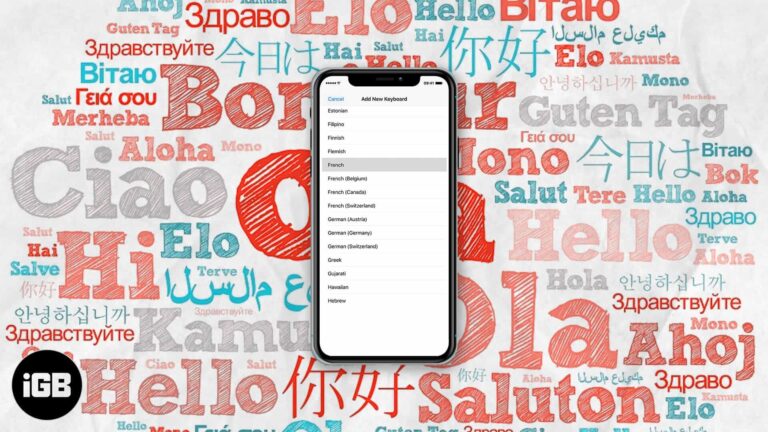
The iOS keyboard can autocorrect two languages simultaneously, so you stop switching mid-sentence. Here is which languages support it, how to set it up, and how to fix it when it fails.
Apple rates most iPads at around ten hours, but real use rarely matches that. These settings changes cut background drain from brightness, refresh, location, and wireless radios.
Face ID gets slower with poor angles and awkward lighting. These adjustments, including turning off Require Attention and setting an alternate appearance, cut the delay before your phone unlocks.
Siri Suggestions learn from your habits, so they break quietly when settings reset. Here is how to restart the feature, toggle it properly, and update iOS to get recommendations back.
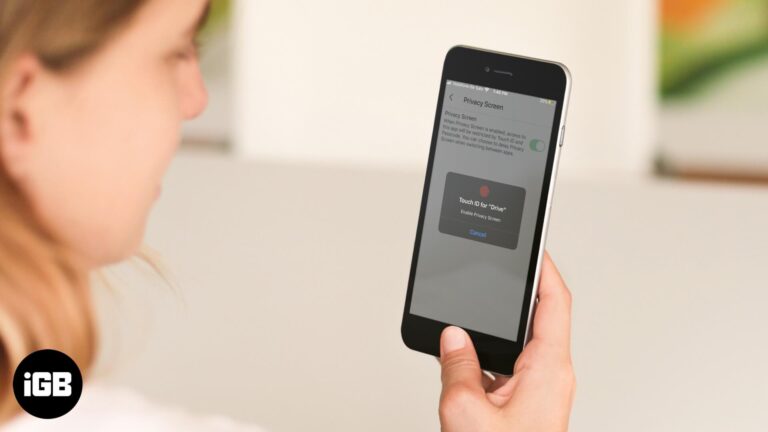
Google Drive's Privacy Screen adds Face ID or Touch ID protection on top of your device passcode. Here is how to enable it on iPhone and iPad, and how to turn it off again.
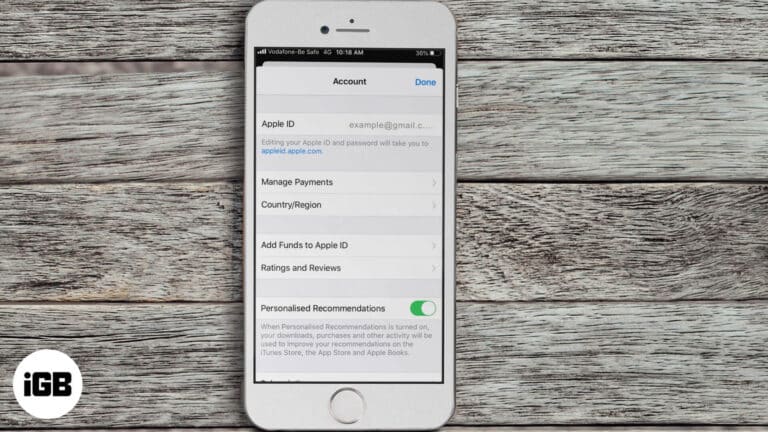
Not able to purchase or download apps on iPhone? Here are some solutions to fix the issue of unable to purchase apps in iOS 13 and iPadOS.
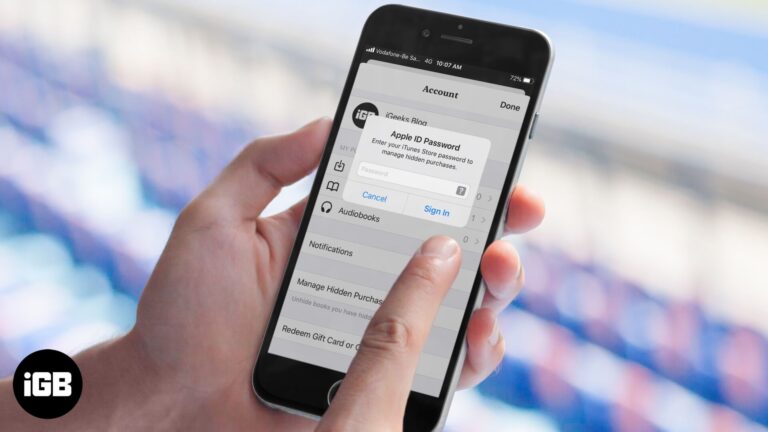
If downloaded or purchased audiobooks not showing up in the Books app. Here are 8 ways to solve this issue on your iPhone or iPad.
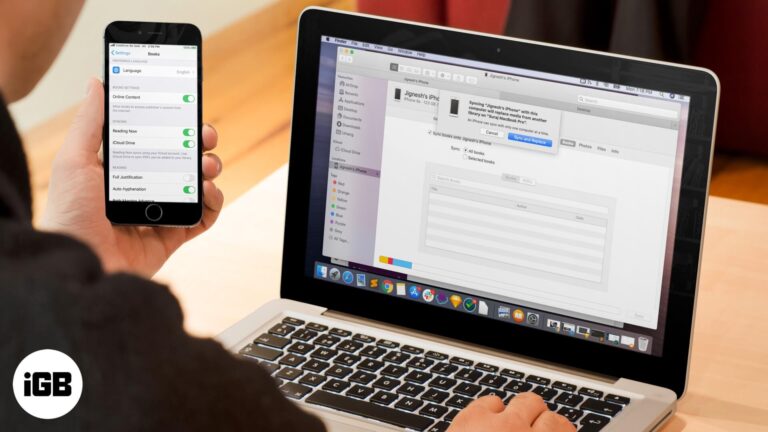
A library that differs on every device defeats the point of Apple Books. These fixes cover iCloud sync toggles, Apple ID mismatches, hidden purchases, and syncing through Finder or iTunes.
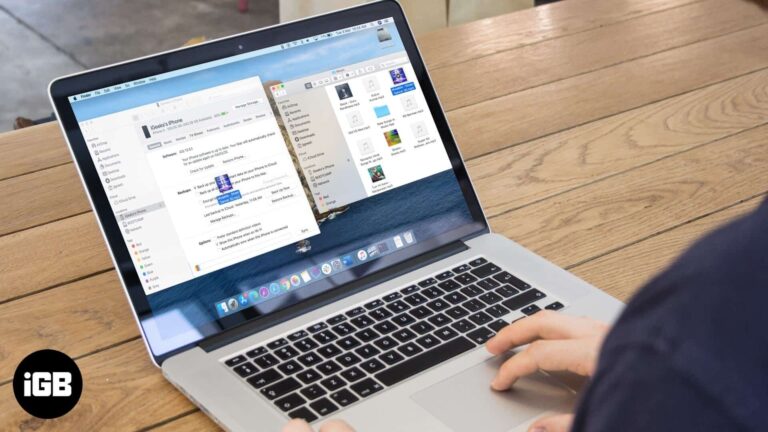
macOS Catalina moved device syncing from iTunes into Finder, which caught many people out. Here is how to sync your music library, manage tracks manually, and clear old media from the device.
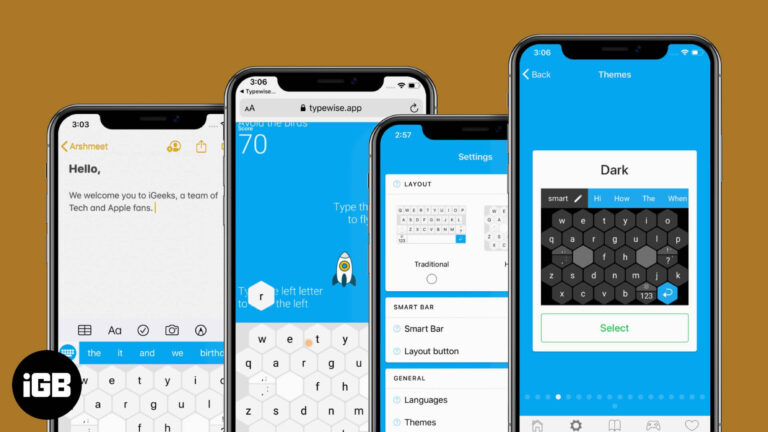
Typewise PRO builds on the free hexagonal keyboard with extra correction, customization, and language features. Here is what the paid version adds and whether it is worth upgrading.
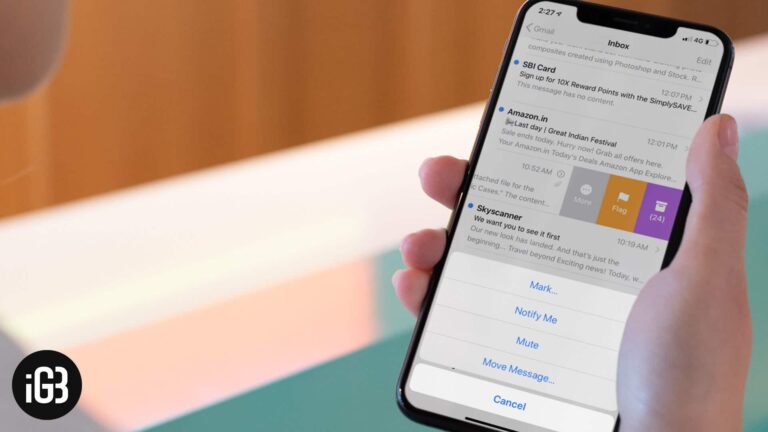
Long reply chains turn your inbox into a wall of duplicates. Here is how to configure thread organization in Apple Mail on iOS so conversations group sensibly and stay easy to follow.
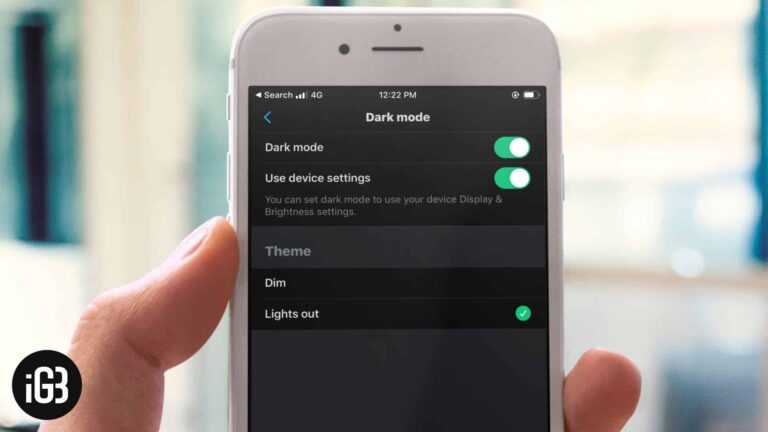
X offers two dark themes, including a true black Lights Out mode that saves power on OLED screens. Here is how to enable either on iPhone and iPad, or match your system setting.
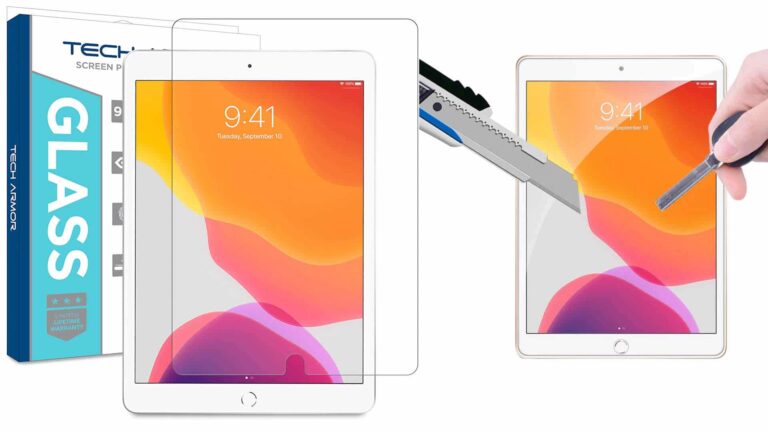
A tempered glass protector guards the 10.2-inch iPad Retina display without dulling it. We compare picks on hardness rating, touch sensitivity, coatings, and how forgiving each one is to install.
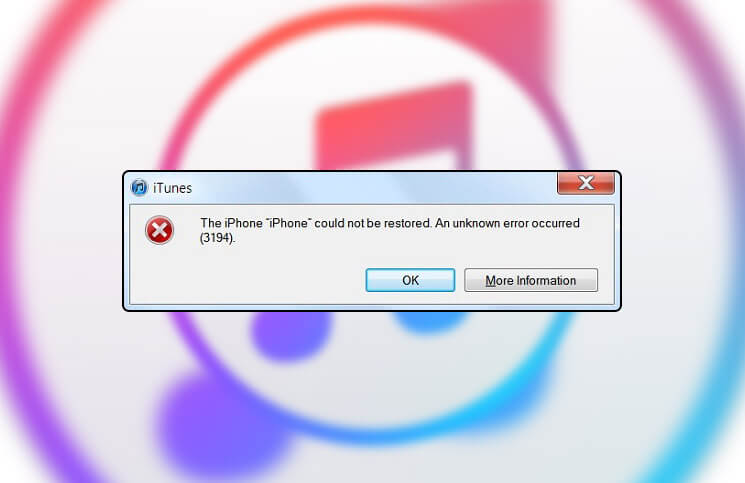
Error 3194 appears when iTunes cannot reach Apple's verification server, usually because of an edited hosts file. Here is how to correct it and complete your restore or update.
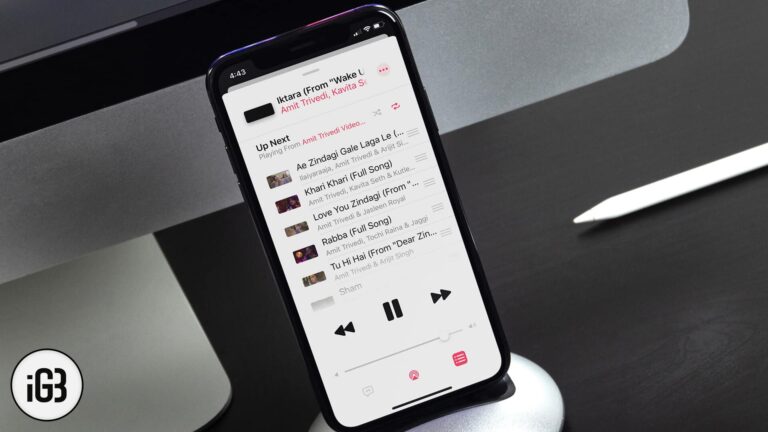
Want to shuffle songs, albums, or playlists in iOS 13? Here is how to shuffle songs or playlists in Apple Music on iPhone and iPad.
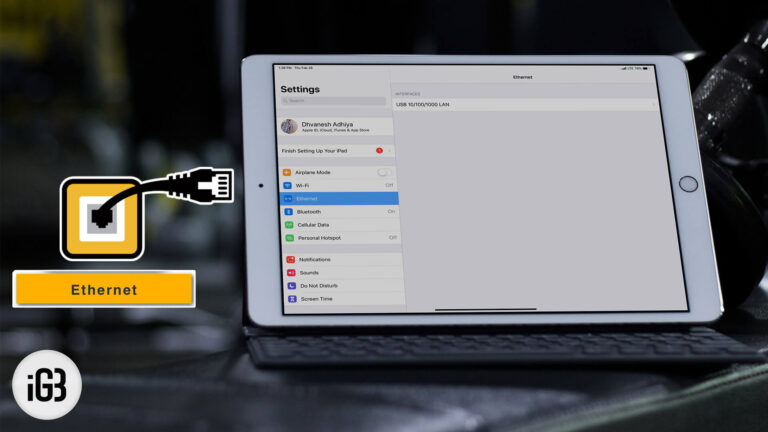
Wired networking beats Wi-Fi for large transfers and stable video calls. Here is what adapter an iPad Pro needs to join an Ethernet LAN and how to configure the connection.
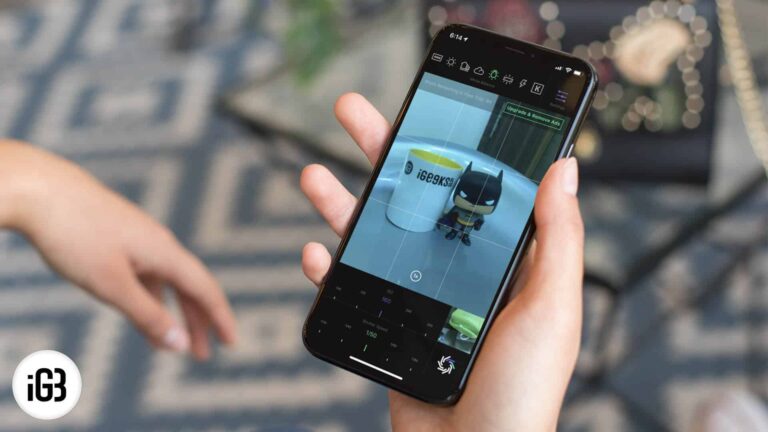
RAW files hold far more detail for editing than a standard photo. Here is why they are worth using on iPhone, how to capture them, and how to edit RAW images on iOS.
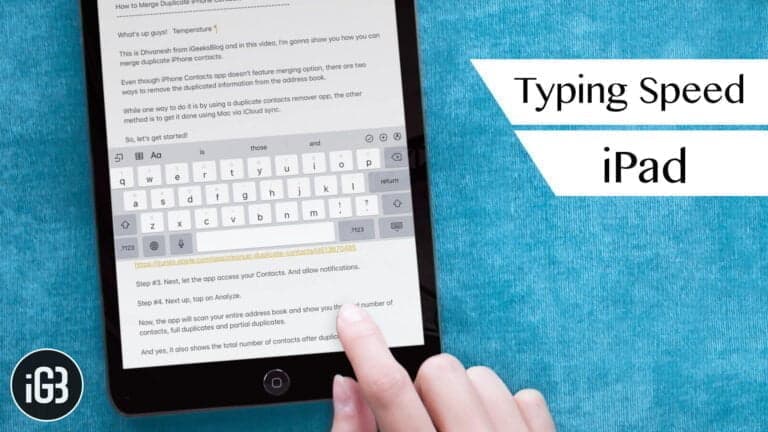
The iPad keyboard hides real productivity behind gestures most people never learn. These tips cover swipe shortcuts, trackpad mode, text replacement, and settings that make typing faster.
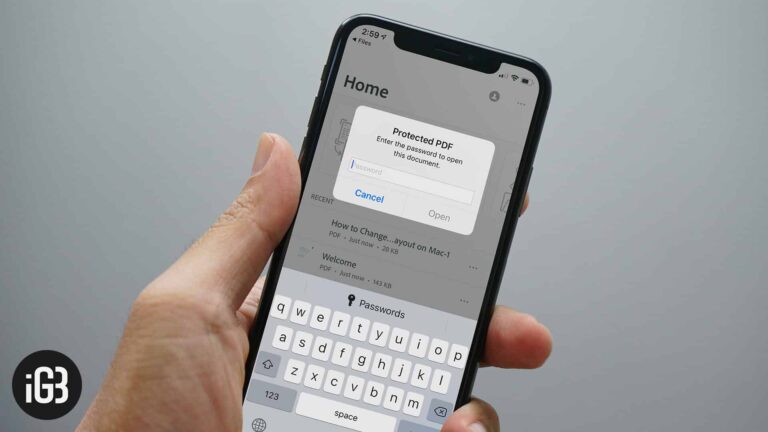
Confidential PDFs should not travel unprotected. Here is how to add a password to any PDF directly on iPhone or iPad using tools already built into iOS.