
FaceTime Like a Pro
Get our exclusive Ultimate FaceTime Guide 📚 — absolutely FREE when you sign up for our newsletter below.

FaceTime Like a Pro
Get our exclusive Ultimate FaceTime Guide 📚 — absolutely FREE when you sign up for our newsletter below.



Apple is set to make its Maps app reliable or even better than its competitors. Recently, as you may have noticed, the navigation, as well as the overall UI has been overall improved after the updates. During WWDC 2022, Apple…
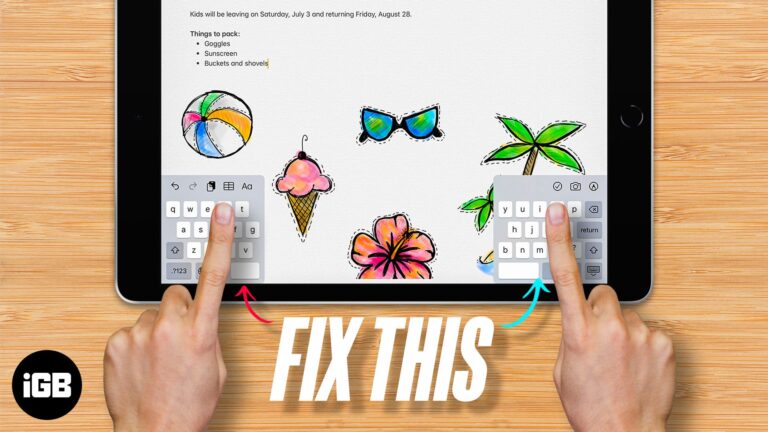
As we all know, keyboards are an important tool to input information into our devices, including iPads. Since it has a big screen real estate, typing on an iPad may not be a good experience. That’s why Apple has introduced…
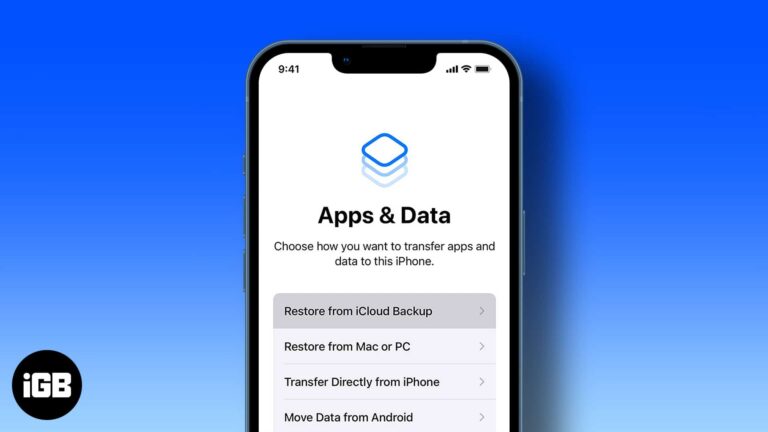
Restoring resolves persistent problems and moves everything to a new device. Here is when it makes sense, plus step-by-step instructions for iCloud, Finder on Mac, and iTunes on Windows.
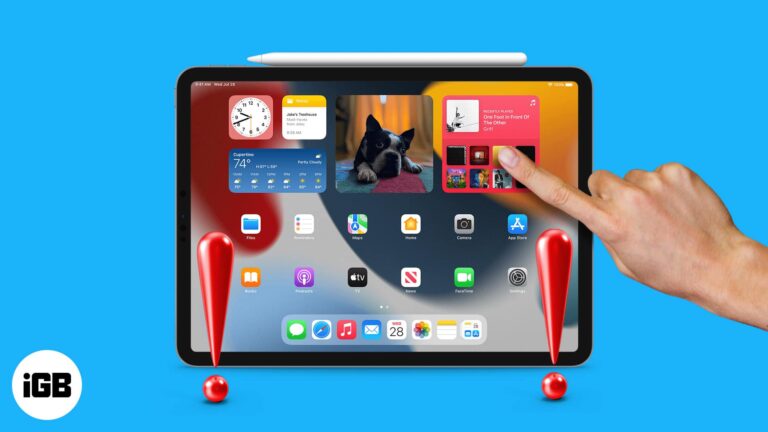
iPad is the best device for artists, productivity users, and those who prefer to binge-watch movies and shows. But it all becomes useless if your iPad’s touch screen is not working anymore. There are many reasons for this issue, and…
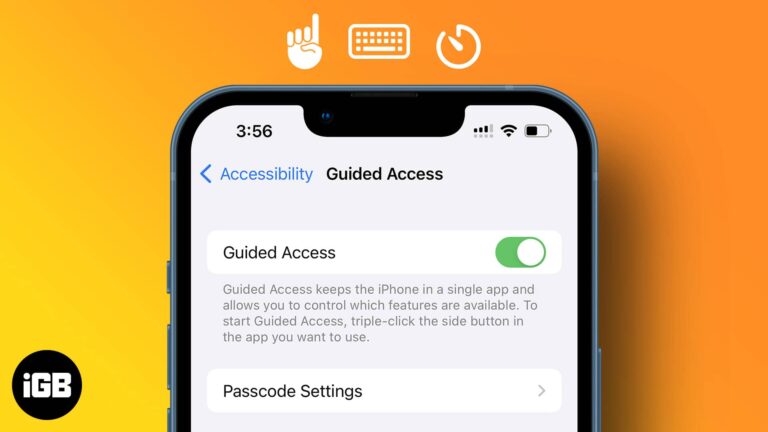
Guided Access is the right tool for handing your phone to a child or a customer. Here is what it does, how to set it up, which controls you can disable, and how to exit a session.
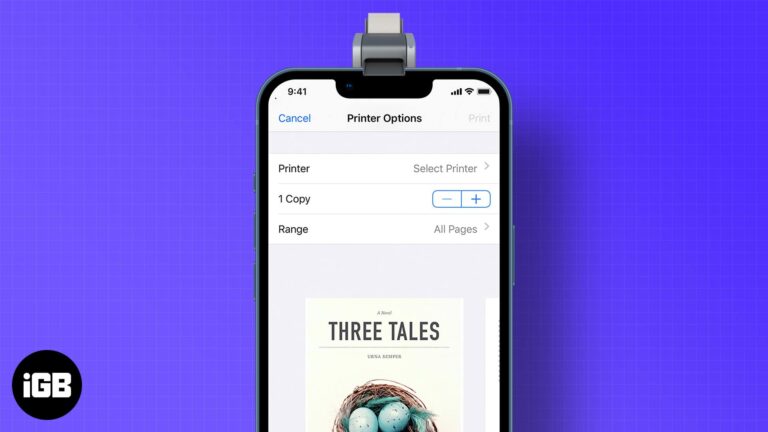
AirPrint makes wireless printing straightforward when your printer supports it. Here is how to print from iOS, how to print without a shared network, and your options for older printers.
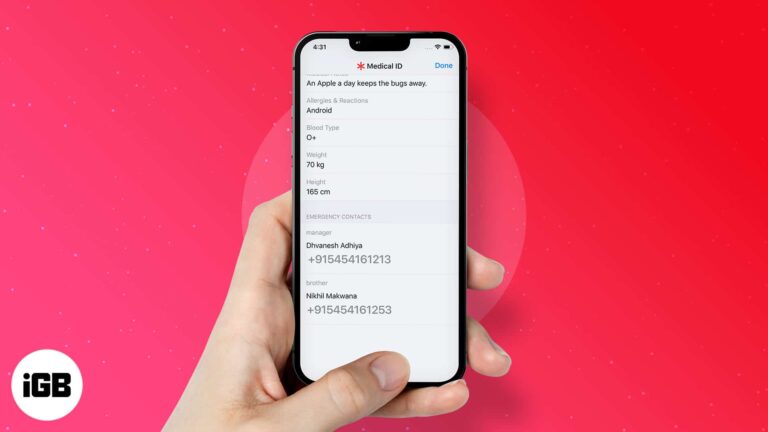
Returning a lost iPhone is harder than it should be. Here is how to reach the owner when the device is unlocked, what to do when a passcode blocks you, and the legal cautions worth knowing.
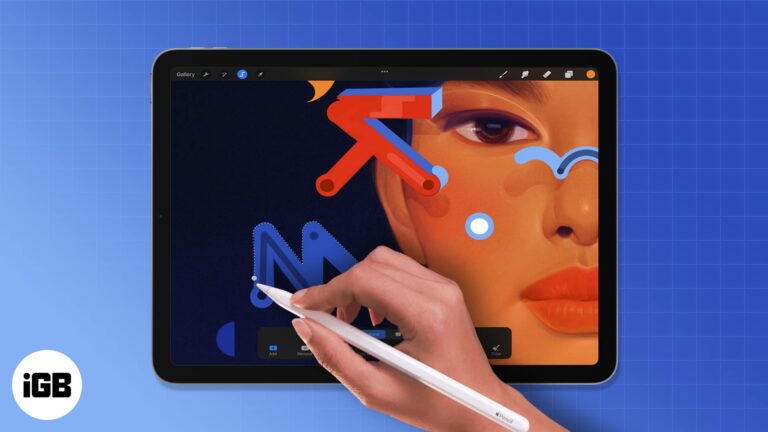
Apple’s iPad is a revolutionary device that lets you do more than ever before. The invention of the iPad has changed the way we think about tablets and their functionality. And if you possess one, you know how enjoyable it…
If a device is gone for good, wiping it protects your data. The simplest route is iCloud.com, but managed devices offer other options. Here is how each method works and what erasing removes.
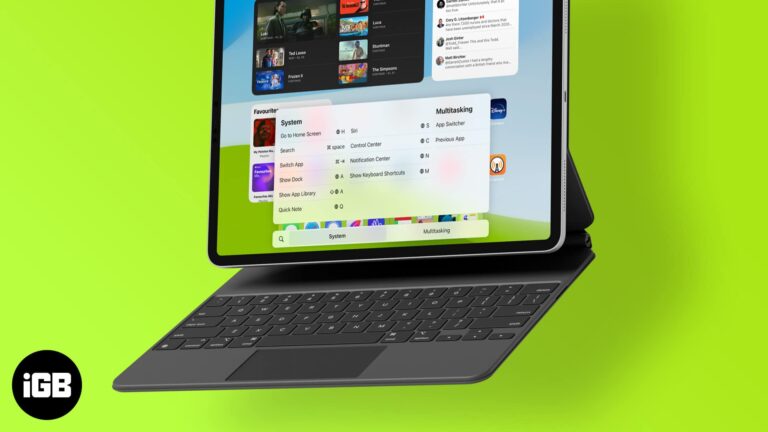
An external keyboard turns an iPad into a laptop replacement, but only if you know the shortcuts. Here are the common ones, plus Globe key, multitasking, Safari, and custom shortcuts.
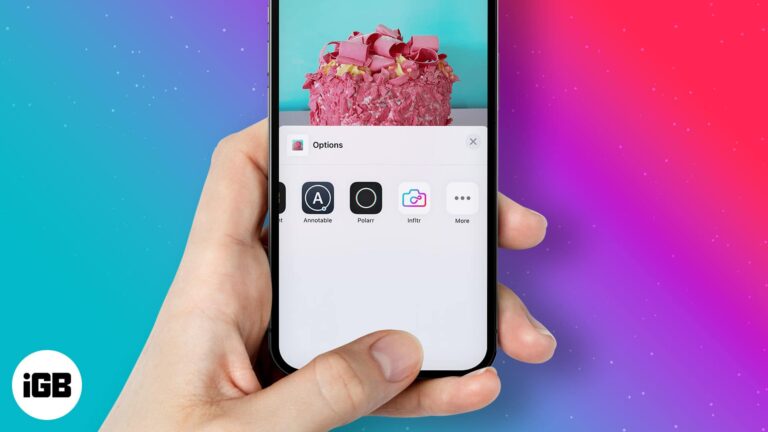
In 2014, while announcing iOS 8, Apple unveiled app extensions throughout iOS. This allows users to use third-party apps that have extensions directly within native iPhone apps. This opens infinite possibilities. I mean, just imagine using extensions in the Photos…
While emojis are a great way to communicate our emotions, GIFs are even better. They go a long way to give people a demonstrated short scene of our reaction and communicate deep thoughts in a flash. Besides, it becomes more…
Apple’s recent iOS 15.4 update bundles some salient features. A remarkable addition is that it lets you add notes to credentials stored in iCloud Keychain. You probably know the power of iCloud Keychain with password autofill. But this new feature…
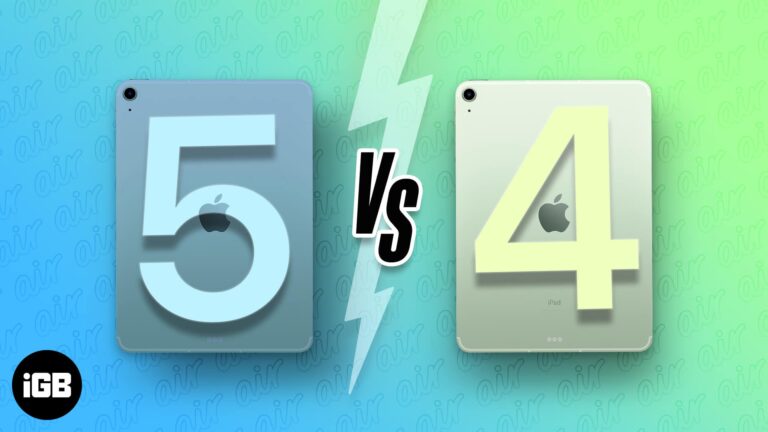
Apple unveiled an all-new M1-powered iPad Air at the Peek performance event, the same chip that powers iPad Pro 2021. But is this diversion from A14 Bionic featured in iPad Air 4 actually useful for Air users? Or is it…
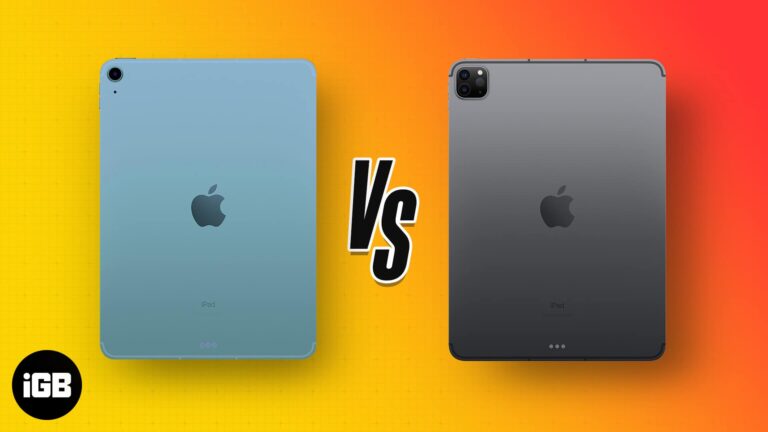
Apple unveiled the M1 iPad Air 2022 at the Peek performance event. The newest iPad Air is powered by the same chipset as iPad Pro 2021. This beckons why buy a more expensive iPad Pro when you can get similar…
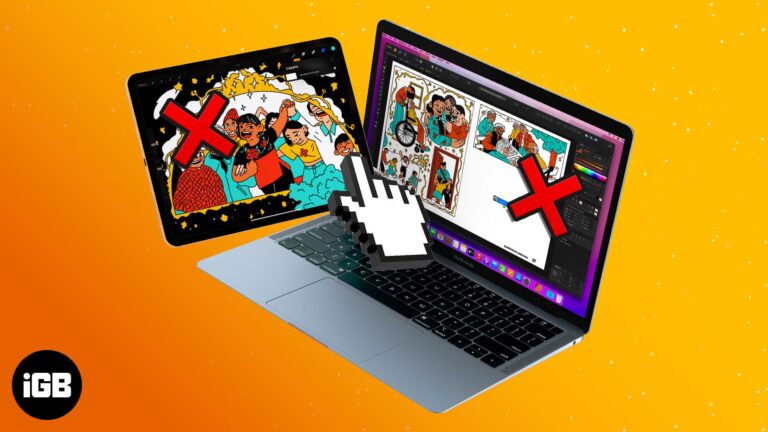
Universal Control has held my fancy since its initial introduction during WWDC2021. And I must say, it is a magical feeling to swiftly move between an iPad and Mac or Mac and iMac. But if you’re not able to experience…
Missed calendar alerts usually trace to notification permissions or a missing default alert time rather than a broken app. These 12 fixes work through every setting that silences them.

Screen recording fails because of Screen Time restrictions, low storage, or apps that block capture. These nine fixes work through each cause so you can record again.
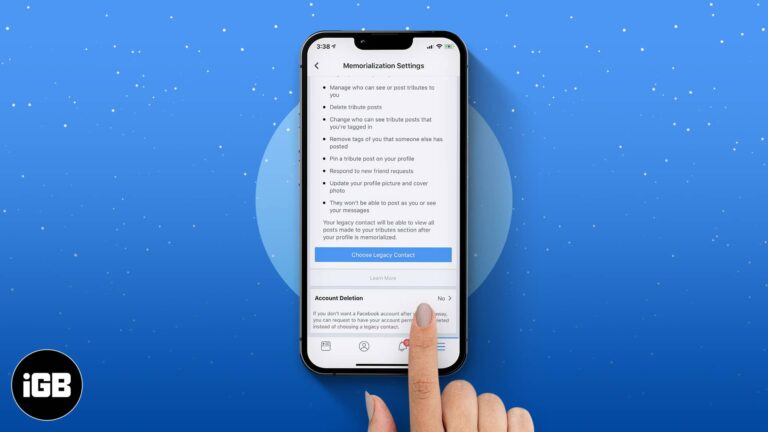
Our lifestyles have changed a lot since the advent of smartphones. Services like Facebook, Instagram, and WhatsApp have become indispensable. The majority of us use these platforms to stay connected. But have you ever wondered what happens to the Facebook…
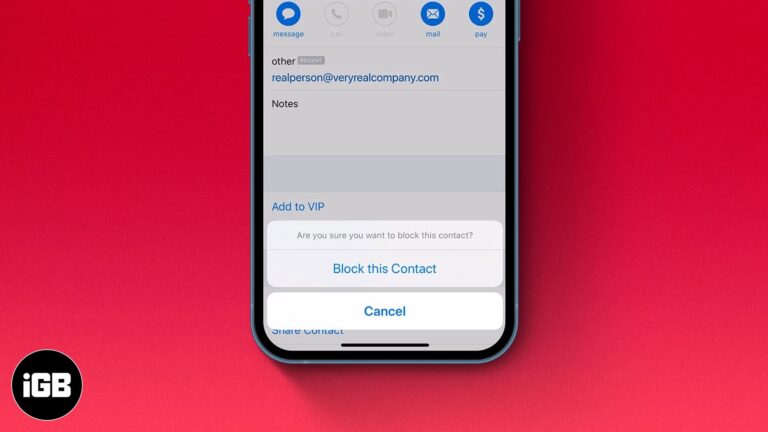
While you don’t see spam emails in your primary mail directory or receive notifications for them, some emails evade spam detection and land in your primary folder. If you are as tired of receiving such emails as I am, there’s…
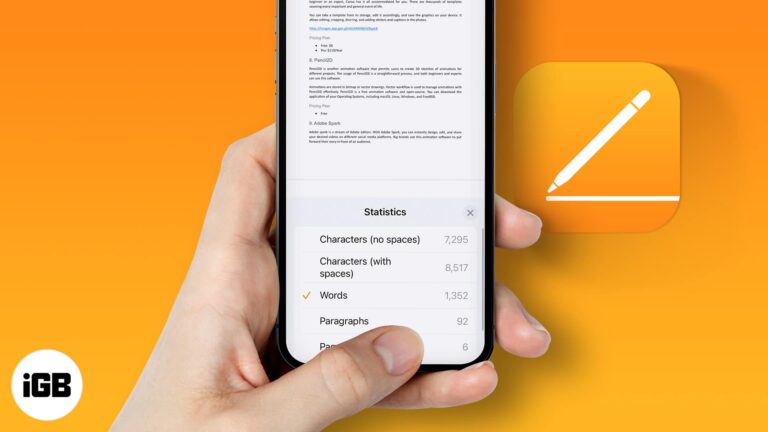
Pages hides the word count by default on every platform. Here is how to turn it on for iPhone, iPad, and Mac so you can track length as you write.
Whether switching to a cheaper Spotify alternative or creating a new account, it’s easier to delete your Spotify account from an iPhone or iPad. Depending on your plan, there are 2 ways of doing this. In this article, I’ll show…
An aging iPad usually slows because of full storage and accumulated app data rather than the processor. Here is how to clean it out and restore responsiveness without buying a new one.

The Photos app applies filters to video, not just stills, and the change is fully reversible. Here is how to do it on iPhone, along with the third-party apps worth using for stronger looks.
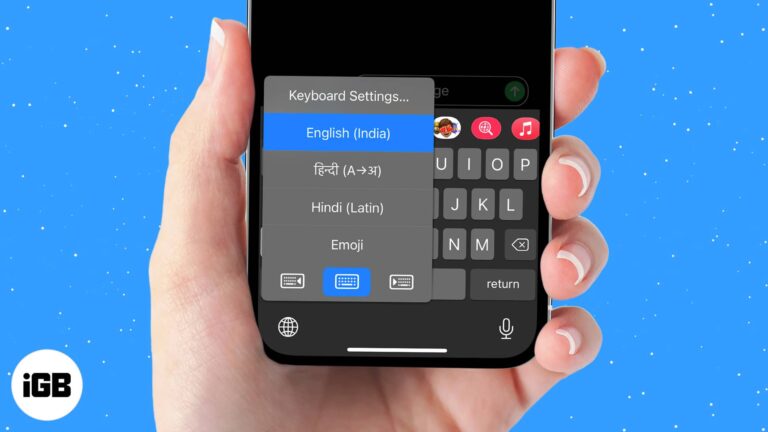
iOS lets you install extra language and third-party keyboards and swap between them mid-sentence. Here is how to add one, set your preferred default, and switch quickly with the globe key.
Apple News crashes are usually caused by a stuck app process or an outdated iOS build rather than a damaged install. These four fixes escalate from a force quit to a clean reinstall.
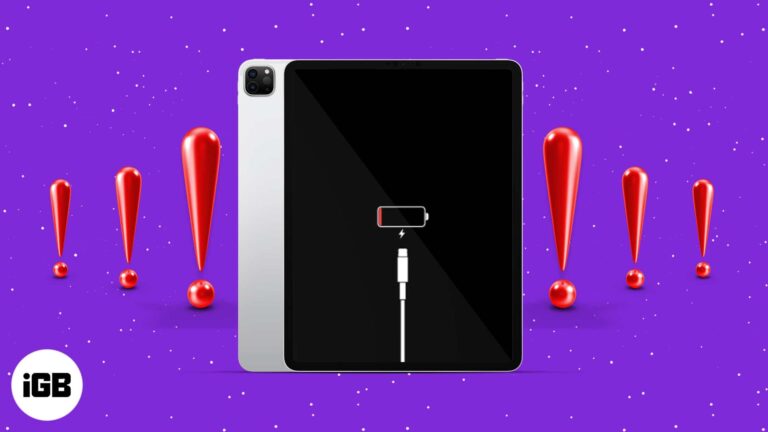
A charging failure is usually the cable, adapter, or a clogged port rather than the battery. Here is how to test each one in order and the software fixes worth trying before a repair.

First and second generation Apple Pencils pair and charge completely differently. Here is which iPads support each, how to connect and charge them, and what to do when pairing fails.
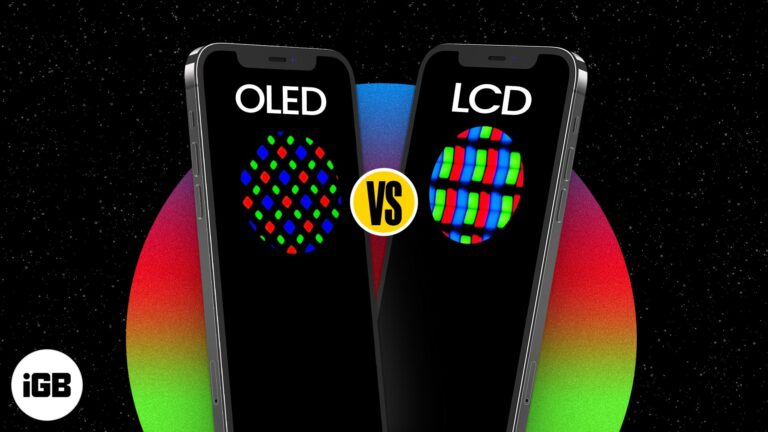
With the new iPad Pro in the market, dinner table conversations will mainly comprise its M1 chip and faster performance. But has anyone noticed Apple changing 12.9 inches model’s display to Liquid Retina XDR? Apple has been experimenting with the…
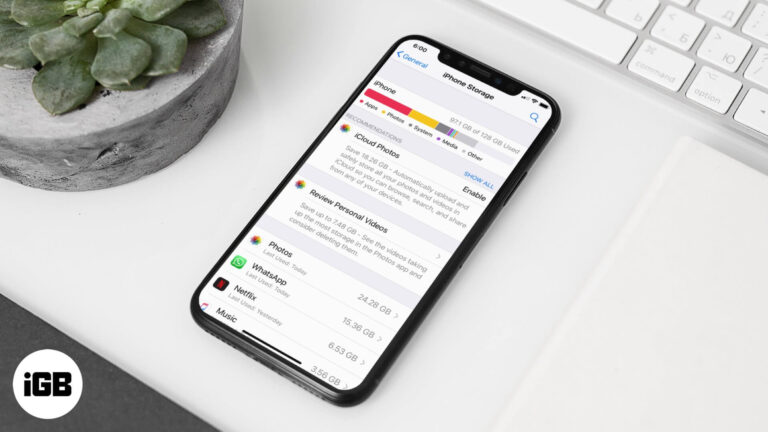
Documents and Data is cached app content that quietly consumes gigabytes. This guide explains why apps cache, how to see what each one stores, and the safest ways to clear it on iPhone and iPad.


