FaceTime Like a Pro
Get our exclusive Ultimate FaceTime Guide 📚 — absolutely FREE when you sign up for our newsletter below.

FaceTime Like a Pro
Get our exclusive Ultimate FaceTime Guide 📚 — absolutely FREE when you sign up for our newsletter below.


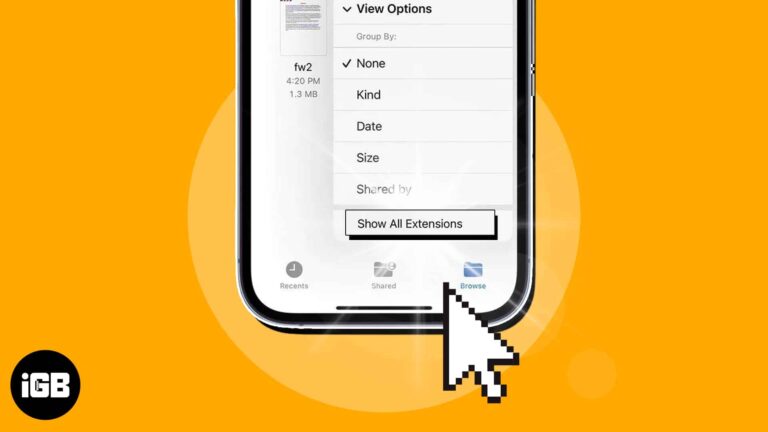
Want to use a file in a specific app on your iPhone, but the format is not supported? Worry not! Using the built-in Files app on your iPhone, you can quickly view the file extension and save them in a…

Want great games on your iPad Pro? These picks deliver immersive fun with stunning graphics, smooth gameplay, and hours of entertainment.
Slow Wi-Fi is often the phone, not the router. These 10 fixes work through placement, forgetting and rejoining the network, removing a thick case, updating iOS, and resetting network settings.
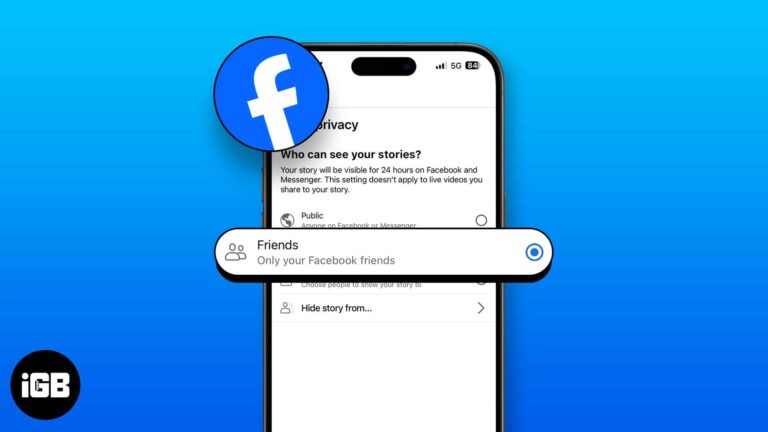
Stories default to your whole friends list, which is rarely what you want. Here is how to hide yours from specific people, control the audience, mute other people's, and undo any of it.
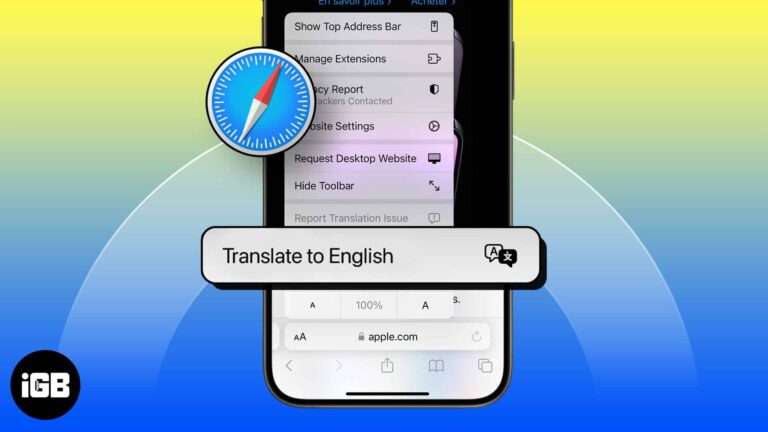
Safari translates whole pages natively on iOS. Here is how to use it, how to add languages to the list, why the translate button sometimes disappears, and what to do about it.
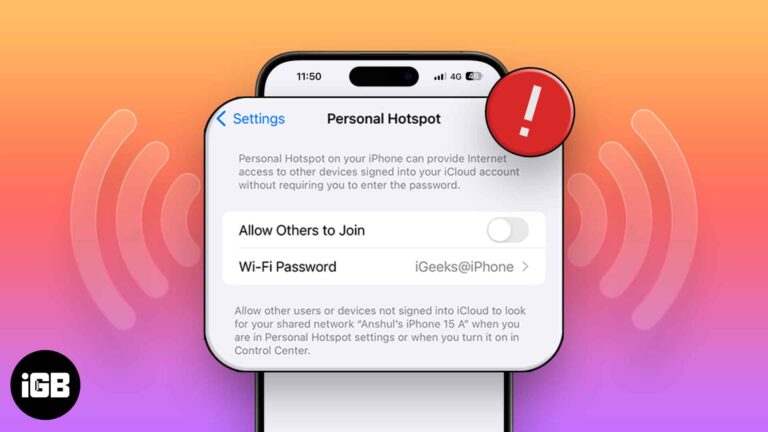
A vanished Personal Hotspot is nearly always a carrier provisioning issue. These 12 fixes cover carrier settings updates, APN certificates, plan checks, and a full network settings reset.

Pinching to zoom works differently in playback and in the editor. Here is how to zoom a video while watching it in Photos on iPhone or iPad, and how to crop and zoom while editing.
Deleted photos sit in Recently Deleted for 30 days and still occupy storage. Here is how to erase them for good, and how to recover an image before that window closes.
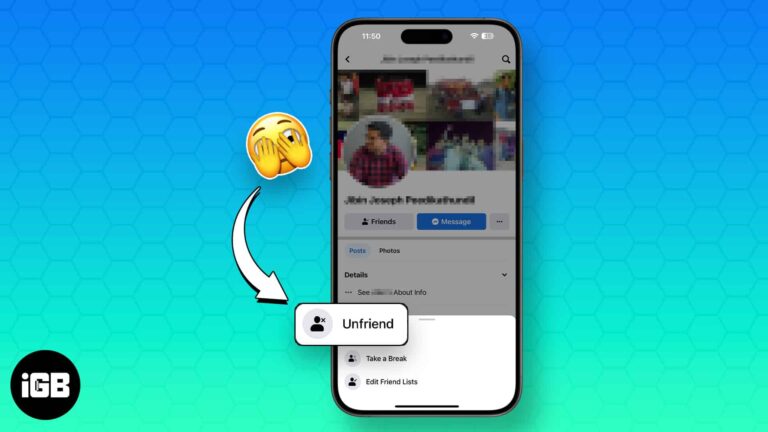
Unfriending removes a connection quietly, while blocking cuts off all contact and visibility. Here is exactly what each one does, how to do both on iOS, and how to reverse a block.
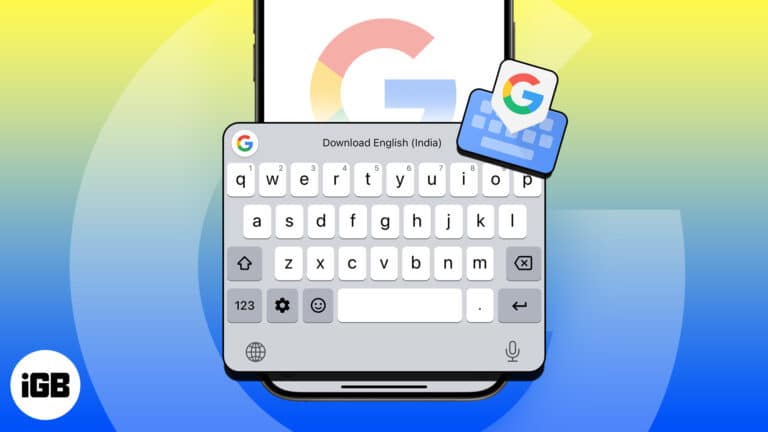
Gboard adds glide typing, search, and translation to the iOS keyboard. Here is how to install it, grant full access, set it as your keyboard, and remove it if you change your mind.
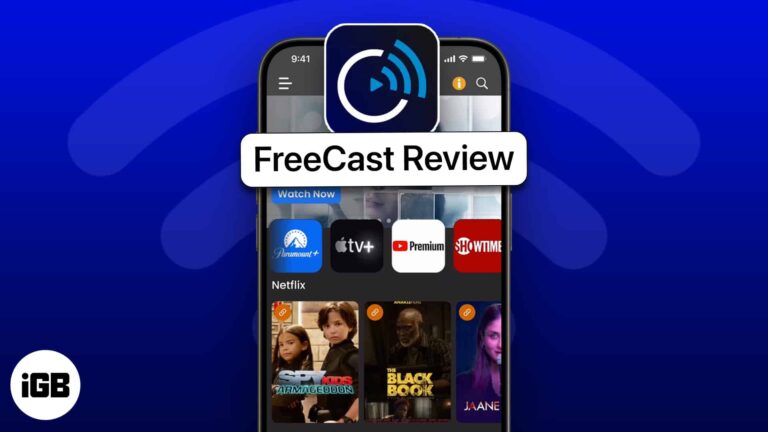
FreeCast is a free app for streaming TV shows and movies. You can choose from a variety of in-app channels for live TV shows or connect to your subscription streaming service, such as Netflix or Apple TV+. Search for shows…
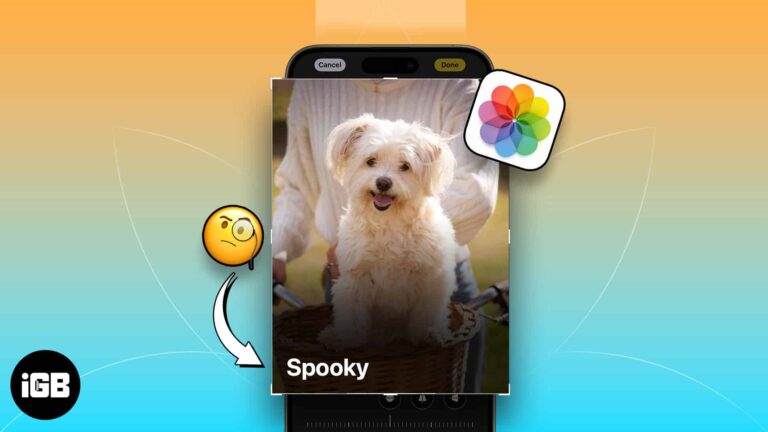
Whether you’re a dog mom or a cat dad, you love your pet and probably snap tons of photos of them. Using the newly introduced feature of pet recognition with iOS 17, iPadOS 17, and macOS Sonoma, you can now…
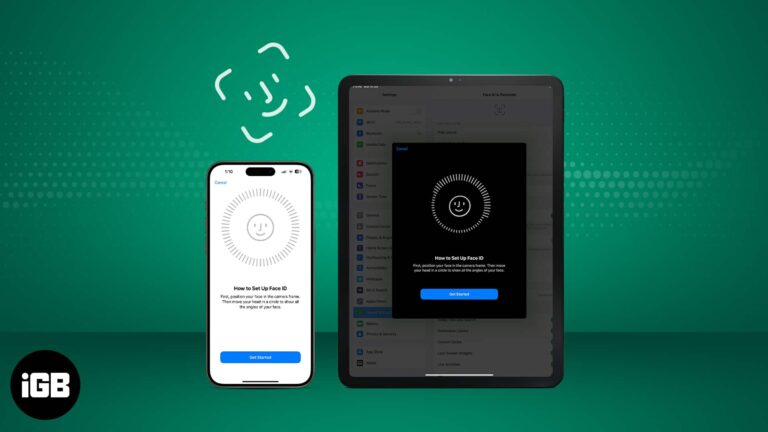
It’s advisable to use Face ID on your iPhone and iPad Pro because it’s a smart, fast, and highly secure way of unlocking your device. According to Apple, there is only a one in a million chance of someone else being…
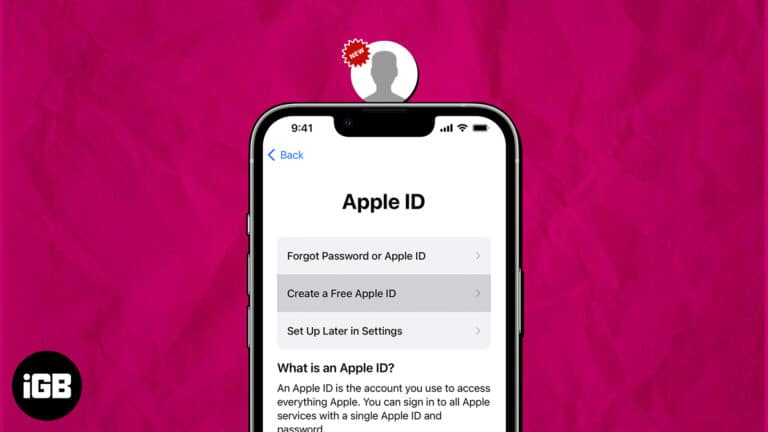
If you are a pro Apple user, you might already have an Apple ID. But if you are someone who is not well-versed with the ecosystem and just wants to try out a few of Apple services, you are welcome,…
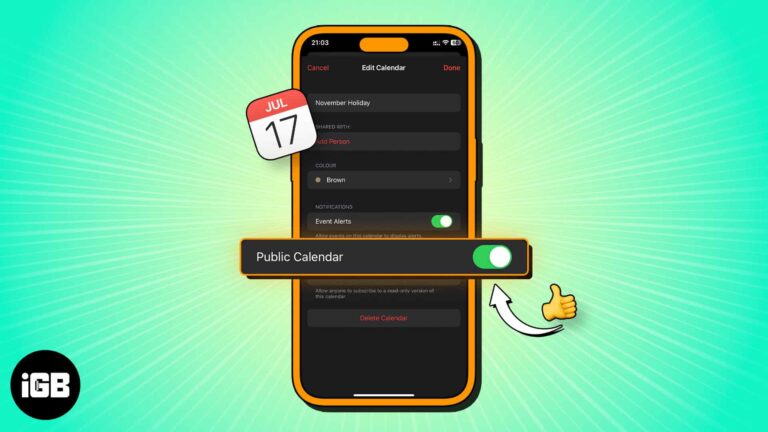
A public calendar produces a link anyone can subscribe to, including non-Apple users. Here is what a public calendar is, how to create one on iPhone, and how to share the subscription link.
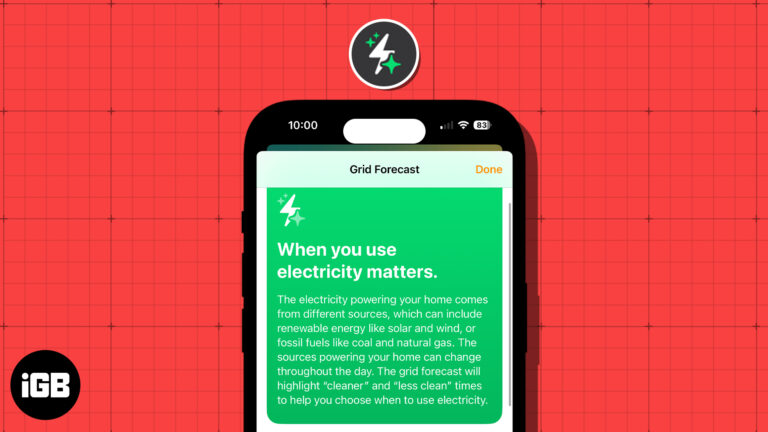
These days, people are more concerned about energy and its sources than ever before. With this in mind, Apple introduced the Grid Forecast feature in the Home app with iOS 17. This allows you to see the best times for…
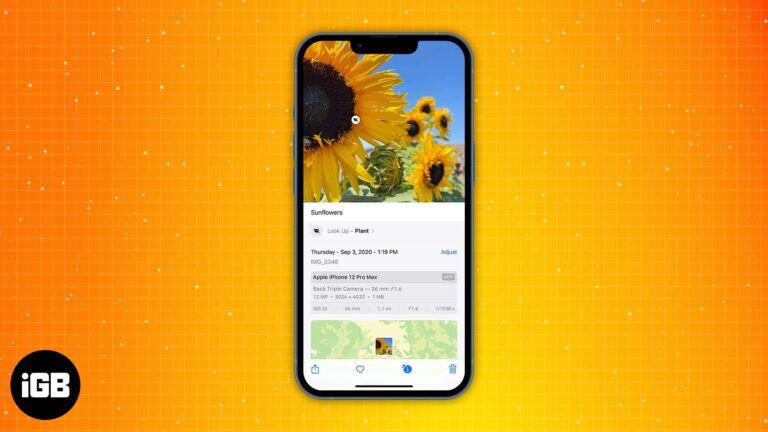
Captions make a huge photo library actually searchable. This guide shows how to add a caption to any photo or video, edit or remove it later, and find images by searching your caption text.
If you multitask and have hands full of work, you can make Siri read whatever text is on your screen aloud. It’s like turning your iPhone, iPad, or Mac into your personal storyteller. In this guide, I have shared how…
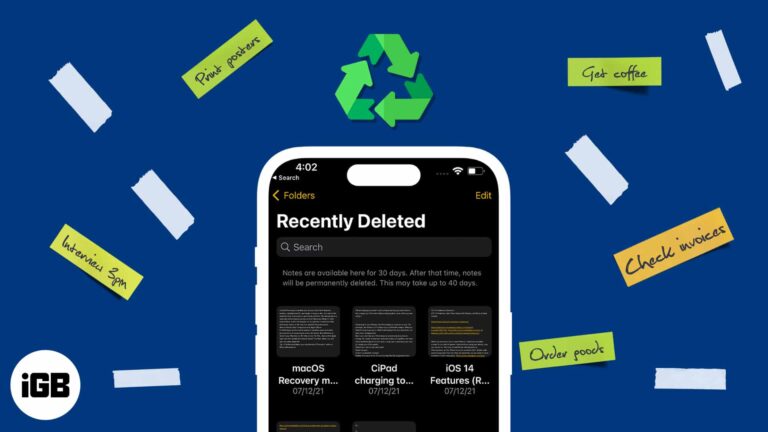
Did you accidentally delete a note on your iPhone or iPad and now looking to recover it? Well, worry not, as here I have listed easy ways to recover deleted notes on your iPhone, iPad, and Mac. You can also…
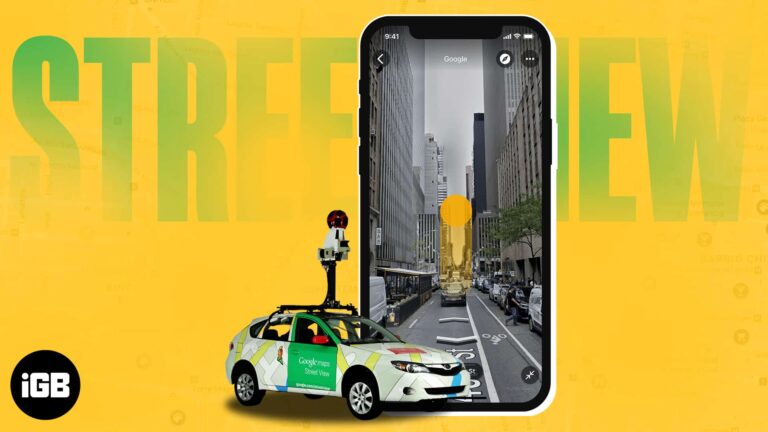
Are you planning your trip but not sure about the whereabouts of the unfamiliar place? Well, the Google Maps Street View feature helps you visually explore any destination from the comfort of your home. In this guide, I will tell…
YouTube playlists offer a seamless way to curate and enjoy personalized collections of content. But unfortunately, many still find it hard to effectively create and manage YouTube playlists on iPhones and iPad. Whether you’re a passionate content creator, a music…
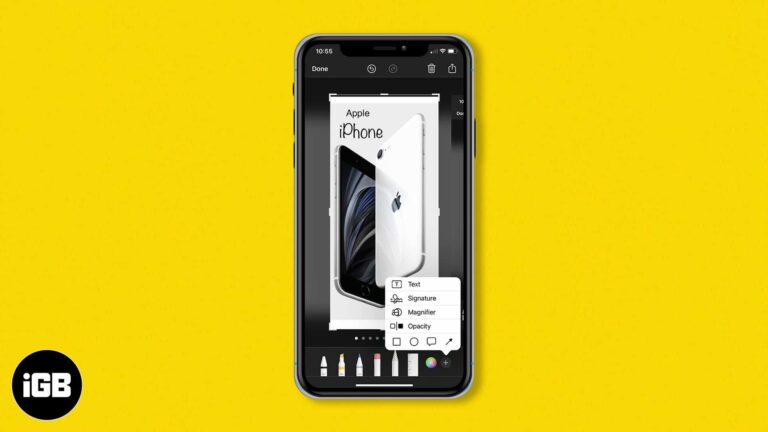
Markup turns a screenshot into a properly annotated image without another app. Here is how to draw, magnify a region, add text and captions, and drop in a signature on iPhone or iPad.
While we love to summon a file or app via Spotlight, let’s face it, there are photos we’d rather keep private. Regardless of the picture, it’s essential to know how to manage what shows up in the Spotlight search on…
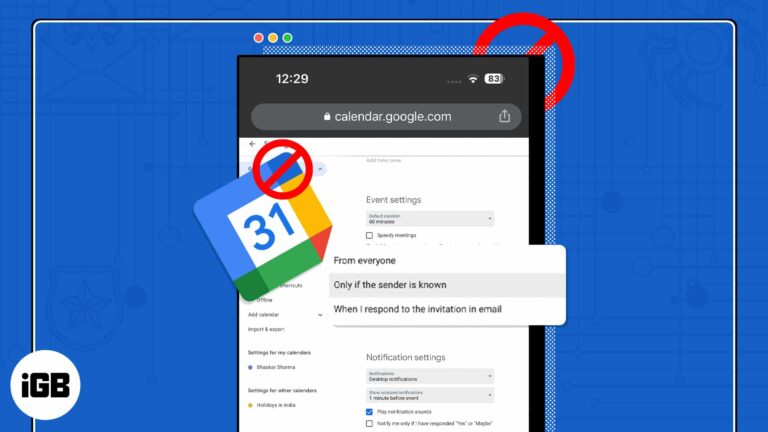
With the advancement in technology, spammers have discovered new methods to infiltrate your device and disrupt your daily routine. However, to have a healthy work-life, you must maintain your Google Calendar clean and spam-free. In this post, I’ve demonstrated how to stop and…
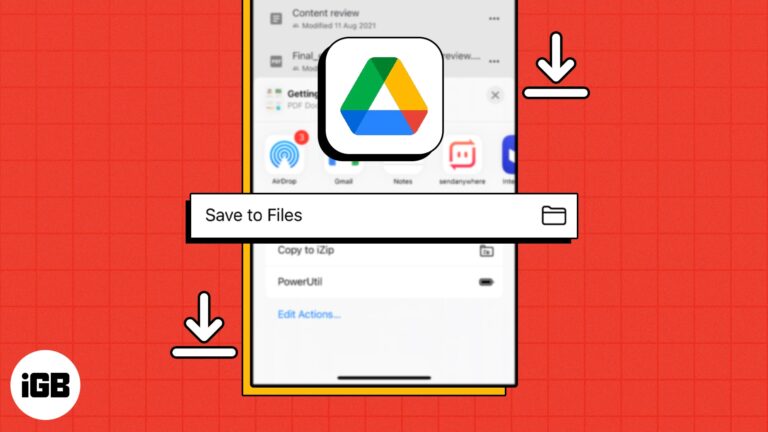
Nowadays, Google Drive is among the most reliable and popular cloud storage options. It lets you store and access your files from any device, including your iPhone or iPad. If you’re wondering how you can download Google Drive files to…
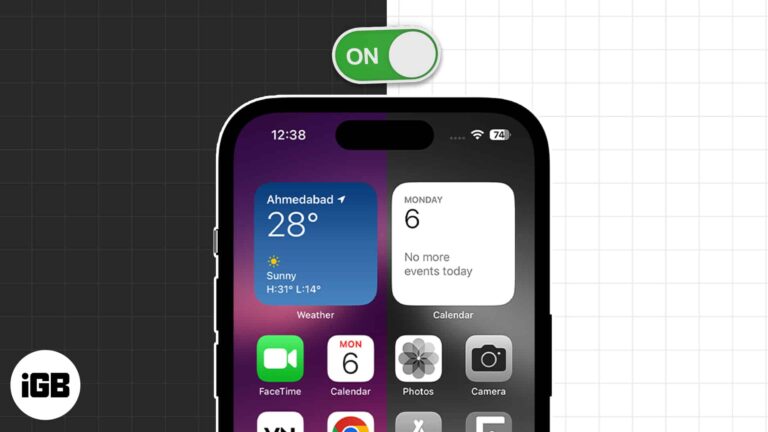
Grayscale helps with color vision differences and makes a phone far less compelling to pick up. Here is how to enable it on iPhone and iPad and bind it to a triple-click shortcut.
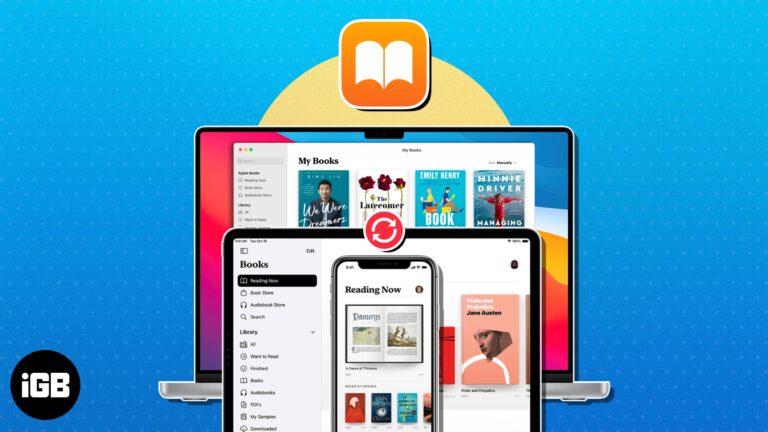
One of the best features of the Books app is the ability to start reading on one Apple device and finish on another. To keep up to date with your novels, short stories, and other reading materials, here’s how to…