
FaceTime Like a Pro
Get our exclusive Ultimate FaceTime Guide 📚 — absolutely FREE when you sign up for our newsletter below.

FaceTime Like a Pro
Get our exclusive Ultimate FaceTime Guide 📚 — absolutely FREE when you sign up for our newsletter below.


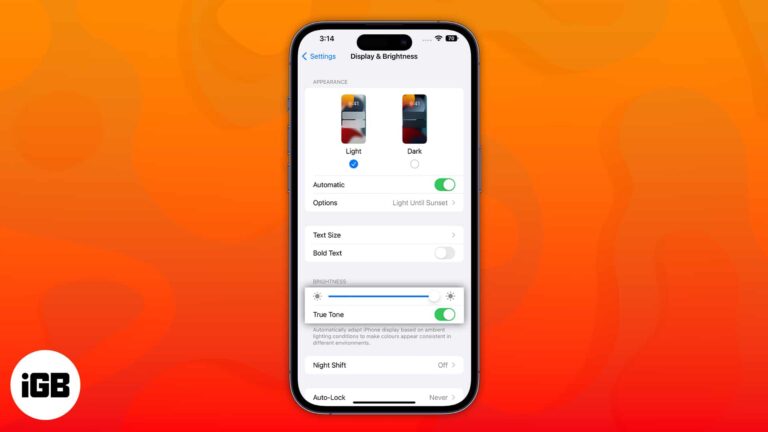
Apple devices have a display feature called True Tone to reduce eye strain. Though it is developed to help us, it might be irritating for some, particularly because of the color shift. This article will cover what True Tone means…
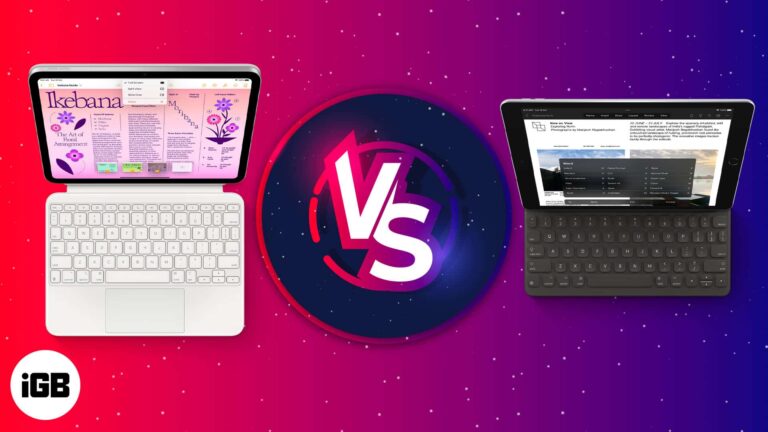
There was a time when we anticipated if iPad could replace a Mac. Today, the iPad resembles a laptop more than ever, and all the credit goes to Apple’s stunning Magic Keyboard with a trackpad. However, users must pay a…
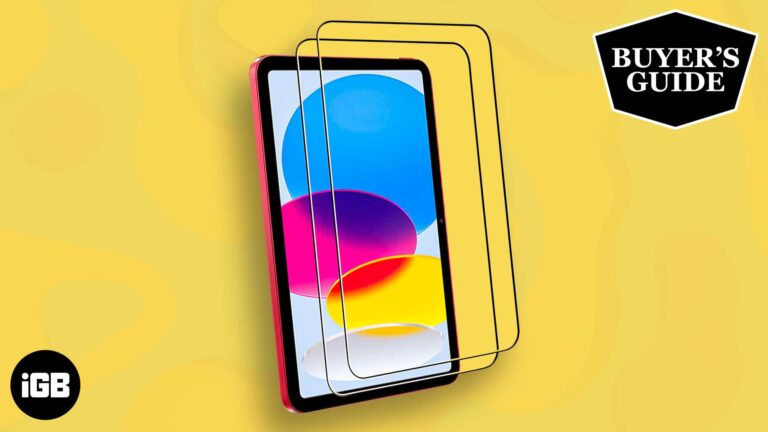
The 10th-generation iPad is a spectacular October 2022 release. Although pricey, some unique features set it apart from other iPad generations. And I bet you want your new gadget protected. You’ve probably already invested in a protective case. Now, pair that…
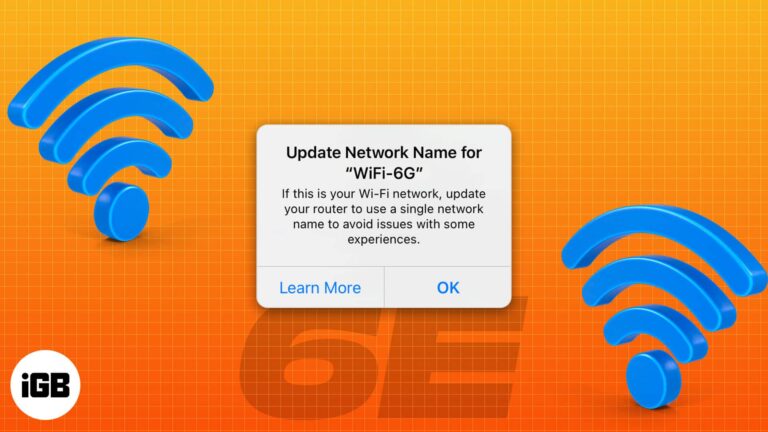
Apple has been a pioneer in Wi-Fi technology, and its devices have always used the latest advancements in Wi-Fi. The tech giant recently announced the 11-inch and 12.9-inch iPad Pro M2, the first Apple devices that support the latest Wi-Fi…
Autoplaying video burns data and attention. Here is how to stop it at the system level on iOS, plus the individual settings in Facebook, X, YouTube, and Instagram.
Most people juggle a work and a personal address. Here is how to add several Gmail accounts to the Gmail app on iPhone, and how to manage the same accounts inside Apple Mail.
iPhone video files are enormous, which makes sharing painful. Here is how to compress existing clips with a dedicated app, and how to change your capture resolution to avoid the problem.
The Files app is a genuine file manager once you know its capabilities. Here is how to connect third-party cloud services, browse local storage, save items, and use external drives on iOS.
Apple serves its own ads and lets apps request tracking permission. Here is how Apple's advertising works, how to disable personalized and location-based ads, and how to block app tracking.
Requirements to access Shazam Music Recognition history on your iPhone and iPad: No, I didn’t believe in magic until I used Shazam. When I first used this app, I was blown away by the high accuracy with which it recognized…
Do you want to treat your eyes to a pleasant experience on the Books app? Then you have come to the right place. In this article, I’ll explain how you can customize themes for the Books app on iPad and…

The Nintendo Switch is a revolutionary device in gaming. It’s been around for a while, and although gamers have been enjoying its benefits, a few may not have much of an idea about its compatibility and versatility. So, I’m going…
Things to know before using Detection Mode: Detection mode only works on iPhones and iPads with LiDAR sensors. Your iPhone needs to be running on iOS 16/iPadOS 16 or later to use all the features of Detection Mode. You can…
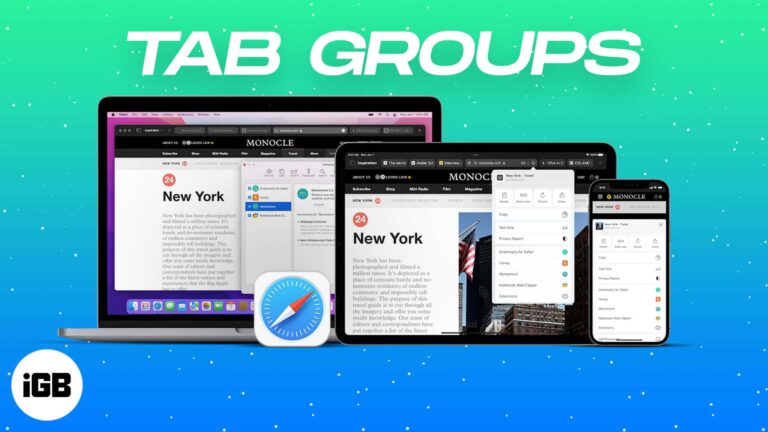
Tab Groups turn an unmanageable wall of tabs into named, syncing collections. Here is how to create, switch, and share them in Safari on iPhone, iPad, and Mac.
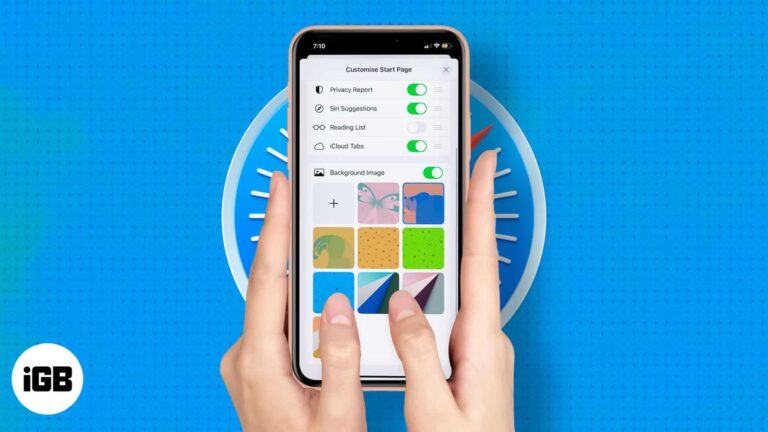
Safari lets you decide what appears when you open a new tab. Here is how to reorder or hide sections like Favorites and Privacy Report, and add a custom background image on iPhone or iPad.
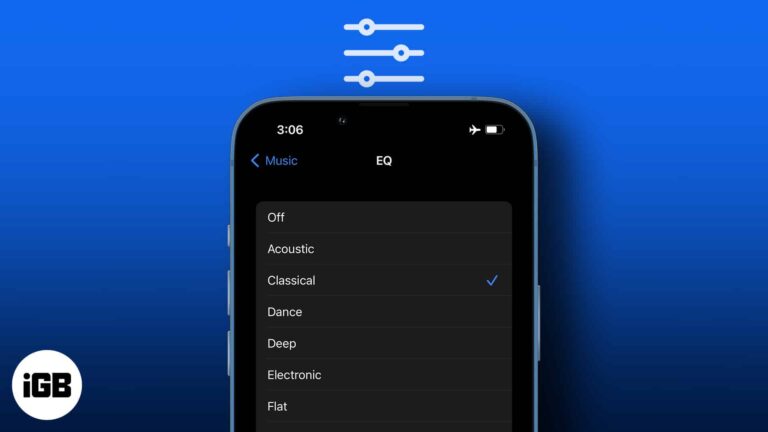
iOS hides its EQ presets in Settings rather than the Music app. Here is where to find them, what each preset does to the sound, and which ones are worth using with headphones or speakers.
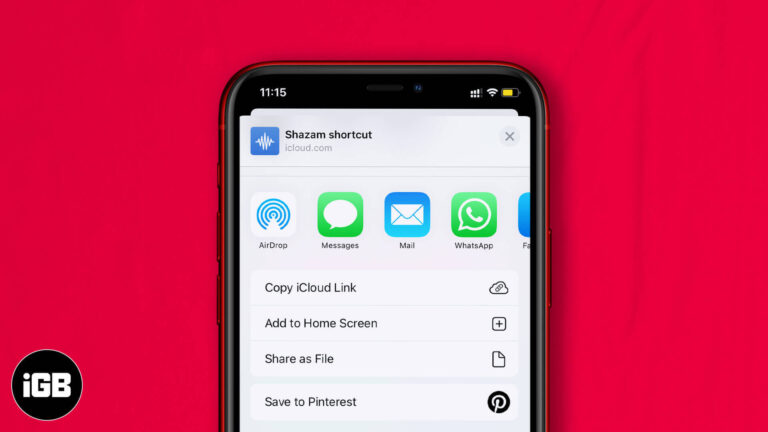
A good shortcut is worth passing on. Here are three ways to share one from iPhone or iPad, how to send a link from your library, and how to revoke a shared shortcut later.
Tracking pixels tell senders when you opened an email and often where you were. Here is how tracking works, why it matters, and how to block it in Apple Mail, Gmail, and Outlook.
Gmail failures on iOS often trace to IMAP settings or a security block on the Google side rather than the app. These 14 fixes work through server status, account alerts, CAPTCHA resets, and re-adding the account.
Often we forget to include an attachment or add a CC when in a hurry. And we realize this only after hitting send. Well, worry no more. With the introduction of iOS 16, iPadOS 16, and macOS Ventura, you can…
iMovie ships with very little music, and the wrong track gets your video muted. Here is what royalty-free actually means, where to find safe tracks free, and how to import them into iMovie.
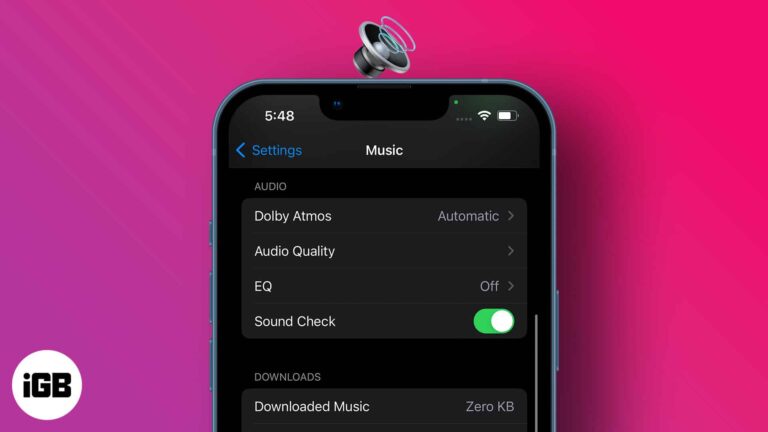
Each music piece carries its own studio record volume; thus, some are louder than others. However, sound fluctuations can hamper your listening experience and mental state. So, maintaining a consistent sound regardless of the music volume is much needed, and…
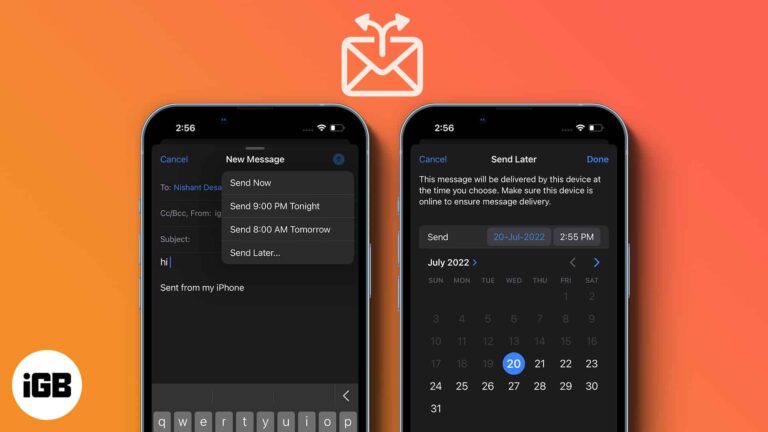
Timing changes whether an email gets read. Apple Mail can hold a message until a time you choose. Here is how to schedule one on iPhone, iPad, and Mac, and how to change your mind later.
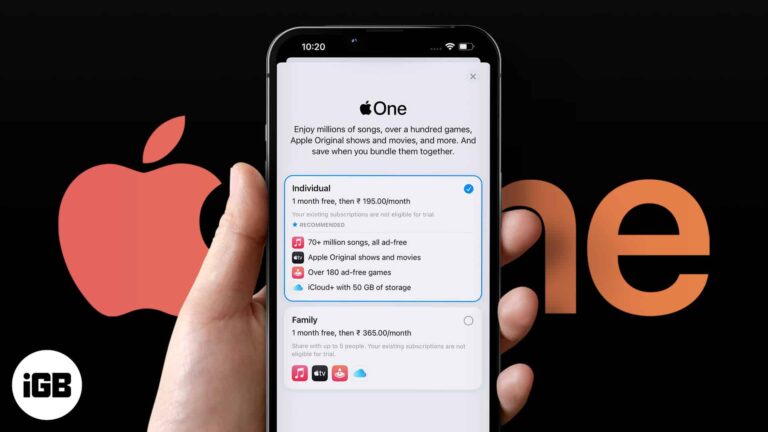
Apple One bundles Music, TV Plus, Arcade, and iCloud storage at a discount. Here is what each tier includes, where to subscribe, how to change plans, and whether the maths works for you.
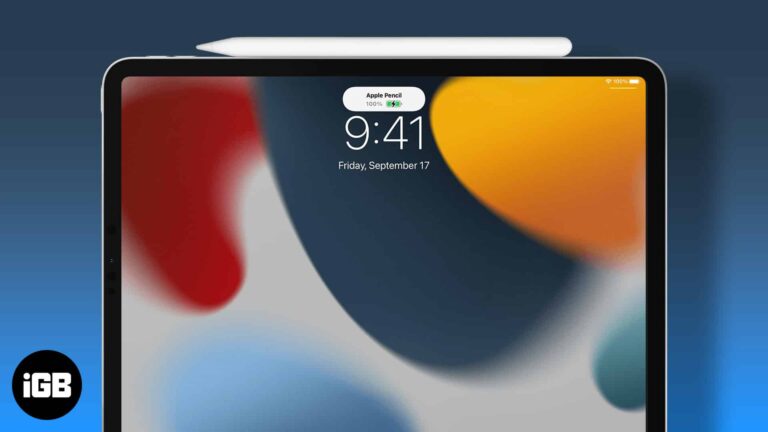
Apple Pencil gives no battery indicator of its own. Here is how to see the charge level via the Batteries widget or Settings, and how to check a second-generation Pencil while it charges.
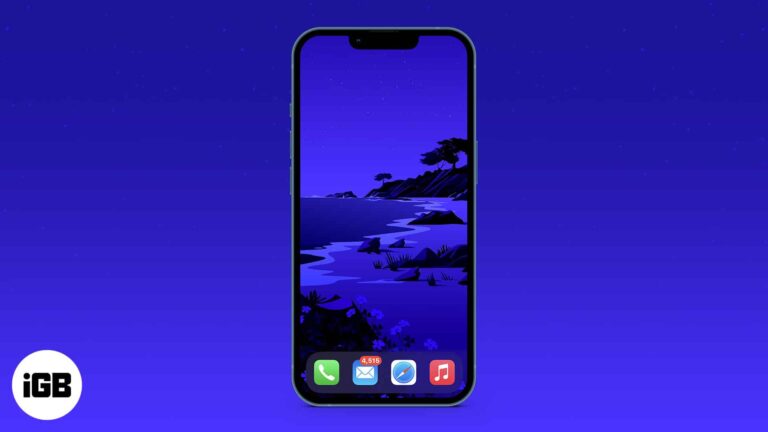
A clean Home Screen shows off your wallpaper and cuts distraction. Here is how to hide every app page using App Library and Home Screen editing, and how to restore your apps afterwards.
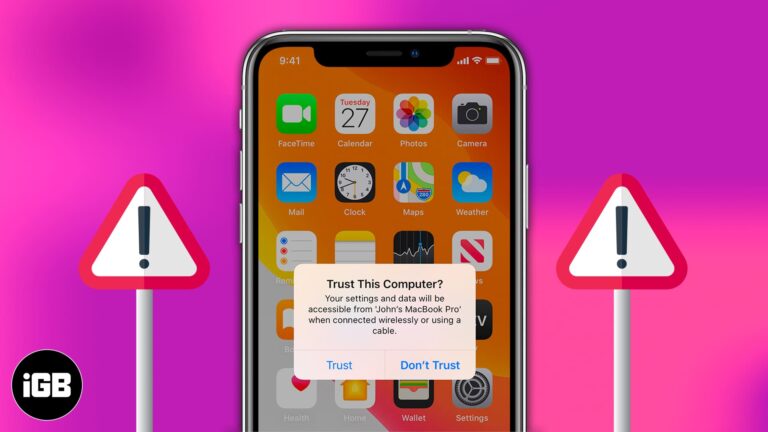
The trust prompt is a security feature, but a repeating one signals a problem. Here is why it keeps appearing on iPhone and iPad and how to stop it or reset your trusted computers.
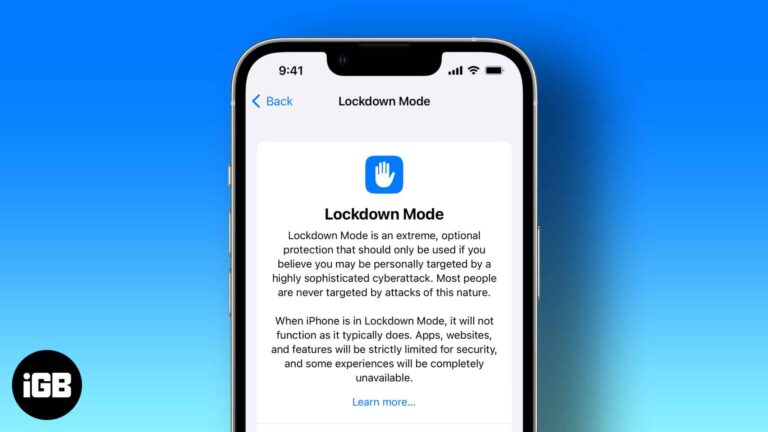
Apple has strict security protocols, and that is one of the several reasons we use its products. The company constantly keeps implementing new features to strengthen its security and privacy. Apple has introduced Lockdown mode with the Third Developer Beta…
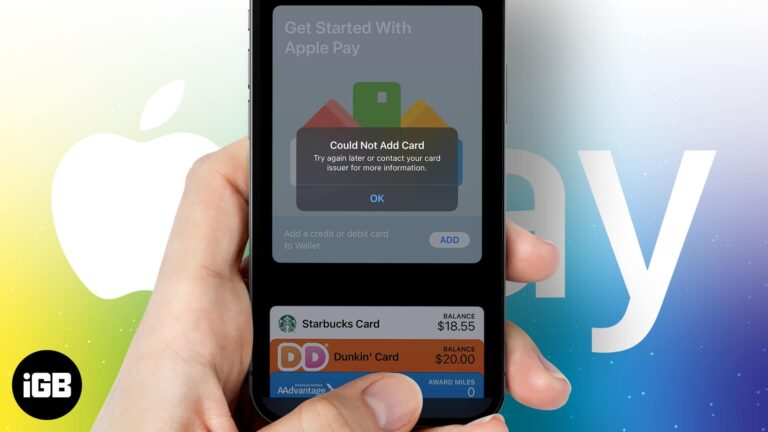
Apple Pay allows you to add cards and make payments through your iPhone and iPad. It also enables NFC payments, easing the process of paying bills in stores by tapping your device at the POS machine. Besides, it also looks…
Texting is fun, but it’s not for everyone. Some might not prefer typing more than a couple of lines on their iPhone, while some might not have the time and liberty to do so. That is where Dictation comes to…


