FaceTime Like a Pro
Get our exclusive Ultimate FaceTime Guide 📚 — absolutely FREE when you sign up for our newsletter below.

FaceTime Like a Pro
Get our exclusive Ultimate FaceTime Guide 📚 — absolutely FREE when you sign up for our newsletter below.



YouTube Recap 2025 is here, giving you a personalized breakdown of your top creators, favorite topics and unique viewer personality based on everything you watched this year.

Here's everything we know so far about Apple Music Replay 2025.

 Jibin Joseph and Vikhyat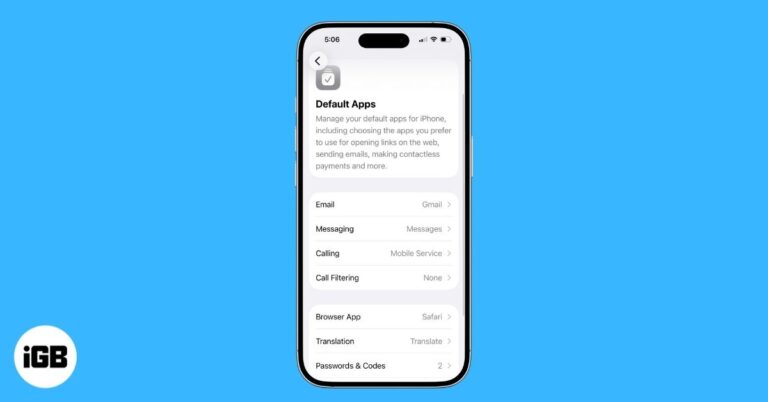
Apple now lets you easily set third-party apps as defaults for calling, messaging, browsing, and more, right from the Settings app.

Capture stunning northern lights photos on your iPhone with simple settings and easy Night Mode tips.
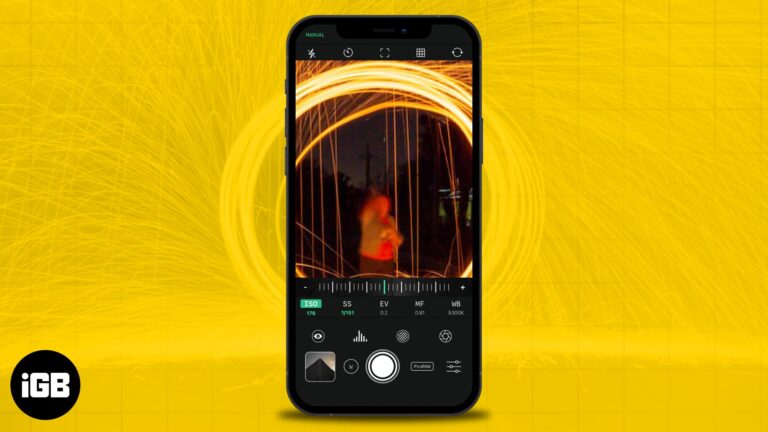
Adjust iPhone exposure with a quick tap and slide to brighten or darken your shot for clearer, balanced photos in any lighting.
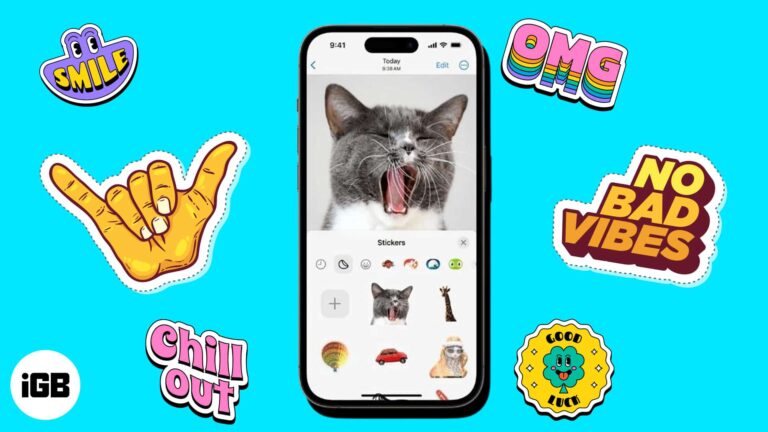
Learn different methods to easily create, customize, and use Live Stickers on your iPhone.
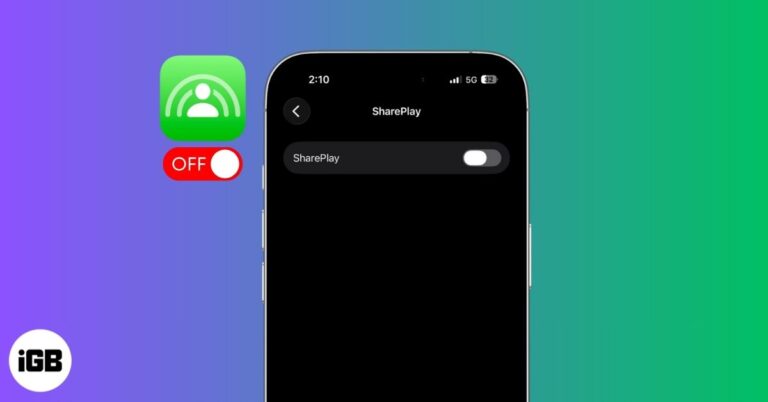
Not using SharePlay? Learn how to switch it off on iPhone, Mac, and Apple TV, including FaceTime settings and system controls.
A complete guide to mastering Apple Music, covering new features, hidden tips, and smarter ways to enjoy your music.

 Sandy and Ava Biswas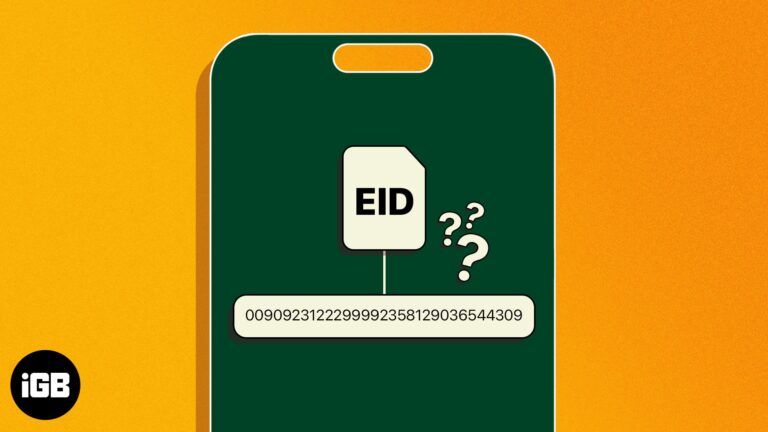
Learn what an EID number is on iPhone and the fastest ways to find it for eSIM activation, troubleshooting, or switching carriers.
 Sandy and Ravi Teja KNTS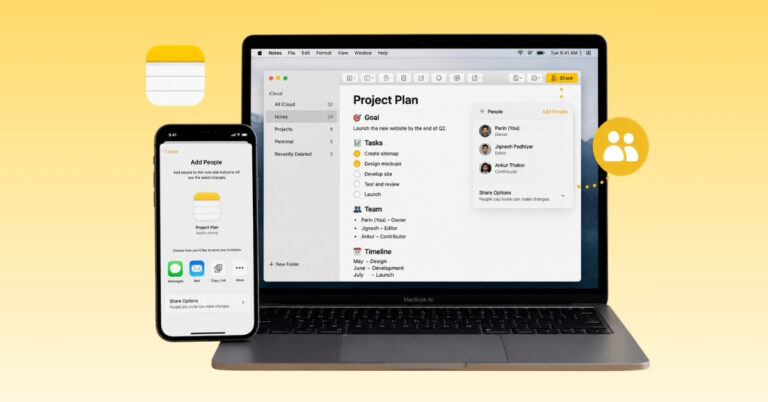
Learn simple steps to share notes, manage permissions, and collaborate in real time on your Apple devices.
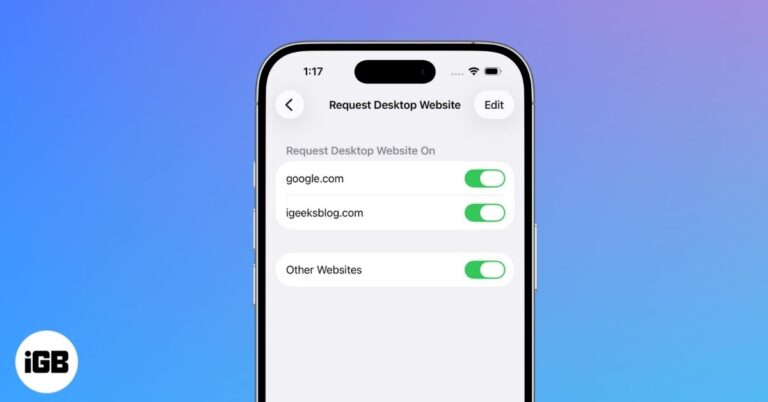
Get the full desktop view on your iPhone by switching from the mobile site in Safari, Chrome, or Firefox. It takes only a moment and helps when a page hides features or layout options.
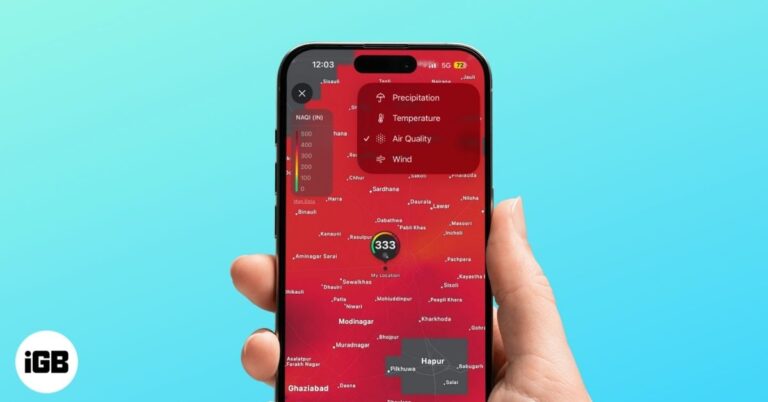
The iPhone Weather app gives you more than a basic forecast. With live weather maps for radar, temperature, air quality, and wind, you can track changing conditions and plan your day with confidence.
 Idowu Omisola and Vikhyat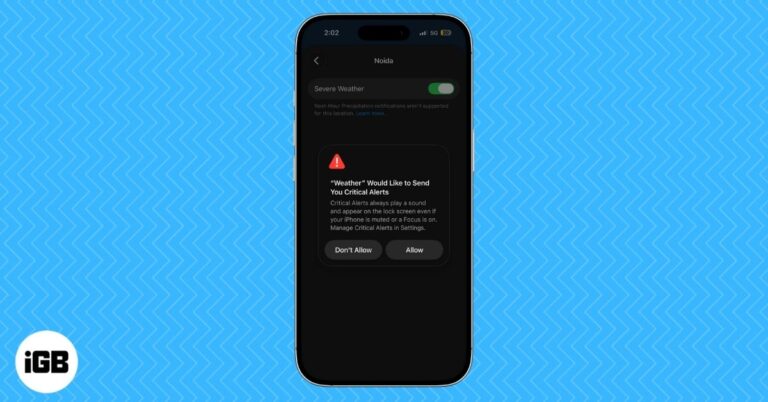
Turn on severe weather alerts on iPhone and iPad with this easy guide. Enable critical alerts, emergency warnings, and location-based weather notifications.
Jibin Joseph and VikhyatLearn how to set up and use Emergency SOS on your iPhone so you can quickly get help in any urgent situation.
Master Siri on your iPhone with this ultimate guide! Learn how to set it up, activate it, use ChatGPT features, and boost productivity with voice or text commands.
Learn why dual-SIM iPhones offer better flexibility, coverage, and convenience for work, travel, and everyday use.
Here are some hidden Apple Maps tips and tricks to help iPhone users navigate smarter...
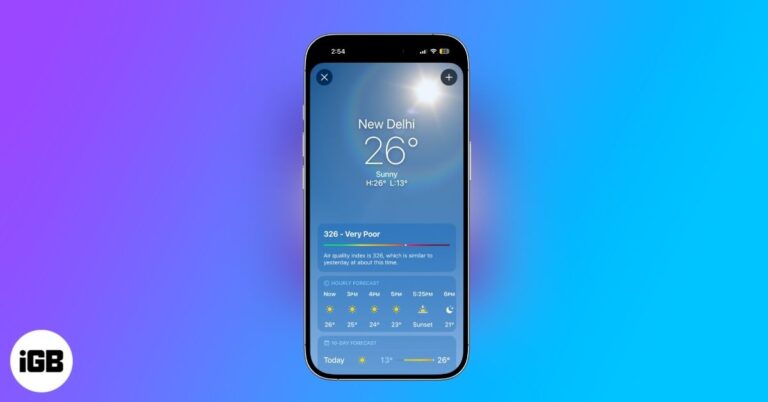
Turn your iPhone or iPad Weather app into a powerful forecasting tool with features like severe weather alerts, real-time maps, next-hour precipitation updates and detailed air quality and UV insights.

Mail Drop lets you send large videos, photos, and documents by uploading them to iCloud and sharing a secure link. It sidesteps email size limits and makes sending big files quick and simple.
Learn how to remove audio from a video using built-in iPhone tools and third-party apps.
Discover how to set up Emergency Contacts on your iPhone and Apple Watch to stay safe and prepared anytime.
 Yash Anand and Ava Biswas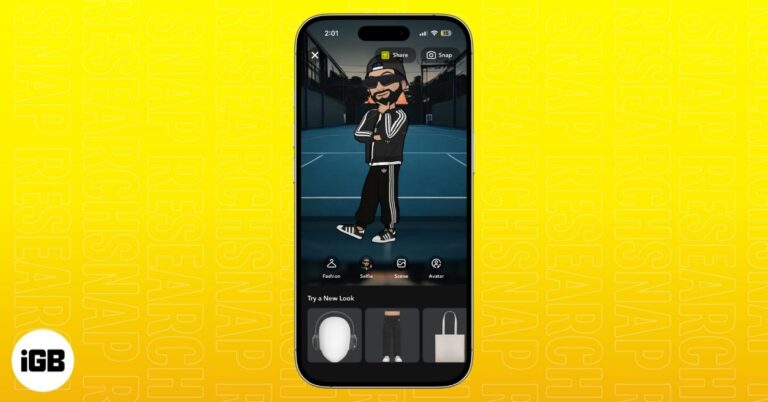
Snapchat’s Comic Bitmoji brings back the classic 2D look with a clean, illustrated style. Learn how it works, who gets access, and how to turn it on instantly.
Here’s all the methods to find an AirTag's serial number whether it’s your own, brand new, dead, or an unknown AirTag detected near you.
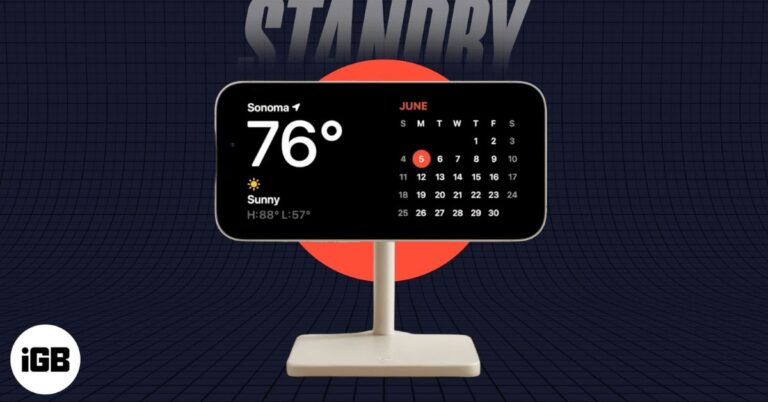
StandBy mode turns your iPhone into a smart display whenever it’s charging on its side. Learn how to set it up, customize the widgets, and make the most of its best features.
Easy fixes to restore cannot get mail error on your iPhone.
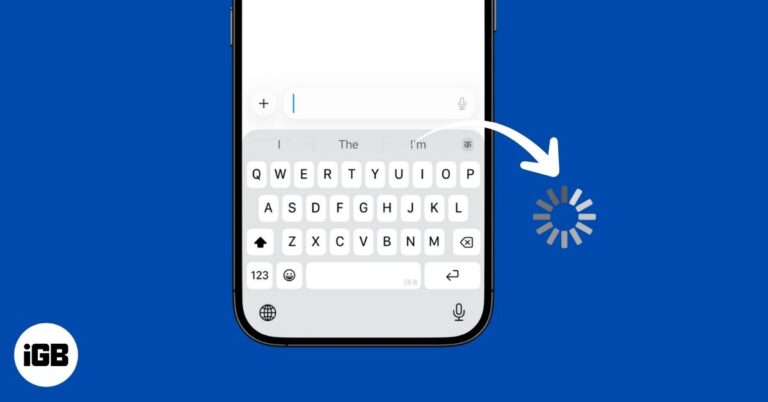
If your iPhone keyboard feels slow or unresponsive, don’t worry. Here are easy fixes to solve keyboard lag and get back to smooth, fast typing.
Learn how to create and use Apple Passkeys on your iPhone, iPad, and Mac to enjoy faster, safer, password-free logins.
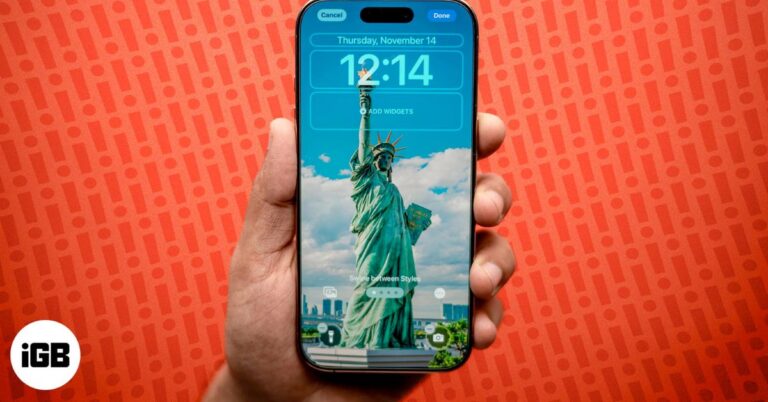
If the Depth Effect isn’t showing on your iPhone Lock Screen, the issue could be your wallpaper, iOS version, or settings. Here’s how to restore the layered 3D look in minutes.