FaceTime Like a Pro
Get our exclusive Ultimate FaceTime Guide 📚 — absolutely FREE when you sign up for our newsletter below.

FaceTime Like a Pro
Get our exclusive Ultimate FaceTime Guide 📚 — absolutely FREE when you sign up for our newsletter below.


The M6 iMac brings faster performance, smarter AI, and better connectivity, but still the same 24-inch design and color. Are these upgrades enough to make you ditch your M4 iMac?
Apple has finally upgraded the iMac, an update that was long overdue since the M4 iMac launched in 2024. The new M6 iMac brings a faster processor, improved AI performance, Wi-Fi 7, Bluetooth 6, and faster SSD speeds.
While the design and display remain unchanged, there are several improvements under the hood. But is the M6 iMac worth upgrading to, or is the M4 iMac still a better buy? Let’s find out.
At first glance, the M6 iMac might look almost identical to its predecessor. However, Apple has made several internal changes, particularly to the processor, memory bandwidth, storage, and wireless connectivity.
Here’s how the two generations compare:
| Specification | M6 iMac (2026) | M4 iMac (2024) |
|---|---|---|
| Chip | Apple M6 | Apple M4 |
| CPU | Up to 12-core | Up to 10-core |
| GPU | Up to 12-core | Up to 10-core |
| Neural Engine | Dual 16-core | 16-core |
| Memory bandwidth | Up to 170GB/s | 120GB/s |
| Starting RAM | 16GB | 16GB |
| Starting storage | 256GB SSD | 256GB SSD |
| Display | 24-inch 4.5K Retina | 24-inch 4.5K Retina |
| Camera | 12MP Center Stage | 12MP Center Stage |
| Thunderbolt | Up to 4 Thunderbolt 4 ports | Up to 4 Thunderbolt 4 ports |
| Ethernet | Up to 2.5Gb | Gigabit Ethernet |
| Wi-Fi | Wi-Fi 7 | Wi-Fi 6E |
| Bluetooth | Bluetooth 6 | Bluetooth 5.3 |
| Colors | 7 | 7 |
| Starting US price | $1,499 | $1,299 at launch |
Specifications vary by configuration. The entry-level M6 has a 10-core CPU and GPU, while the higher-end version has a 12-core CPU and GPU. The M4 equivalents have 8-core and 10-core configurations.
Despite the new processor, the M6 iMac doesn’t introduce a major external redesign, similar to the newly launched M6 14-inch MacBook Pro. Here’s what Apple has retained from the M4 iMac 2024:
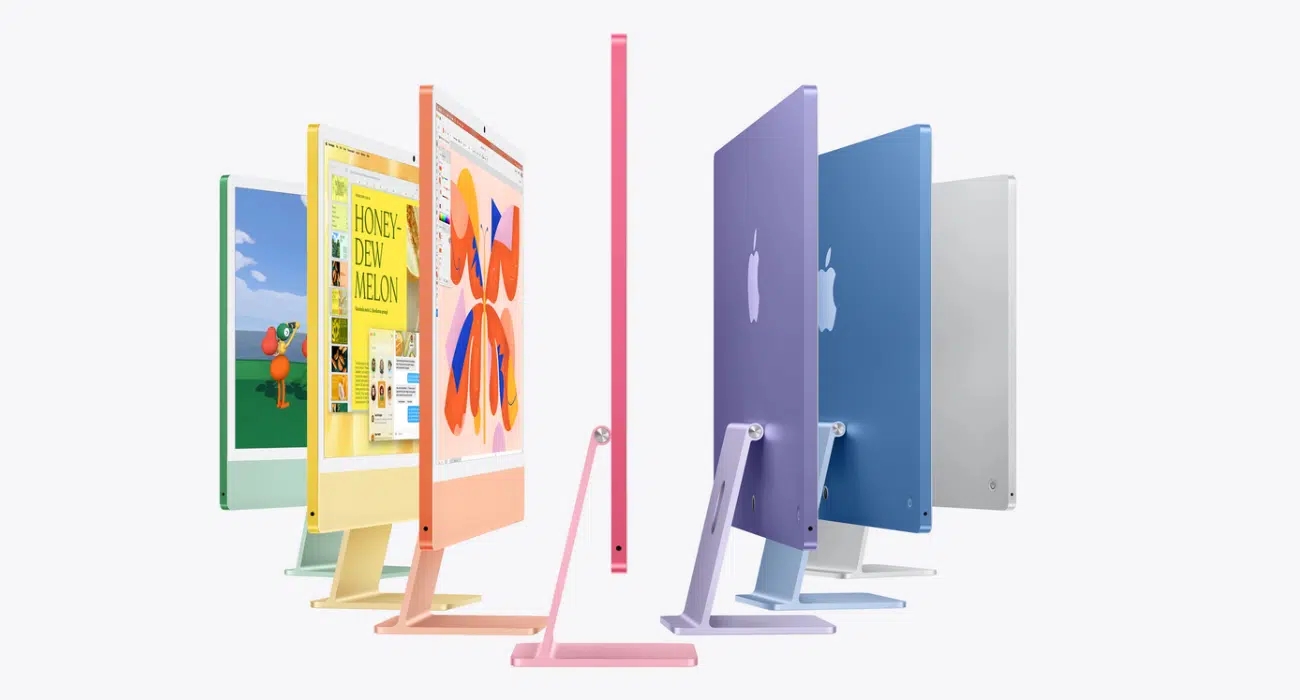
The M6 iMac retains the same slim 24-inch all-in-one design as the M4 model. It also continues to come in seven colors: blue, green, pink, yellow, purple, orange, and silver.
The overall appearance, stand, and color-matched accessories remain familiar. So, if you place the two models side by side, you probably won’t notice much difference from the front.
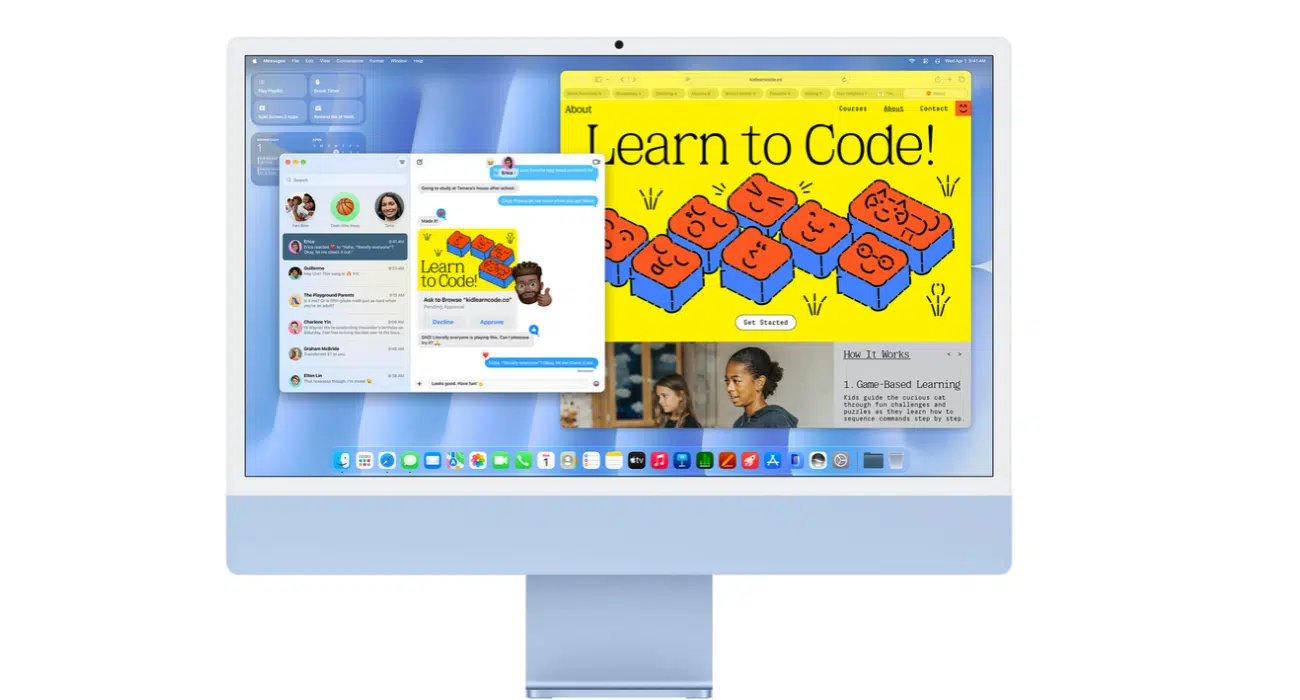
Apple decided to keep the specifications of the display unchanged. Both models have a 24-inch 4.5K Retina display with a resolution of 4480 × 2520 and a maximum brightness of 500 nits. You also get P3 wide color and True Tone technology for a comfortable viewing experience.
For everyday activities such as browsing, writing, watching videos, and editing photos, the viewing experience should feel very similar.
However, the M6 brings improvements to external display support:
As I regularly connect an external monitor for a larger workspace, I will lean towards the new model for smoother visuals. However, these improvements don’t mean the built-in iMac display itself has a higher refresh rate.
The M6 iMac retains the same 12MP Center Stage camera found on the M4 model. It supports Desk View, which lets you show your desk or workspace during video calls.
The audio setup also remains familiar:
If you regularly attend video meetings or use your iMac for entertainment, both models should offer a similar experience. The M6’s improvements are primarily under the hood, not in its camera or speakers.
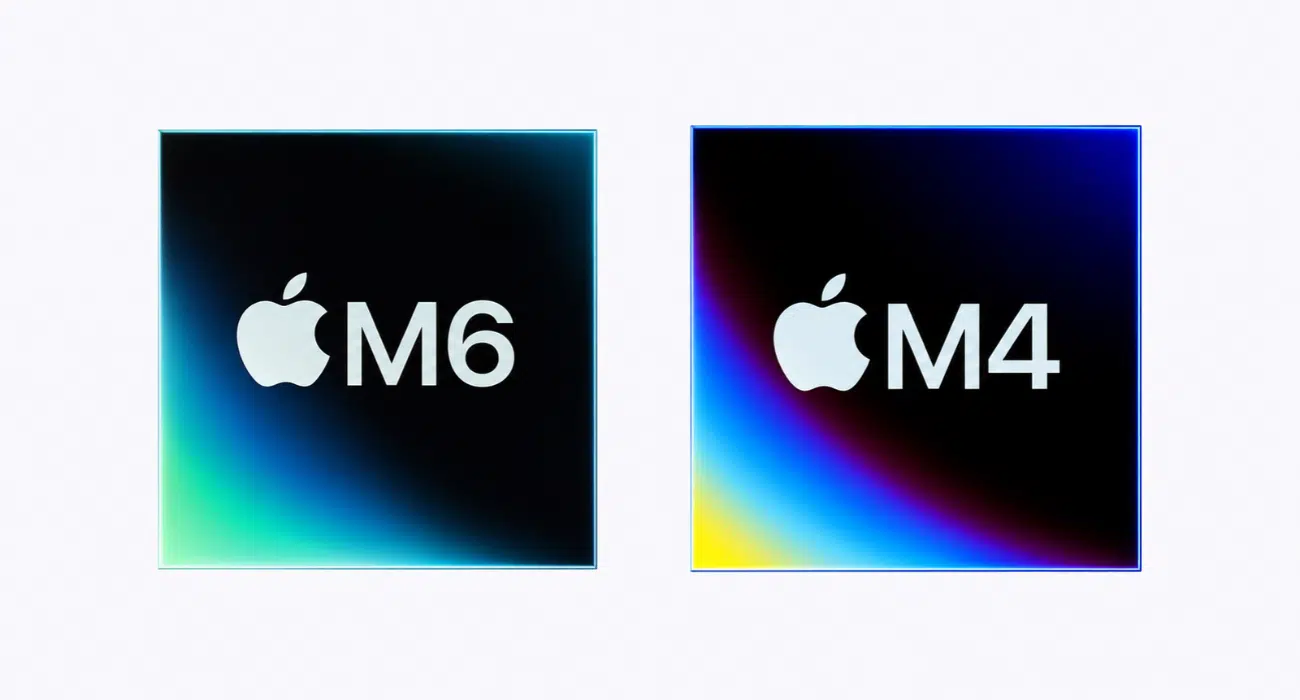
This is where the M6 iMac makes its strongest case.
The M6 iMac comes with either a 10-core or 12-core CPU, with two high-performance super cores, alongside performance and efficiency cores. Its GPU also gets the same two-core increase, offering 10-core and 12-core options. Apple even added Neural Accelerators to each GPU core for AI workloads and increased memory bandwidth to 170GB/s.
For comparison, the M4 iMac offers an 8-core CPU and GPU in its entry-level configuration and a 10-core CPU and GPU in the higher-end version.
| Workload | M6 vs M4 |
|---|---|
| Microsoft Excel | Up to 1.5x faster |
| Graphics performance in Affinity | Up to 2x faster |
| Ray-traced gaming | Up to 2x higher performance |
| On-device AI prompt processing in LM Studio | Up to 5x faster |
Ultimately, the performance difference depends on what you do with your computer. Everyday browsing and document editing won’t feel dramatically different, but demanding creative workloads and AI processing stand to benefit more.
Early testing of the M6 iMac indicates what the new processor can achieve compared with the M4 iMac.
Geekbench 7 multi-core results show:
| Computer | Single-Core Score | Multi-Core Score |
|---|---|---|
| M6 iMac (12-core) | 4071 | 22,783 |
| M4 iMac (10-core) | 3174 | 13,366 |
These results suggest the M6 platform delivers considerably higher multi-core performance.
AI performance is one of the biggest reasons Apple is highlighting the M6 iMac. The new chip combines a Dual 16-core Neural Engine with Neural Accelerators in every GPU core to accelerate machine-learning tasks, support advanced macOS 27 Golden Gate features, and handle demanding AI workloads like Siri AI processes.
Apple claims the M6 iMac can deliver up to five times faster on-device AI prompt processing in LM Studio compared with the M4 iMac. This is particularly interesting for people who want to experiment with local AI models rather than relying entirely on cloud-based services.
Apple hasn’t increased the starting memory or storage capacity, but it has improved the speed at which the M6 iMac can access and process data.
Both generations start with 16GB unified memory and 256GB SSD storage. Depending on the configuration, you can get up to 32GB RAM and 2TB storage.
The M6 also moves to faster PCIe 5.0-based SSD storage, with Apple claiming up to twice the storage performance compared with the M4.
What does this mean in everyday use?
However, don’t confuse faster storage with more storage. If you regularly work with large video files, I would still recommend choosing at least 512GB or 1TB rather than relying on the 256GB base configuration.
Connectivity is another area where the M6 iMac gets a meaningful upgrade. Apple has introduced its N1 wireless networking chip, bringing newer Wi-FI 7 and Bluetooth 6 to the desktop.
Wi-Fi 7 offers higher potential throughput, improved efficiency, and lower latency compared with Wi-Fi 6E when paired with a compatible router. The M6 also supports Thread networking technology, which can be useful in compatible smart-home setups.
The M4 iMac already offered Thunderbolt 4, so the M6 doesn’t introduce a new Thunderbolt generation. Instead, the improvements focus on wired Ethernet, offering a 2.5Gb connection.
There is one configuration difference worth remembering:
This makes the higher-end model more appealing to people who need multiple wired accessories and faster network connectivity.
Who benefits most? If you use cloud storage, connect to a NAS, transfer large video files, or have a Wi-Fi 7 router, you will definitely appreciate the improved connectivity features of M6. For someone using a standard home Wi-Fi connection and a few Bluetooth accessories, the difference may not be noticeable.
Price is one of the biggest considerations when deciding between these two iMacs. The M6 starts at $1,499 in the US, which is $200 more than the M4’s original launch price.
| Configuration | US | UK | India |
|---|---|---|---|
| 10-core CPU/GPU, 16GB RAM, 256GB SSD | $1,499 | £1,499 | ₹1,74,900 |
| 12-core CPU/GPU, 16GB RAM | $1,699 | £1,699 | ₹1,99,900 |
However, there’s an important detail: Apple had already increased the M4 iMac’s US starting price to $1,499 and $1,699 for the respective models in June 2026. That means the new model’s entry price isn’t necessarily higher than the outgoing model’s final US price.
This creates an interesting buying situation. The M6 two-port model now costs the same as the M4 four-port model’s updated price, but with an improved CPU, faster connectivity, and better storage performance.
This is probably the most important question for anyone shopping for a new iMac. The M6 is clearly the more capable machine, but that doesn’t automatically make the M4 a bad purchase.
I’d compare the two based on your workload, the configuration you need, and the actual price difference.
Buy the M6 iMac if you:
Buy a discounted M4 iMac if you:
For basic productivity, the M4 remains a capable desktop. Paying considerably more for the M6 may not make sense if you won’t use its additional processing power.
If you already own an M4 iMac
I wouldn’t recommend replacing an M4 iMac just to get the M6 chip.
The M4 already handles everyday productivity, photo editing, multitasking, and most creative workflows comfortably. The M6 improves performance, but the unchanged display, design, camera, and ports mean the overall experience won’t change much.
The exception is if you specifically need faster local AI processing, higher graphics performance, or the newer networking features.
The M6 iMac is a meaningful internal upgrade, but not the redesign some users might have expected. Apple has focused on making its all-in-one desktop faster and better equipped for AI rather than changing its appearance.
The faster processor, improved memory bandwidth, Neural Accelerators, Wi-Fi 7, Bluetooth 6, and faster SSD make it a better long-term purchase for people who need additional performance. However, the unchanged display, camera, audio system, and overall design make it difficult to recommend as an essential upgrade for existing M4 owners.
My recommendation: If you’re moving from an Intel or M1 iMac, I’d choose the M6. If you’re buying your first iMac, the M6 chip would still be better than the M4 unless you find a heavily discounted M4. But if you already own the M4, I’d save the money and wait for a more substantial upgrade.

As an Amazon Associate, iGeeksBlog earns from qualifying purchases.