
FaceTime Like a Pro
Get our exclusive Ultimate FaceTime Guide 📚 — absolutely FREE when you sign up for our newsletter below.

FaceTime Like a Pro
Get our exclusive Ultimate FaceTime Guide 📚 — absolutely FREE when you sign up for our newsletter below.


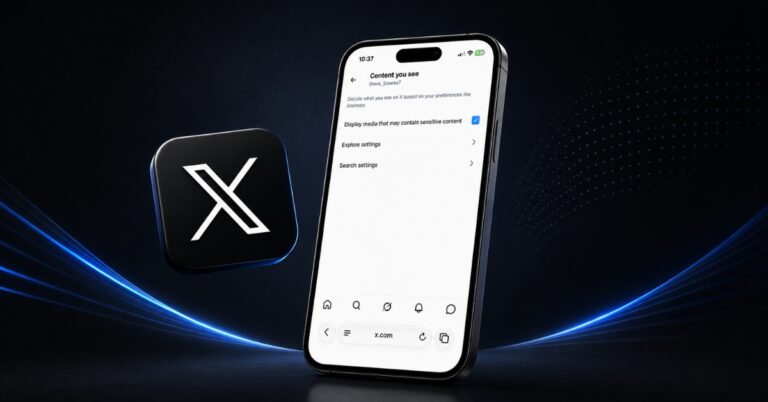
Trying to see sensitive content on X but keep running into warnings? I found that two settings matter: one controls sensitive media in your feed, while the other affects search results. Here's how to change both on iPhone, Android, and the web.
Want to save X videos for later? Here are the best free apps and tools to download your favorite clips in just a few clicks.
If X doesn’t feel the same anymore, you might be thinking about leaving the platform. Here’s how I deleted my account step by step.

X is rolling out AI-powered custom timelines built by Grok. Here’s how the new feature works, why it feels surprisingly addictive, and the trade-offs most users will miss.

Want to save a funny or trending GIF from Twitter (X)? Here’s how you can download GIFs on iPhone, iPad, or desktop with ease.

 Ava Biswas and Yash Wate
X Spaces (formerly Twitter Spaces) turns scrolling into real conversations. Here’s everything you need to know to join, host, and grow with Spaces in 2025.
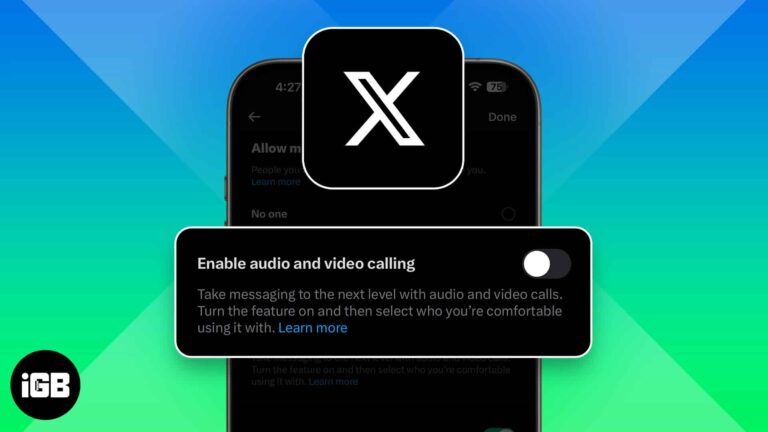
X (formerly Twitter) now lets anyone call you by default, raising privacy concerns. Luckily, you can turn off audio and video calls or limit who can reach you in just a few taps.
X Premium (formerly Twitter Blue) offers features like editing posts, fewer ads, and monetization tools. Plans start at $3/month across three tiers.

X (Twitter) not working on your iPhone? From login errors to blank feeds, here are 10 easy fixes to get the app running smoothly again.
Threads brings calm, X thrives on chaos. One offers clean community vibes, the other fuels viral trends. Which platform fits your scroll style?
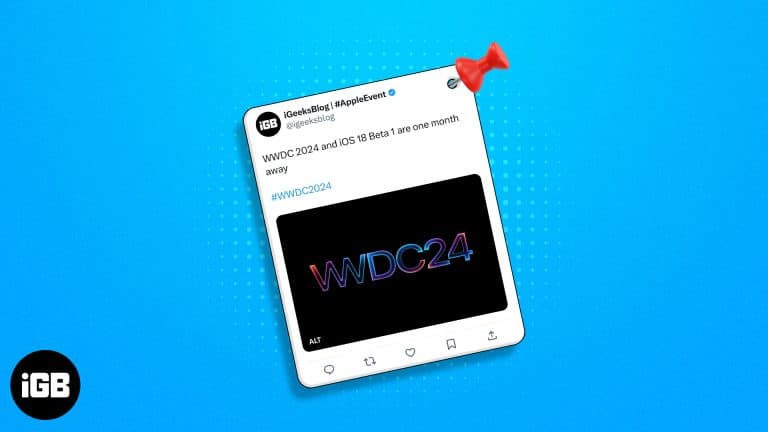
A pinned post is the first thing visitors to your profile see. Here is how to pin and unpin your own posts on X across every device, and how pinning someone else's post works.
Tired of Twitter (X) slowing down or crashing? Learn how to clear cache on iPhone, Android, and web to fix lag, free storage, and enjoy a smoother app experience.
Protect your tweets and limit who sees your posts on X. This guide shows how to make your X account private and boost your online privacy in minutes.
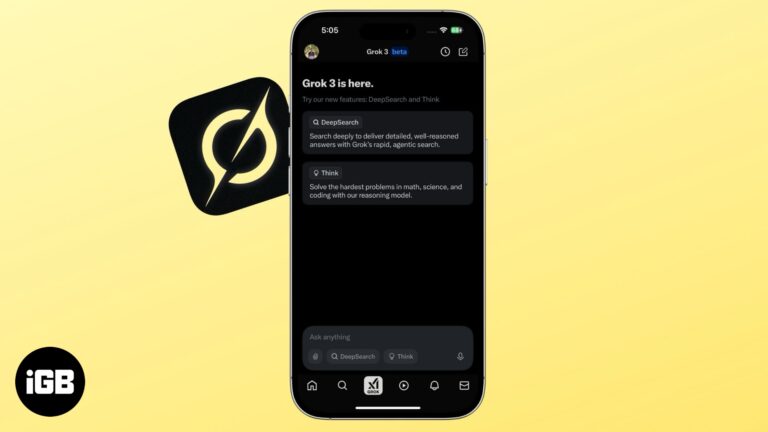
Savor the power of Grok AI on your iPhone.

Twitter (Now X) is an app full of fun and rage, with many people chiming in daily to air their opinions about literally anything. Twitter recently added a GIF maker to its iPhone app. So, if you want to add…
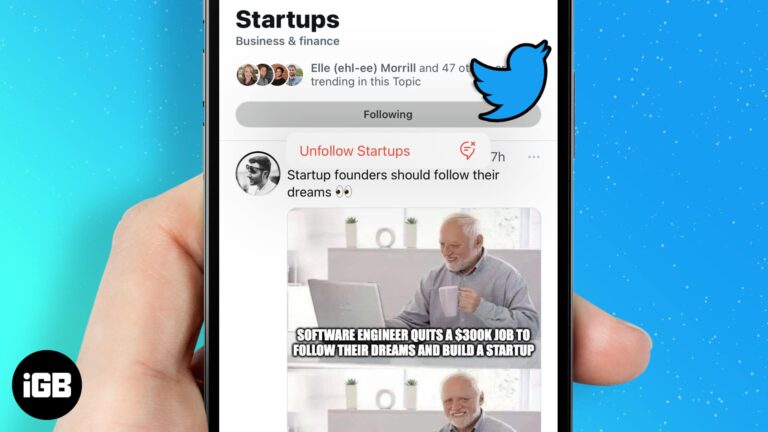
Topics inject tweets you never asked for into your timeline. Here is how to follow the ones you want, unfollow the rest, and switch off the recommendation notifications that come with them.
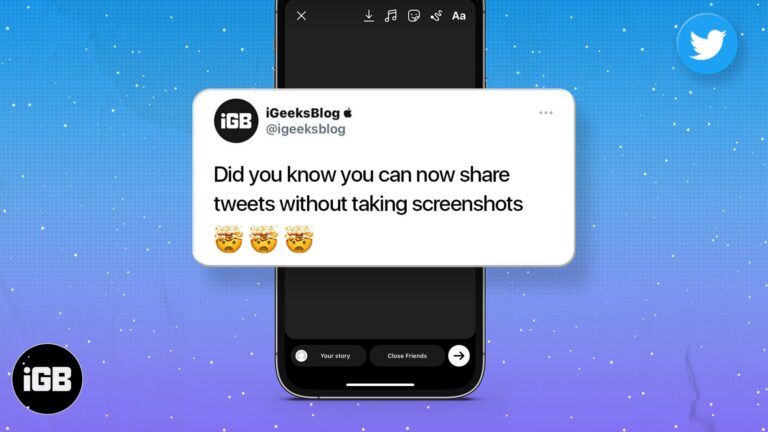
Screenshotting a tweet gives you an awkward crop. Here is how to share a post from X directly to your Instagram Story on iPhone and Android, keeping the formatting clean.
Clubhouse created social audio, then X built Spaces into an existing network. We compare both on how to use them, hosting and moderation tools, discovery, and the audience each one reaches.
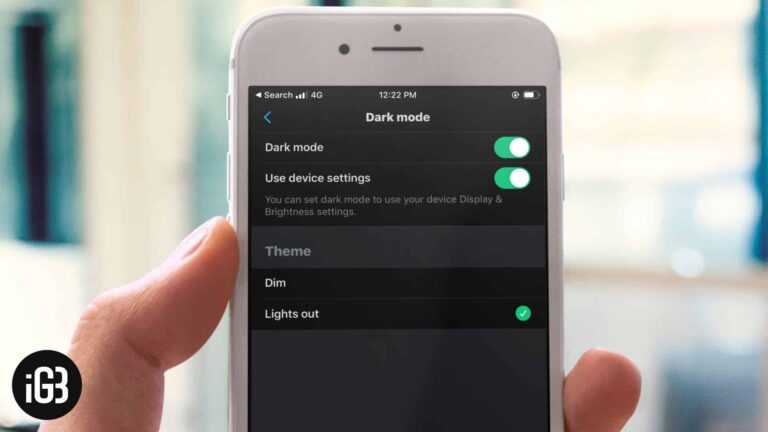
X offers two dark themes, including a true black Lights Out mode that saves power on OLED screens. Here is how to enable either on iPhone and iPad, or match your system setting.


