
FaceTime Like a Pro
Get our exclusive Ultimate FaceTime Guide 📚 — absolutely FREE when you sign up for our newsletter below.

FaceTime Like a Pro
Get our exclusive Ultimate FaceTime Guide 📚 — absolutely FREE when you sign up for our newsletter below.


Adaptive Audio, Personalized Volume, and Conversation Awareness make listening with AirPods easier by adjusting noise control and volume to suit your surroundings. Here’s how to enable these features, customize your listening experience, and use Automatic Switching across Apple devices.

 BySajid Shaik and Abhinav
AirPods Pro 3 and both AirPods 5 models support Adaptive Audio, Personalized Volume, and Conversation Awareness. They adjust noise control and volume as your surroundings change, so you spend less time reaching for the controls.
Here’s how to turn them on. The same steps also work on AirPods Pro 2, AirPods 4 with ANC, and AirPods Max 2.
If you’re a fan of the ANC (Active Noise Cancellation) and Transparency modes on your AirPods, you have to manually switch between them by pressing the AirPods’ stems. Adaptive Audio lets your AirPods adjust noise control as your surroundings change.
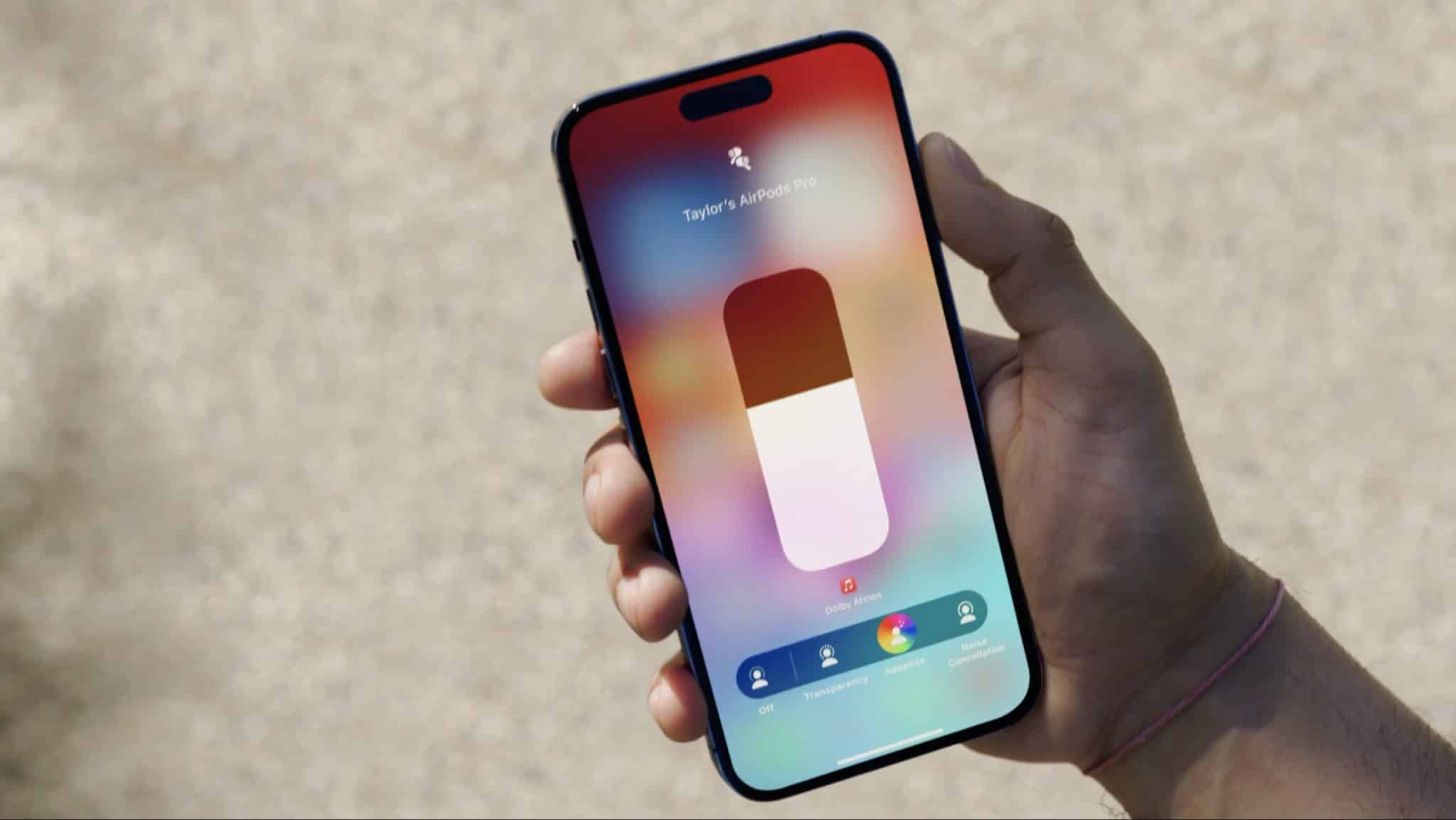
Adaptive Audio blends Active Noise Cancellation and Transparency based on your surroundings. It can let more of the world in when you need to hear it, without requiring you to switch modes manually.
You can switch to Adaptive mode by following these simple steps:
Once enabled, your AirPods adjust the blend of noise cancellation and Transparency based on your surroundings.
Personalized Volume uses on-device machine learning to understand your environment and volume preferences over time. It then adjusts the media volume to suit your surroundings and how you like to listen.
To turn it on:
Removing your AirPods every time you want to talk to someone can be annoying. Conversation Awareness lets you leave them in for a quick chat.
Conversation Awareness automatically lowers the media volume on your AirPods once you start talking. Furthermore, it’ll enhance the audio of the person in front of you while reducing background noise.
To turn on Conversation Awareness:
One of the most important features of the Apple ecosystem is switching your AirPods between devices. However, it hasn’t been reliable many times; for instance, if you connect your AirPods to your Mac and start listening on your iPhone, your AirPods will switch to the iPhone, but the vice versa isn’t always the case.
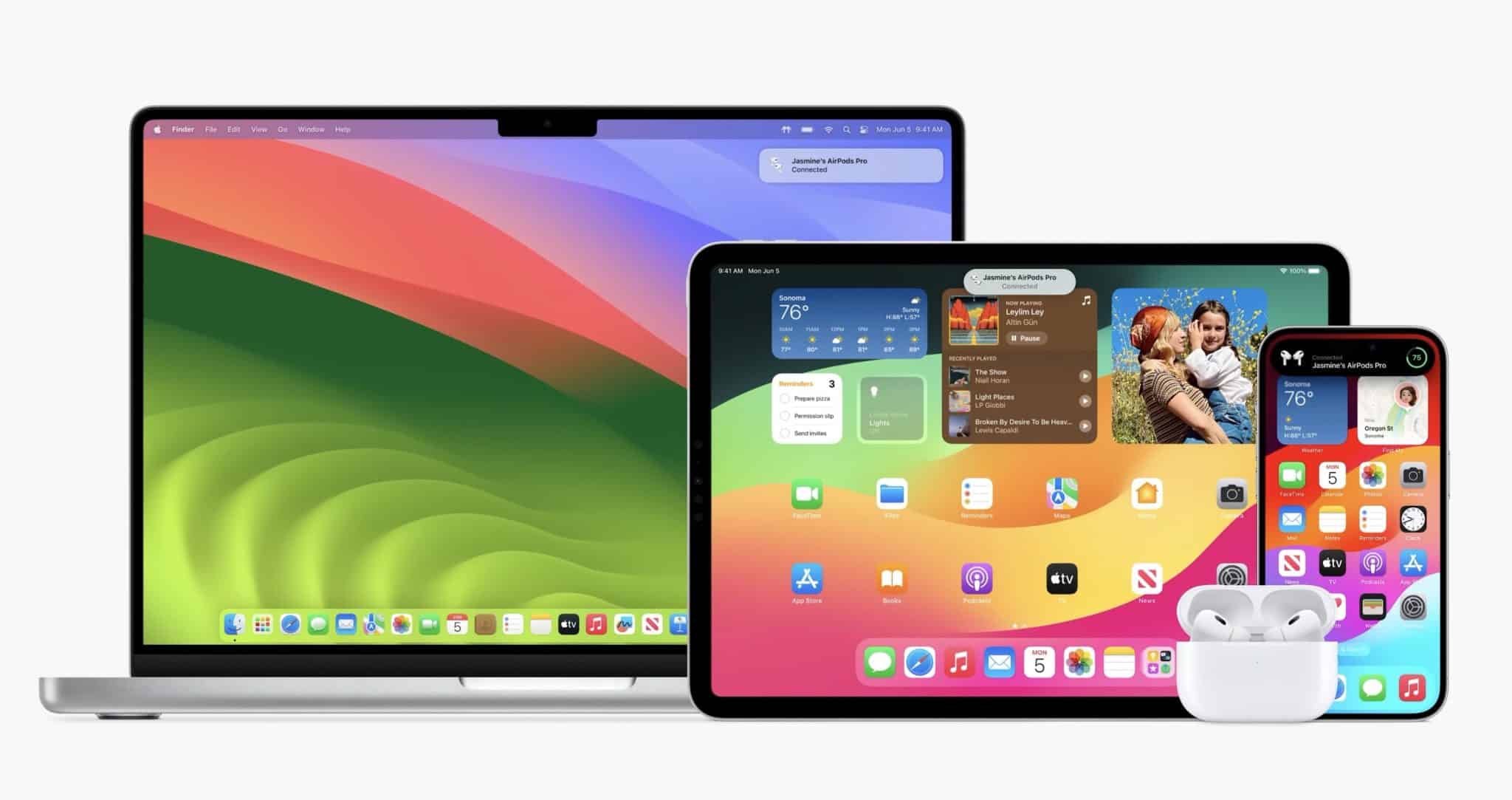
Automatic Switching works between compatible Apple devices signed in to the same Apple Account. So if you’re playing media on an iPhone with AirPods, and then you start playing media on your Mac, your AirPods will switch to the Mac instantly.
Don’t worry; you’ll have the undo option to go back to the previous device if you don’t want your AirPods to switch.
These features let you adjust noise control, personalize volume, and hear conversations without removing your earbuds. Which one do you use most?
Read more:











