
FaceTime Like a Pro
Get our exclusive Ultimate FaceTime Guide 📚 — absolutely FREE when you sign up for our newsletter below.

FaceTime Like a Pro
Get our exclusive Ultimate FaceTime Guide 📚 — absolutely FREE when you sign up for our newsletter below.


Target accepts Apple Pay in-store, online, and in the app. This quick guide shows how to use it and what payment options Target supports.

 ByLuqman Abdulkabir and Ava Biswas
I still remember the first time I walked into Target with just my iPhone—no wallet, no cards—and wondered, “Will this actually work?” With contactless payments becoming the norm, it’s a pretty common question, especially at big retailers like Target.
After testing this multiple times (self-checkout, app, even curbside), here’s the straight answer: Yes, Target Accepts Apple Pay in 2026. In this quick guide, I’ll break down how Apple Pay works at Target and what you can expect when you try it yourself.
Target fully accepts Apple Pay across almost all shopping channels:
Using Apple Pay for your Target purchases is very seamless. First off, you need to set up Apple Pay on your iPhone.
If you haven’t done it before, open the Wallet app → Tap the Add button at the upper right corner → Select Debit or Credit Card → Click Continue. After that, follow the on-screen prompt on the Wallet app to complete the setup.
Now, let’s dive into the steps on how to use it:
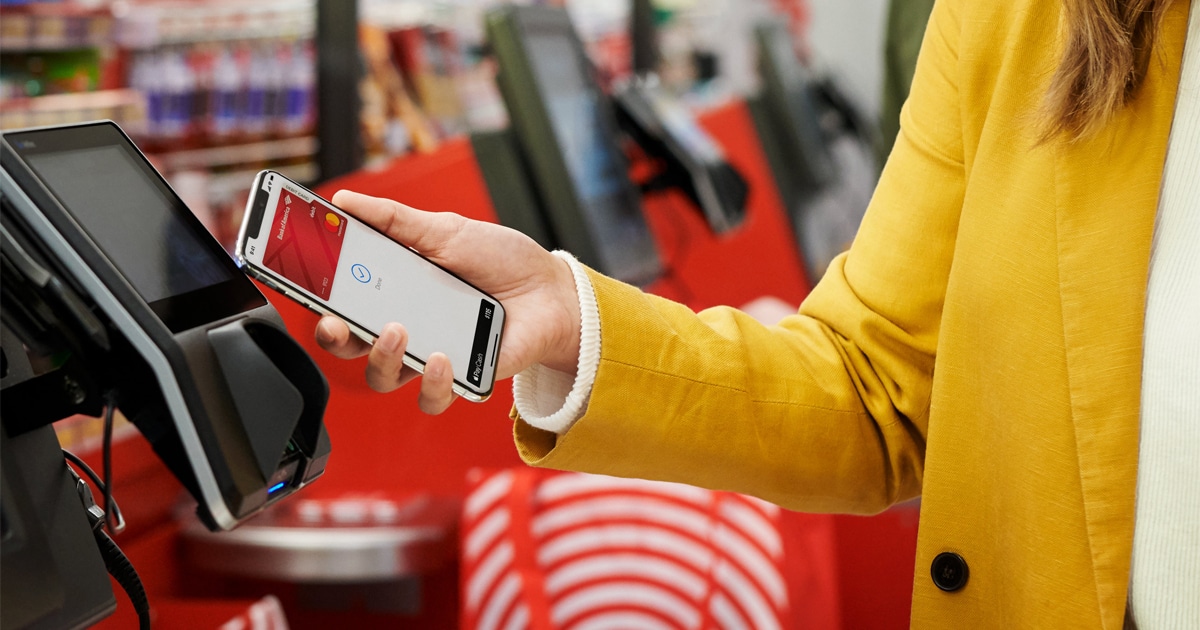
Therefore, you don’t need to enter your card details every time you make an online payment at Target. Also, the retail chain allows combining Apple Pay with Target Circle offers.
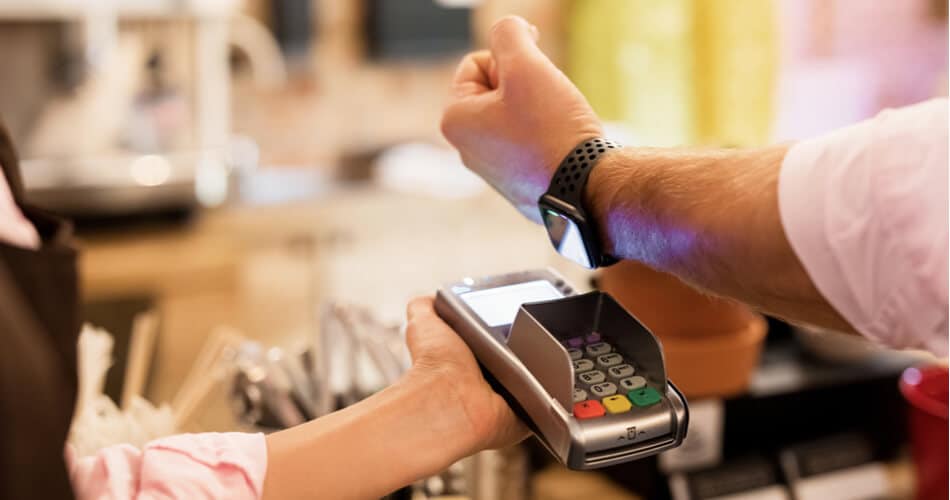
During my visits, self-checkout was actually faster with Apple Pay than using a physical card.
And don’t worry; all your transactions are secure. Apple Pay uses tokenization and biometric authentication to protect your card details.
Below are the payment types Target accepts:
Related: Which stores accept Apple Pay?
If you’re planning to shop at Target with just your iPhone or Apple Watch, you’re good to go. It works across all store locations, in the app, and online. After using it regularly, I honestly prefer Apple Pay over cards at Target. It’s just quicker, secure, reliable, and cleaner.
Have you tried using Apple Pay for Target checkout? Let me know your experience below in the comments!
FAQs
Yes, you can use Apple Pay at Target’s self-checkout, just like at the regular store checkout. You simply have to choose the option for contactless payment and follow the steps to pay in-store, as I’ve discussed earlier.
No, Target doesn’t offer cash back with Apple Pay. If you’re expecting cash back after your Target purchases, you won’t be able to get it using Apple Pay.
No, you cannot add Target RedCard to digital wallets like Apple Pay.
Unfortunately, Walmart does not accept Apple Pay.
Read more:











