FaceTime Like a Pro
Get our exclusive Ultimate FaceTime Guide 📚 — absolutely FREE when you sign up for our newsletter below.

FaceTime Like a Pro
Get our exclusive Ultimate FaceTime Guide 📚 — absolutely FREE when you sign up for our newsletter below.



Learn how to switch Google Maps voice settings for better pronunciation and easier navigation.
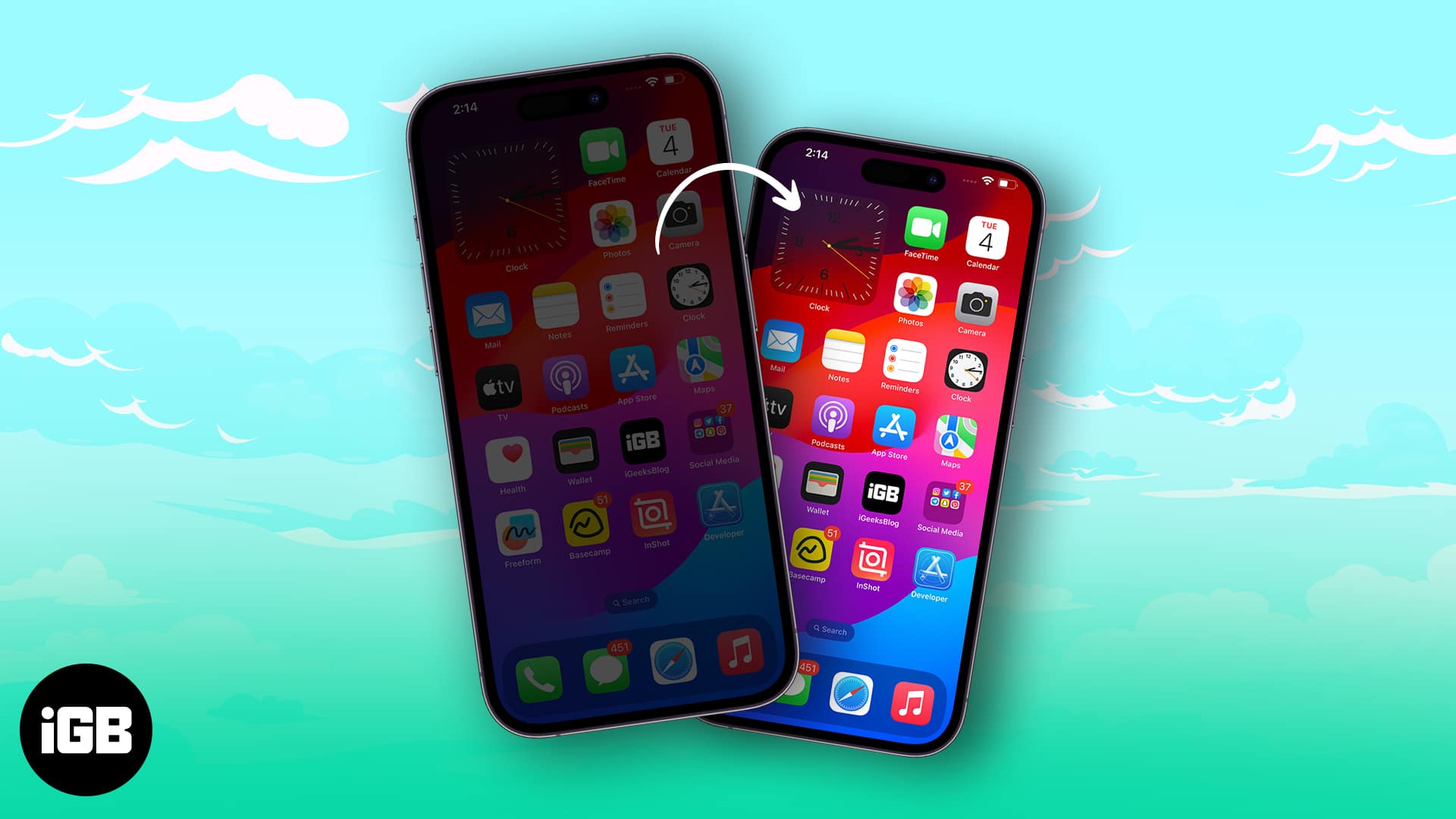
Is your iPhone screen dimming on its own? Learn quick fixes to stop random brightness changes and keep your display bright all day.

Explore key differences between Apple’s M5 Vision Pro and M2 Vision Pro headsets and decide which one is worth your money.
Master your iPhone’s Calculator app with these essential tips and tricks!
Want to wake up on time or never miss a task? Learn how to set an alarm on your Mac in minutes!
Discover how Apple’s new M5 MacBook Pro improves on the M4, and whether it’s worth the upgrade.
Learn how to sync your iPhone's photos, contacts, messages, and apps to your iPad.

Apple’s new M5 chip is here, bringing faster performance, smarter AI processing, and major graphics upgrades across its top device
Apple has launched its new iPad Pro with latest M5 chip and C1X modem. Here's everything you need to know!
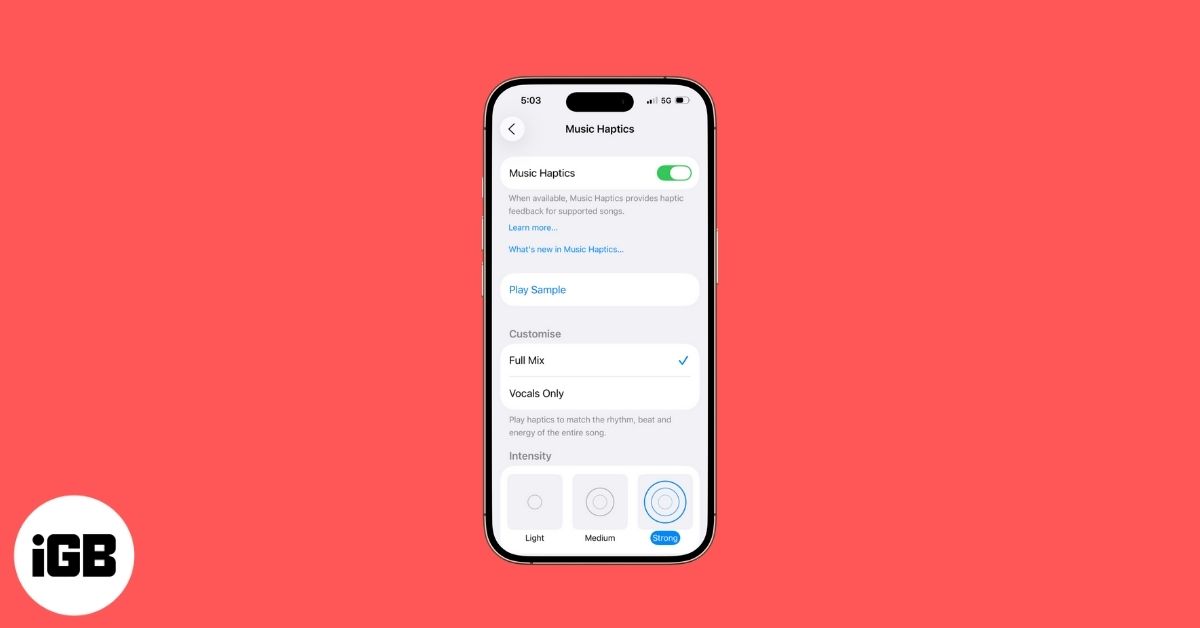
Music Haptics lets you experience songs through vibrations on your iPhone. Here’s how to turn it on, use it, and enjoy music in a whole new way.
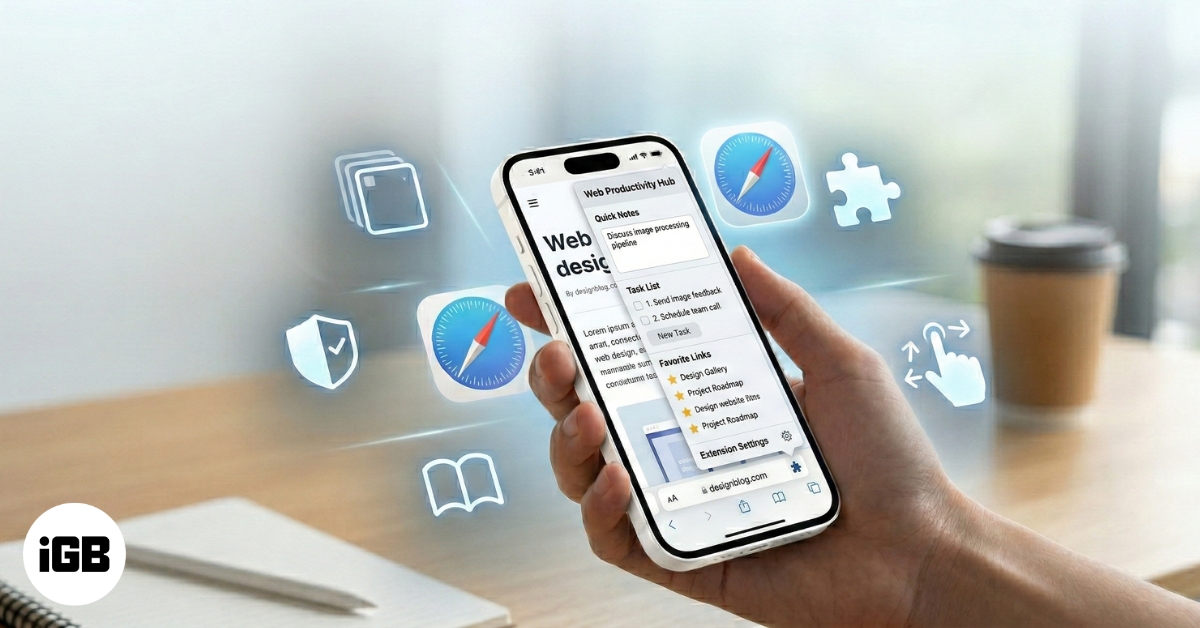
Discover fun, easy Safari tips and tricks in iOS 26 that make browsing faster, smarter, and way more enjoyable on your iPhone.
Discover a curated collection of stunning 4K foggy forest wallpapers for iPhone, all available for free download.
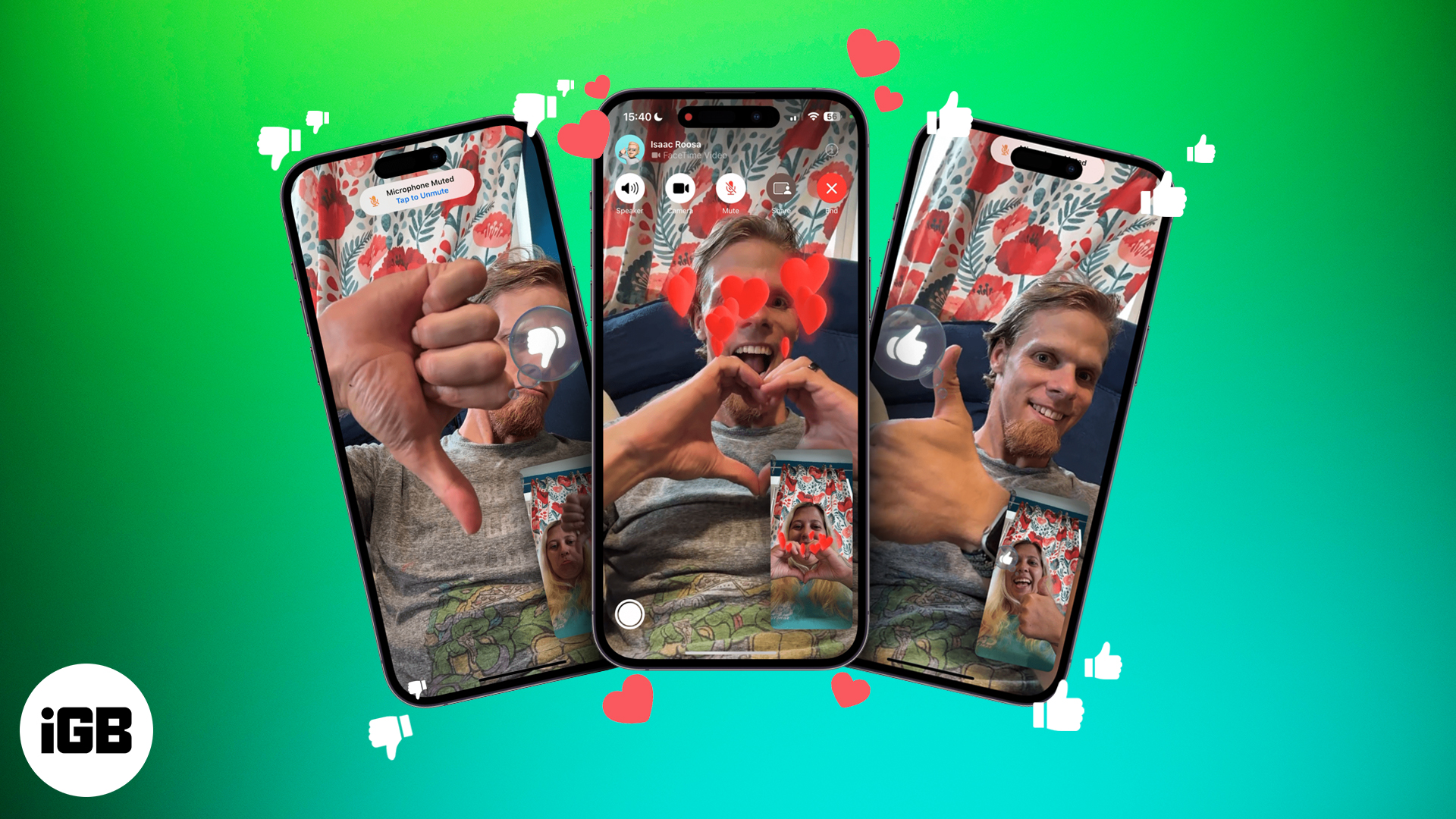
FaceTime hand gestures lets to send confetti and hearts reactions and make video calls more fun!
Everything you need to know about using WhatsApp Status.
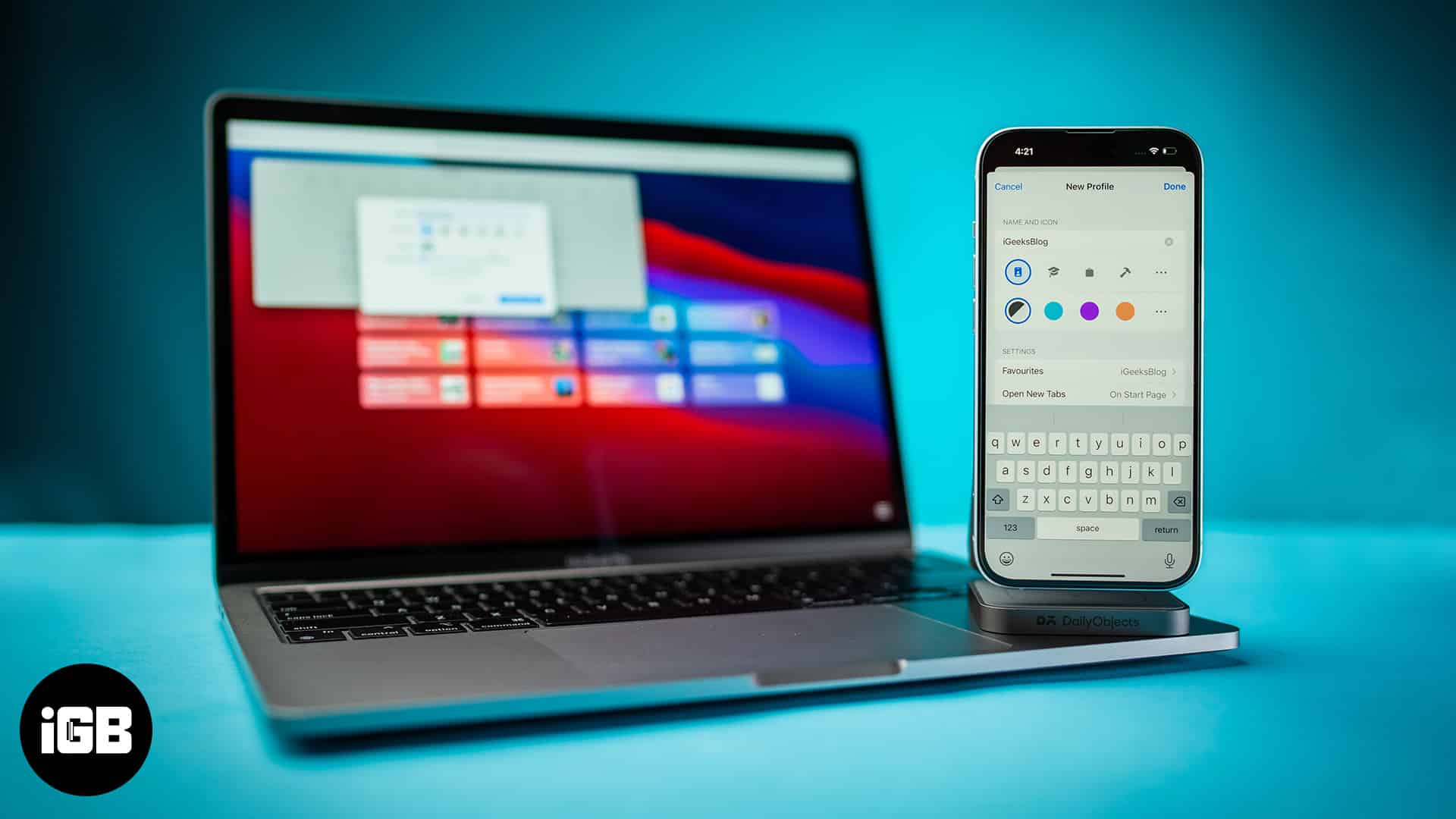
Learn how to create and use Safari Profiles on your iPhone, iPad, and Mac to keep your browsing perfectly organized.

Shop Amazon like a local—anywhere in the world. Here’s how to switch your country in a snap!
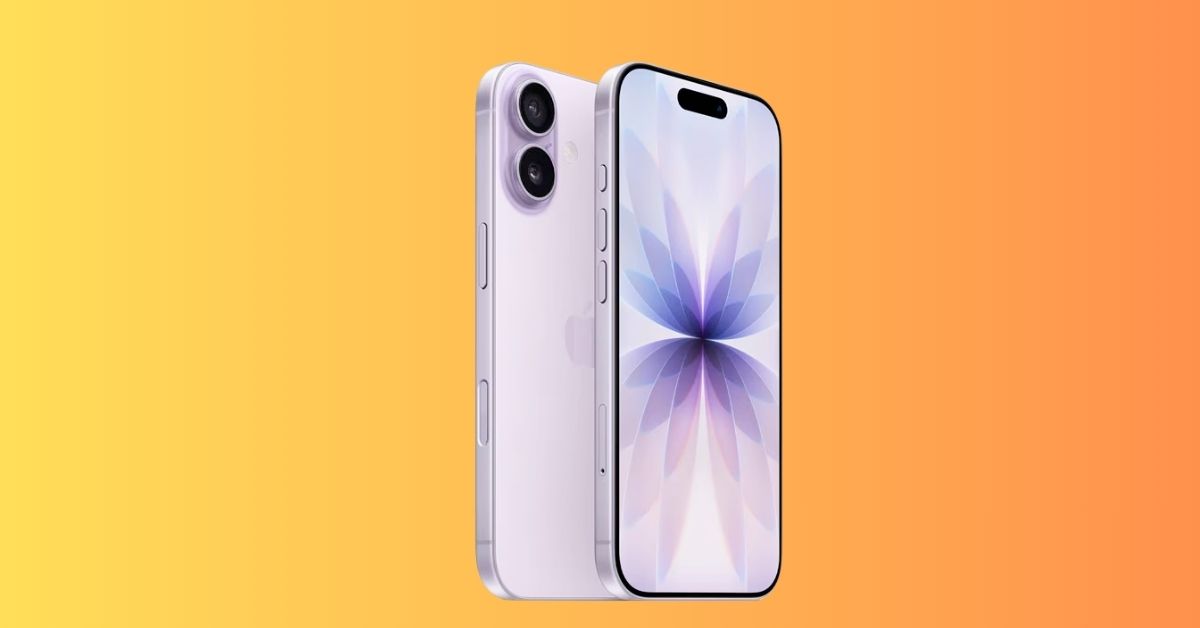
Looking for the best iPhone 17 screen protectors? Here are the top-rated picks for durability, clarity, and privacy.
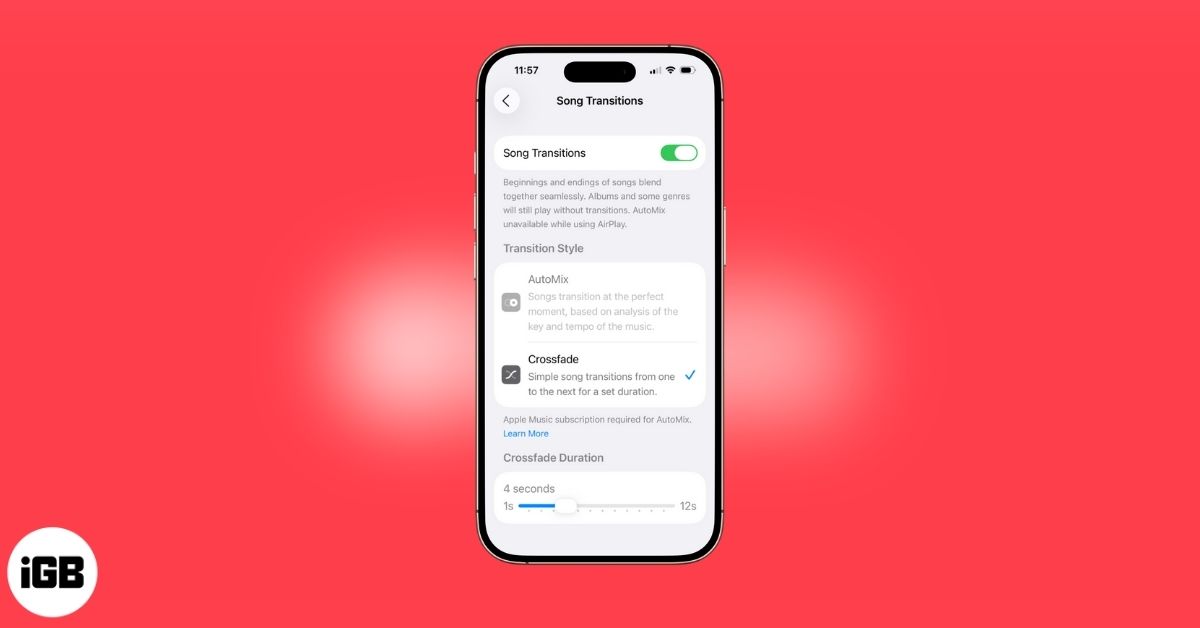
Apple Music’s Crossfade feature seamlessly blend songs for smoother transitions in your playlists. Here's how!
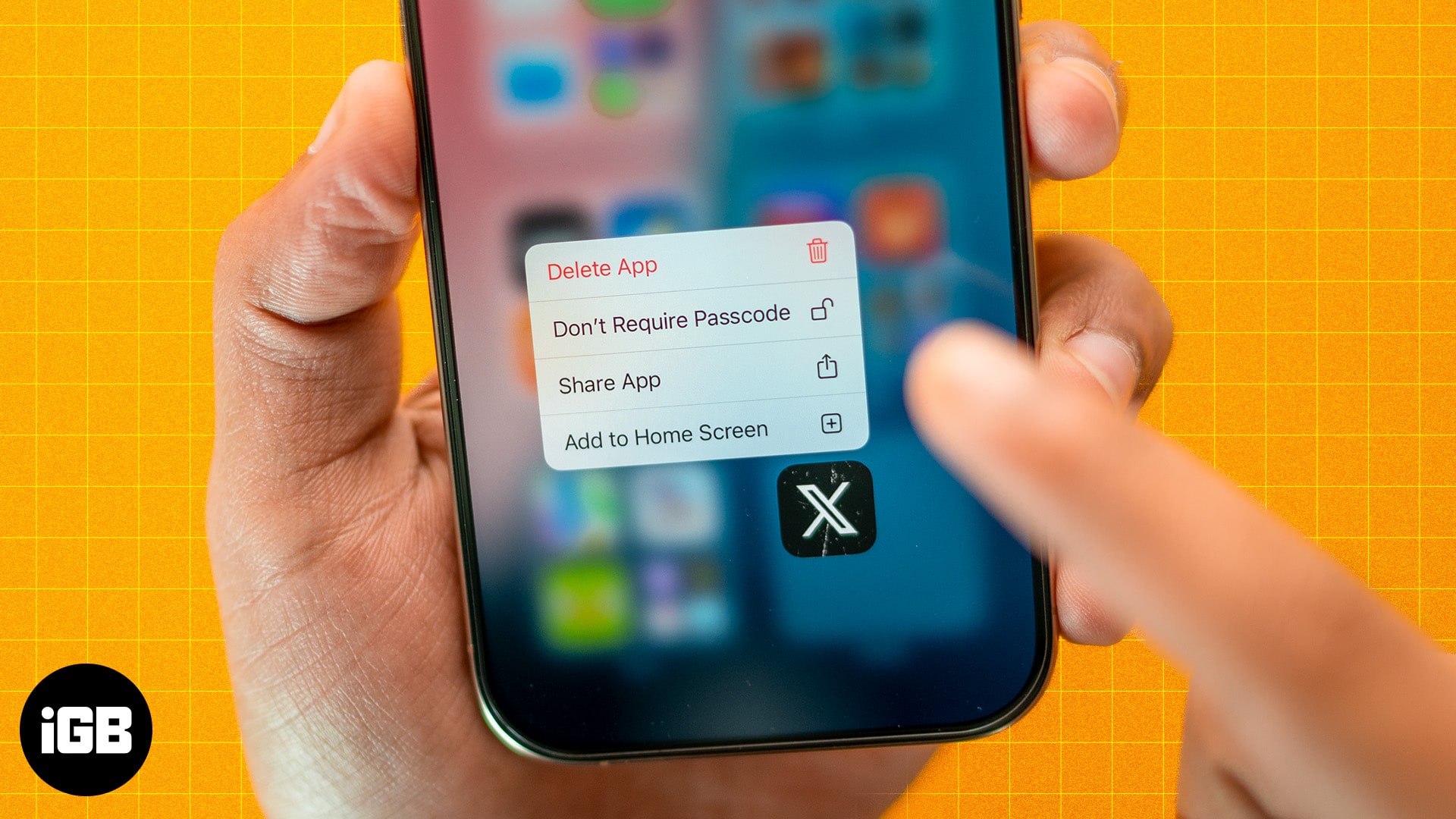
Struggling to find hidden apps? Learn how to unhide apps on your iPhone in seconds and get full control of your home screen.
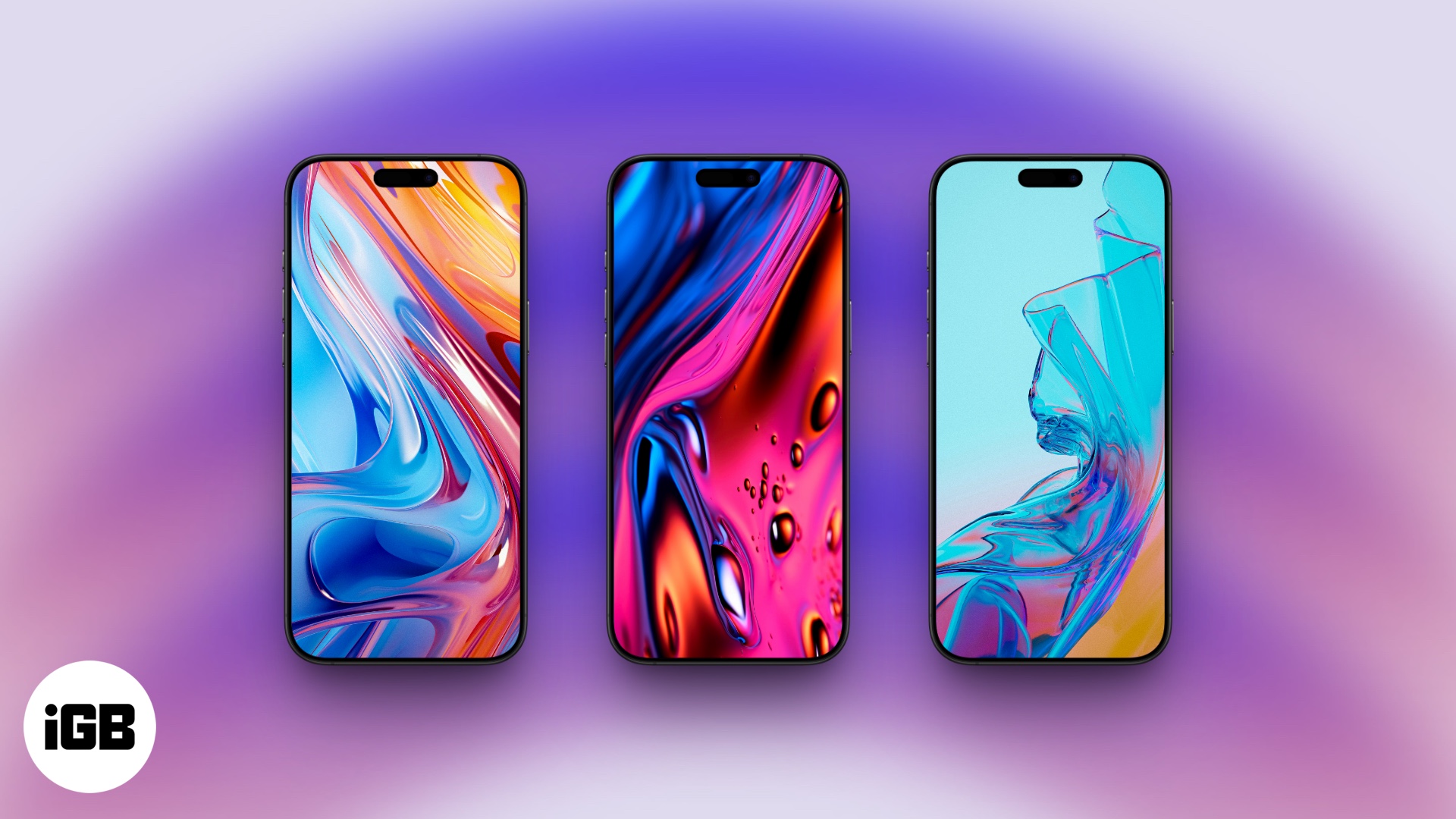
A colorful set of abstract wallpapers to complement iOS 26's new Liquid Glass aesthetics.
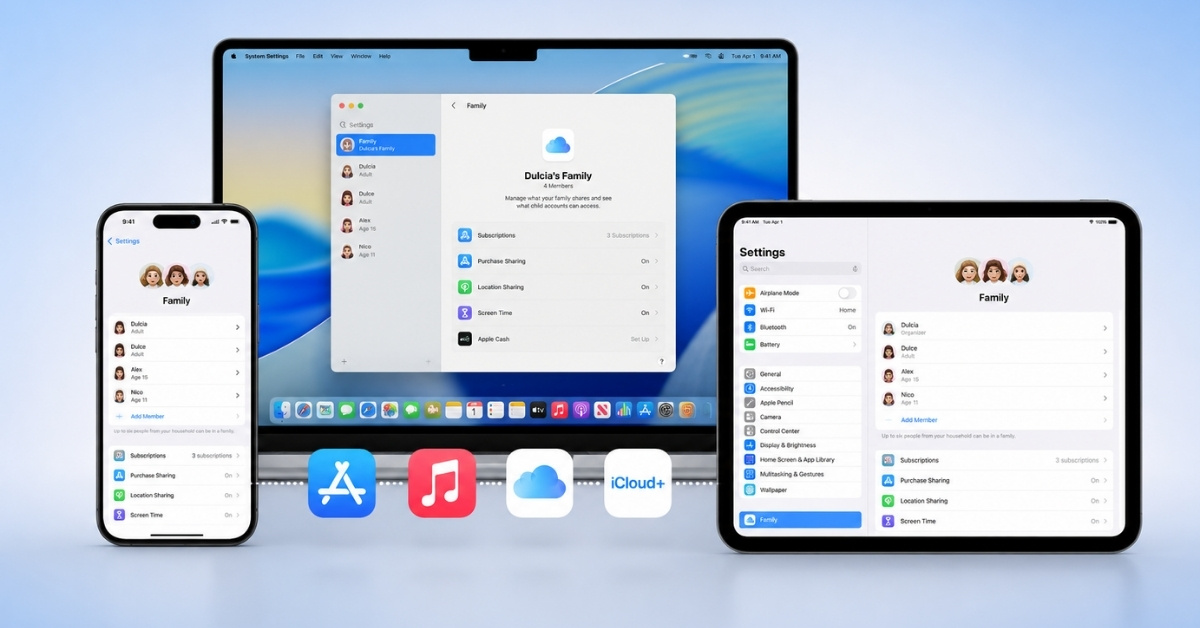
Apple's Family Sharing lets you share purchased apps, subscriptions, movies, and more with up to six people. Here's how to set up and manage Purchase Sharing.
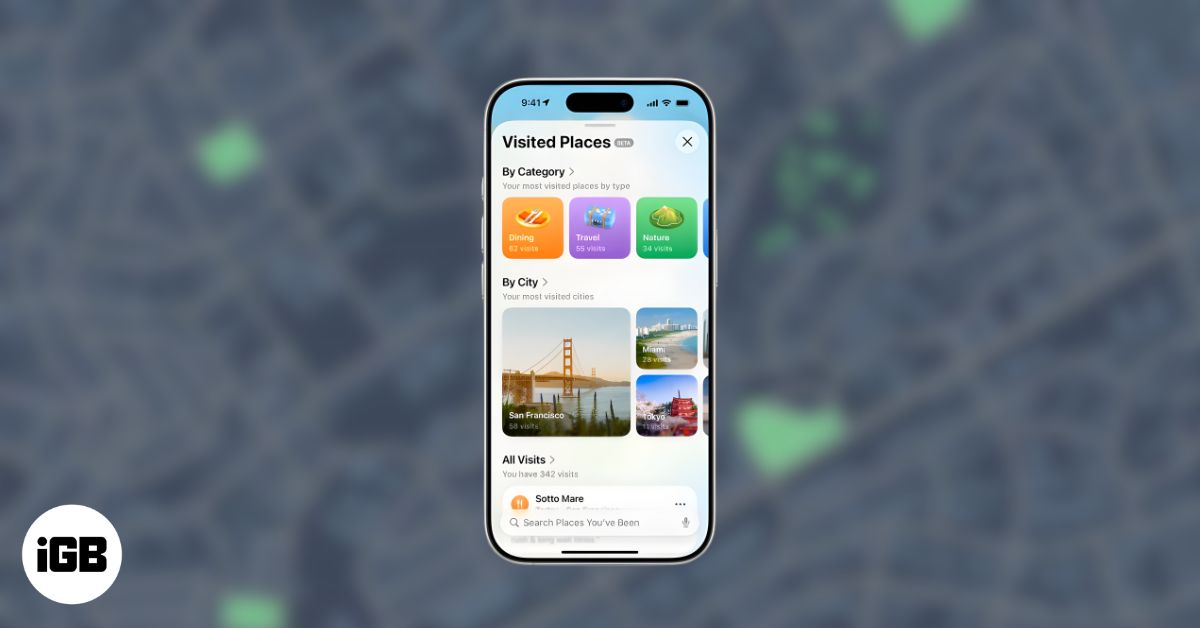
Apple Maps' Visited Places logs your trips, helps you revisit spots, and gives you privacy controls to turn it on or off anytime.
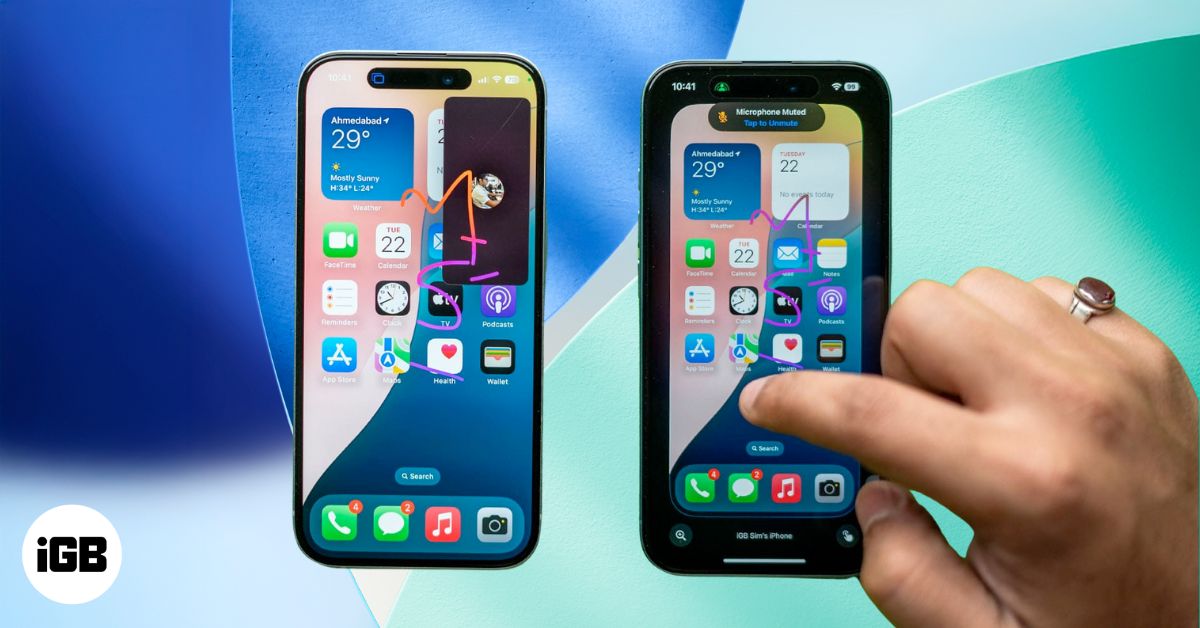
With SharePlay in FaceTime, you can remotely control someone’s iPhone screen to guide them through settings or troubleshoot issues. Here’s how it works.

Apple lets you automatically delete OTPs or verification codes on your iPhone. Learn how to enable this auto-delete feature.
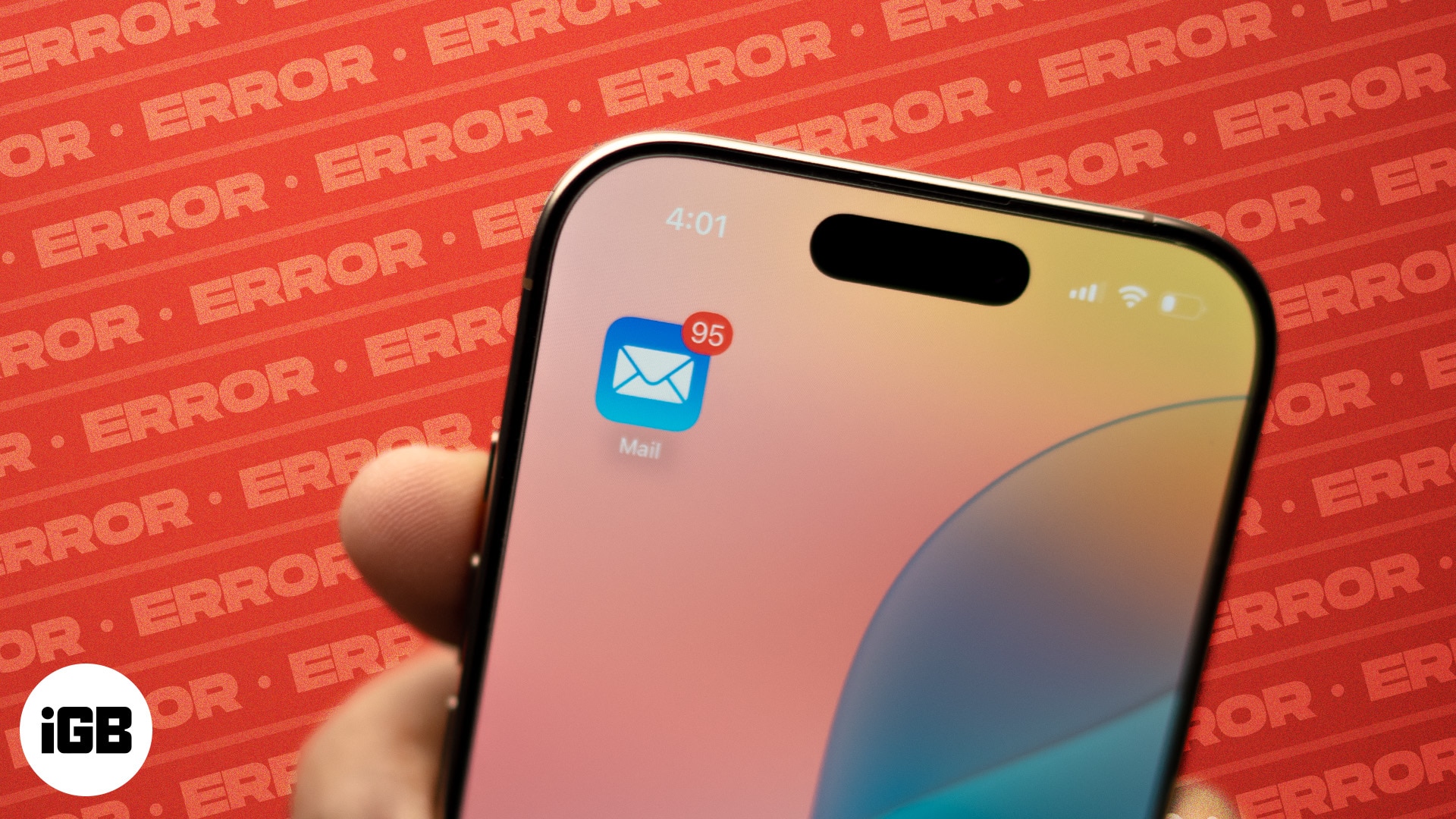
Mail problems usually follow an iOS update, showing up as crashes, blank screens, or accounts that stop syncing. These 12 fixes work through each symptom to get your inbox loading again.
Is your MacBook not charging? Learn why it happens and try these quick fixes to get your laptop charging again before calling Apple Support.
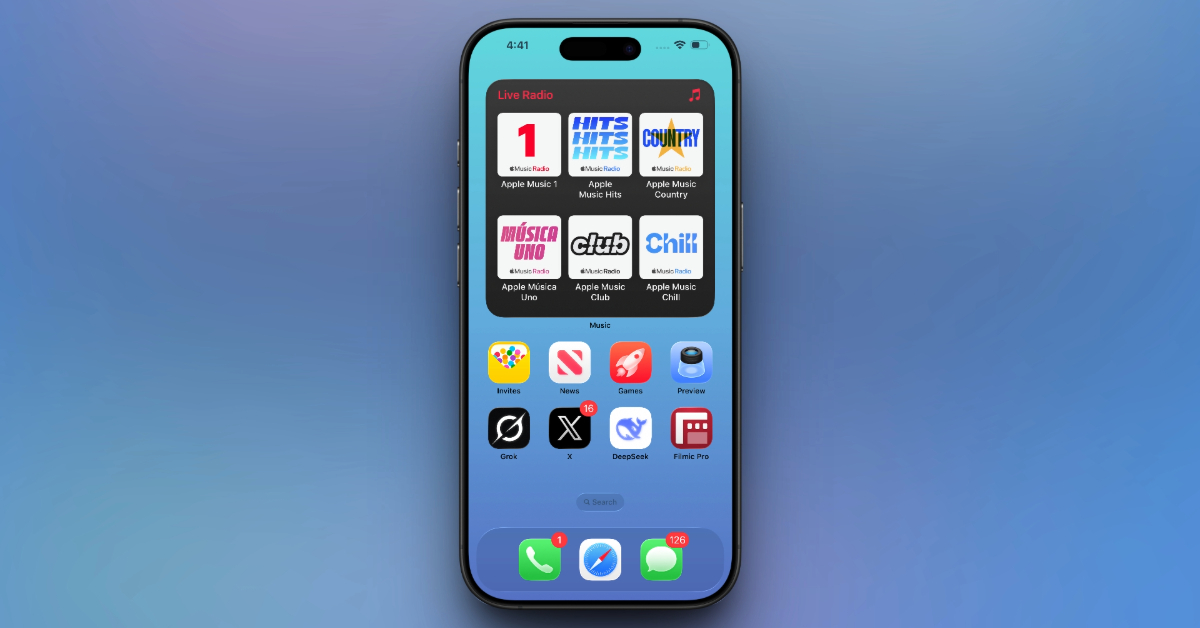
Step-by-step tips on how to customize your iPhone Home Screen with themes, widgets, and unique icons.

Pack smarter in 2026 with must-have iPhone travel accessories, from MagSafe chargers to AirTags, for stress-free and secure trips.