
FaceTime Like a Pro
Get our exclusive Ultimate FaceTime Guide 📚 — absolutely FREE when you sign up for our newsletter below.

FaceTime Like a Pro
Get our exclusive Ultimate FaceTime Guide 📚 — absolutely FREE when you sign up for our newsletter below.




Looking for a TV that works seamlessly with your iPhone, iPad, or Mac? Here are the best AirPlay 2 compatible TVs for 2026, from premium OLEDs to budget-friendly picks.
WhatsApp calls not working on your iPhone or Android? From poor internet to app glitches, here are 11 easy fixes to solve voice and video call issues fast.
Looking for an easy shortcut to close all open tabs at once in Safari. Here are multiple ways to close all tabs on iPhone or iPad.
Blocking stops calls, texts, and FaceTime from a number in one move. Here is how to do it from every app that offers it, where to review your blocked list, and how to reverse it later.
Is your iPhone making random calls on its own? From ghost touches to Siri misfires, here’s how to stop accidental dialing and fix the issue for good.
Lock notes on your Mac with Touch ID or a password and keep your private info secure in macOS Tahoe.

Is Ask to Buy not showing up in Family Sharing? Here are 8 proven fixes to restore purchase approval requests on iPhone, iPad, and Mac.
What are the new accessibility features in iOS 18? This article will answer this question and explain how to use them.
Restrict quietly limits someone's interactions without the confrontation of a block. Here is exactly what they can and cannot see afterwards, and how to restrict or reverse it on iPhone.
Learn how to lock Safari’s Private Browsing tabs with Face ID or Touch ID on iPhone, iPad, and Mac, plus extra privacy tips and troubleshooting fixes.
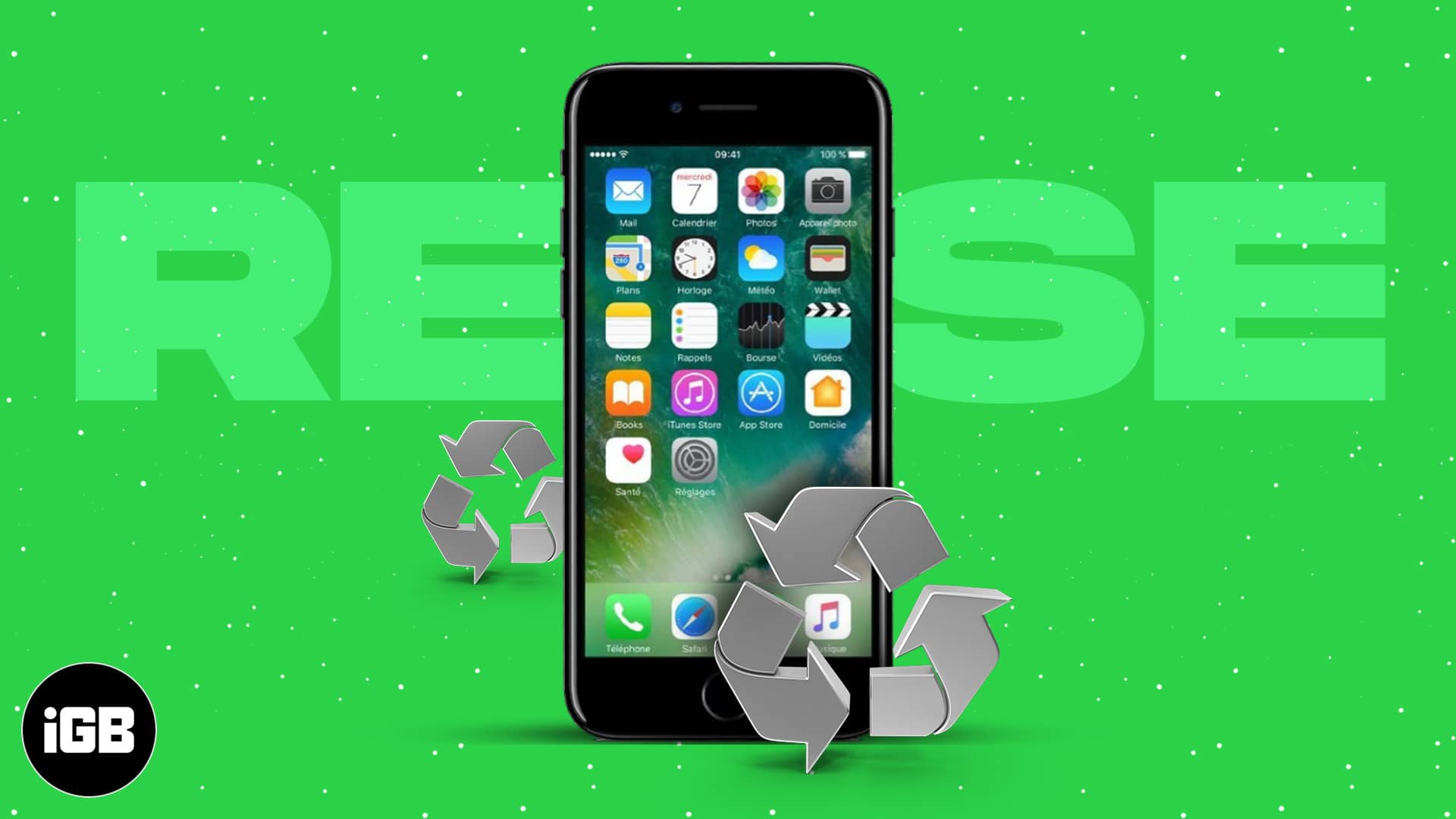
Don’t let your old iPhone collect dust. From smart home remote to fitness tracker, here are 24 clever ways to repurpose it or recycle responsibly.
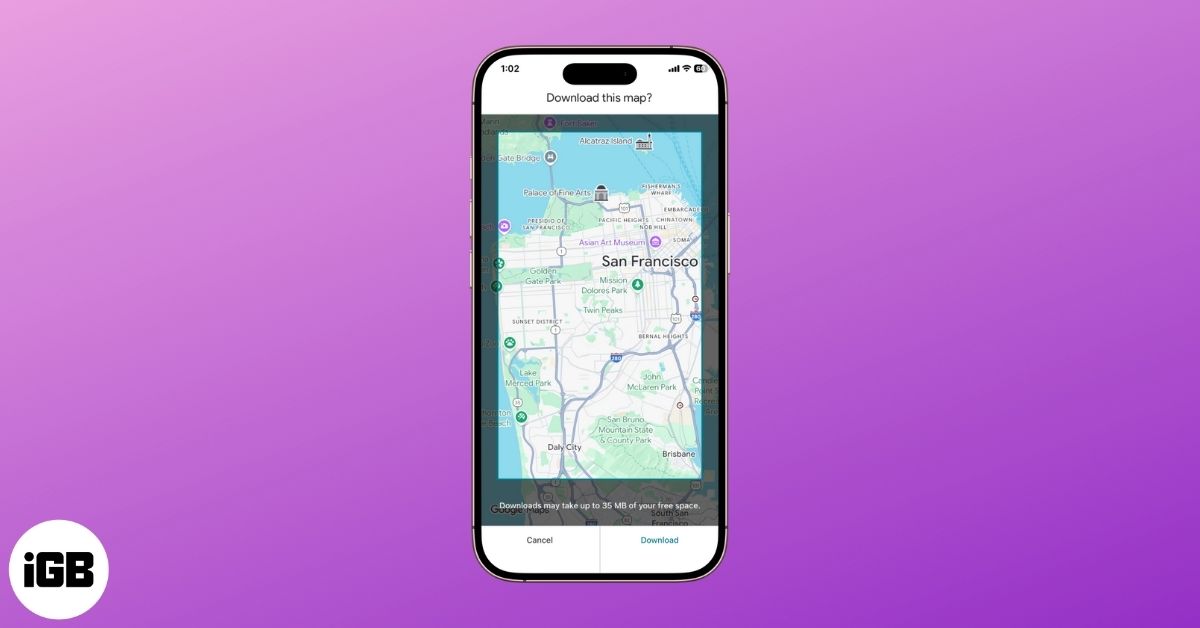
Offline maps keep navigation working with no signal and save mobile data. Here is how to download an area on iPhone and Android, manage the download settings, and navigate offline.
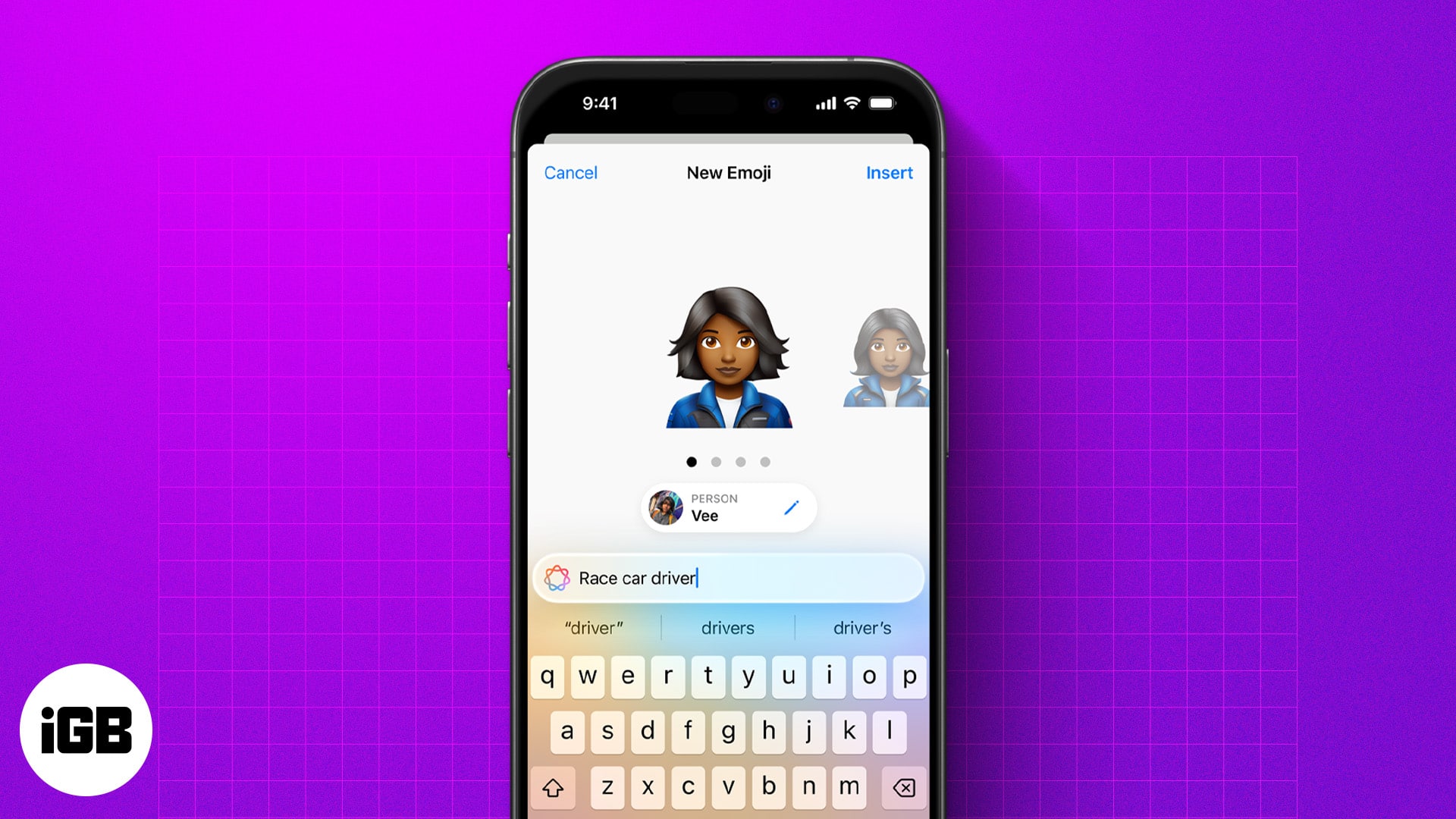
Genmoji lets you create custom emojis from text, emojis, or photos. Here’s how to use, customize, and share them on your iPhone.
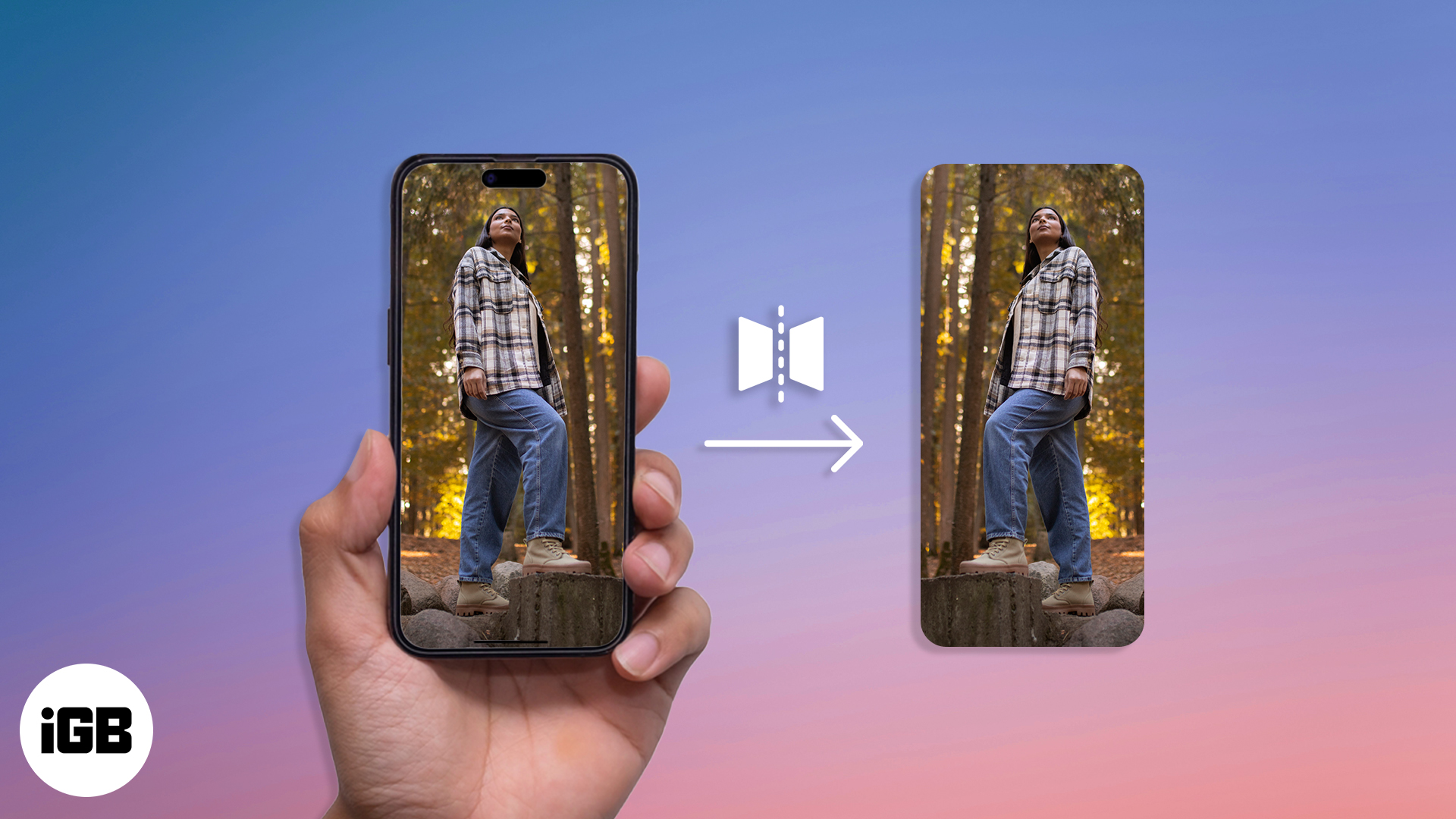
Learn how to flip photos and selfies on your iPhone in just a few taps.
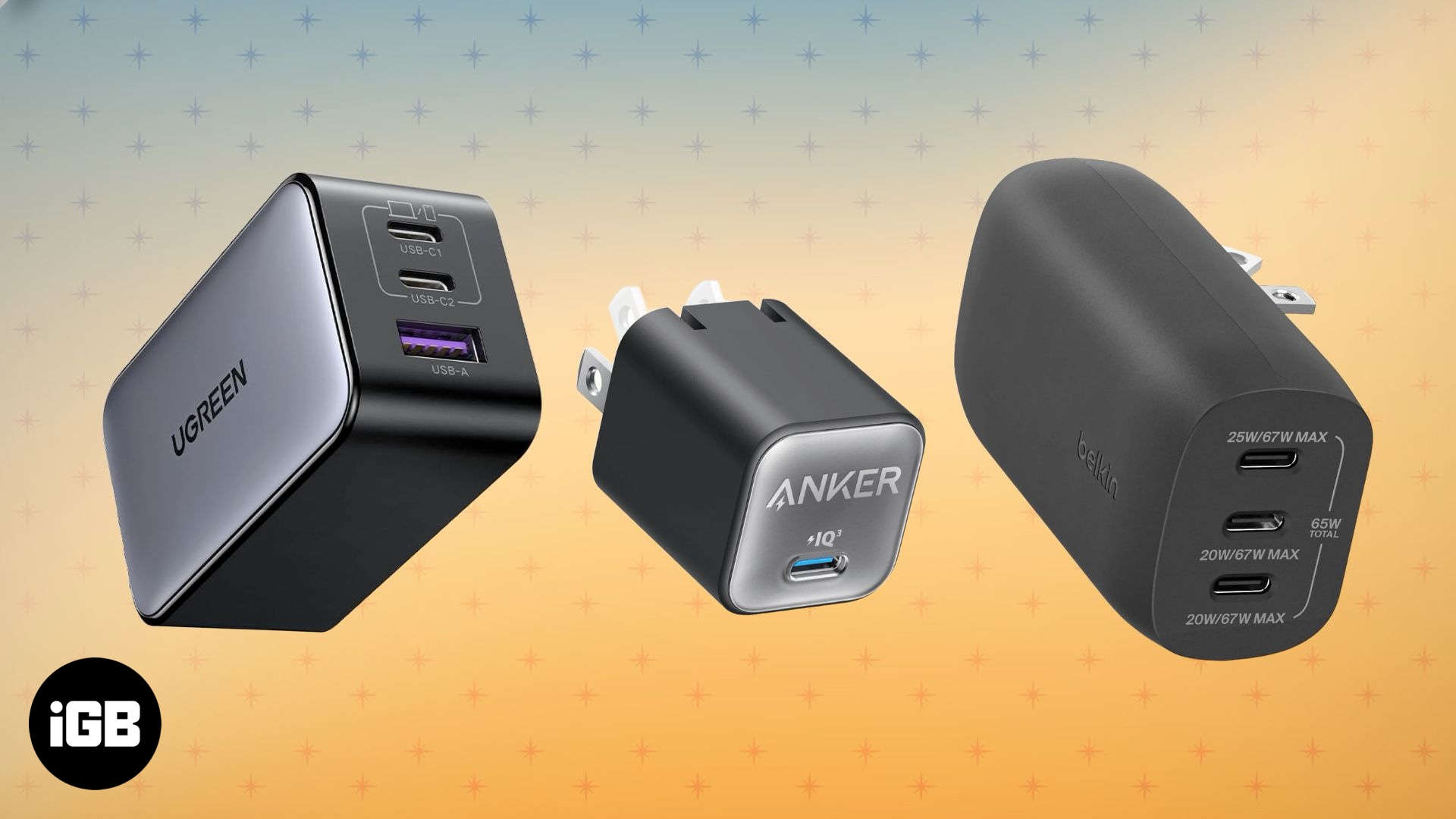
From compact travel adapters to powerful GaN bricks, discover the top USB-C chargers for your iPhone.
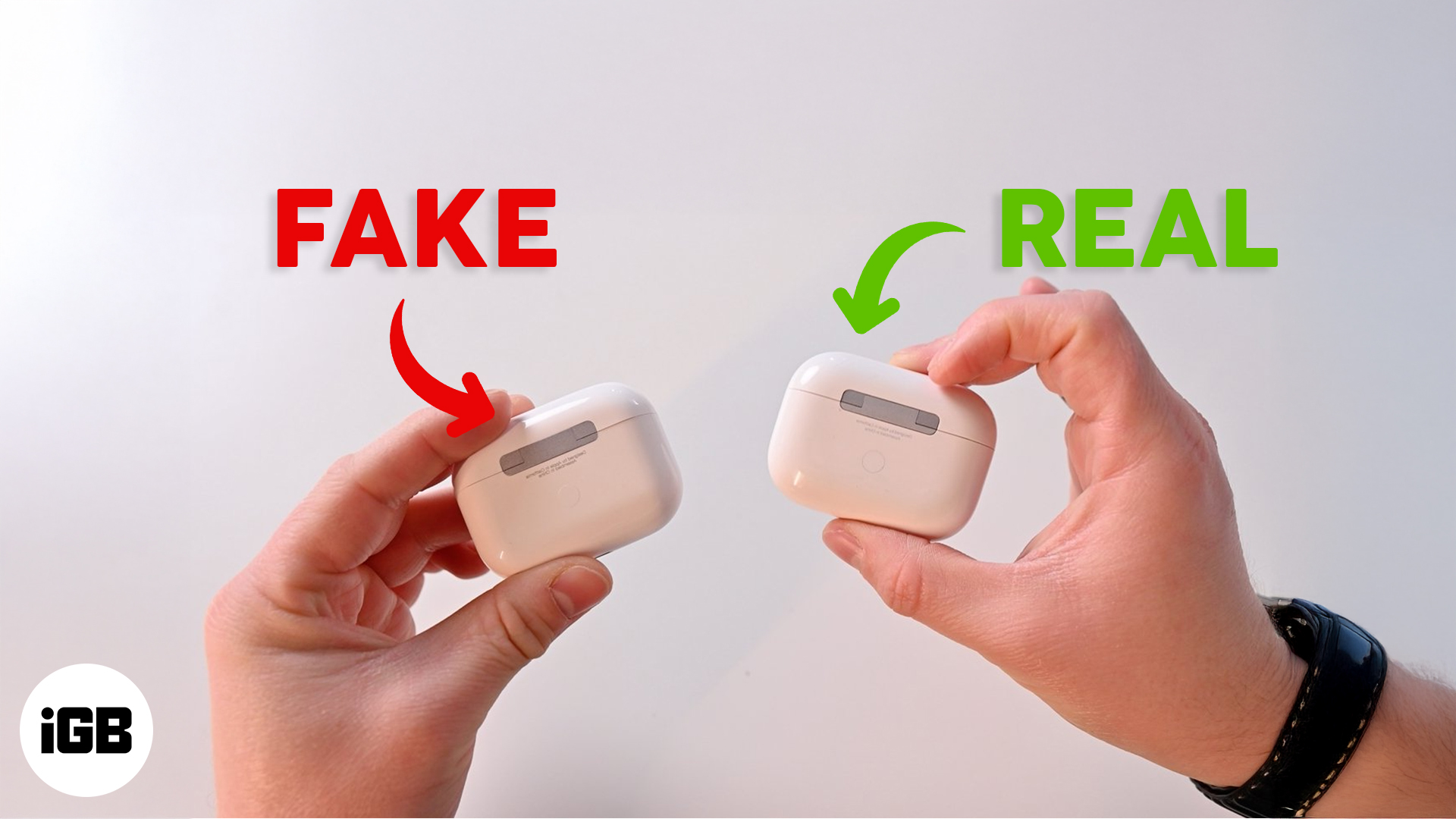
Think your AirPods Pro might be fake? Learn how to spot counterfeits with this quick and easy guide.
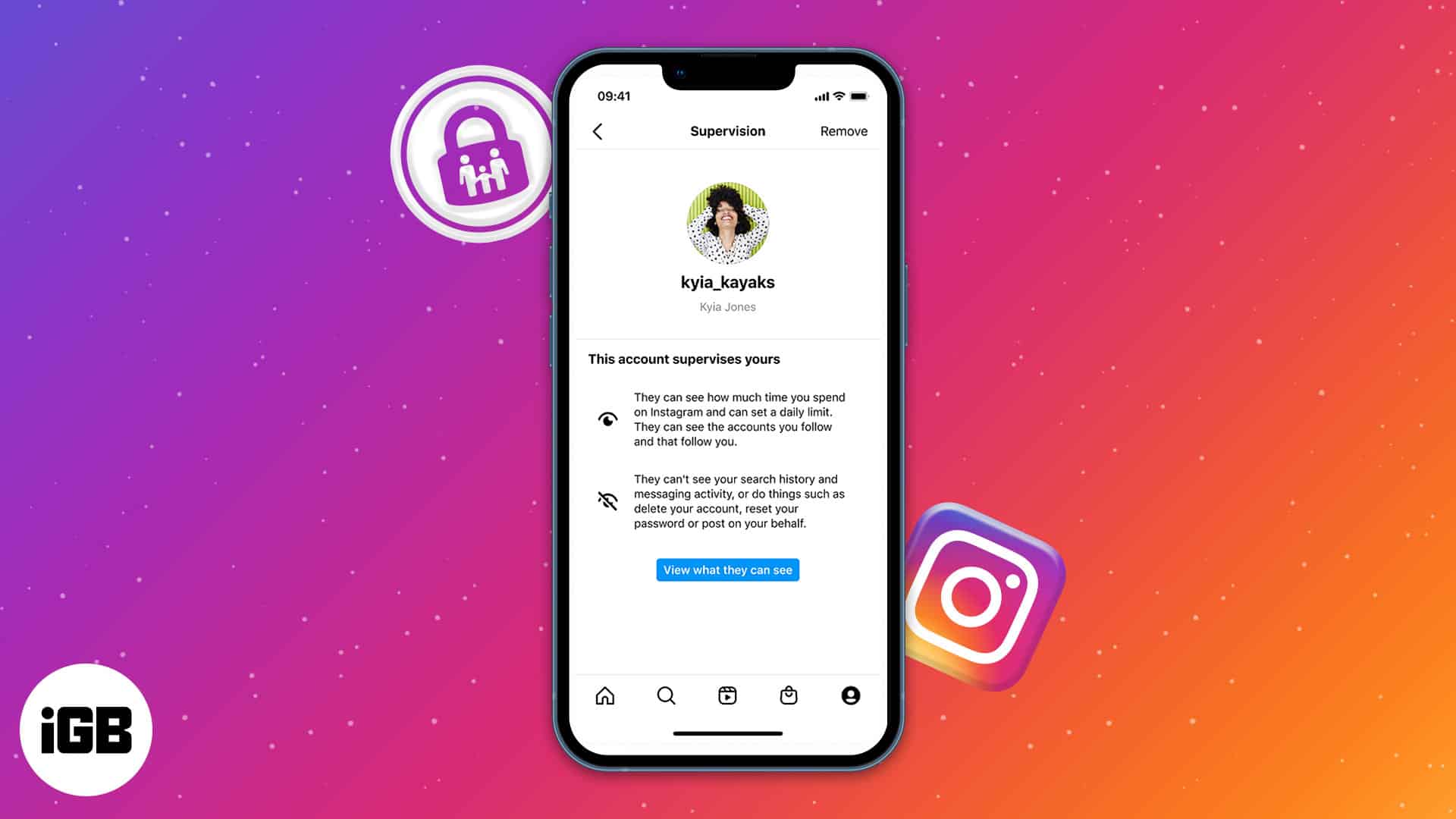
Learn how to use Instagram's parental controls to keep your teen safe and manage their activity with Meta's Family Center.
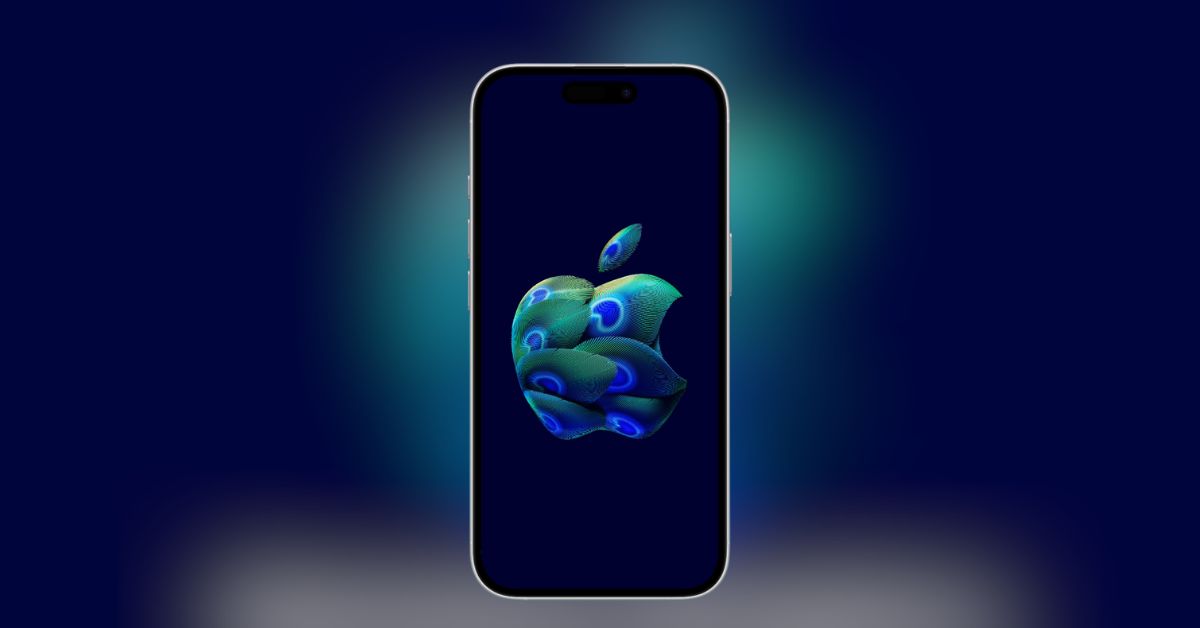
Apple is opening its first South India store in Bengaluru on Sept 2, 2025. Grab the exclusive Apple Hebbal Store wallpaper in 4K for iPhone, iPad, and Mac.
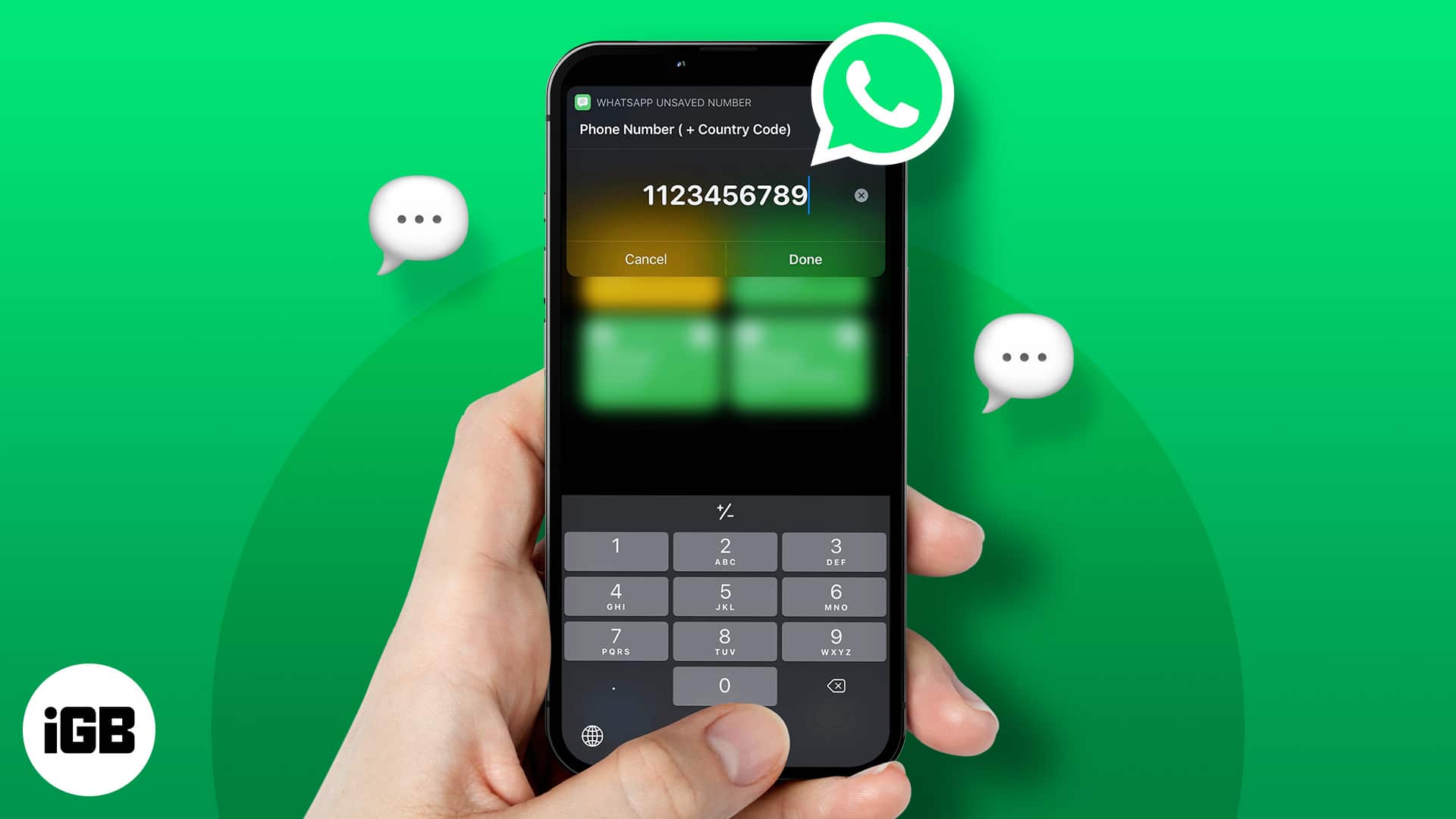
Tired of cluttering your phonebook with one-time numbers? Learn simple and safe ways to send WhatsApp messages without saving contacts on iPhone, Android, and Web.

Don’t risk losing your chats! Learn how to back up WhatsApp messages on iPhone and Android with iCloud, Google Drive, or encrypted backups.
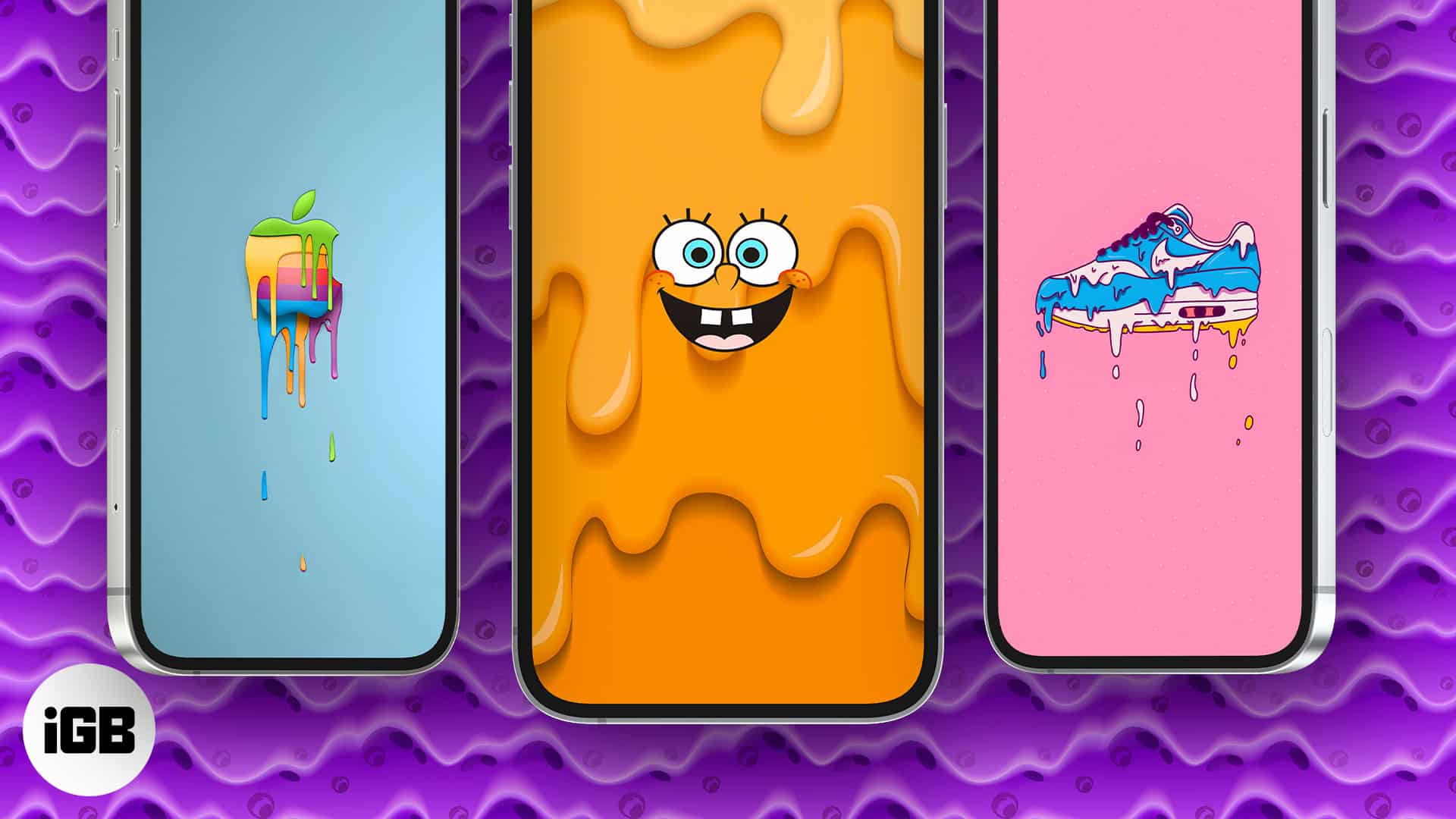
Drippy wallpapers took over TikTok and Instagram for good reason. This collection gathers 18 free 4K options for iPhone, with instructions for setting them and tips to make the colors stand out.
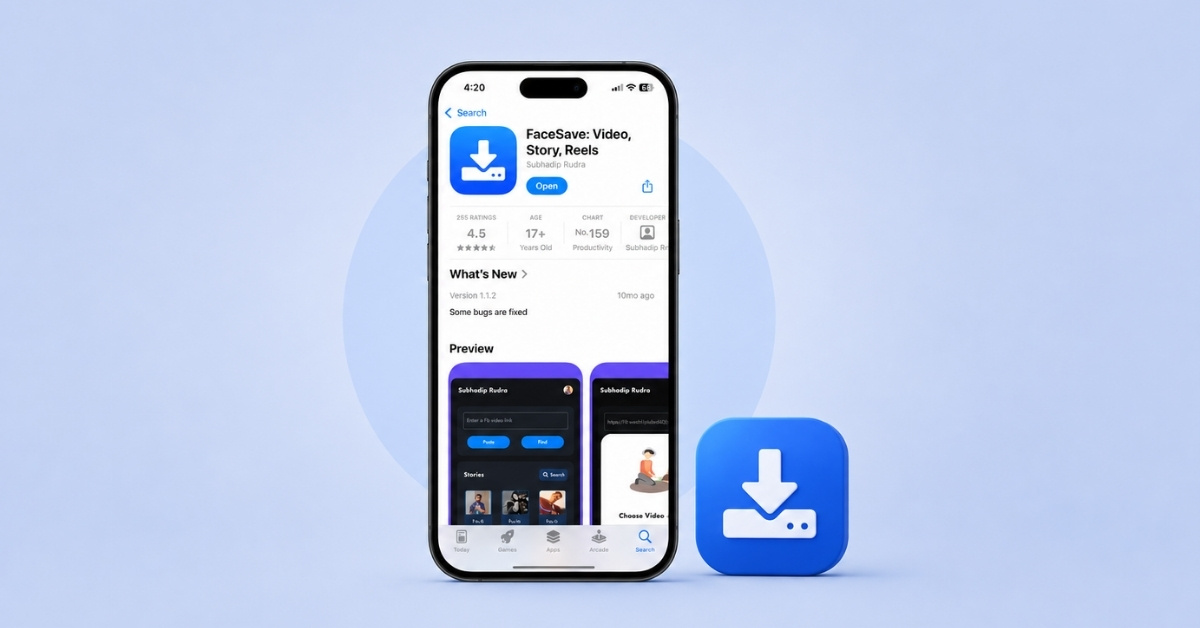
Wan to save Facebook videos offline? Follow our step-by-step guide to learn how to download Facebook videos on an iPhone, iPad, and desktop.
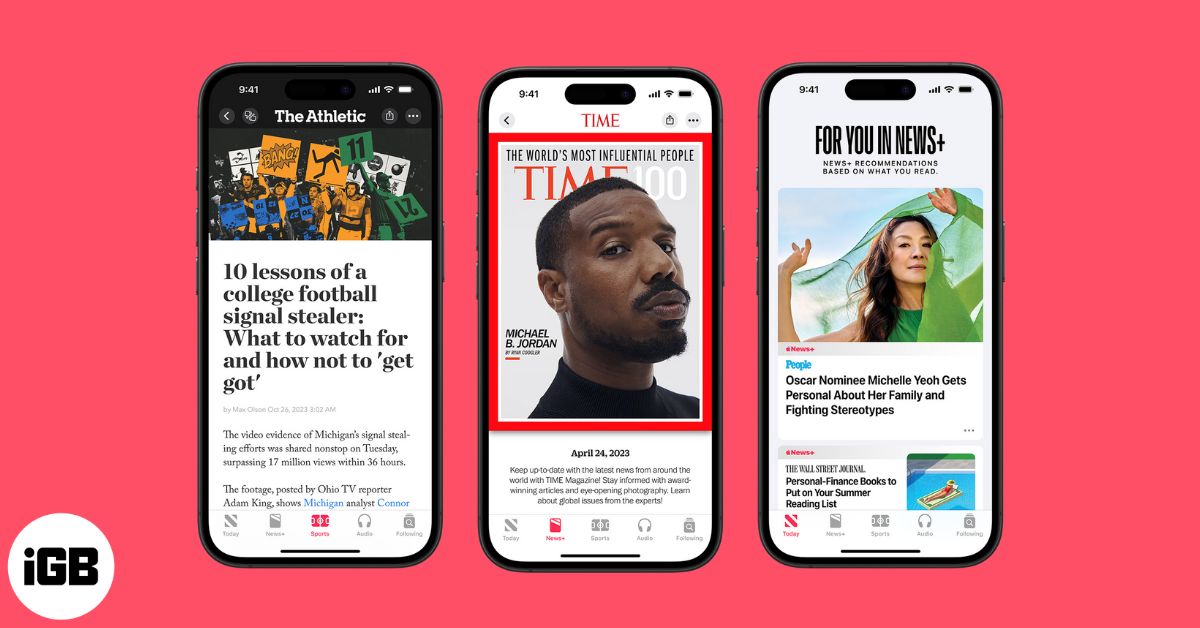
Apple News is your built-in news app for iPhone and iPad, offering curated headlines, personalized feeds, and premium Apple News+ magazines. Learn how to set it up, customize notifications, read offline, and unlock pro tips to make the most of it.
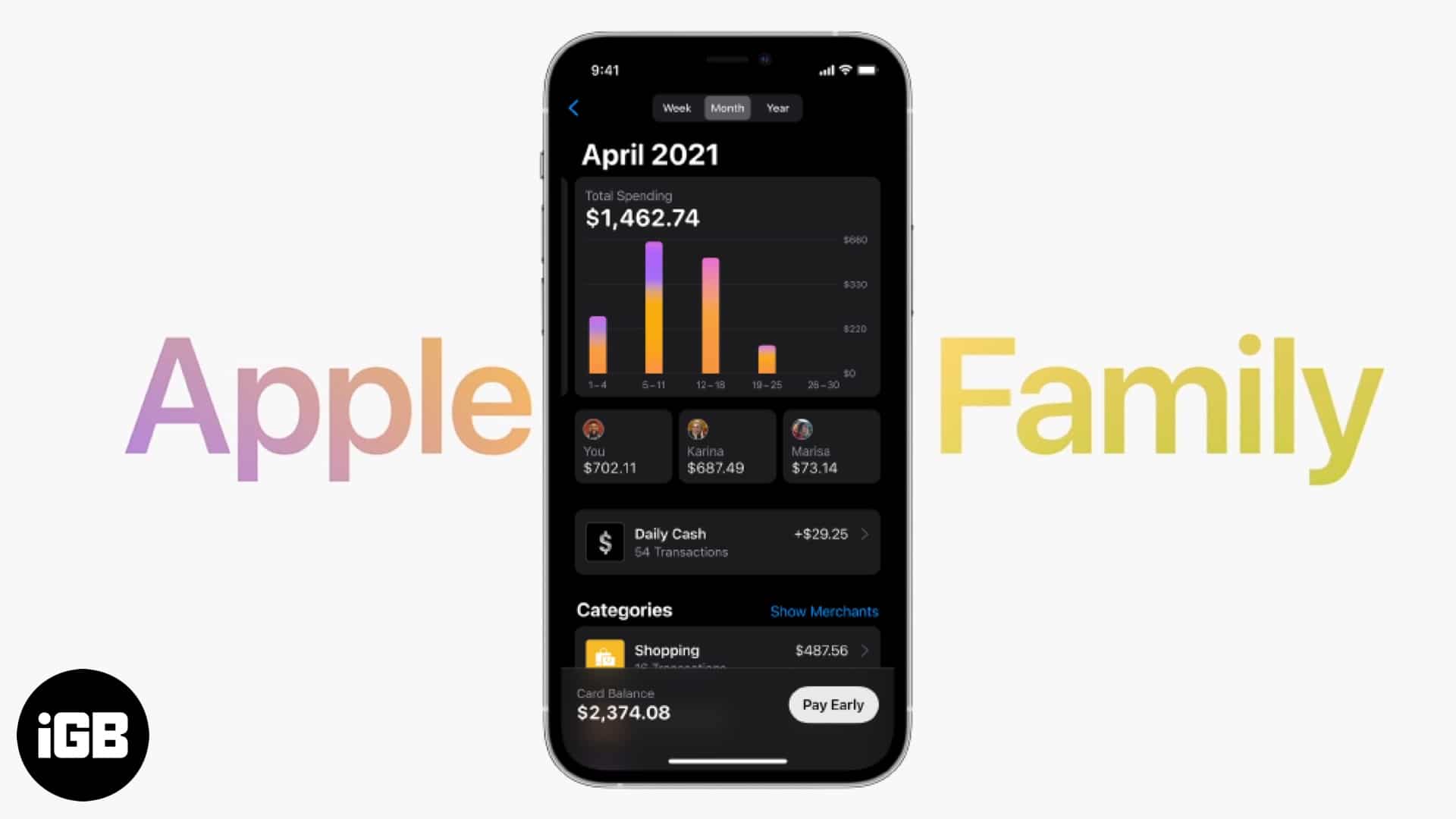
Apple Card Family lets you share your Apple Card with up to five family members, set spending limits, build credit together, and earn Daily Cash rewards, all managed directly from the Wallet app.
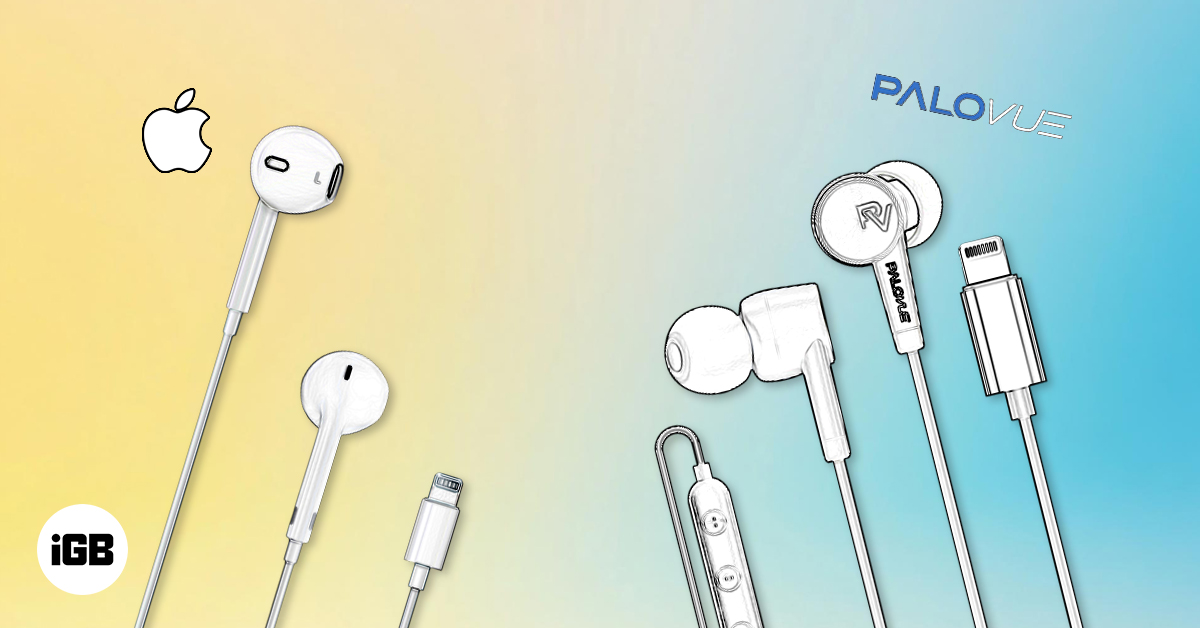
Find the best wired headphones for iPhone with our guide to compatibility, key features, and top picks for music, gaming, and calls.

Easily share your iPhone Health data with family, friends, or doctors for better care and support. Here’s how to set it up and keep it secure.
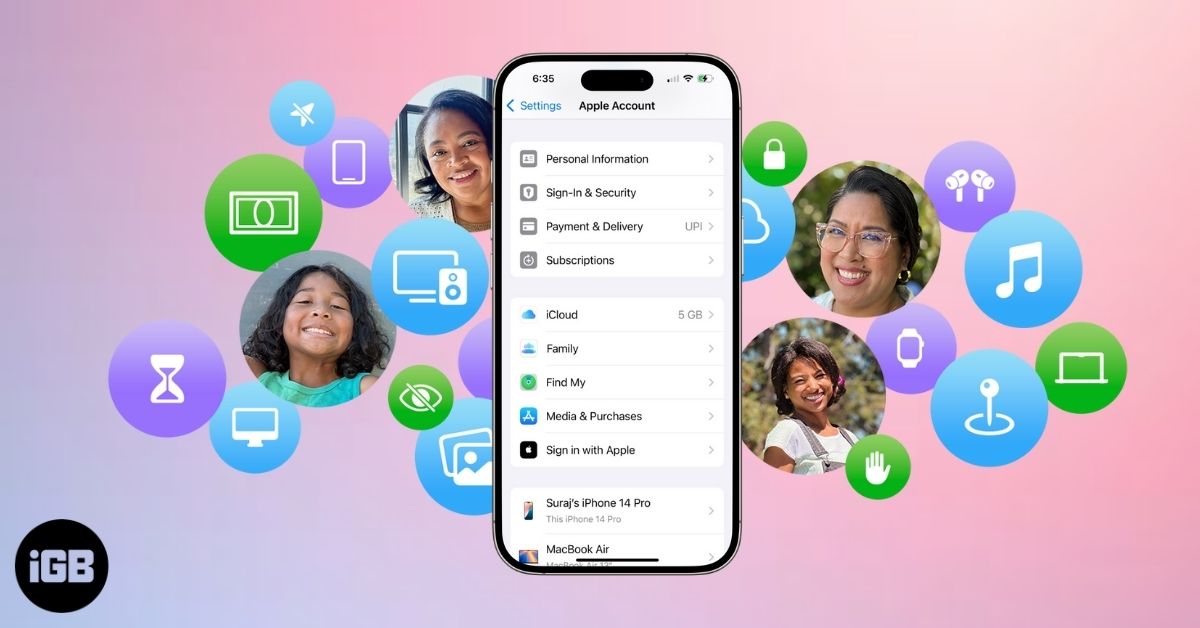
Apple Family Sharing lets you share apps, music, iCloud, and subscriptions with up to six people. Learn setup steps, features, and tips to manage it.
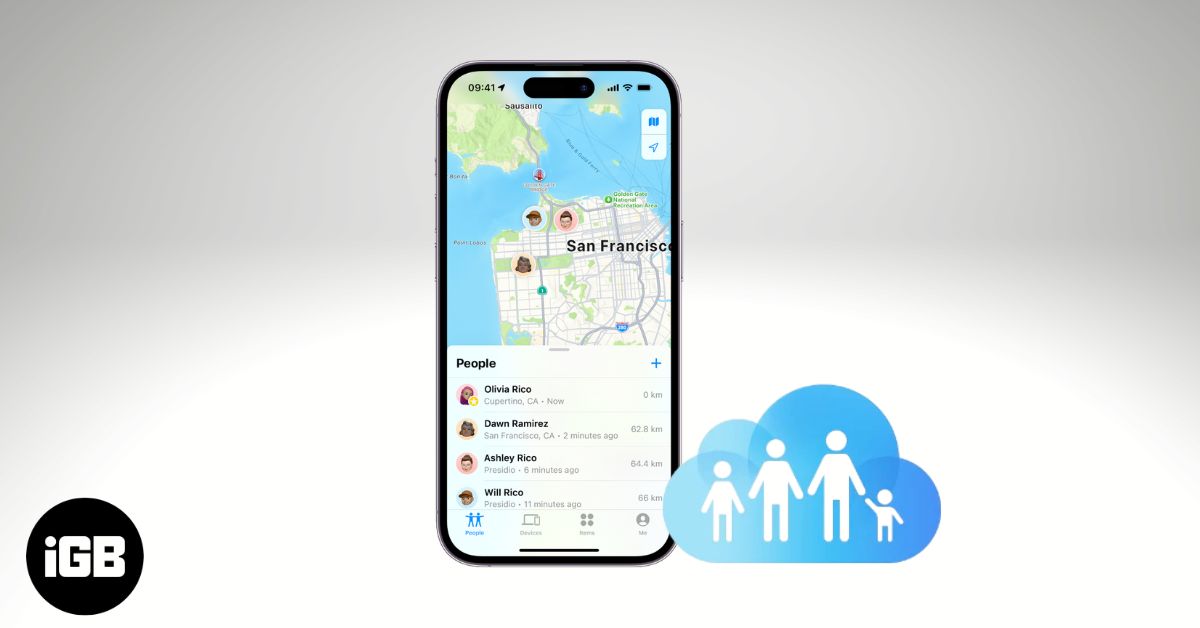
Learn how to share your location on iPhone using Family Sharing, adjust privacy settings, and fix common issues to stay safe and connected with loved ones.
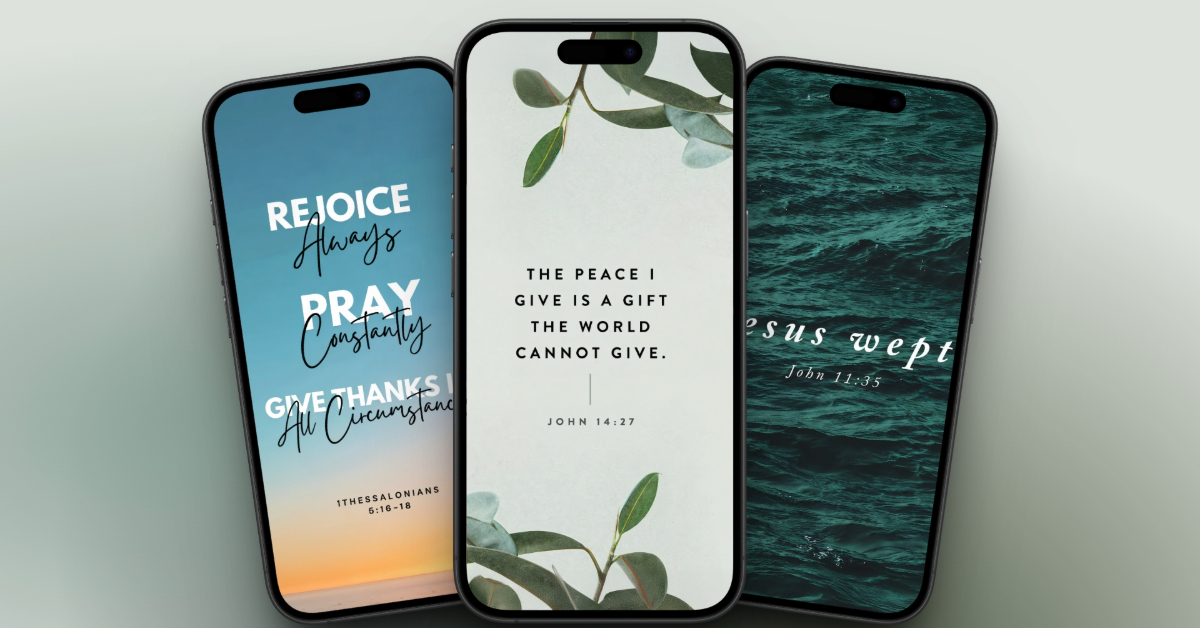
What if you felt a little more peace, hope, or strength every time you unlocked your iPhone? Bible verse wallpapers are ideal to remind you of God’s promises every day.
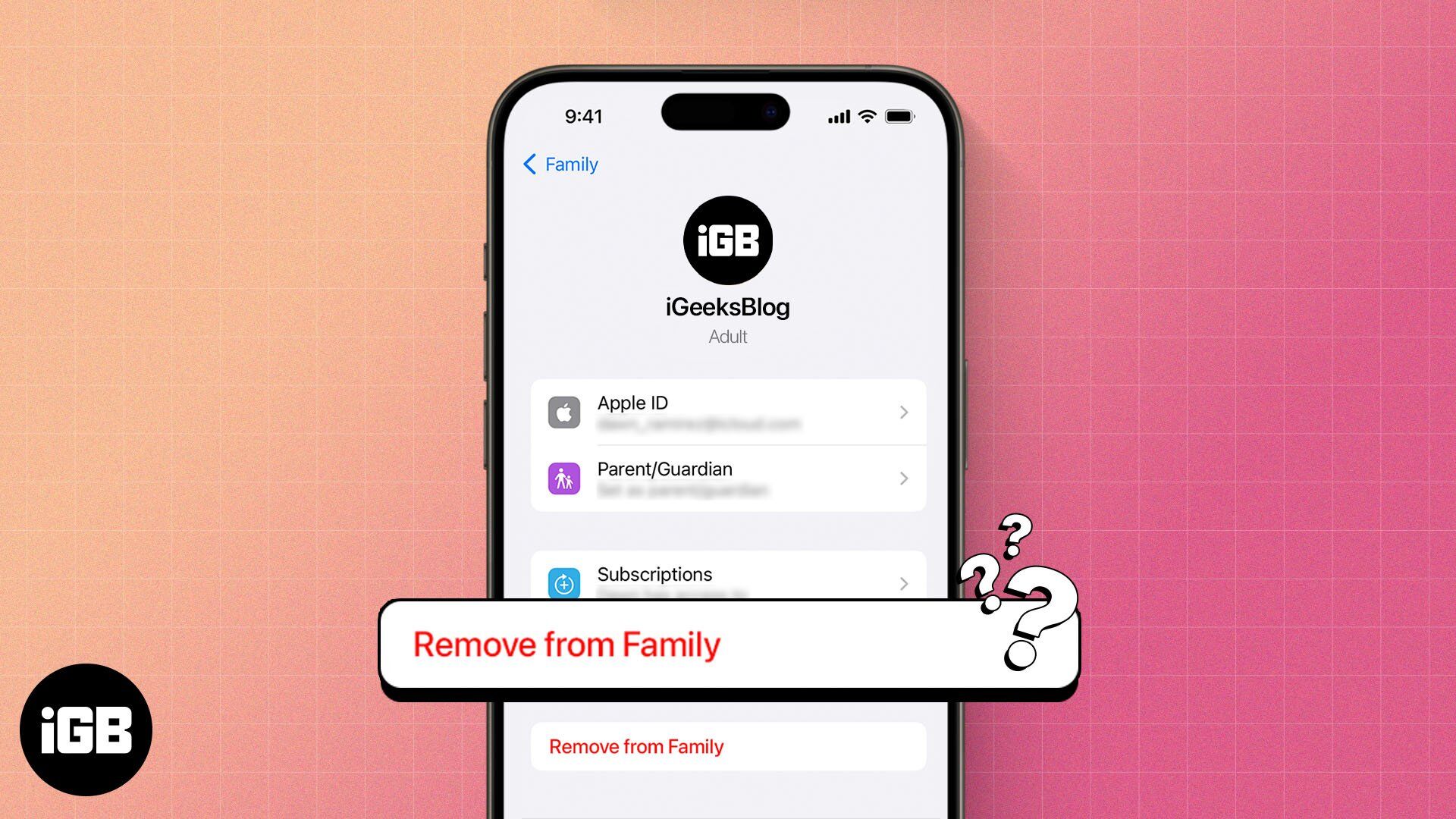
Leaving Family Sharing cuts your access to shared purchases and subscriptions immediately. Here is what you lose, who can leave or be removed, and how to exit the group cleanly.