
FaceTime Like a Pro
Get our exclusive Ultimate FaceTime Guide 📚 — absolutely FREE when you sign up for our newsletter below.

FaceTime Like a Pro
Get our exclusive Ultimate FaceTime Guide 📚 — absolutely FREE when you sign up for our newsletter below.



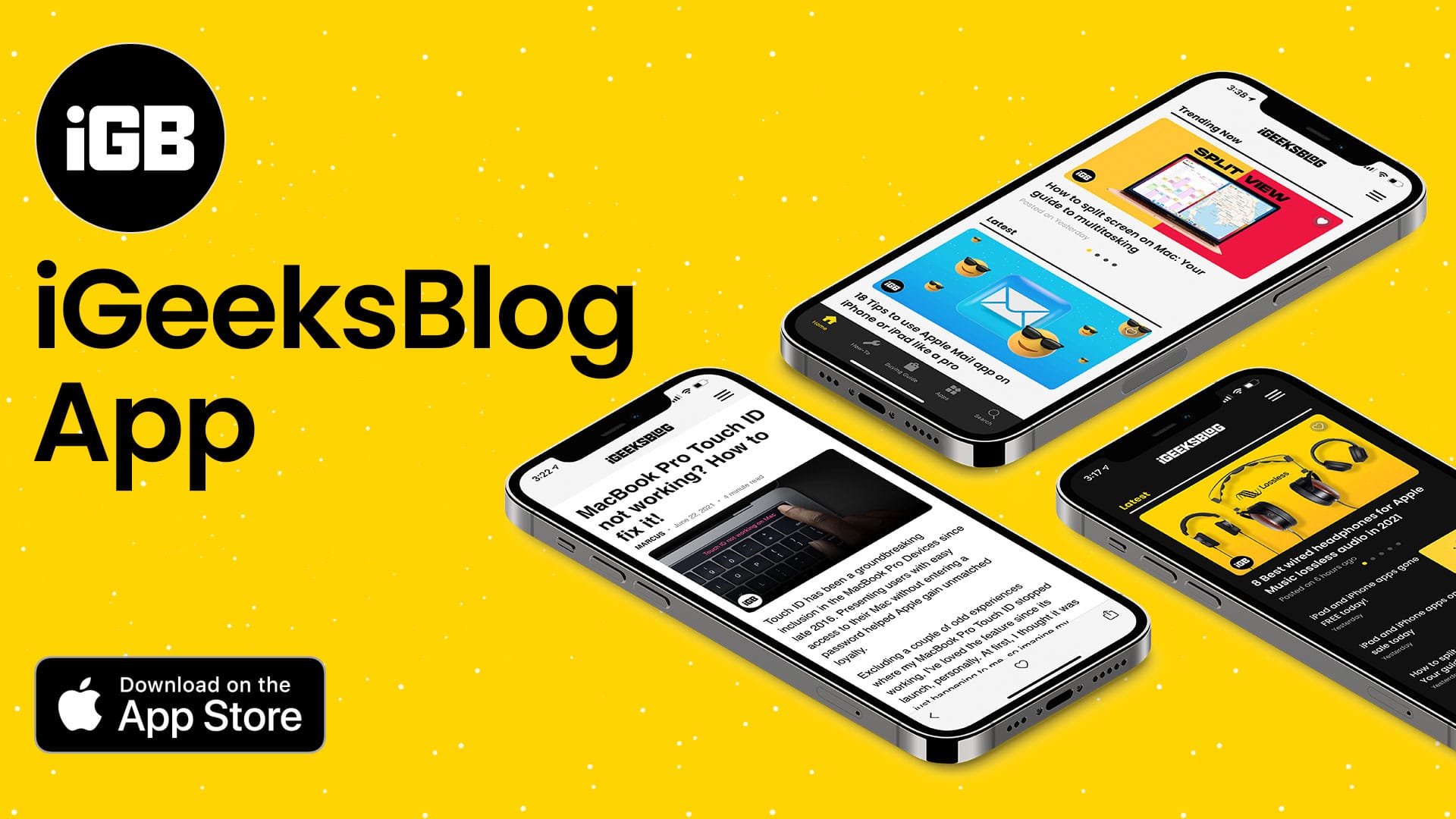
Read our Apple coverage in a clean, fast app built for iPhone. It offers Sign in with Apple, opt-in notifications, quick search, saved articles for later, and full dark mode support.
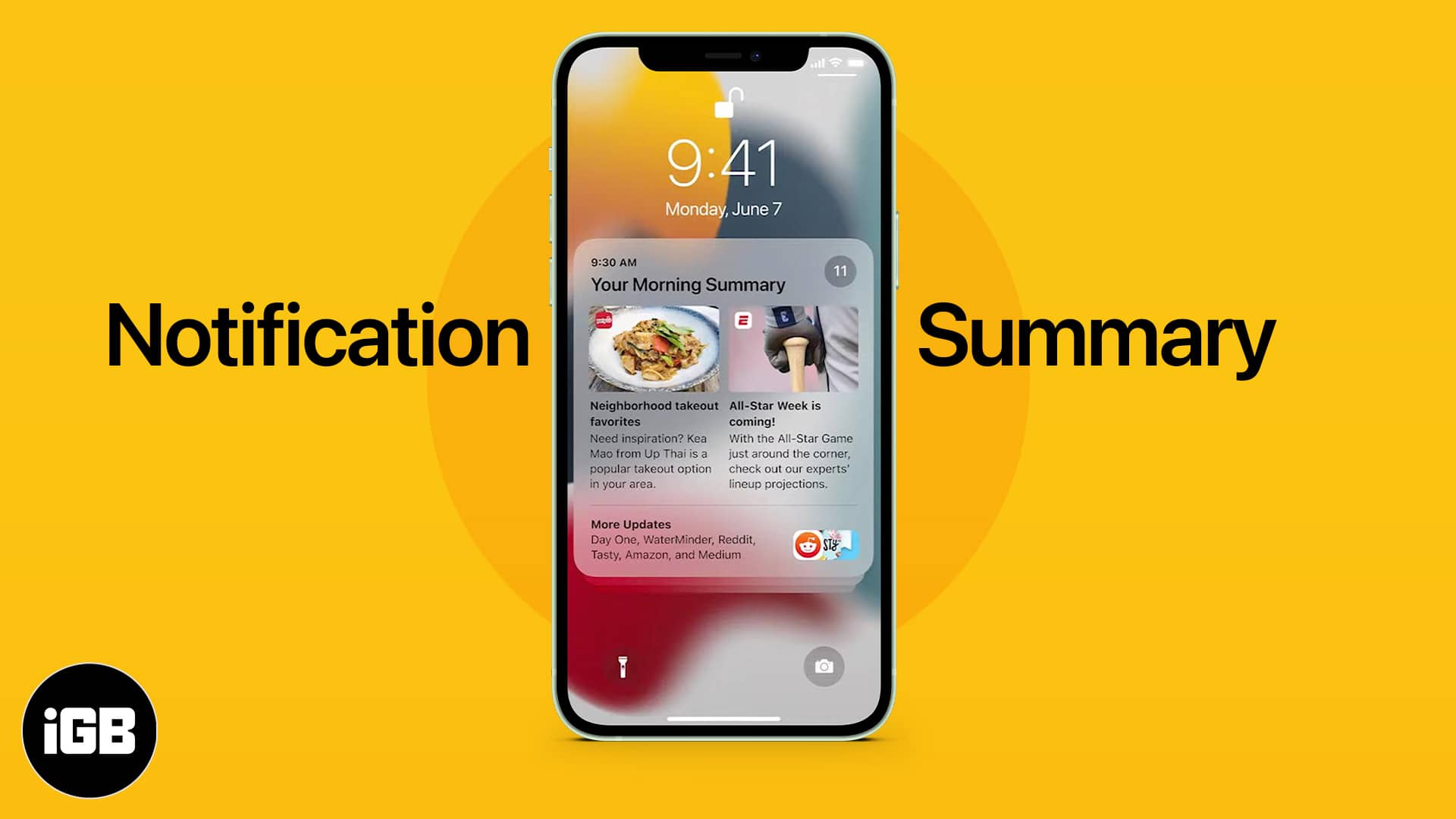
Notification Summary holds low-priority alerts and delivers them at times you choose. Here is what it does, how to enable it on iPhone, which apps to include, and how to set the schedule.
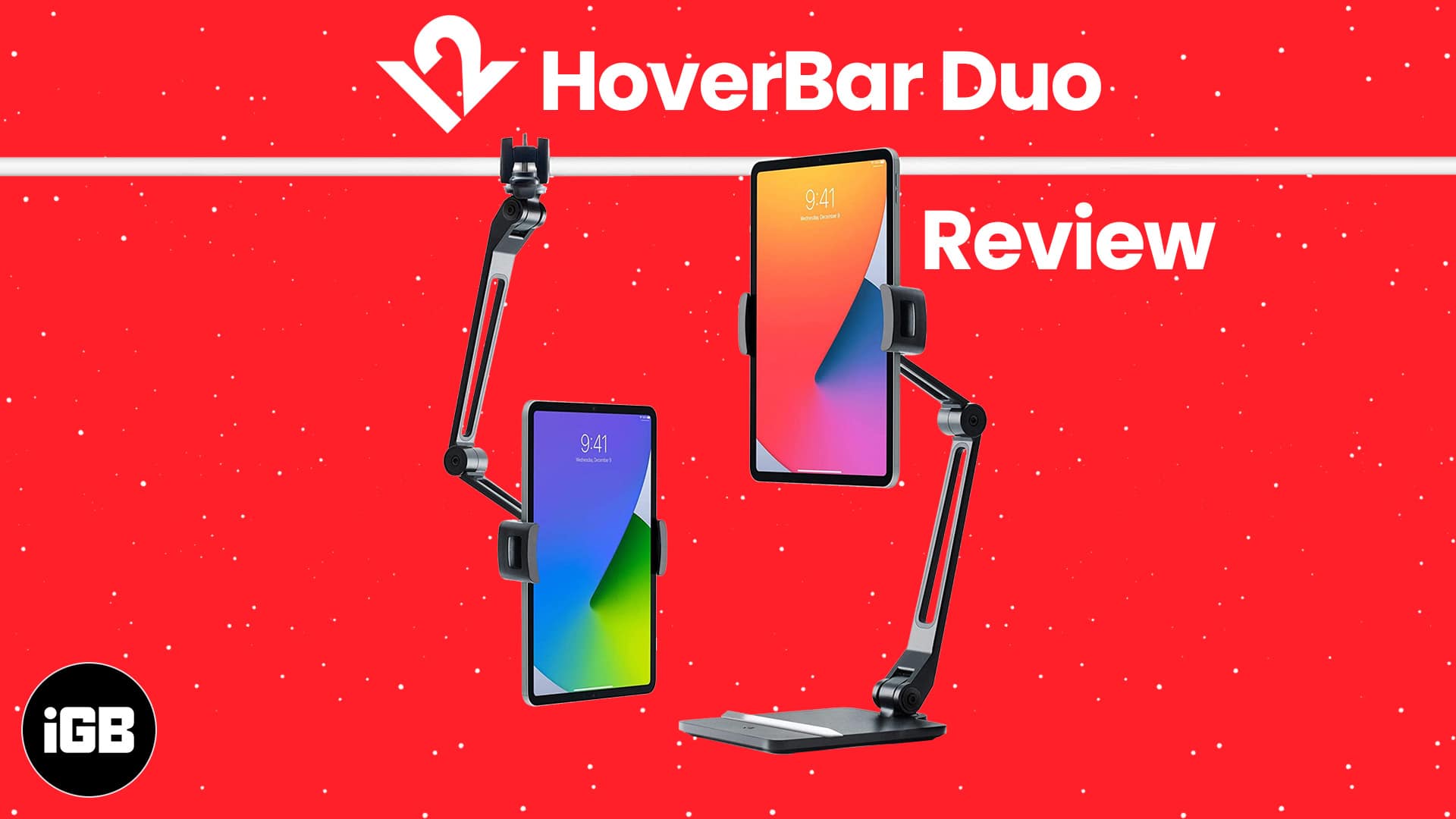
The HoverBar Duo positions an iPad at almost any angle and height, on a weighted base or clamped to a desk. We look at the mechanics, setup, best use cases, and whether it is worth the money.
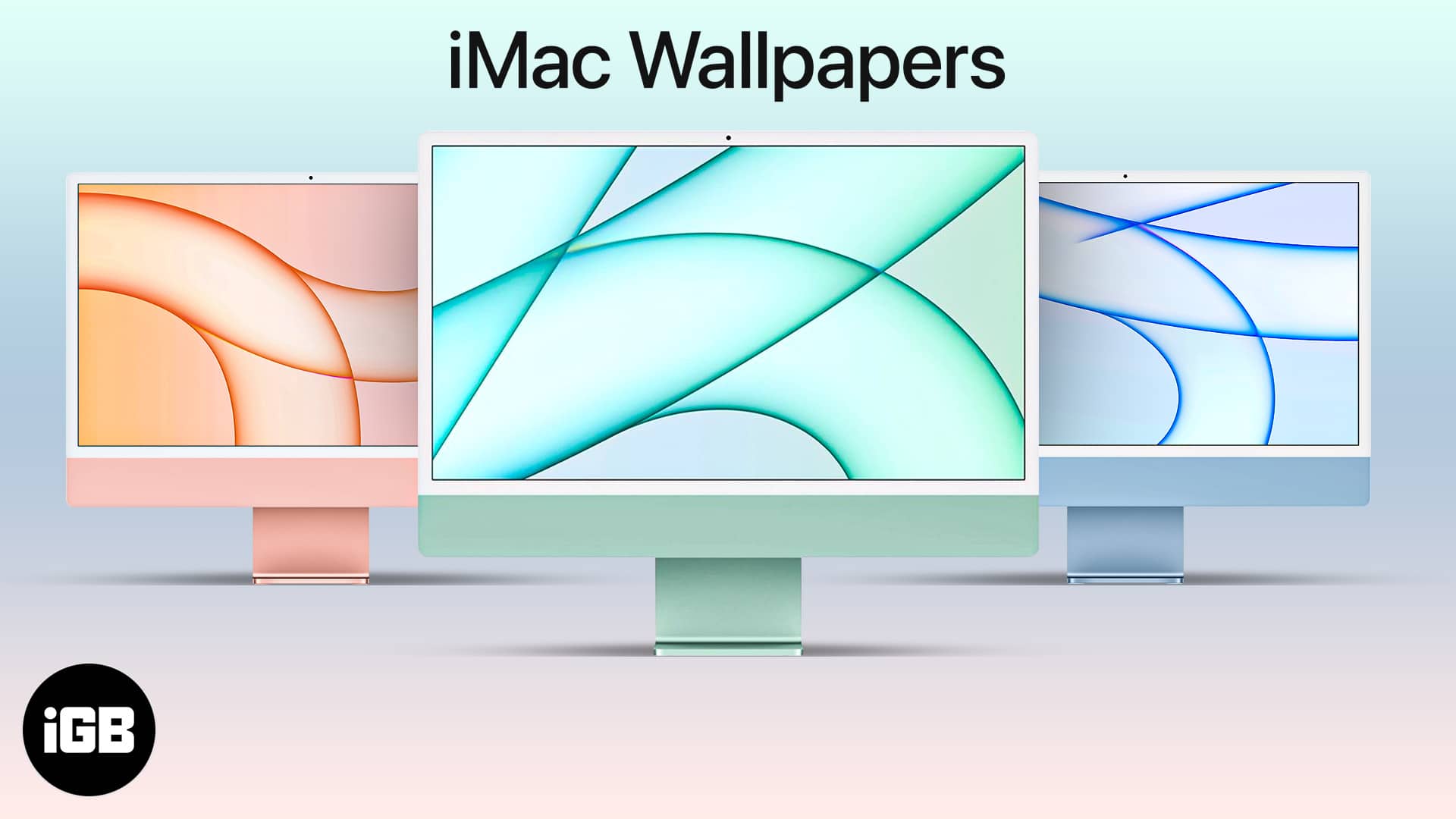
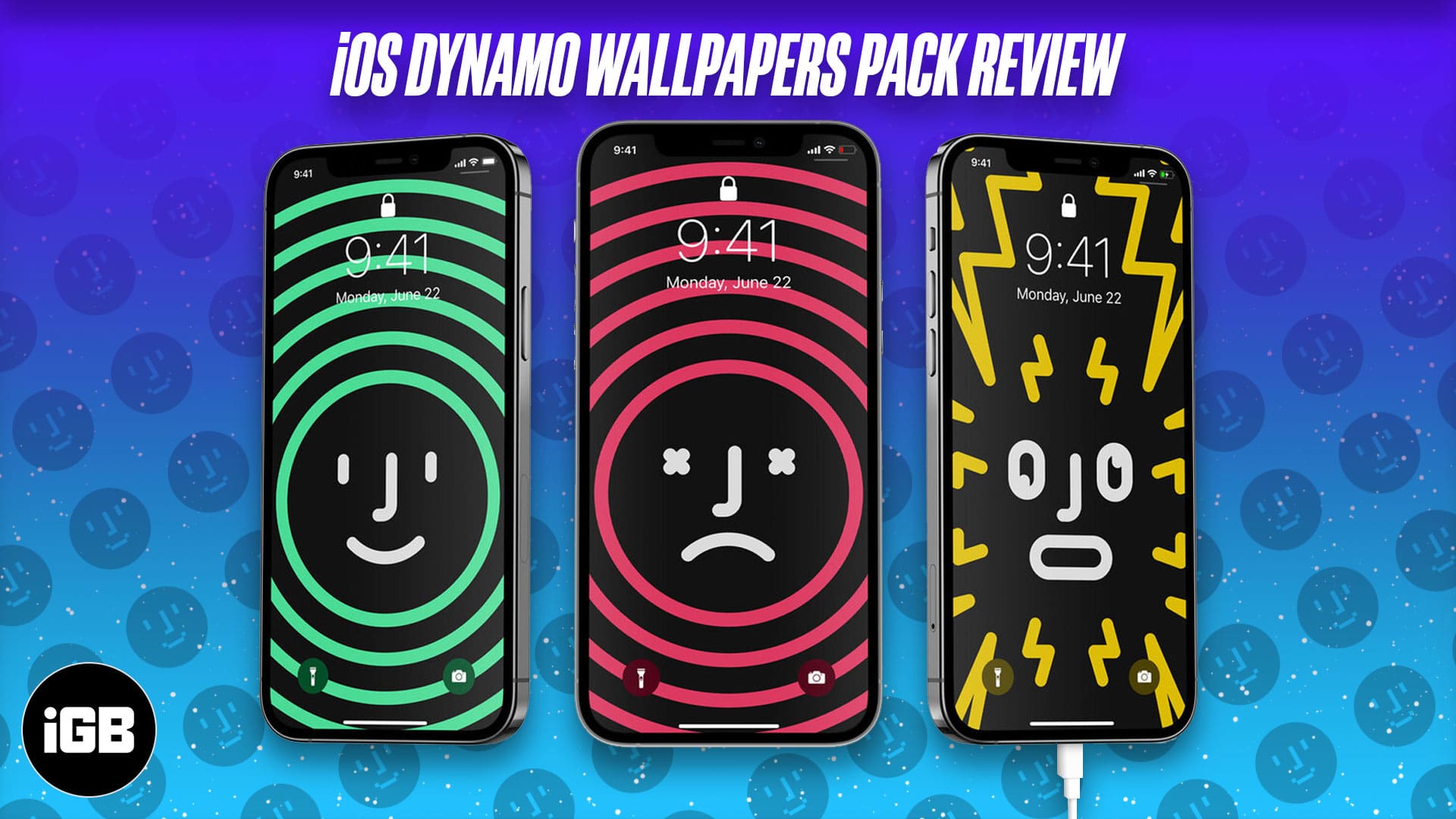
The M1 iMac shipped with wallpapers matched to its seven colors. Here is how to get them on any Mac, plus direct downloads sized for iPhone and iPad backgrounds.
Are you constantly worried about your iPhone battery running low? Well, here’s an ingenious way to track it and never…
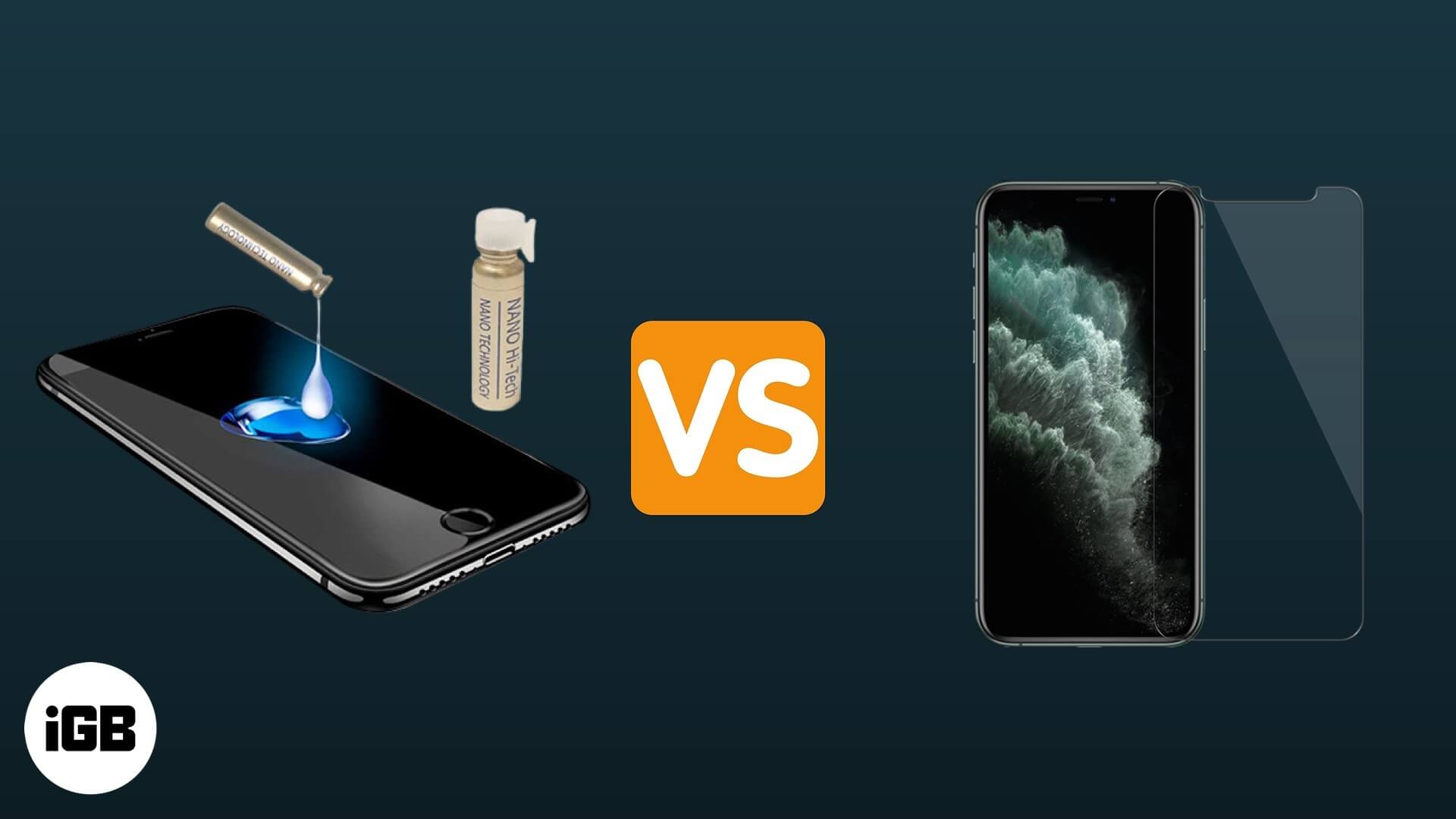
Liquid coatings promise invisible protection, while tempered glass adds a physical layer. We compare both on scratch and impact resistance, clarity, touch feel, installation, and price.
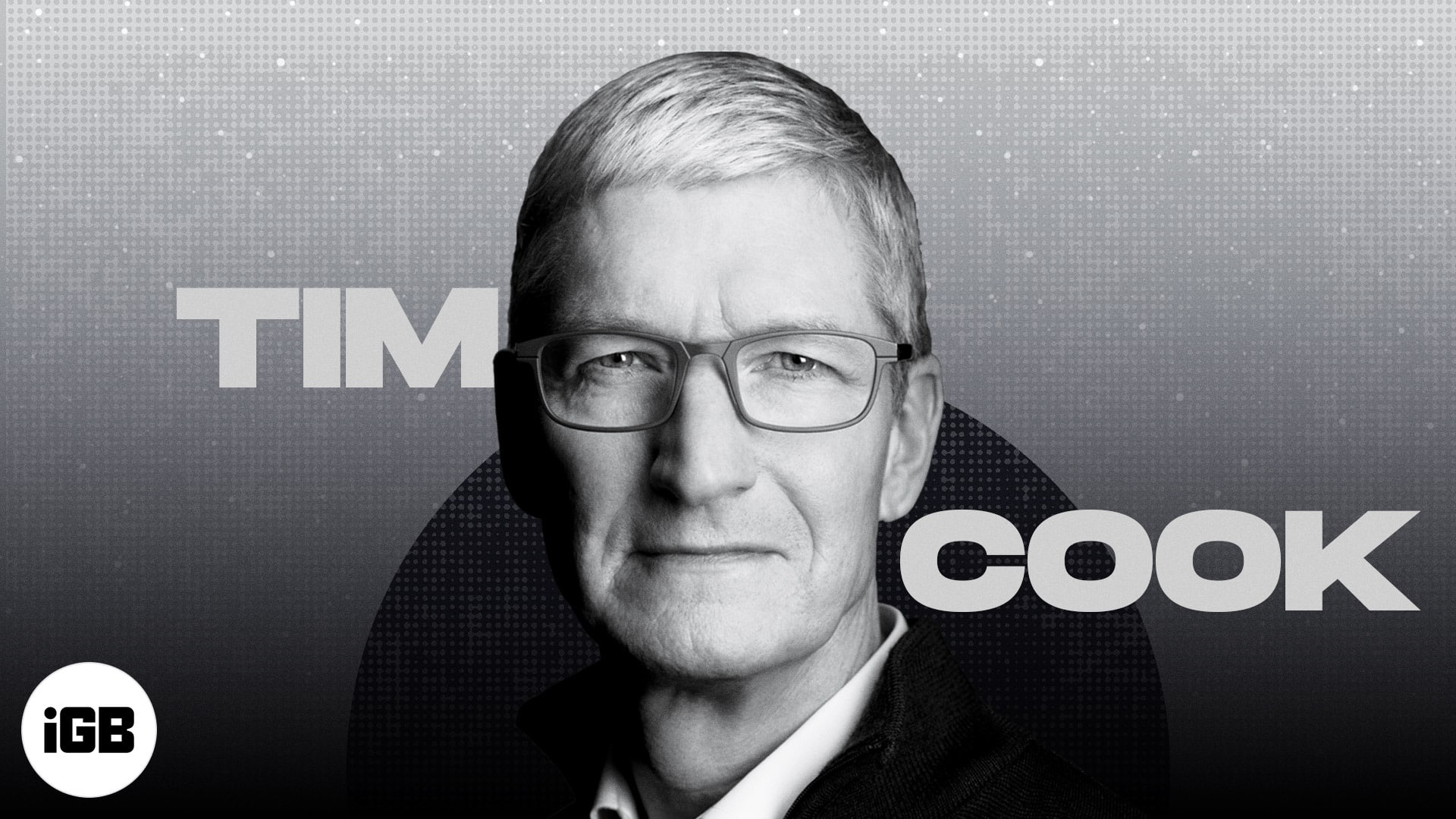
Tim Cook went from a small Alabama town to leading the most valuable company on earth. This illustrated biography traces his early career, arrival at Apple, rise to CEO, and leadership approach.

Netflix only offers its own avatars in the app. Here is how to swap your profile picture on iPhone, plus the browser extension route if you want to use a custom image instead.

Scrolling back years in Messenger is painful. Here is how to search your chat history on iPhone and in a browser, find hidden message requests, and download a complete archive.
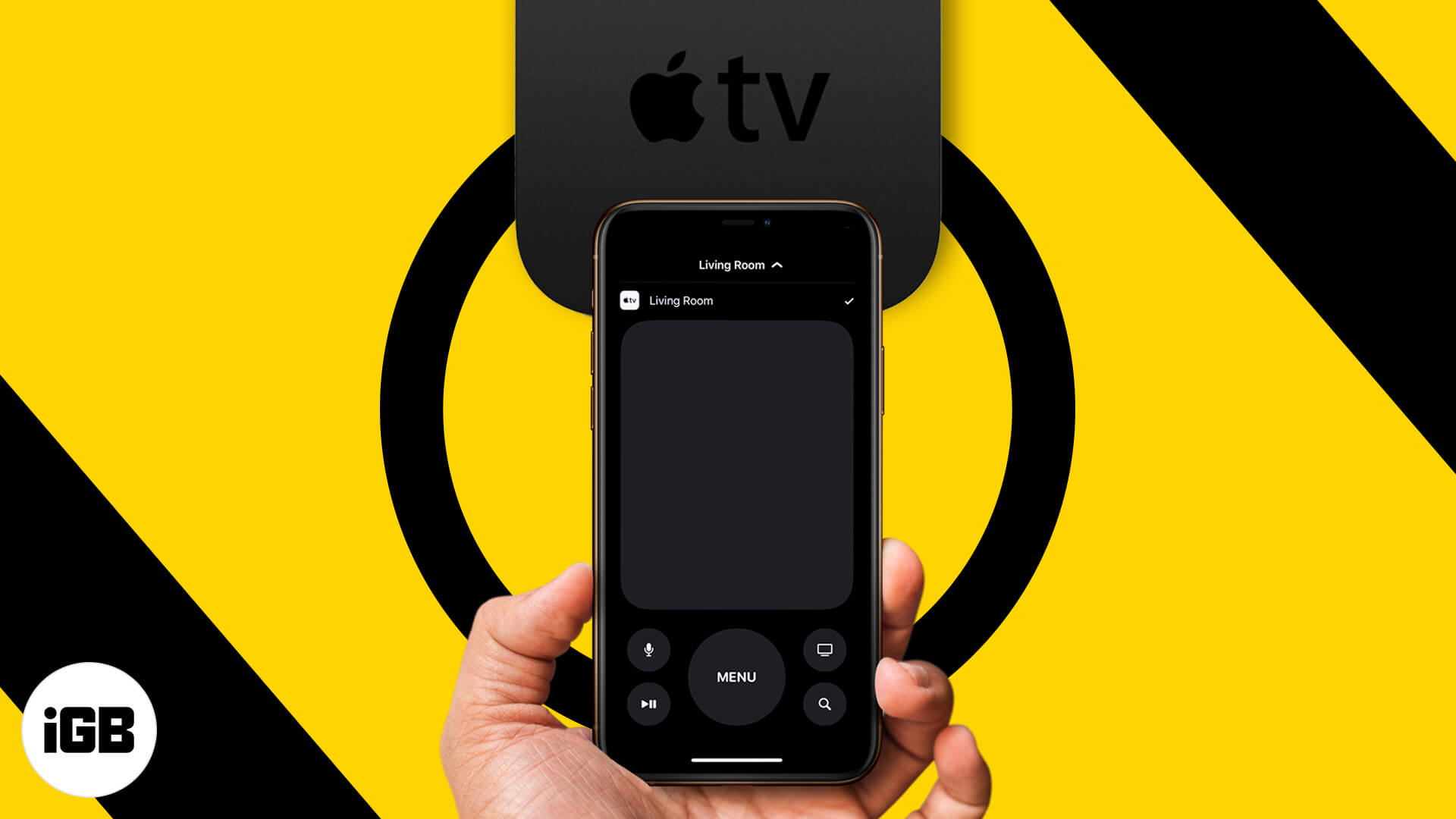
The Apple TV remote is small and easily lost. Your iPhone does the same job. Here is how to add the remote to Control Center and use every function from your phone or iPad.
Sort order and display order are two separate settings on iPhone, which explains a lot of confusion. Here is how to change both, and the other options for organizing a large contact list.
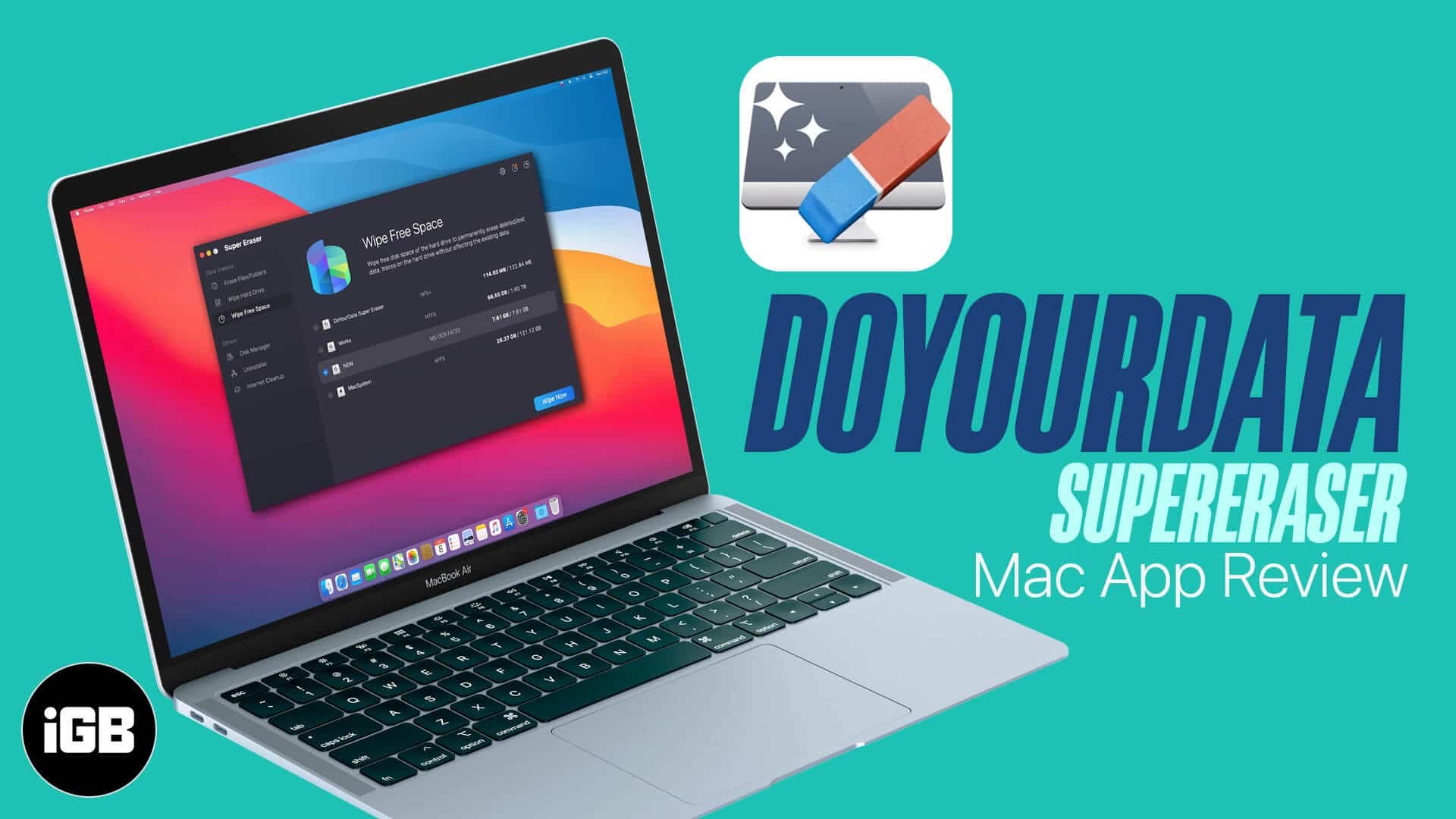
Deleted files stay recoverable until the space is overwritten. Super Eraser wipes files, whole drives, and free space to defeat recovery tools. We test its modes and give a verdict.
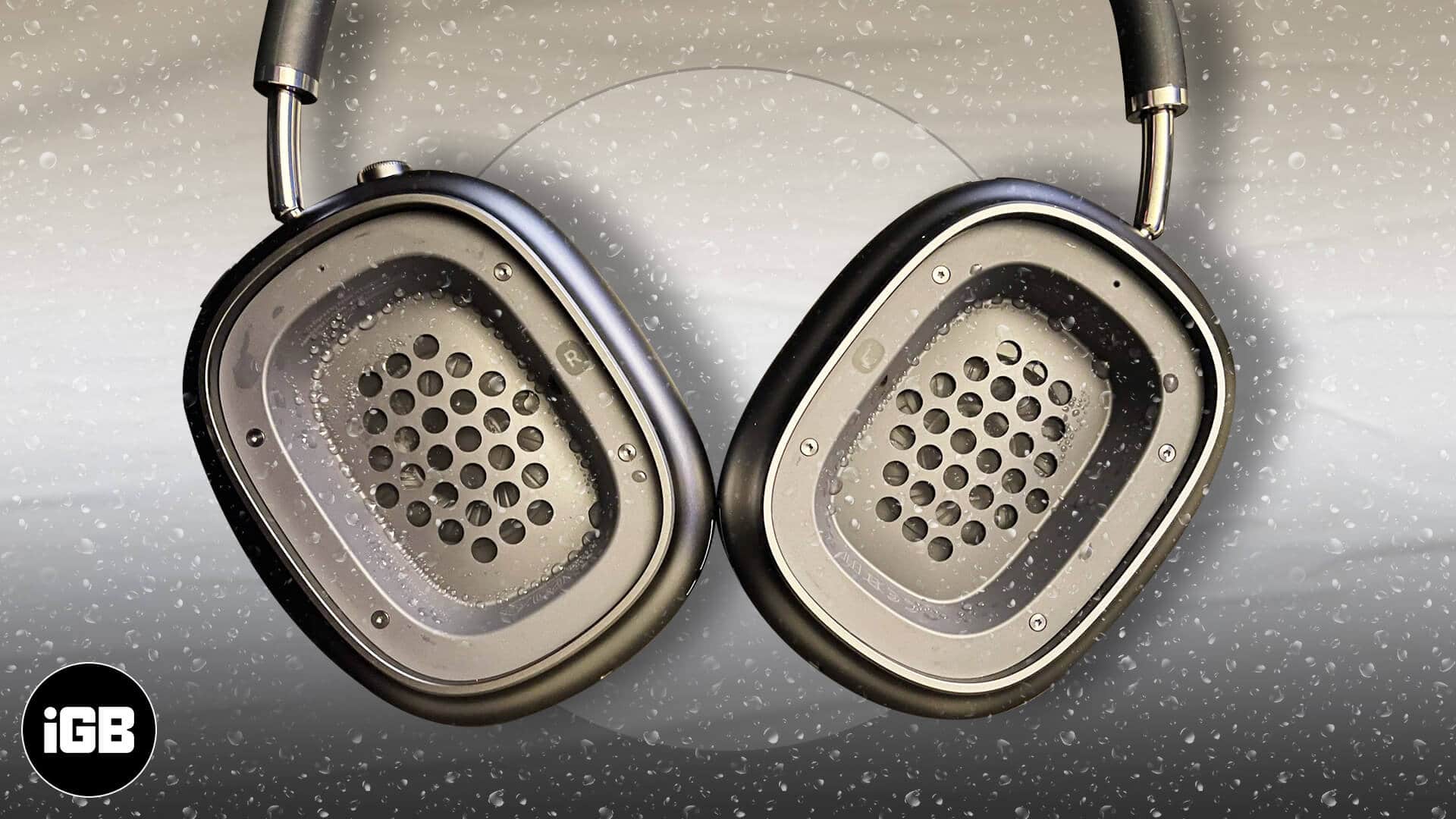
Moisture inside the ear cups worries plenty of AirPods Max owners. Here is what actually causes condensation, how to check for it, the safe way to dry them, and four habits that prevent it.
How do I organize albums on my Spotify? Are you wondering the same thing? For all the super-organized folks, Spotify…
WhatsApp gives no official way past a block, but two workarounds sometimes reach the person. Here is how the group chat method and the account reset approach work, and their real limitations.
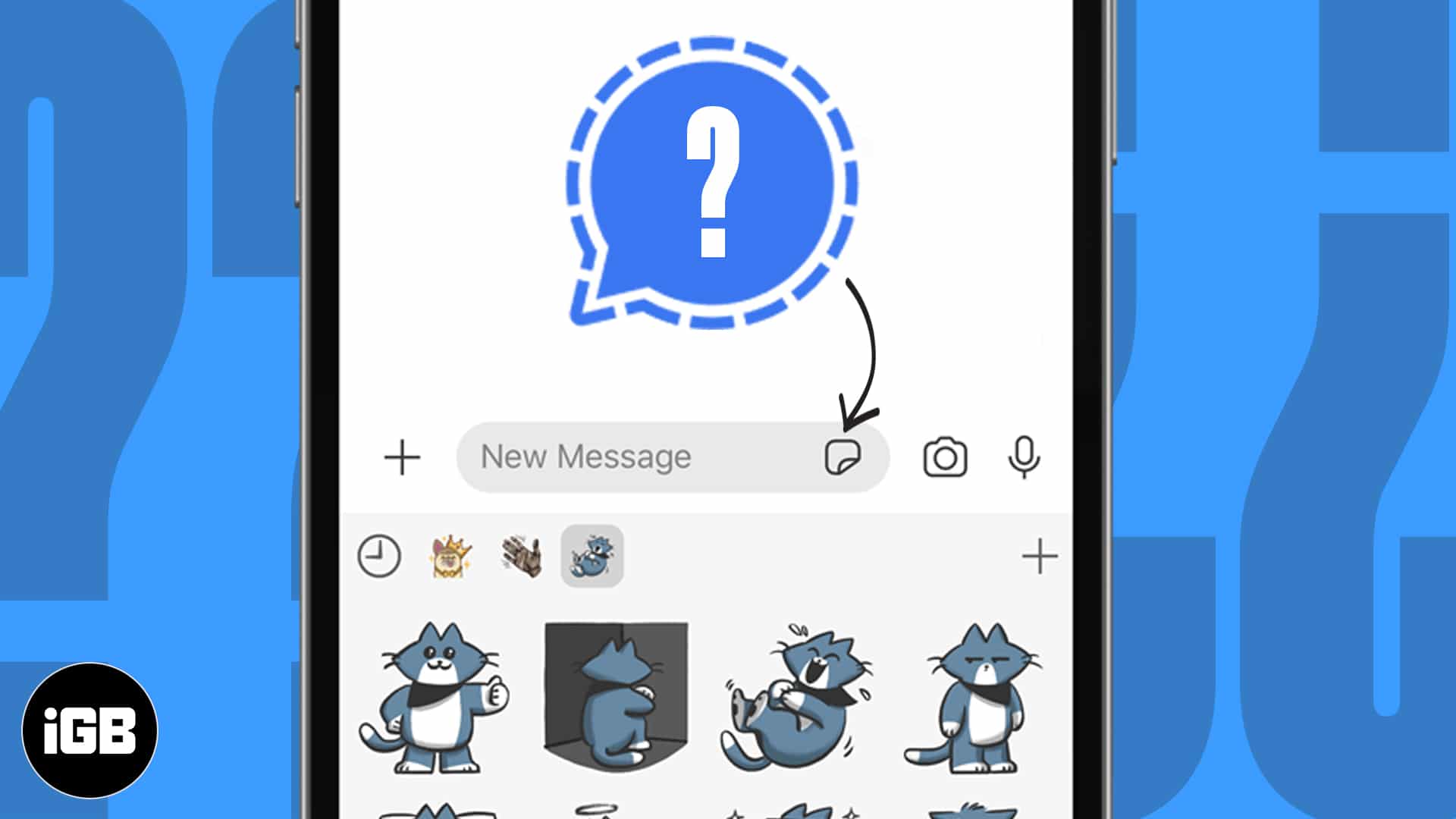
Signal supports stickers without giving up its privacy model. Here is how to use the built-in packs on iPhone, add third-party ones, and send your own Memoji stickers in a conversation.
AirPods Max keep sipping power unless they enter low-power mode properly. These tips cover Smart Case use, firmware updates, and Bluetooth habits that stop batteries emptying overnight.
A frozen Apple Watch will not respond to taps, so the buttons are your only route. Here is how to restart it normally and how to force a hard reset when the screen is completely unresponsive.
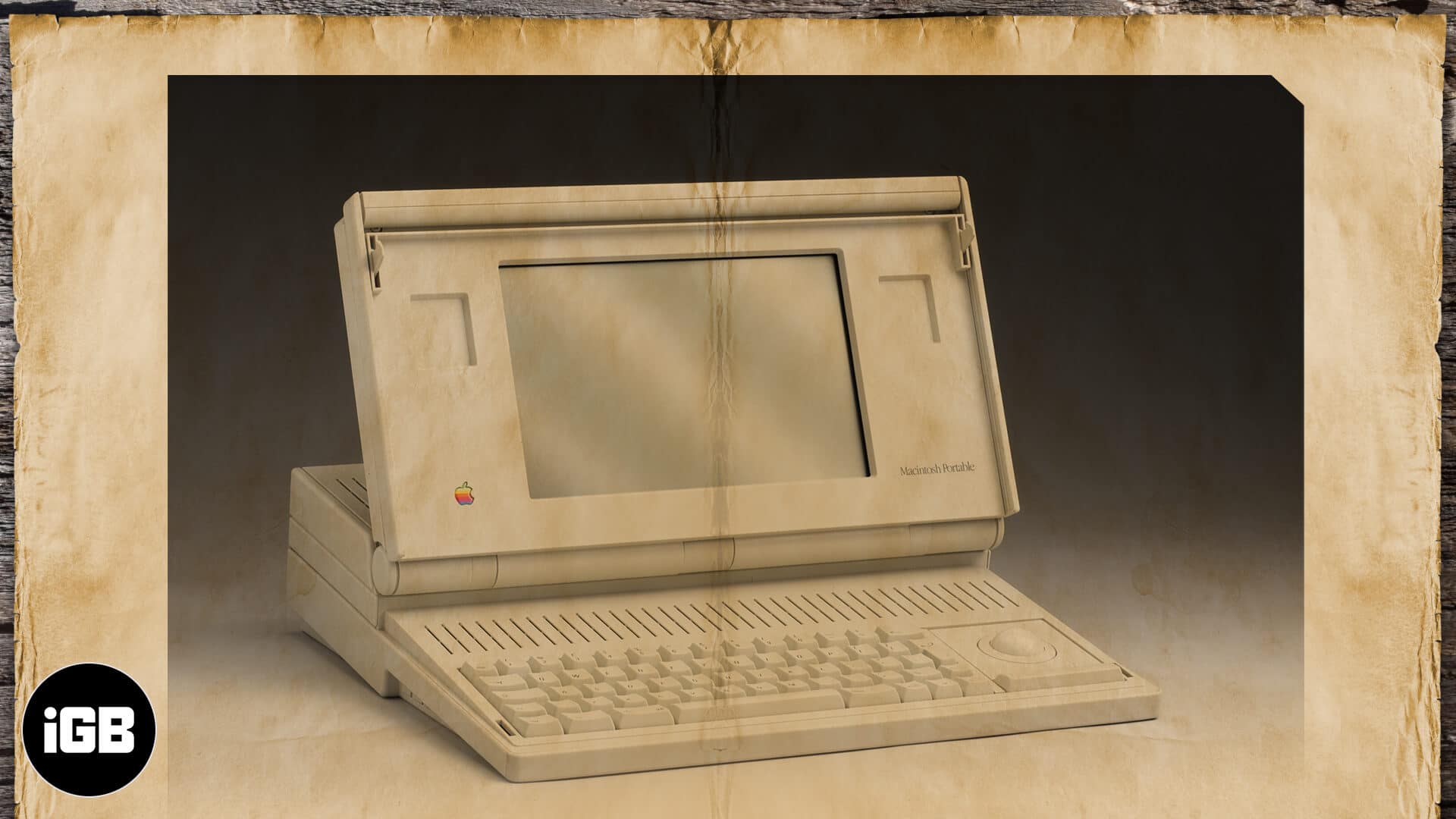
Apple's first battery-powered Mac arrived in 1989 and largely flopped. We trace the Macintosh Portable from concept to launch, and how its lessons produced the PowerBook line that actually succeeded.
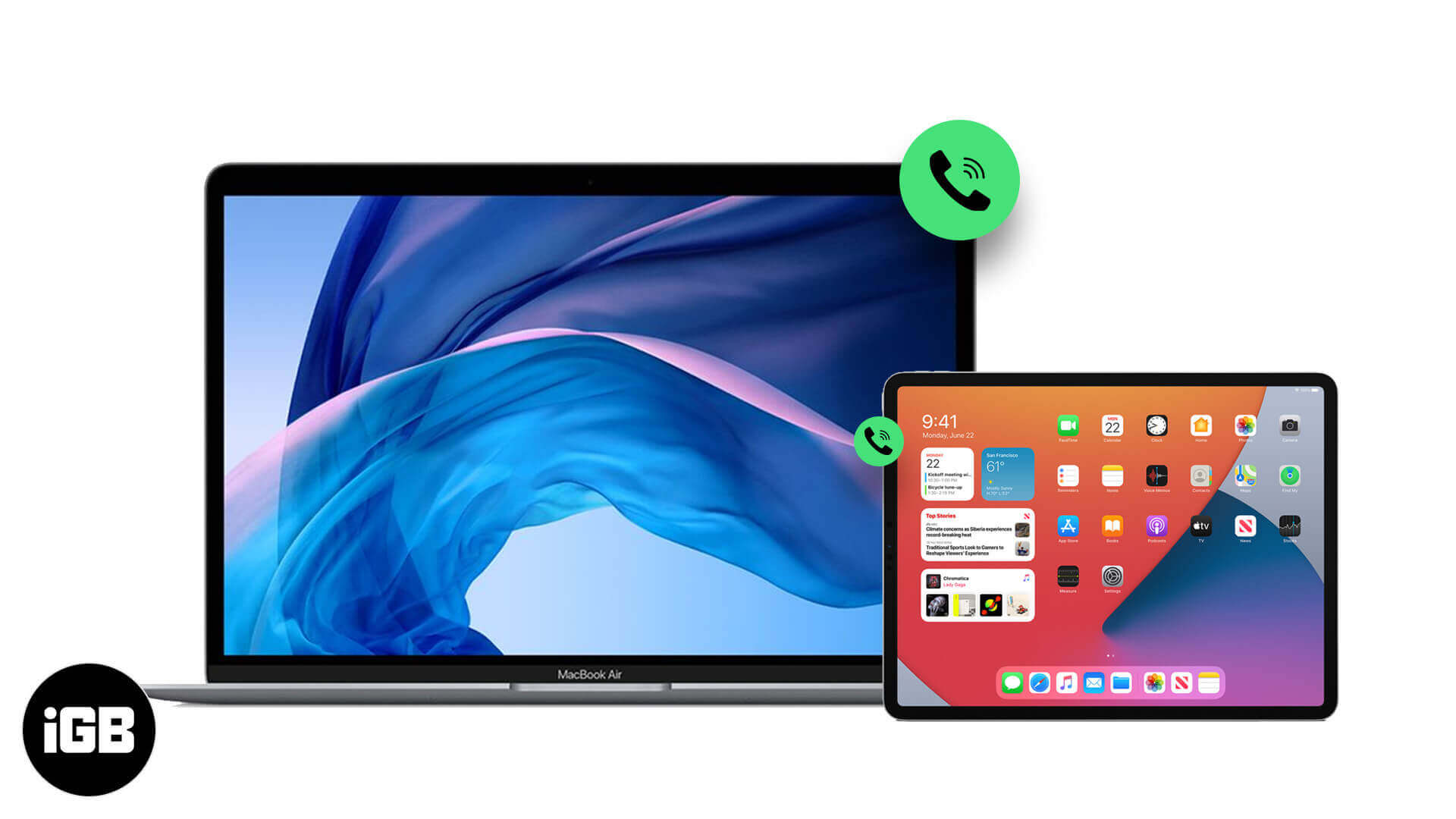
Continuity lets your Mac and iPad ring alongside your iPhone. Here is how to enable Calls on Other Devices, place and answer calls on each, and hand a live call between devices.
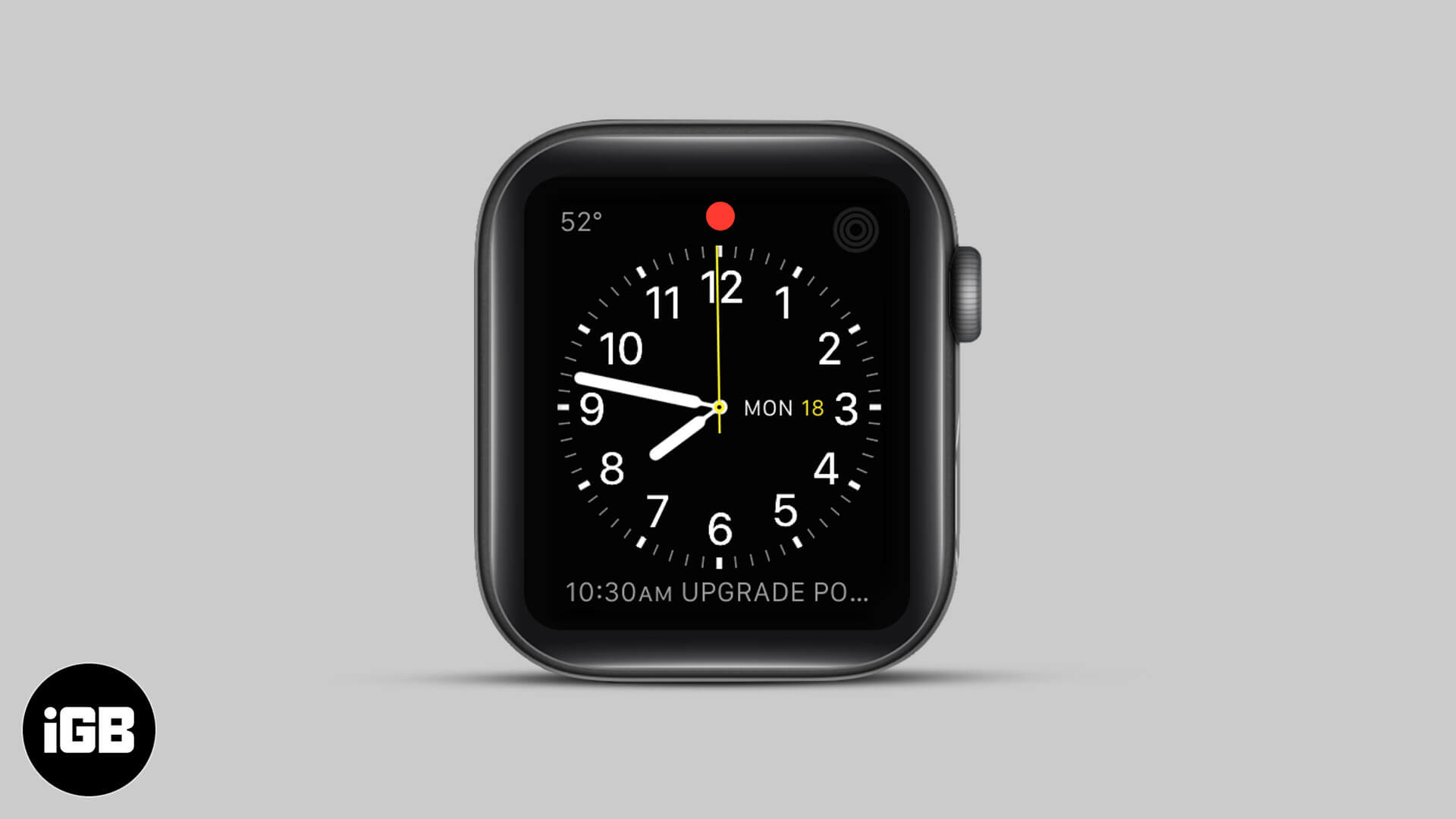
The red dot signals an unread notification, and it nags until you deal with it. Here is exactly what it means, how to view the notifications behind it, and how to turn the indicator off.
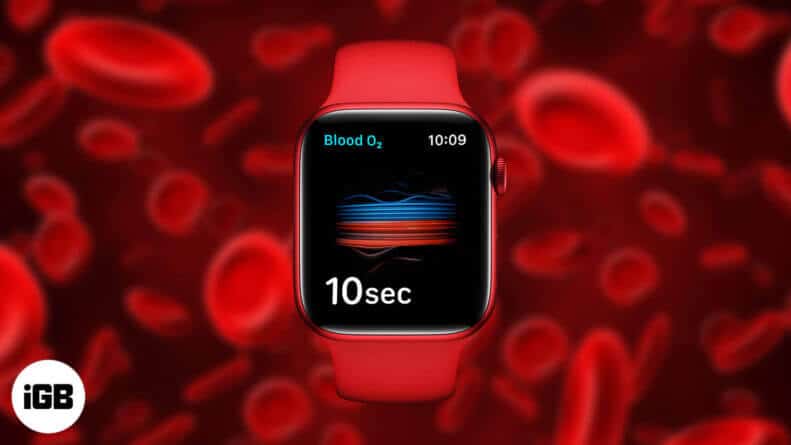
Blood oxygen readings give a snapshot of how well your blood is oxygenated. Here is how to set the app up, take a reliable measurement, and the technique that improves accuracy.
Siri Suggestions learn from your habits, so they break quietly when settings reset. Here is how to restart the feature, toggle it properly, and update iOS to get recommendations back.
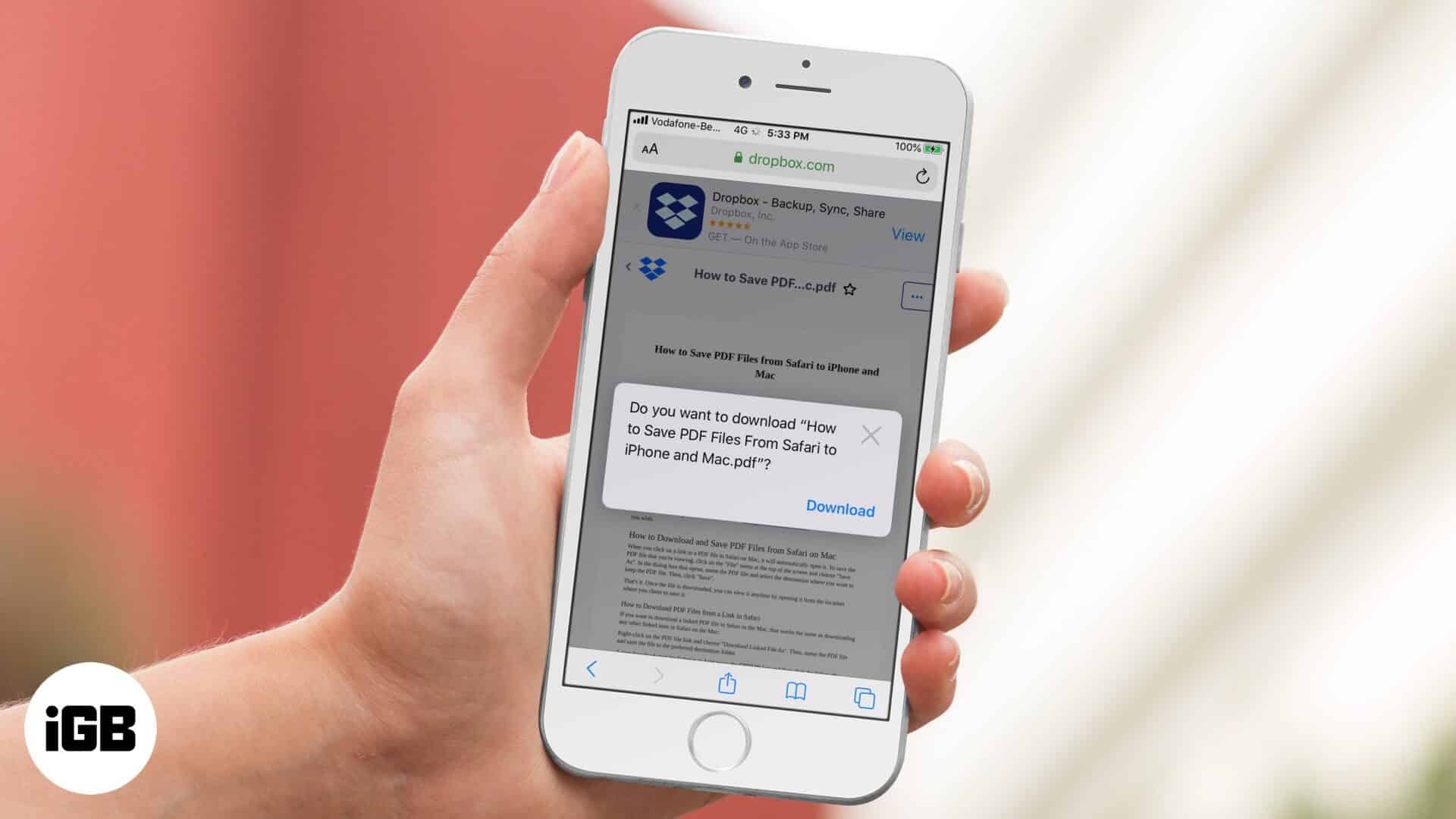
Safari displays PDFs in the browser rather than saving them, which confuses people looking for the file afterwards. Here is how to save one properly on every Apple device.
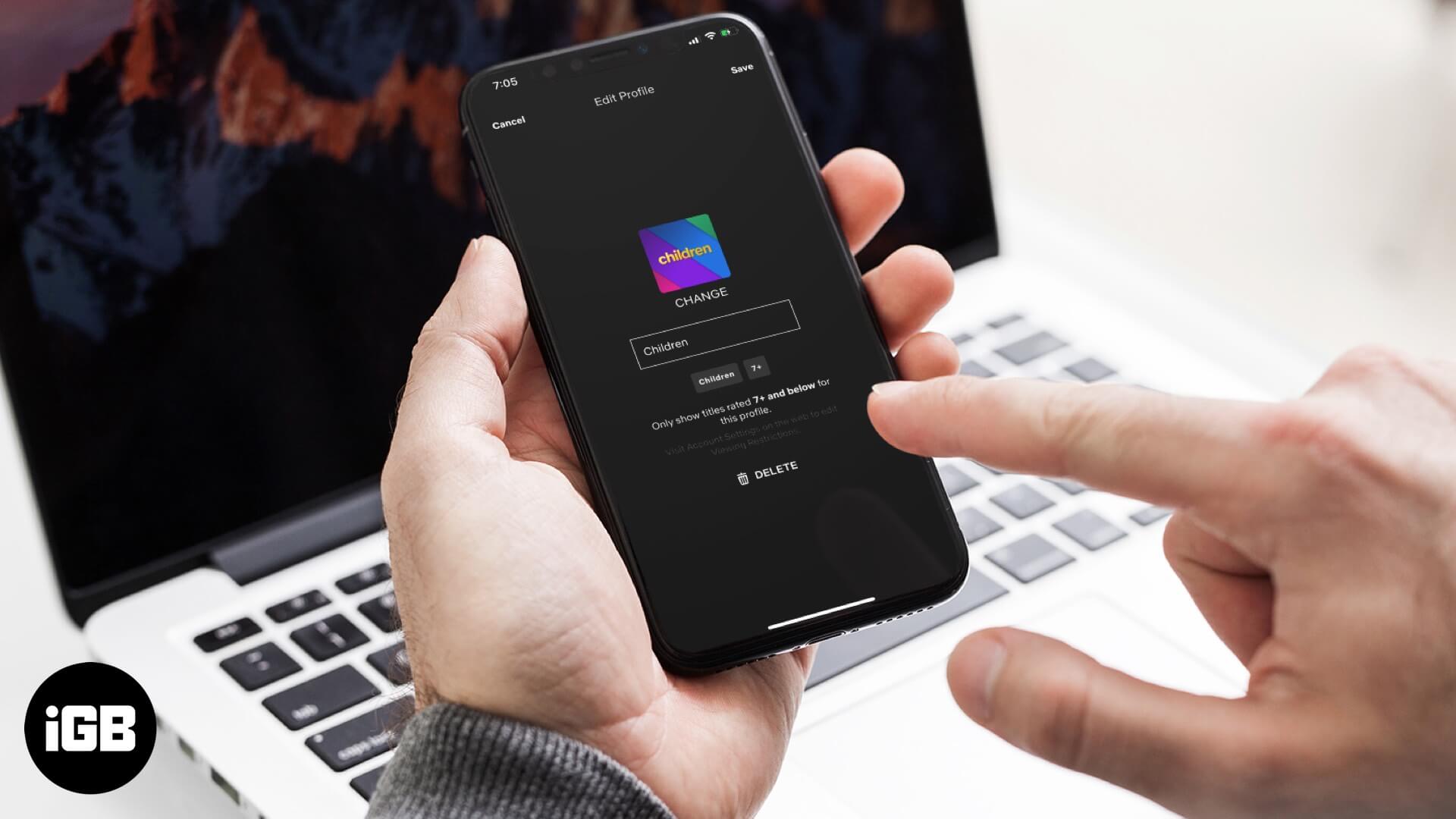
Sharing an account means profiles accumulate. Here is how to remove one from every Apple device and from a smart TV, plus what you lose when a profile is deleted.
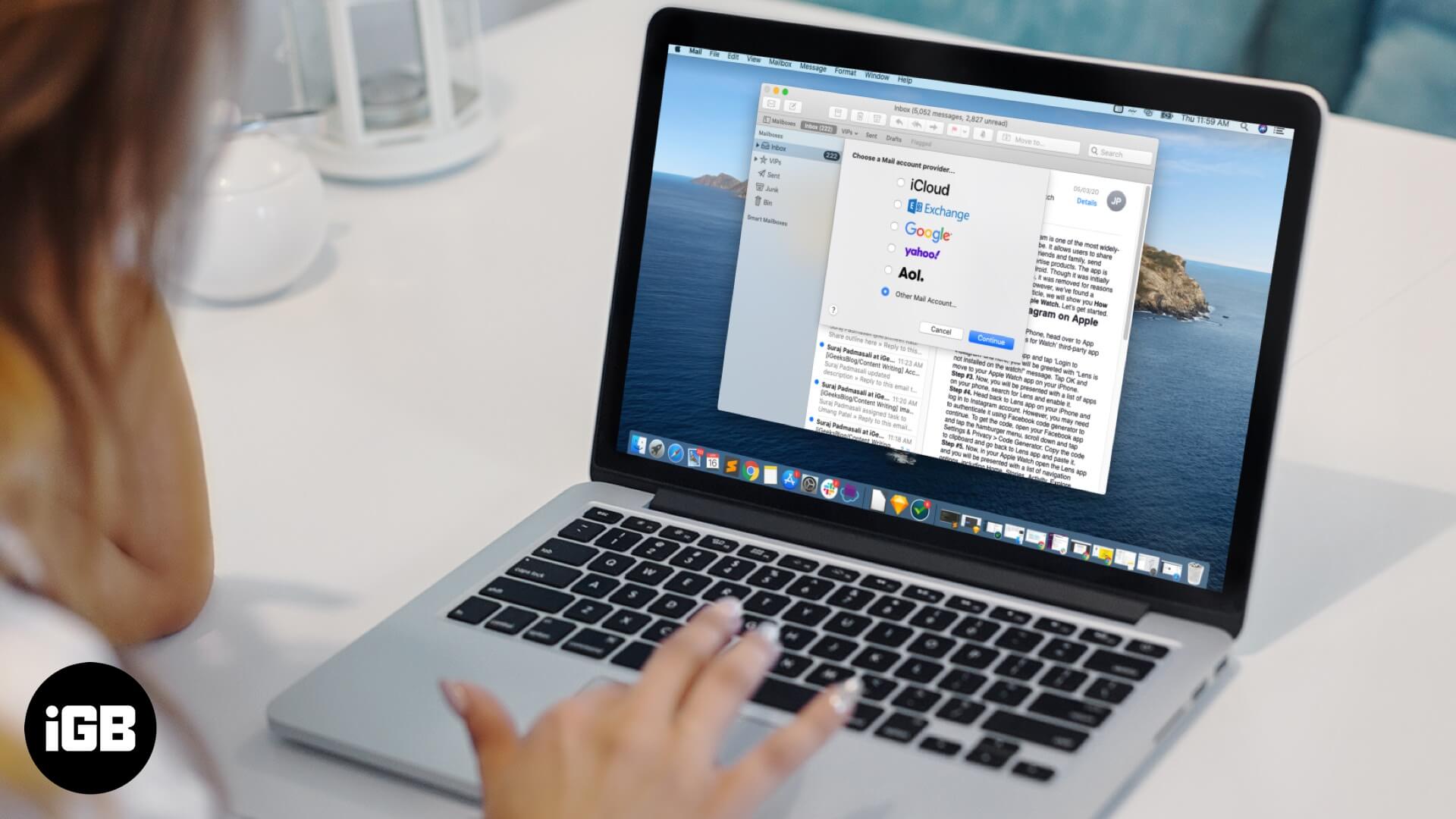
Mail on Mac supports iCloud, Gmail, Outlook, and any IMAP account. Here is how to add one, configure it correctly, and remove an account without losing messages you still need.
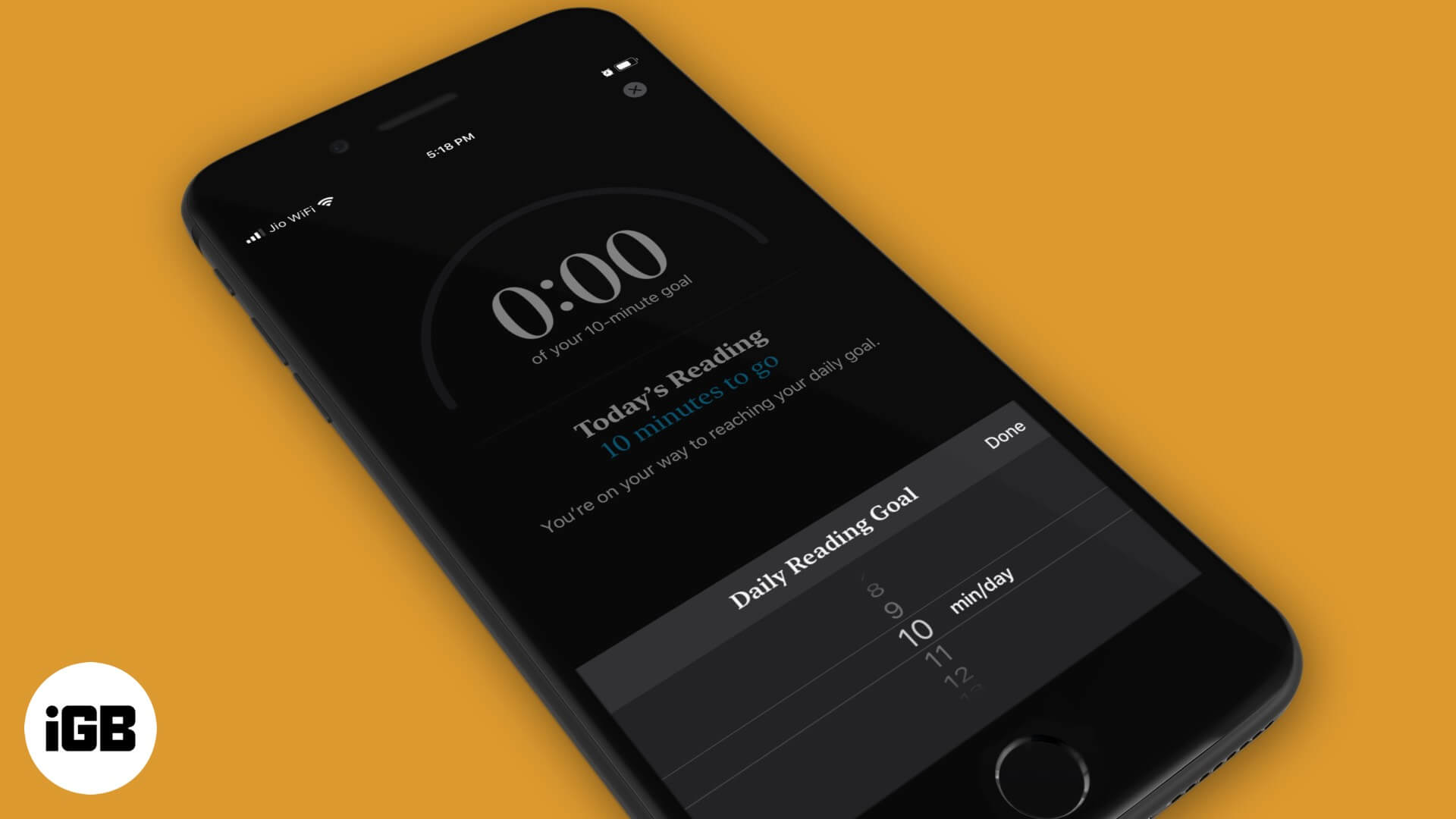
Apple Books can hold you to a daily reading target and an annual book count. Here is how to set both on iPhone and iPad, and how to silence the reminders or disable goals entirely.

A premium iPad Pro deserves better than plastic. The Journal wraps it in leather with Pencil storage and multiple viewing angles. We look at the build, protection, and everyday practicality.
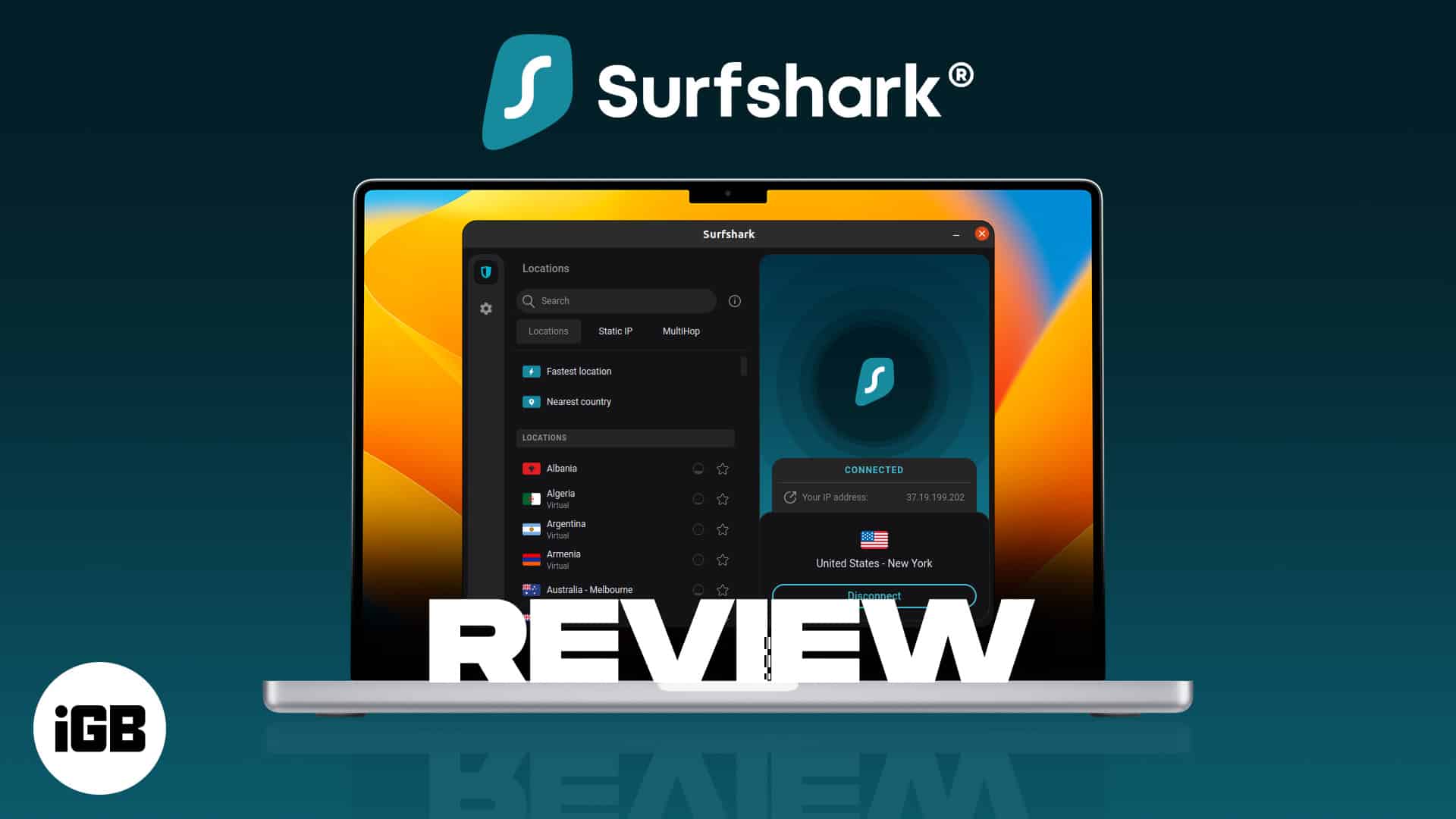
Internet is a dual-edged blade. If you use this medium judiciously, you can reap sweet fruits. But there is always…