
FaceTime Like a Pro
Get our exclusive Ultimate FaceTime Guide 📚 — absolutely FREE when you sign up for our newsletter below.

FaceTime Like a Pro
Get our exclusive Ultimate FaceTime Guide 📚 — absolutely FREE when you sign up for our newsletter below.



Quickly access powerful features on your iPhone or iPad with a simple gesture using Accessibility Shortcuts.

Unlock the magic of automation on your iPhone with Shortcuts! Create custom actions, run routines with Siri, and boost productivity in seconds.

The Reminders app on iPhone and iPad gets smarter with iOS 26, featuring Apple Intelligence, Smart Lists, and a sleek new design to streamline your tasks.

Learn how to use Local Capture on iPadOS 26 to record high-quality video and audio during video calls—right from your iPad.

Protect your tweets and limit who sees your posts on X. This guide shows how to make your X account private and boost your online privacy in minutes.

Want to update your Apple ID email? Learn how to change Apple ID on iPhone, iPad, or Mac—without losing data or access.

Become a multitasking pro with Stage Manager on your iPad and Mac.

Want to keep certain photos and videos private? Learn how to hide and lock sensitive media on your iPhone, iPad, or Mac using Apple’s built-in tools.

Master FaceTime on iPhone, iPad, and Mac, from setup to group calls, screen sharing, and pro tips in one easy guide.

Tired of typing the same web addresses? Learn how to add and sync your favorite websites in Safari across iPhone, iPad, and Mac for quick, seamless access

Discover how to install and use Safari extensions on your iPhone, iPad, and Mac to enhance privacy, boost productivity, and customize your browsing experience.

Unfortunately, Meta has yet to launch WhatsApp for iPadOS, but here is a way to access and send WhatsApp messages on an iPad.

Touch ID not working? Fix it fast with easy tips to restore fingerprint access on your iPhone or iPad.

Want to access online content offline? Here's how to save a Safari webpage as a PDF on your iPhone or iPad.
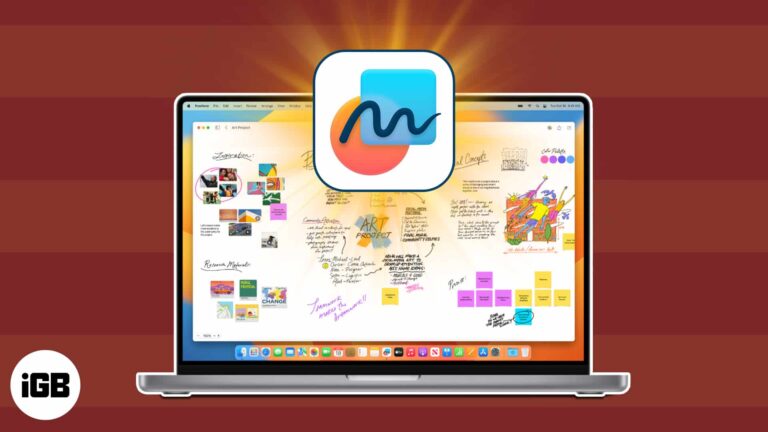
Your all-in-one guide to using Apple Freeform for creativity, organization, and collaboration.

Everything you need to know about LiDAR in iPhones and iPads.

Master Gmail on iPhone & iPad with these expert tips!

Find notes quickly on your iPhone and iPad with these search tips.

Find out where your iPhone downloads go and how to access them easily.

A quick breakdown of the differences between the iPad 11 and the iPad 10.

Declutter your Reading List in Safari.
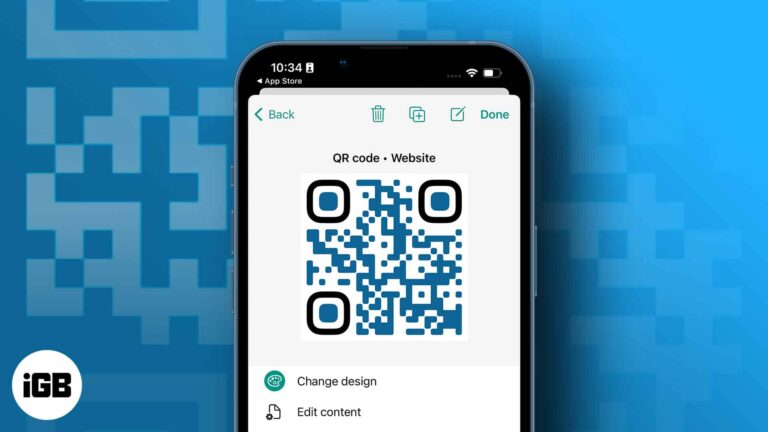
You can share a phone number, URL, and other data using QR codes. The code may be printed or posted online, and users will get rapid access to the data it contains when someone scans it. By default, the built-in…

Apple’s latest iPad Air M3 is here—but is it really better than the M2?

 Ava Biswas and Yash Wate
Best ways to merge two or more videos into one on your iPhone or iPad.

Easy ways to find your router’s IP address using iPhone or iPad.
Find and manage saved passwords with ease on your iPhone.
Find out how to restore deleted passwords in Keychain across your Apple devices in a few steps.

Identify the cause and quickly troubleshoot AutoFill logging issues.

Taking a screenshot using traditional methods on the iPad can sometimes be a hassle. Your fingers might have to do a lot of dancing to reach the power and volume buttons simultaneously. Thanks to the latest iPadOS updates, you can…

Boost your productivity and efficiency with these essential iPad trackpad gestures.


