
FaceTime Like a Pro
Get our exclusive Ultimate FaceTime Guide 📚 — absolutely FREE when you sign up for our newsletter below.

FaceTime Like a Pro
Get our exclusive Ultimate FaceTime Guide 📚 — absolutely FREE when you sign up for our newsletter below.



Quickly resolve app problems by force quitting apps.
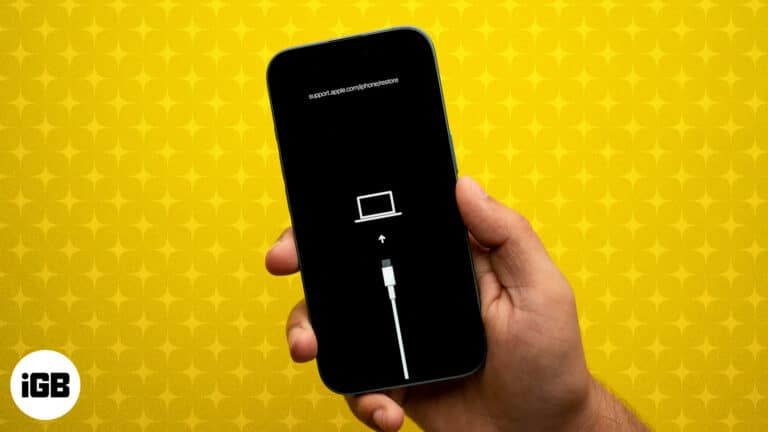
DFU mode is the deepest restore your iPhone or iPad offers. Here are the exact button steps for every model, including iPhone 18 Pro, plus how to restore and exit.

Is your iPhone stuck on a blank screen and wants to restart? Check out this guide on how to force restart iPhone and iPad models.

Restarting our iPhones is the first thought that comes to our mind whenever we encounter any issue. This is because simply restarting your iPhone can often fix issues like app crashes, sluggish performance, or connectivity problems. While restarting an iPhone…

Apps lock up most often after an iOS update or when storage runs low. Here is why it happens and how to fix frozen apps on current iOS and iPadOS versions.
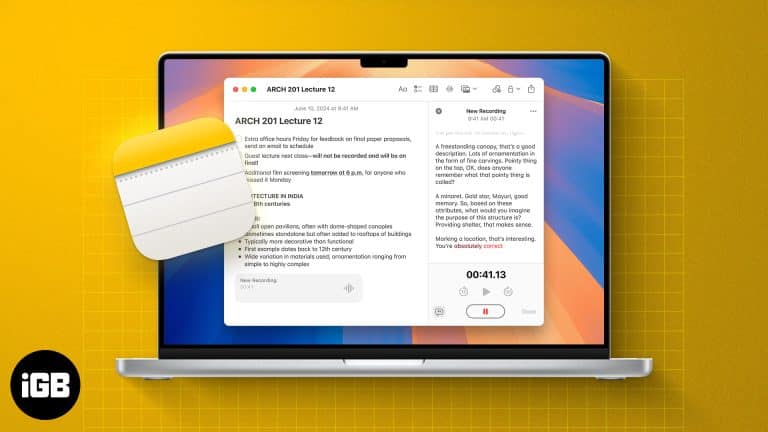
With iOS 18 and later, Apple's Notes app now supports live audio transcription. Learn how to use live transcriptions in Apple Notes on iPhone and Mac.

 Ava Biswas and Yash Wate
If AirDrop not working on your iPhone, iPad, or Mac, be it due to wrong AirDrop settings or compatibility issues, we've got you covered.

Want to play YouTube videos in the background on your iPhone without keeping the app open? Here's how using Safari and YouTube Premium can do it.

A pinned post is the first thing visitors to your profile see. Here is how to pin and unpin your own posts on X across every device, and how pinning someone else's post works.
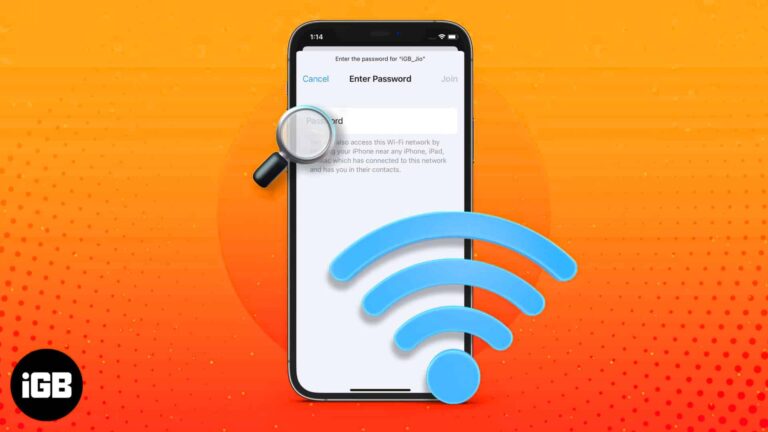
iOS finally lets you read saved Wi-Fi keys rather than just share them. Here is where to find them in iOS 18, the older iOS 17 method, and how to share a network with someone nearby.
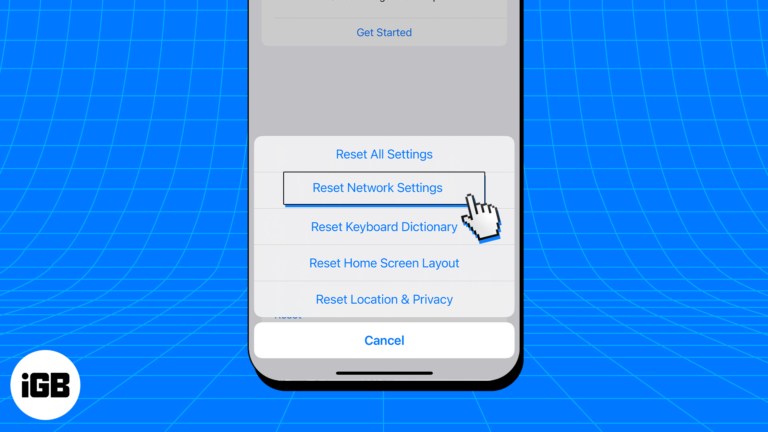
A corrupted DNS cache sends your browser to stale addresses, causing pages to fail for no obvious reason. Here is what the cache does, how to flush it on iOS, and when it actually helps.

Learn how to flip photos and selfies on your iPhone in just a few taps.
Can't take screenshots on your iPhone or iPad? From black screenshots to button glitches, here’s every fix you need to capture your screen again.

Stop chasing your camera during video calls—learn how to stay perfectly in frame with Apple’s Center Stage on iPad and Mac.

RSS readers pull every site you follow into a single timeline with no algorithm in between. These eight iOS apps are compared on sync services, offline reading, and handling large feed lists.

Learn to use Writing Tools with Apple Intelligence on your iPhone to summarize text, proofread, and generate different versions to find the perfect tone.

Shared Album invites only arrive once the feature is switched on in Settings, which trips a lot of people up. Here is how to enable it, accept an invitation, and leave an album later.

Wan to save Facebook videos offline? Follow our step-by-step guide to learn how to download Facebook videos on an iPhone, iPad, and desktop.
Ava Biswas and Yash Wate
Disappearing Safari tabs on your iPhone or iPad? This guide explains why Safari tabs disappeared on your iOS device and how to get them back.

Apple News is your built-in news app for iPhone and iPad, offering curated headlines, personalized feeds, and premium Apple News+ magazines. Learn how to set it up, customize notifications, read offline, and unlock pro tips to make the most of it.

Notification settings are scattered across several screens on iOS. Here is how to see and clear alerts, change the default delivery style, and control what shows on your Lock Screen.

Forgotten subscriptions quietly renew for years. Here is where to find every App Store subscription on iPhone and iPad, review your purchase history, and change or cancel a plan.

Solve equations and plot 3D graphs with Math Notes on iPhone and iPad in iPadOS 26—here’s how to use Apple’s powerful new Calculator feature.
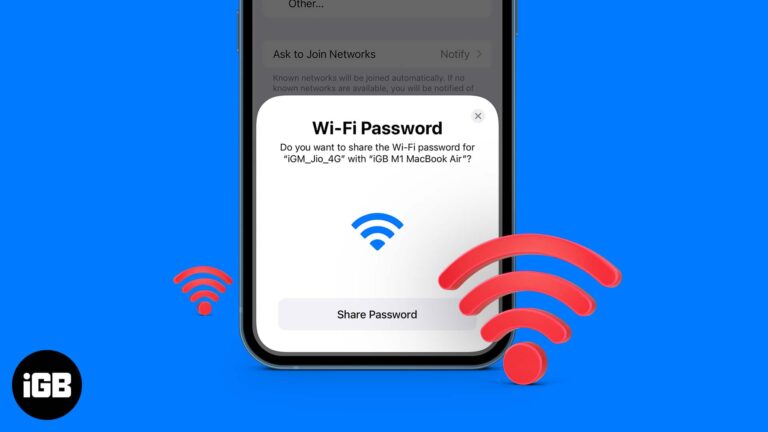
This post details how to share Wi-Fi password on iPhone, iPad, and Mac. Trust me, nothing is more frustrating than spelling out your complex Wi-Fi password to a friend visiting your home.

Photos lets you drag the slo-mo markers to restore normal speed without re-recording. Here is the fast method, plus how to use iMovie when you want precise control over the slowed section.

Every iPhone photo carries hidden EXIF data recording when, where, and how it was taken. Here is how to view that metadata in the Photos app and through the Files app on iOS.
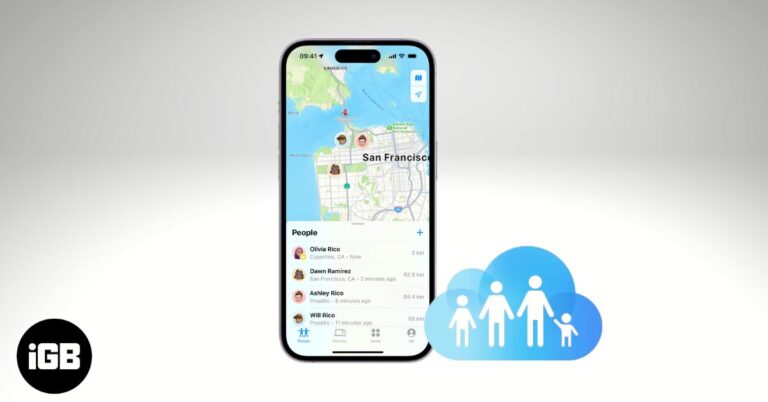
Learn how to share your location on iPhone using Family Sharing, adjust privacy settings, and fix common issues to stay safe and connected with loved ones.
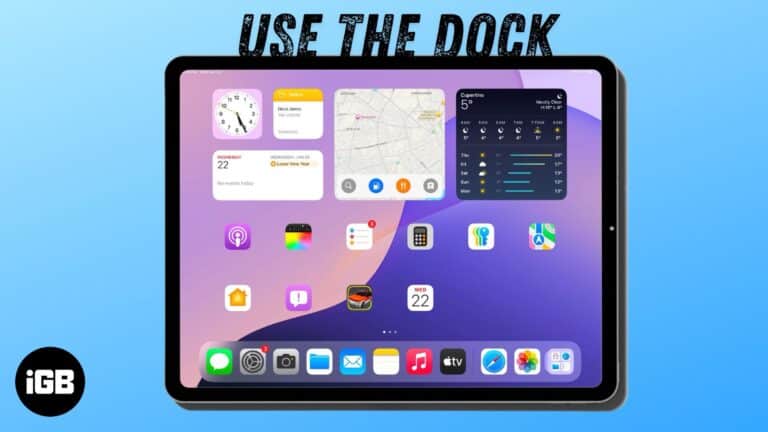
Use the Dock on your iPad to access your favorite apps and quickly switch between them.

While not ideal in your house, it sure is nice to have a mouse beside your iPad.

Type faster and smarter with text replacements on your Apple devices.


