
FaceTime Like a Pro
Get our exclusive Ultimate FaceTime Guide 📚 — absolutely FREE when you sign up for our newsletter below.

FaceTime Like a Pro
Get our exclusive Ultimate FaceTime Guide 📚 — absolutely FREE when you sign up for our newsletter below.


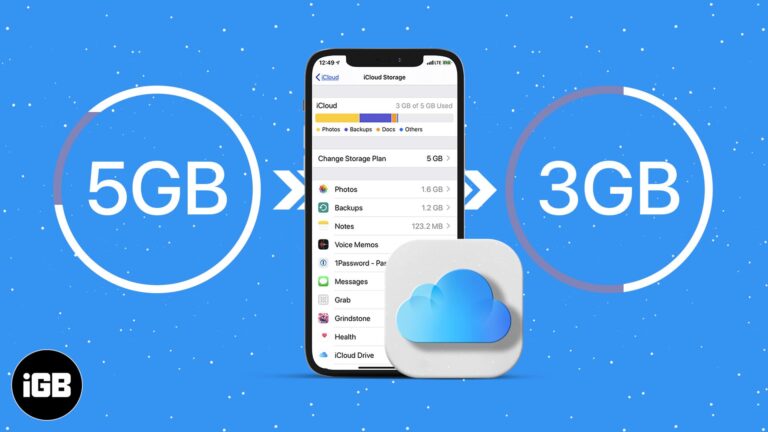
Simple ways to clean up iCloud without losing important your data.
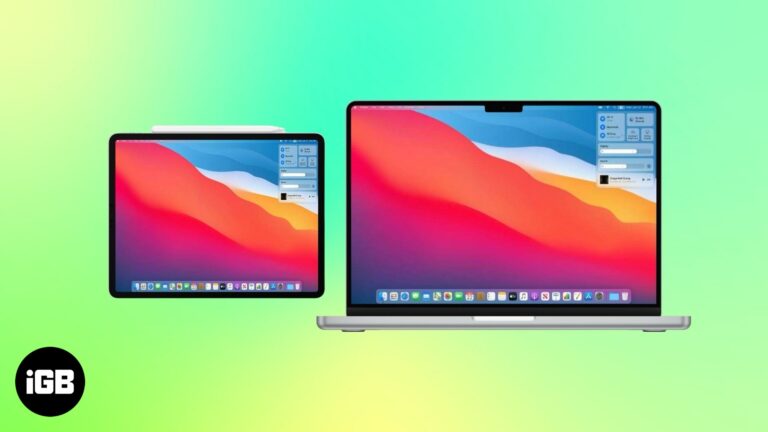
A simple way to get more screen space using your iPad.
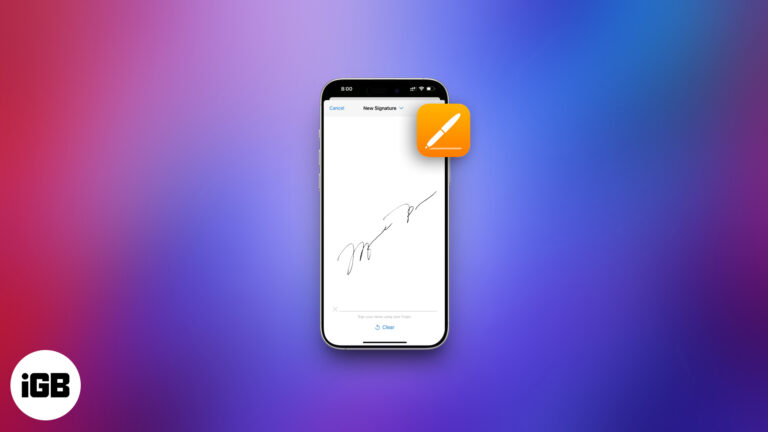
Sign PDFs on your iPhone, iPad, or Mac in seconds—no printer needed. Use built-in tools or trusted apps to do it easily and securely.

Start a FaceTime call on iPhone, finish it on your Mac—no hang-ups, just handoff. Learn how to switch devices mid-call like magic!
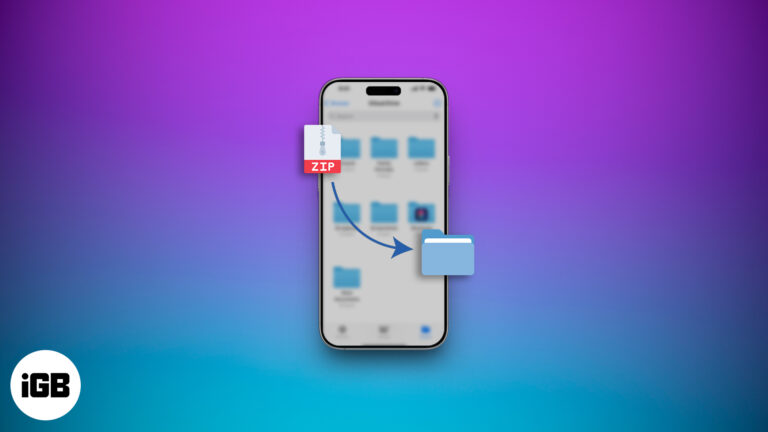
Sending large files from your iPhone doesn’t have to be a hassle. Learn how to zip, unzip, and manage files like a pro—no third-party apps required!

Turn your iPhone or iPad into a mini Xbox—stream games anytime, anywhere!
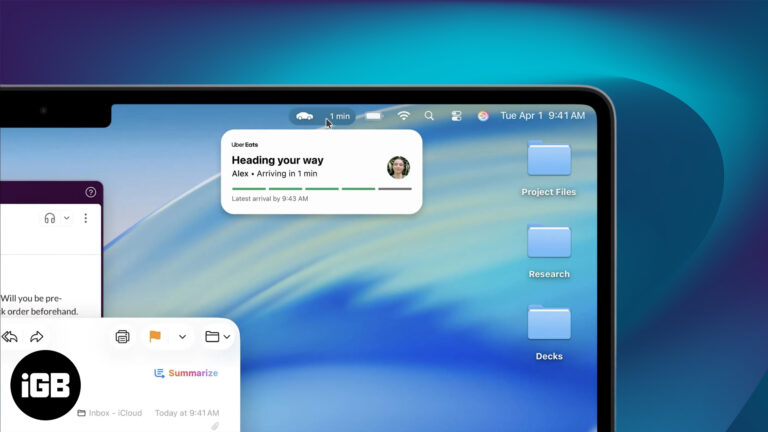
iPadOS 26 and macOS 26 bring Live Activities for real-time updates - Track tasks, timers, and deliveries without missing a beat.
Control your Mac and iPad with a single mouse and keyboard using Universal Control. Setup steps, tips, troubleshooting, and a Sidecar comparison are included.
Quickly access powerful features on your iPhone or iPad with a simple gesture using Accessibility Shortcuts.
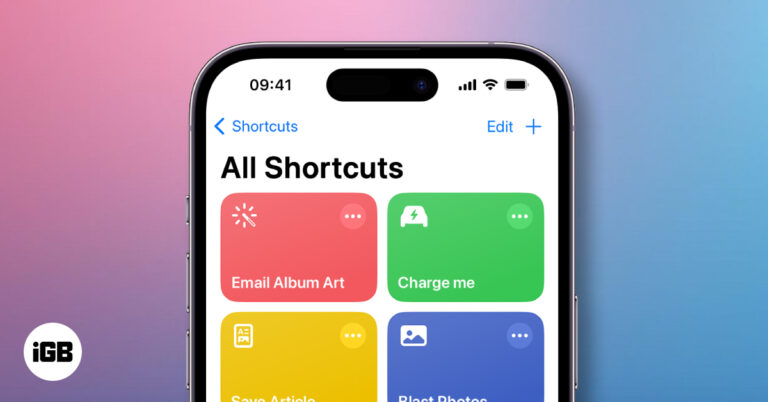
Unlock the magic of automation on your iPhone with Shortcuts! Create custom actions, run routines with Siri, and boost productivity in seconds.

Protect your tweets and limit who sees your posts on X. This guide shows how to make your X account private and boost your online privacy in minutes.
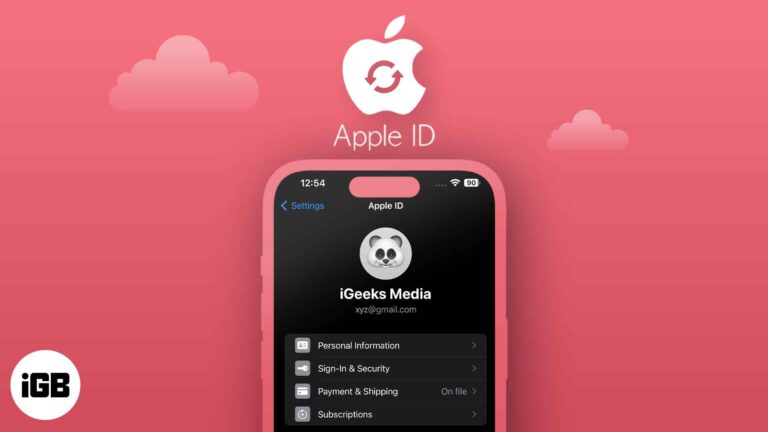
Want to update your Apple ID email? Learn how to change Apple ID on iPhone, iPad, or Mac—without losing data or access.
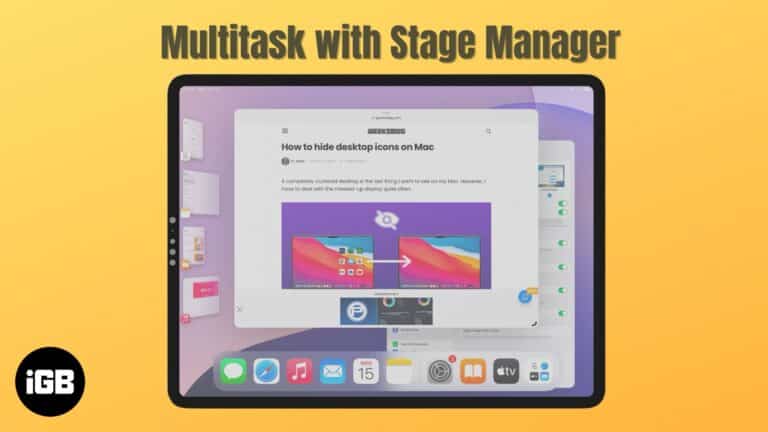
Become a multitasking pro with Stage Manager on your iPad and Mac.

Want to keep certain photos and videos private? Learn how to hide and lock sensitive media on your iPhone, iPad, or Mac using Apple’s built-in tools.

Master FaceTime on iPhone, iPad, and Mac, from setup to group calls, screen sharing, and pro tips in one easy guide.
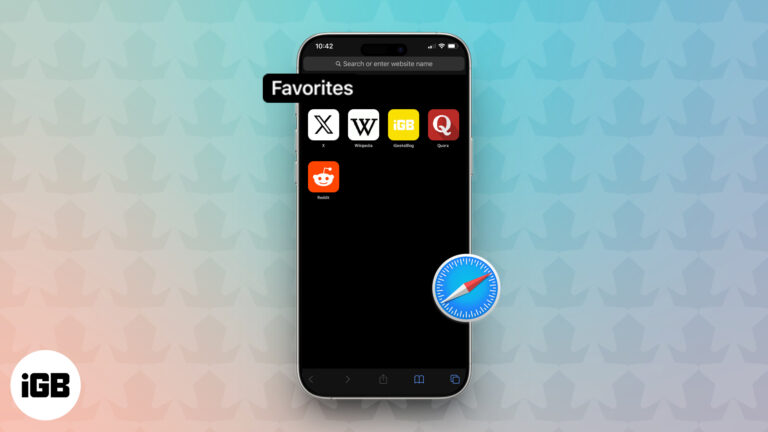
Tired of typing the same web addresses? Learn how to add and sync your favorite websites in Safari across iPhone, iPad, and Mac for quick, seamless access
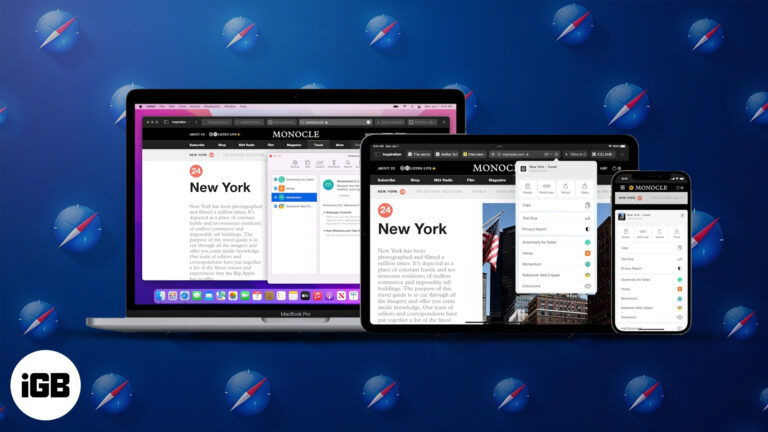
Discover how to install and use Safari extensions on your iPhone, iPad, and Mac to enhance privacy, boost productivity, and customize your browsing experience.

Touch ID not working? Fix it fast with easy tips to restore fingerprint access on your iPhone or iPad.
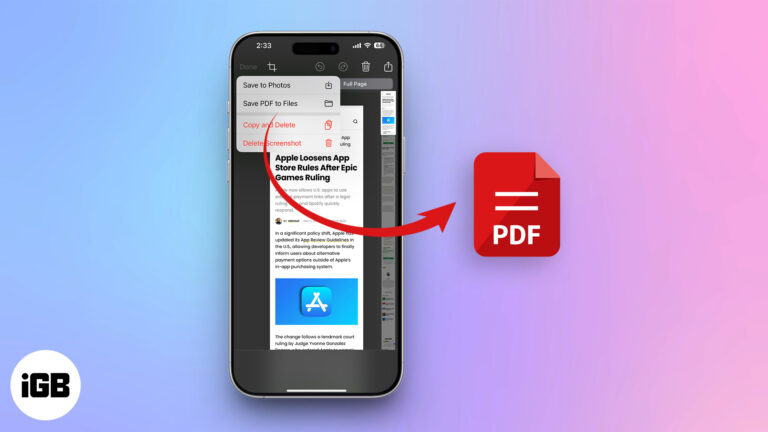
Want to access online content offline? Here's how to save a Safari webpage as a PDF on your iPhone or iPad.
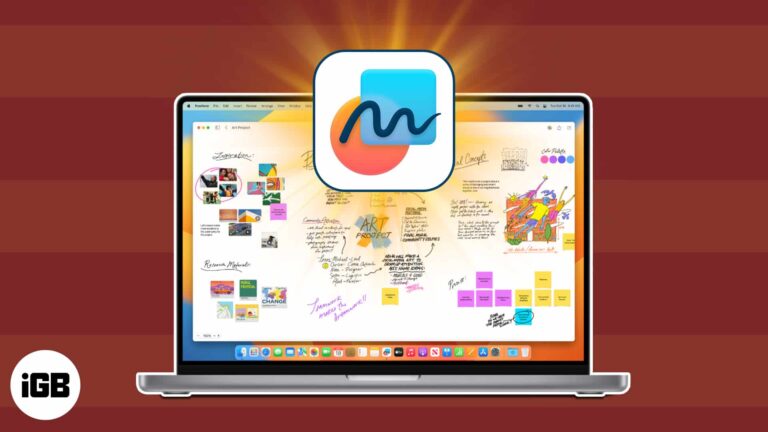
Your all-in-one guide to using Apple Freeform for creativity, organization, and collaboration.

Everything you need to know about LiDAR in iPhones and iPads.
Master Gmail on iPhone & iPad with these expert tips!
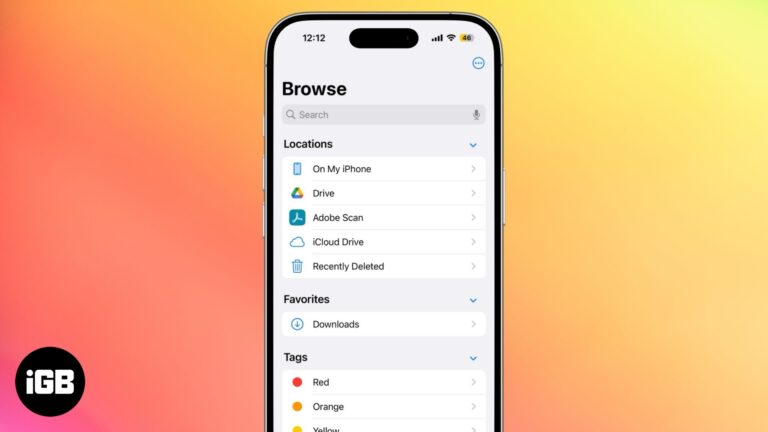
Find out where your iPhone downloads go and how to access them easily.
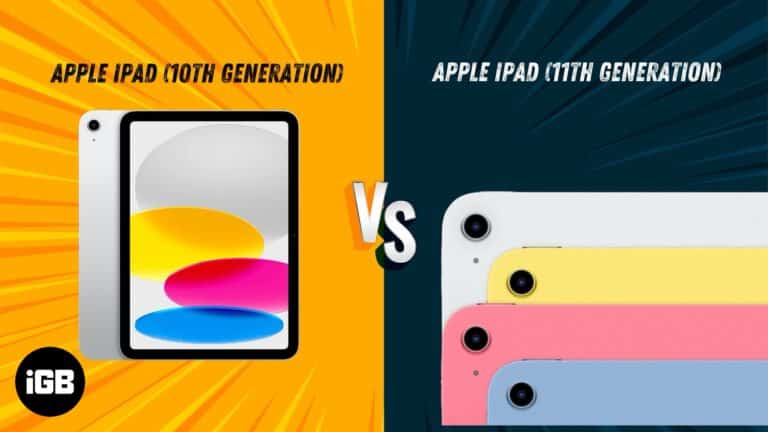
A quick breakdown of the differences between the iPad 11 and the iPad 10.
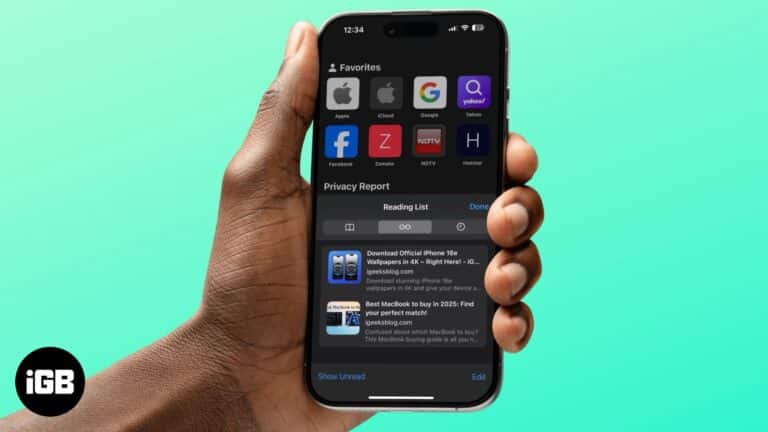
Declutter your Reading List in Safari.
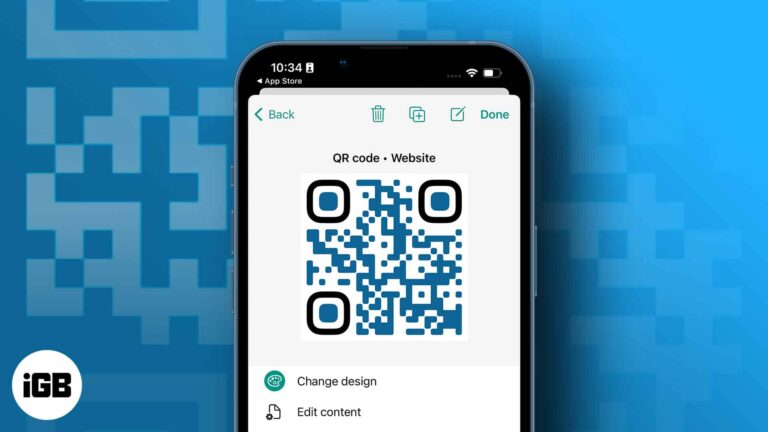
You can share a phone number, URL, and other data using QR codes. The code may be printed or posted online, and users will get rapid access to the data it contains when someone scans it. By default, the built-in…
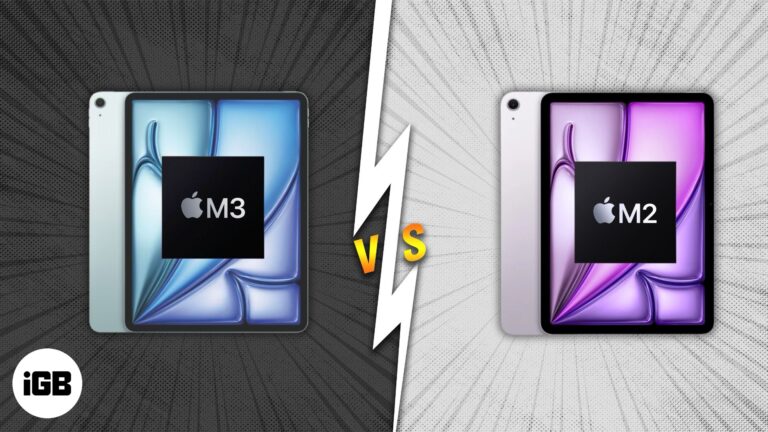
Apple’s latest iPad Air M3 is here—but is it really better than the M2?

 Ava Biswas and Yash Wate
Best ways to merge two or more videos into one on your iPhone or iPad.
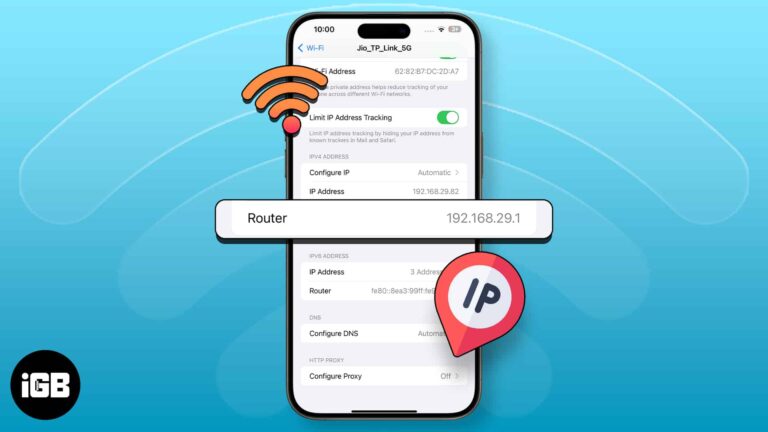
Easy ways to find your router’s IP address using iPhone or iPad.
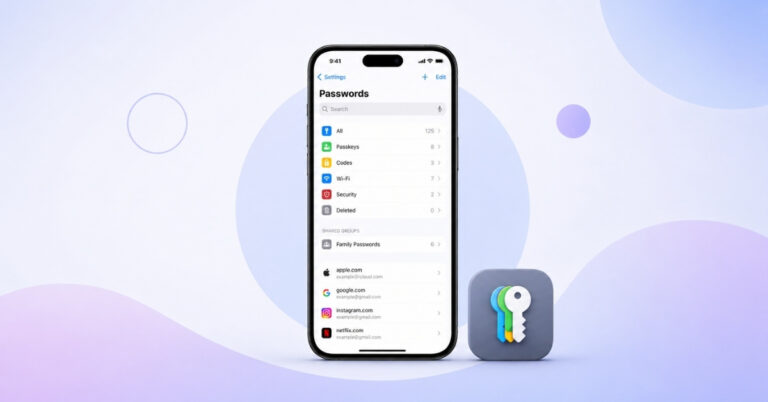
Find and manage saved passwords with ease on your iPhone.


