
FaceTime Like a Pro
Get our exclusive Ultimate FaceTime Guide 📚 — absolutely FREE when you sign up for our newsletter below.

FaceTime Like a Pro
Get our exclusive Ultimate FaceTime Guide 📚 — absolutely FREE when you sign up for our newsletter below.


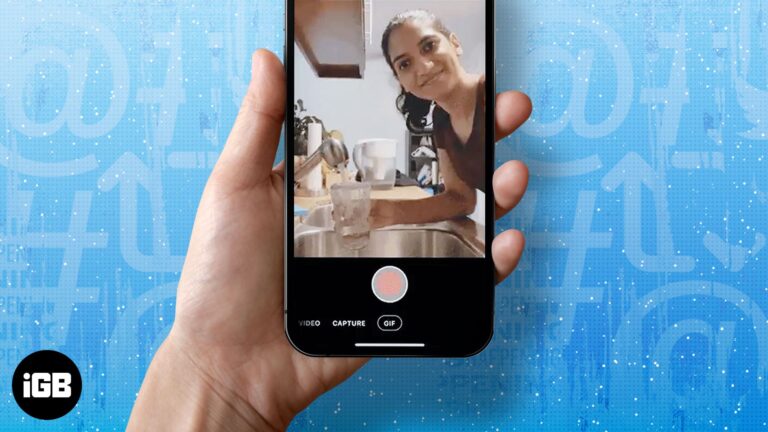
Twitter (Now X) is an app full of fun and rage, with many people chiming in daily to air their opinions about literally anything. Twitter recently added a GIF maker to its iPhone app. So, if you want to add…
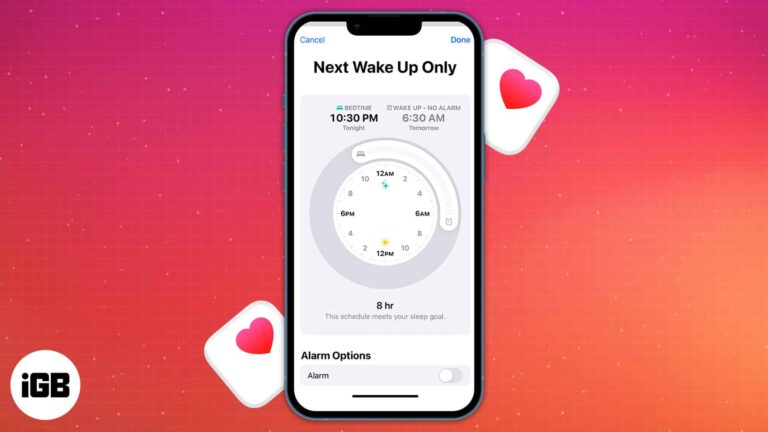
In iOS 16, the Sleep Schedule feature is not very complex. You choose how many hours you should sleep each night and then establish a bedtime and wake time accordingly. Once you set up the Bedtime alarm for the first…
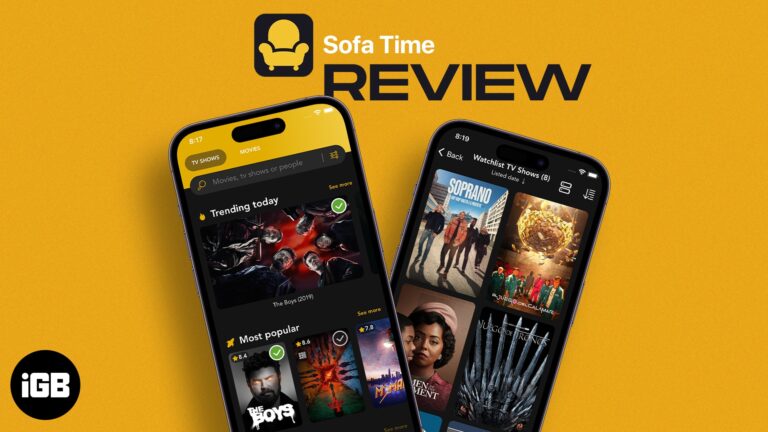
Sofa Time iOS app helps you track and organize TV Shows and Movies. It helps you navigate to streaming platforms and comes with features like adding movies to personal lists, creating reminders in the Calendar app, and more. Price: Free…
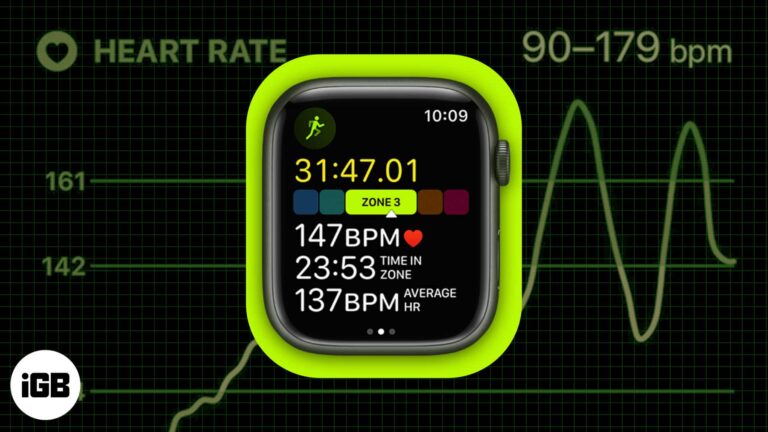
Apple made significant advancements in the fitness space with watchOS 9 and iOS 16. Heart Rate Zone tracking is one of the most exciting features added to the arsenal of the Apple Watch recently. Confused about Heart Rate Zones? Don’t worry.…
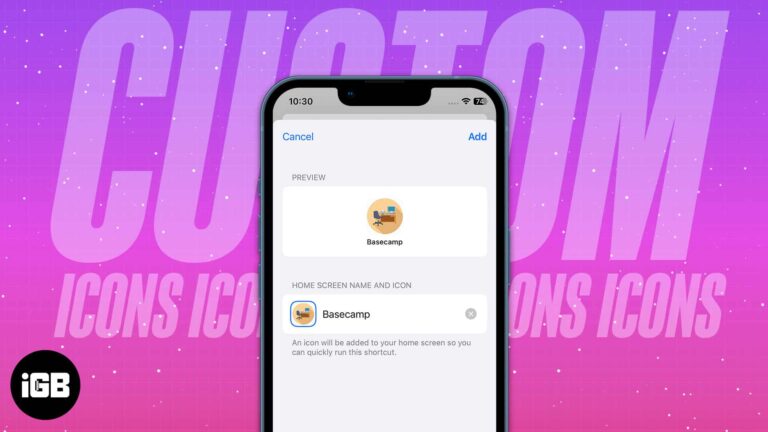
The latest iOS update comes with lots of options for personalizing your iPhone. Now, you can rearrange, edit, and change the colors of app icons on your iPhone home screen. This way, iOS 18 lets you fully customize your iPhone…
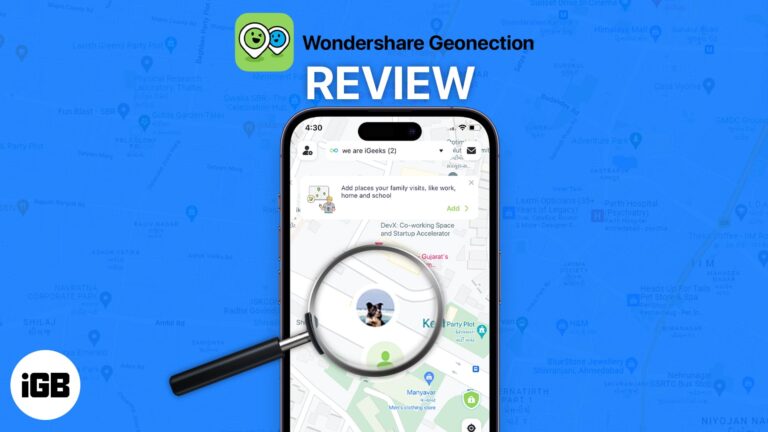
With Wondershare Geonection, you can track your dear ones using your iPhone or Android phone and make sure they are safe.
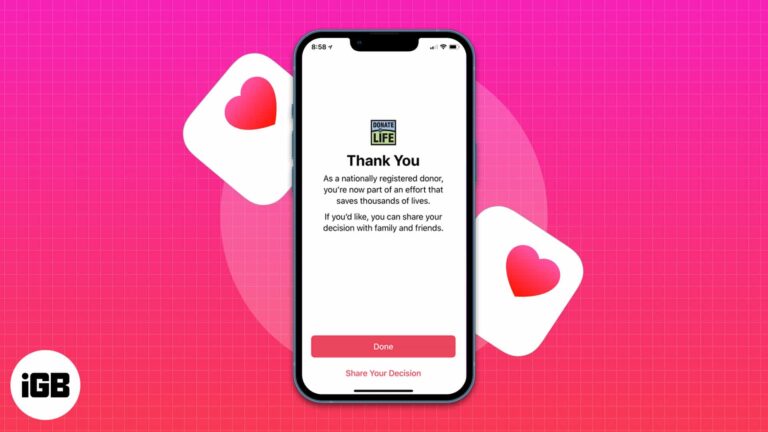
Things to know before registering as an organ donor on iPhone: The feature is currently only available in the US. You can register as an organ donor using the Health app on your iPhone. Apple has partnered with Donate Life…
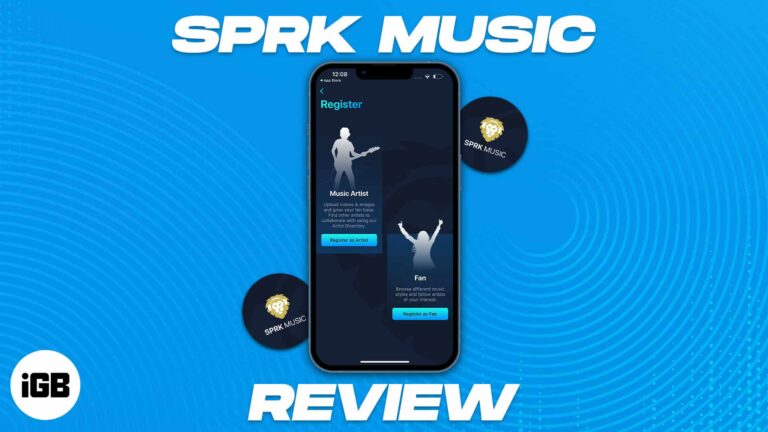
A review of SPRK Music app, a platform to help artists showcase their talent and bring all music enthusiasts together.
Many iPhone users like me have relied on Apple Music as their primary music provider. For years, my experience of enjoying different music has been smooth. But recently, I have been facing issues where Apple Music keeps pausing. So, I…
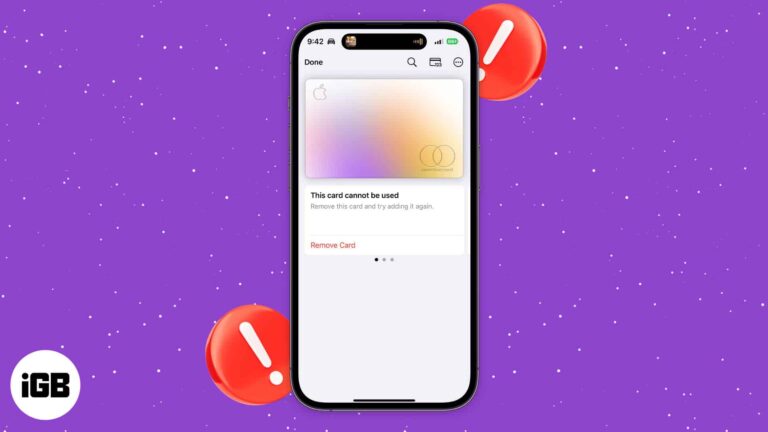
Many people have expressed frustration with their Apple Card suddenly not working on the Wallet app. It’s unclear why, but Apple’s System Status page lists the issue and is quick to help resolve it. If you’re having similar problems, here’s what you need…
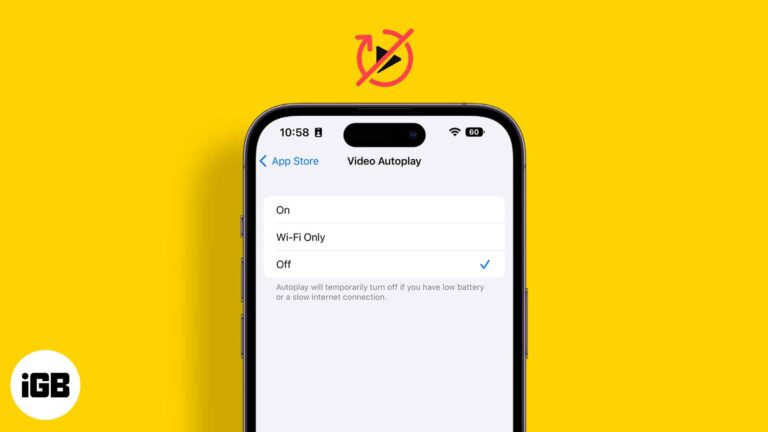
The autoplay of videos in apps may be annoying for some users. Whether it’s about scrolling endless feeds in social media apps like Facebook and Twitter or while using YouTube and Photos app, they appear intrusive. Besides, they also eat…

Emails have become a primary mode of communication, and everyone has more than one email address. Having more than one email address also makes it easy to keep professional and personal connections sorted. If you are new to the iPhone…
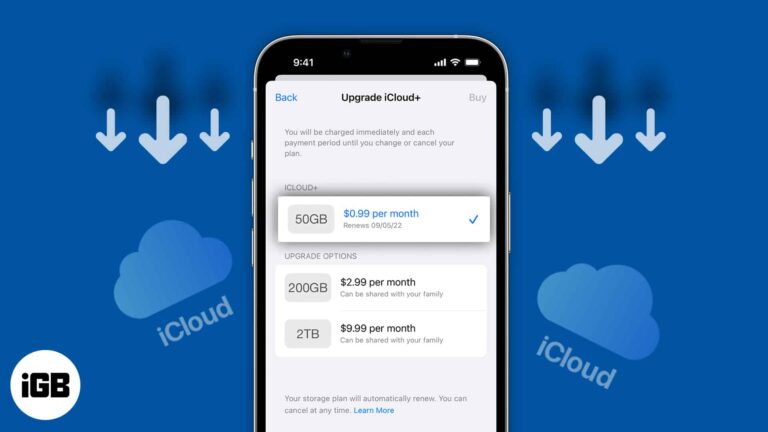
iCloud+, a paid data storage service for your Apple devices, has made it easy to back up important images and files. When you sign up for iCloud, you get free storage of 5GB. Post that, you’ll need to pay extra…
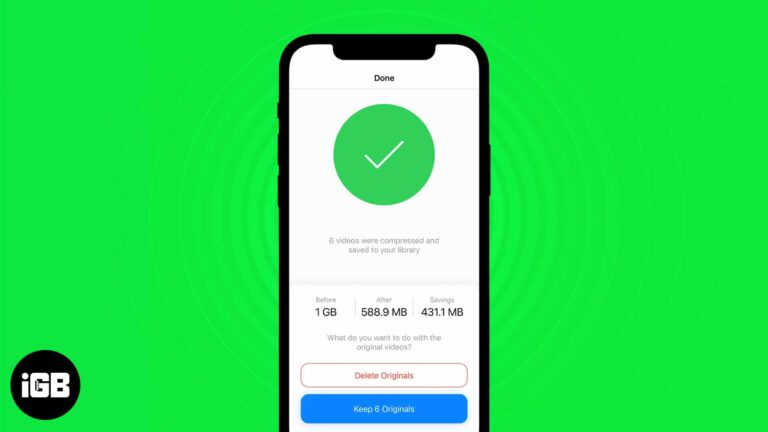
No smartphone comes close to the quality or the consistency of videography of the iPhone. The videos shot on iPhone are hands down the best. But with higher quality comes higher storage space, and thereby arrives the need to compress…

The Files app is the native file manager on the iPhone and iPad. But since it’s Apple, it has made sure to make this app stand out from the crowd by providing support for third-party cloud storage apps like Google Drive, Dropbox,…
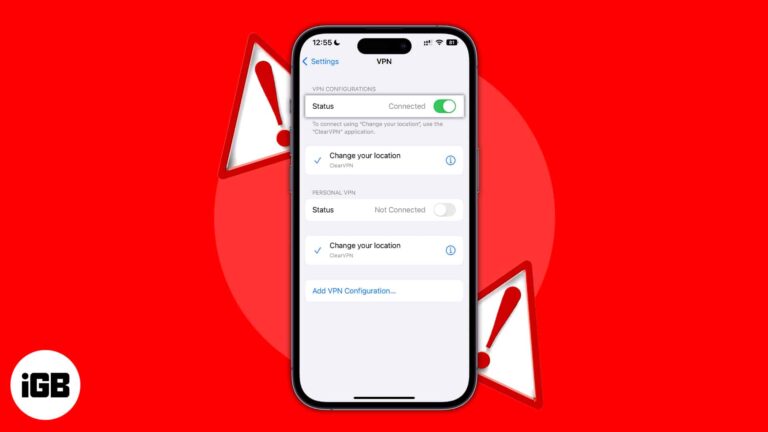
A VPN helps you browse the internet without worrying much about your privacy and data breaches. Most paid VPN services offer fast and reliable speeds. However, sometimes your VPN might get stuck on the connecting page, the data speeds might…

Things to know before turning off personalized ads on iPhone and iPad: Despite disabling personalized ads for native Apple apps, you will still see them on third-party apps until you disable them. Disabling personalized ads doesn’t reduce the number of…
Siri is Apple’s default voice assistant. But it isn’t the best voice assistant by a wide margin and has several drawbacks. Among many, Siri not waiting long enough for users to complete talking and coming up with answers is one that…
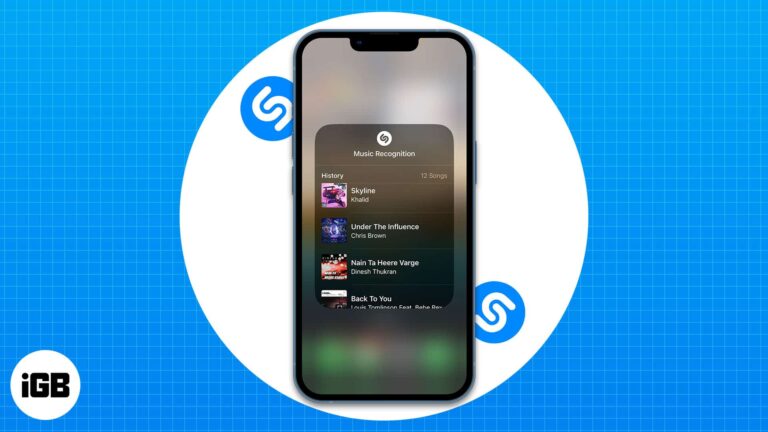
Requirements to access Shazam Music Recognition history on your iPhone and iPad: No, I didn’t believe in magic until I used Shazam. When I first used this app, I was blown away by the high accuracy with which it recognized…
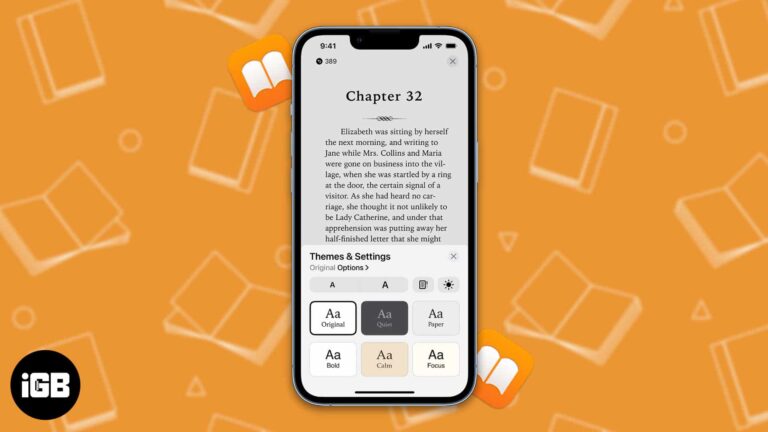
Do you want to treat your eyes to a pleasant experience on the Books app? Then you have come to the right place. In this article, I’ll explain how you can customize themes for the Books app on iPad and…

In most parts of the world, cellular data plans are costly, and there is a cap on the data limit. Once you cross your usages, the additional charges are very high. To ensure you do not pay a hefty fee,…
Storage is and always has been one of the biggest problems with iPhones. To solve the storage issue, Apple upgraded the base variant of the iPhone 13 series to 128GB and the upper limit of storage to 1TB (one terabyte)…
While preparing for your next international journey, get your iPhone ready. To be secure, connected, and stress-free, you must know essential iPhone settings for international travel. This will help you avoid receiving unexpectedly high bills upon your return. Here, I…
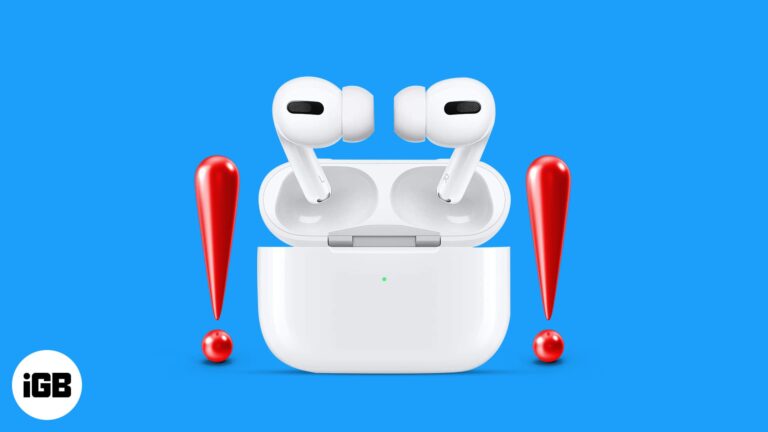
Are your new AirPods Pro 2 randomly getting disconnected? Here's the solution you need.
Apple ushered a new era of smartphones back in 2020 when it released its first lineup of smartphones that support 5G connectivity. 5G is by far the world’s fastest wireless network technology. All iPhone 12 and newer models support 5G.…

The Nintendo Switch is a revolutionary device in gaming. It’s been around for a while, and although gamers have been enjoying its benefits, a few may not have much of an idea about its compatibility and versatility. So, I’m going…
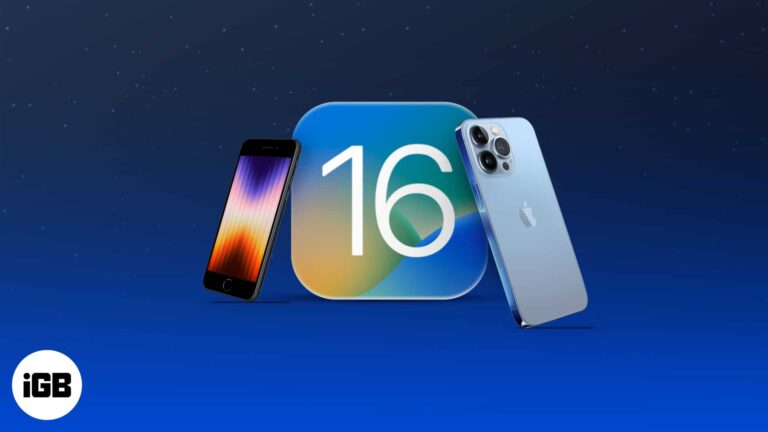
iOS 16 quick bites: iPhone users can now experience the magic of iOS 16. Although not as revolutionary as its previous updates, the iOS 16 does bring some much-needed and fancy features to the iPhone. From a more alive and…
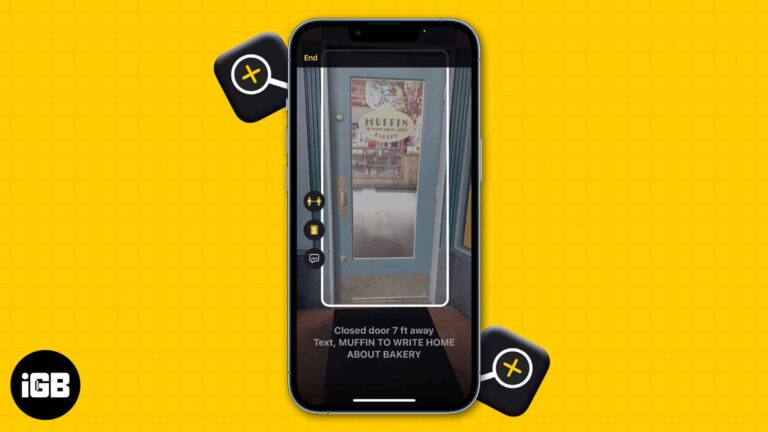
Things to know before using Detection Mode: Detection mode only works on iPhones and iPads with LiDAR sensors. Your iPhone needs to be running on iOS 16/iPadOS 16 or later to use all the features of Detection Mode. You can…
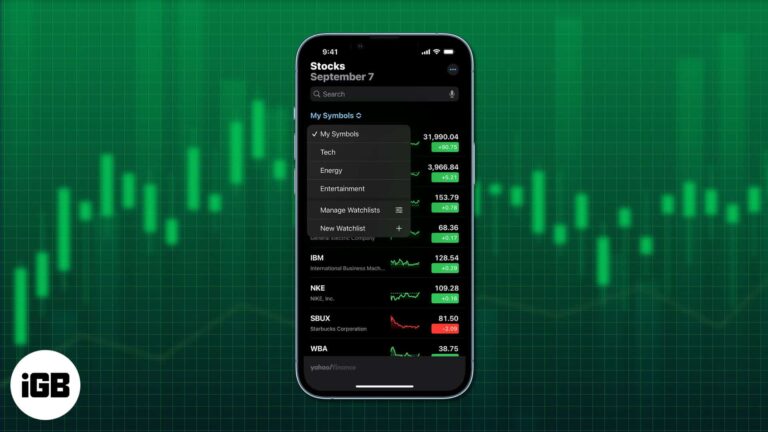
Stock trading has become an integral part of our lives. Whether you’re trading stocks for a side income or are venturing into the industry full-time, constant monitoring of your stocks is a necessity. Thankfully, Apple has included a Stocks app…
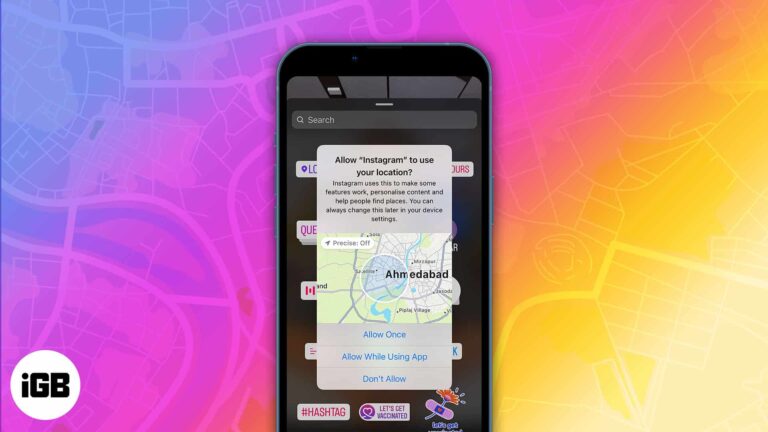
We share high-quality photos, reels, and live videos on Instagram with many people. But many times, you add location tags too. While these are crisp features, the information you share travels beyond your friends’ list or mentions. You can’t tell…


