
FaceTime Like a Pro
Get our exclusive Ultimate FaceTime Guide 📚 — absolutely FREE when you sign up for our newsletter below.

FaceTime Like a Pro
Get our exclusive Ultimate FaceTime Guide 📚 — absolutely FREE when you sign up for our newsletter below.


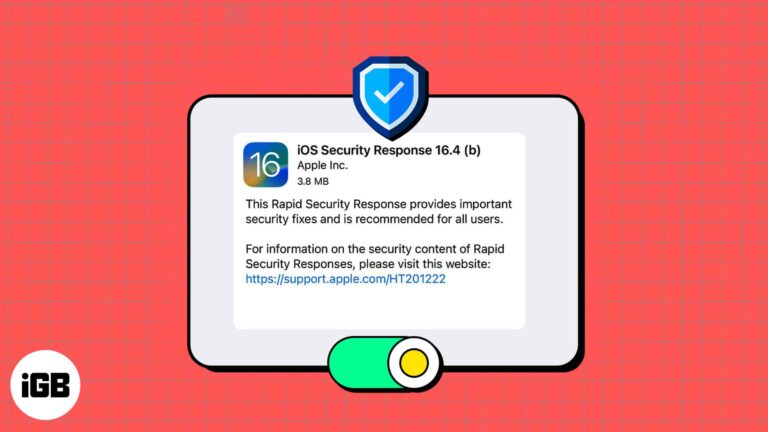
Have you heard rumblings about a new Apple feature for security updates on iPhone, iPad, and Mac? Called Rapid Security Response, this feature can keep your devices up to date when a defect is found in a recent system upgrade.…
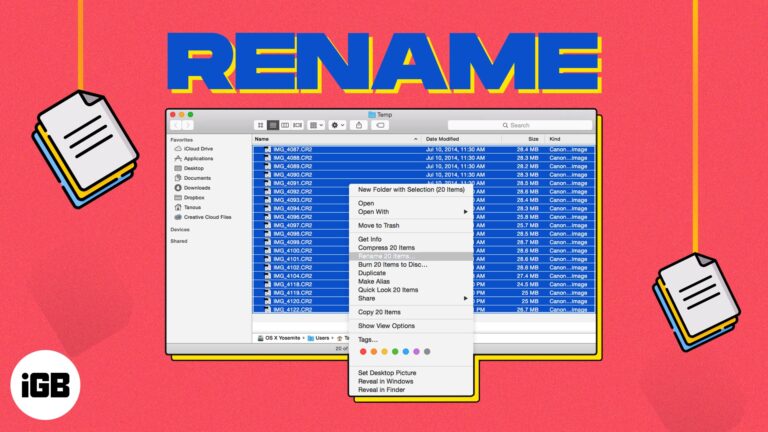
On your Mac, giving your files recognizable names makes it easier to find the one you need when you need it. If you have items like screenshots that have default names when you save them or files you’ve received from…
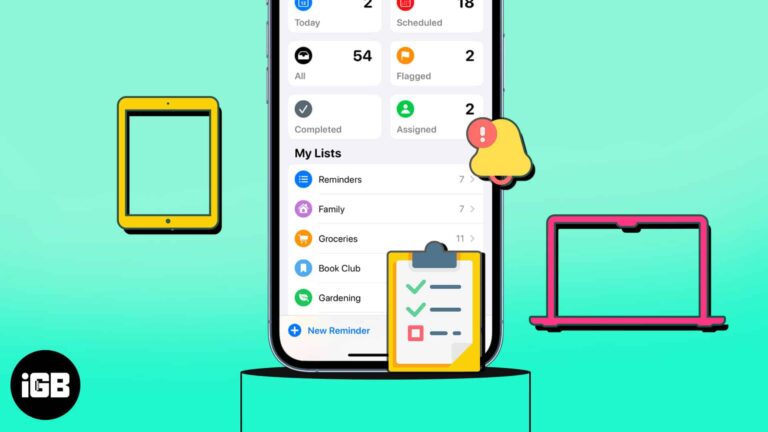
Do you find yourself reusing the same lists in the Reminders app? Maybe it’s a grocery, packing, or back-to-school list. You can avoid creating the same list repeatedly by using a template. In this article, I’ll show how you can create…
Whether you’re planning a weekend getaway or a lengthy vacation, you likely want to find places to visit while you’re there. Using Guides in Apple Maps, you can not only collect the locations you want to see but also have…

Have you been working with multiple tabs in Safari and suddenly hearing a sound coming from an unknown source? With the autoplay feature in Safari on Mac, advertisement videos can start playing without any action. Whether you despise the feature or…
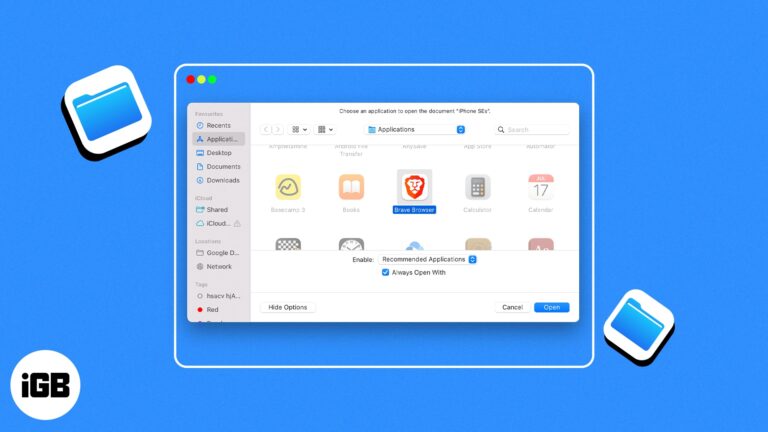
Macs have always been loved by professionals thanks to their ease of use. However, there are instances where you might get a headache because of how it is tuned. One such issue that many, including me, have faced is a…
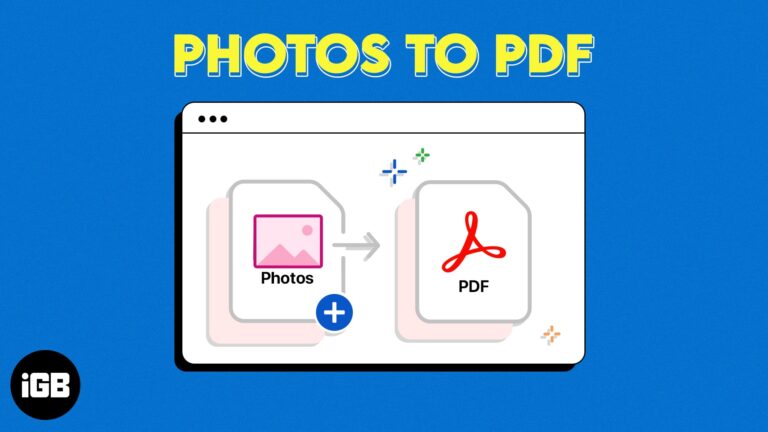
Your Mac may have many images you want to convert to PDF. At first, it might look like only a good third-party tool can convert photos to PDF. Well, let me tell you that a simple, native Mac app can…
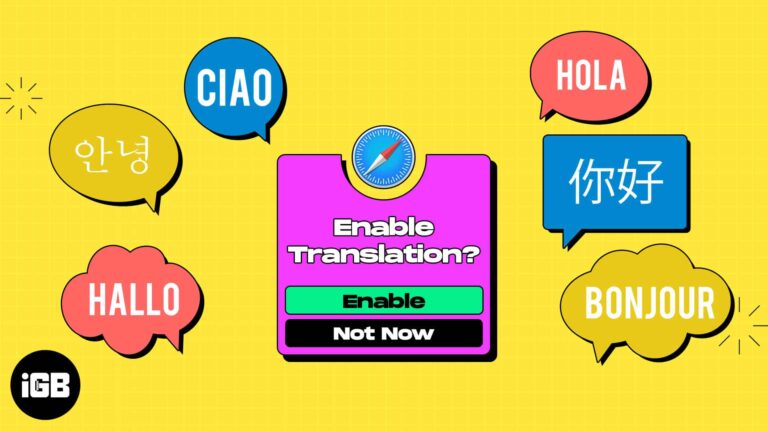
Whether you’re learning a new language or frequently visit sites that display in another dialect, you can translate a web page in Safari on Mac. Without a third-party tool, you can take advantage of Safari’s built-in translation feature. Read along to…
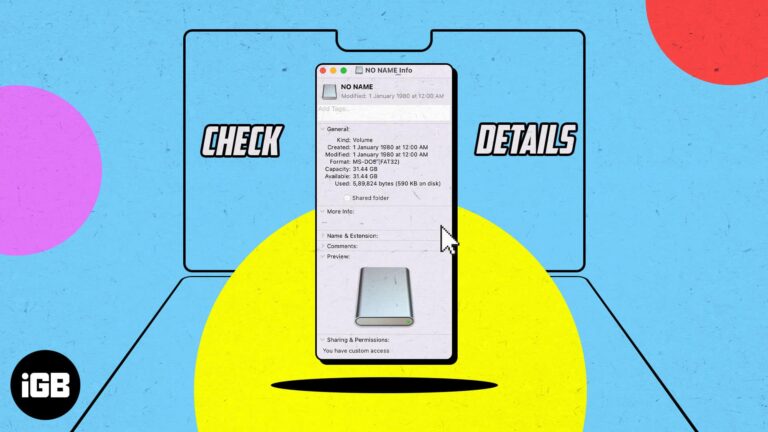
MacBook is a great machine for managing files, and it supports multiple external drives. However, you need to know the type of your file system to manage them appropriately when needed. So, read along how to determine the file system…

When you purchase products from Apple, whether a new MacBook or an Apple Watch band, you likely want to keep an eye on your order. Has it been processed? Did it ship yet? We’ll show you different ways to track…
Detailed review of LightPDF, a converter tool that seems to get the basics right.
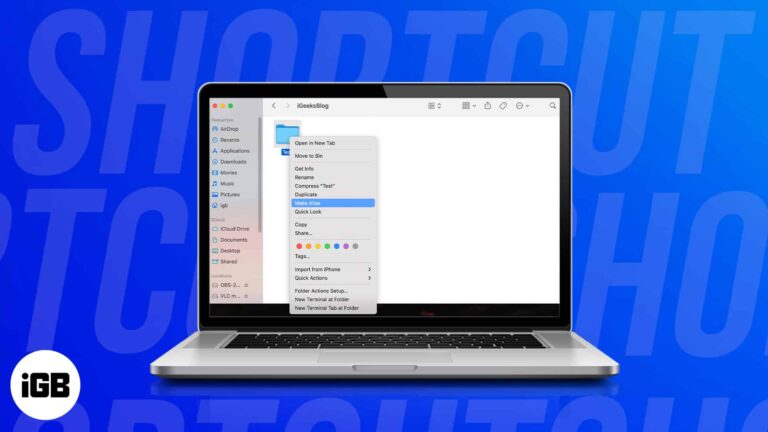
macOS does not create desktop shortcuts automatically the way Windows does. Here are four ways to make your own for apps, files, folders, and even websites.
Large PDFs bounce off email limits and eat storage. Here are four ways to compress one on Mac, with notes on how much quality each method costs you.
The escape key is one of the most used keys in MacBook, particularly because it helps users escape from a window or a task. However, for the unfortunate out there, the key may not be working properly. In this article,…
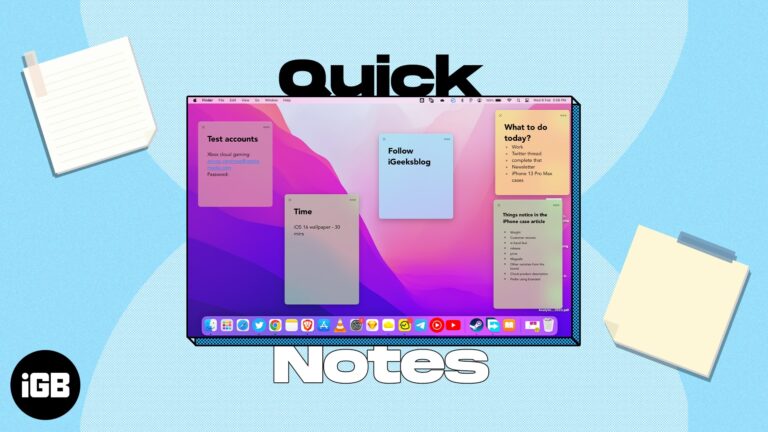
Quick Note lets you jot something down without leaving what you are doing. Here is what it is, how to trigger it on Mac with a hot corner or keyboard shortcut, and where the notes end up.
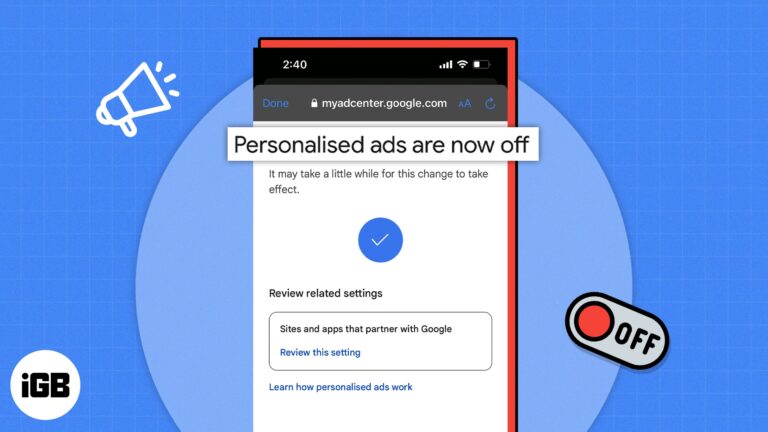
All of your activity on the internet is recorded and stored. The same applies to YouTube. Whenever you use the platform to watch videos, based on your interaction with the video, the algorithm suggests similar videos and personalized ads. If…
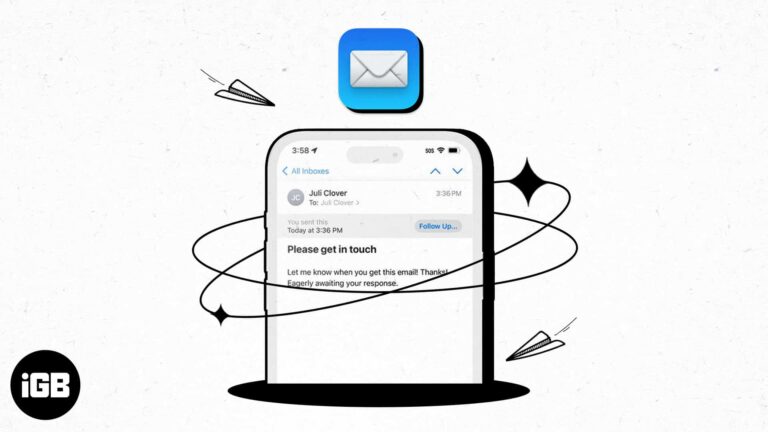
With the number of emails we send these days, it can be hard to keep up with whether or not we receive responses to them all. As a reminder, you can use the Follow Up feature in Apple Mail for…

Is your beloved Apple device, Mac acting… weird? If you are facing trouble booting it or its volume, mouse scroll, or display settings are all messed up, you may need to do more than restarting it. You may need to…
Having trouble organizing or finding the notes you need? With Smart Folders in Apple Notes, you can set up folders that automatically include specific notes. This gives you a great way to stay organized and on top of the notes…

In our detailed review of the EaseUS screen recorder, we tell you if this is the right app to record your Mac screen most easily and expertly!
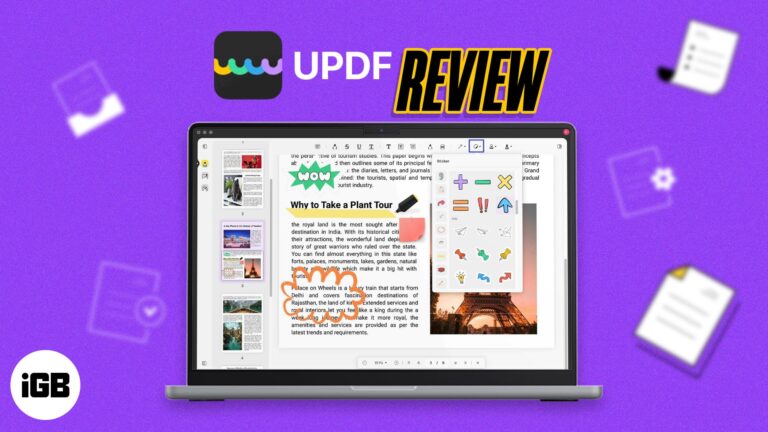
Detailed review of UPDF, the most feature-rich and easy-to-use PDF editor tool you can get!

If you’re concerned by Google Maps Street View 360 cameras snapping images of your house or apartment, you can ask them to obscure the address. As a concerned citizen, protecting the privacy of one’s home is of paramount importance. In…
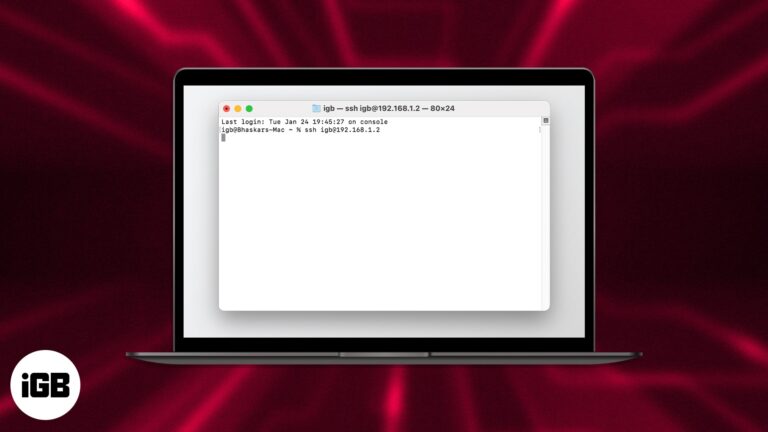
Things to know Turn on Remote Login to access your Mac from another computer via SSH. You can access a server on a public IP address via SSH. Use SSH if you work on unsecured networks. To configure SSH on…
iCloud Private Relay is a data protection feature provided for iCloud+ users. With this feature, you can surf the internet without worrying about any trackers and experience safe browsing. However, while it’s good to turn on this feature, some websites…

The Mac’s multi-touch Trackpad lets you perform simple but valuable gestures that make interacting with your Mac much more straightforward and intuitive. One heavily used gesture is Pinch-to-Zoom, which makes it easy to zoom in or out of photos, documents,…
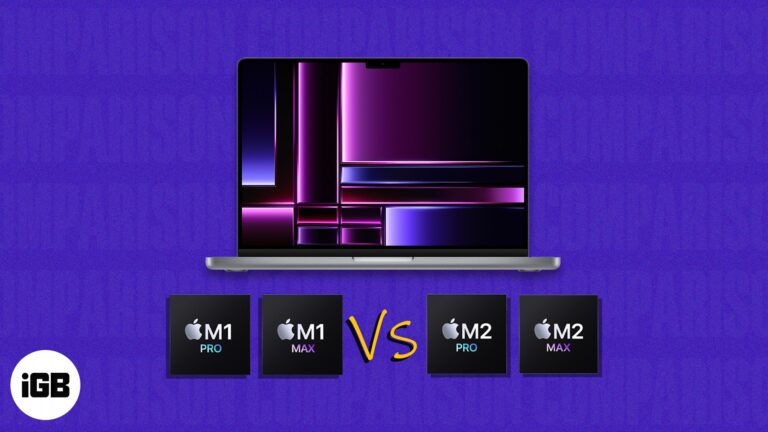
Apple has launched the much-awaited MacBook Pro powered by M2 Pro and M2 Max chips. While there’s a lot to discuss, one might wonder if they should get the latest MacBook Pro 2023 or the ones released back in 2021.…
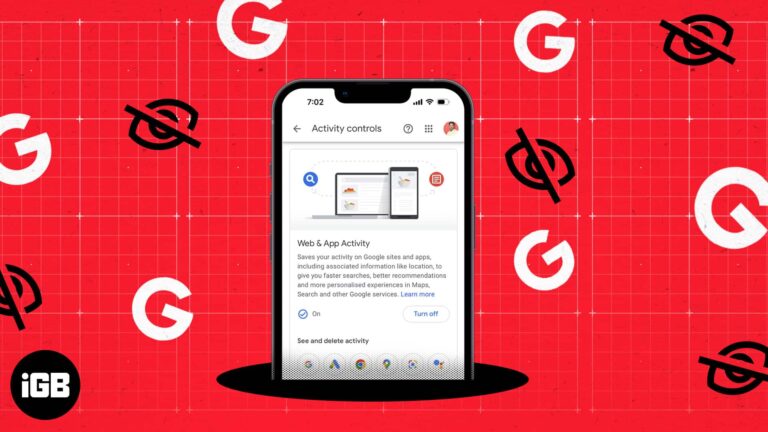
If the service is free, then you are the product. The line is echoed by Google’s Web & App activity, a feature that collects data on your browsing habits, location, and search history. The tech giant then uses the data…
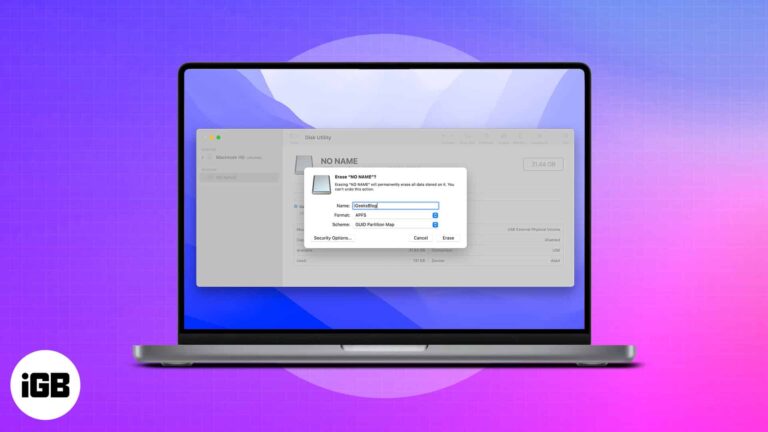
What to know: There are a substantial number of Mac users worldwide. Despite this fact, not all accessories or peripherals are Mac-compatible. A USB flash drive is one of the goods that work flawlessly with macOS Ventura or earlier; however, it…
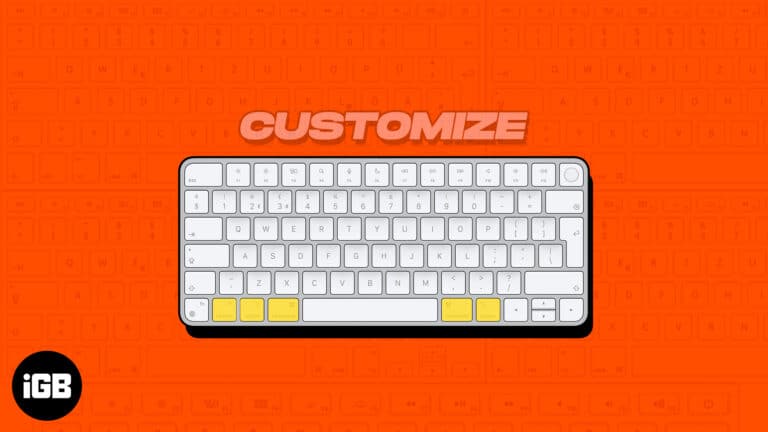
Most of us prefer the QWERTY keyboard layout, as it’s more popular. But that doesn’t mean this input source can fit into the needs of everyone. This is where customization becomes the need of the hour. macOS has support for…
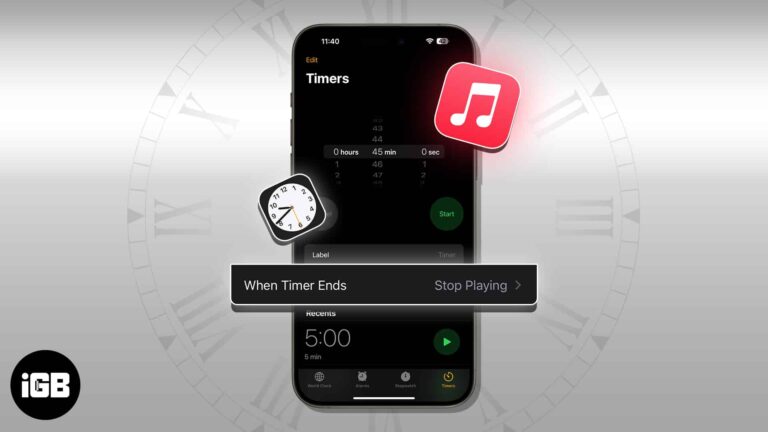
The Music app has no sleep timer of its own, so the Clock app does the job on iPhone. Here is how to set one on iPhone, Mac, and HomePod, and why it is worth doing.


