
FaceTime Like a Pro
Get our exclusive Ultimate FaceTime Guide 📚 — absolutely FREE when you sign up for our newsletter below.

FaceTime Like a Pro
Get our exclusive Ultimate FaceTime Guide 📚 — absolutely FREE when you sign up for our newsletter below.



Want to own/gift an iPhone but don’t have the budget? You can try a refurbished phone and enjoy all the perks without burdening your pockets, especially if you live in Australia or New Zealand, as Phonebot offers great deals on…
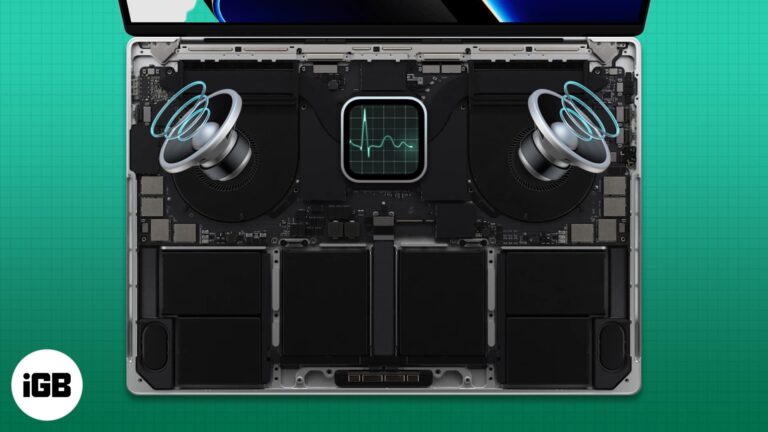
Apple designers are known for choosing function over form. Macs offer decent cooling performance despite being thin and sleek. However, sometimes the MacBook fan starts making a loud noise. A noisy fan running for a long duration is a telltale…
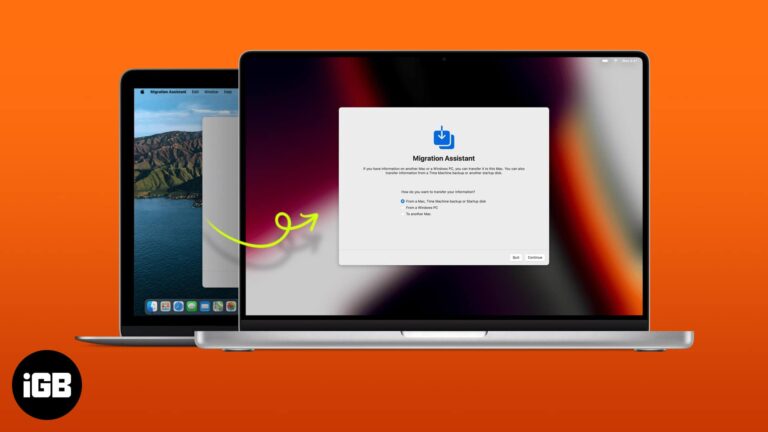
A botched migration means redoing hours of setup. Here is what to prepare first, how to run Migration Assistant properly, and when using iCloud instead makes more sense.

macOS handles ZIP files but ignores RAR entirely. Here is why, plus how to extract RAR archives online without installing anything and how to set up The Unarchiver for regular use.
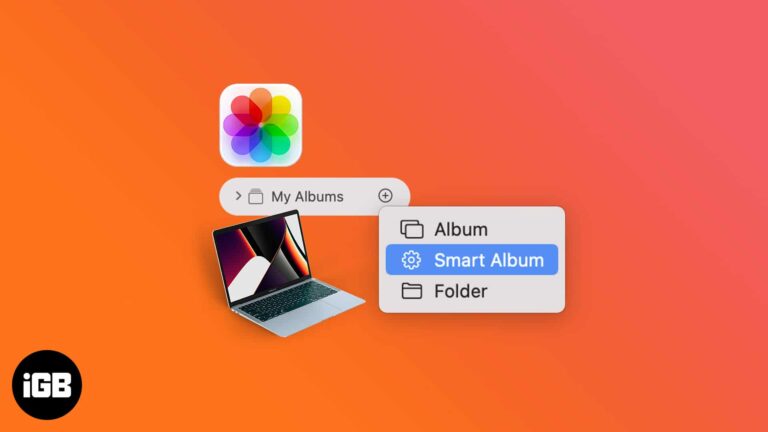
Looking for specific photos can be difficult when your Photos app is cluttered and disorganized. If you’re not a fan of organizing and sorting photos manually and find it time-consuming, I have some good news. You can create Smart Albums that…
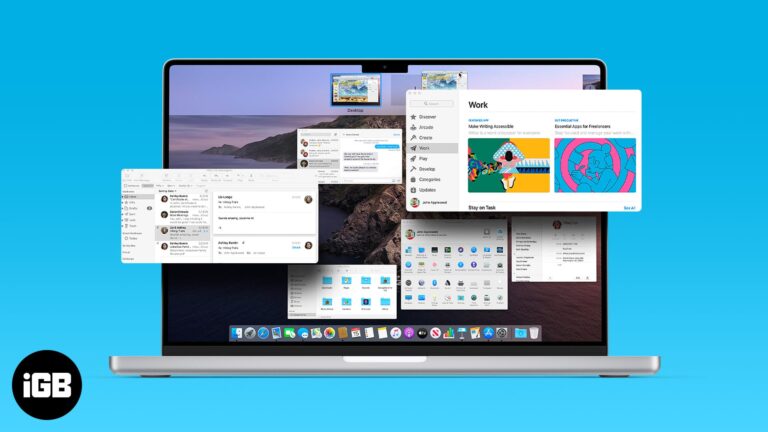
Mission Control gives you an overview of every open window and desktop. This guide covers the gestures and shortcuts that open it, managing Spaces, customizing behavior, and fixing common problems.
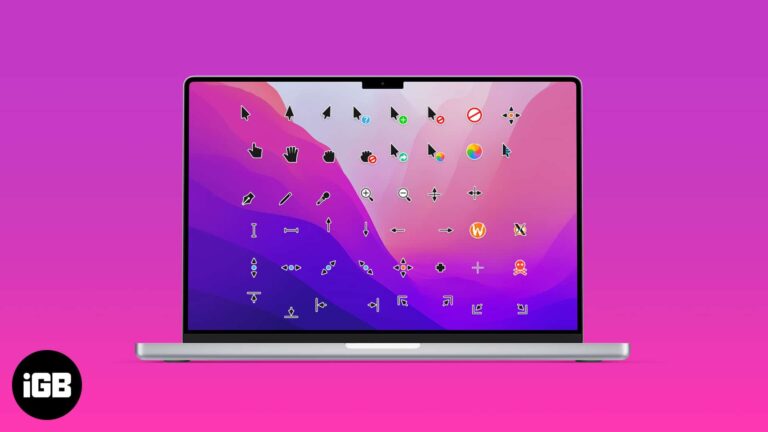
As changing mouse pointers is a niche area of interest, Apple is notorious for making it incredibly difficult to change your mouse pointer. That being said, we are not saying it can’t be done. If you wish to change the…
It’s a headache to figure out why your Mac suddenly slows down or shows issues while opening apps. But, the good guys at Apple have seen through these issues and added safe mode, a safer and liter version of macOS…
Thanks to the Apple ecosystem, all your devices interact with each other seamlessly. This unique interdependence is highlighted in how Macs and iPhones work together perfectly. But what if you don’t want them to work together? Don’t worry! You can always disconnect…

YouTube TV comes with various features and is one of the best live streaming platforms. However, if you lost interest in the service due to its price increase or couldn’t find the live show you love, here’s how you can…
Most of us are conditioned to backup our Mac and iPhones every once in a while. We don’t realize that, just like Mac, we should back up even our email. Gmail is the most widely used email service. Today let’s…
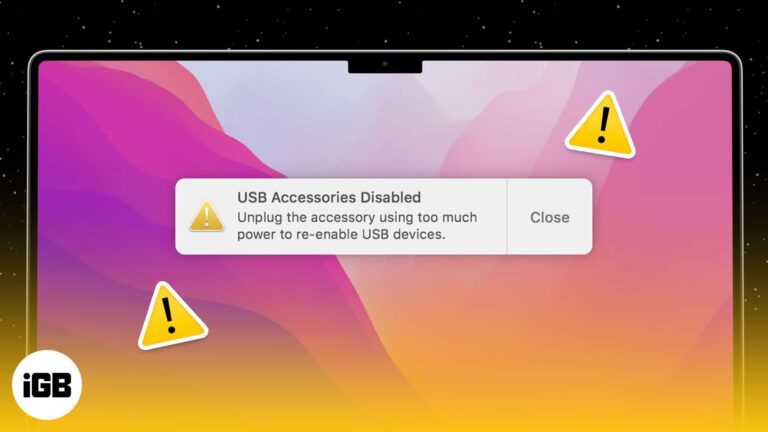
Is your trustworthy Mac throwing tantrums? Well, you are not alone. Disable USB accessories is a fairly common error with Macs connected to multiple accessories. You need to fix this error to continue using USB ports on Mac. Read on…

Have you ever wanted to fall asleep listening to your favorite music or podcast and have it turn off automatically? Or does listening to music help you sleep? Well, here’s good news! Spotify’s Sleep Timer feature lets you do exactly…
I believe undo and redo are some of the most underrated features. Both of these have saved many helping to mend their mistakes instantaneously! The undo button helps reverse recent changes made to a document, file, or folder. And if…
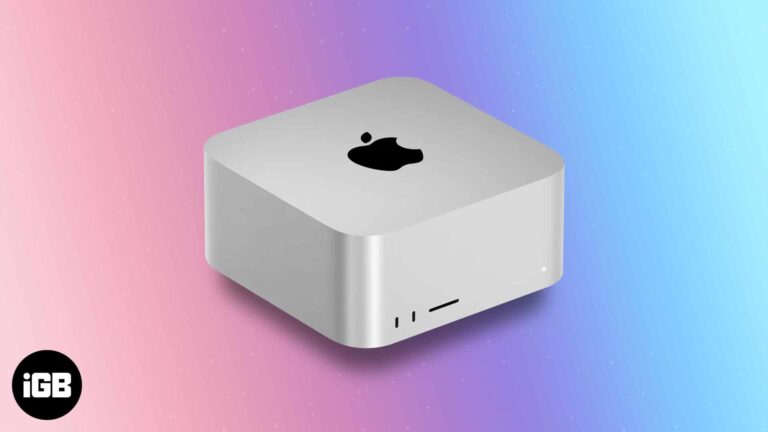
Apple’s latest event has a lot going for creators and professionals. The Studio Mac is a powerful desktop aimed at musicians, artists, photographers, video editors, and 3D modeling. It is the first (currently, the only) device powered by the stellar…

Apple released Pro Display XDR; it was instantly tagged as a ‘Pro-user’ device because of its price. And now that the budgeted Studio Display is here, it is making me and many users wonder which of the two would be…

Apple revolutionized the custom silicon market with the introduction of its M1 SoC. It then introduced M1 Pro and M1 Max SoC, targeting power users, especially creators. However, Apple did not stop there! It has now released the godfather of…
Being invested in the Apple ecosystem has its advantages. All devices can seamlessly interact with each other. But what if your iPhone keeps disconnecting from Mac? It could happen due to any underlying issue ranging from bad cable to software…
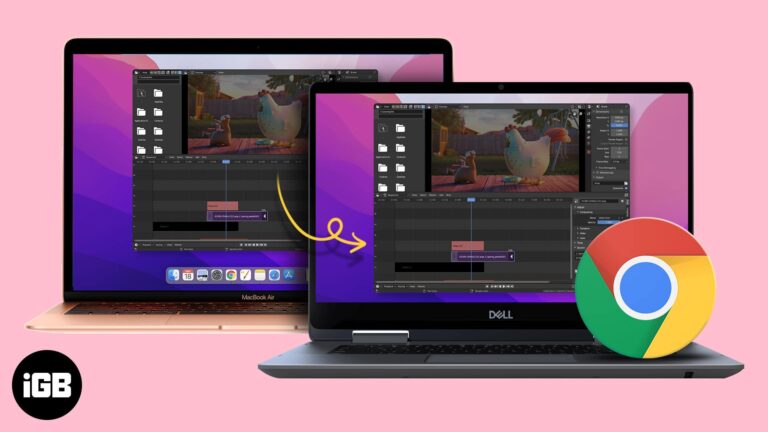
Multiple monitor setup is a boon if you want extra desktop real estate. Most Macs are capable of powering one or even two monitors. However, a decent monitor could end up eating your wallet. But what if I tell you…
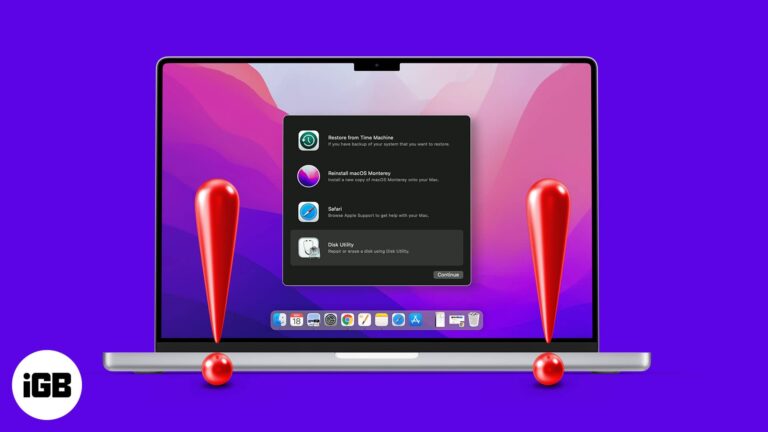
If Recovery Mode will not load, you cannot reinstall macOS or run Disk Utility. Here is why Command R fails, what to do about a deleted recovery partition, and the alternatives per macOS version.

Fear makes most people gullible. And the scary sight of a ‘pornographic virus alert’ can make users desperate to save their device, data, and confidential information. But don’t act out just yet, the seemingly real message is a scam, and…

Universal Control has held my fancy since its initial introduction during WWDC2021. And I must say, it is a magical feeling to swiftly move between an iPad and Mac or Mac and iMac. But if you’re not able to experience…
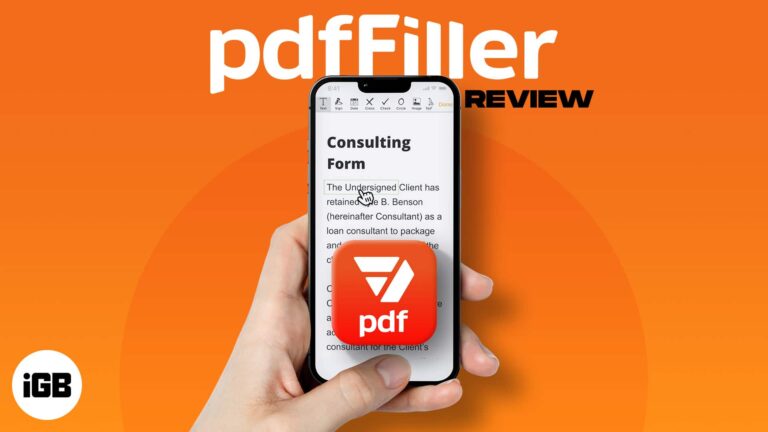
PDFs have made our life easier, but haven’t they also complicated things? Everything from filling out forms to signing documents, merging PDFs, to editing or converting them can be a headache. However, pdfFiller promises to be the single pill for…
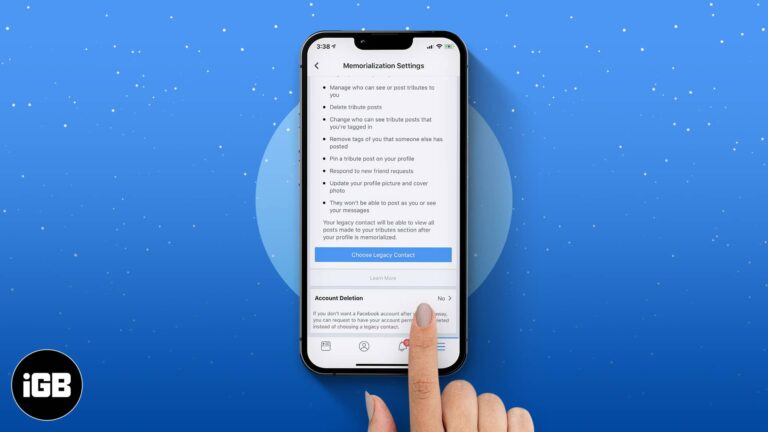
Our lifestyles have changed a lot since the advent of smartphones. Services like Facebook, Instagram, and WhatsApp have become indispensable. The majority of us use these platforms to stay connected. But have you ever wondered what happens to the Facebook…

While you don’t see spam emails in your primary mail directory or receive notifications for them, some emails evade spam detection and land in your primary folder. If you are as tired of receiving such emails as I am, there’s…
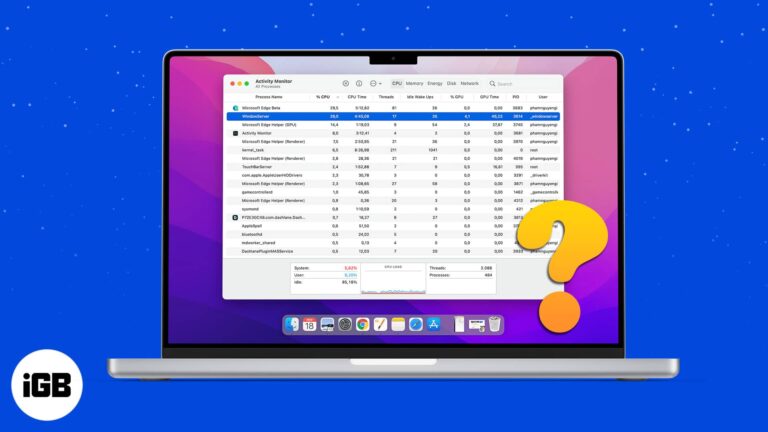
Most times, we hardly pay any attention to background processes running on the Mac. However, if you check the Activity monitor on a rare day to fix the slow-down issues, you might be surprised to see the WindowServer process perched…
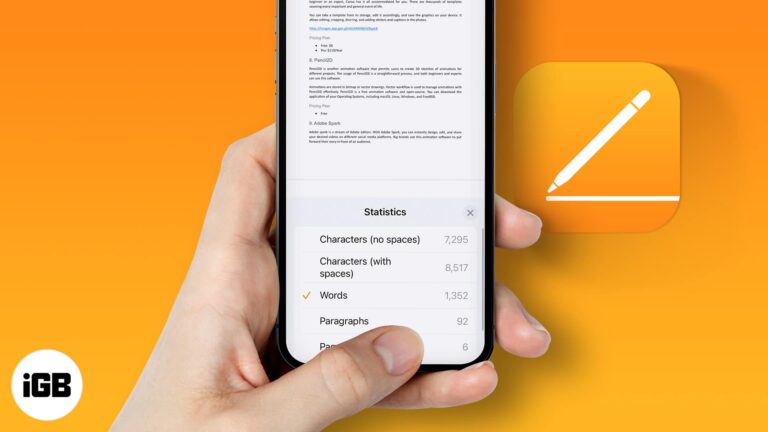
Pages hides the word count by default on every platform. Here is how to turn it on for iPhone, iPad, and Mac so you can track length as you write.
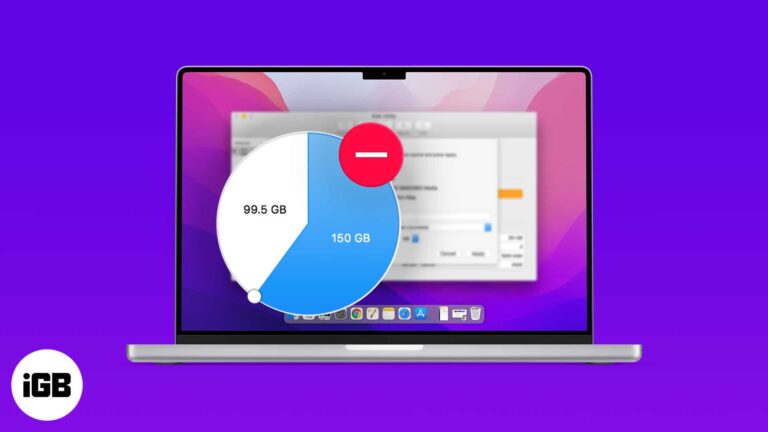
Old partitions strand storage you could be using. Here is how to delete one with Disk Utility, the Terminal route when the graphical tool refuses, and how to remove a Boot Camp volume safely.
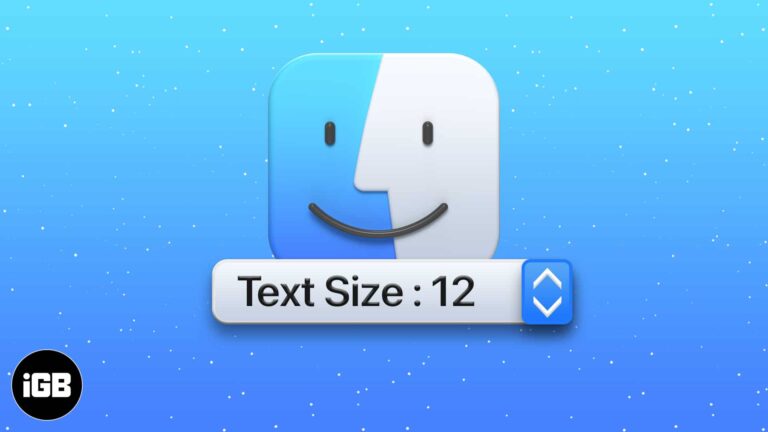
Small Finder text is a strain on any large display. Here is the quickest way to increase the font size for file and folder names on Mac, and how to set it per view.
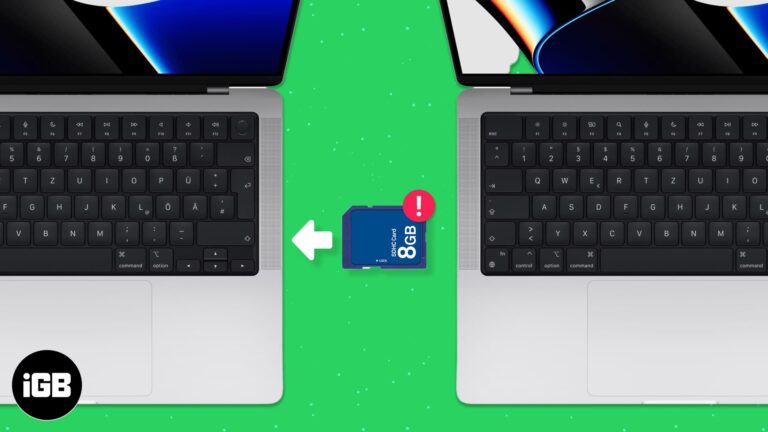
Apple swapped the SD card slot on MacBook Pro with four USB-C ports in 2016. It took flak from users who didn’t like the idea of using a bunch of dongle/adapters with their new MacBook Pro. Years later, Apple has…


