
FaceTime Like a Pro
Get our exclusive Ultimate FaceTime Guide 📚 — absolutely FREE when you sign up for our newsletter below.

FaceTime Like a Pro
Get our exclusive Ultimate FaceTime Guide 📚 — absolutely FREE when you sign up for our newsletter below.


Situations like data leaks, identity theft, account hacking, etc., are no more an anomaly. So user security measures like two-factor authentication (2FA) are a wise plan. Maybe that’s why Apple has jumped onto the wagon and integrated two-factor authentication in…
Rolling back from a beta means erasing the drive, so preparation matters. This guide covers backing up, handling T2 boot media protection, removing the beta profile, and reinstalling Big Sur.
Chrome crashes on macOS usually trace to a bad extension, a corrupted cache, or hardware acceleration. These fixes work through each cause so you can find the culprit without reinstalling.
Does your Mac keep restarting randomly? Well, you are not alone! Sometimes Mac tends to restart, and it could be due to many reasons. The most common of these is called Kernel Panic, leading the Mac to fix the error…
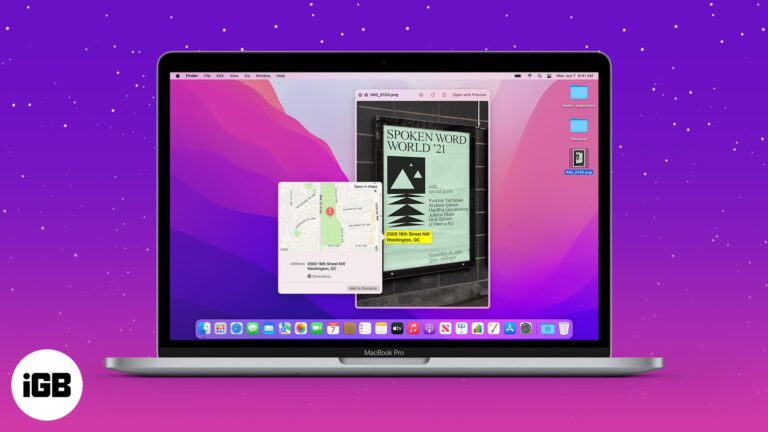
What would you prefer – clicking/downloading a picture or manually jotting down everything? While the first option is more lucrative, clipping text from images can be typical. Or is it? You can easily select, copy, paste, translate, save, share, and…
A frozen Finder makes the whole Mac feel broken. Here is how to relaunch it without restarting, clear the preference files that cause repeat hangs, and the deeper fixes if it persists.
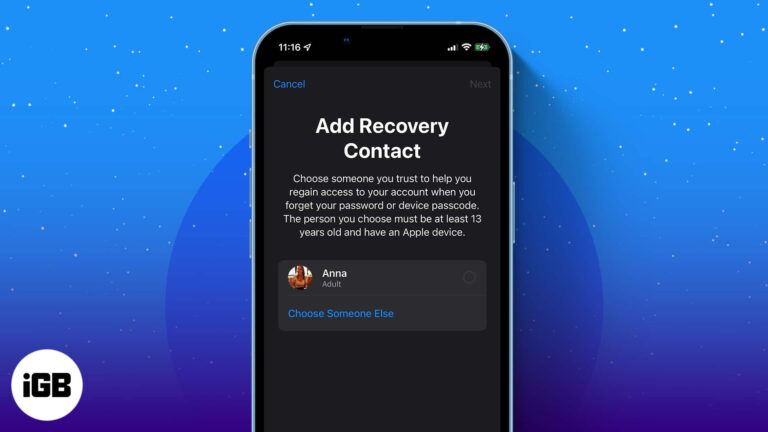
Whether you forgot your Apple ID password or the device passcode, recovering your Apple ID has always been a tad bit difficult. However, thanks to a new feature, the unlock key is now just a call away. All you have…
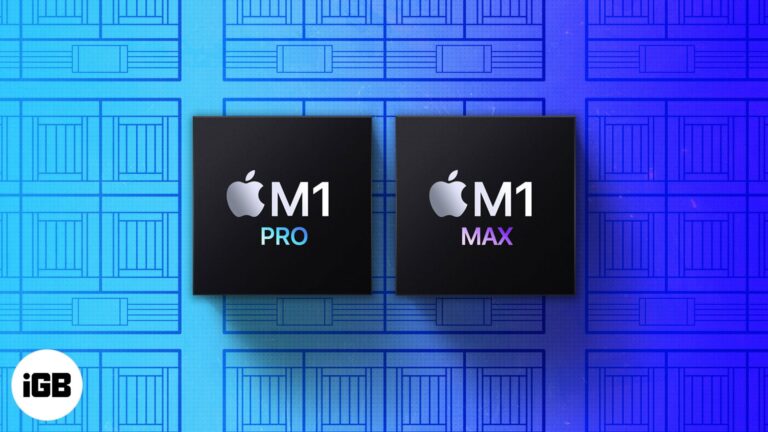
What do you do when Apple gives you two powerhouses such as M1 Pro and M1 Max. We compare them thoroughly, scrutinize their power, performance, features, and most importantly, consider the use case vs. budget. And that is precisely what…
Universal Control and SharePlay got the headlines, but Monterey hid plenty more. These 16 features cover AirPlay to Mac, fast image conversion, pointer tweaks, and Memoji customization.
Apple says that there are about 100 million active Mac users, so the PC is quite popular. You’ve probably owned your Mac for years and use it daily. But there’s a lot it can do, much more than you know.…

Just recorded a fine karaoke and want to isolate the vocals to see how you hit those notes? Or want to extract the speech and cut the background music from your podcast? A daunting task, isn’t it? However, Lalal.ai has…
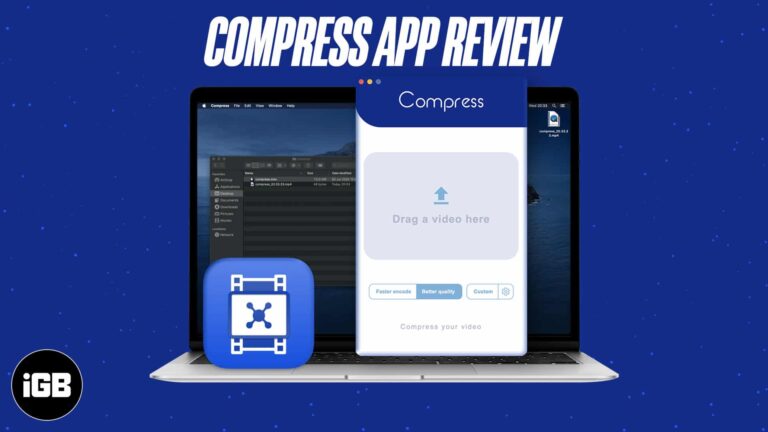
Oversized video files stall uploads and eat storage. Compress promises smaller files with quality intact. We walk through compressing a clip on Mac and judge the results against the file size saved.
A Mac too old for current macOS can still run Chrome OS comfortably. Here is why it is worth doing, what you need before starting, and the full installation process step by step.
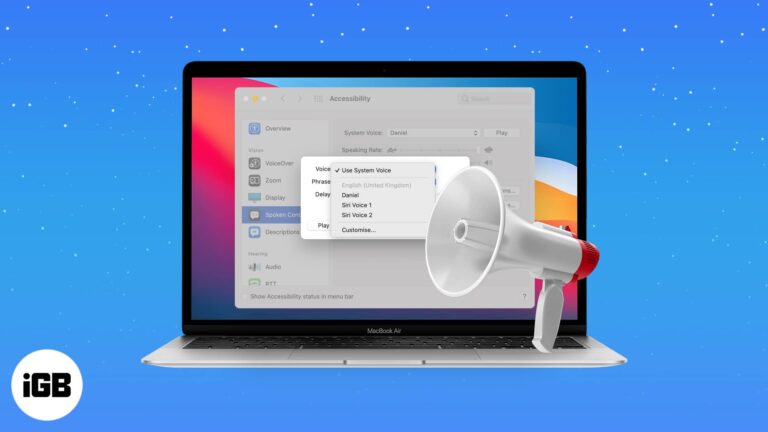
If you work with the Mac out of view, spoken alerts stop you missing important dialogs. Here is why the feature is useful and how to enable it across current and older macOS versions.
With multiple Apple accessories paired, the default names become useless. Here is how to rename your Magic Mouse on Mac so you can tell your devices apart at a glance.
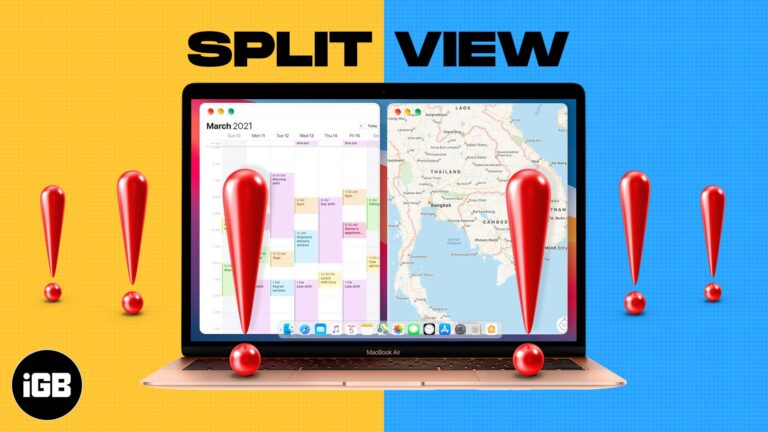
Not every app supports Split View, and a couple of display settings block it entirely. Here is what to check first, plus six fixes that restore side-by-side multitasking on macOS.
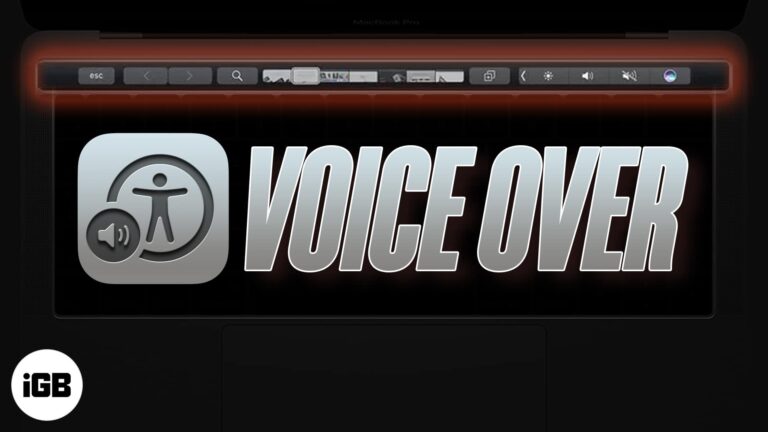
A touch strip with no tactile feedback is difficult without sight. VoiceOver reads it aloud. Here is what VoiceOver does, how to enable it on a Touch Bar MacBook Pro, and how to use the two together.
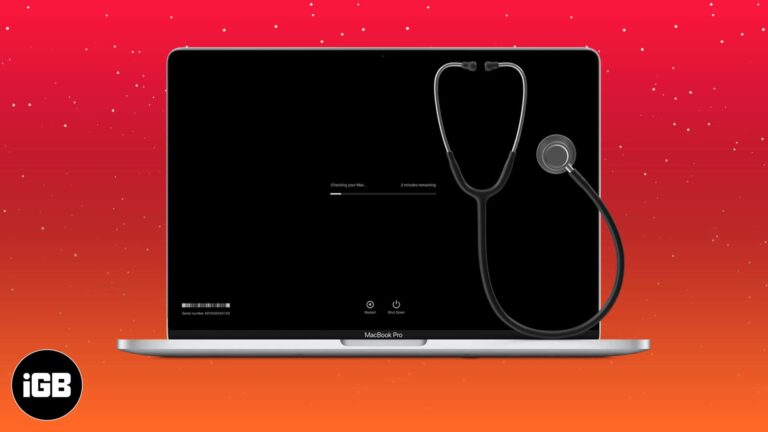
Apple Diagnostics tests memory, storage, and logic board hardware in minutes. Here is how to run it on modern and pre-2013 Macs, what the common reference codes mean, and your next steps.
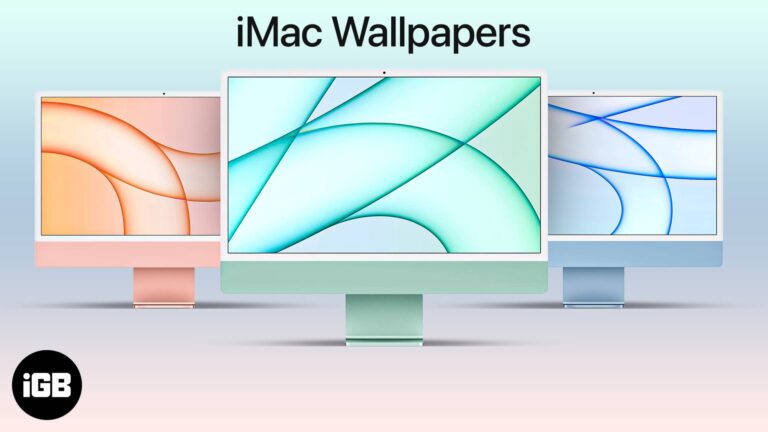
The M1 iMac shipped with wallpapers matched to its seven colors. Here is how to get them on any Mac, plus direct downloads sized for iPhone and iPad backgrounds.
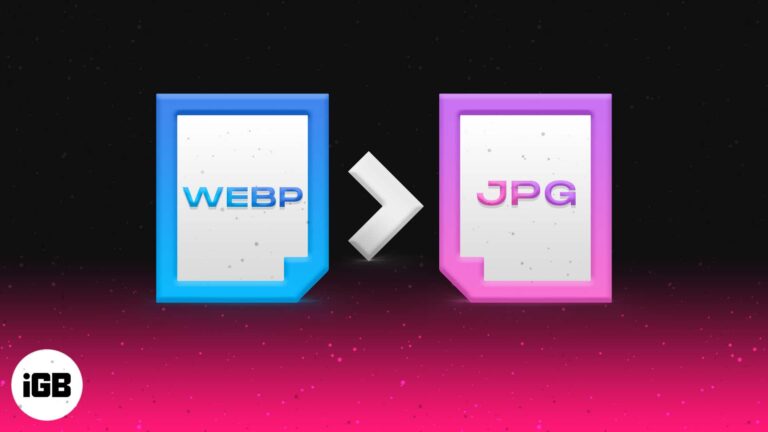
We’ve all been in a situation where we tried using WebP images and got disappointed with the result showing ‘this image format is not supported.’ While Macs can handle WebP images without any issue, the problem arises when we try…
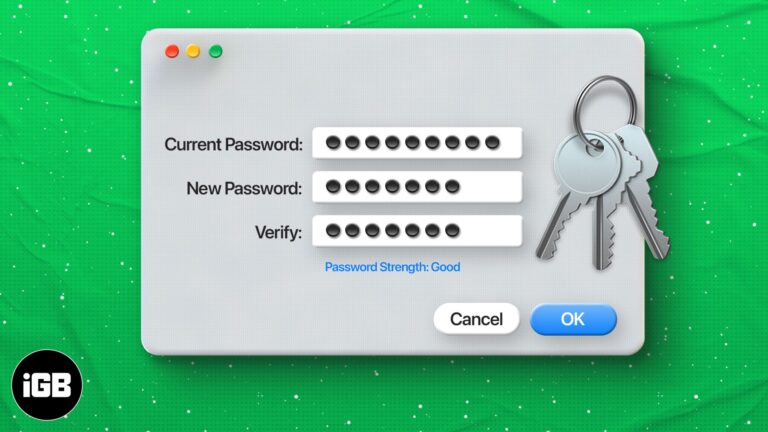
Keychain guards every saved credential on your Mac. Here is how iCloud Keychain works, how to change the password when you know the current one, and how to reset it when you do not.
Finder buries frequently used folders behind endless clicks. Here are four ways to pin them, from the Favorites sidebar and Dock to desktop aliases and Smart Folders that update themselves.
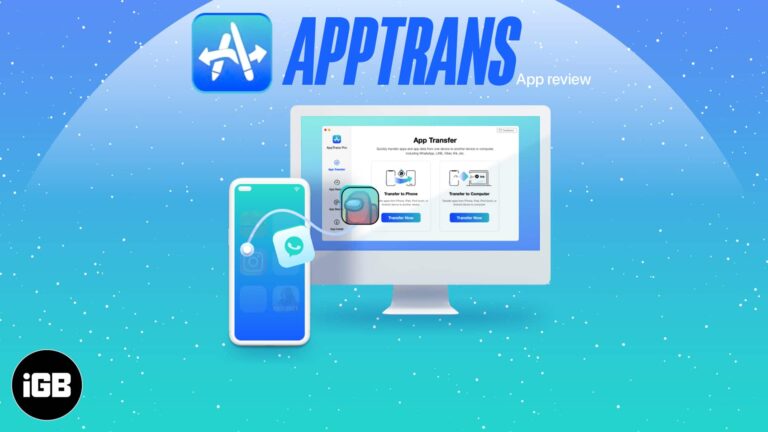
Switching phones normally means losing app data. AppTrans transfers apps and their data between iOS and Android, with dedicated WhatsApp support. We look at what it handles well and its limits.
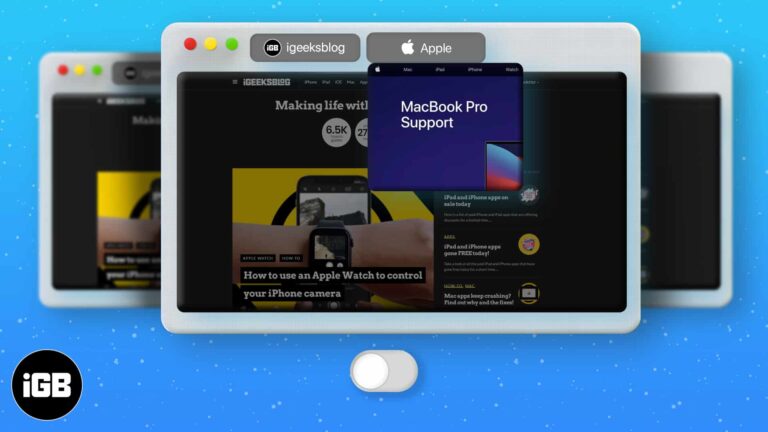
Hovering a Safari tab pops up a preview that some people find distracting. This guide covers granting Terminal access, the command that disables previews, and how to switch them back on.
Audible has no dedicated Mac app, which trips up plenty of listeners. Here is how to play your library in a browser, import titles into Apple Books, and the other options available.
Apple Silicon transformed MacBook battery life, and a few settings stretch it further. These tips cover display brightness, background activity, energy settings, and charging habits that reduce wear.

A macro records a sequence of actions and replays it on demand, which kills repetitive work. Here is how macros function on macOS, how to create one, and the three best recorder apps.
Crashes on macOS usually come from an outdated app, a corrupted preference file, or low memory. Here is how to identify the cause and the troubleshooting order that resolves most freezes.
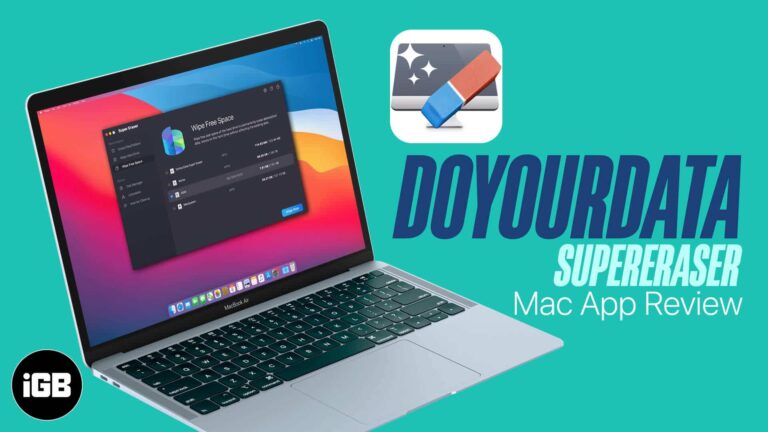
Deleted files stay recoverable until the space is overwritten. Super Eraser wipes files, whole drives, and free space to defeat recovery tools. We test its modes and give a verdict.
Apple Silicon Macs run iOS apps natively, but developers can hide them from the Mac App Store. Here are three ways to install iPhone and iPad apps on an M1 Mac, including the sideload routes.


