
FaceTime Like a Pro
Get our exclusive Ultimate FaceTime Guide 📚 — absolutely FREE when you sign up for our newsletter below.

FaceTime Like a Pro
Get our exclusive Ultimate FaceTime Guide 📚 — absolutely FREE when you sign up for our newsletter below.



A detailed review of HitPaw Video Enhancer, the best AI upscale software you could ask for.

Your Apple ID is your key to accessing Apple services such as the App Store, Apple Music, iCloud, etc. Besides, it contains your contact, payment, and security information you use across these services. Therefore, you need to keep your Apple…
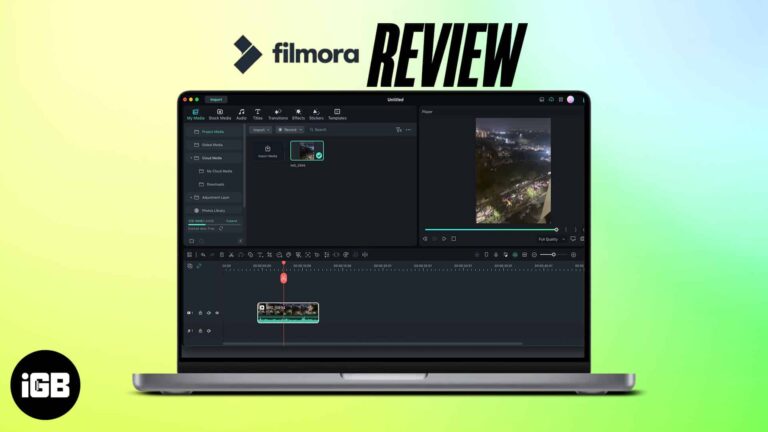
Provide limitless freedom to your creativity with Wondershare Filmora, a video-editing software that simplifies advanced tools for creators and helps them create movie-like videos. Pros Cons Editor’s rating: Price: Starts at $49.99 Download: Mac | Windows In this digital age,…
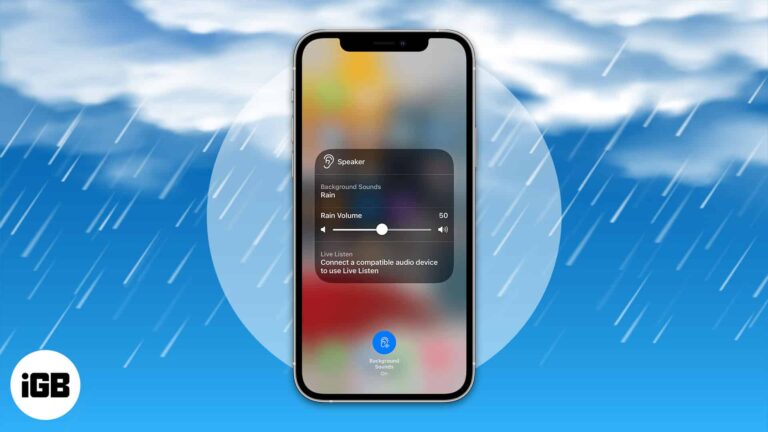
It is easy to get distracted by the noises around you while doing something or even trying to sleep. So what is the best solution? The answer is white noise! Did you know that now, you can enable white noise…
We may all have deleted files without intention. If you have deleted any critical documents by accident, you should look through the trash to see if there is any chance to recover trash on Mac. However, you shouldn’t be concerned…
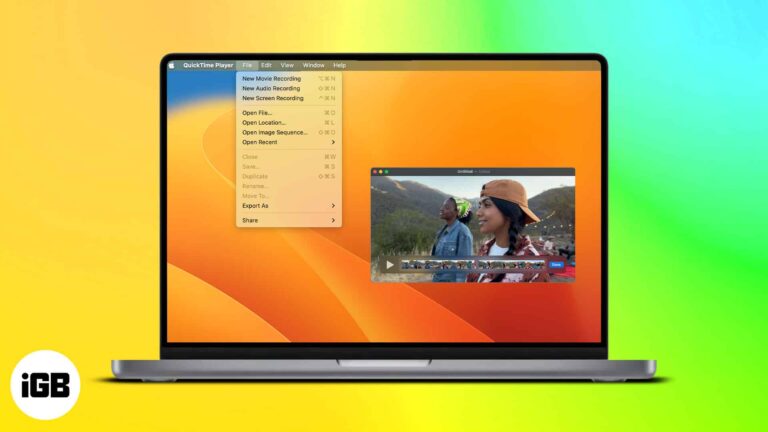
QuickTime Player is a multimedia player introduced back in 1991. Since then, it has been holding up as the go-to media player for many Mac users. Every new macOS update adds new features to the application, which is consistent with…
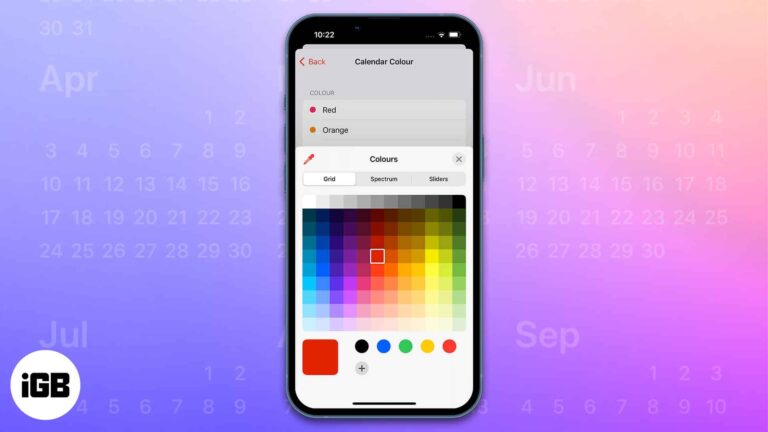
The Calendar app on Apple devices has several beneficial features like sharing the calendar with other users, creating and editing events, sending or replying to invitations, and much more. My favorite feature among them all is the ability to color…
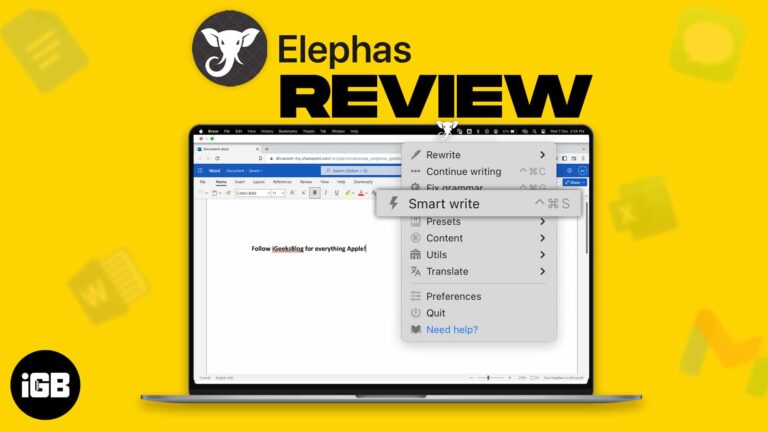
Detailed review of Elephas, an AI writing assistant that enhances language and boosts productivity.
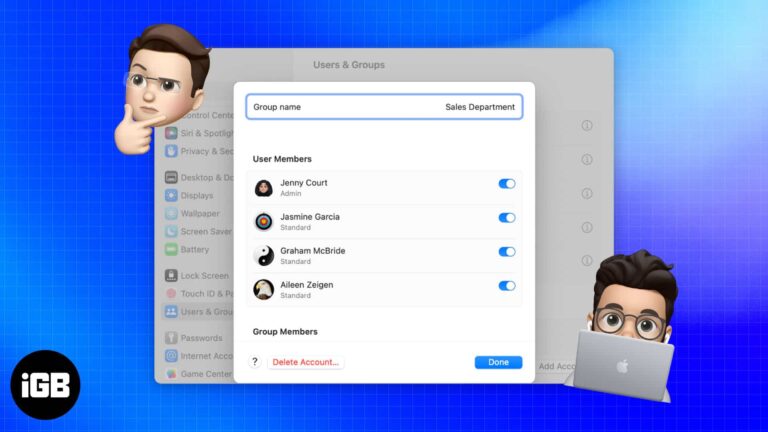
Concerned about privacy on your Mac, which your family also uses? Why not give them some breathing room? You may accomplish this by creating a new user profile on your Mac for them. Stay tuned to learn how to add…
Google Drive is a godsend for Mac users wishing to sync and manage a document, workbook, or PowerPoint file. You can view your files from anywhere when connected to the internet. But is it possible to access your Google Drive…
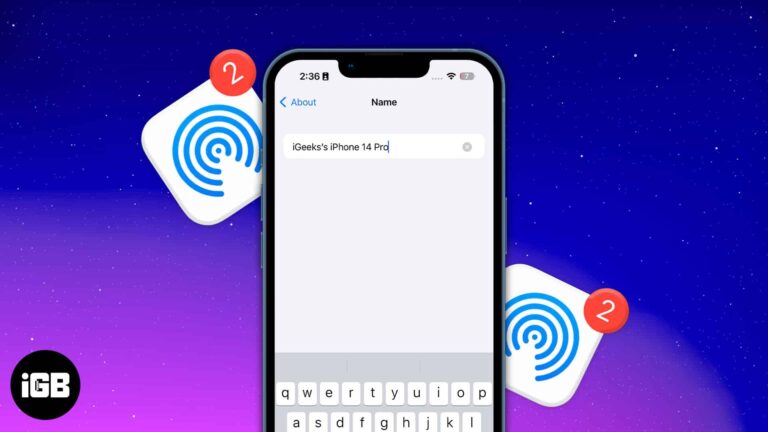
When using AirDrop, ensure your name is professional and accurate, making it easy for others to identify your device.
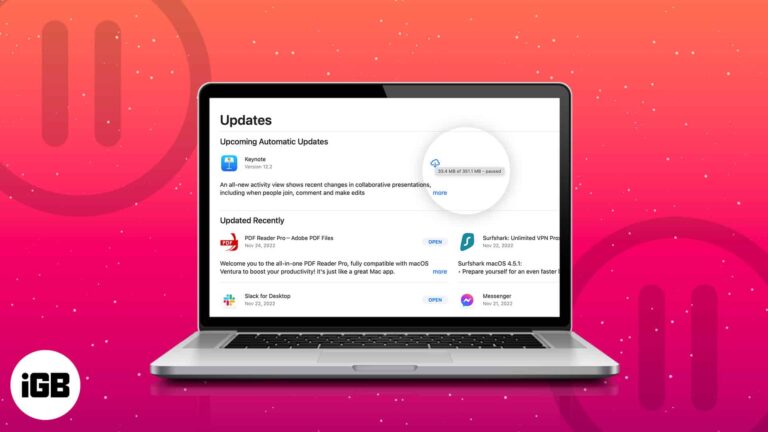
A large download at the wrong moment can saturate your connection. Here is how to pause or cancel App Store downloads and updates on Mac, and how to disable automatic updates entirely.
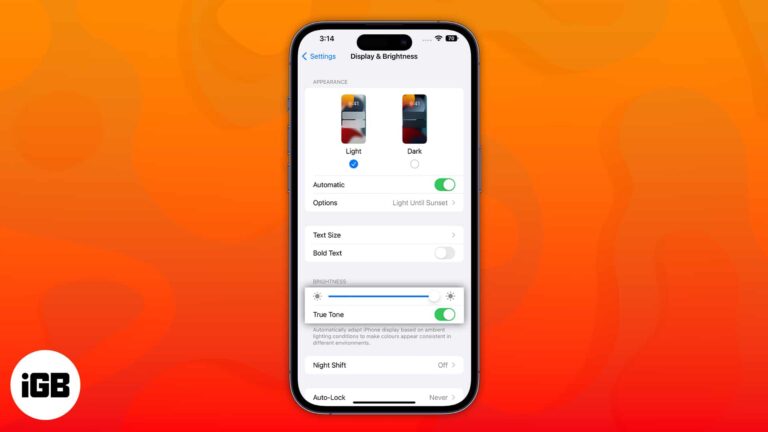
Apple devices have a display feature called True Tone to reduce eye strain. Though it is developed to help us, it might be irritating for some, particularly because of the color shift. This article will cover what True Tone means…

Despite having dynamic desktops, we are limited to using the old screen savers on MacBook. However, Apple lets you use a third-party app to help you choose from pre-installed images or videos. To help you with this, I have explained…
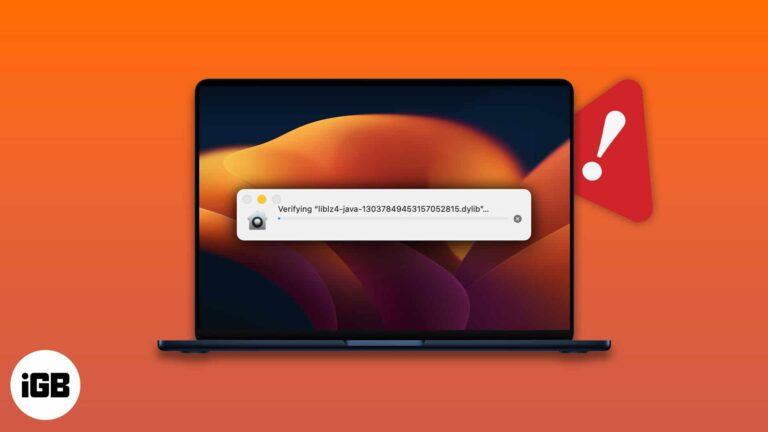
Macs are widely known for providing impeccable performance and security. However, while allowing the installation of third-party apps, some users have found this error log – CoreServicesUIAgent. If you have faced the same issue, you need not worry. In this article, I’ll…
The macOS 13 Ventura brings some big updates for Mac, such as Stage Manager, Passkeys, Camera continuity, and many more. While you know many of these, thanks to WWDC 2022, there are still many interesting features hidden inside, which Apple…
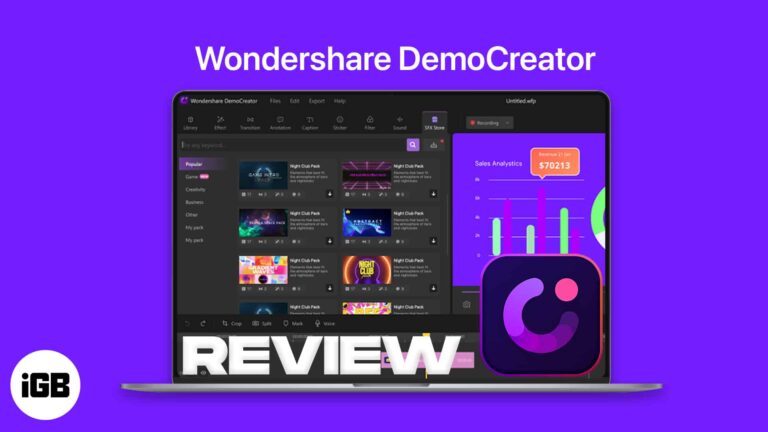
Review of Wondershare DemoCreator, a tool that lets you create demo videos and presentations on your Mac with ease.
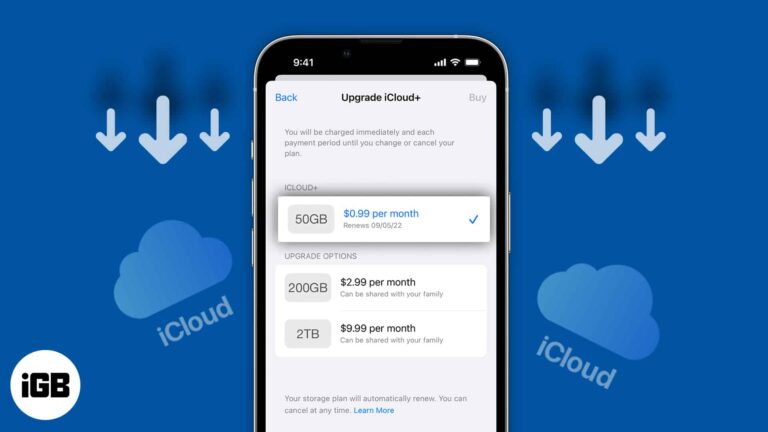
iCloud+, a paid data storage service for your Apple devices, has made it easy to back up important images and files. When you sign up for iCloud, you get free storage of 5GB. Post that, you’ll need to pay extra…
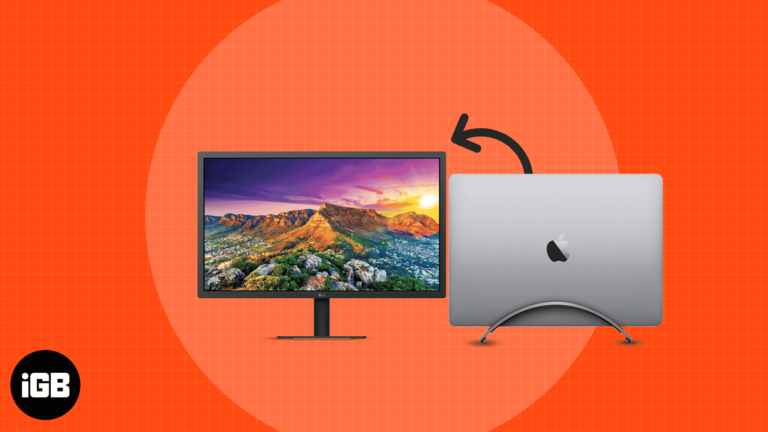
MacBook clamshell mode has been around for quite some time. Clamshell mode is often called closed lid mode. It’s a unique way to get the most out of the compact yet powerful Macs. You get to have the desktop experience…
On various occasions, I am required to convert PDF files to Word on my Mac. These files are necessary for our duties and for storing official data. Today, I am going to share five easy methods to convert PDF to…

Are your new AirPods Pro 2 randomly getting disconnected? Here's the solution you need.
Silent speakers usually mean audio is routing to the wrong output rather than a hardware fault. Here is how to check the output device, rule out external audio, and reset the sound system.
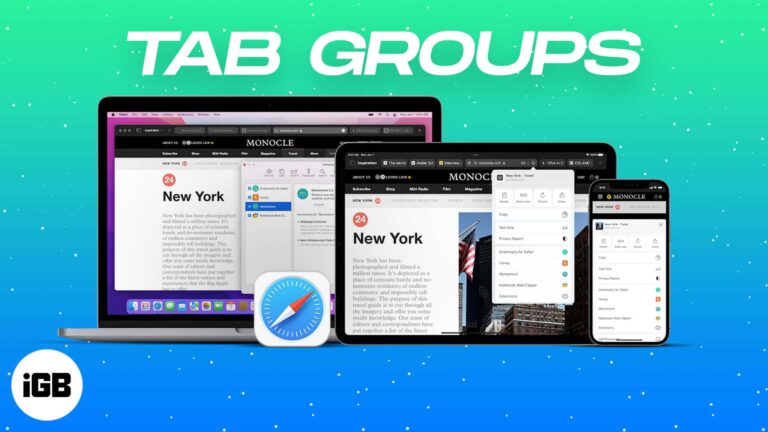
Tab Groups turn an unmanageable wall of tabs into named, syncing collections. Here is how to create, switch, and share them in Safari on iPhone, iPad, and Mac.

Aside from their devices, one of the things I love the most about Apple is their stellar customer support and service. Apple Support has got you covered regardless of the kind of Apple device you have and the help you…
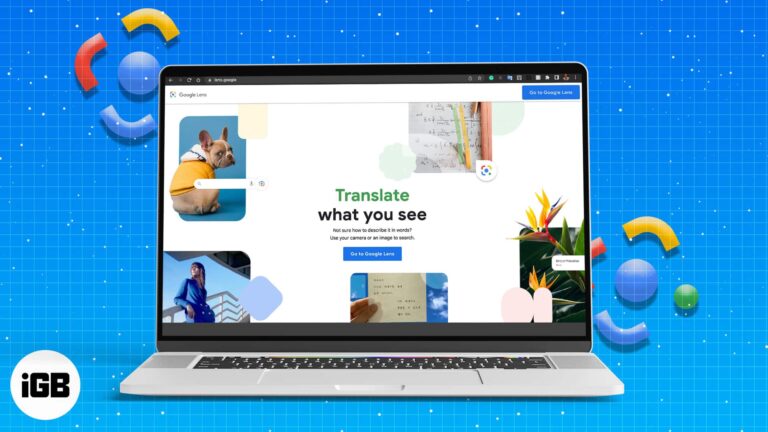
Google Lens is a tool powered by object recognition technology that allows users to do many things with images, including reverse searching anything you see in front of you or on the internet. While Android and iOS users have been…
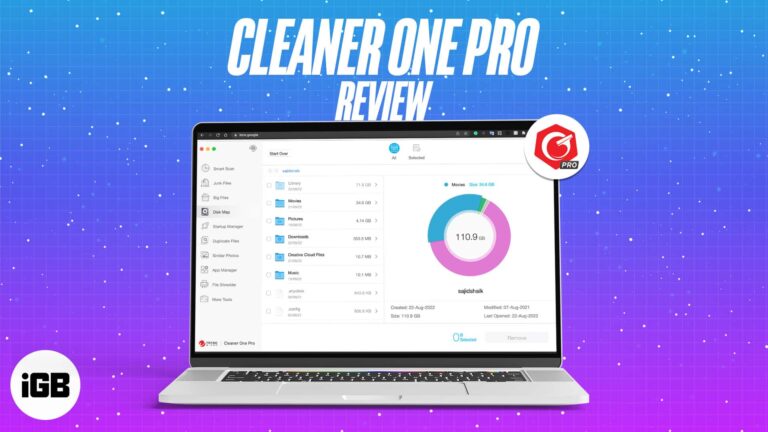
Review of Cleaner One Pro: This software keeps your Mac and Windows clean, fast, and organized.

Did you know there are many hidden special characters on your iPhone, iPad, and Mac keyboard? The standard keyboard only provides a few character alternatives at first glance. But you can type special characters such as accented characters (like é…
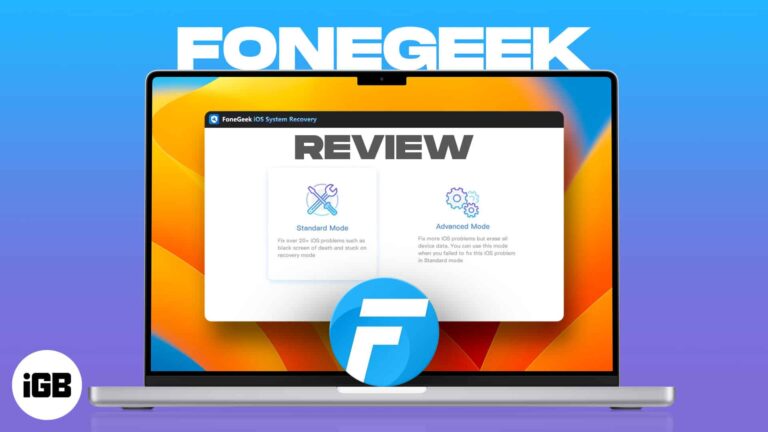
FoneGeek iOS system recovery tool for Windows and Mac helps users resolve any issue with their iPhone and iPad without losing data. It is a trustworthy solution for every beginner and professional. Price: Monthly plan starting from $23.95 Download No…

A vanishing cursor is a known macOS quirk rather than a hardware fault. Here is the shake gesture that brings it back instantly, plus the fixes for when it keeps disappearing.
Finder is an essential feature on macOS to find and organize files and folders on your Mac. It’s constantly running in the background, contributing to your workflow. But do you know how to customize Finder preferences to speed up daily…


