
FaceTime Like a Pro
Get our exclusive Ultimate FaceTime Guide 📚 — absolutely FREE when you sign up for our newsletter below.

FaceTime Like a Pro
Get our exclusive Ultimate FaceTime Guide 📚 — absolutely FREE when you sign up for our newsletter below.



At times, we end up in situations where we need to inform friends or family members about our current location. Thankfully, Apple Maps offers a simple and effective solution with its Share My Location feature. In this article, we’ll explore…

Do you know there are lots of secret files and folders on your Mac other than the standard ones? Apple keeps them hidden because tampering with those files can harm the Mac software and hardware. However, that doesn’t mean you…
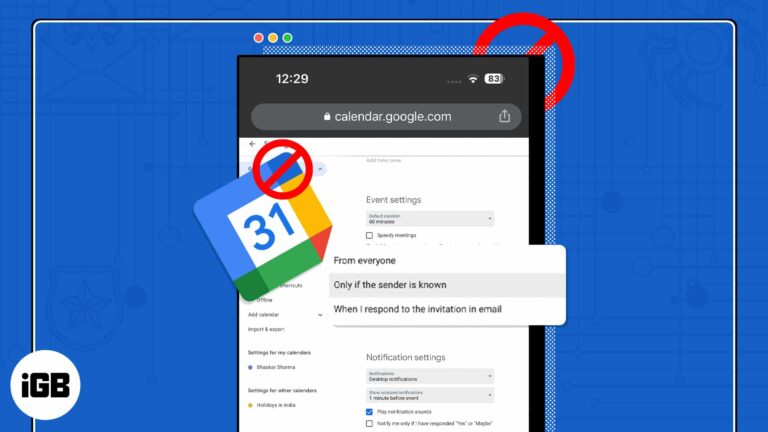
With the advancement in technology, spammers have discovered new methods to infiltrate your device and disrupt your daily routine. However, to have a healthy work-life, you must maintain your Google Calendar clean and spam-free. In this post, I’ve demonstrated how to stop and…

Looking to get quick directions to your home? With Apple Maps, you can easily add your home address for seamless navigation. In this guide, I will walk you through how to add or change your home address in Apple Maps…
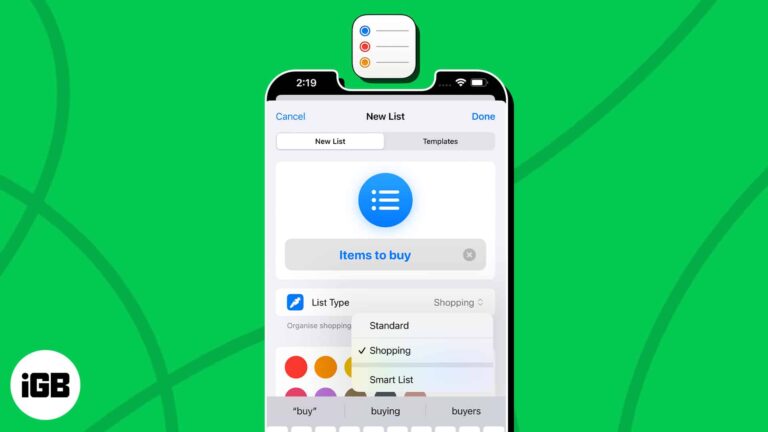
Get ready to master the art of task management. With iOS 17 and macOS Sonoma, Apple has blessed us with auto-categorization in the Reminders app. It is a feature that can automatically sort your Shopping reminders into categories based on…

One of the best features of the Books app is the ability to start reading on one Apple device and finish on another. To keep up to date with your novels, short stories, and other reading materials, here’s how to…
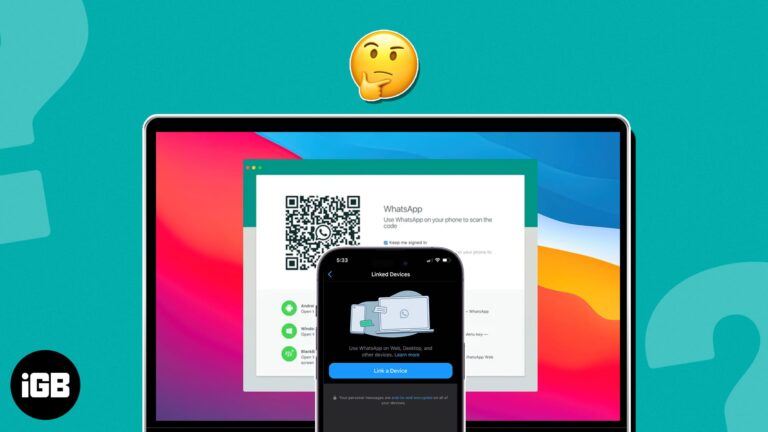
WhatsApp is one of the world’s most widely used messaging apps, and its convenience has extended beyond smartphones. This guide has everything you need to know about using WhatsApp on your Mac. Let’s get started! How to use WhatsApp Desktop…
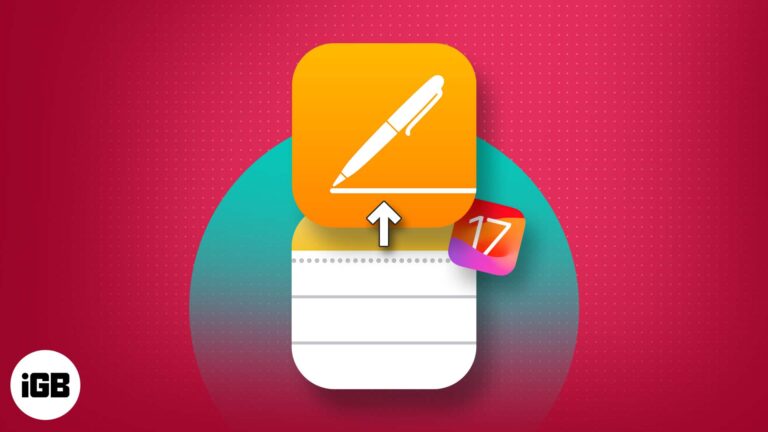
If you love jotting down ideas in the Notes app but wish to share them on a universal platform, then you’re in luck. With iOS 17 and macOS Sonoma, users can now effectively share Apple Notes to the Pages app.…

Devices like iPhones and Macs have woven themselves so seamlessly into our routines that stepping out without them seems unthinkable. Given these devices are constantly with you, you’d most probably leverage its Location Services for things like food delivery or…

The Notes app is a very useful tool that allows you to take notes, jot down ideas and make lists. The app also comes with a tagging feature, which makes it easy for you to ping a particular person or…
Copy-pasting has become so deeply integrated into our interactions with desktop devices that we use it instinctively. I’d even argue that it’s the most used feature on Mac — no, on any desktop computer. So it’s a huge hassle when…
As a university instructor in the past, being able to create Keynote presentations from scratch or make quick changes directly from my iPhone — usually while traveling — is pretty convenient. But one of Apple’s known downsides is its exclusive ecosystem,…
With the ever-increasing digital marketing and online tracking, privacy-conscious users like me seek ways to protect their digital footprints. So, Apple has rescued us with an enhanced privacy feature called Advanced Tracking Protection on iPhone, iPad, and Mac. Now, Safari will automatically remove tracking…

Detailed review of Waveroom: Record and edit videos seamlessly across browsers with ease and precision
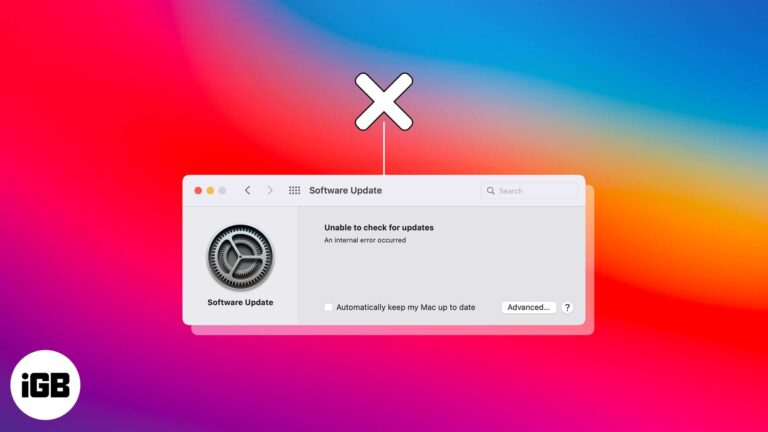
Picture this scenario. Apple finally releases a major macOS update to the public, and you want to get your hands on it. You checked for updates but only got an error, “Unable to check for updates.” You brush it off…
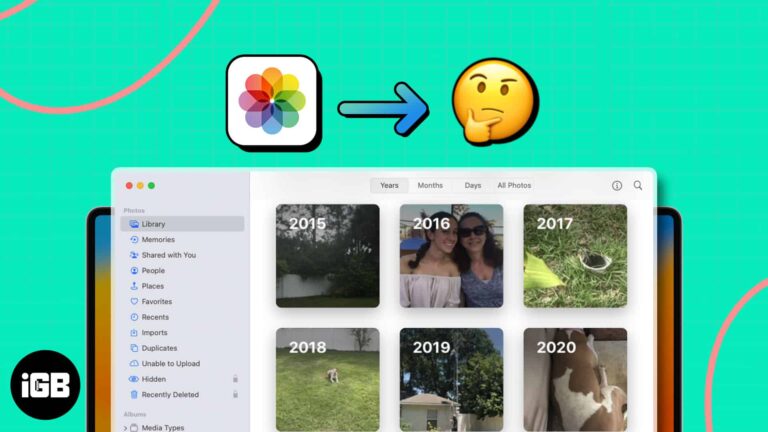
Whether you have hundreds or tens of thousands of pictures in the Photos app on Mac, finding the one you want can be time-consuming. Luckily, Apple provides a variety of ways to locate the photo you need. We’ll show how…

Apple has finally completed its two-year transition to Apple silicon with the release of the new and upgraded Mac Pro with M2 Ultra. While it’s great to see that Mac Pro received an upgrade after almost four years, it makes…

The mystical world of Teyvat invites you to a captivating realm and embark on an enchanting journey in Genshin Impact. However, this immersive experience was solely dedicated to PC and Console players, leaving Mac users dry with boredom. That’s not…

At WWDC23, Apple unveiled the much-anticipated 15-inch MacBook Air. At first, it seems like a mere redesign of the existing M2 MacBook Air. But knowing Apple, you would definitely expect some improvements under the hood. So, I will take a…

Are you facing issues with loading images in the Mail app on your Mac? If so, you’re not alone. Recently, I faced email attachment issues while using the app, too. The situation is frustrating, especially because you don’t want to deprive…

We’re now in a world where you can easily purchase a latte without digging through your bag for your credit card or loose cash. With technologies like Wallet and Apple Pay, a few taps on your iPhone or Apple Watch…
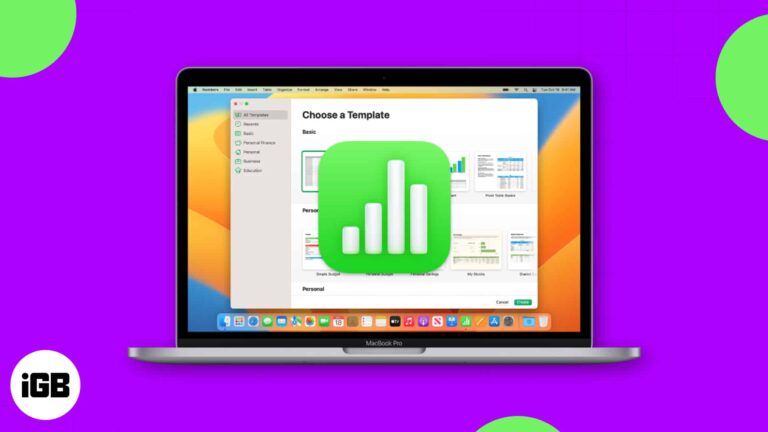
Not sure how to get started in Apple Numbers on Mac? For business and personal use, Numbers is a handy spreadsheet application that comes with macOS. But there’s more reasons to use Numbers – it offers useful features that might…
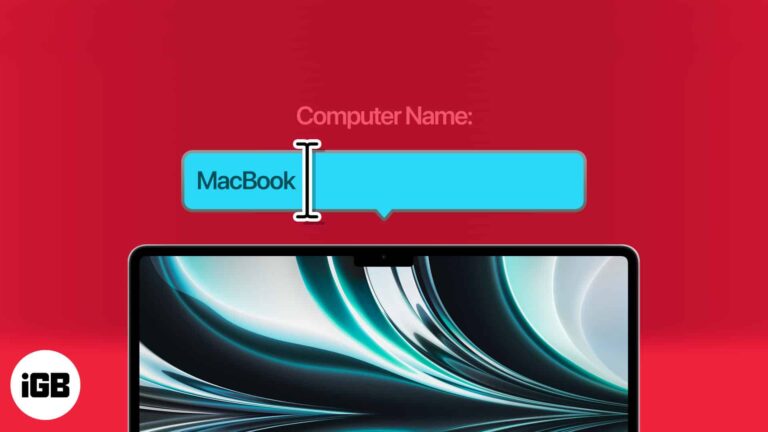
While setting up the Mac for the first time, it asks for an admin name to make it easily identifiable in local networks. However, recently I noticed that my Mac’s default name would pop up while connecting to a network…

A detailed review of MonoDefense, your online knight in shining armour

Your IP address reveals your rough location and links your browsing together. Here is why hiding it matters, and how to do it in Safari using iCloud Private Relay or a VPN on every device.

Detailed review of Movavi, a video editor that lets you create professional-looking videos with ease
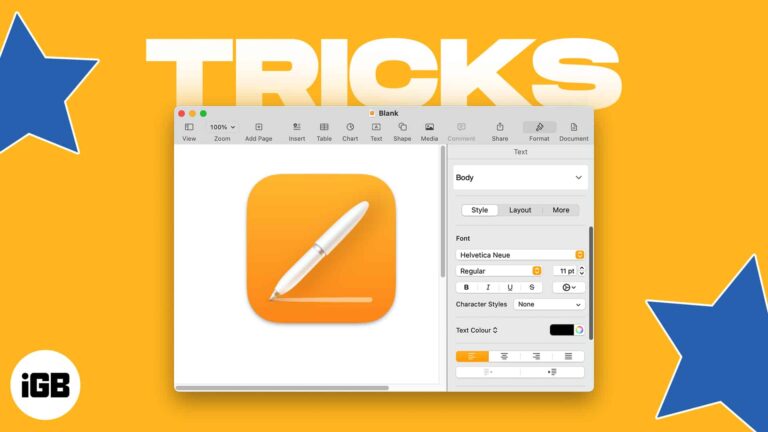
New to Apple Pages or simply looking for different things to do with the app on Mac? We’ll walk through several tips for using the app that’ll turn you into an Apple Pages Pro in no time! What is Apple…

ChatGPT is a potent AI language model that’s now frequently employed at various organizations and different levels. However, while using it, many users, including myself, have run into network issues. These errors are frustrating and hinder the smooth functioning of…

Whether you’re traveling, exploring a new city, or just trying to stay organized, turning on Location Services on your Mac can be a useful tool to have at your disposal. Enabling this feature can greatly enhance the functionality of apps…

Along with creating, editing, and reading text documents in TextEdit on Mac, you can work with HTML files. From creating a new one to always opening files in code-editing mode, let’s look at how to use TextEdit for HTML on…


