
FaceTime Like a Pro
Get our exclusive Ultimate FaceTime Guide 📚 — absolutely FREE when you sign up for our newsletter below.

FaceTime Like a Pro
Get our exclusive Ultimate FaceTime Guide 📚 — absolutely FREE when you sign up for our newsletter below.


You can have favorite contacts, websites, and locations, so why not music? If you subscribe to Apple Music, you can take advantage of the Favorites feature. Introduced with iOS 17.1, iPadOS 17.1, and macOS Sonoma 14.1 and then expanded, you can…
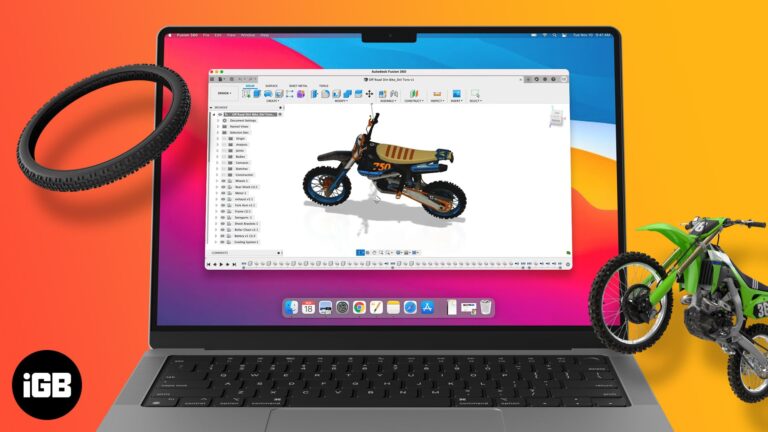
A list of top CAD software for Mac that helps you design 2D and 3D models with tools built for architecture, engineering, and creative work.
Voice Memos of meetings and ideas deserve a backup off your phone. Here are six ways to move recordings to a computer, from automatic iCloud sync to AirDrop and cloud storage.
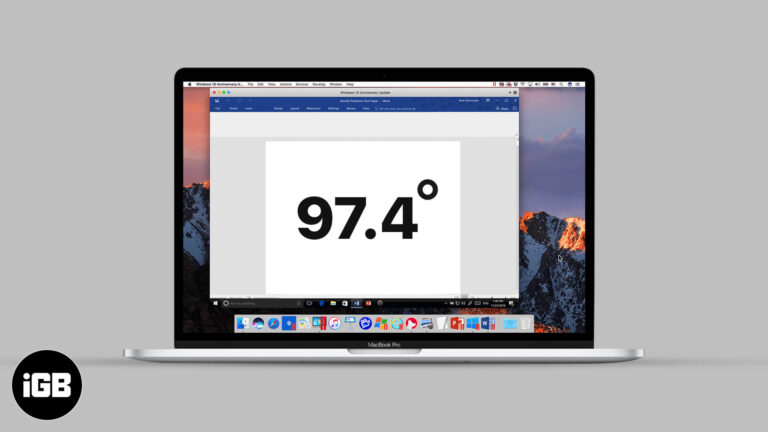
Nobody remembers the degree shortcut until they need it. Here is the key combination that produces it on Mac, and how to insert one through the Emoji and Symbols picker instead.
I'll show you how to access and use Gmail while offline.
Notes handles simple tables well, which suits lists and comparisons. Here is how to insert a table on any Apple device, add and remove rows and columns, rearrange them, and format the text.
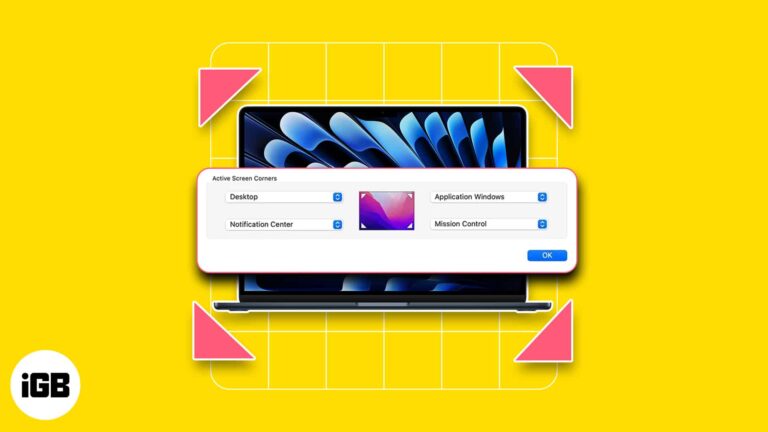
One of the reasons people love Mac is its ability to streamline your workflow and make your life easier. One low-key yet awesome macOS feature is hot corners. It basically allows you to run an action by moving your pointer…
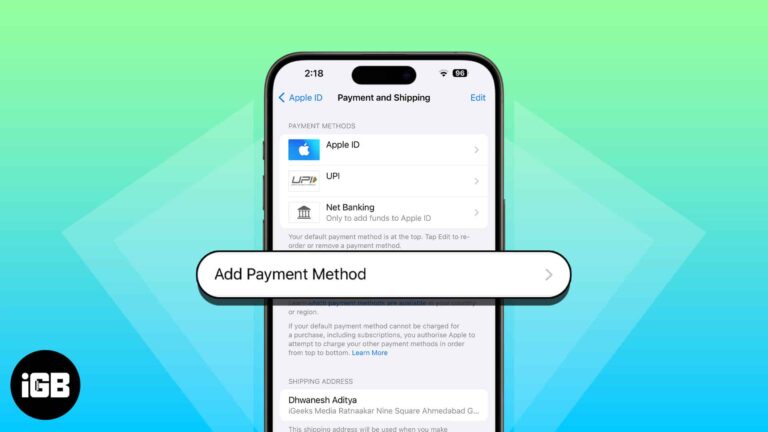
There are all sorts of reasons why you may want to change the Apple ID payment method. Perhaps, your credit/debit card has expired, or you just want to update the existing information so that your incessant shopping of cool games…
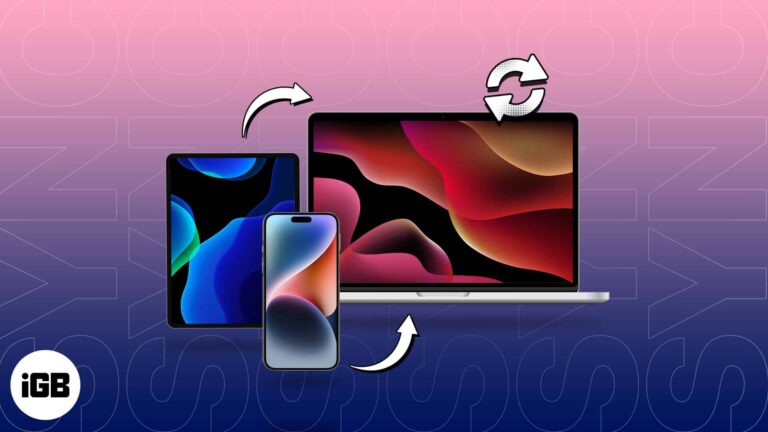
Gone are the days when you had to rely on the limited storage of iCloud to access your files across all Apple devices. Today, I’ll share how to sync iPhone and iPad to Mac. Let’s get your photos, documents, movies,…
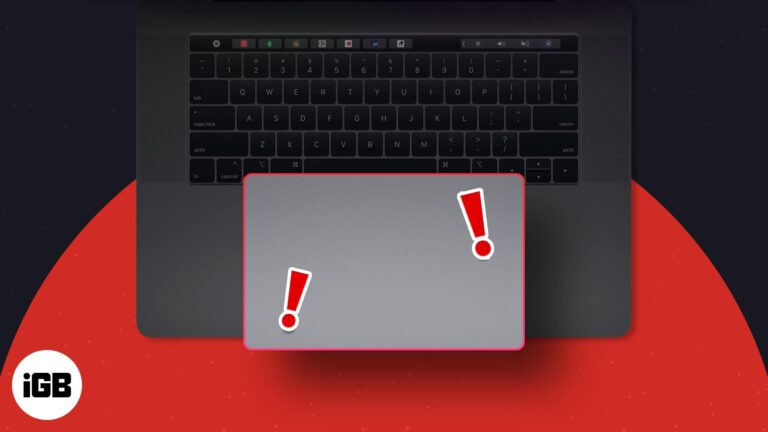
An unresponsive trackpad makes a MacBook nearly unusable. Here is what causes it, from a swollen battery to software conflicts, and the fixes that get gestures and clicking working again.
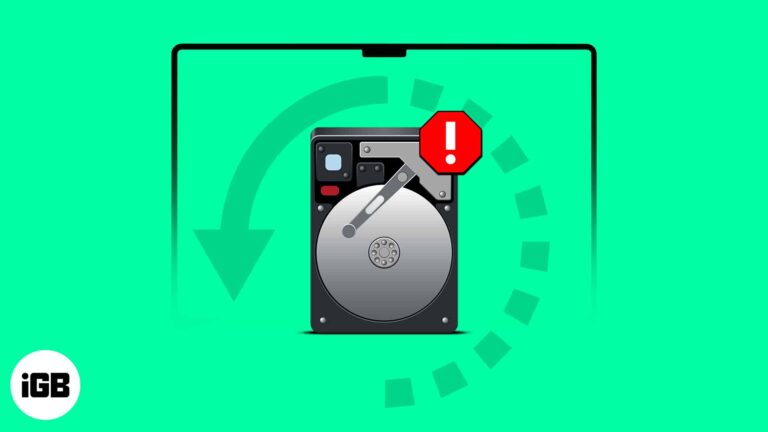
Are you unable to access your files or data on your Mac? Maybe your Mac’s hard drive has been crashed or damaged. However, you can recover your vital files with the right tools and techniques. Let me share how to…
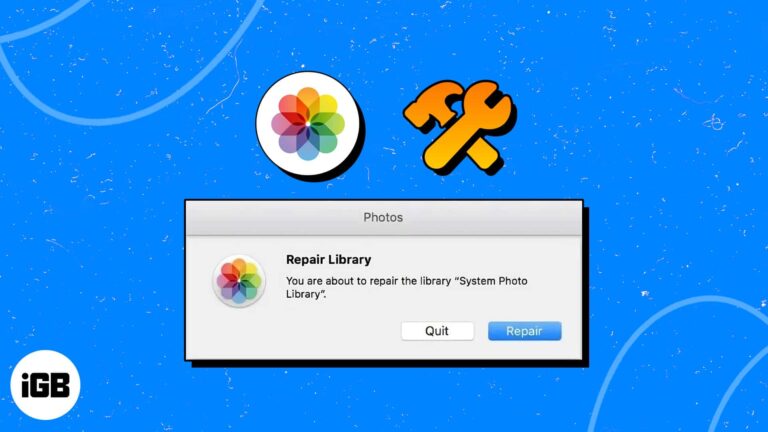
If you can’t open your Photos library, access images, or face other errors, you must use the hidden Photos Repair Library tool on your Mac. This examines your Photos database and fixes discrepancies to prevent a corrupted library and lost…
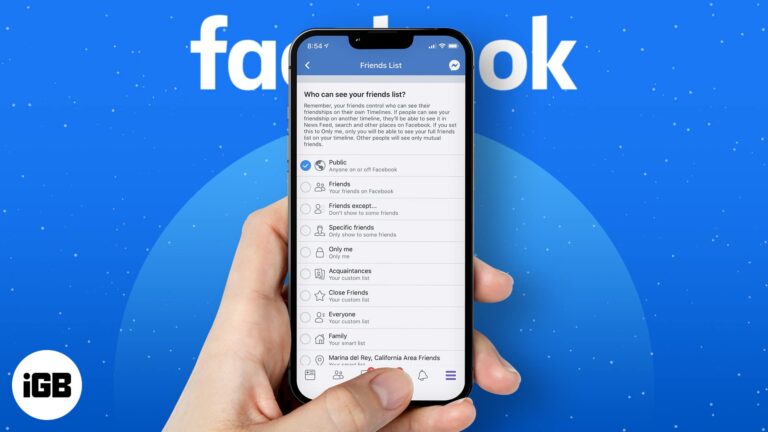
Following the Facebook data row, we imagine many of you are considering stronger shielding for your personal privacy. We at iGeeksBlog believe it’s always best to safeguard your personal data to the best of your abilities. Coming back to the…

From real-time threat monitoring to advanced malware removal, these antivirus solutions help protect your Mac against modern security risks.
Do you know you can complete many tasks on Mac without exerting physical effort? Yes, you can quickly enable the intelligent voice assistant Siri on your Mac and use it to carry out your commands. Siri can accomplish several tasks,…
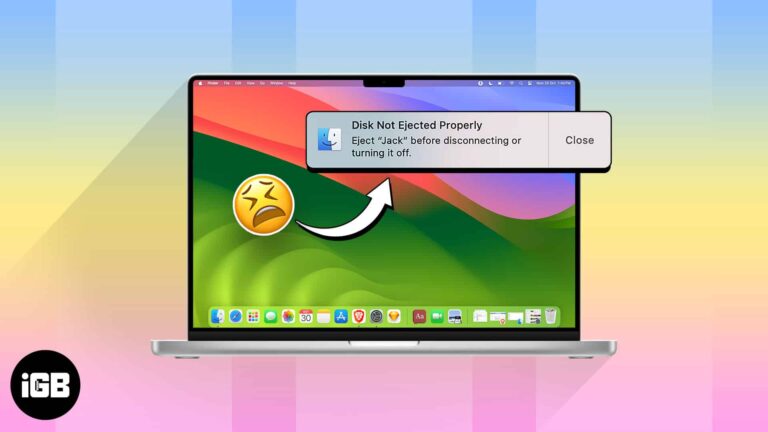
This warning appears when a drive disconnects before macOS finishes writing, which risks data loss. These 10 fixes address sleep settings, faulty cables, power management, and processes holding the disk.

Instagram follows the system appearance rather than offering its own switch on iPhone. Here is how to force dark mode from iOS Settings, and how to enable it on the desktop web version.
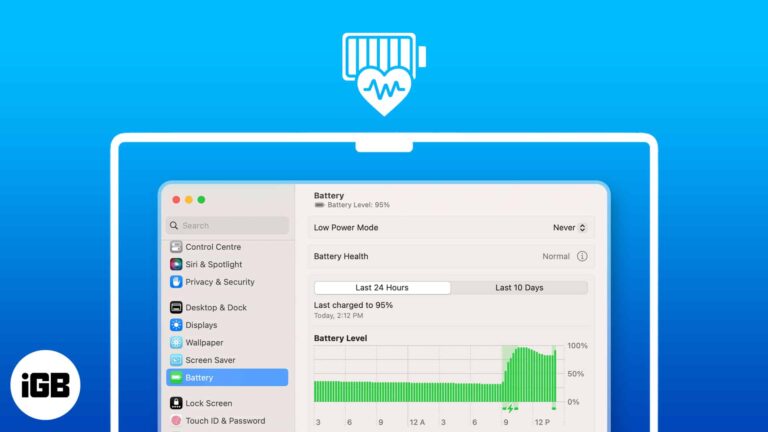
Is your MacBook’s battery acting funny-like draining quickly or taking time to charge? This could signify its poor health. Apple’s MacBook lineup is known for its reliability and longevity. However, as is the case with any lithium-ion batteries, Mac batteries…
Mac IDE picks with advanced coding tools, debugging support, plugins, and performance for developers building apps and software on macOS.
A Lock Screen message is a simple way to get a lost Mac returned. Here is how to add your own text or contact details in System Settings, and how to remove it when it is no longer needed.
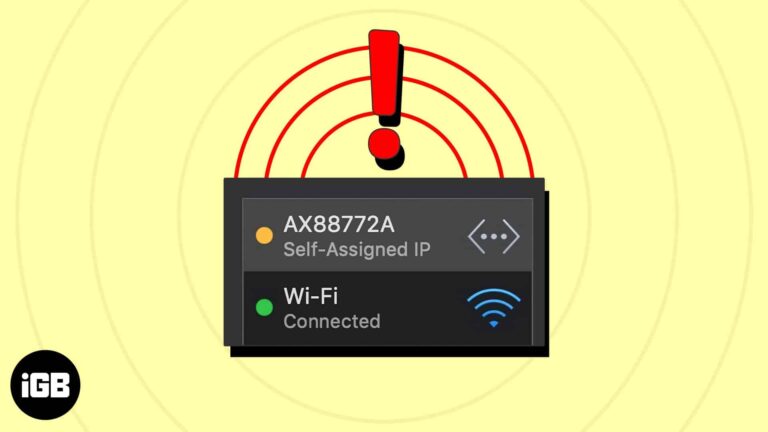
This error means your Mac gave itself an address because DHCP failed, leaving you offline. Here is what causes it, the fixes that restore connectivity, and how to prevent a repeat.
This list of best FPS games for Mac includes intense first-person shooter titles with competitive modes, realistic gunplay, and immersive battle arenas.
Find Safari extensions for Mac that block ads, manage passwords, save articles, and add useful features to make everyday browsing smoother.
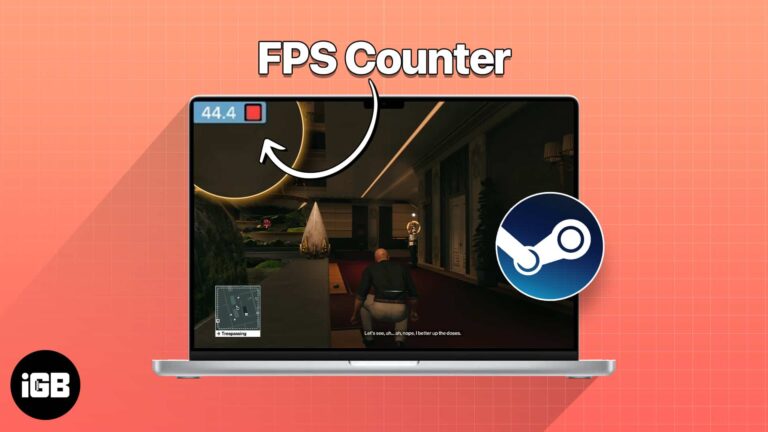
Higher FPS (frames per second) in games help ensure a smoother gaming experience without sudden stutters. So, when you’re gaming on your Mac, you may want to check if your Mac can offer enough FPS. However, it can be challenging…
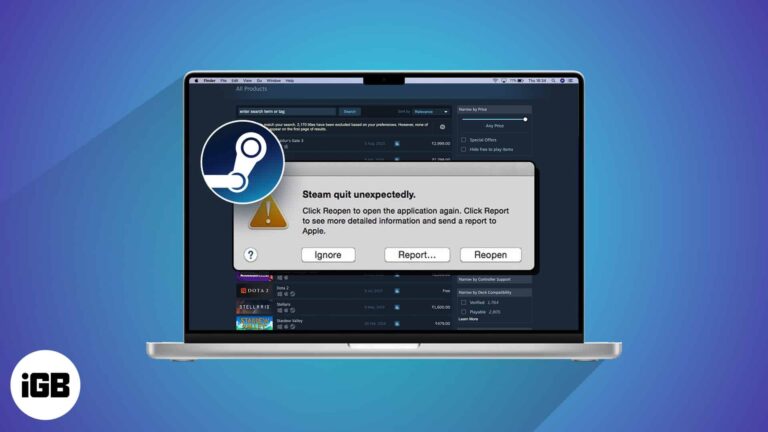
It’s frustrating when you wish to play games on your Mac, but the Steam app is not opening or fails to work. Several system glitches can cause Steam to keep crashing on macOS Sonoma. But don’t worry! You can quickly…

If you spend much time in front of your Mac screen, you must track and limit your usage time. So, to help you maintain your well-being, Mac offers a great feature called Screen Time. In this guide, I will show…
Getting photos out of iCloud differs on every platform. This guide covers downloading originals to iPhone, Mac, and Windows, plus using iCloud.com when you are on someone else's computer.
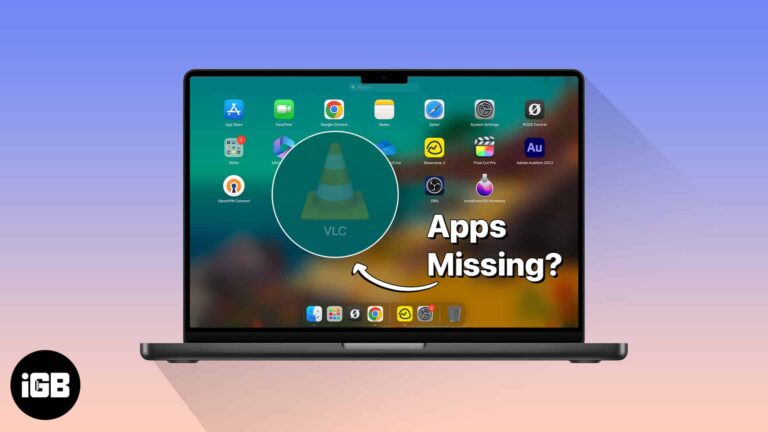
When Launchpad stops listing installed apps, the culprit is usually a corrupted database rather than a missing app. Here are three fixes, including the Terminal commands that rebuild Launchpad cleanly.
Do you want to check your Mac usage but can’t find Screen Time? Screen Time sometimes does not show up or stops working for unknown reasons. But fret not! Here, I present a series of solutions to help you resolve…
Are you struggling to accommodate all your precious images in the available storage space on your Mac or iCloud? In this case, the image compressors can help you reduce your image’s file size without compromising its quality. Here, I will…


