FaceTime Like a Pro
Get our exclusive Ultimate FaceTime Guide 📚 — absolutely FREE when you sign up for our newsletter below.

FaceTime Like a Pro
Get our exclusive Ultimate FaceTime Guide 📚 — absolutely FREE when you sign up for our newsletter below.


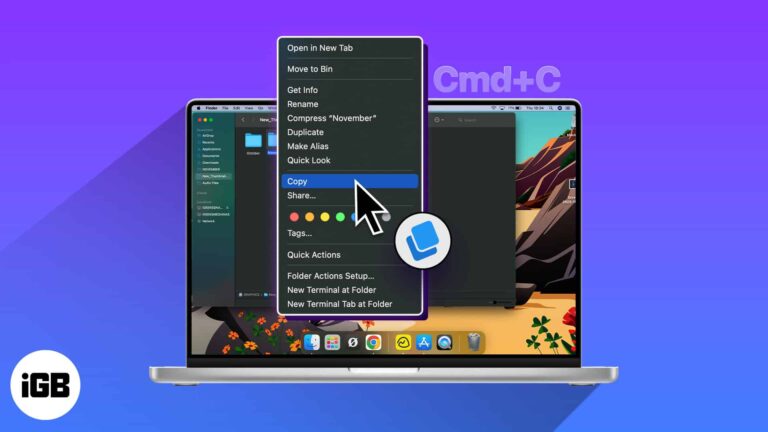
If you want to copy a file or folder on a Mac, you have various ways to do so. You might want to create a backup copy, edit a different file version, or maintain separate folders you share. Whatever the…
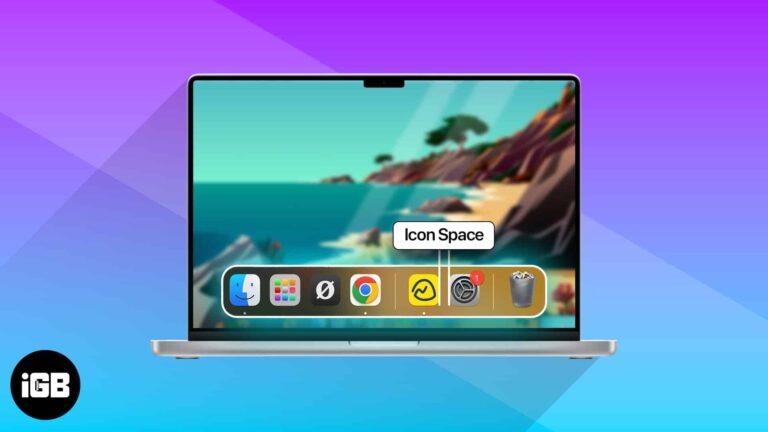
A crowded Dock is hard to scan. A short Terminal command inserts blank spacer tiles so you can group apps into sections. Here is the command, plus how to remove spacers when you are done.
The Messages notification sound gets old quickly on a Mac you work at all day. Here is where the setting lives and how to silence sent and received message sounds.

A camera that shows a black screen usually means an app has claimed it or permissions are denied. Here is what causes it, how to fix the built-in camera, and what to try with an external webcam.
Everything landing in Downloads gets messy fast. Here is how to set a different default save folder in Chrome and Firefox on Mac, or have the browser prompt you for each file.
Has your Mac’s trackpad or external mouse stopped working? Worry not! Macs have a helpful accessibility feature that lets you move the mouse cursor in any direction and simulate clicks with the keyboard. In this guide, I’ll demonstrate how to…
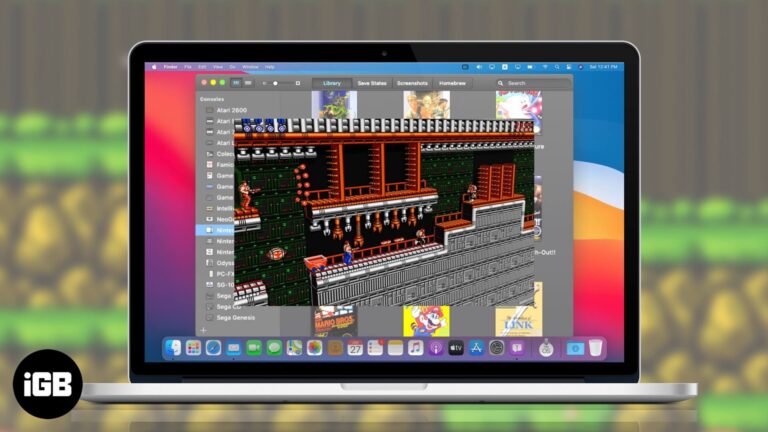
Explore the best SNES emulators for Mac — from all-in-one front ends to simple standalone tools that make playing your favorite 16-bit games easy

Truth be told, macOS Sonoma’s live wallpapers are nothing short of gorgeous. These stunning screensavers show slow-motion videos of places worldwide — including underwater. It’s pretty hard not to get hooked and download a bunch just to see how they…
You probably noticed when you received your titanium Apple Card that it’s not just pretty but pretty bare as well. You can’t see the card number, expiration date, or security code. While this is a wonderful security feature, what do…
Apple Notes is far more capable than its plain interface suggests. These tips cover folders and tags, formatting and headings, tables, note links, password protection, and sharing with others.
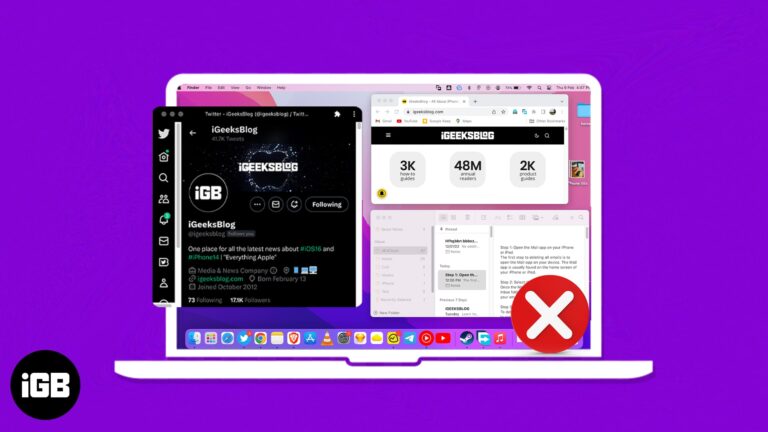
If you are somewhat like me, you must be using several tabs and apps on your Mac at once. However, this can produce a cluttered system environment, making it challenging to modify the app in accordance with its requirements. So,…
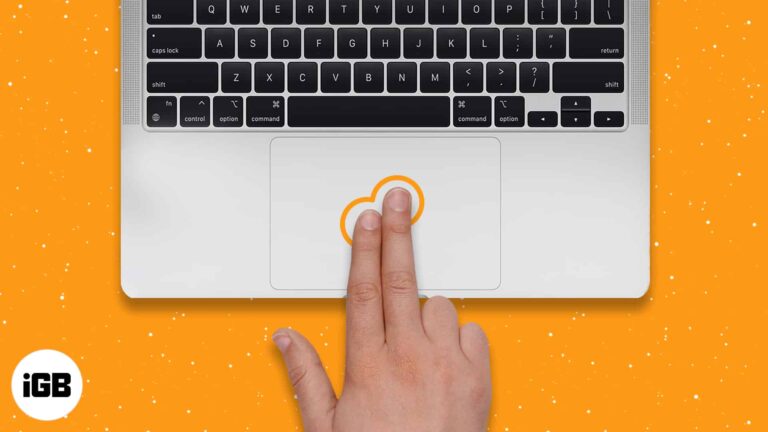
Switchers from Windows often assume Macs cannot right-click. They can, in five different ways. Here is how to do it on a trackpad, Magic Mouse, third-party mouse, and with the keyboard.
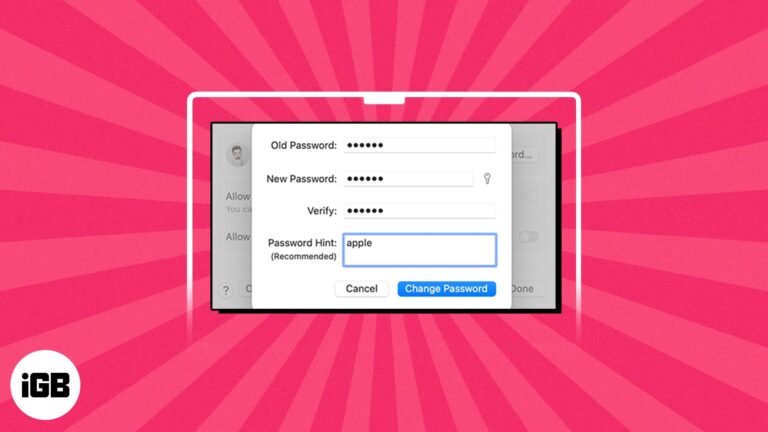
Your Mac login password is crucial to protect your data from unauthorized access. However, if the Mac password is compromised, you must reset it immediately. Don’t worry; it is a simple task. This guide will walk you through how to…
If you’re trying to move the files and folders on your Mac, to make your Mac a bit organized. We have a variety of ways to move your items, you can create a file structure that increases your productivity or…
Private browsing is useful, but you may want it disabled on a shared or family Mac. Here is how to close private windows, block the mode with Screen Time, and restrict Guest accounts.
Preview encrypts PDFs natively, so paid software is often unnecessary. Here is why protection matters, how to add a password on Mac, the third-party options, and how to open a locked file.

A Mac that sleeps mid-download or mid-render wastes your time. Here are four ways to keep it awake, from the built-in settings to a Terminal command you can run for a set duration.
With so many distractions popping up on your screen every now and then, it’s pretty hard to stay focused while working on your Mac. If you’re anything like me and love avoiding distractions, it’s time to get yourself familiar with…
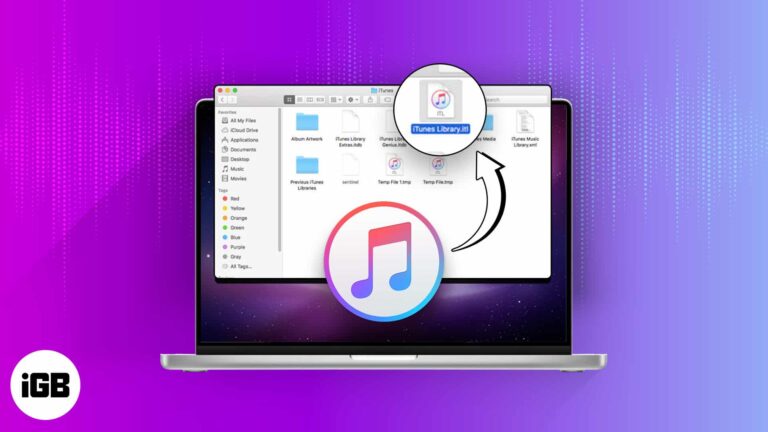
A broken iTunes library shows missing tracks and duplicate entries. Here is what to save first, how to delete and rebuild the library on Mac and Windows, and what a reset actually fixes.
A network reset clears Wi-Fi passwords and custom configurations along with the problem. Here is how to do it on recent macOS versions, what it wipes, and gentler fixes to try beforehand.
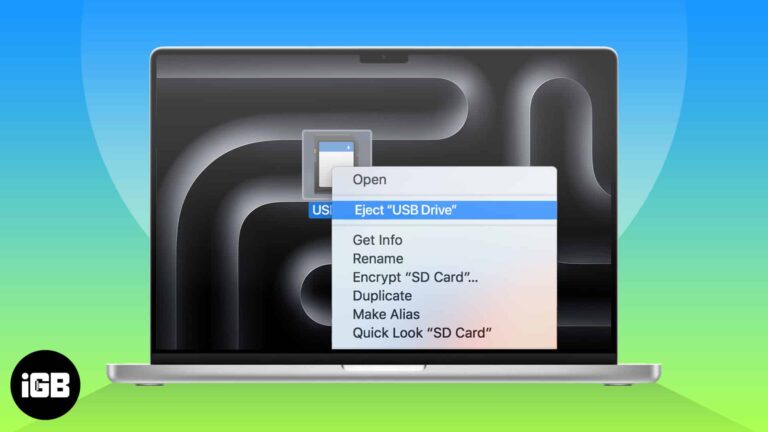
When transferring files using an external USB drive or an SD Card on your Mac, it’s essential to properly eject the drive once you’re done. Improperly ejecting these drives can lead to data corruption or even physical damage to the…
If you don’t want to be constantly distracted by alert banners, app notification badges are great. Thus, it can be annoying when notification badges are not showing on your Mac. Worry not! I will share quick solutions to fix this…
Are your iPhone or iPad backups taking up much storage space on your Mac? Finder stores your iTunes backups in a default location on your Mac. However, you may move those files to an external hard drive and back up…
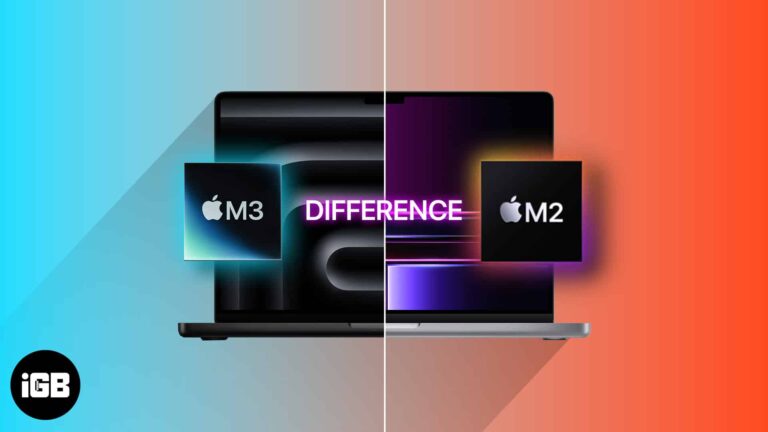
The M3 MacBook Pros are here, and Apple has once again blown its rivals out of the water with its new 3nm chips, which look like another paradigm shift in computing. However, this raises a question: Should you upgrade to…
Aside from its pristine-looking finish and brilliant display, the Mac also comes equipped with a stylishly illuminated keyboard. Mac’s backlit keyboard automatically turns brighter in low-lit conditions and dims in brighter ones—making working with a Mac easy on the eyes.…
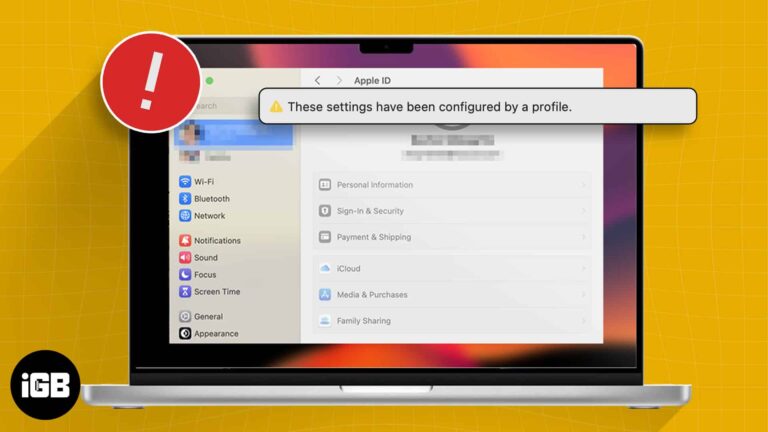
After installing macOS Sonoma, many users have expressed disappointment on forums regarding their Apple ID settings being greyed out. Accompanying this issue is an alert or error message reading, “These settings have been configured by a profile.” If you are having…
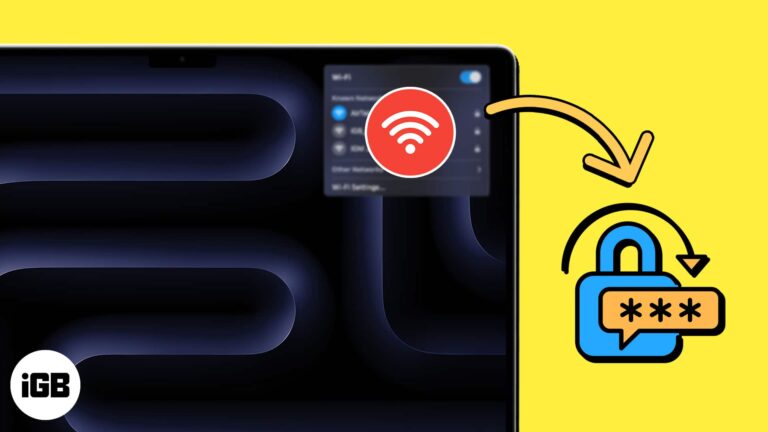
Your Mac stores every network password you have ever used. Here are three ways to read them back, from the System Settings panel to Keychain Access and a one-line Terminal command.
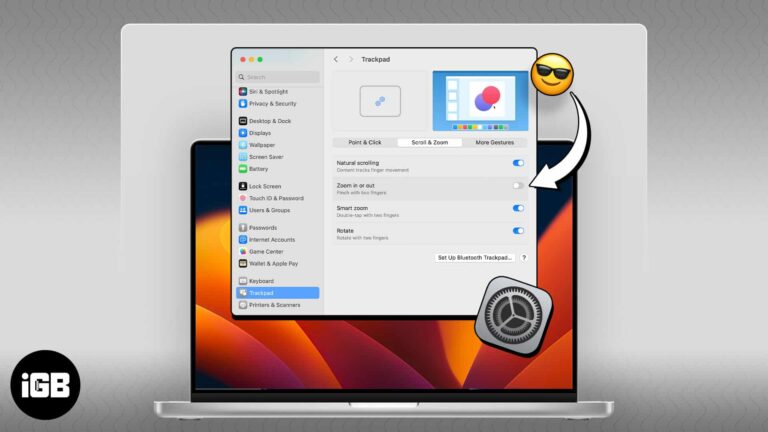
Accidental pinches on the trackpad zoom the whole screen at the worst moments. Here is where the gesture setting lives on Mac and how to switch it off for good.
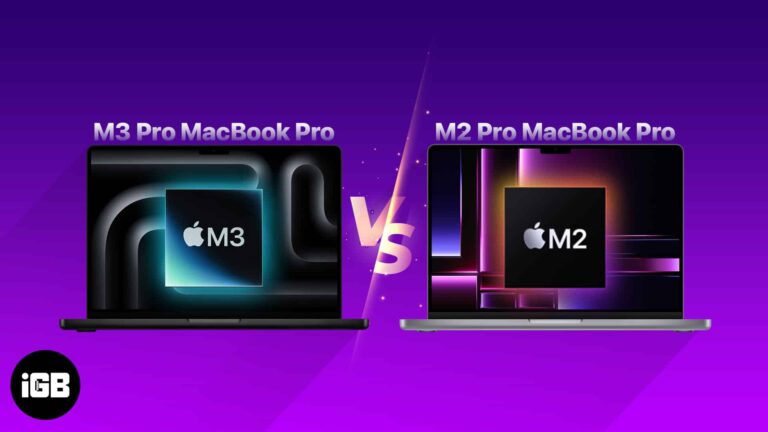
At the Scary Fast event, Apple introduced the new 14-inch and 16-inch MacBook Pro models alongside the M3 family of chipsets. However, potential buyers of the MacBook Pro may be confused about whether to upgrade from the M2 Pro model…