FaceTime Like a Pro
Get our exclusive Ultimate FaceTime Guide 📚 — absolutely FREE when you sign up for our newsletter below.

FaceTime Like a Pro
Get our exclusive Ultimate FaceTime Guide 📚 — absolutely FREE when you sign up for our newsletter below.



Are you noticing your MacBook overheating more than usual? Overheating can not only be uncomfortable but also damage your MacBook’s components. So, if your MacBook often runs too hot to handle and you are running out of ideas to stop…

Thanks to WhatsApp’s latest update, gone are the days of fretting over quality loss when sharing media. Now, iPhone and Mac users can choose their quality preference – Standard and HD – before sending images on WhatsApp or set for…

As a professional Mac user, I’ve always searched for a reliable and feature-rich office suite that can be a free alternative to Microsoft Office 365. After extensively testing the OnlyOffice Desktop Editor, I can confirm that it’s the best open-source…

Find My must be off before you sell a device or send it for repair, since Activation Lock blocks the new owner. Here is what turning it off changes and how to do it on every Apple device.

If you’re prone to leaving your MAc unattended, then one of the simplest and easiest ways to secure your Mac is by enabling a lock screen. In this article, I will discuss six ways to lock the screen of your…

A dead Delete key can be a stuck switch, a Slow Keys setting, or a software conflict. Here is how to diagnose it, plus shortcuts that let you keep working while you sort out the hardware.

FaceTime failures on Mac usually trace to sign-in problems, camera permissions, or a bad update. These fixes cover each cause, including the issues that appeared after the macOS Sonoma release.
No matter how advanced the Mac is as a computing device, it can sometimes experience issues like any other tech product. One such issue that many Mac users have been facing is a cryptic message that says, “An error occurred…

When you have many tasks to take care of, it’s easy to lose track of time. But with a simple setting, you can hear your Mac speak the time out loud to keep you on task. You can set the…

While using your Mac for regular activities, you might often come across images you wish to save and use later. Whether it’s for drawing inspiration, completing ongoing assignments, or simply personalizing your desktop background, learning how to save images on…
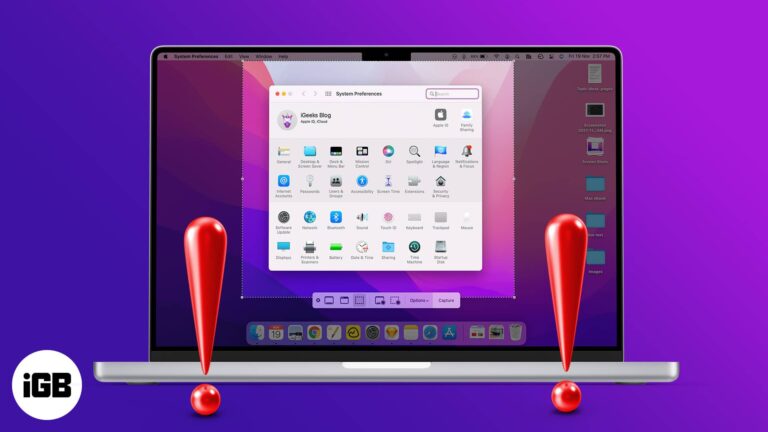
Screenshots can be an asset; for me to show you how to perform certain tasks and for you to show me the exact problem you’re facing. But what if the problem is that the screenshot is not working on Mac?…
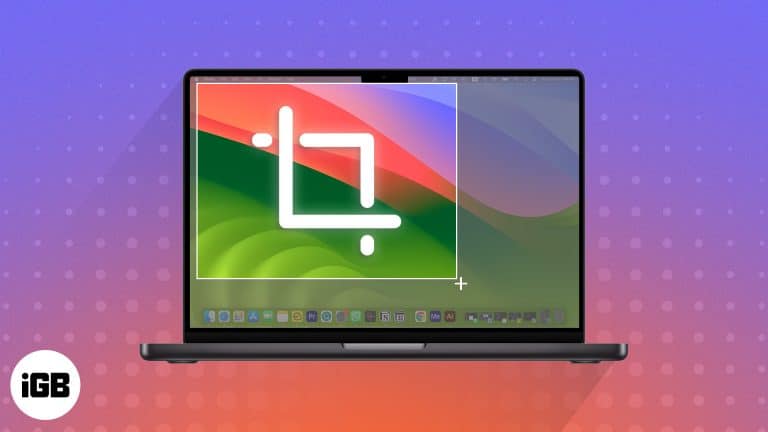
Key Takeaways Cropping a screenshot on a Mac can help focus on specific details or improve the aesthetic appeal of the image by removing unwanted and distracting elements. You can directly take a cropped screenshot on Mac, eliminating the need…
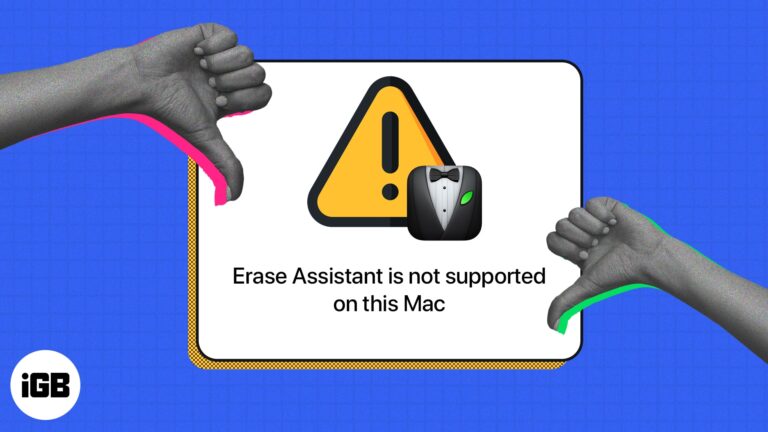
Several users who want to erase their Macs have reported being hindered from doing so by an error message that reads “Erase Assistant is not supported on this Mac.” If you are one such user, read on to learn what…

Partitioning lets you run a second operating system or keep data separate. Here is why you might want to, how to create a partition in Disk Utility, and how to switch, erase, or remove it.
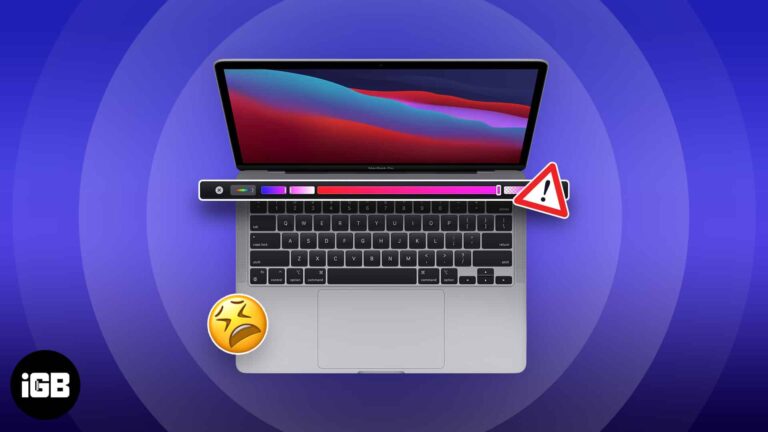
A frozen Touch Bar leaves you without volume, brightness, or Escape. Here is what causes it and how to restart the Touch Bar processes, reset the controller, and stop it recurring.

Tethering allows you to share the internet connection on your iPhone with another compatible device. While the Personal Hotspot from your iPhone makes the job easier, tethering comes in handy if the Wi-Fi on the Mac or PC isn’t working.…
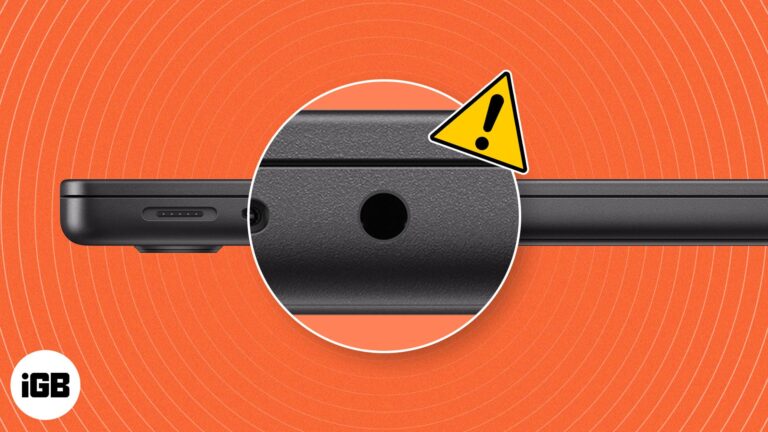
Key Takeaways If your MacBook headphone jack is not working, first ensure the headphone is in good condition and try restarting your Mac. Clean your MacBook’s headphone jack port and plug your headphones again to see whether they work. Check…
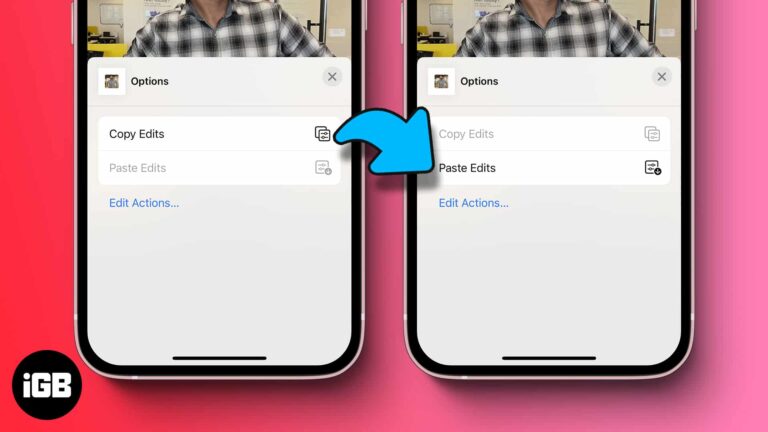
Apple’s built-in batch editing feature lets you select multiple photos and apply edits to all of them simultaneously. This hack can be really useful when you want to edit (and resize) images in bulk and retain uniformity. It not only…
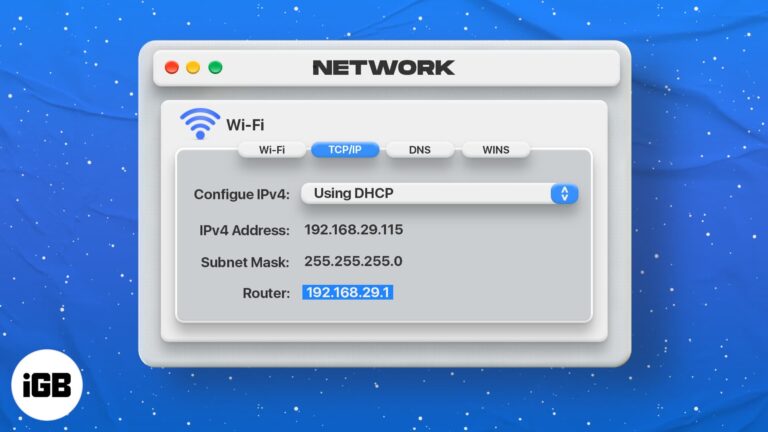
You need the router IP to reach its admin page and change network settings. Here is what an IP address is, plus three quick ways to find your router's on macOS.

Key Takeaways The “connects to Wi-Fi but has no Internet connection” issue could be due to wrong MacBook system settings or the router glitches. If your Mac isn’t connecting to the internet over Wi-Fi, ensure the router and DNS number…

You are not limited to Apple's Magic Mouse. Here is how to pair a wireless mouse with your Mac, tune the pointer and scrolling behavior, and get trackpad-style gestures from a regular mouse.

Continuity Camera needs both devices on the same Apple ID with Wi-Fi and Bluetooth on. These fixes work through every requirement plus the software checks that usually restore the connection.
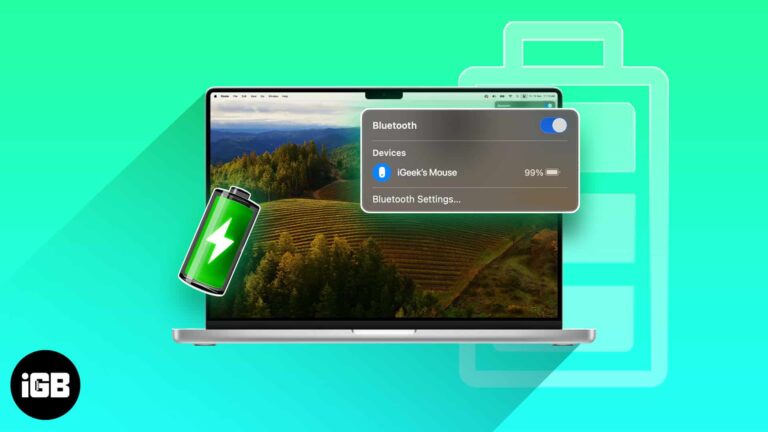
macOS shows accessory battery levels in several places, none of them obvious. Here are five ways to check AirPods, Magic Mouse, and keyboard charge, including the menu bar and System Settings.

If you always link your Instagram account with almost every app and website, you have compromised its security, and there is a high chance of it being hacked. Even if you are not that kind of a person and always…
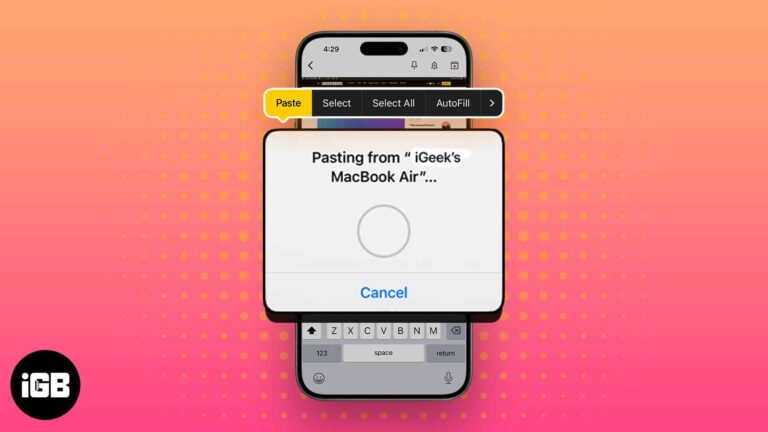
Saving a screenshot you only need to paste once just clutters your desktop. Adding Control to the usual shortcuts sends the capture to the clipboard instead. Here are all the combinations.
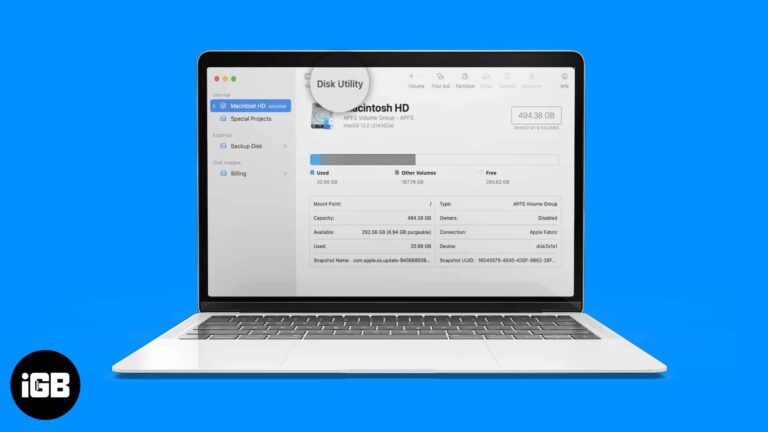
Splitting a Mac drive is easy until something goes wrong. We compare Disk Utility with paid partition managers on resizing without data loss, format support, and how much control each one gives.

Automatically connecting to a saved Wi-Fi network saves time. However, it may be annoying when your device keeps auto-joining known Wi-Fi without permission. Also, this can raise security threats if you’re on the move and your device connects to public…
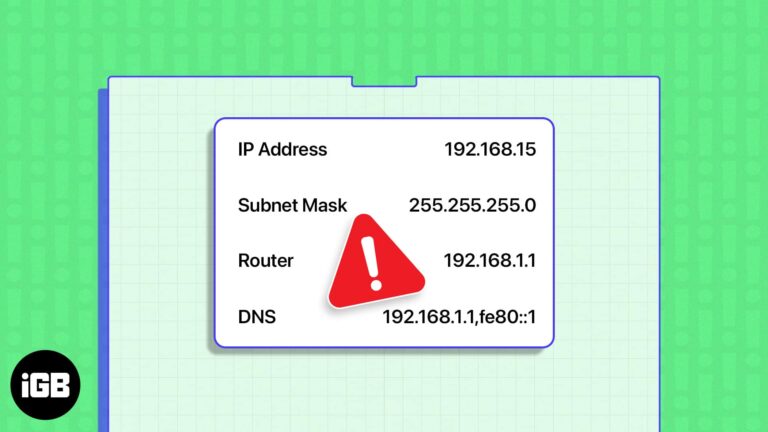
The another device is using your IP warning means two machines claimed the same address. These seven fixes cover DHCP renewal, Private Relay, VPNs, static addressing, and a network reset.
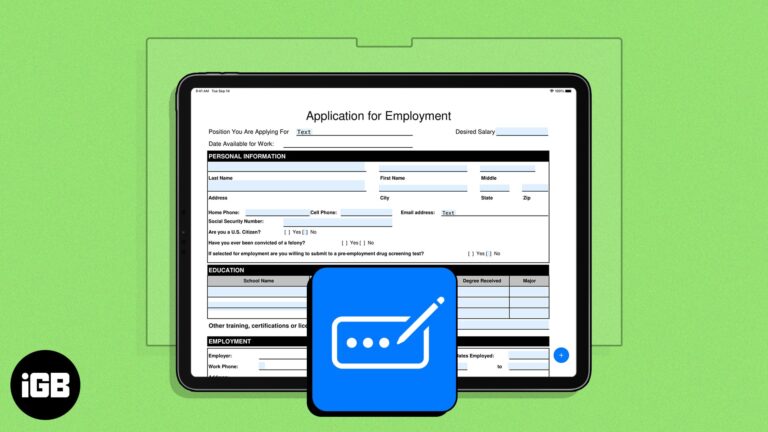
Earlier limited to the Safari app, Apple’s enhanced AutoFill feature has now branched out to PDF files across the system. Unlike Safari, there isn’t a specific setting you need to enable. All you need to do is ensure you have…