
FaceTime Like a Pro
Get our exclusive Ultimate FaceTime Guide 📚 — absolutely FREE when you sign up for our newsletter below.

FaceTime Like a Pro
Get our exclusive Ultimate FaceTime Guide 📚 — absolutely FREE when you sign up for our newsletter below.



Chrome hides a lot of speed behind shortcuts most people never find. These 36 Mac tips cover tab groups, Omnibox tricks, session recovery, profiles, and settings worth changing today.
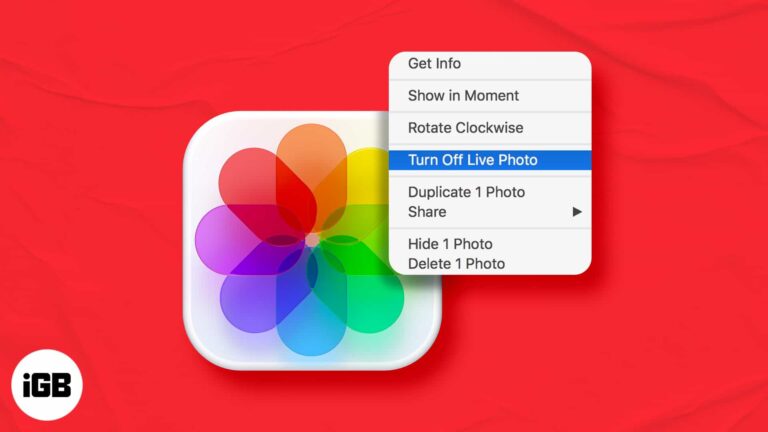
Live Photos take more space and behave oddly when shared. Here is how to turn one into an ordinary still on Mac, and how to keep the original motion in case you want it back later.
macOS hides thermal data by default, so loud fans leave you guessing. Here is how to read CPU temperature and fan speed with free tools, plus the ranges that indicate a genuine problem.

Mac gaming has improved, but the Windows library is still far larger. Here are the practical routes, from cloud streaming and compatibility layers to running Windows itself.

The Touch Bar is small and unlabeled in ways that frustrate many users. Touch Bar Zoom mirrors it enlarged on your screen. Here is how to enable and use it on MacBook Pro.
A large music library will not fit on a small SSD. Here is what splitting a library means, why it helps, how to move part of it to another drive, and how to create and switch between libraries.

Adobe ended Flash support in January 2021, and leaving it installed is a security risk with no upside. Here is why it should go and how to remove it completely from your Mac.
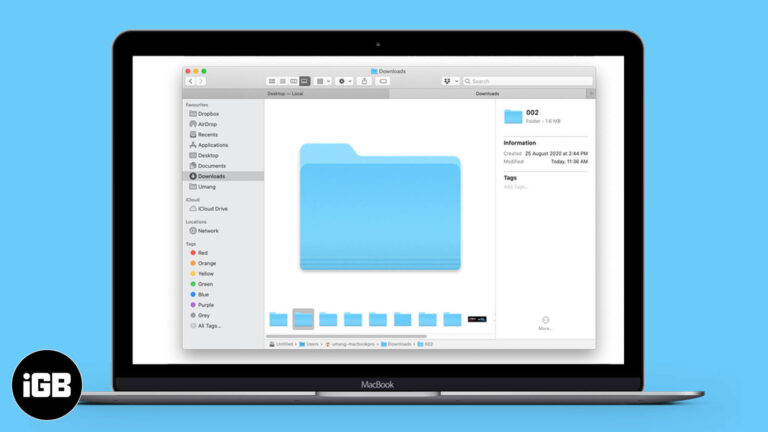
Finder hides folder sizes by default, which makes tracking down storage hogs awkward. Here are three ways to see how much space any folder occupies on your Mac.
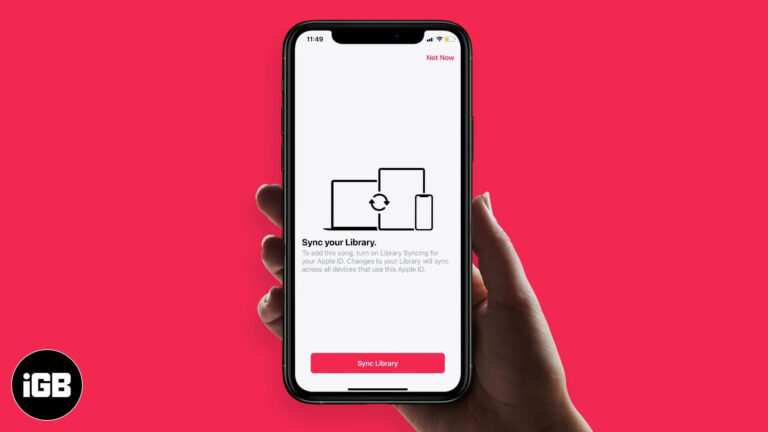
iCloud Music Library keeps your songs, playlists, and matched tracks identical on every device. Here is how it works, how it interacts with Apple Music and iTunes Match, and how to enable it.
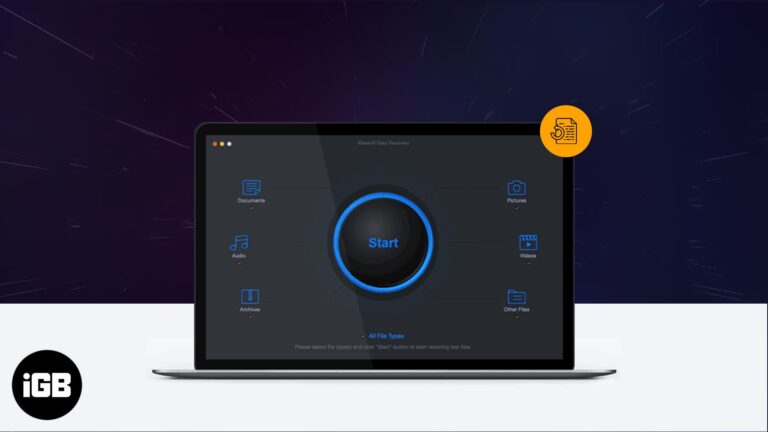
Accidental deletion happens to everyone eventually. iBeesoft scans drives and cards for recoverable files. We cover its feature set, system requirements, the recovery process, and how well it works.
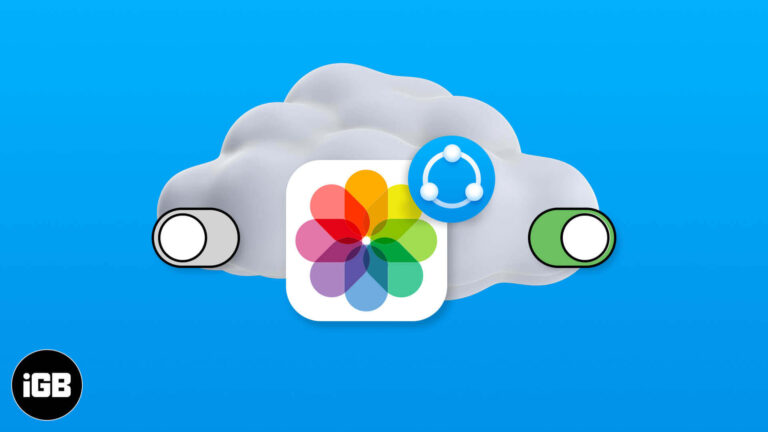
Shared Albums let you send photos to specific people without filling their storage. Here is how to enable or disable the feature on every platform, and how it differs from iCloud Photos.
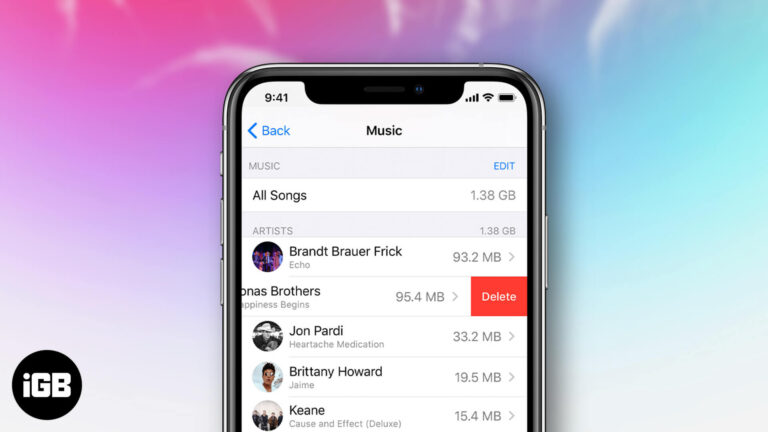
Purchased tracks stay in your library forever unless you hide them. Here is how to hide, unhide, and permanently delete purchased music across iPhone, iPad, and the Music app on Mac.

Internet Recovery downloads macOS directly from Apple when the built-in recovery system will not load. Here is what it does, the key combination to start it, and what to try when it fails.
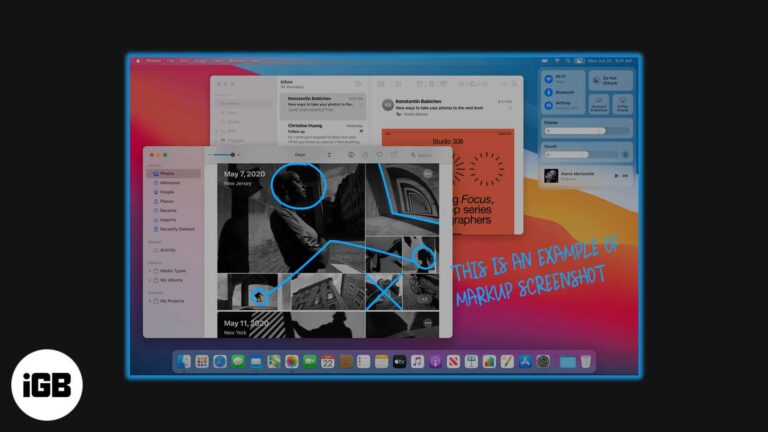
Preview's Markup tools handle most screenshot editing you will ever need. Here is how to annotate a capture on Mac with arrows, text, shapes, and redactions before you share it.
Shared Albums are the easiest way to collect photos from several people in one place. Here is how to enable the feature on Mac, build an album, add media, and manage who can contribute.
Autoplaying video ambushes you in a background tab. Here is how to mute an individual Chrome tab on Mac and Windows, and how to restore its audio when you need it.
SIP blocks changes to protected system files, which occasionally gets in the way of legitimate work. Here is what it guards, how to turn it off from Recovery Mode, and why to switch it back on.

Presentify Screen Annotation app for Mac is what you should use to bolster your presentation. Head over to read the detailed review.
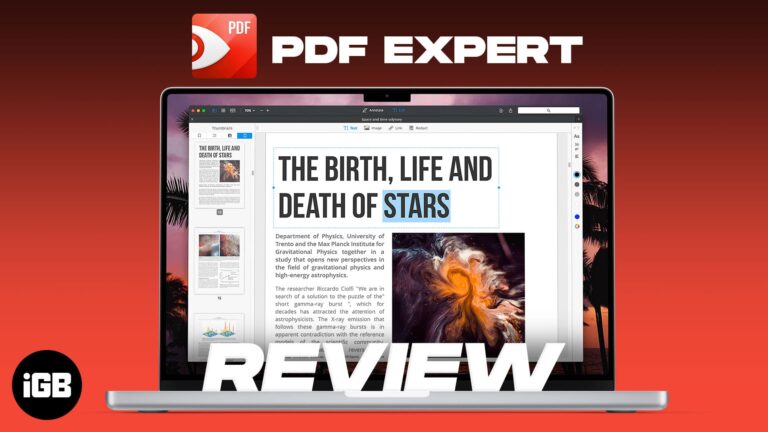
PDF Expert is built for speed on large documents where Preview struggles. We look at its editing and annotation tools, form handling, interface, and whether it justifies the upgrade.
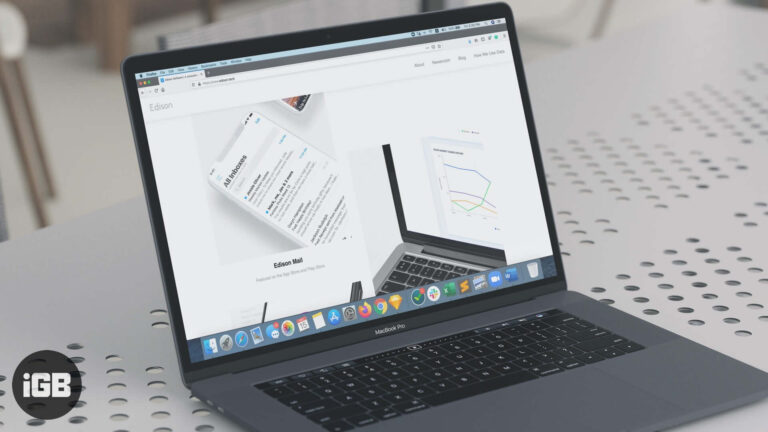
Edison Mail organizes receipts, travel, and subscriptions automatically and makes unsubscribing a single tap. We look at its features, speed, and privacy model to see if it deserves your inbox.
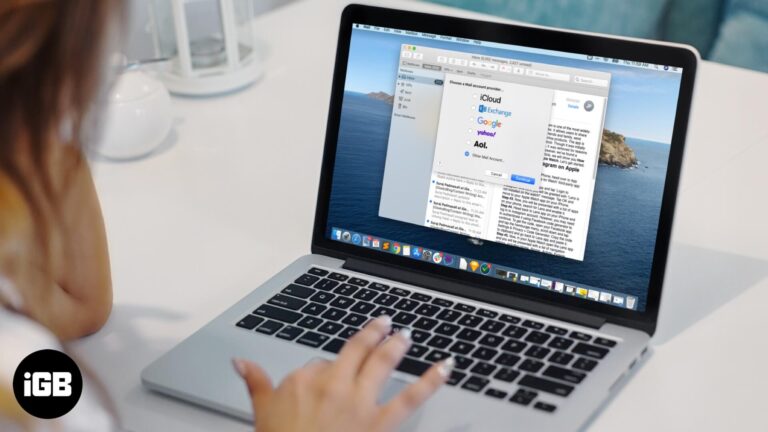
Mail on Mac supports iCloud, Gmail, Outlook, and any IMAP account. Here is how to add one, configure it correctly, and remove an account without losing messages you still need.
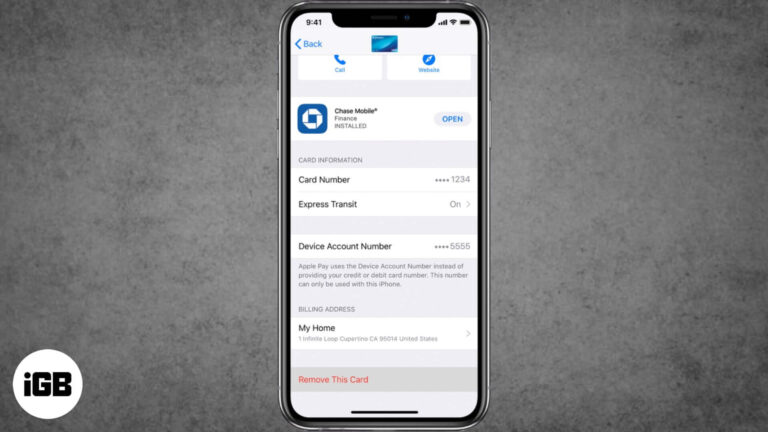
If you've lost your iPhone or your credit card is not valid anymore, here are the ways to remove credit or debit cards from Apple Pay on iPhone, iPad, and Mac.
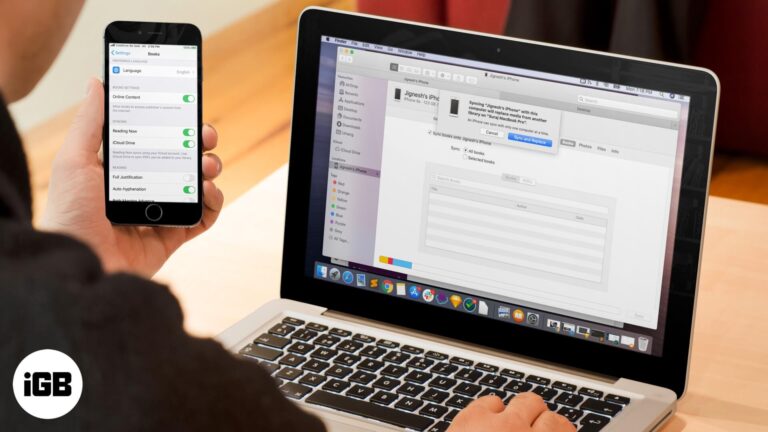
A library that differs on every device defeats the point of Apple Books. These fixes cover iCloud sync toggles, Apple ID mismatches, hidden purchases, and syncing through Finder or iTunes.

This article will teach you two simple ways to prevent your MacBook from sleeping when you close the lid.
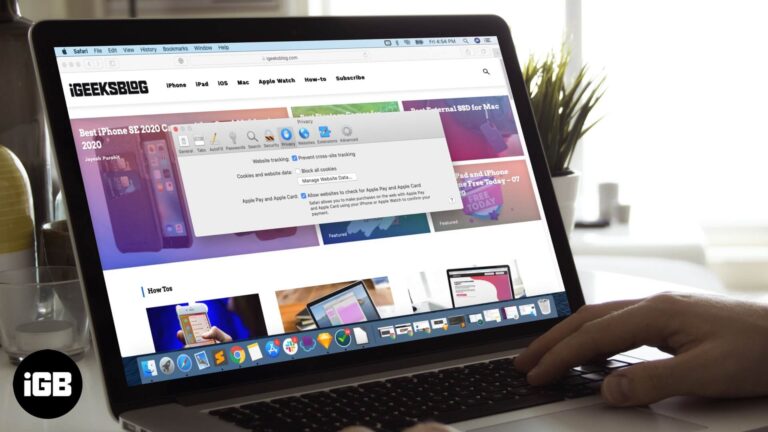
Blocking all cookies breaks logins on most sites. Here is how to allow them in Safari on Mac, and how that differs from the cross-site tracking prevention setting sitting next to it.
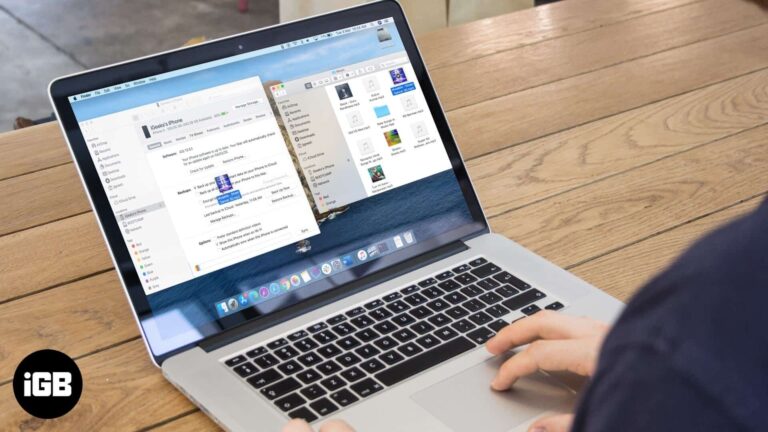
macOS Catalina moved device syncing from iTunes into Finder, which caught many people out. Here is how to sync your music library, manage tracks manually, and clear old media from the device.
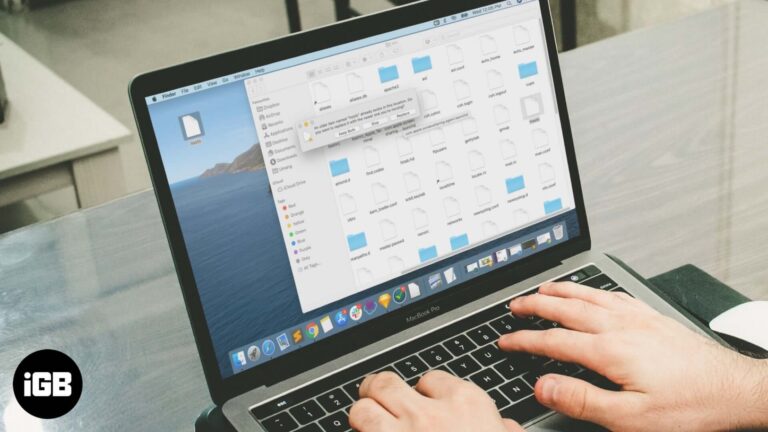
In this article, you will learn what is Hosts file and how to reset it back to the default on your Mac and Windows PC.
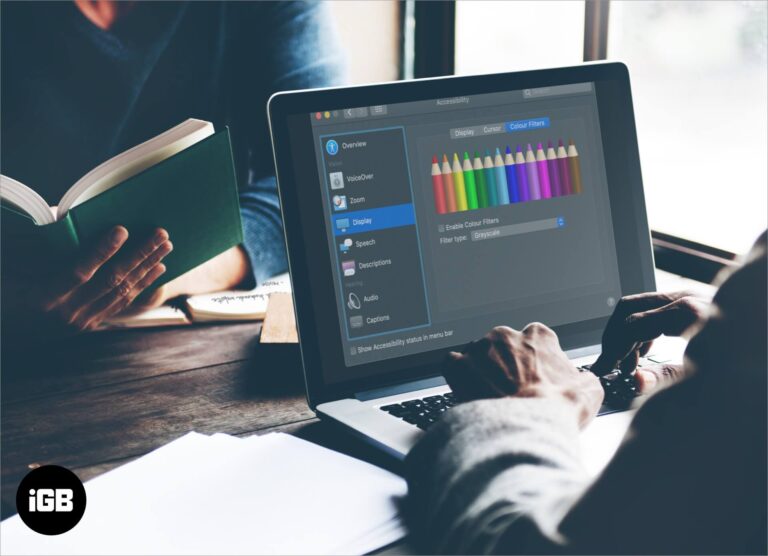
Color Filters adjust how macOS renders color, which helps with color vision differences and eye strain. Here is where the setting lives and what each filter option actually does.
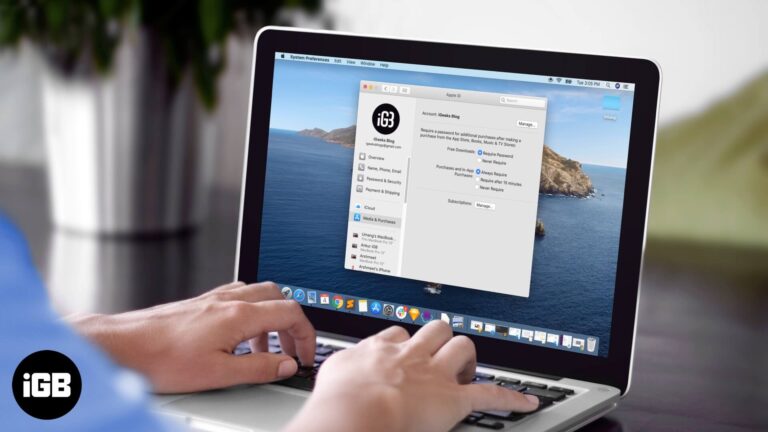
Typing a password for a free app is needless friction. Here is how to turn off the password prompt for free downloads on Mac while leaving paid purchases properly protected.

The emulator method this guide originally covered no longer works, since Snapchat now blocks emulators. Here is what changed and what alternatives remain for Snapchat on a Mac.


