
FaceTime Like a Pro
Get our exclusive Ultimate FaceTime Guide 📚 — absolutely FREE when you sign up for our newsletter below.

FaceTime Like a Pro
Get our exclusive Ultimate FaceTime Guide 📚 — absolutely FREE when you sign up for our newsletter below.



Taking pictures and sharing them with our friends and family is one of the most common things. However, with innovation in technology and numerous mediums to do so, there’s also a considerable amount of risk linked with the photos you…
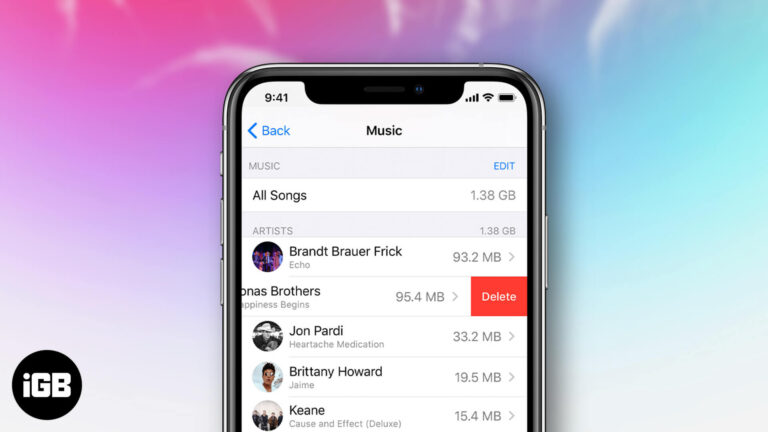
Whether they’re outdated or you no longer want to listen to them, you can easily remove unwanted purchased music tracks from your library. You can either hide or delete them accordingly from any Apple device using iTunes or the Apple…
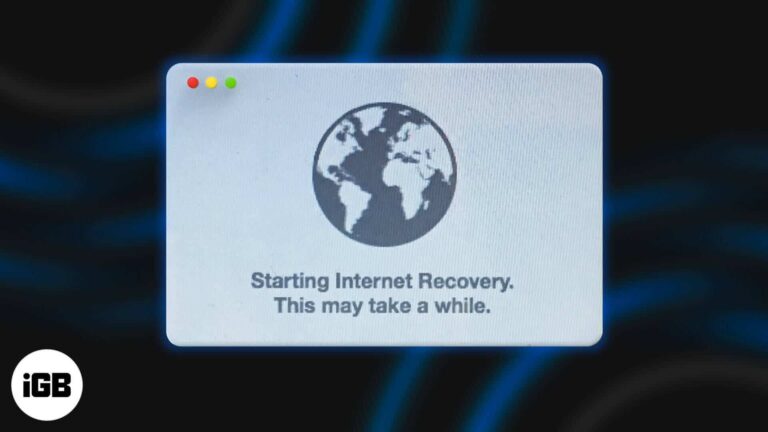
When the Mac cannot start with the built-in macOS Recovery system, you have the option of doing the same over the internet. In this, the computer fetches the requisites for performing the recovery directly from Apple servers. Once that’s done,…
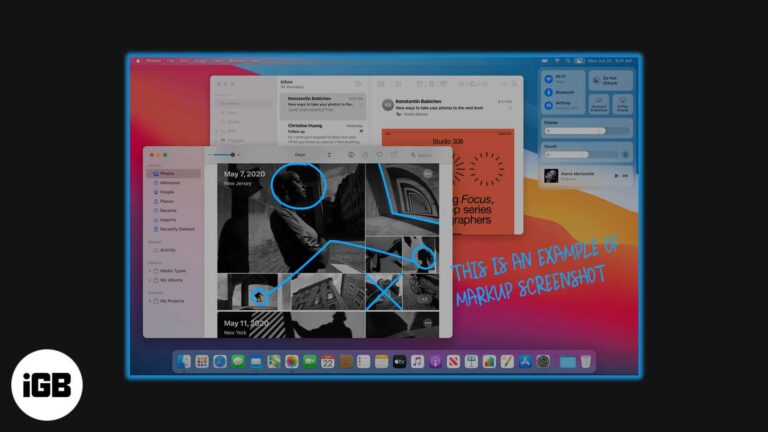
Markup in the Preview app is one of the most useful tools on Mac that lets you edit pictures meticulously. Having plenty of editing options in Mac’s own toolbox means that you don’t need a third-party application to modify your…
Shared Album on the iPhone and Mac is one of the underrated features that people often overlook. In a few clicks, it lets you share several images and videos with your family and friends. They can also add their pictures…

The moment you open a web page on your computer, it will start playing audio or video. If you haven’t silenced the sound, you can experience an intense glare from people sitting around. Thankfully, there is a way to perfectly…

Apple started giving a security feature called System Integrity Protection with macOS X 10.11 El Capitan. It functions to prevent malware from modifying system files on your Mac. SIP is meant to protect your Mac from malicious software while running…

Presentify Screen Annotation app for Mac is what you should use to bolster your presentation. Head over to read the detailed review.
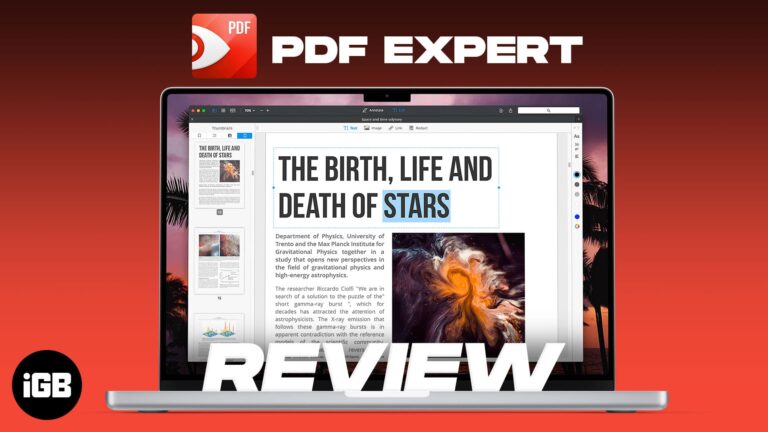
When it comes to pro-grade PDF editing, Readdle’s PDF Expert has long been one of the best in the business. And with the introduction of several productivity-centric features coupled with a much-improved interface in the latest iteration, the PDF editor…
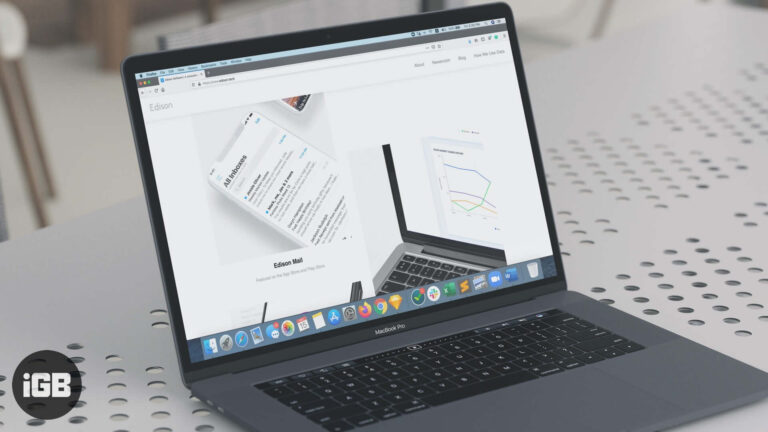
While there is no dearth of mail apps at the Mac App Store, very few of them are smart enough to keep the ever-loading inbox uncluttered and offer a better way to manage multiple accounts without having to hop from…
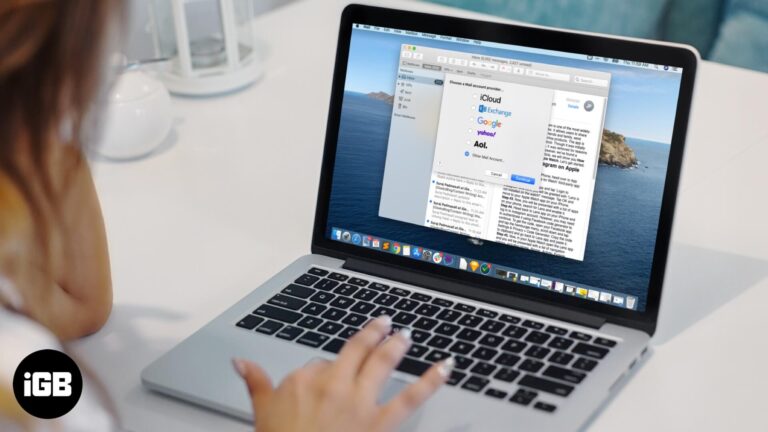
While there are some great alternative email apps that you can use, the Mail App on Mac is pretty convenient. The first time you open it, you will be prompted to add an email account on the Mac Mail App.…

If you've lost your iPhone or your credit card is not valid anymore, here are the ways to remove credit or debit cards from Apple Pay on iPhone, iPad, and Mac.

One of the best things about owning different Apple products is how nicely they work together. Music, photos, videos, passwords, Safari history, books, etc. sync between devices, providing a consistent experience. However, sometimes problems can occur, such as iBooks not…

This article will teach you two simple ways to prevent your MacBook from sleeping when you close the lid.

Safari is a powerful browser that can get even better with extensions. And if you want to further enhance your browsing experience, you can also enable cookies on Safari on your Mac. Cookies are bits of data that track your…
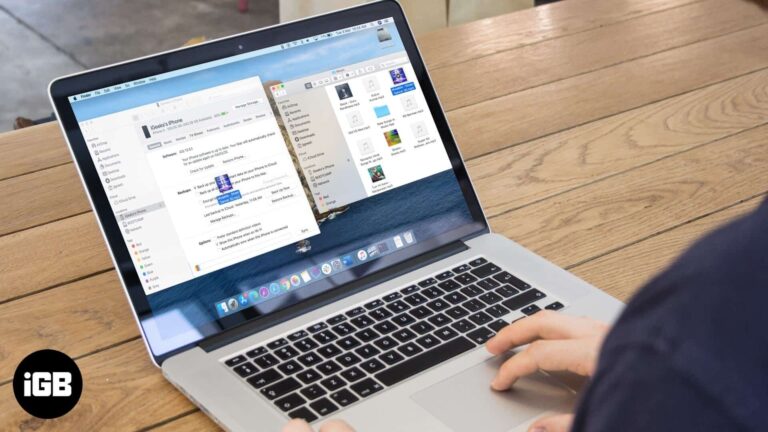
How do you sync Apple Music across devices? This ultimate guide will walk you through how to sync your music between your Mac, iPhone, and iPad.

In this article, you will learn what is Hosts file and how to reset it back to the default on your Mac and Windows PC.
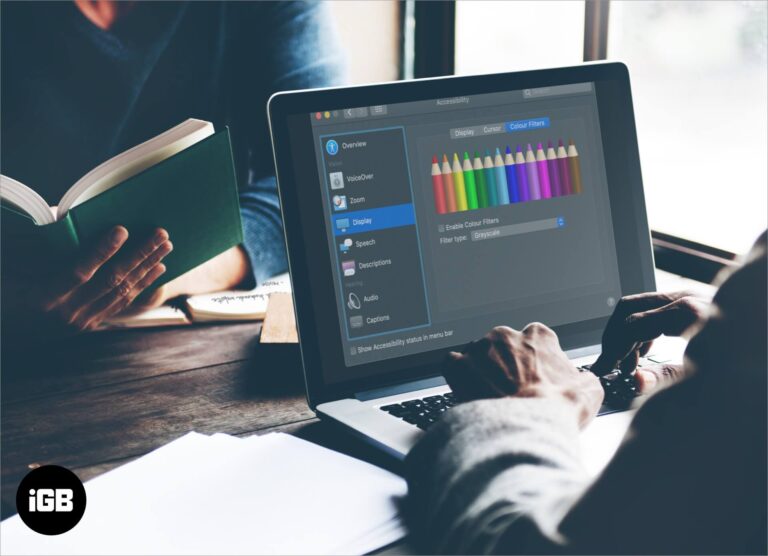
We sit in front of the Mac for hours, and thus it is essential to have the color and contrast of the screen according to our liking. macOS offers several tools to change the screen settings, and Color Filters is…
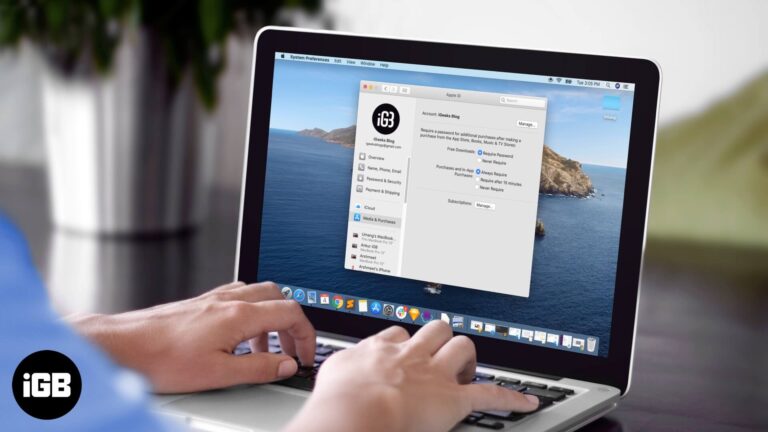
It is a good idea to input your Apple ID password every time you buy something from the Mac App Store. However, when you download free apps, it doesn’t seem very pleasant. So, here is how to quickly download free…

Update: This method no longer works as Snapchat has banned its use on emulators. With over 229 million daily active users, Snapchat is a popular multimedia messaging app. And why not, there are many reasons to love; it’s simple, funny, fast,…

In case you aren’t aware, the Apple MacBooks are loaded with Intel Processors. These processors have a technology called Turbo Boost, which speeds up the processes. Sadly, Apple has given no control to the user in regard to disabling or…

The two-colored smiley face has been the Finder icon on the Mac for ages. Even after changing the name from OS X to macOS, this iconic logo has stayed. People love to personalize their devices, and what better way than…
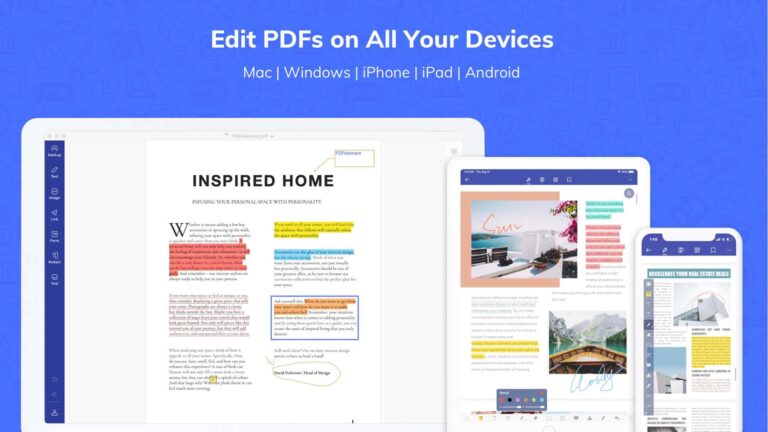
For the last 6 years, I have been creating, using, and playing with PDFs. During my college degree, I regularly used to create documents of over 600 pages. I had to edit them, highlight essential lines, mark on them, and…
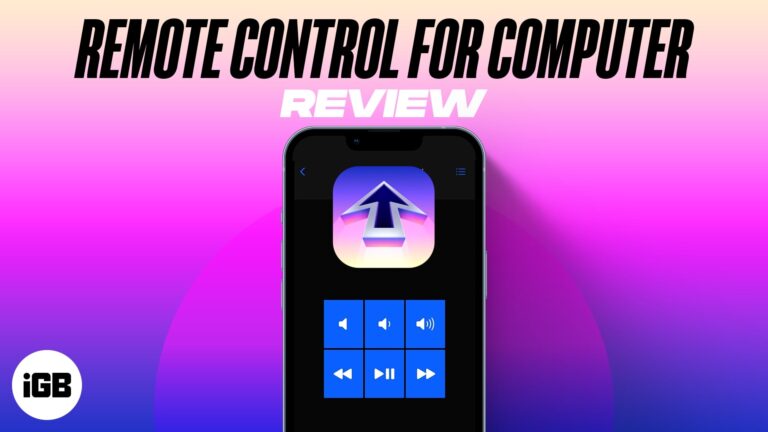
Whether for work or sheer indolence, Remote Control for Mac lets you fully control your Mac with iPhone, iPad, or Apple Watch. Developed by Evgeny Cherpak, the app converts an iOS device into a trackpad and keyboard for Mac. You can adjust the…
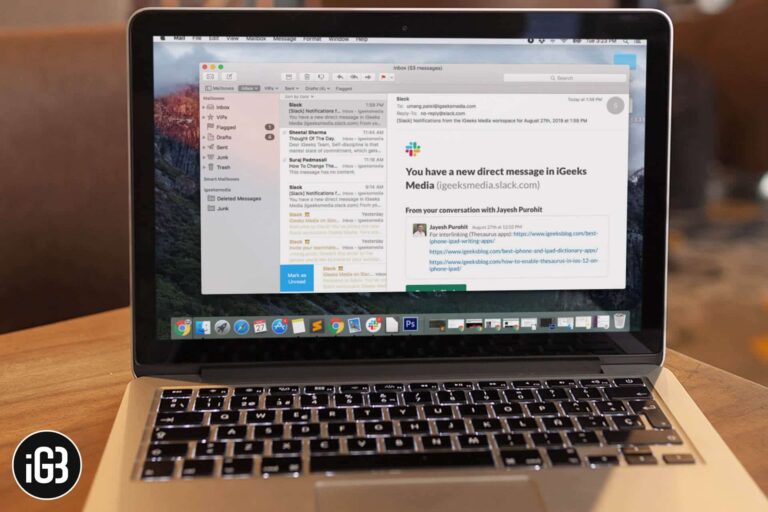
The Mail app might be your most used app on your Mac. From receiving work emails to private notes, from the credit report to day-to-day bills, from social-media notifications to formal invites; the app sees all this and more. While…
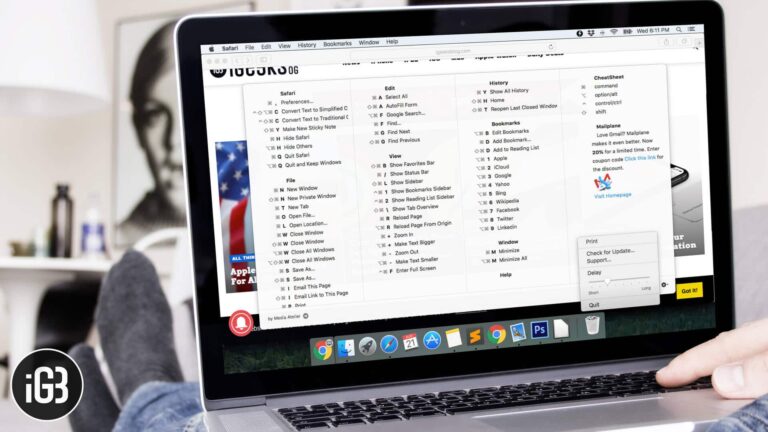
For any Windows-to-Mac migrator, keyboard throws enough tantrums to send him back to Windows. Instead of going back to Windows, you can stick to this new operating system by installing CheatSheet on your Mac. Here is how to see all…

When you wake your Mac up from sleep, you might find that it disconnects from the Wi-Fi. Re-joining a network every time you wake up your Mac is one irritating thing. This usually happens when you’ve connected your Mac to…

Finding my Mac a bit slow and not able to run as smoothly as I’d have liked, I decided to shoot out the clutter. While cleaning up the storage hogging files and also discovering the tricks to keep them at…

Ever faced a situation when you were working on a lengthy document, and you realize that you have changed so many things? And now you need a specific thing back to what it was. Undo is definitely an option, but…


