
FaceTime Like a Pro
Get our exclusive Ultimate FaceTime Guide 📚 — absolutely FREE when you sign up for our newsletter below.

FaceTime Like a Pro
Get our exclusive Ultimate FaceTime Guide 📚 — absolutely FREE when you sign up for our newsletter below.


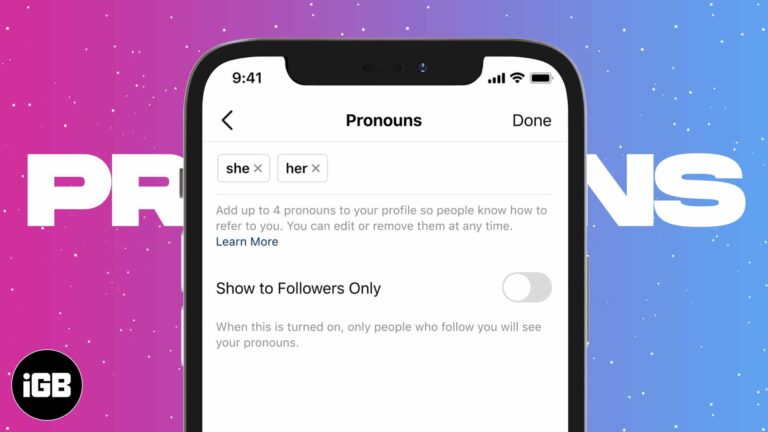
Instagram gives pronouns their own field, separate from your bio, and lets you choose who sees them. This walkthrough shows where the setting lives on iPhone and how to edit or hide it later.
Have you made a reel with your friend or featured a brand in a post and want to add them as collaborators? This add-on allows two users to post the same posts or Reels on their feeds, helping them reach…
Has your beloved iPhone suddenly become a constant source of frustration due to the constant crashing of the Threads app? You’re not alone! Several users have complained about this issue they face, especially when trying to attach media files to…
Are you tired of losing your brilliant content because there’s no easy way to save Instagram drafts on your iPhone? Look no further! In this guide, I’ll reveal the secret to saving Instagram posts and reels as drafts on your…
Instagram saves every expired Story to a private archive, and archiving a post hides it without deleting it. Here is where the archive lives on iPhone, and how to archive and unarchive posts.

If you’re looking to inject a bit of drama into your Instagram story or convey a genuine emotion, using a sad face filter can help. Instagram’s filters can assist you in expressing a variety of emotions, including sadness, disappointment, or…
Sometimes, there are people you don’t want to share your Instagram stories with, such as an ex, a nosy work colleague, or even a relative. We’ve all been in situations where we felt the need to keep our personal lives…
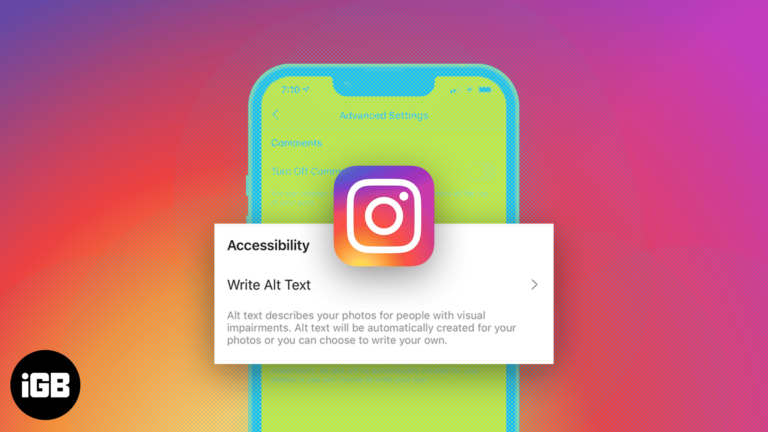
Want to earn more Instagram likes and be more popular? I’d recommend making use of a feature called alt text. It was made available in 2018, and a lot of millennials add alt texts to their Instagram posts to gain the attention…
Just recently, I faced my Instagram’s iOS app kept crashing immediately upon opening, logging in, refreshing the feed, or when posting something. So, if you’re in same situation, I know how frustrating it is. But worry not! I have fixed…
We all love watching reels on Instagram in our leisure time. But what if these videos are not auto-played? It obviously gets frustrating. So, let’s explore 10 ways to fix Instagram not playing videos automatically on iPhone. 1. Fix the…
We share high-quality photos, reels, and live videos on Instagram with many people. But many times, you add location tags too. While these are crisp features, the information you share travels beyond your friends’ list or mentions. You can’t tell…
Instagram constantly improves its platform and regularly provides users with new features. Screen sharing is another feature Instagram announced back in January. It allows users to share their screens while on video calls. Several apps like FaceTime and Discord already…
Augmented Reality (AR) filters have a spectacular visual effect that makes almost anyone want to view them. Many create and use them to spike brand awareness. Unfortunately, most people don’t know how to make Instagram AR filters since there’s no…
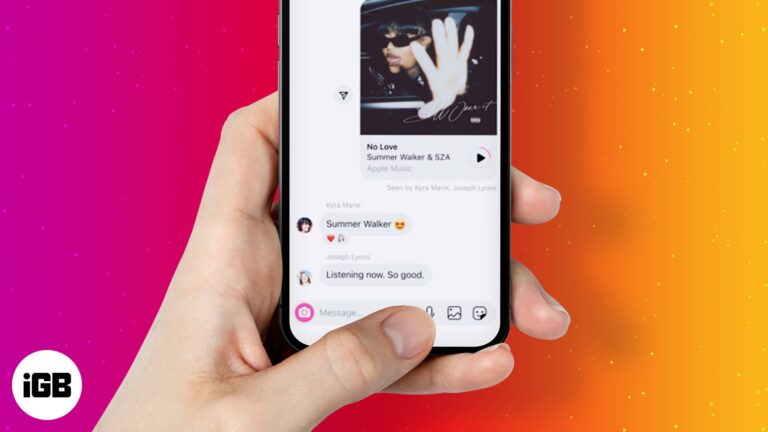
Are you tired of convincing your friends to listen to a song stuck in your head? Instagram’s new feature, Play, pause, and re-play, is what you should try. This feature allows you to share a 30-second preview of any song from…
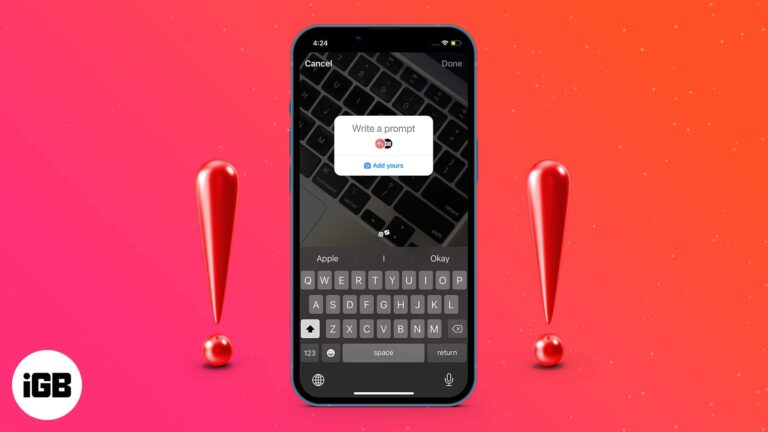
Instagram keeps adding new ways to make “Stories” more interactive; now, it has introduced a new sticker, “Add Yours.” When you add this sticker to your story, your followers can add their images along with your created sticker to their…
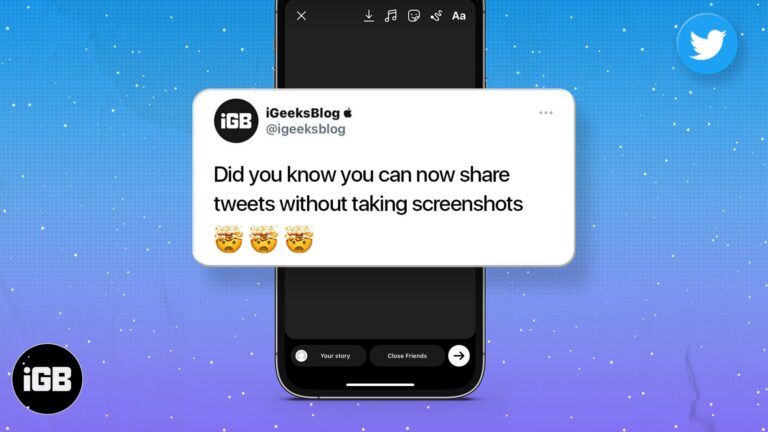
Screenshotting a tweet gives you an awkward crop. Here is how to share a post from X directly to your Instagram Story on iPhone and Android, keeping the formatting clean.

Instagram deliberately prevents you enlarging a profile picture. Here are two ways to get a closer look at someone's profile photo from an iPhone.
Moving content between the two apps means saving it locally first. Here is how to get a Snap onto your Instagram Story from iPhone, and how to share Instagram posts back to Snapchat.
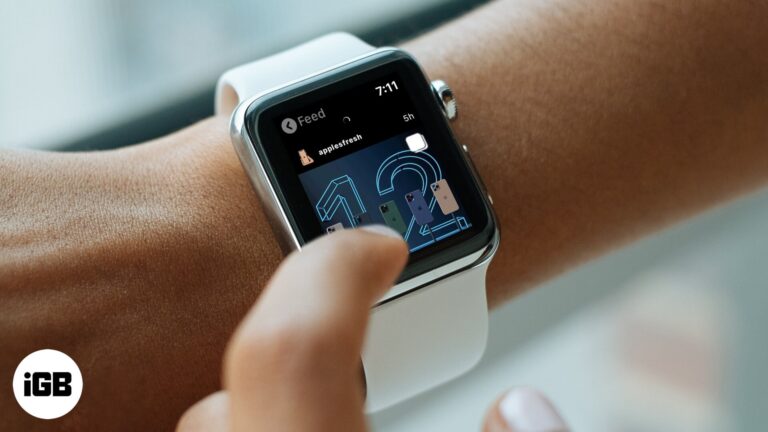
Instagram pulled its own watchOS app years ago. A third-party client fills the gap, letting you browse the feed and view Stories from your wrist. Here is how to install and use it.


