
FaceTime Like a Pro
Get our exclusive Ultimate FaceTime Guide 📚 — absolutely FREE when you sign up for our newsletter below.

FaceTime Like a Pro
Get our exclusive Ultimate FaceTime Guide 📚 — absolutely FREE when you sign up for our newsletter below.


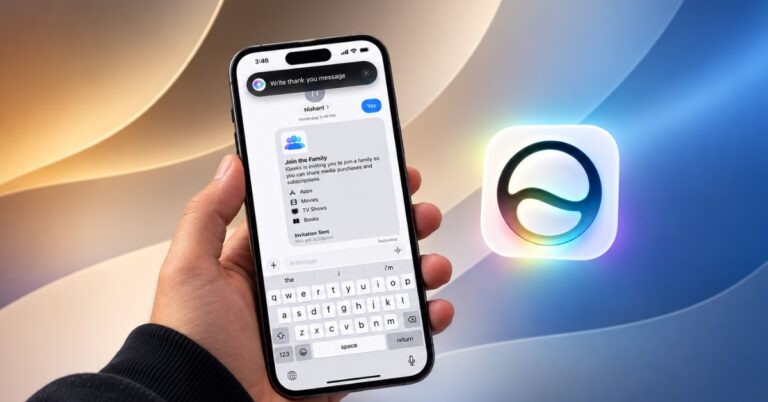
I tested Write With Siri in iOS 27 to see how well it rewrites messages, improves wording, and keeps your original voice and tone.
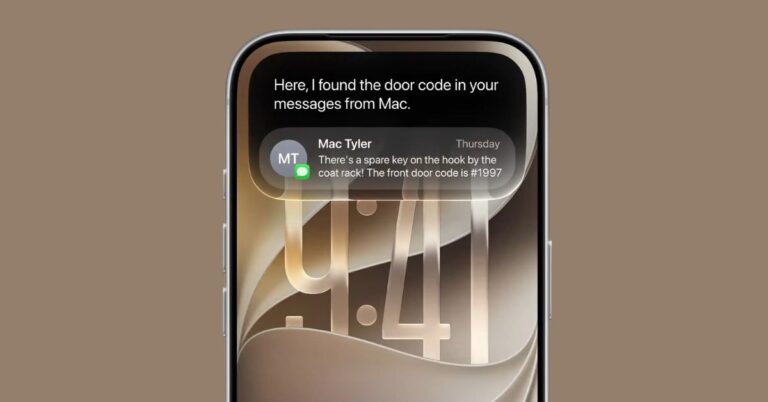
Siri AI arrives with iOS 27, bringing smarter conversations, personal context, web search, onscreen awareness, and powerful new AI features.
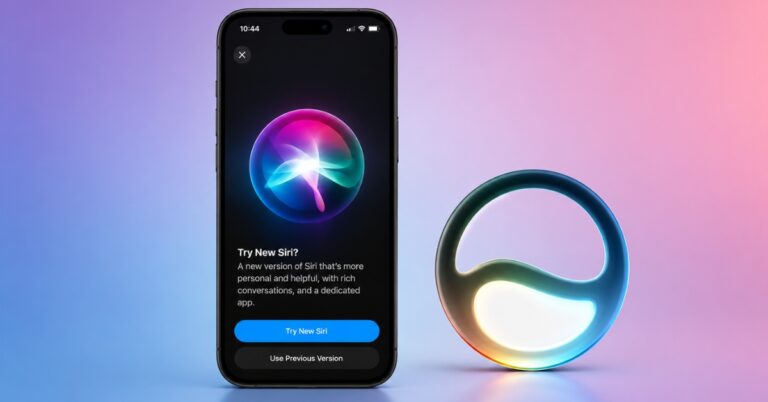
Apple’s new Siri AI features won’t appear automatically on every iPhone. Here’s what you need to do to enable them and check if your device is supported.
The Siri users have wanted for years is finally here and Apple is reserving it for a surprisingly short list of iPhones.
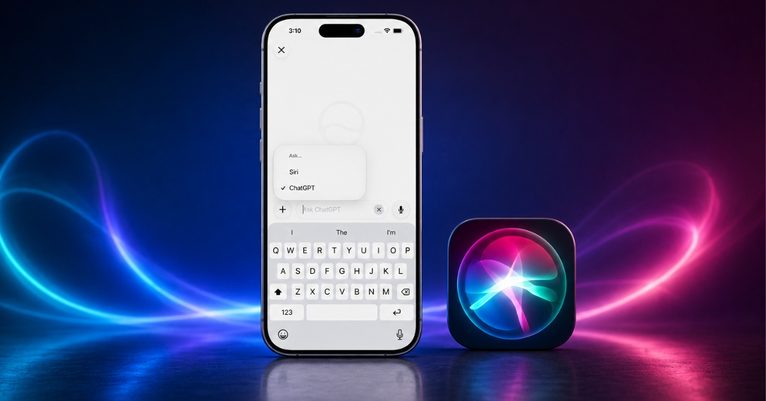
ChatGPT finally feels at home in Siri, but a few frustrating quirks keep it from replacing the standalone app.
Tired of Siri interrupting your music or podcasts? Learn how to stop accidental Siri activations on your AirPods by changing touch controls, voice activation, announcement settings, and more.
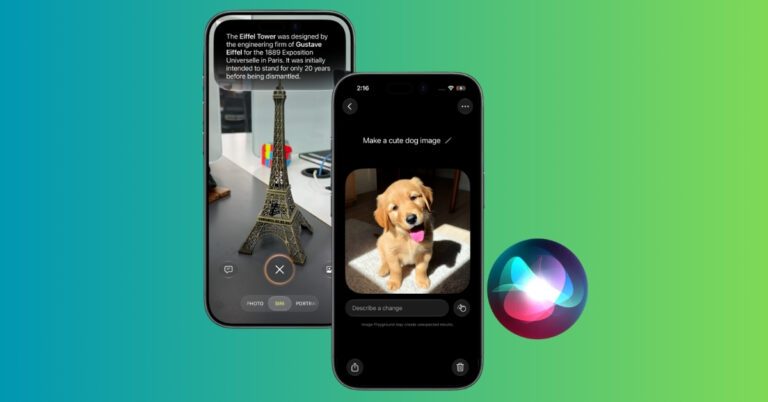
Apple has expanded Visual Intelligence in iOS 27 with new ways to identify objects, interact with content, and get information directly from your screen.
Master Siri on your iPhone with this ultimate guide! Learn how to set it up, activate it, use ChatGPT features, and boost productivity with voice or text commands.
Is 'Hey Siri' not working on your iPhone? Find out the possible causes and follow our troubleshooting guide to fix Siri issues on your iPhone.
Apple is testing a redesigned Siri with apps like Uber, Amazon, and YouTube, promising deeper app control and AI upgrades ahead of its spring 2026 launch.
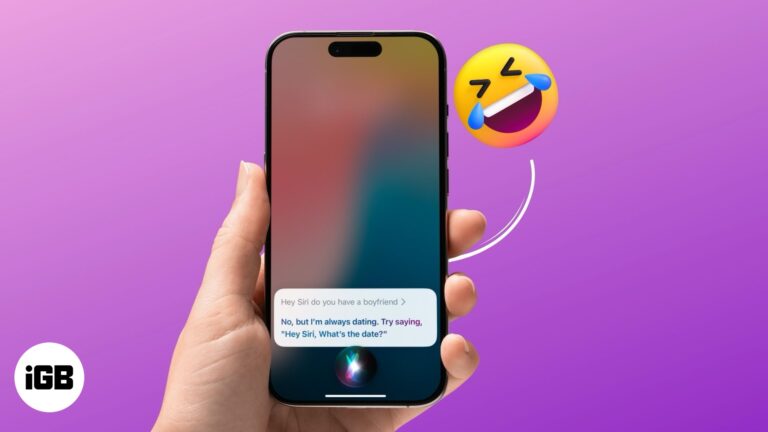
Discover Siri's witty side with amusing questions and sarcastic replies.
On-device Siri handles many requests without a connection, which is faster and more private. Here is which iPhones and iPads support it, what still works offline, and how to enable it.
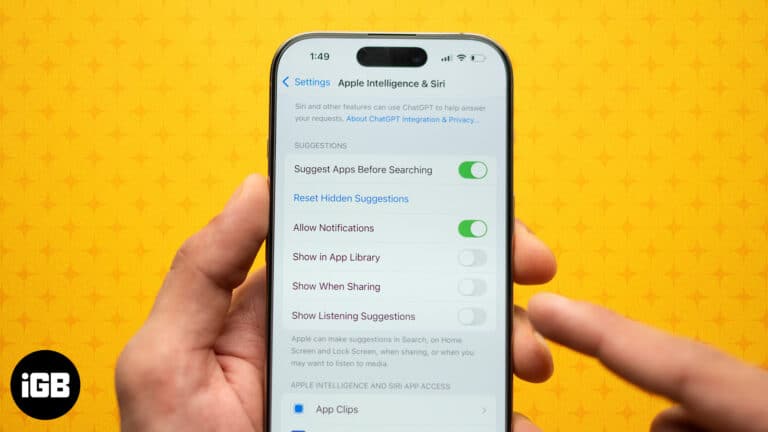
Simplify your iPhone and Mac experience by reducing Siri's Input.
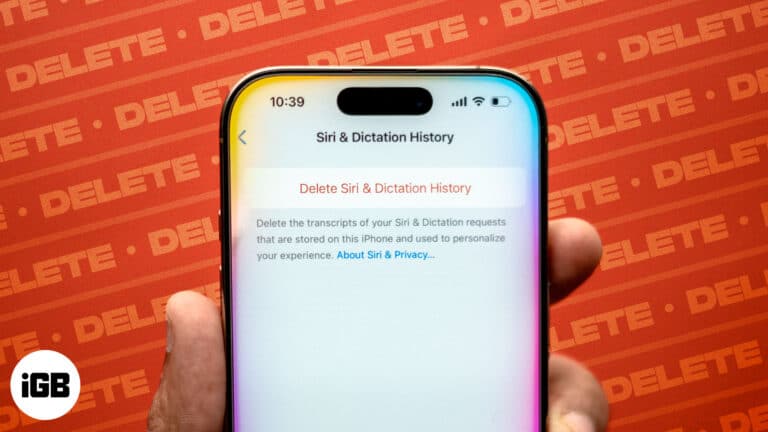
Protect your privacy by clearing Siri history on your iPhone, Mac, Apple Watch, HomePod, and Apple TV.
Make your Siri read texts in 22 different languages and dialects.
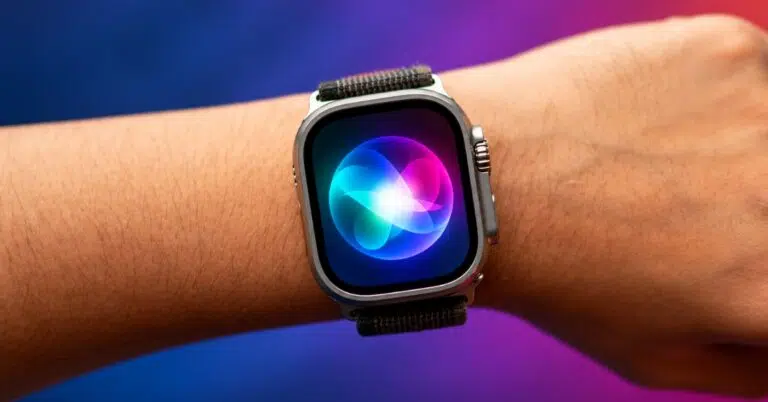
Master Siri on your Apple Watch with essential voice commands and discover how the new Siri AI features make your smartwatch smarter than ever.
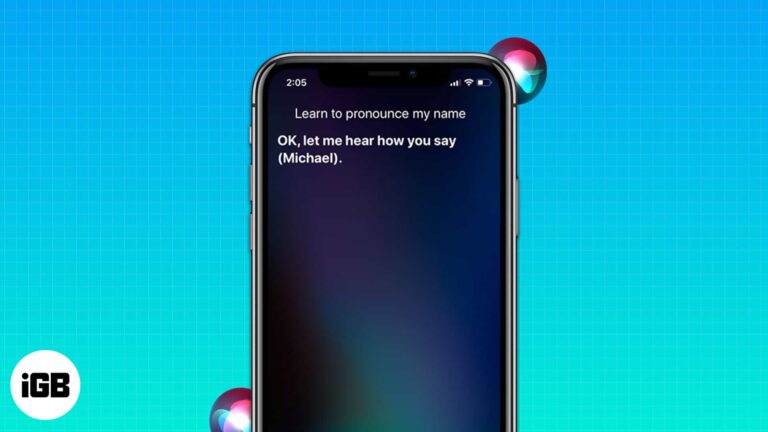
Experiencing difficulties with names is nothing new. Anyone, including our beloved Siri, can encounter it. It is one of the most trusted virtual assistants, and I understand how frustrating it can be when Siri mispronounces names. Today, I’ll explain how you…
A silent Siri on your wrist usually means a connectivity or settings problem. Here is how to troubleshoot Raise to Speak, network connection, language settings, and watchOS updates.
If you multitask and have hands full of work, you can make Siri read whatever text is on your screen aloud. It’s like turning your iPhone, iPad, or Mac into your personal storyteller. In this guide, I have shared how…
Siri is Apple’s default voice assistant. But it isn’t the best voice assistant by a wide margin and has several drawbacks. Among many, Siri not waiting long enough for users to complete talking and coming up with answers is one that…
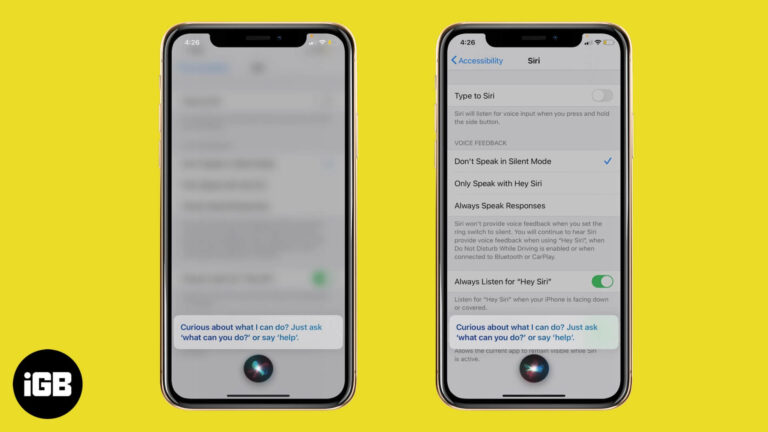
Since iOS 14, Siri appears as a small circle rather than taking over the display. Here is how to restore the full-screen interface on iPhone, and how to return to the compact version.
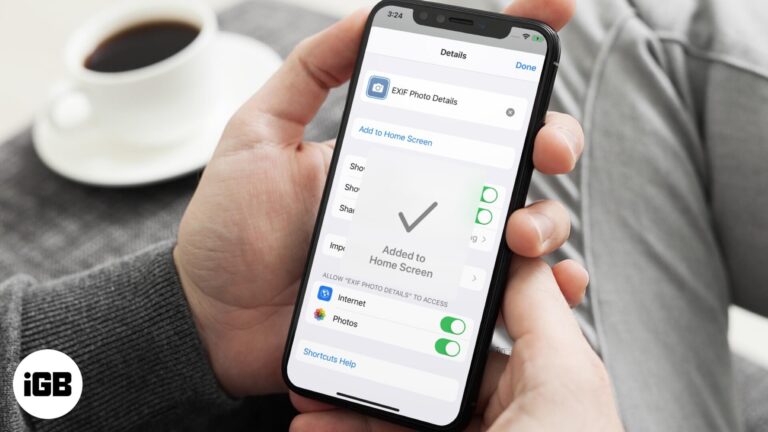
Shortcuts are far more useful when they are one tap away. This guide shows how to place any shortcut on your iPhone Home Screen as a custom icon, complete with your own name and image.


