FaceTime Like a Pro
Get our exclusive Ultimate FaceTime Guide 📚 — absolutely FREE when you sign up for our newsletter below.

FaceTime Like a Pro
Get our exclusive Ultimate FaceTime Guide 📚 — absolutely FREE when you sign up for our newsletter below.


In this article, you will learn what is Hosts file and how to reset it back to the default on your Mac and Windows PC.
When you encounter an iTunes error like 3194, network failures, or connectivity issues, it is recommended to edit the hosts file. If you have updated the file many times, the original version is gone. Of course, you would have ideally created a backup copy of the original, but in the event that you didn’t, here’s how to reset the hosts file to default in macOS and Windows.
The simplest explanation is that it is a text file used by your computer to map a connection between an IP address and domain names. It can be edited to test certain network aspects or to troubleshoot connectivity issues. Of course, you should keep a backup of it before editing. But in case you do not, you can still recover the original version as explained below.
On a Mac, the hosts file mostly contains nothing more than a couple of lines of active code. The rest of the stuff is just commented out (description of the hosts file itself).
To reset, we are going to open the hosts file in a text editor, replace the entire file with the default text and save it. That’s it.
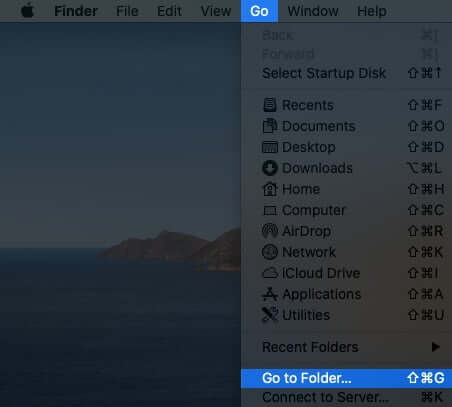
/private/etc/hosts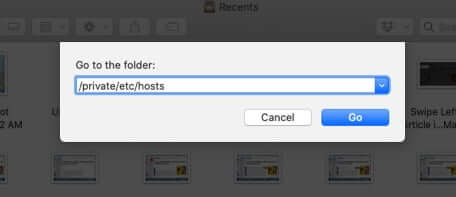
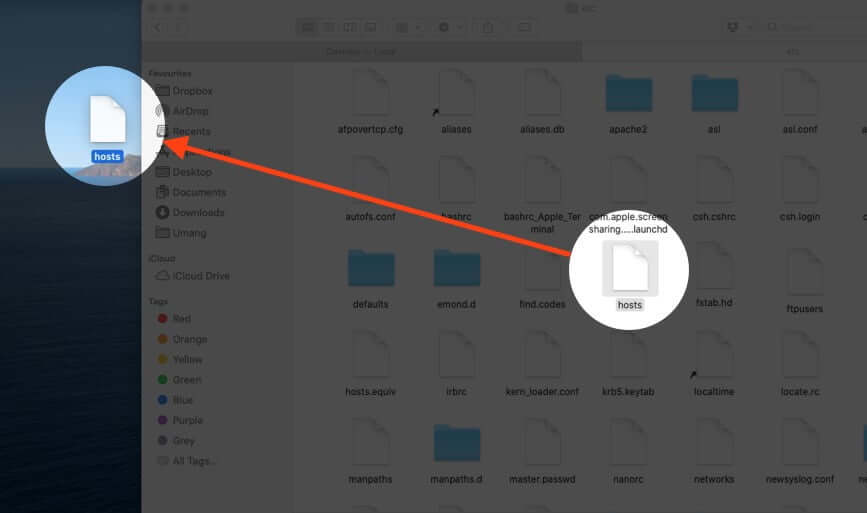
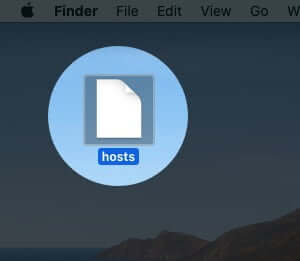
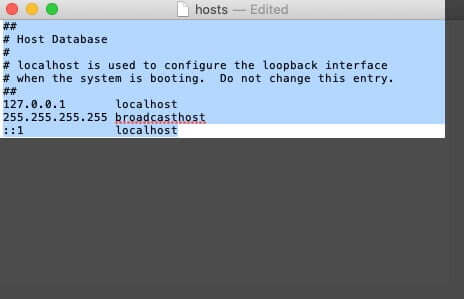
##
# Host Database
#
#
# localhost is used to configure the loopback interface
# when the system is booting. Do not change this entry.
##
127.0.0.1	     localhost
255.255.255.255	broadcasthost


::1		    localhost
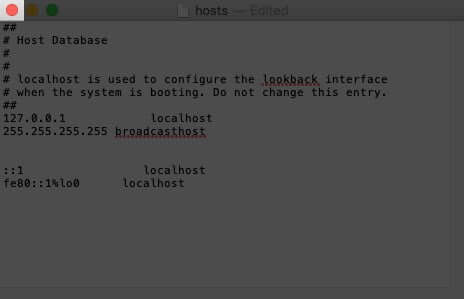
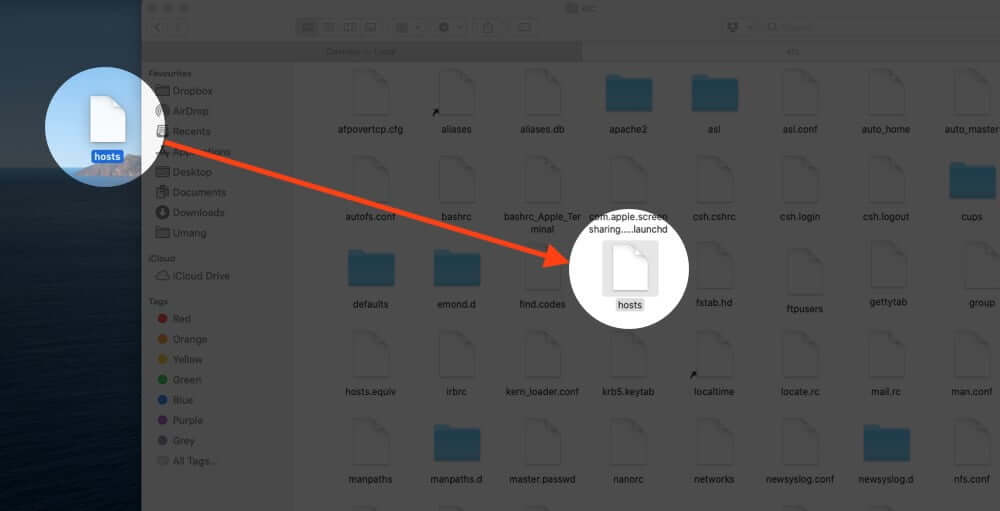
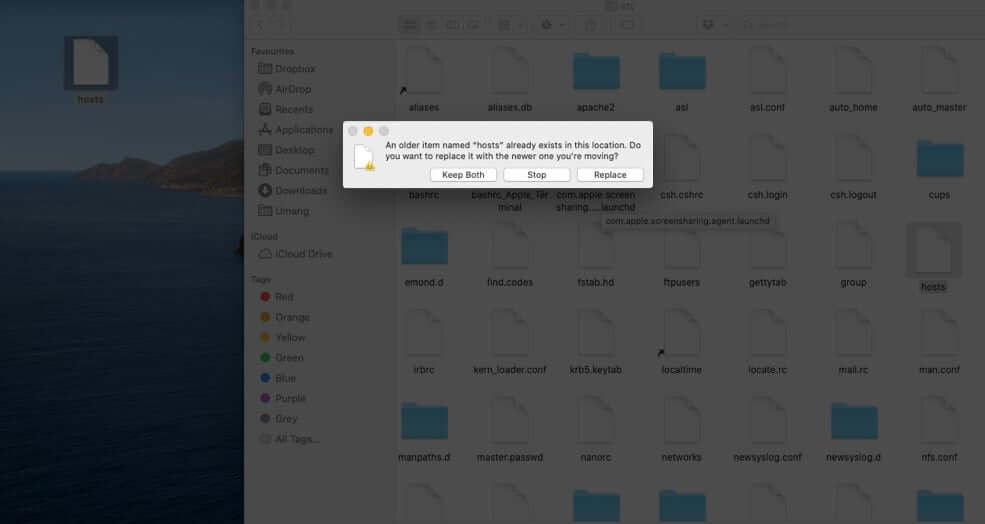
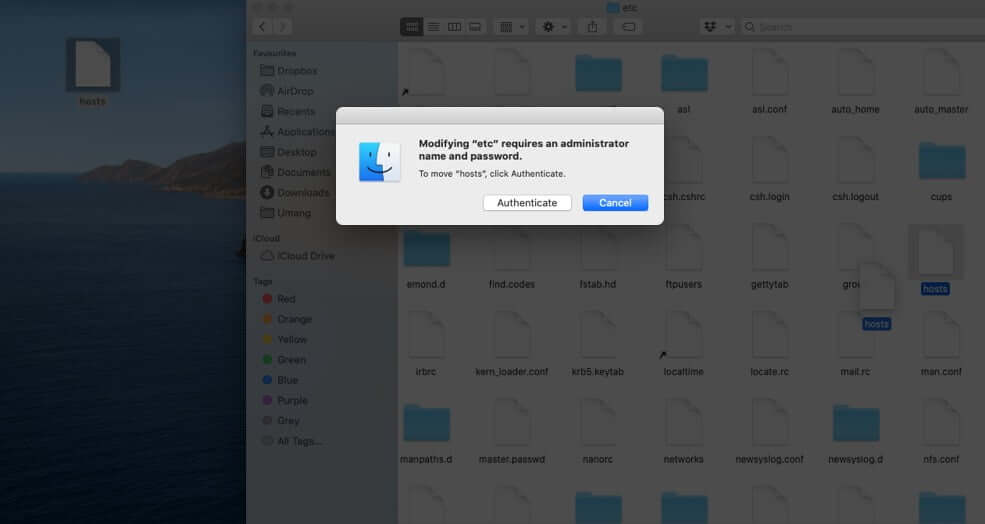
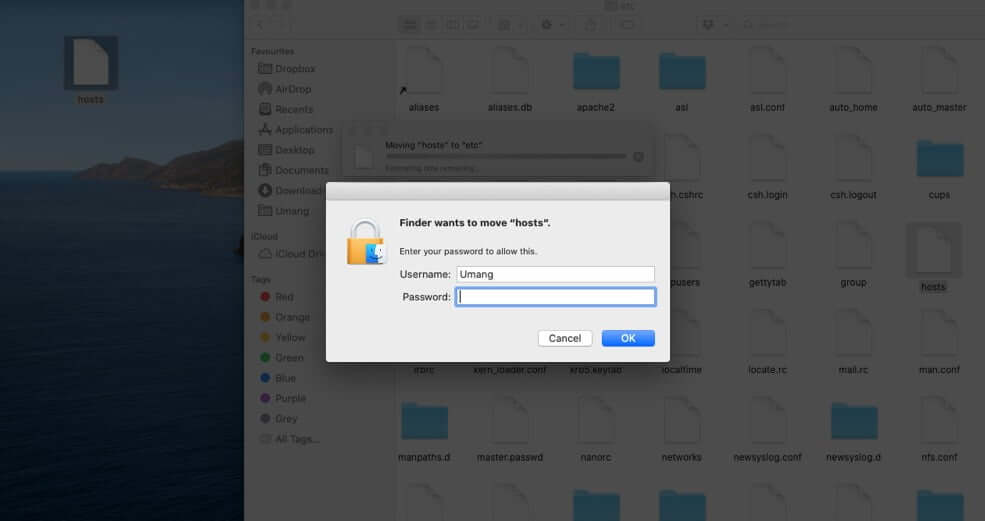
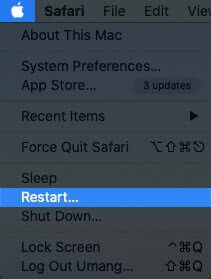
%WinDir%System32DriversEtc You can do this by opening Run and pasting the location hereWith this huge update to the hosts file, you might want to restart your computer.
The hosts file is usually used just to map web addresses to specific IP addresses and to block websites (by re-directing/mapping them to invalid/incorrect IPs).
Signing off…
This is how you can reset hosts file to default. Once you change it to default, it may resolve some connectivity problems that you have with your computer.
You may like to check: