
FaceTime Like a Pro
Get our exclusive Ultimate FaceTime Guide 📚 — absolutely FREE when you sign up for our newsletter below.

FaceTime Like a Pro
Get our exclusive Ultimate FaceTime Guide 📚 — absolutely FREE when you sign up for our newsletter below.


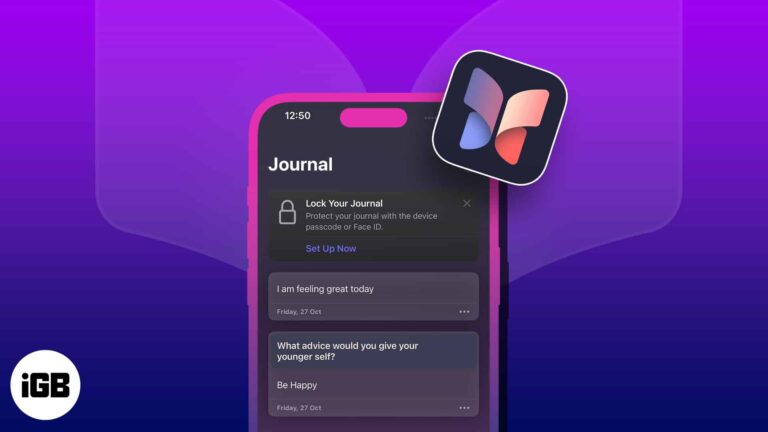
Master Apple's Journal app with this step-by-step guide. From creating entries to syncing across devices, here's how to journal like a pro.
Protect your tweets and limit who sees your posts on X. This guide shows how to make your X account private and boost your online privacy in minutes.
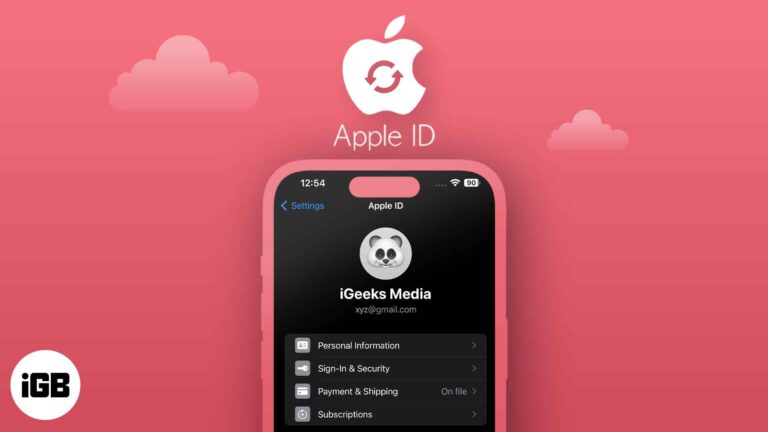
Want to update your Apple ID email? Learn how to change Apple ID on iPhone, iPad, or Mac—without losing data or access.

Create fun, original AI images on your iPhone with Apple Image Playground—from avatars to Genmoji.
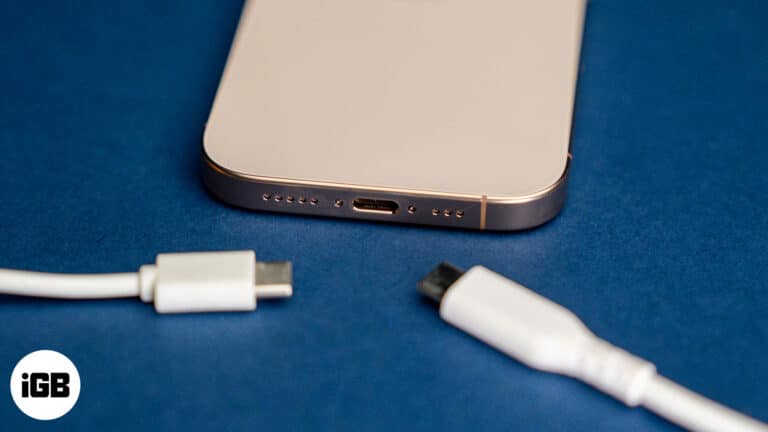
Find your perfect iPhone 16 charger type—simplicity meets speed.
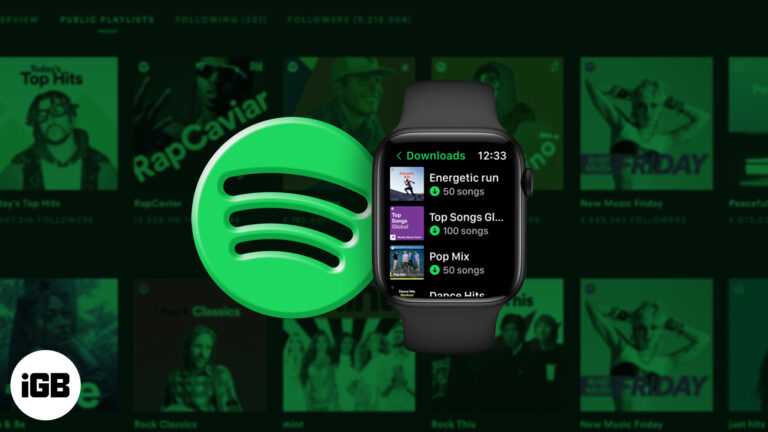
Enjoy your favorite Spotify music and podcasts right from your Apple Watch—no iPhone needed. Perfect for workouts, travel, and life on the go.

Can you spot your Instagram stalkers? Discover what's really possible.
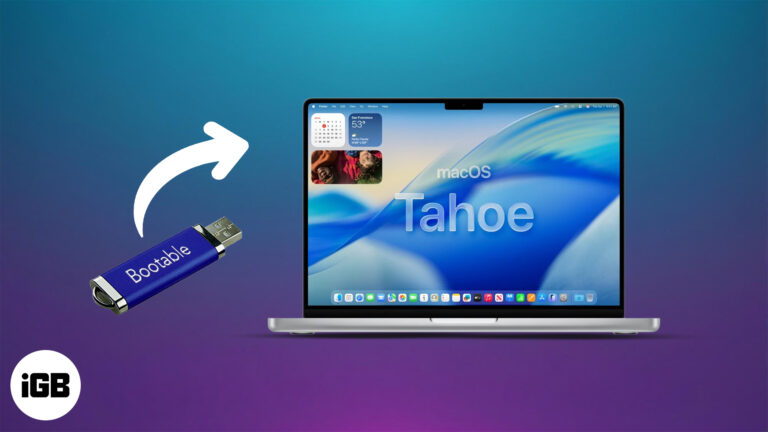
Want to install or test macOS Tahoe 26 on your Mac? This guide shows you how to create a bootable USB installer for clean installs, recovery, and more.
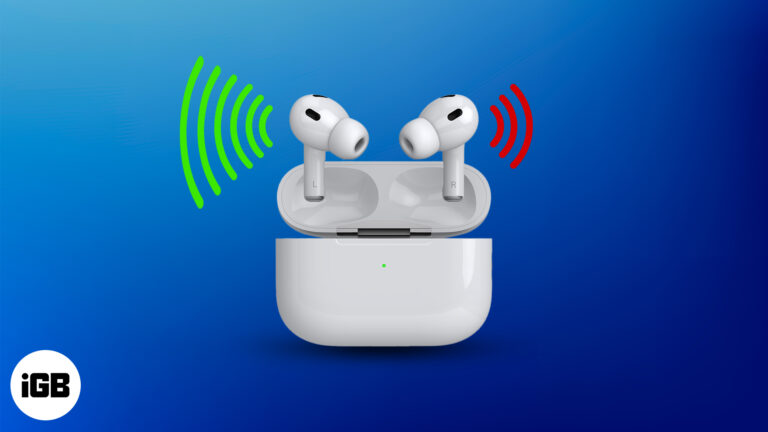
One AirPod sounding louder or quieter than the other is a common problem. Here’s how to troubleshoot it in simple steps.
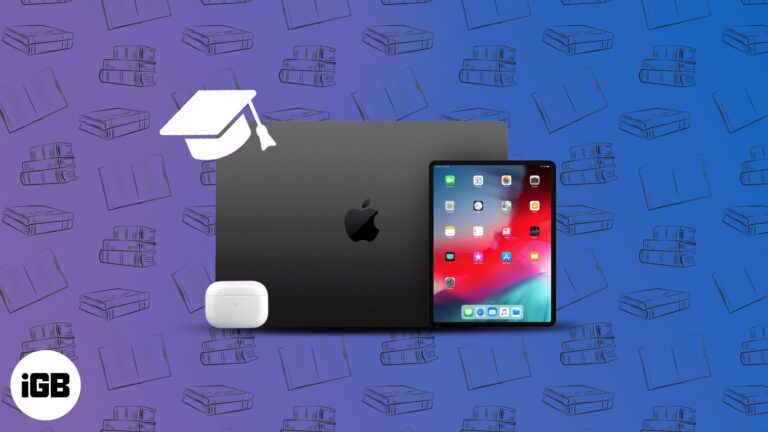
Apple’s student discount offers major savings on Macs, iPads, and more—plus perks like free AirPods. Here’s how to check eligibility and claim it.
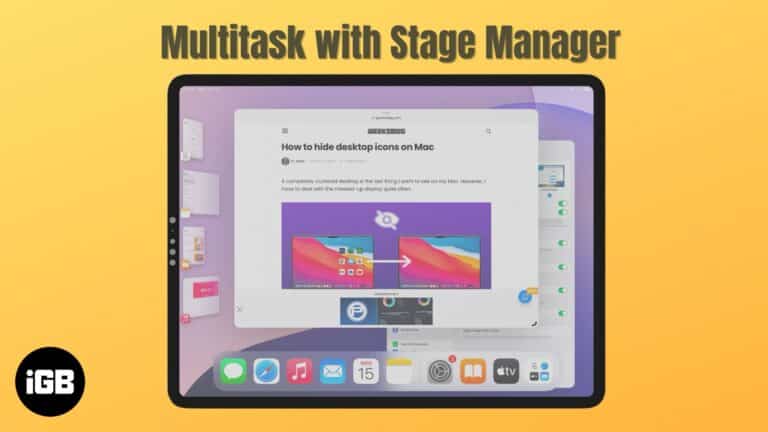
Become a multitasking pro with Stage Manager on your iPad and Mac.
Safari gets a major makeover in iOS 26 and macOS Tahoe with a Liquid Glass design, faster performance, web app support, and powerful new privacy tools.
Apple Intelligence now works inside the Shortcuts app on iPhone, iPad, and Mac—letting you automate tasks like summarizing voice memos, emails, PDFs, and more.

Spotlight in macOS 26 Tahoe is more than just a search bar—it’s your new productivity sidekick. From running shortcuts to finding iPhone apps, here’s what’s new.
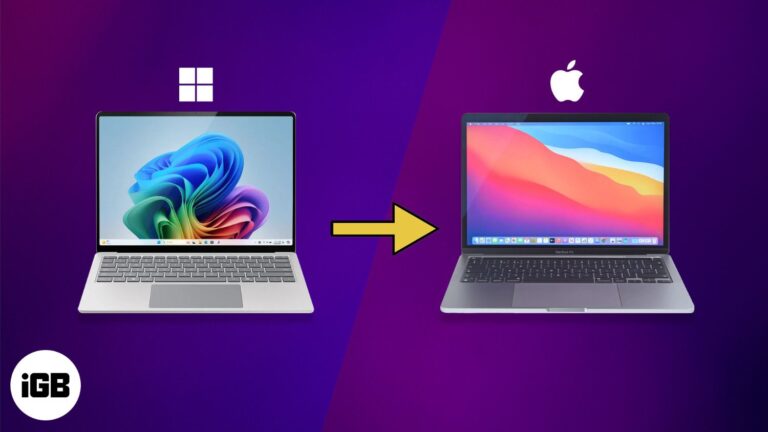
Switching to a Mac and worried about your files? Don’t stress. This guide walks you through 6 simple ways to transfer everything from your Windows PC—no tech headaches.
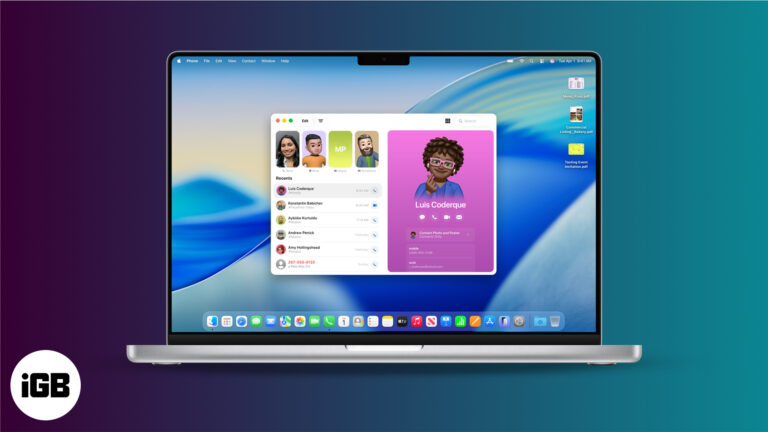
macOS 26 Tahoe introduces a full-fledged Phone app on Mac, featuring Live Translation, Call Screening, Hold Assist, and more.
Master your Mac with the all-new Control Center in macOS 26—customizable, powerful, and just a click away.
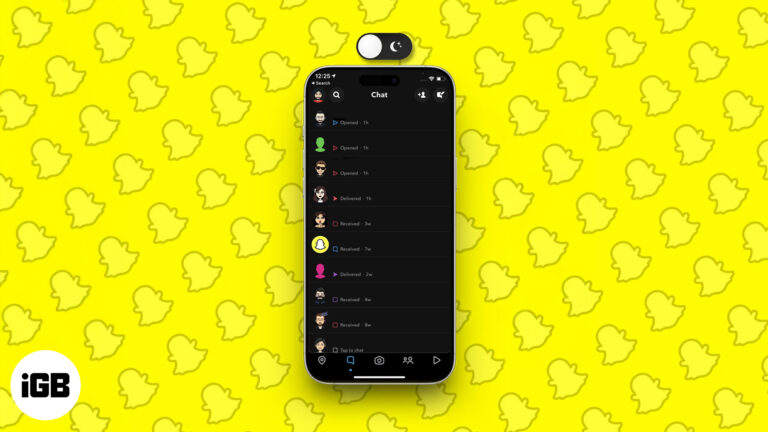
Go easy on your eyes—here’s how to snap in style with Dark Mode on any device.
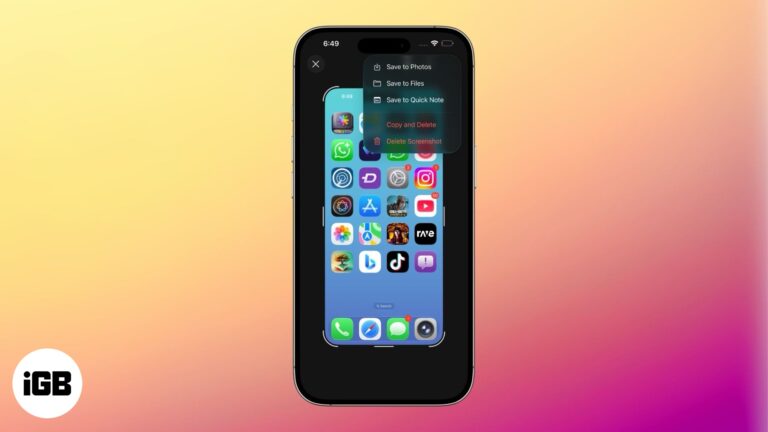
iOS 26 shows screenshots in full-screen by default. Learn how to switch back to the thumbnail view and customize screen capture settings on iPhone.
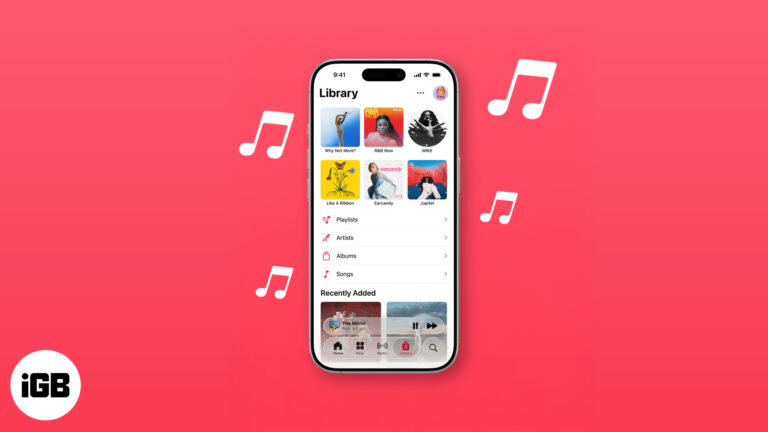
From AutoMix to Translated Lyrics: Apple Music's new features in iOS 26
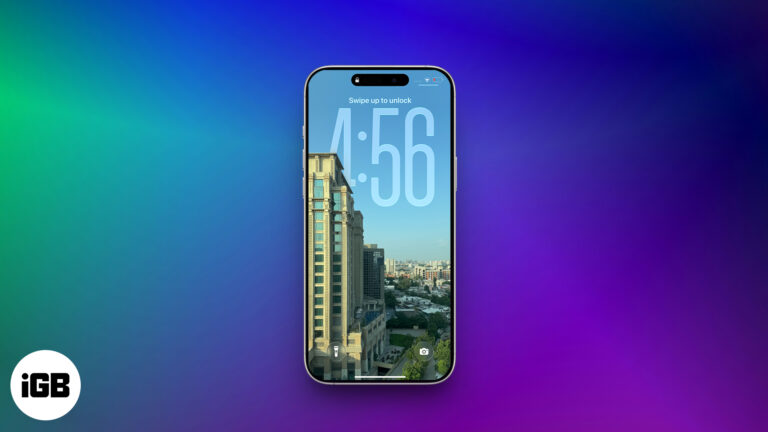
iOS 26 brings 3D motion to your photos with Spatial Scenes—no special camera needed. Just tilt your iPhone to see the effect in action.
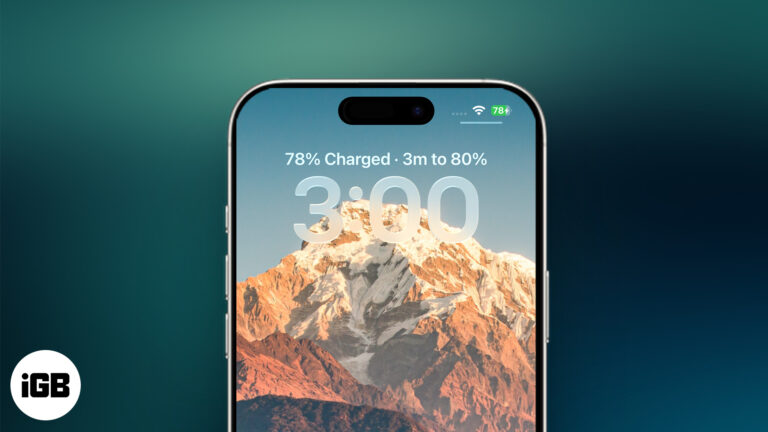
iOS 26 shows how long your iPhone will take to charge and adds smart battery tools to help you save power.
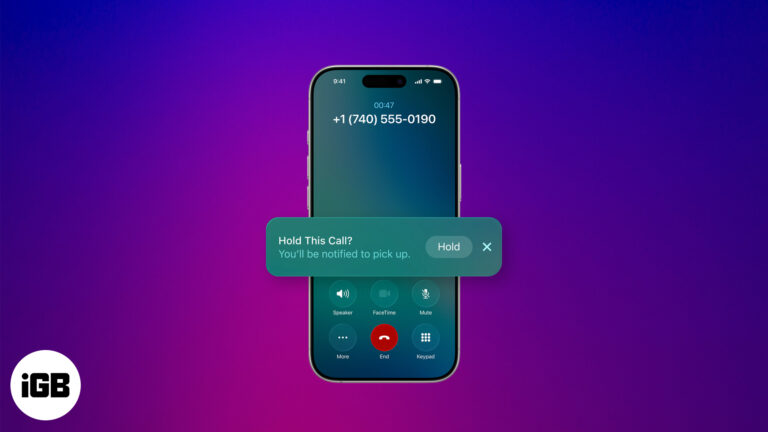
iOS 26 introduces Hold Assist, an AI feature that lets your iPhone wait on hold and notify you when a human picks up. Here’s how it works and how to use it.
Wondering why your iPhone feels slow lately? From storage issues to outdated software, here’s how to fix a sluggish iPhone and boost its performance.
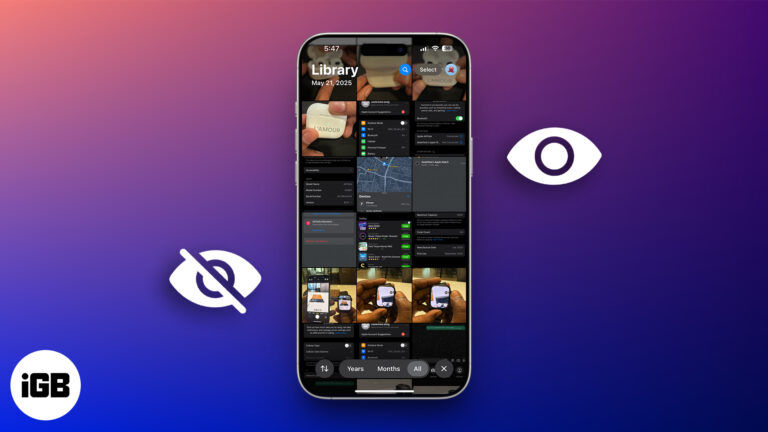
Want to keep certain photos and videos private? Learn how to hide and lock sensitive media on your iPhone, iPad, or Mac using Apple’s built-in tools.
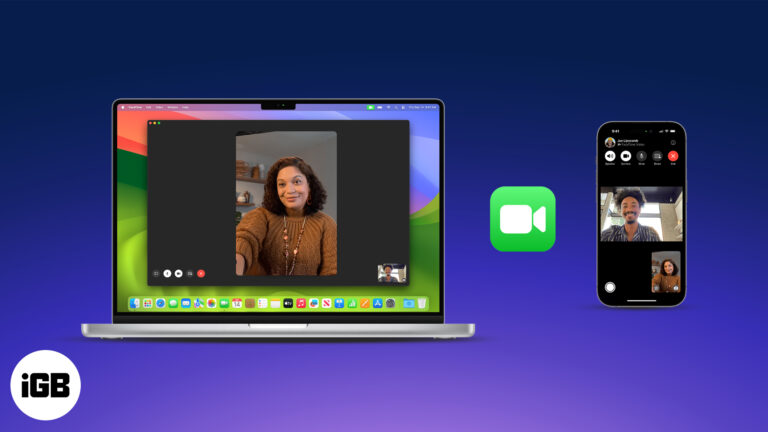
Master FaceTime on iPhone, iPad, and Mac, from setup to group calls, screen sharing, and pro tips in one easy guide.
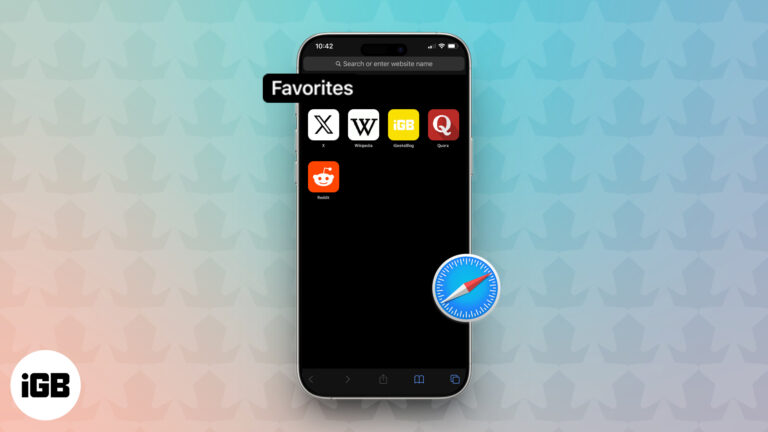
Tired of typing the same web addresses? Learn how to add and sync your favorite websites in Safari across iPhone, iPad, and Mac for quick, seamless access

Unlock info in a snap—scan QR codes on your iPhone for instant access anytime, anywhere.
Is your Mac slow or freezing up? From long startups to spinning beach balls, we’ve got proven fixes to speed it up—no tech skills needed.
iPhones are secure, but not immune. If your iPhone acts strangely—battery issues, pop-ups, or unknown apps—this guide shows how to remove viruses fast.


