
FaceTime Like a Pro
Get our exclusive Ultimate FaceTime Guide 📚 — absolutely FREE when you sign up for our newsletter below.

FaceTime Like a Pro
Get our exclusive Ultimate FaceTime Guide 📚 — absolutely FREE when you sign up for our newsletter below.


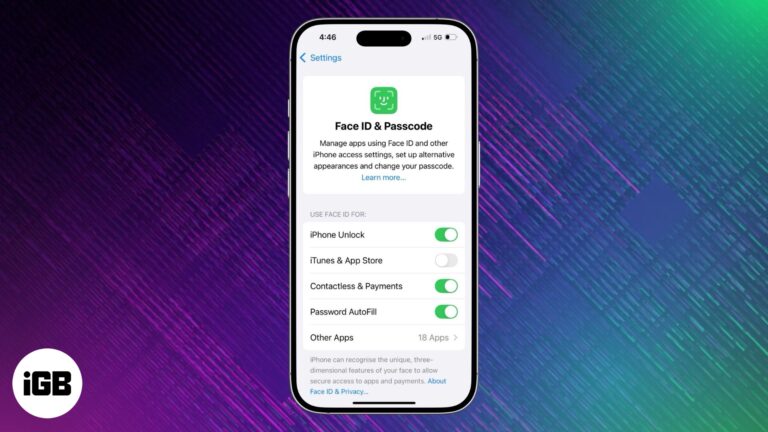
Install apps without entering your Apple ID password every time.

Showcase your photos, videos, and ideas in a fun and visually engaging way.
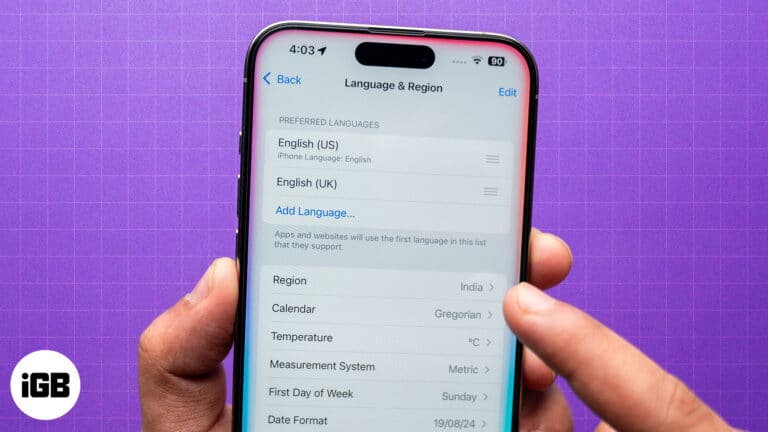
A quick workaround to get Apple Intelligence in unsupported regions.

Keep important notes at the top in Apple Notes for quick access.
Activate cellular connectivity on your Apple Watch to stay connected without your iPhone.

 Arshmeet Kaur and Vikhyat
Effortless printing on your Mac.

Effortless steps to pair your AirPods with a Chromebook.

Mastering Threads on iPhone: Everything you need to know.
 Jibin Joseph and Vikhyat
Master Gmail on iPhone & iPad with these expert tips!

Recover deleted Snapchat chats and access your account data easily!

Don't miss your chance to attend WWDC 2025 in person. Learn how to apply, plan your trip, and experience Apple's biggest developer event firsthand.

Get back deleted Instagram content easily.

Use Visual Intelligence on iPhone 15 Pro with iOS 18.4! Learn how to enable it now.
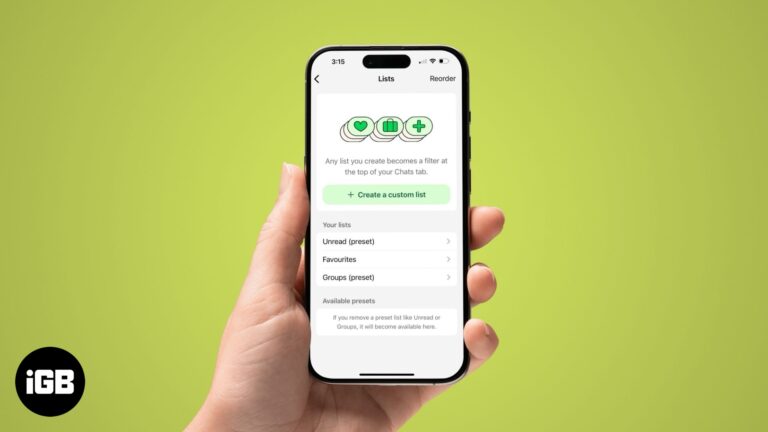
Use custom chat lists on WhatsApp for quick access to chats.
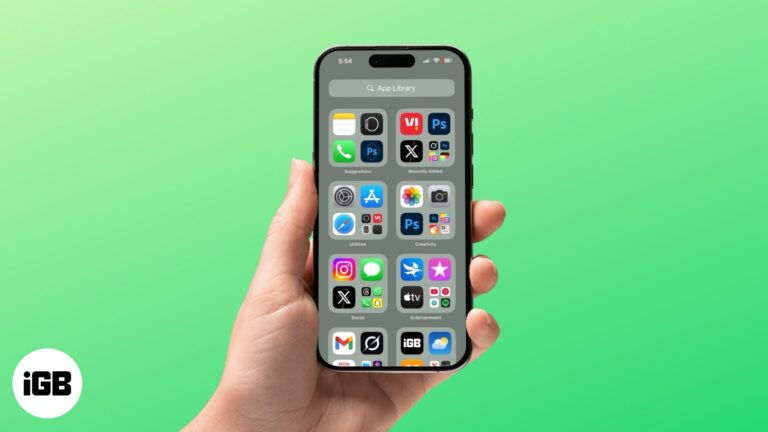
Simplify, organize, and find your apps with ease in App Library.

Are AirPods waterproof or water-resistant? Find out how much moisture they can handle to prevent damage.

Report scam apps on the App Store to help Apple take action and protect users. Stay safe with these simple steps!
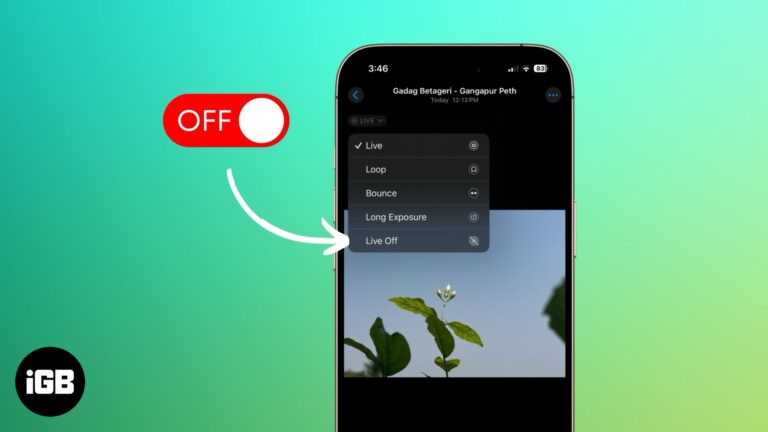
You can turn a Live Photo into a still photo without any extra app.

Change the default Notes account for seamless syncing across devices.
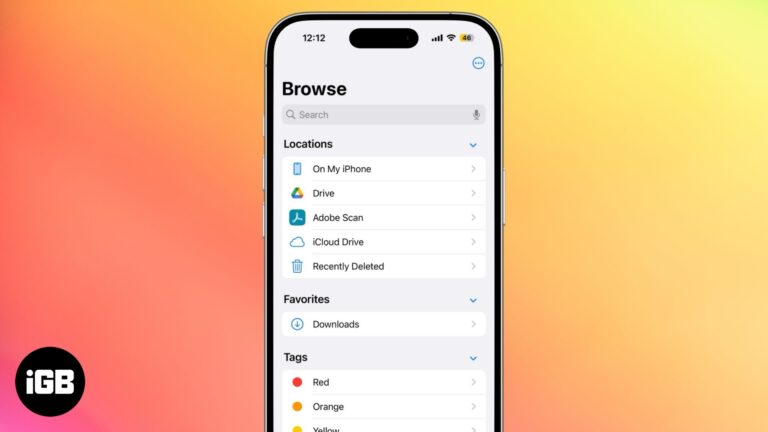
Find out where your iPhone downloads go and how to access them easily.

Easily add, manage, and customize Favorite contacts on your iPhone for quick access.

Easy fixes for when the Mac App Store stops working.

All you need to know about WhatsApp Communities.

Follow this simple guide to enable and access emojis easily.
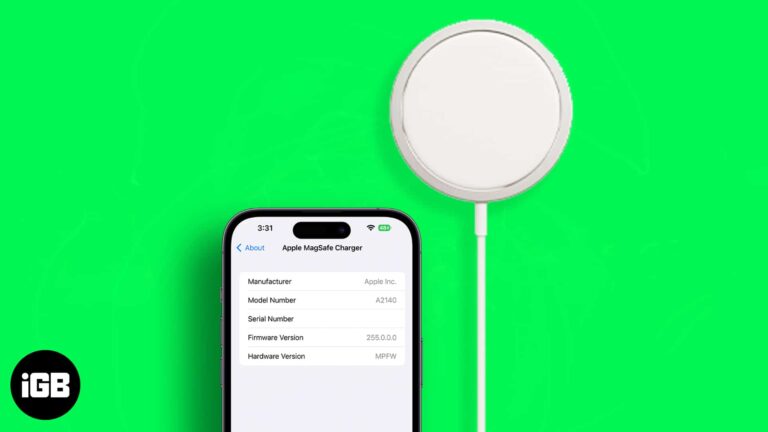
Learn how to check and update your MagSafe charger’s firmware effortlessly.
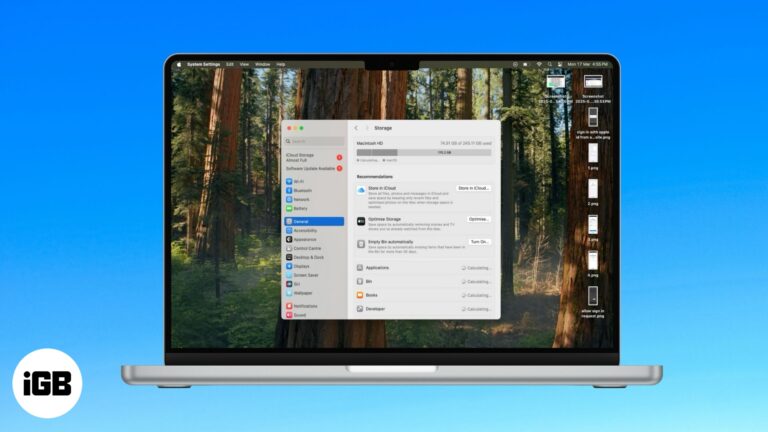
Free up space on your Mac with Optimize Storage—learn what it is, when to use it, and how it works.

Boost MacBook Pro performance for intensive tasks with High Power Mode. Here’s how to use it.
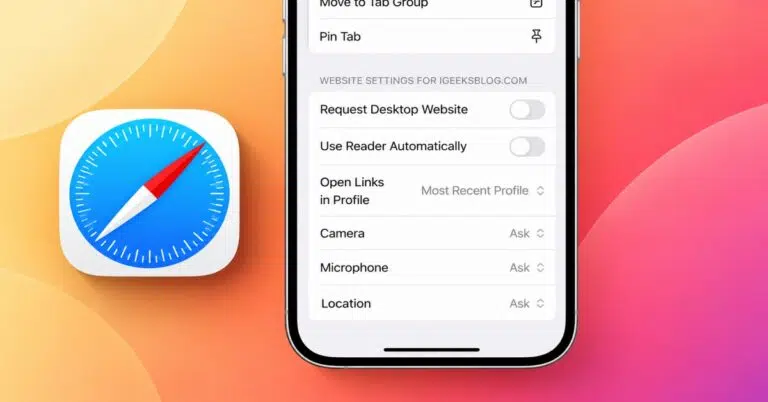
Safari on iPhone offers customizable website settings, including page zoom, Reader Mode, desktop views, and privacy permissions. These preferences can also be synced across compatible Apple devices for a consistent browsing experience.

Merge images easily with the Shortcuts app or a third-party tool—no hassle!

 Mayank and Parvez Mulla
Here's how to check if your iPhone is safe from water and avoid costly repairs.


