
FaceTime Like a Pro
Get our exclusive Ultimate FaceTime Guide 📚 — absolutely FREE when you sign up for our newsletter below.

FaceTime Like a Pro
Get our exclusive Ultimate FaceTime Guide 📚 — absolutely FREE when you sign up for our newsletter below.


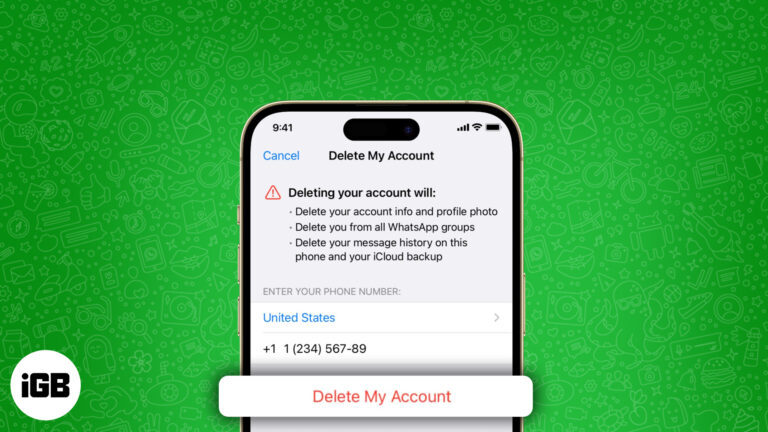
Thinking of quitting WhatsApp? Learn what gets deleted, how to back up your data, and better alternatives if you just need a break.
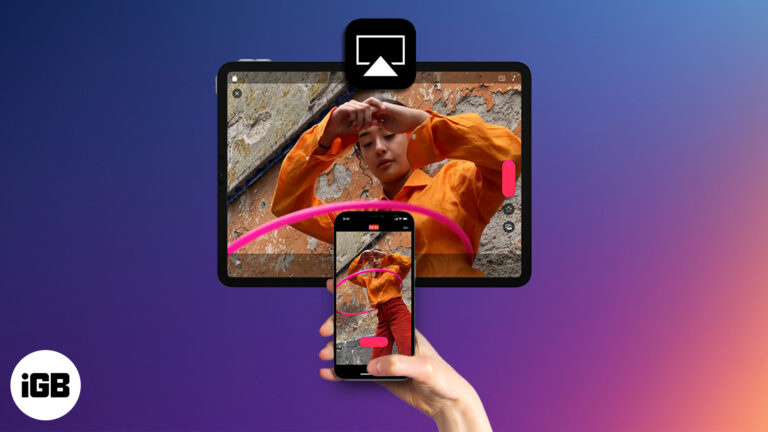
Stream videos or mirror your Apple device to any compatible screen using AirPlay. This guide covers setup steps, supported devices, and troubleshooting tips.

Need to find someone else’s iPhone? Use the “Help a Friend” feature in the Find My app to locate their lost device in seconds.
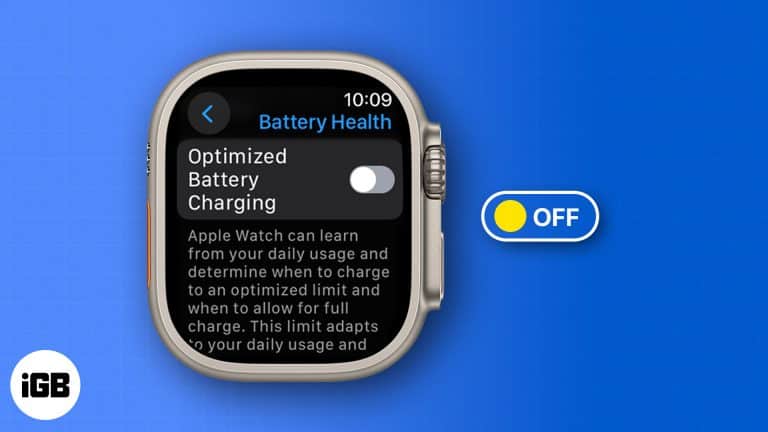
Get your Apple Watch to 100%—fast. Learn how to turn off Optimized Battery Charging in seconds.

Your wrist, your shutter—snap perfect shots and hands-free videos with the Camera Remote app on Apple Watch.
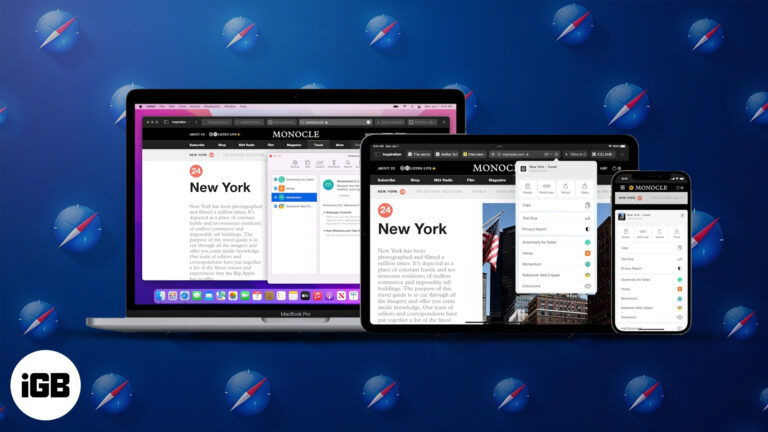
Discover how to install and use Safari extensions on your iPhone, iPad, and Mac to enhance privacy, boost productivity, and customize your browsing experience.
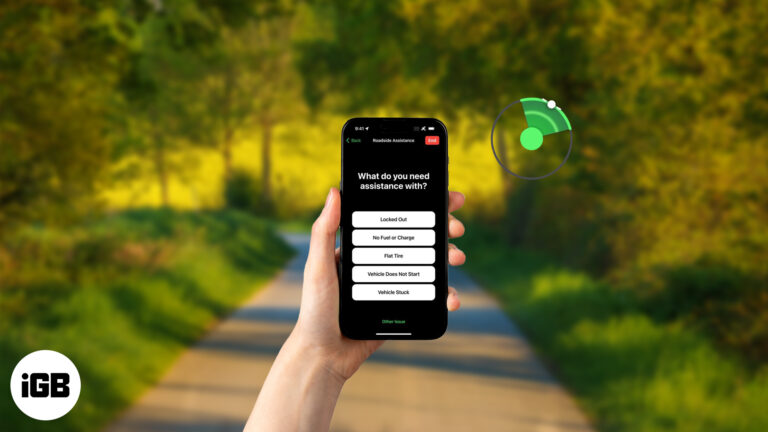
Stranded with no signal? Your iPhone has your back. With Roadside Assistance via satellite, you can summon help even when you’re off the grid—no bars, no problem.
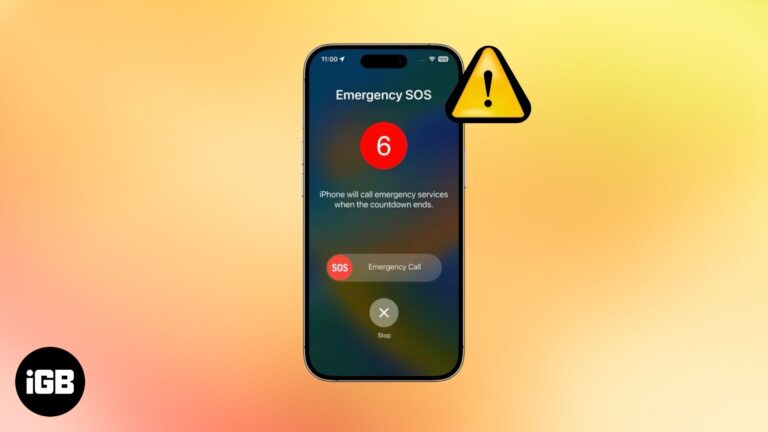
Stuck on the SOS screen? Don't worry—quick fixes will get your iPhone (and peace of mind) back in no time.
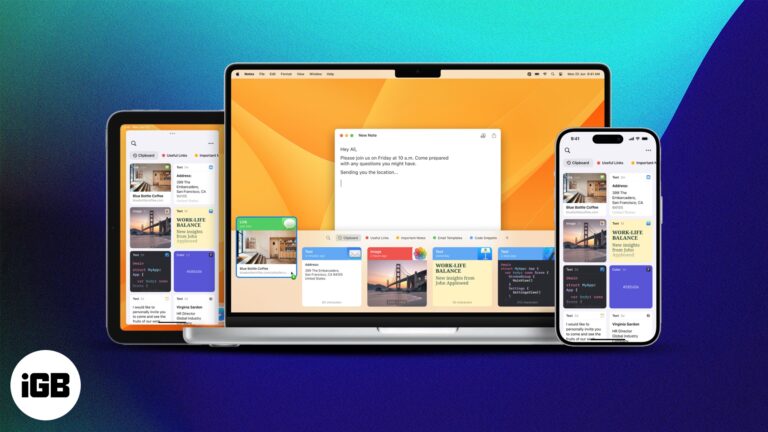
Jump between your Apple devices without skipping a beat—learn how to copy and paste text, images, and files effortlessly using Universal Clipboard.

 Arshmeet Kaur and Vikhyat
Apple quietly runs Service Programs to fix known issues in iPhones, Macs, AirPods, and more—even if your warranty has expired. Here’s how to check and claim.
Learn all the ways to show or hide extensions for a single file or all your Mac files.

 Ava Biswas and Yash Wate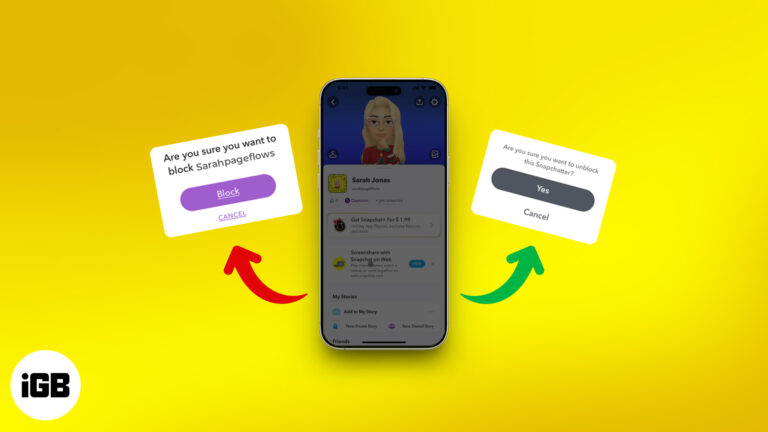
Not sure how to deal with spam or unwanted messages on Snapchat? This guide walks you through blocking and unblocking someone, plus what really happens next.

Accidentally spilled water on your MacBook? Don’t panic. This quick guide walks you through exactly what to do—and what to avoid—to protect your device.

Wondering if someone blocked you on Snapchat? Learn how to spot the signs—like disappearing chats or missing profiles—and find out what you can do next.
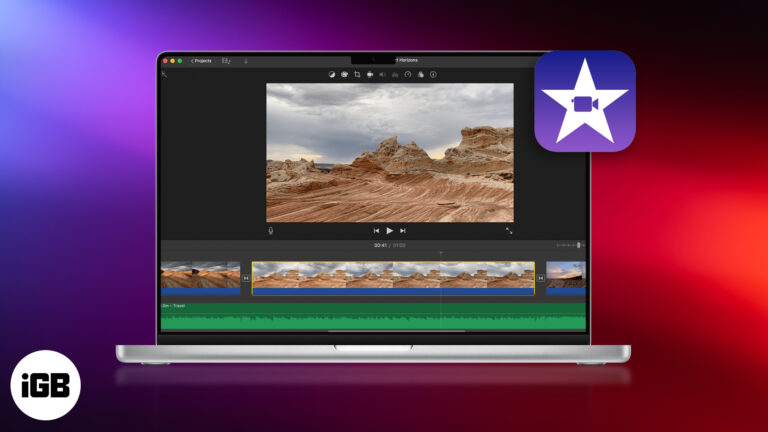
Want to make pro-level videos with zero editing experience? Learn how to master Apple iMovie on your Mac—from project setup to Hollywood-style trailers!
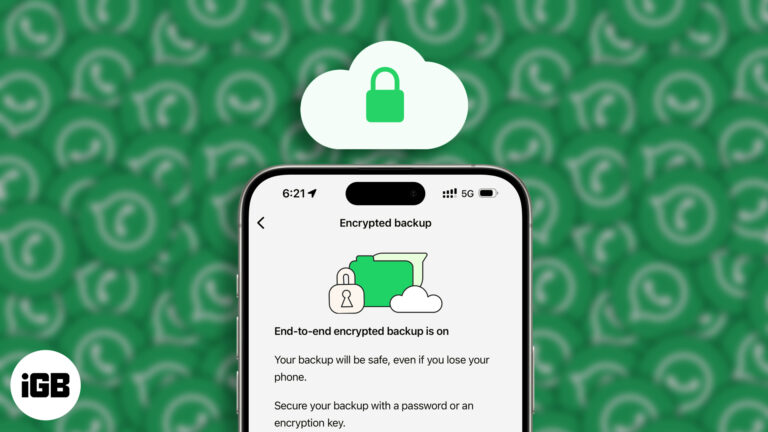
Secure your WhatsApp chats—enable end-to-end encrypted backups and keep your data truly private.
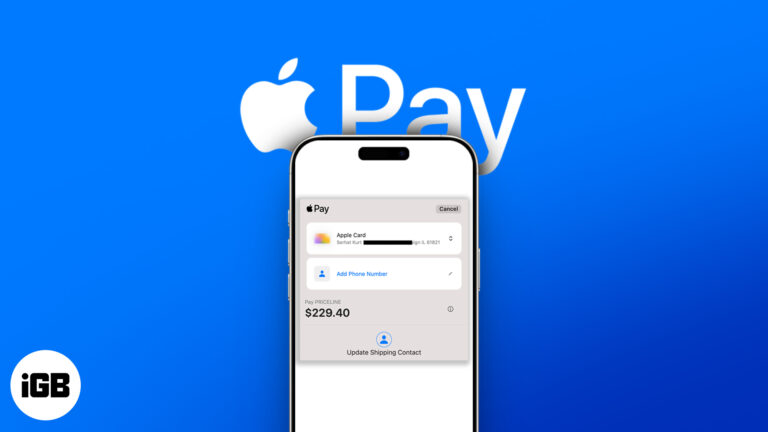
Getting an “Update Shipping Contact” error on Apple Pay? Here’s how to fix it fast and get back to seamless payments.
Touch ID not working? Fix it fast with easy tips to restore fingerprint access on your iPhone or iPad.
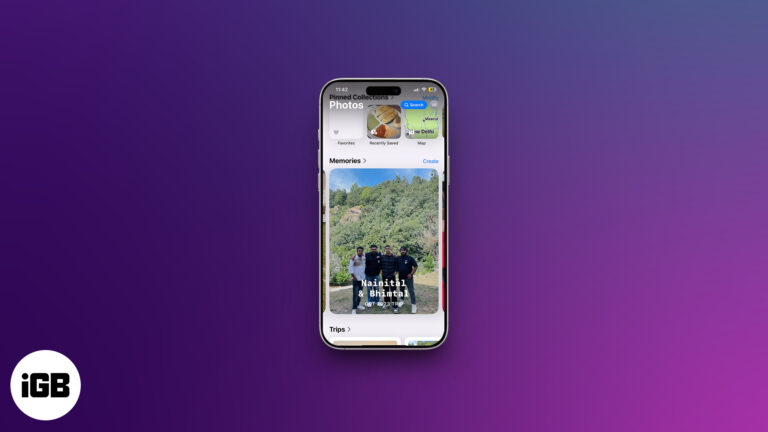
Memories turns your library into edited movies with music, and it is more controllable than most people realize. Here is how to view them, customize them, build your own, and remove any.
 Nidhi Bohra and Vikhyat
Is your iPhone camera freezing or not opening? Try these simple fixes to bring it back to life and capture moments without interruption.
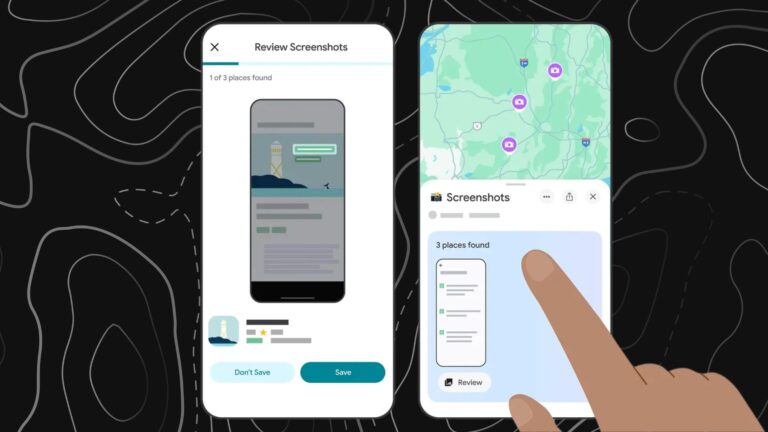
Google Maps now lets you scan your iPhone screenshots to quickly save and organize location details—making trip planning even easier.
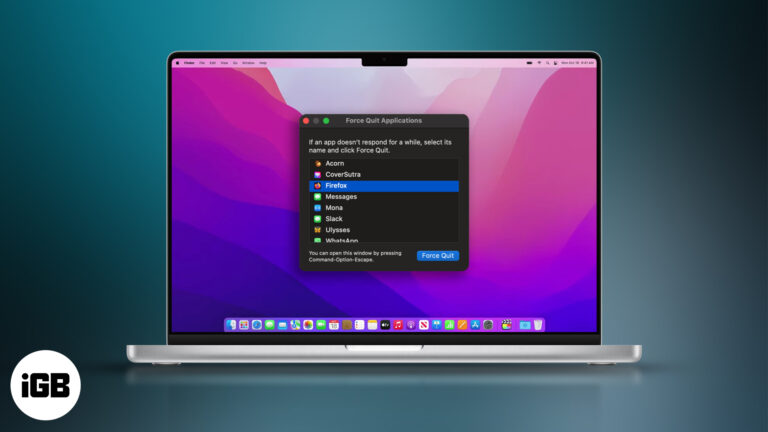
Quick ways to force quit unresponsive apps on your Mac and keep things running smoothly.
Link Instagram, LinkedIn, or Twitter to iPhone contacts and manage communication more efficiently. Here’s how to do it, step by step.
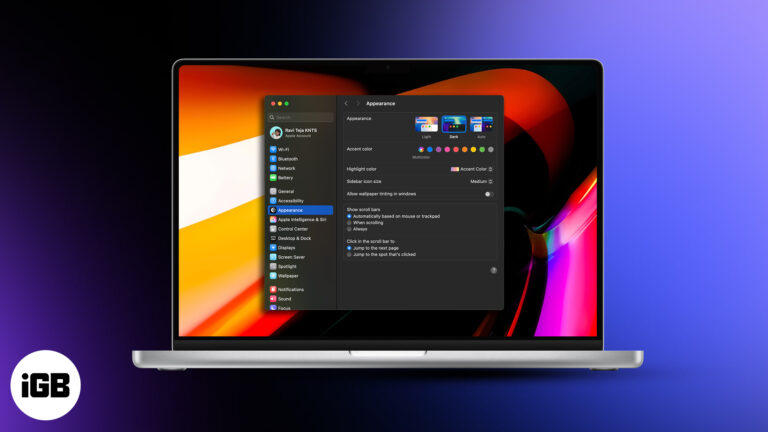
Reduce eye fatigue and improve focus by enabling Dark Mode on your Mac.

Learn how to use Snapchat Spotlight, grow your audience, and earn money from your videos.
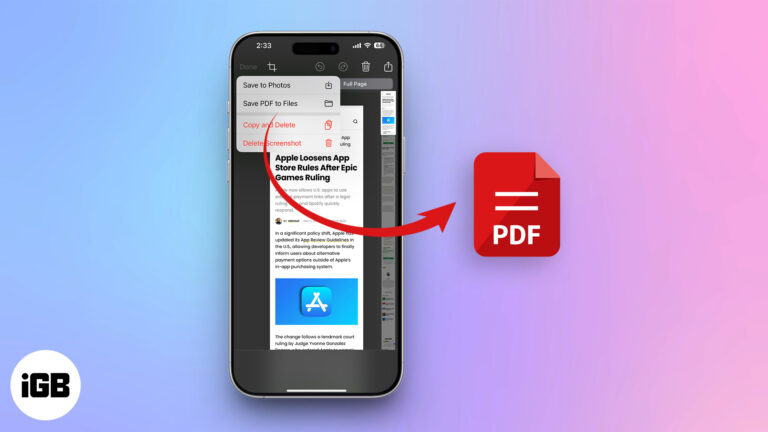
Want to access online content offline? Here's how to save a Safari webpage as a PDF on your iPhone or iPad.
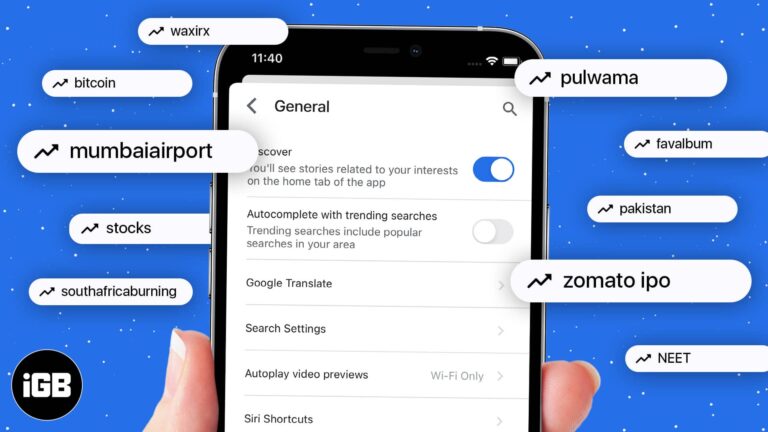
Get a cleaner, distraction-free search experience by disable trending searches.
Wondering what iCloud+ actually offers beyond storage? Here’s everything you need to know about its features, pricing, and whether it’s worth the upgrade.

Make WhatsApp voice and video calls on iPhone, Mac, or directly in your browser. Follow the existing steps and learn what Web calling adds, including group calls.
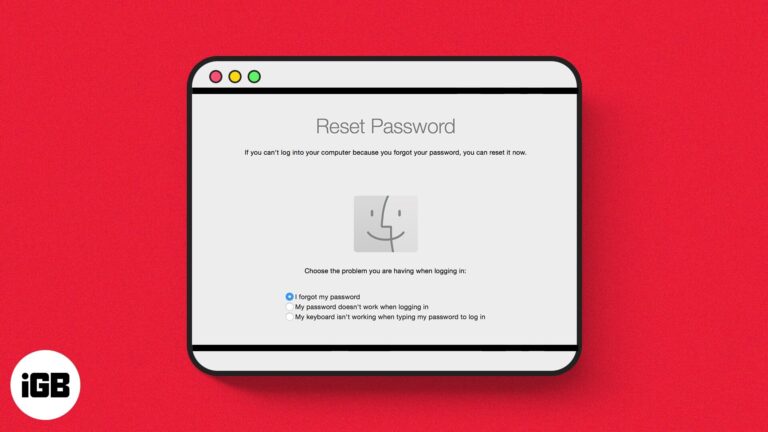
Learn how to safely reset your Mac password.


