
FaceTime Like a Pro
Get our exclusive Ultimate FaceTime Guide 📚 — absolutely FREE when you sign up for our newsletter below.

FaceTime Like a Pro
Get our exclusive Ultimate FaceTime Guide 📚 — absolutely FREE when you sign up for our newsletter below.



Only subscriptions billed through your Apple Account can be cancelled in Settings. Here is how to do that on every device, plus what to do about services like Netflix billed directly.
WhatsApp lets you set a background for all chats or just one conversation. Here is how to apply a preset, solid color, or your own photo, and how to reset the wallpaper afterwards.
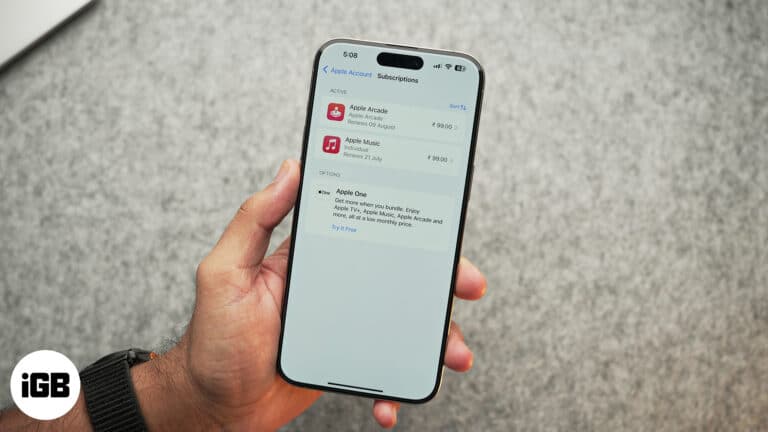
Forgotten subscriptions quietly renew for years. Here is where to find every App Store subscription on iPhone and iPad, review your purchase history, and change or cancel a plan.

Solve equations and plot 3D graphs with Math Notes on iPhone and iPad in iPadOS 26—here’s how to use Apple’s powerful new Calculator feature.
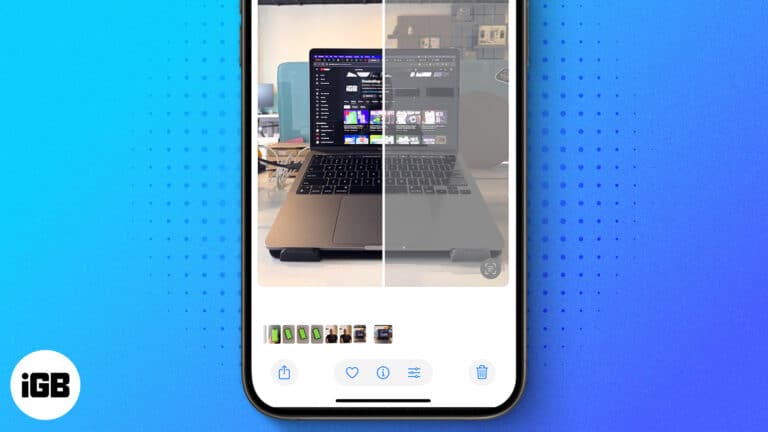
Is your iPhone enhancing photos automatically? Read this quick guide to learn how to turn off photo auto-enhance on iPhone.
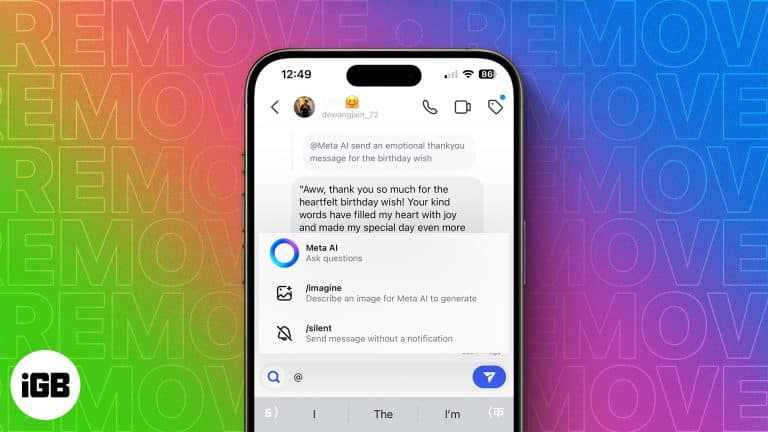
Don't want to use Meta AI? Here is a guide to turn off Meta AI on WhatsApp, Instagram, and Facebook on iPhone.
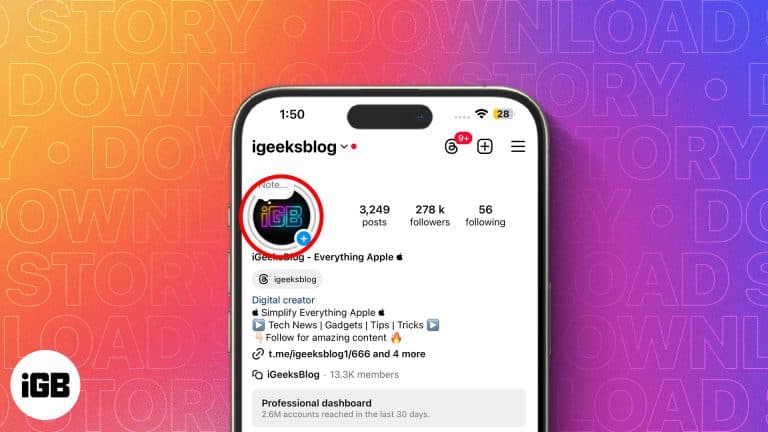
Looking to download Instagram Stories on your iPhone? Here are different methods for saving your own and other users' Instagram stories.
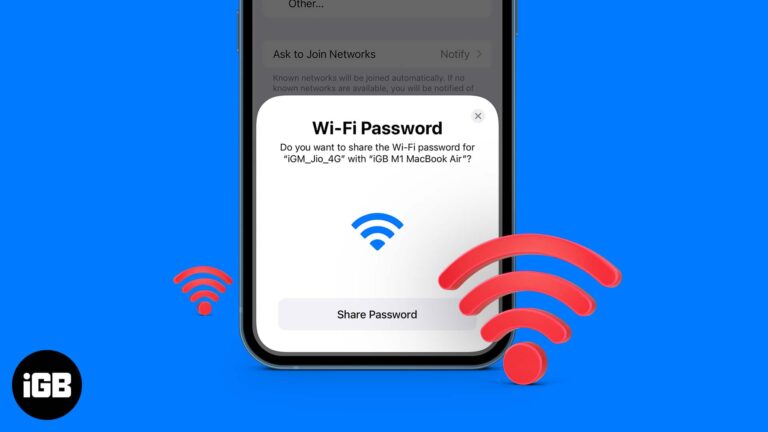
This post details how to share Wi-Fi password on iPhone, iPad, and Mac. Trust me, nothing is more frustrating than spelling out your complex Wi-Fi password to a friend visiting your home.
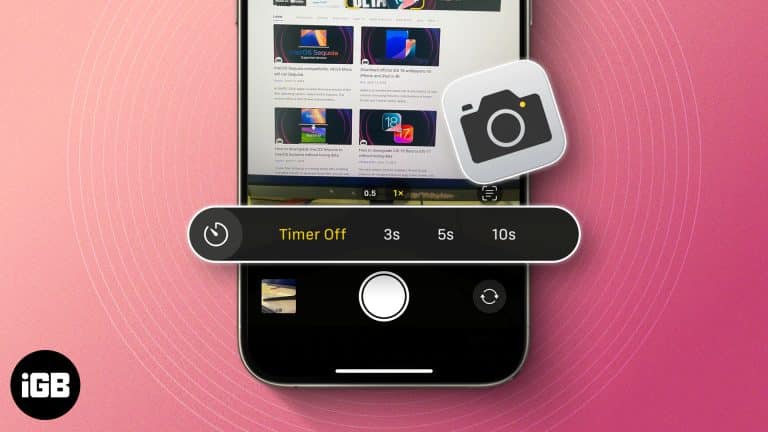
Want to take a selfie or set a timer for a group photo on your iPhone? Here's how to use timer on iPhone camera.

WhatsApp Payments lets you send and receive money within your chats. Learn how to set up and use WhatsApp Payments on iPhone.

 Ayush Patel and Yash Wate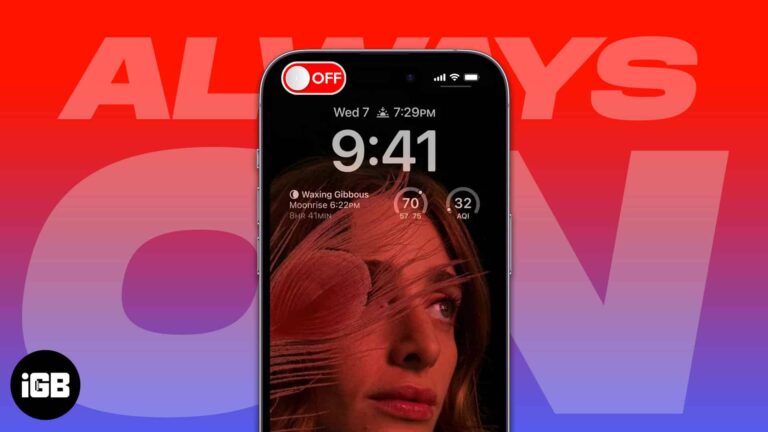
Always-On Display keeps your iPhone screen dimly lit to show time, widgets, and notifications. Learn how to enable, customize, and optimize it for battery and privacy.
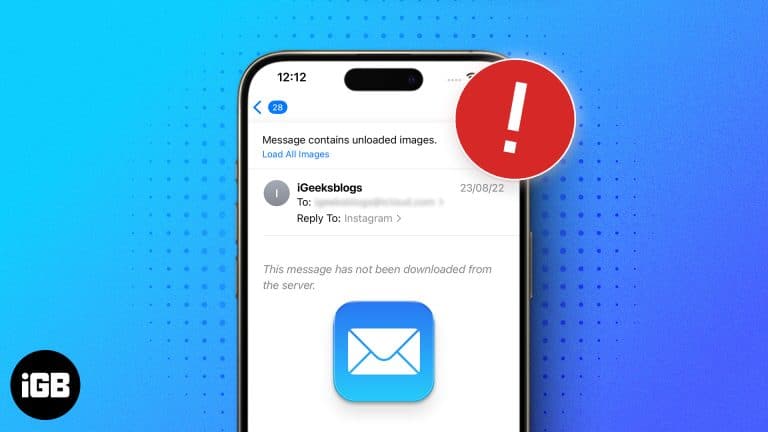
Encountering the "This message has not been downloaded from the server" error on an iPhone or iPad? Here's how to resolve it.

Wondering if someone blocked your number on iPhone? From calls going to voicemail to missing “Delivered” in iMessage, here are the top signs to confirm.

Cardio Recovery on Apple Watch is a powerful yet underrated fitness metric. Learn how to track it, interpret your data, and improve heart health.

Learn how to export iPhone health data with 2 easy methods. Take control of your wellness info effortlessly!
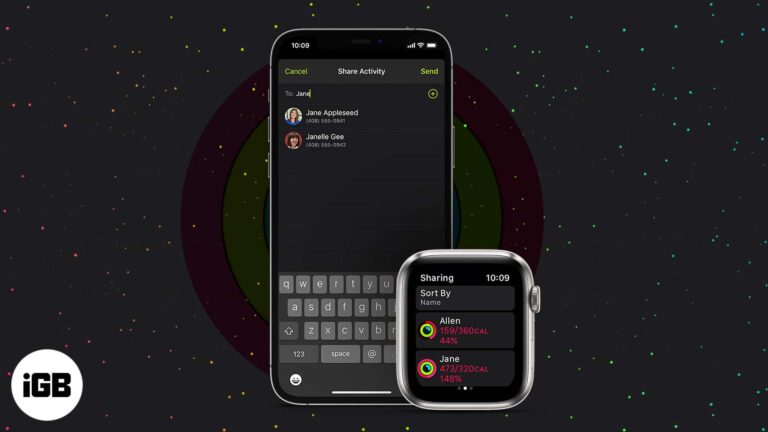
Comparing rings with friends is a genuine motivator. Here is what to know before you start, how to turn on Activity Sharing, add friends, accept invitations, and stop sharing later.

Easily share your iPhone Health data with family, friends, or doctors for better care and support. Here’s how to set it up and keep it secure.

WhatsApp is end-to-end encrypted and has a ton of customizable privacy features, including the ability to block other users. It can be tough to determine if someone blocked you on WhatsApp, though you won’t receive a notification letting you know.…
Photos lets you drag the slo-mo markers to restore normal speed without re-recording. Here is the fast method, plus how to use iMovie when you want precise control over the slowed section.
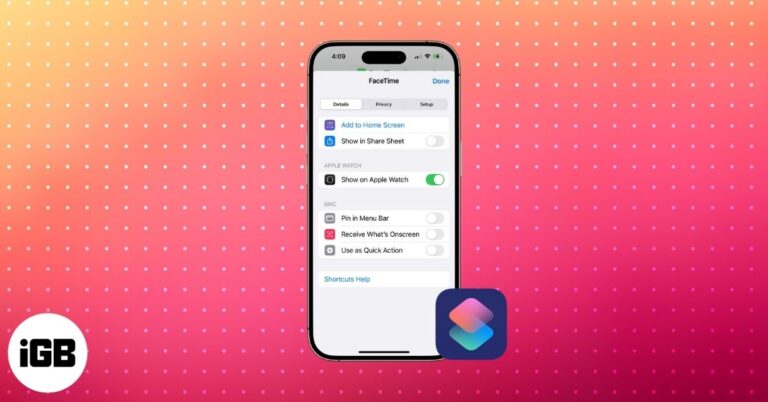
Easily edit, organize, and personalize iPhone Shortcuts with custom icons, colors, folders, and pro tips to make your automations smarter and faster.
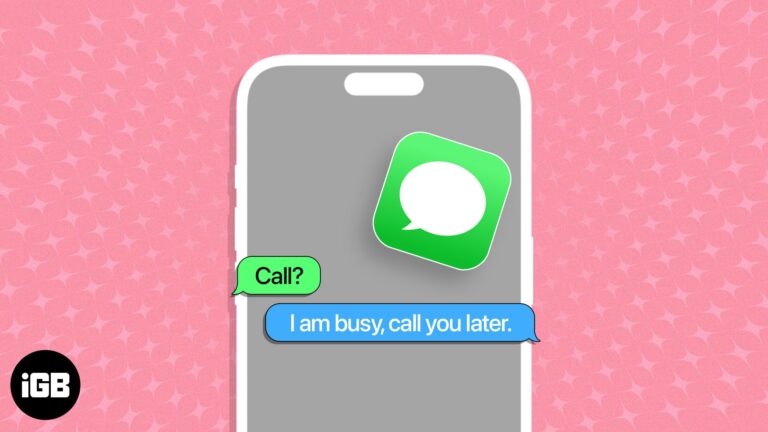
iPhone can text people back automatically while you drive or focus. This guide covers the Driving Focus auto-reply, custom Focus responses, alternative methods, and exactly when each triggers.
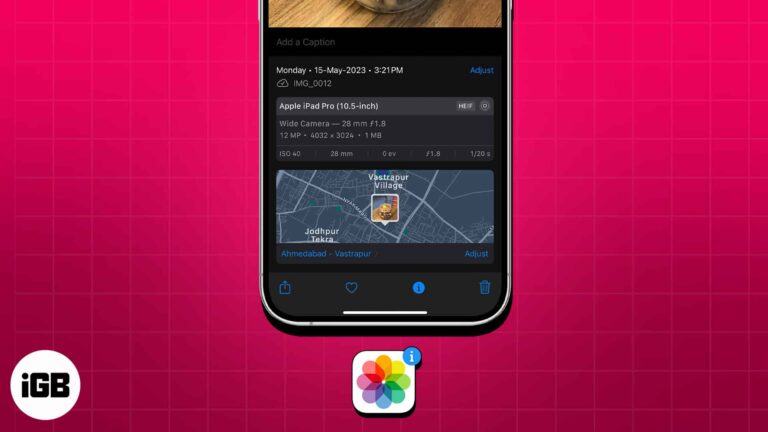
Every iPhone photo carries hidden EXIF data recording when, where, and how it was taken. Here is how to view that metadata in the Photos app and through the Files app on iOS.
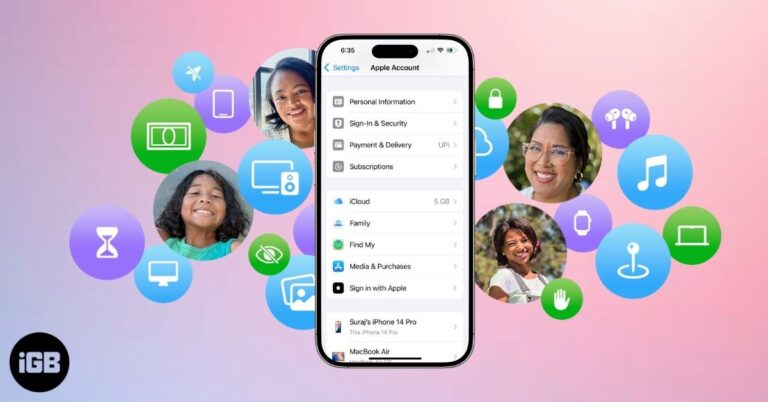
Apple Family Sharing lets you share apps, music, iCloud, and subscriptions with up to six people. Learn setup steps, features, and tips to manage it.
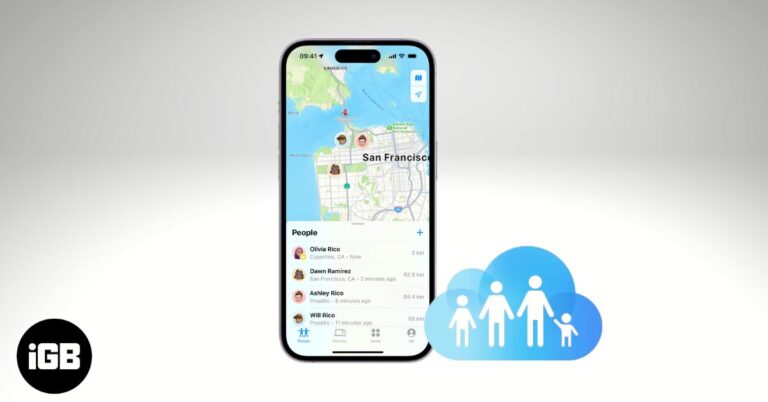
Learn how to share your location on iPhone using Family Sharing, adjust privacy settings, and fix common issues to stay safe and connected with loved ones.
Spice up your snaps with your favorite songs.
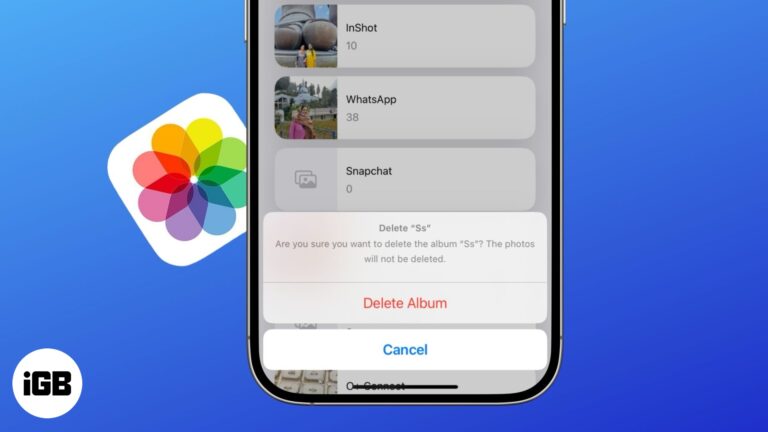
Get rid of cluttered photo albums in just a few taps.
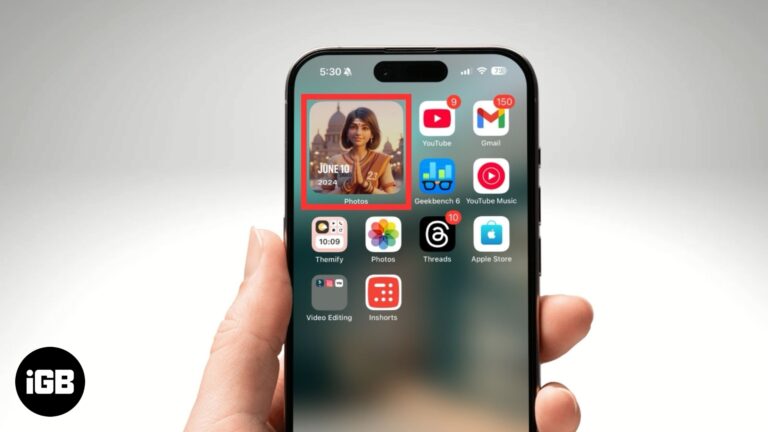
Easily customize and manage featured photos in iOS 18.
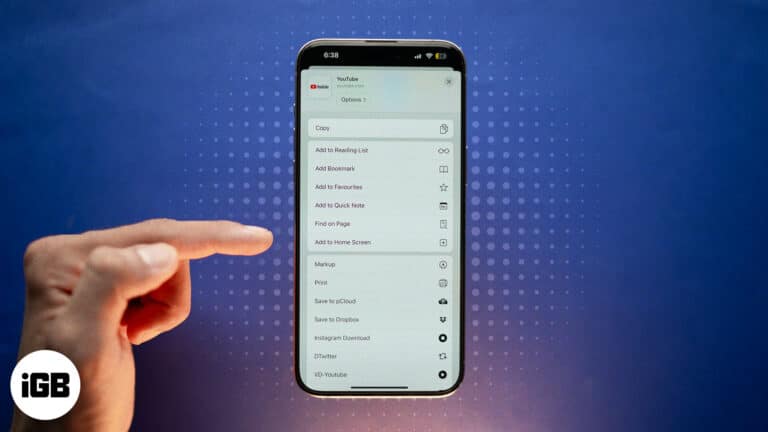
Quickly add websites to your iPhone Home Screen for instant, app-like access. Works with Safari, Chrome, and Firefox, plus tips to organize shortcuts.
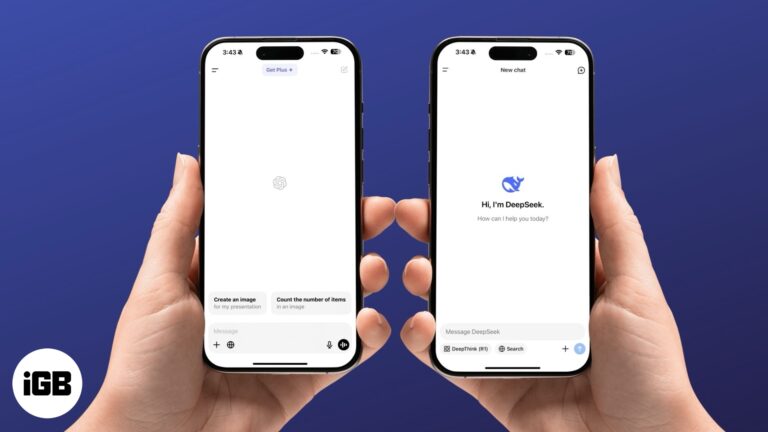
A quick overview of the differences between DeepSeek and ChatGPT iPhone apps.
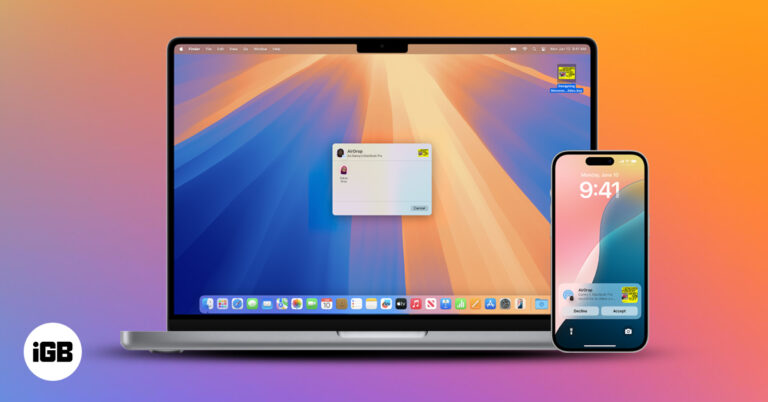
Use Continuity features to connect your iPhone and Mac, switch tasks seamlessly, share content instantly, and boost productivity across devices.


