
FaceTime Like a Pro
Get our exclusive Ultimate FaceTime Guide 📚 — absolutely FREE when you sign up for our newsletter below.

FaceTime Like a Pro
Get our exclusive Ultimate FaceTime Guide 📚 — absolutely FREE when you sign up for our newsletter below.


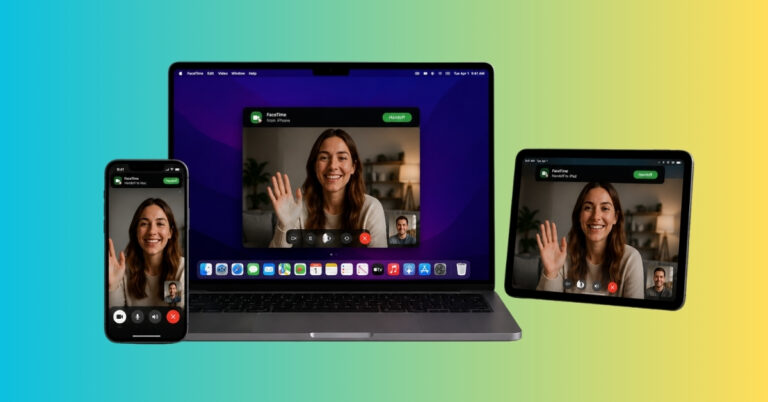
Start a FaceTime call on iPhone, finish it on your Mac—no hang-ups, just handoff. Learn how to switch devices mid-call like magic!
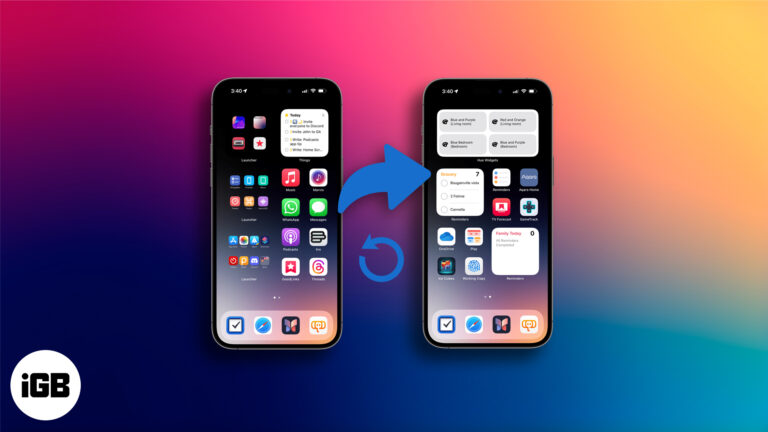
This guide covers how the reset works, step-by-step instructions, and tips to declutter without starting over.
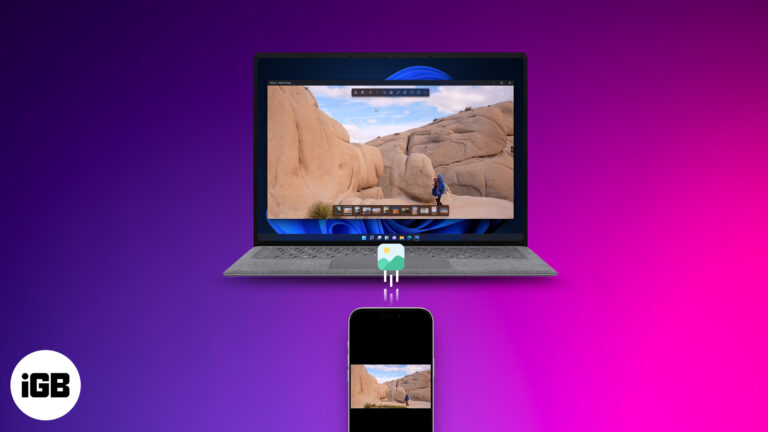
Free up space and relive memories—learn smart ways to transfer your iPhone photos and videos to your Mac or PC in just a few clicks!

 Abhinav and Ava Biswas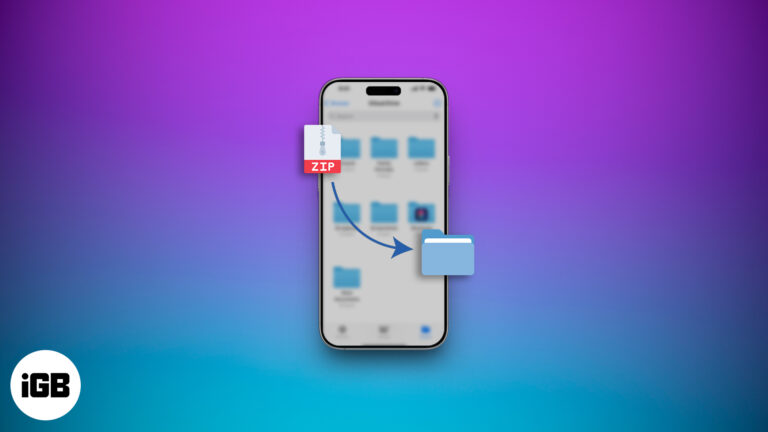
Sending large files from your iPhone doesn’t have to be a hassle. Learn how to zip, unzip, and manage files like a pro—no third-party apps required!
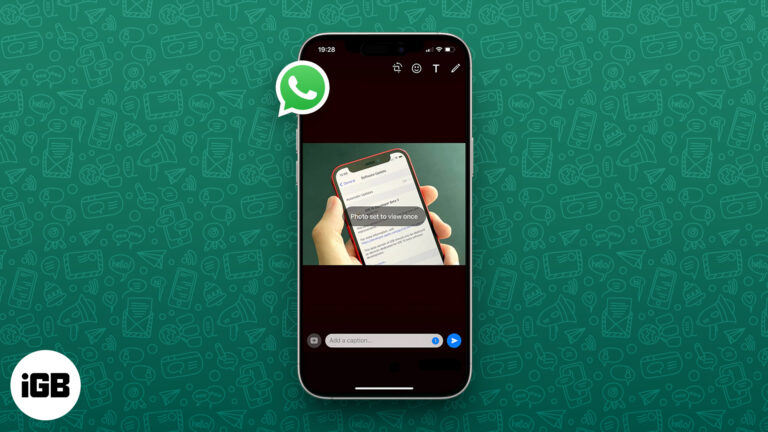
Send disappearing photos and videos on WhatsApp with View Once—perfect for sharing private media that vanishes after a single view.

Turn your iPhone or iPad into a mini Xbox—stream games anytime, anywhere!
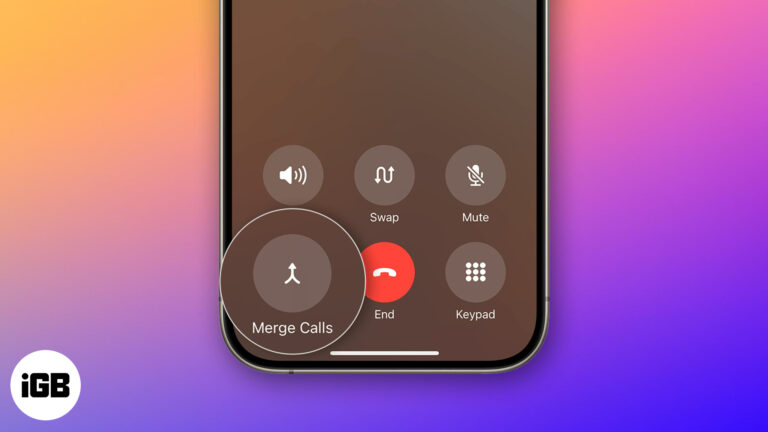
Learn how to make a conference call on your iPhone with this step-by-step guide. Discover new iOS 26 features, tips, troubleshooting fixes, and more.
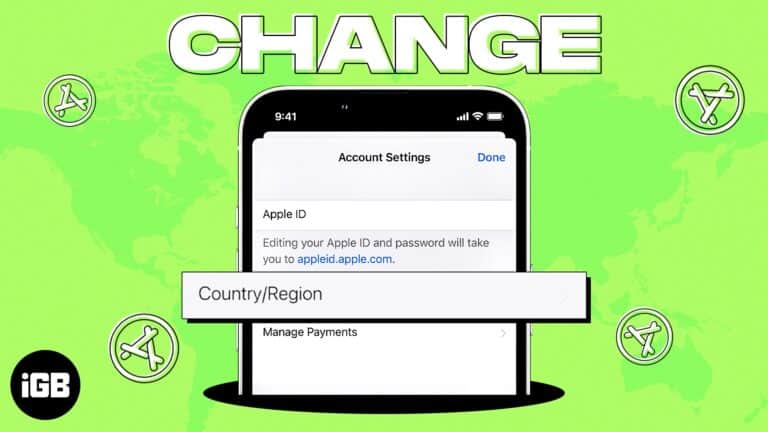
I will explain how to change your App Store country on iPhone, iPad, and Mac.
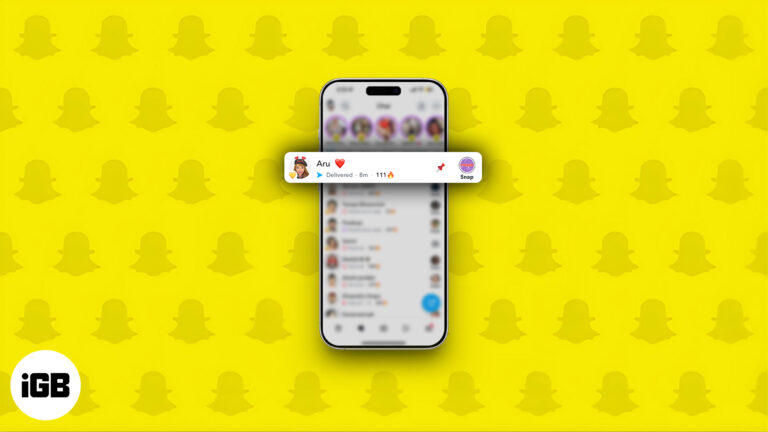
Pin chats on Snapchat to keep key conversations at the top on iPhone or Android.

 Ankur Thakur and Vikhyat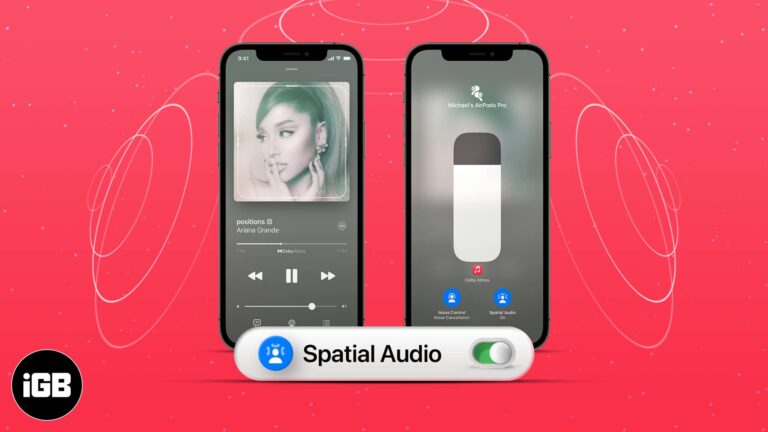
Set up Spatial Audio on your iPhone for immersive 3D sound with supported Apple devices.

Frustrated with iOS 26 bugs? Here’s how to safely downgrade to iOS 18.
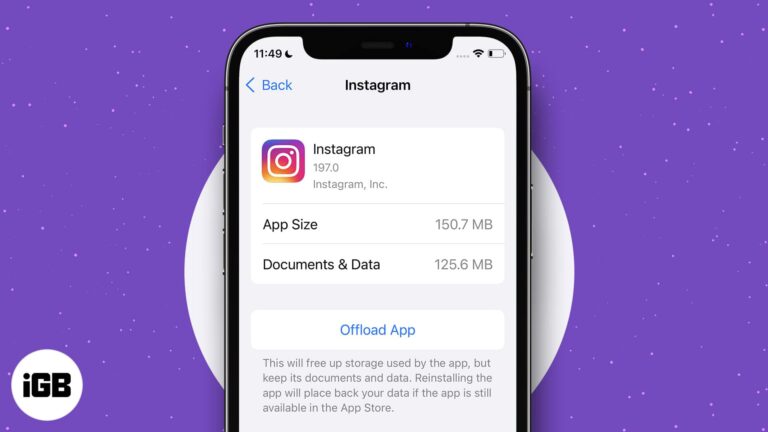
How offloading apps saves storage without losing data.
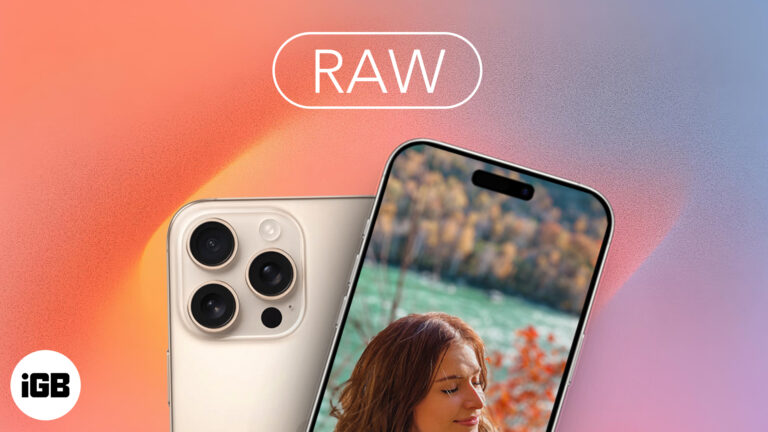
Want DSLR-level control on your iPhone? Apple ProRAW lets you capture uncompressed photos with stunning detail. Here’s how to master it like a pro!
Instagram DMs can get spammy fast. This guide shows how to block, restrict, mute, or manage messages to take back control of your inbox.
Google’s AI Overviews clutter your search with half-baked summaries. Want cleaner, classic results? Here’s how to disable them on desktop and mobile.
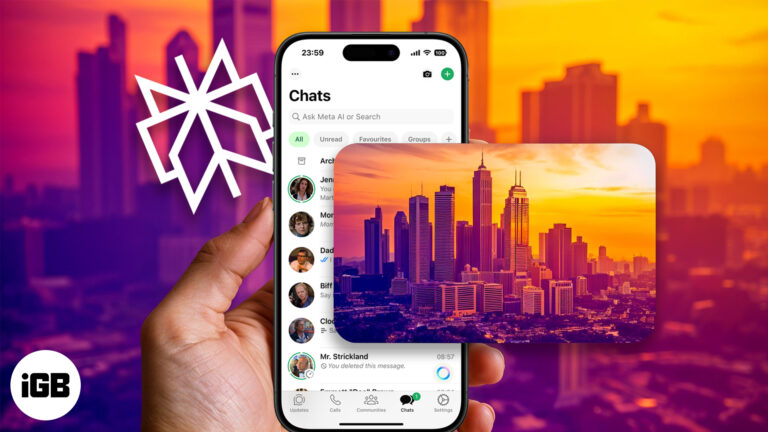
Imagine turning your text messages into stunning AI-generated art—right from WhatsApp. With Perplexity AI, it's not just possible, it’s effortless.
Learn how to sign out of the Mail app on your iPhone, whether you’re temporarily disabling Mail, removing accounts, or managing Gmail separately.
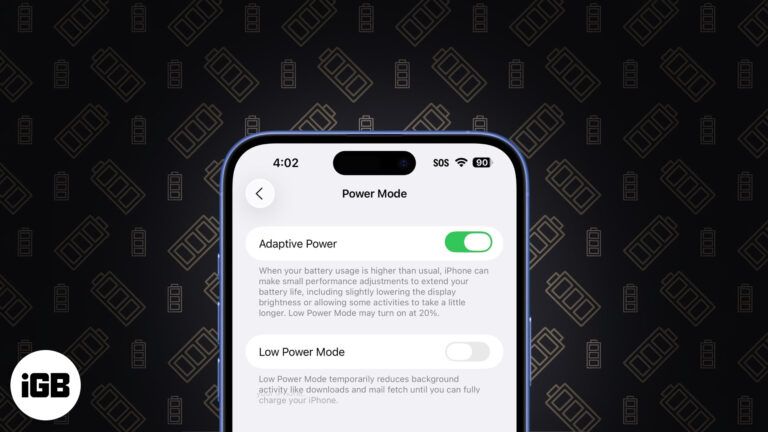
iOS 26's Adaptive Power saves battery for you—smartly and silently. Here’s how it works and which iPhones support it.
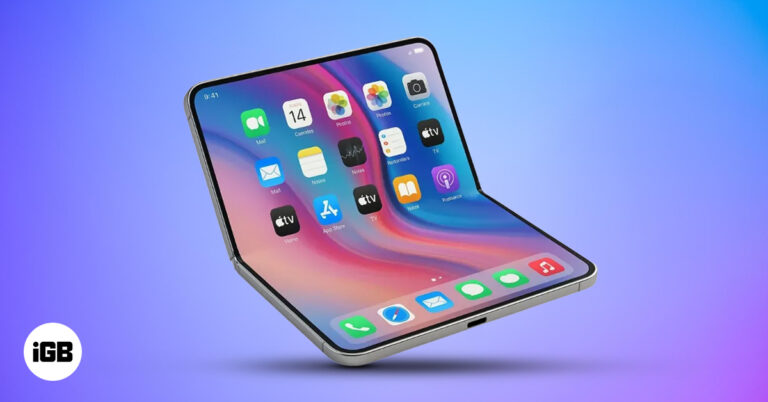
Apple’s first foldable iPhone could arrive in late 2026 with a crease free 7.8 inch display, Touch ID, Pro performance, and a price near $2,000. Here’s everything from leaks to release timeline.
Quickly access powerful features on your iPhone or iPad with a simple gesture using Accessibility Shortcuts.
Change your Instagram password easily, even if you’ve forgotten it - No tech skills needed.
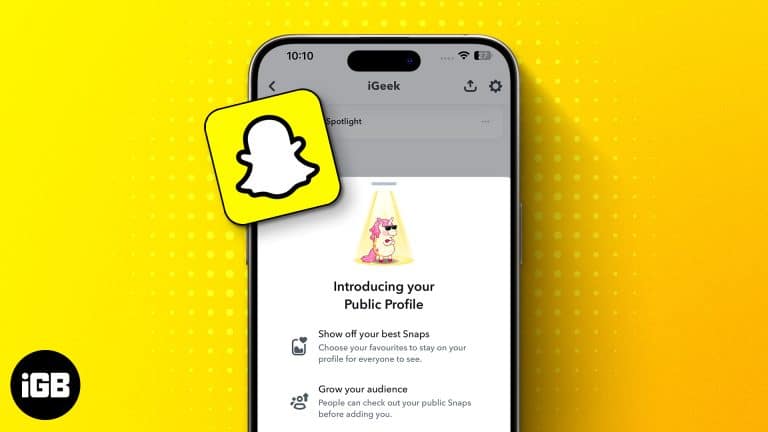
Learn how to create a Public Profile on Snapchat and unlock new features to grow your presence.
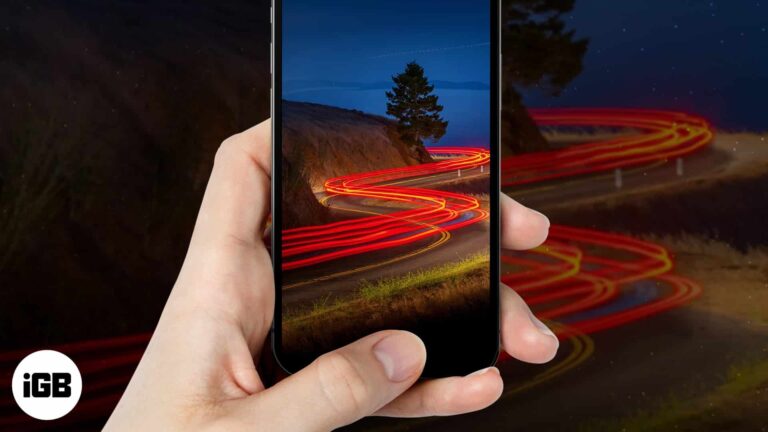
Here's how to shoot motion blur and light trails on iPhone using Live Photos.
A step-by-step guide to locating your iPhone or iPad’s UDID on Mac or PC.
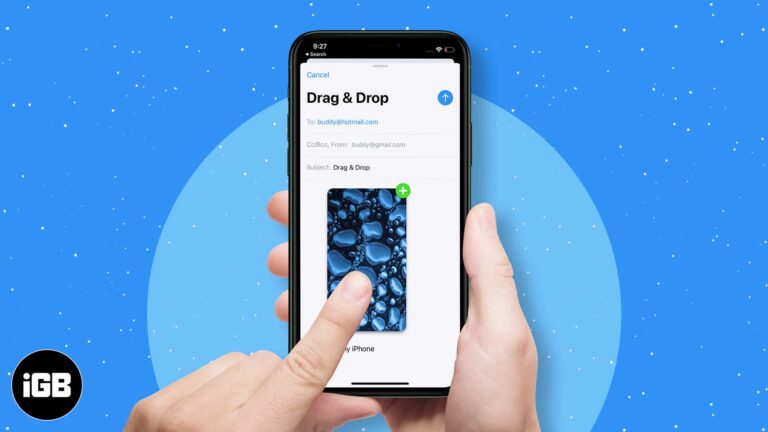
Quickly transfer files or text between apps using drag and drop on iPhone.

Lost your iPhone? Here’s how to find its serial number without the device.
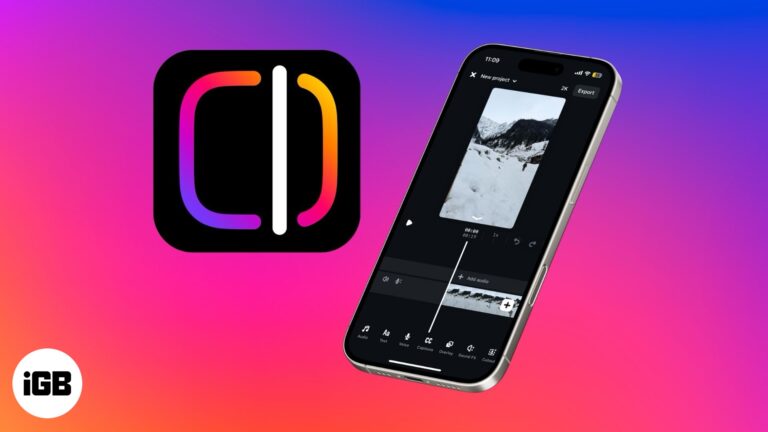
Instagram's new standalone Edits app is designed for content creators, blending intuitive tools with AI-powered features—here's everything you need to know.
Want to personalize your iPhone? This complete guide shows you how to change font style, adjust text size, and install custom fonts - No jailbreak required.


