FaceTime Like a Pro
Get our exclusive Ultimate FaceTime Guide 📚 — absolutely FREE when you sign up for our newsletter below.

FaceTime Like a Pro
Get our exclusive Ultimate FaceTime Guide 📚 — absolutely FREE when you sign up for our newsletter below.


Safeguard your kids from sensitive content on their iPhone.

 Mahit Huilgol and Vikhyat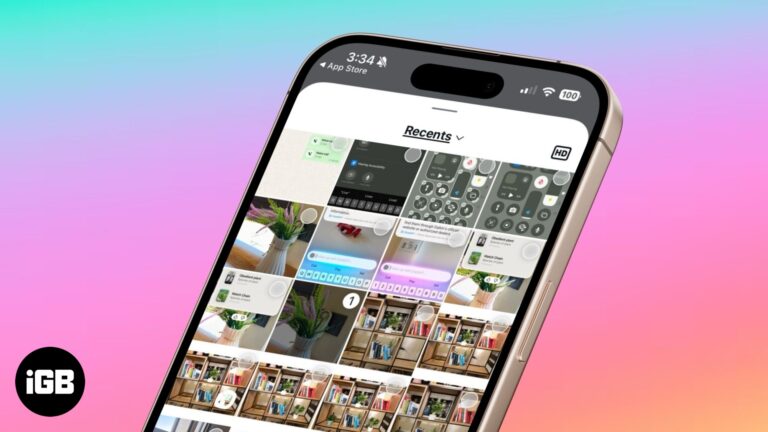
Instagram now lets you send high-quality photos in direct messages. Here’s how to do it.
Your iPhone holds sensitive data, but default settings aren’t enough. Learn the essential privacy and security settings you should change right now.
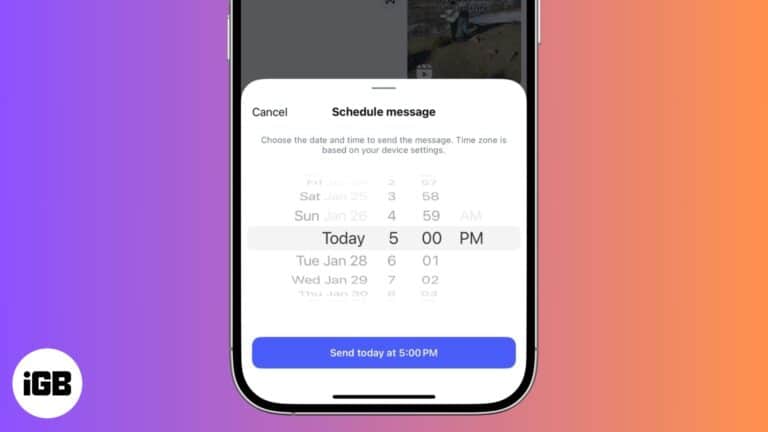
Let's check out how to schedule DMs on Instagram.
Quick methods to manage call history on an iPhone.
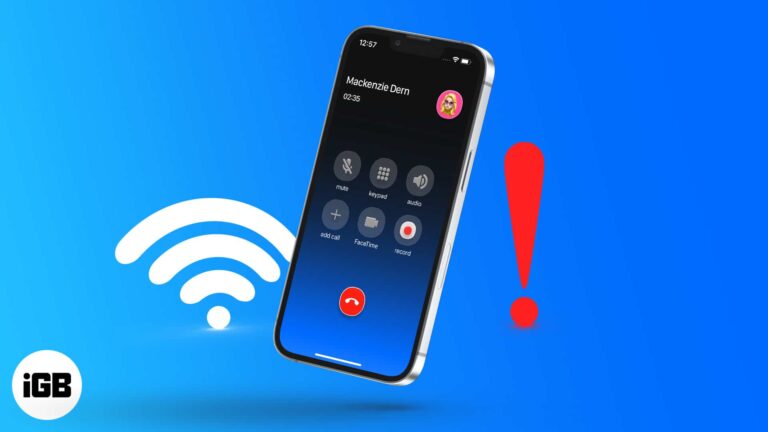
Having trouble with Wi-Fi calling on your iPhone? Whether it’s not connecting or dropping calls, this guide will help you fix the issue in minutes.
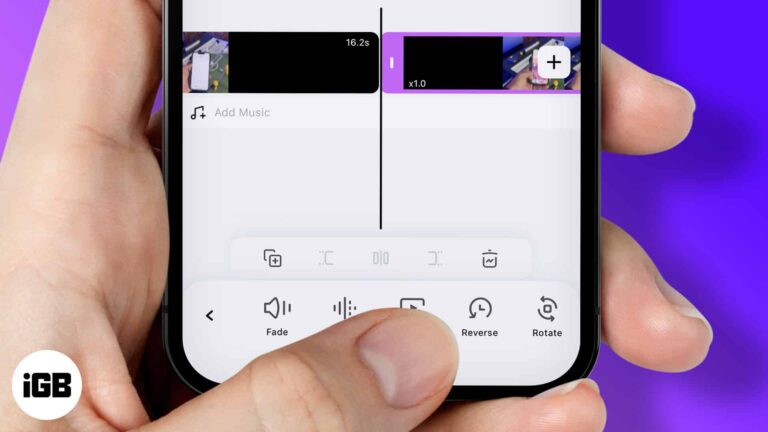
Reverse and play a video backward on your iPhone.
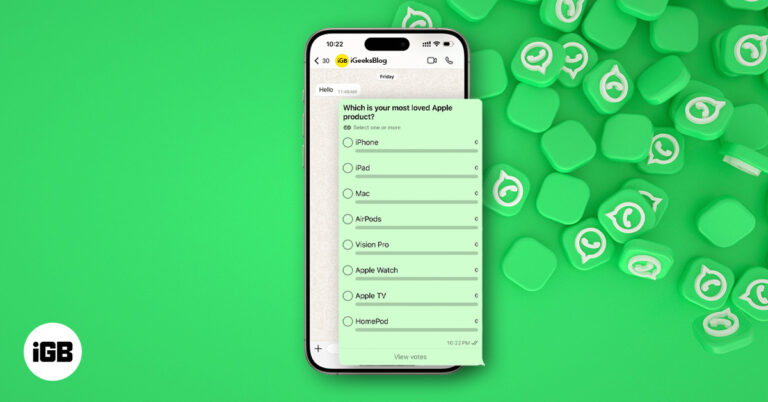
Learn how to create and manage polls on WhatsApp for iPhone, Android, or desktop. Settle group debates quickly with multiple options and real-time results.

Effective ways to screenshot on Snapchat without being detected.
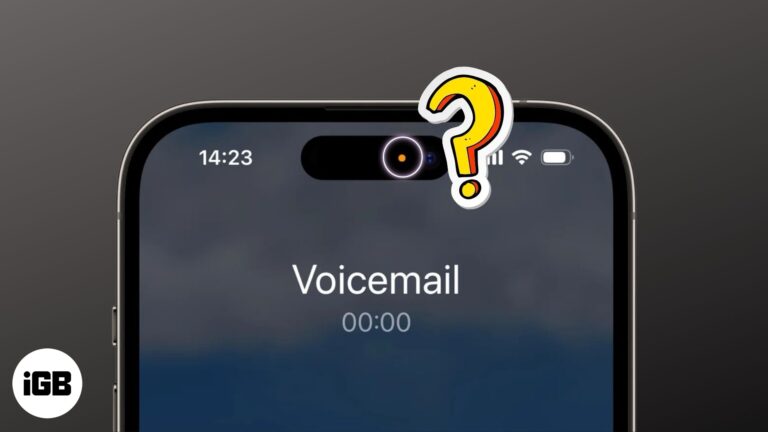
You should know what the orange and green dots at the top of your iPhone screen mean.

Trouble loading pages in Chrome? Learn how to clear cache on desktop, iPhone, and Android to fix glitches and boost performance without losing data.
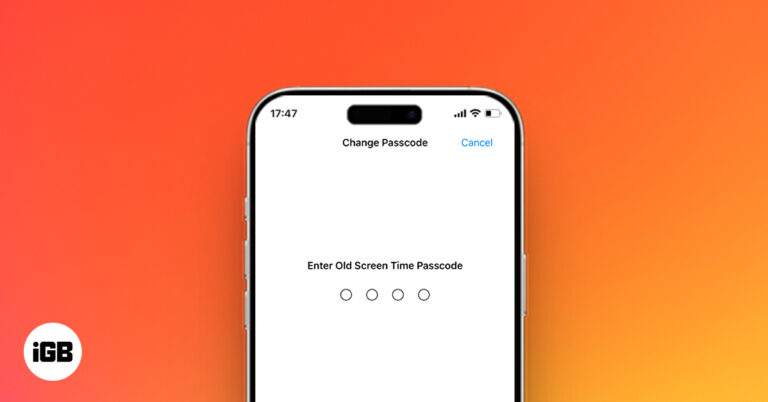
Forgot your Screen Time passcode? Don’t worry, you can reset it without erasing your iPhone. Learn how to recover access using Apple ID, backups, or Apple Support.
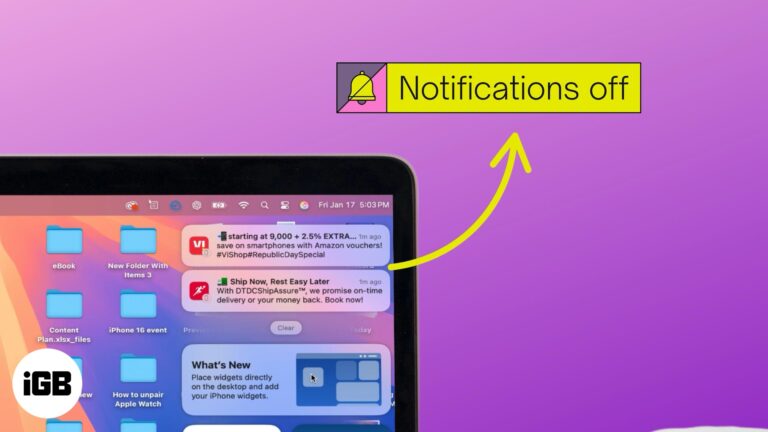
Stop iPhone notifications from showing on your MacBook with these quick steps.
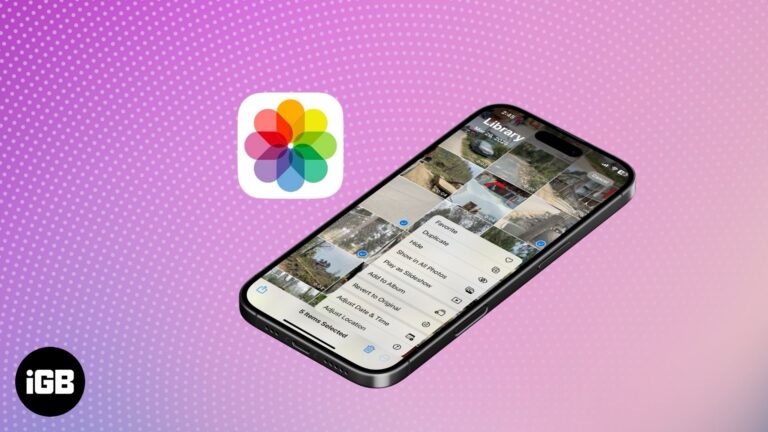
Turn off geotagging and remove location data from iPhone photos to protect your privacy.

 Abhinav and Ava Biswas
Connect with friends or family members over a group FaceTime call on your Apple devices.
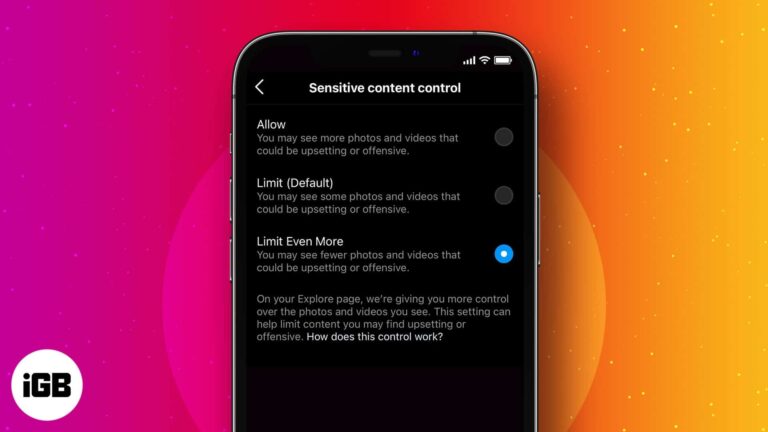
Take control of what you see on your Instagram.
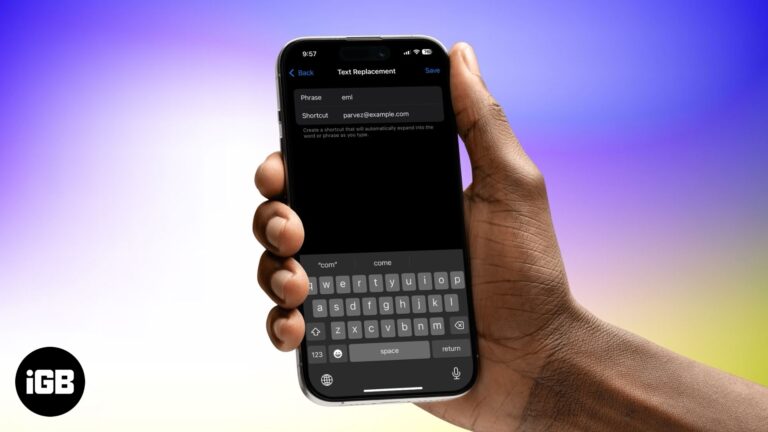
Type faster and smarter with text replacements on your Apple devices.
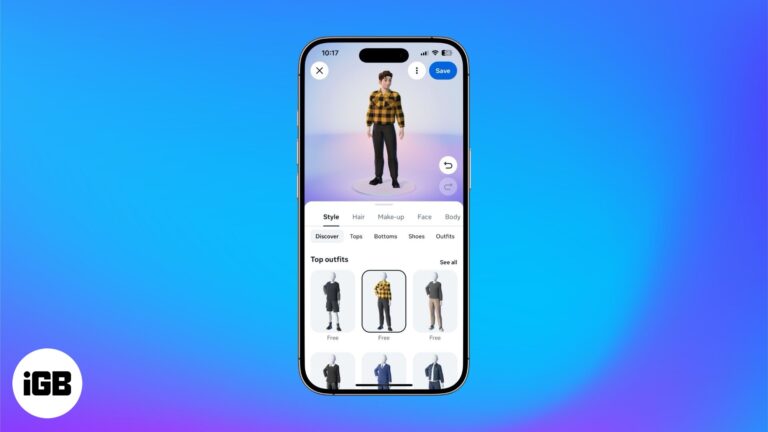
Facebook's avatar feature lets you create a customizable sticker of yourself for more personal and interactive chats, without requiring third-party apps.

Turn your iPhone into a high-quality webcam for Mac or Windows. This guide covers setup steps, app recommendations, accessories, and pro tips to get started.
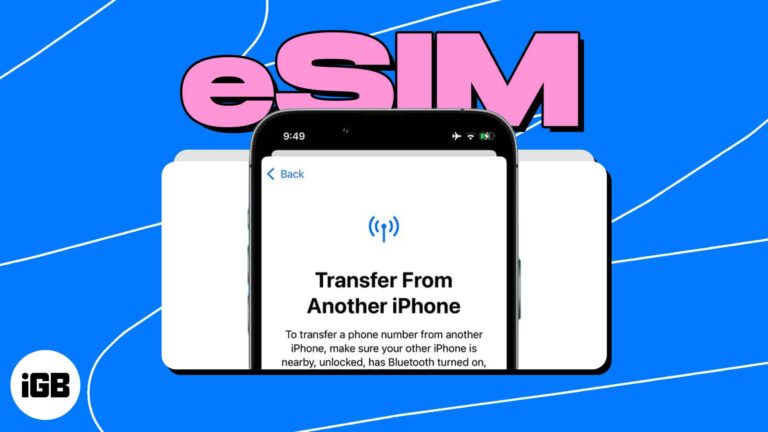
Learn all the ways to quickly transfer your eSIM to your new iPhone.
 Ava Biswas and Yash Wate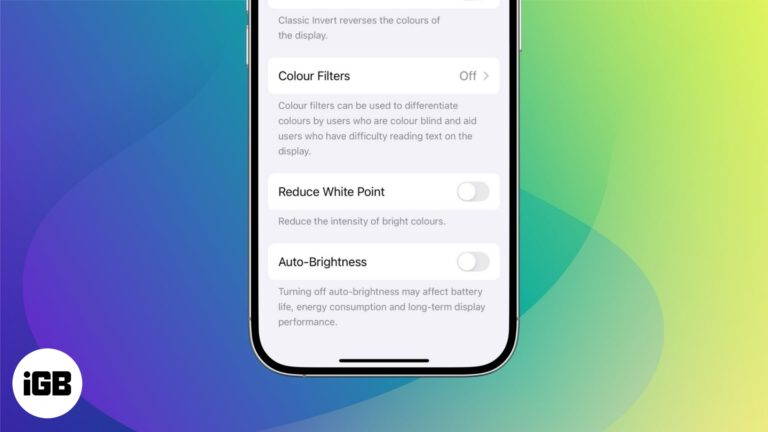
Follow these simple steps to turn off adaptive brightness and control your iPhone screen manually.
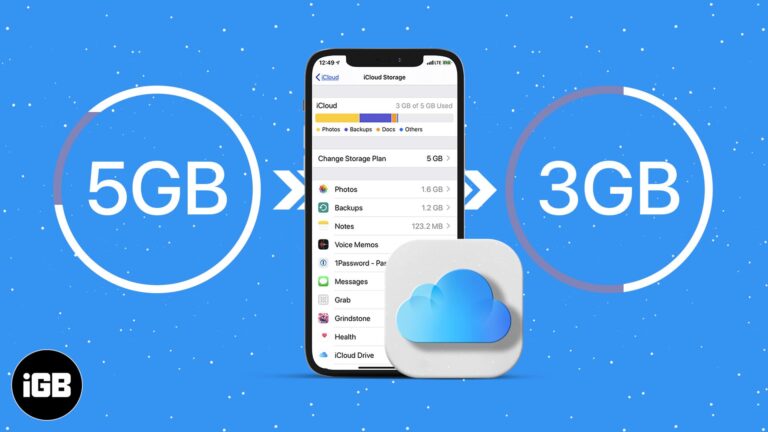
Simple ways to clean up iCloud without losing important your data.
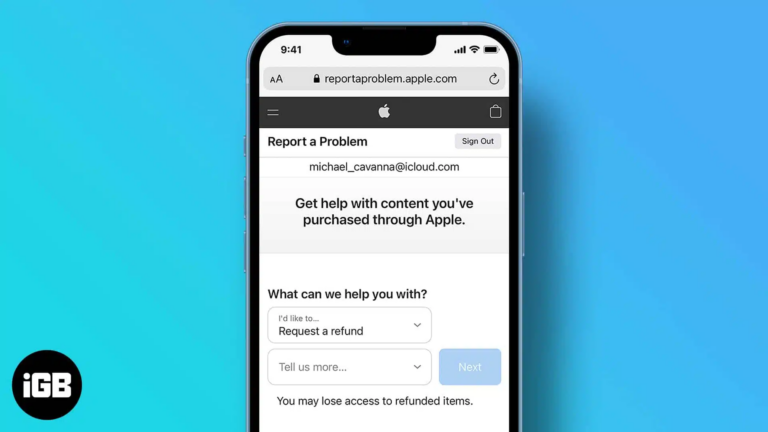
Easily get your money back for accidental or unwanted purchases on the App Store.
 Idowu Omisola and Vikhyat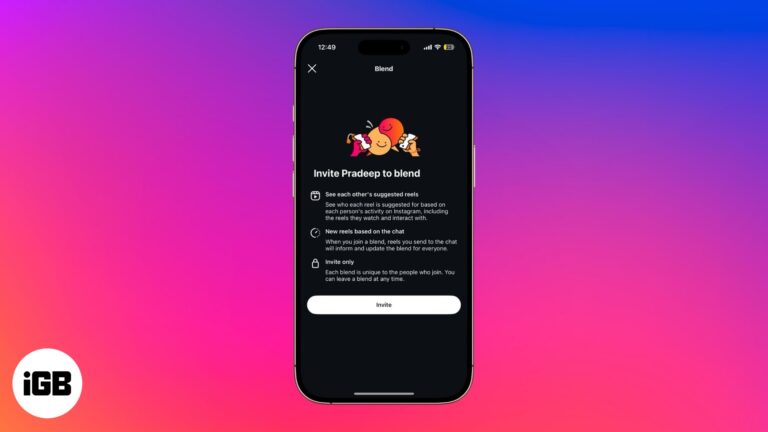
Create a shared Reels feed with friends inside Instagram DMs.
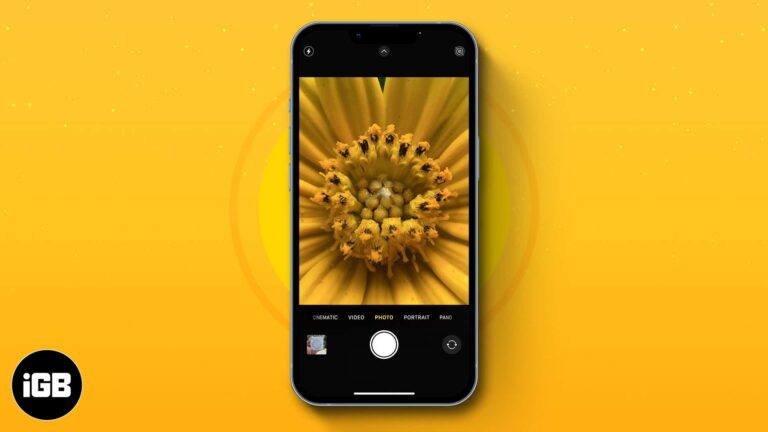
Unlock the world of tiny wonders by capturing stunning macro shots with your iPhone.
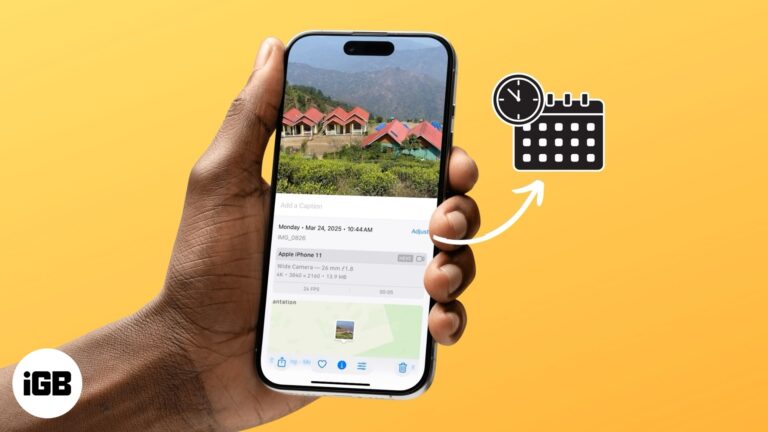
Here's the easy steps to change the date and time of your precious memories.
Sign PDFs on your iPhone, iPad, or Mac in seconds—no printer needed. Use built-in tools or trusted apps to do it easily and securely.
Learn how to use Portrait Mode to blur your background in FaceTime. Hide clutter, stay in focus, and keep your calls private.
Got an Apple Gift Card? Learn how to use it for apps, subscriptions—or even an iPhone! This guide breaks down everything you need to know.