FaceTime Like a Pro
Get our exclusive Ultimate FaceTime Guide 📚 — absolutely FREE when you sign up for our newsletter below.

FaceTime Like a Pro
Get our exclusive Ultimate FaceTime Guide 📚 — absolutely FREE when you sign up for our newsletter below.


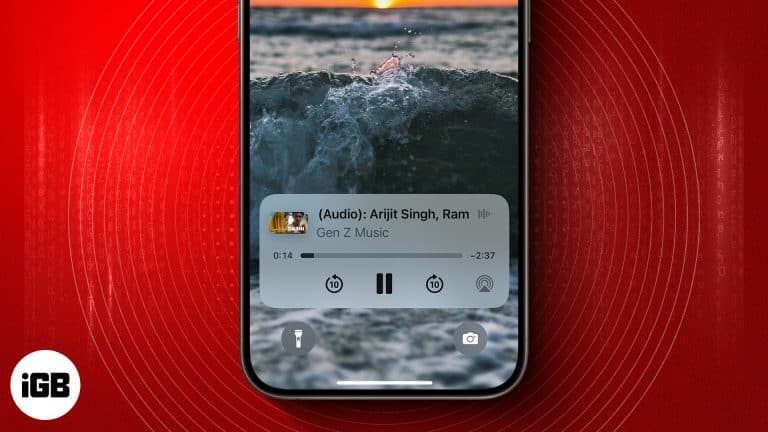
Want to play YouTube videos in the background on your iPhone without keeping the app open? Here's how using Safari and YouTube Premium can do it.
Want to unlink your Facebook account from Instagram? Here are multiple ways to unlink Facebook from Instagram on iPhone and Computer.
In iOS 26, AirPods can pause automatically when you fall asleep, saving battery and improving rest. Here’s how to turn on the feature now.

Secure your Netflix account by signing out of all devices you don't use.
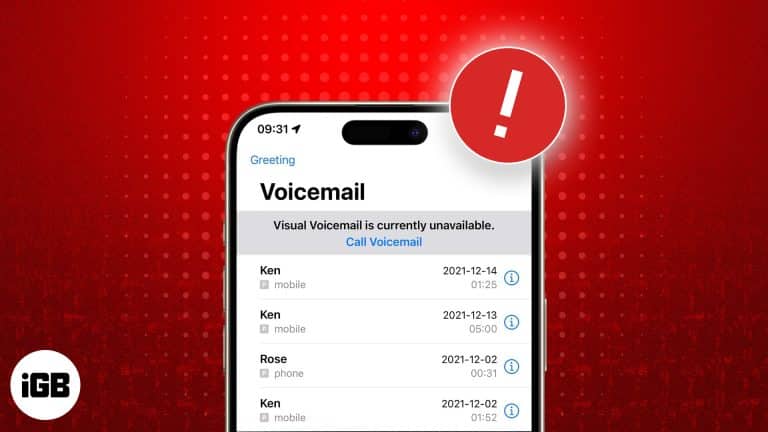
Voicemail breaks after iOS updates and carrier changes more often than anything else. These eight fixes cover setup in Phone settings, carrier provisioning, and network resets.

 Ayush Patel and Yash Wate
With iOS 26, Apple has turned AirPods into more than just earbuds. You can now use them as a remote shutter for your iPhone camera, perfect for group shots, vlogging, and hands-free photography.
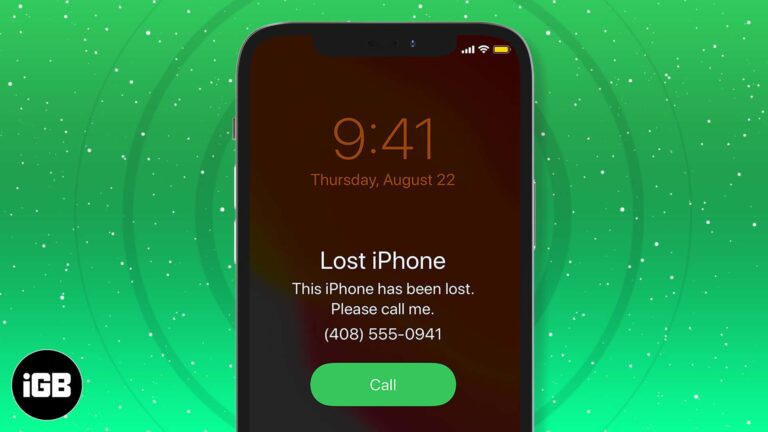
The first hour matters most. Here is how to locate your iPhone with Find My, put it in Lost Mode, erase it remotely if needed, secure your accounts, and reduce the risk next time.
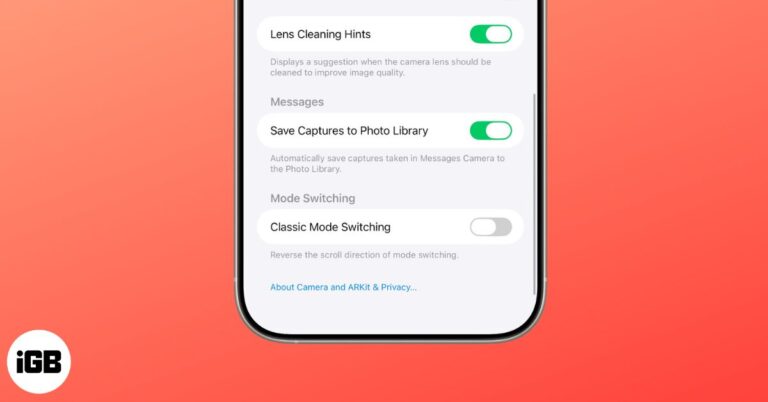
Apple’s iOS 26 introduces Lens Cleaning Hints, a subtle alert that tells you when your iPhone camera lens is dirty, helping you avoid smudged photos.
An unresponsive screen may be a software hang, moisture, a bad screen protector, or genuine damage. Here is how to tell which, and the fixes worth trying before booking a repair.
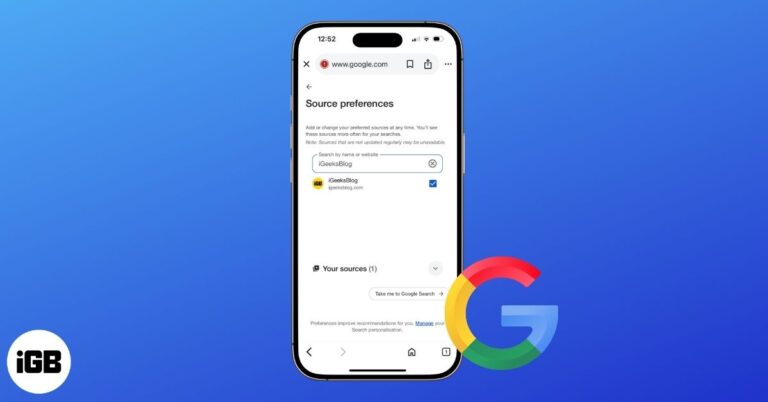
Google’s new Preferred Sources feature lets you highlight trusted websites so their stories appear more often in your search results. Here’s how to set it up on mobile and desktop.
A pinned post is the first thing visitors to your profile see. Here is how to pin and unpin your own posts on X across every device, and how pinning someone else's post works.
Restrict quietly limits someone's interactions without the confrontation of a block. Here is exactly what they can and cannot see afterwards, and how to restrict or reverse it on iPhone.
Wondering what Cancelled Call means on your iPhone? This guide explains the cancelled call meaning, why it happens, and how to fix it easily.
iOS warns before downloading large apps over cellular to protect your data allowance, but the limit is adjustable. Here is how to change the App Store setting on iPhone and iPad.
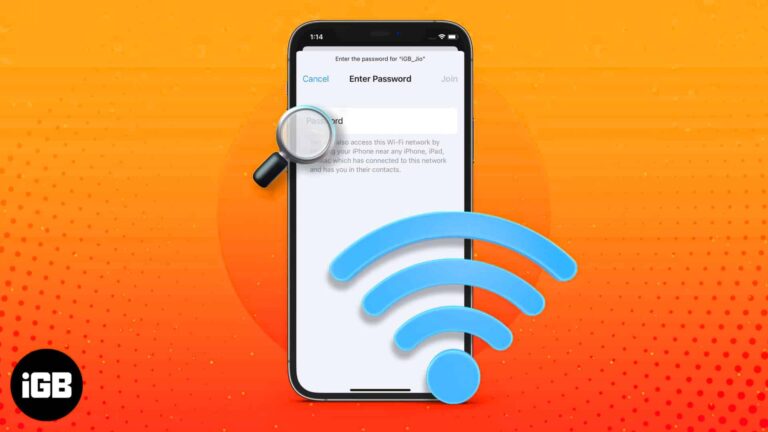
iOS finally lets you read saved Wi-Fi keys rather than just share them. Here is where to find them in iOS 18, the older iOS 17 method, and how to share a network with someone nearby.
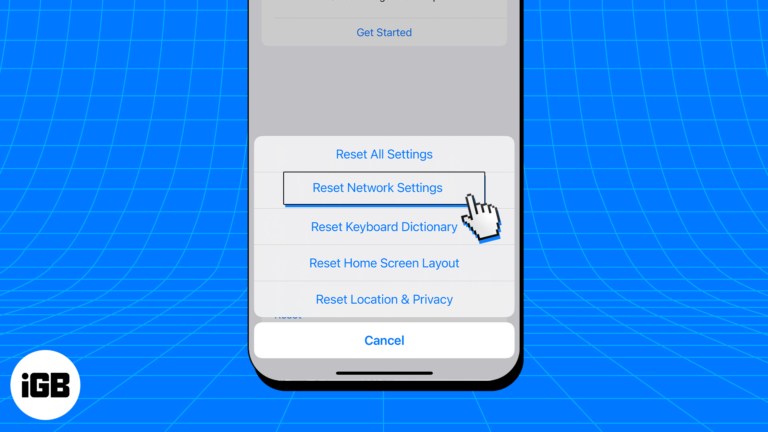
A corrupted DNS cache sends your browser to stale addresses, causing pages to fail for no obvious reason. Here is what the cache does, how to flush it on iOS, and when it actually helps.
Learn about Apple's use of HEIC for photos and how to easily convert HEIC to JPG on iPhone, Mac, and PC to avoid compatibility issues.
Want to hide the people liking your posts on Facebook? Here are the easiest ways to hide likes on Facebook using an iPhone or desktop
iPhones are built to last, but not forever. From poor battery health to outdated iOS support, here are the key signs it’s time to replace your iPhone.
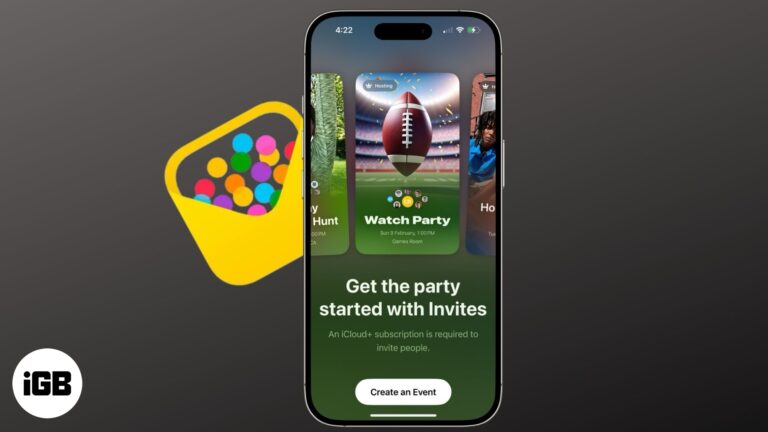
Apple’s new Invites app lets you design beautiful event invitations, track RSVPs, and collaborate on music and photos all from your iPhone. Here’s how it works.
Learn how to lock Safari’s Private Browsing tabs with Face ID or Touch ID on iPhone, iPad, and Mac, plus extra privacy tips and troubleshooting fixes.
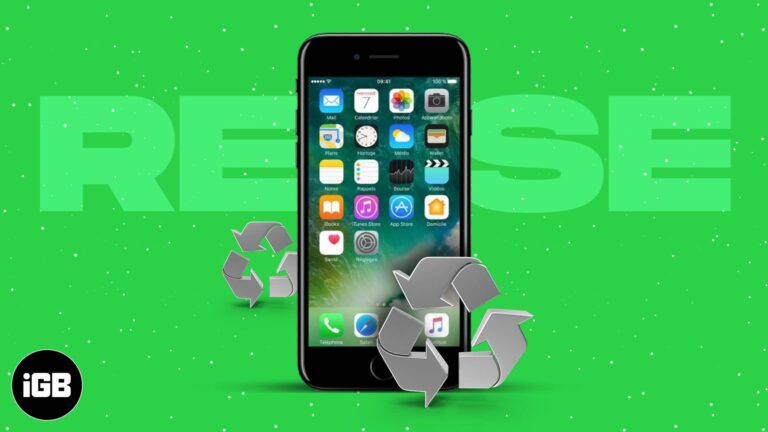
Don’t let your old iPhone collect dust. From smart home remote to fitness tracker, here are 24 clever ways to repurpose it or recycle responsibly.
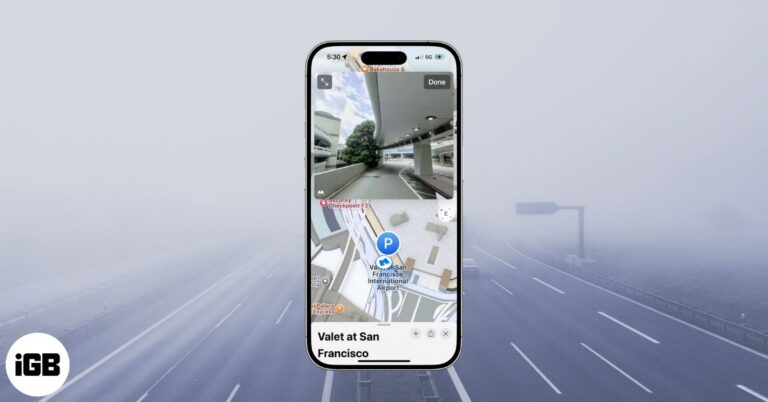
Apple Maps’ Look Around is like Google Street View with crisp imagery and smooth navigation. Here’s how to use it on iPhone, iPad, Mac, and the web.
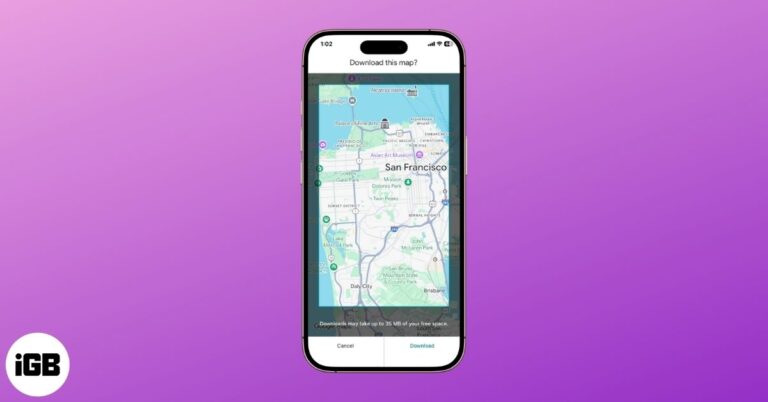
Offline maps keep navigation working with no signal and save mobile data. Here is how to download an area on iPhone and Android, manage the download settings, and navigate offline.
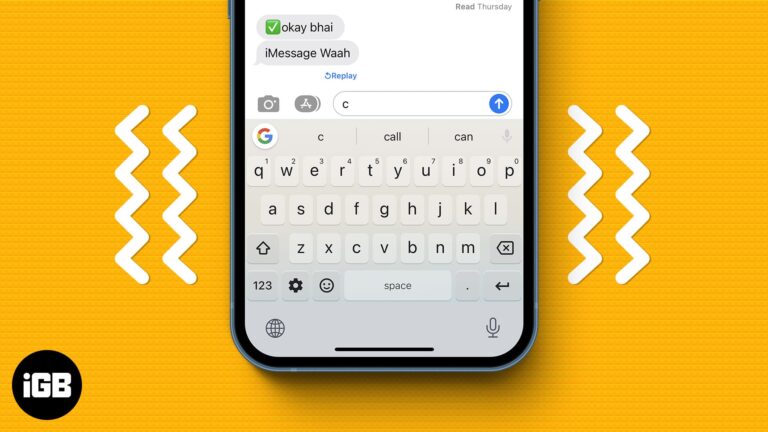
Phantom vibrations usually come from a silent notification, a failing charger, or moisture in the port. Here is how to identify the trigger and five fixes that stop the random buzzing.
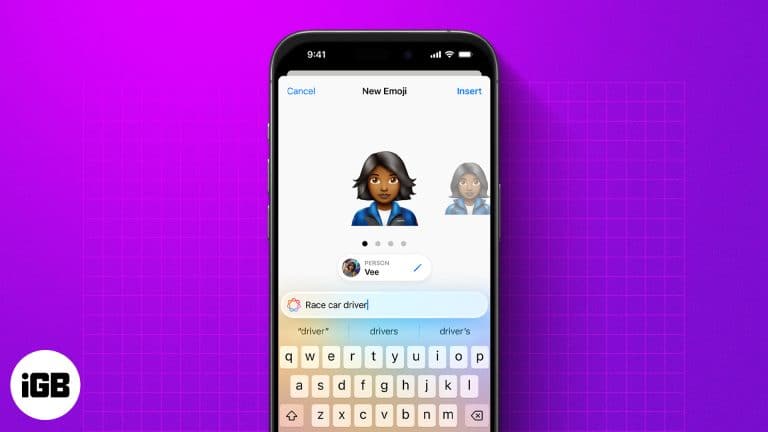
Genmoji lets you create custom emojis from text, emojis, or photos. Here’s how to use, customize, and share them on your iPhone.
 Ava Biswas and Yash Wate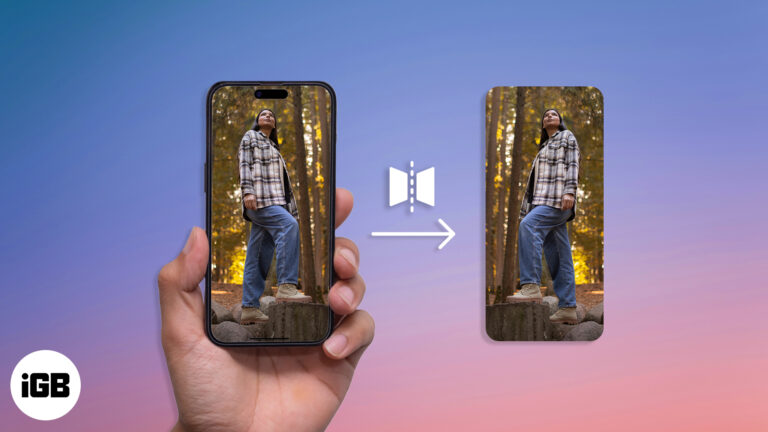
Learn how to flip photos and selfies on your iPhone in just a few taps.
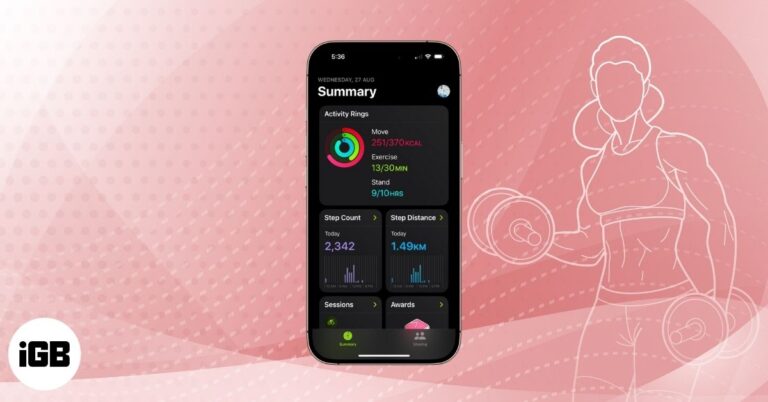
Use the Fitness app on your iPhone to track activity, close rings, and celebrate milestones even without an Apple Watch.