
FaceTime Like a Pro
Get our exclusive Ultimate FaceTime Guide 📚 — absolutely FREE when you sign up for our newsletter below.

FaceTime Like a Pro
Get our exclusive Ultimate FaceTime Guide 📚 — absolutely FREE when you sign up for our newsletter below.


Stuck in login loops that refuse to clear, pages half loading, spinner just sitting there? The fix is simple, clear Safari browsing data on your iPhone today.
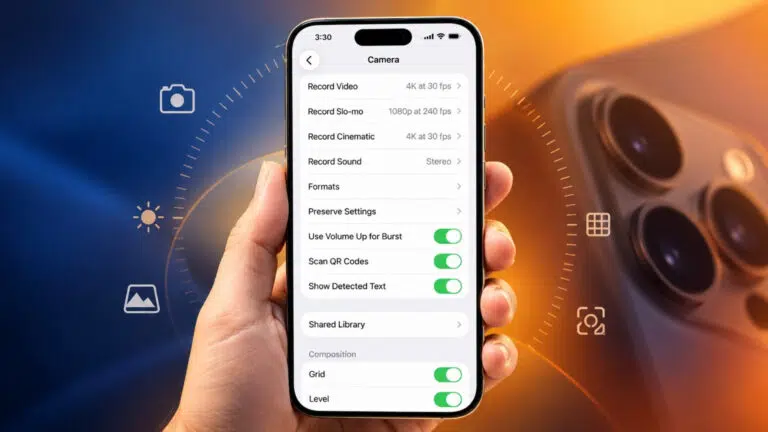
iOS 27 lets you pin your most-used camera tools above the frame. Here are the settings, from 48 MP ProRAW to Night mode, that make the biggest difference.

Snapchat crashes are usually caused by an outdated app, a corrupted cache, or unofficial add-ons. Here is why it happens and the fixes that stop the app quitting on you.
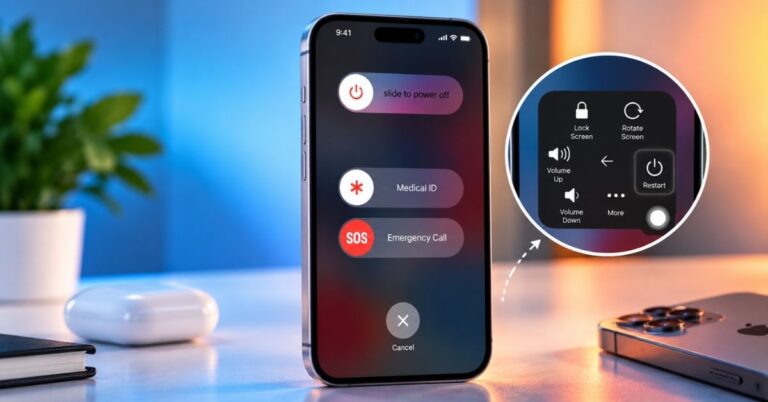
A broken power button need not stop you shutting down. Here is how to power off an iPhone from Control Center in iOS 18, the Settings method for older versions, and how to switch it back on.
Can’t find an app on your iPhone? Here’s a simple guide to find hidden apps on iPhone and iPad across recent iOS updates.
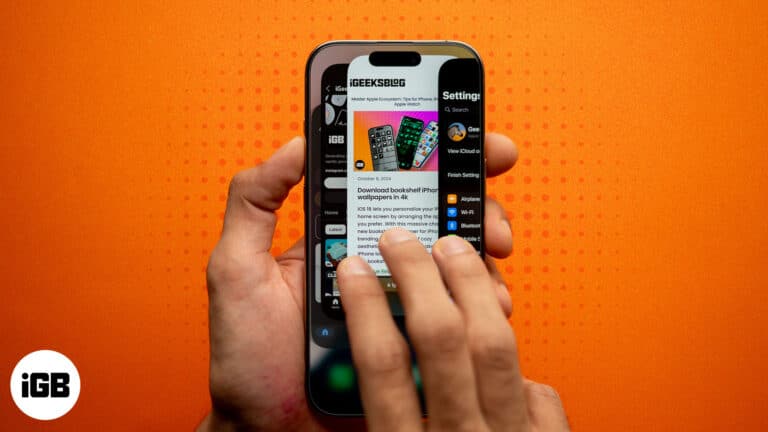
Quickly resolve app problems by force quitting apps.
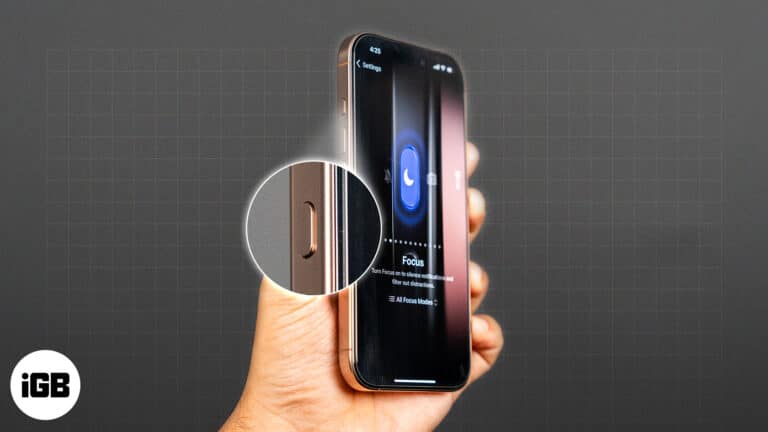
Make the most of the Action Button to enhance the functionality of your iPhone.

 Ava Biswas and Yash Wate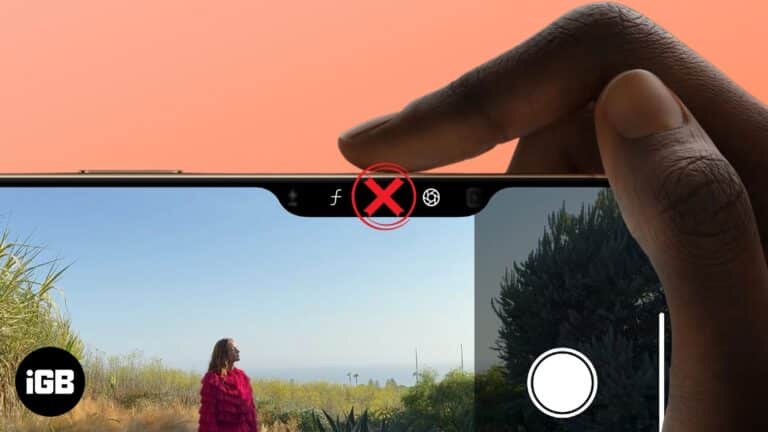
Troubleshoot your Camera Control button and start capturing your moments again.
Ava Biswas and Yash Wate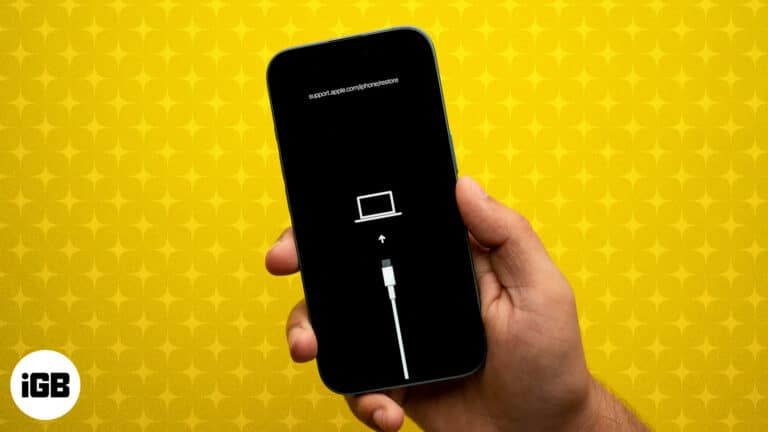
DFU mode is the deepest restore your iPhone or iPad offers. Here are the exact button steps for every model, including iPhone 18 Pro, plus how to restore and exit.
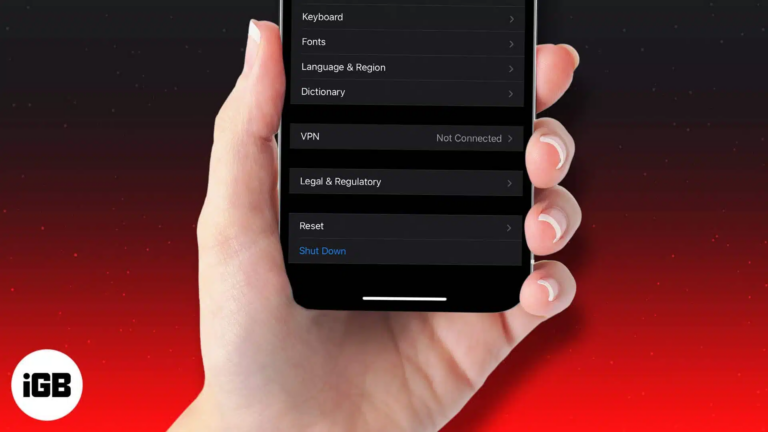
Out with the old, in with the secure! Learn how to factory reset your device and send it off worry-free.
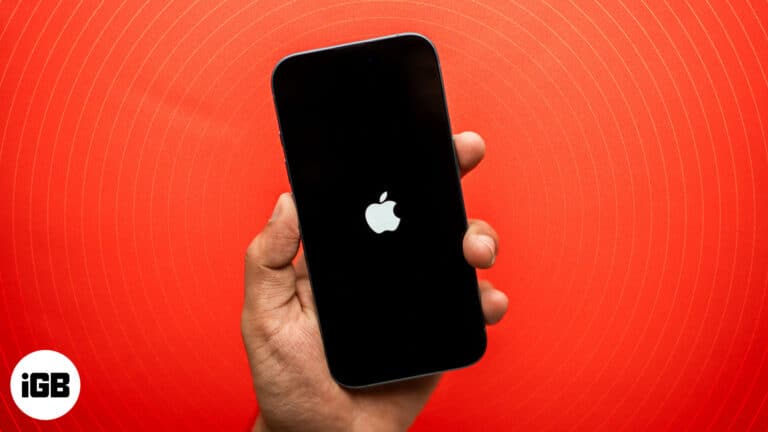
Is your iPhone stuck on a blank screen and wants to restart? Check out this guide on how to force restart iPhone and iPad models.
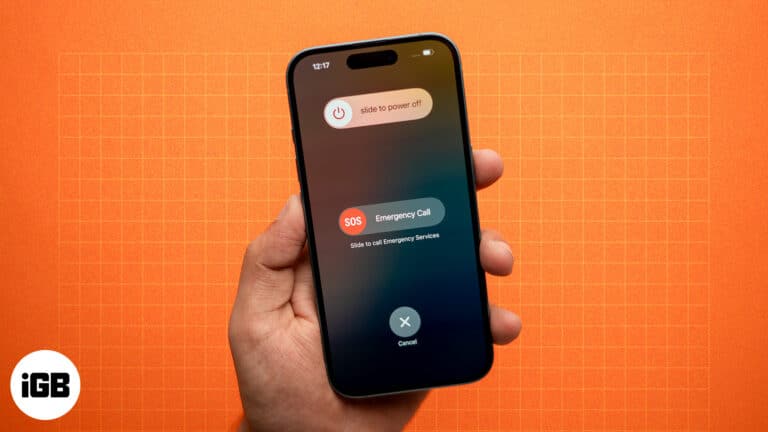
Restarting our iPhones is the first thought that comes to our mind whenever we encounter any issue. This is because simply restarting your iPhone can often fix issues like app crashes, sluggish performance, or connectivity problems. While restarting an iPhone…
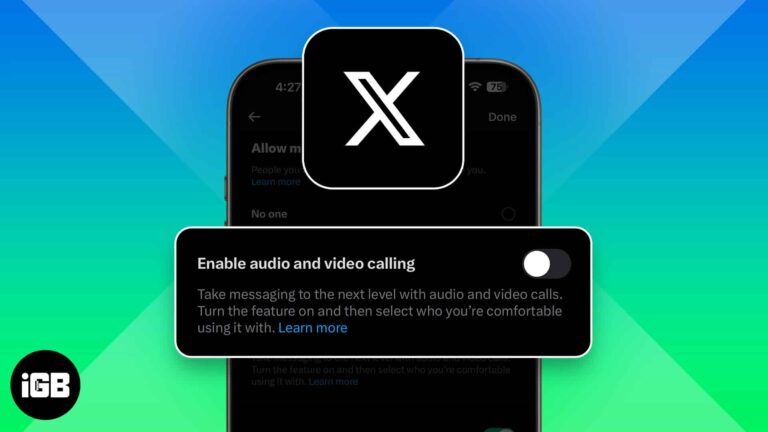
X (formerly Twitter) now lets anyone call you by default, raising privacy concerns. Luckily, you can turn off audio and video calls or limit who can reach you in just a few taps.
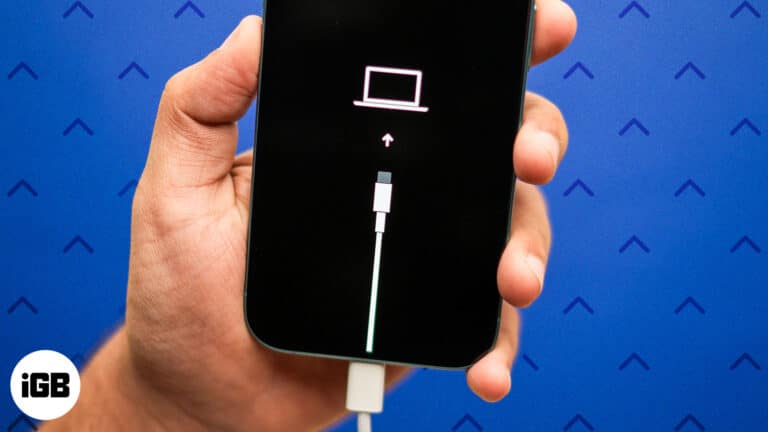
Step-by-step guide to enter Recovery Mode on your iPhone.
Free up memory and improve performance by clearing RAM on your iPhone.
Shoot Spatial photos and videos for Apple Vision Pro using your iPhone camera.

 Jibin Joseph and Vikhyat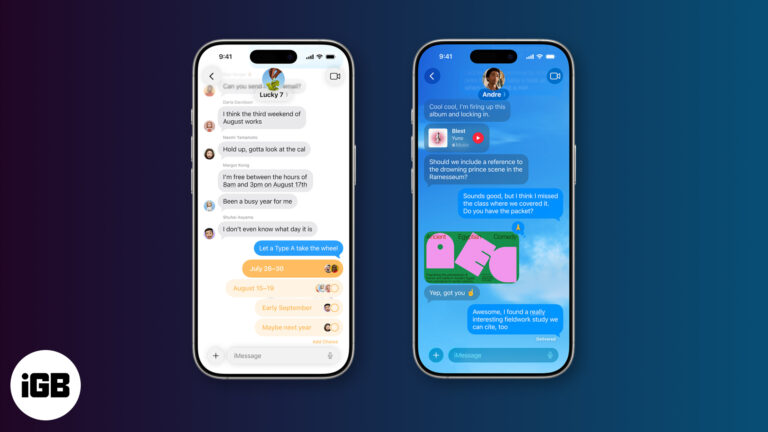
iOS 26 revamps the Messages app with Backgrounds, Live Translation, Polls, and more. Here’s everything you should know!
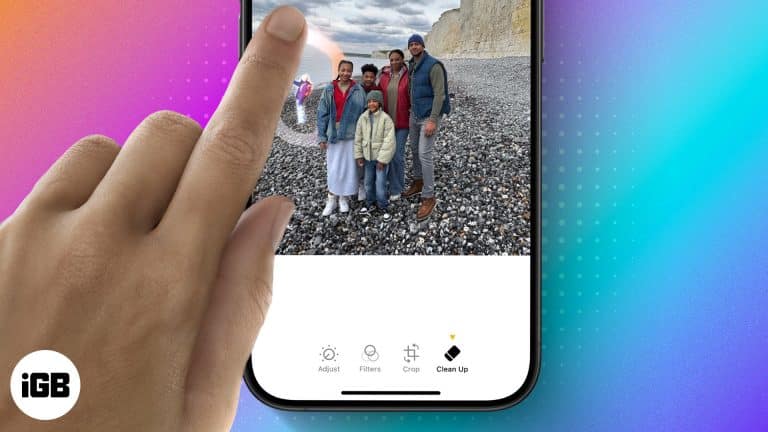
Clean Up uses Apple Intelligence to erase distractions from a photo and fill the gap convincingly. Here is what hardware it requires, when it works well, and how to use it step by step.
iOS 18 finally added a calculation history to Calculator, complete with a running tape you can review and clear. Here is where to find it, and the workaround for older iOS versions.
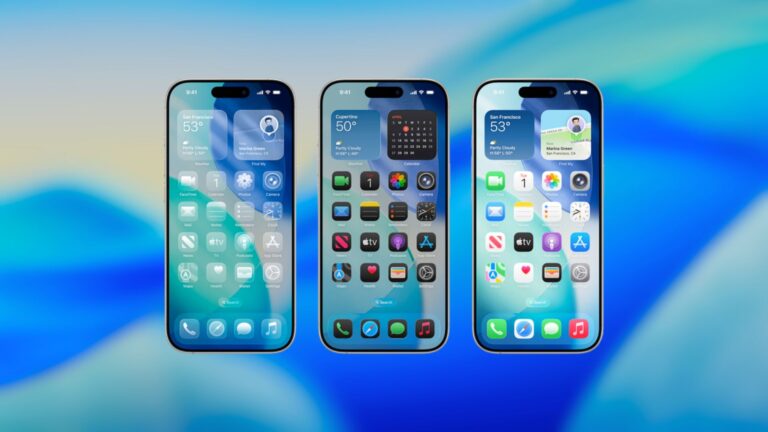
Apple unveiled iOS 26 at WWDC 2025, featuring a sleek Liquid Glass design, smarter Siri, revamped apps, and powerful AI upgrades. Here’s what’s new for your iPhone.
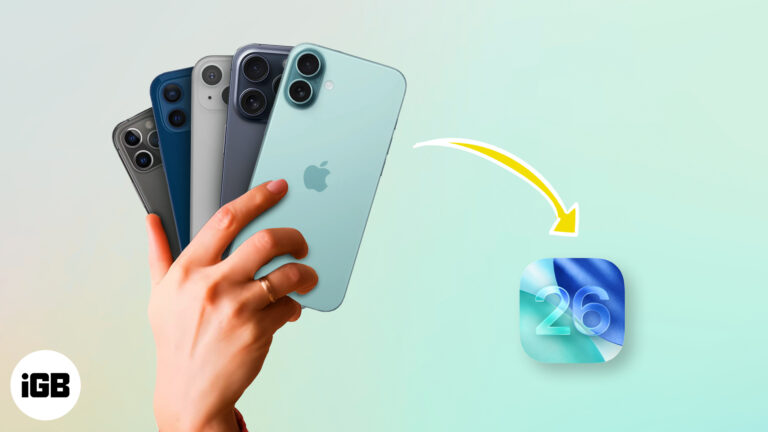
Curious if your iPhone will get iOS 26? Here’s a quick look at all the supported models and what to expect from the latest update.
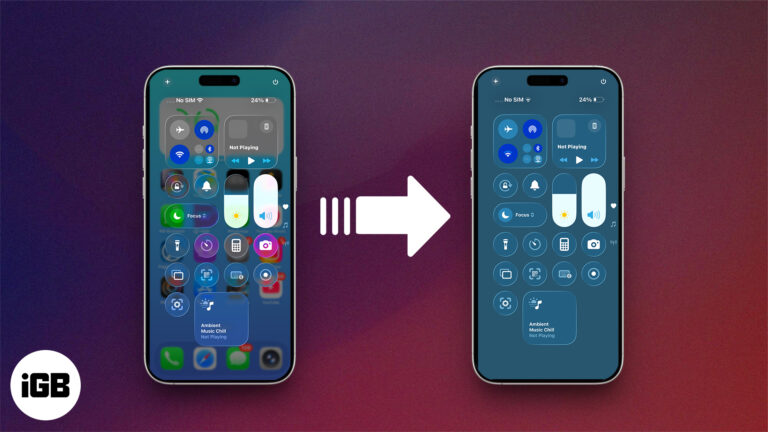
Don’t like the new Liquid Glass effect in iOS 26? Here’s how to disable or reduce the visual intensity for a cleaner, distraction-free iPhone experience.
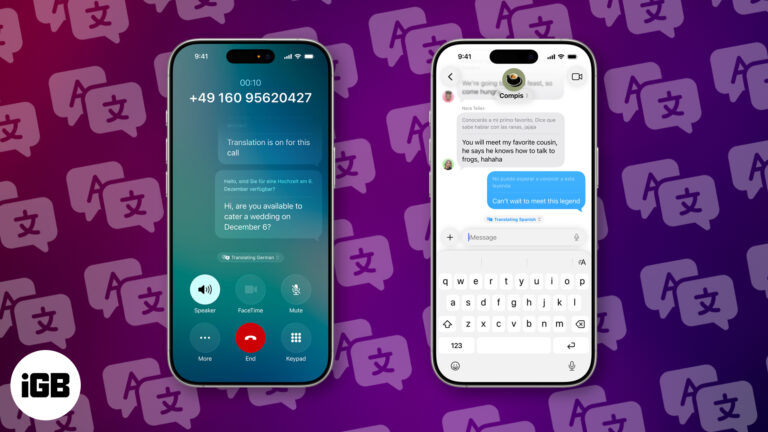
With iOS 26 Live Translation, you can translate calls and messages in real time—breaking language barriers instantly and privately, right from your iPhone.
Learn how to use AutoMix in iOS 26 to create seamless, DJ-style transitions in Apple Music—no interruptions, just nonstop music.
iOS 26 finally brings customizable snooze times to iPhone alarms. Here's how to set it up—and what to try if you're still using an older version.
On supported iOS versions, you can change Siri’s name on your iPhone using the Vocal Shortcuts accessibility feature. Here’s how to do it.
X Premium (formerly Twitter Blue) offers features like editing posts, fewer ads, and monetization tools. Plans start at $3/month across three tiers.
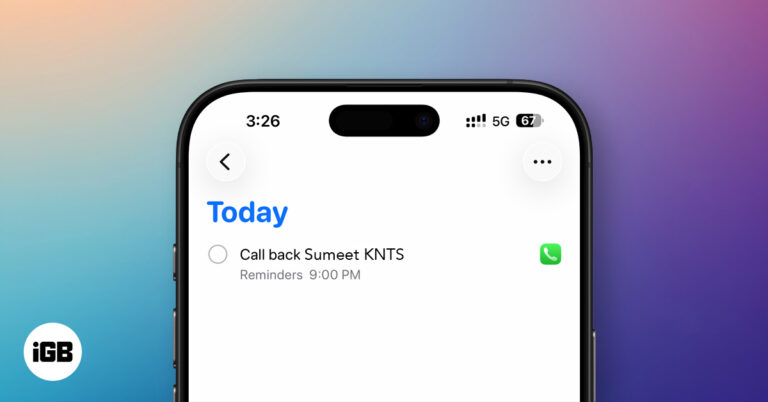
iOS 26 introduces Callback Reminders in the Phone app, letting you set follow-up alerts for missed calls so you never forget to return important calls again.
iOS 18 brought some of the biggest interface changes in years. Here is how to update a supported iPhone and the features genuinely worth your time once you have installed it.
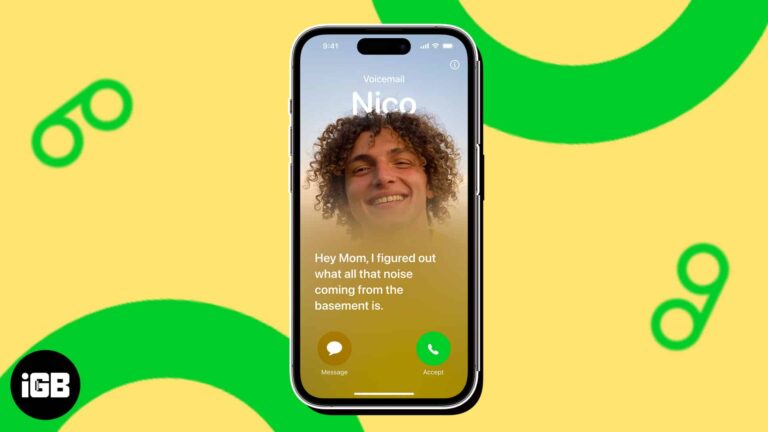
Live Voicemail on iPhone lets you read a real-time transcription of a caller's message. Here is how to turn on and use Live Voicemail on your iPhone.


