
FaceTime Like a Pro
Get our exclusive Ultimate FaceTime Guide 📚 — absolutely FREE when you sign up for our newsletter below.

FaceTime Like a Pro
Get our exclusive Ultimate FaceTime Guide 📚 — absolutely FREE when you sign up for our newsletter below.


Losing access to your Instagram account can be a frustrating experience, especially if you forget the password or associated email address. Don’t worry! Here, I will walk you through how to recover your Instagram account on your iPhone, whether it’s…
Like most other music streaming platforms, Spotify also lets you download your favorite songs so you can access them again even when you’re offline. However, there can be instances where Spotify fails to do so. If Spotify is not downloading…

Are you planning your trip but not sure about the whereabouts of the unfamiliar place? Well, the Google Maps Street View feature helps you visually explore any destination from the comfort of your home. In this guide, I will tell…
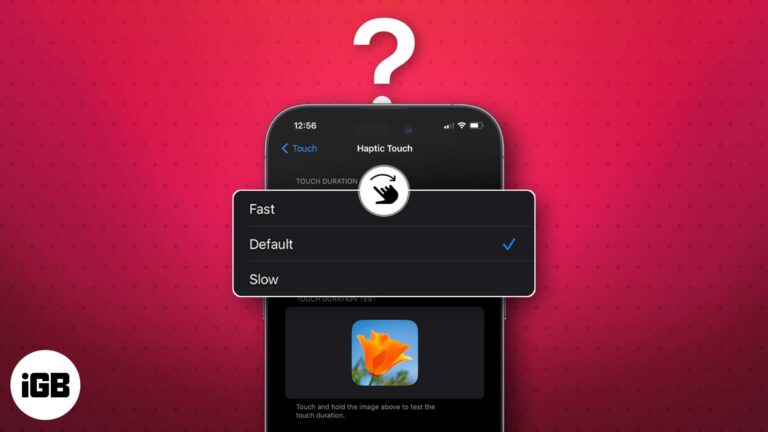
Do you also face trouble navigating on your iPhones due to improper touch sensitivity? It can be a real pain as a slightly longer touch can trigger something accidentally or your iPhone may not recognize your touches. Don’t worry! In…
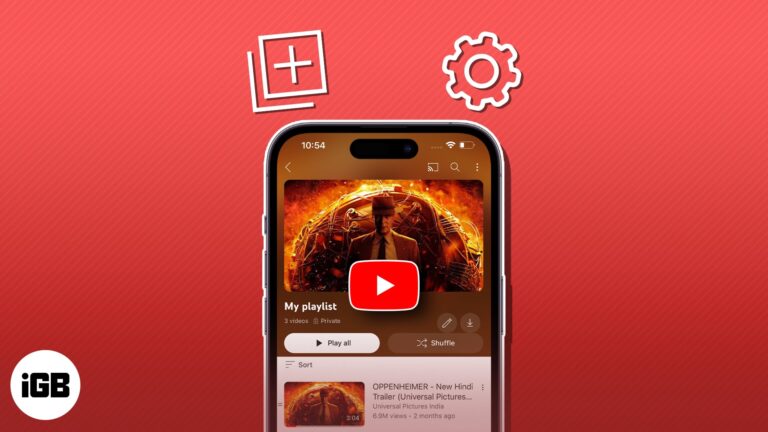
YouTube playlists offer a seamless way to curate and enjoy personalized collections of content. But unfortunately, many still find it hard to effectively create and manage YouTube playlists on iPhones and iPad. Whether you’re a passionate content creator, a music…
WhatsApp is dedicated to enhancing effective communication through innovative means. In line with this commitment, the Meta-owned app recently introduced a new feature – the ability to create and send short video messages. If the concept of sharing short videos…
At times, we end up in situations where we need to inform friends or family members about our current location. Thankfully, Apple Maps offers a simple and effective solution with its Share My Location feature. In this article, we’ll explore…
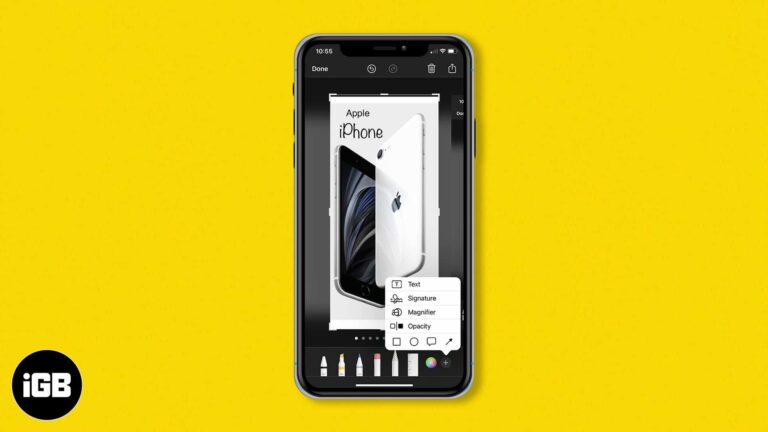
Markup turns a screenshot into a properly annotated image without another app. Here is how to draw, magnify a region, add text and captions, and drop in a signature on iPhone or iPad.
While Apple Music has turned out to be a successful music streaming giant, going head-to-head against Spotify, it still needs several optimization. It’s common for Apple Music to spew out errors such as ‘Resource Unavailable’ when trying to play songs,…
While we love to summon a file or app via Spotlight, let’s face it, there are photos we’d rather keep private. Regardless of the picture, it’s essential to know how to manage what shows up in the Spotlight search on…
You can be in a meeting, studying, or looking for some ‘me’ time. So, putting your iPhone on Silent mode is most likely your first to-do. For this, all you need to do is to slide up or down the Mute/Ringer…
With the advancement in technology, spammers have discovered new methods to infiltrate your device and disrupt your daily routine. However, to have a healthy work-life, you must maintain your Google Calendar clean and spam-free. In this post, I’ve demonstrated how to stop and…
Nowadays, Google Drive is among the most reliable and popular cloud storage options. It lets you store and access your files from any device, including your iPhone or iPad. If you’re wondering how you can download Google Drive files to…
Fortunately, there's a solution to this issue: Incogni. In this guide, I'll show you how to stop spam calls and robocalls on your iPhone and live a peaceful lifestyle using Incogni.
Looking to get quick directions to your home? With Apple Maps, you can easily add your home address for seamless navigation. In this guide, I will walk you through how to add or change your home address in Apple Maps…
Protecting our personal information and private conversations while using messaging apps like WhatsApp is crucial. Thankfully, WhatsApp rolled out a helpful feature called Privacy Checkup that allows you to review and manage your privacy settings. Here, I will share how to start…
Get ready to master the art of task management. With iOS 17 and macOS Sonoma, Apple has blessed us with auto-categorization in the Reminders app. It is a feature that can automatically sort your Shopping reminders into categories based on…
A quiet iPhone usually has a setting to blame, not a failing speaker. These seven fixes cover the EQ, volume limit, Reduce Loud Sounds, Bluetooth output, and clearing debris from the speaker grille.
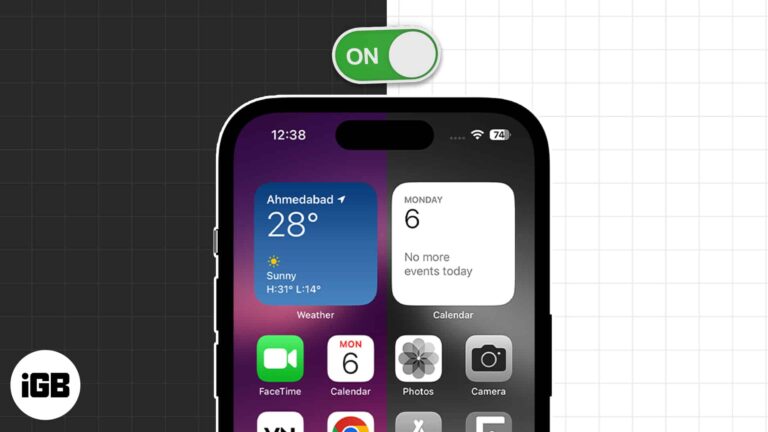
Grayscale helps with color vision differences and makes a phone far less compelling to pick up. Here is how to enable it on iPhone and iPad and bind it to a triple-click shortcut.
Have you made a reel with your friend or featured a brand in a post and want to add them as collaborators? This add-on allows two users to post the same posts or Reels on their feeds, helping them reach…
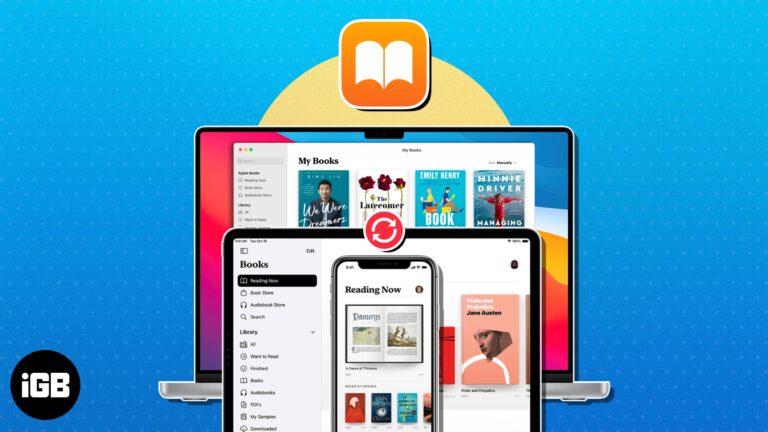
One of the best features of the Books app is the ability to start reading on one Apple device and finish on another. To keep up to date with your novels, short stories, and other reading materials, here’s how to…
Developers make it possible for users to access millions of apps from the App Store that are integral to Apple’s success. To help developers create these great apps, Apple offers a handful of advanced dev tools like Xcode, TestFlight, and…
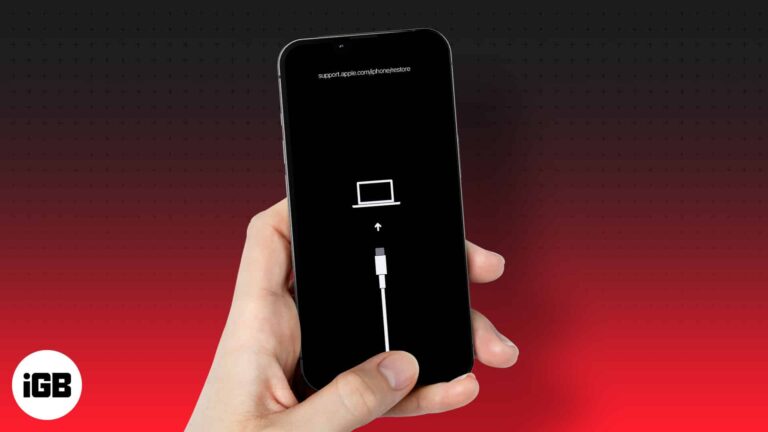
Sometimes all it takes is a small error to scare you. And it can be really scary when your iPhone display shows the recovery mode screen with a support.apple.com/iPhone/restore message. Thankfully the situation is easily fixable. And if you’re not…
Have you ever been in a situation where you had to scramble for your phone to snap a quick photo and miss it entirely? If you’re like most people, you might look for the Camera app on your Home Screen,…
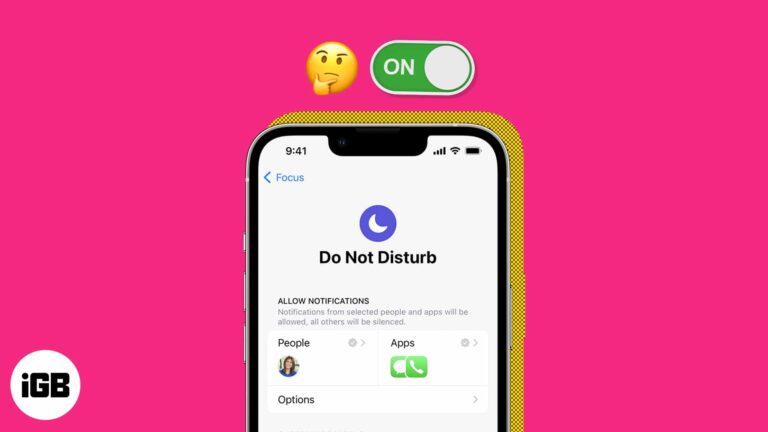
DND mode is among the most useful when at a meeting or working. However, it can be the most annoying when you miss crucial calls, emails, notifications, etc., as your iPhone keeps turning on Do Not Disturb automatically. There can…
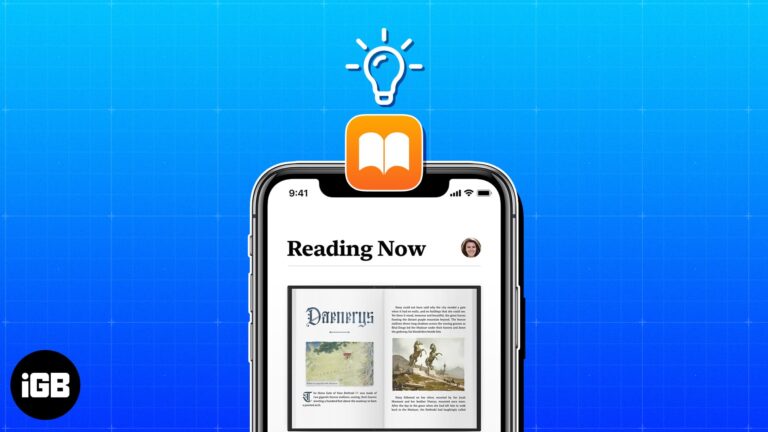
Maybe you’re new to the Apple Books app or just haven’t had the time to explore its various features. To make the most out of this handy reading tool, check out these tips that’ll turn you into an Apple Books…
We want to keep our WhatsApp chats private and protect them from prying eyes, right? Thankfully, WhatsApp offers a handy feature to lock your chats on your iPhone. So, if anyone gets access to your WhatsApp, they can’t read those chats until…
Your iPhone is your best friend! From waking you up in the morning to keeping your work running all day, iPhone does it all for you like a genuine best buddy. But what if someone steals your iPhone or you…
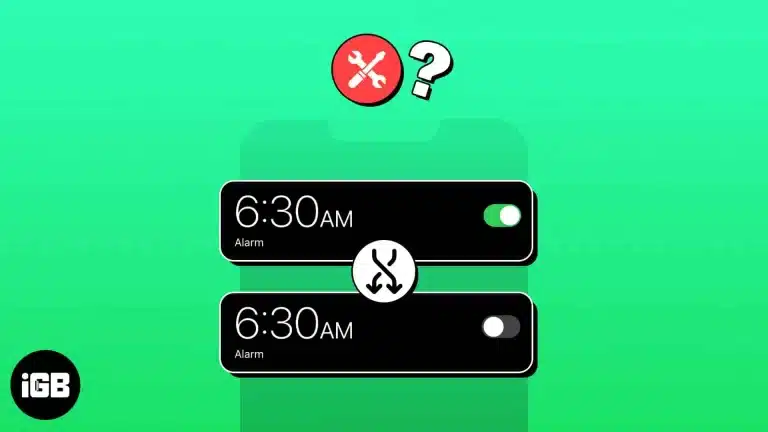
It’s a delight to wake up to our favorite tunes, feeling refreshed and ready to conquer the day. But what if your iPhone’s alarm has some other ideas? Like going off at the most inconvenient times, disrupting your sleep, and…
If you love jotting down ideas in the Notes app but wish to share them on a universal platform, then you’re in luck. With iOS 17 and macOS Sonoma, users can now effectively share Apple Notes to the Pages app.…


