FaceTime Like a Pro
Get our exclusive Ultimate FaceTime Guide 📚 — absolutely FREE when you sign up for our newsletter below.

FaceTime Like a Pro
Get our exclusive Ultimate FaceTime Guide 📚 — absolutely FREE when you sign up for our newsletter below.


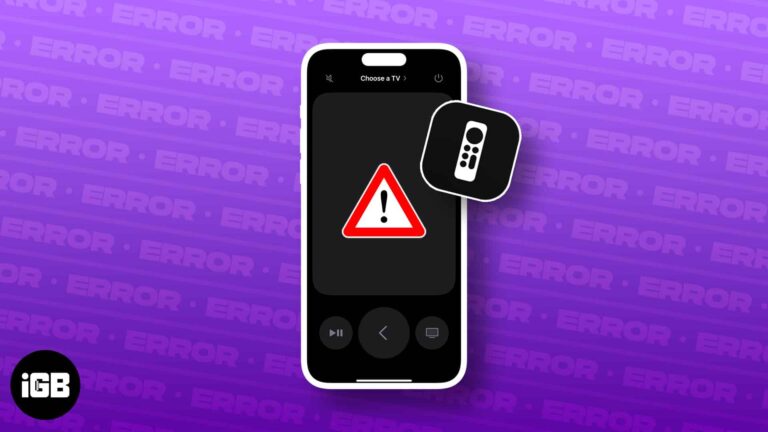
Frustrated by your Apple TV Remote app not working on your iPhone? You’re not alone. This common issue can arise from various factors, from software glitches to connectivity issues. Fortunately, the quick fixes in this guide can help you get…
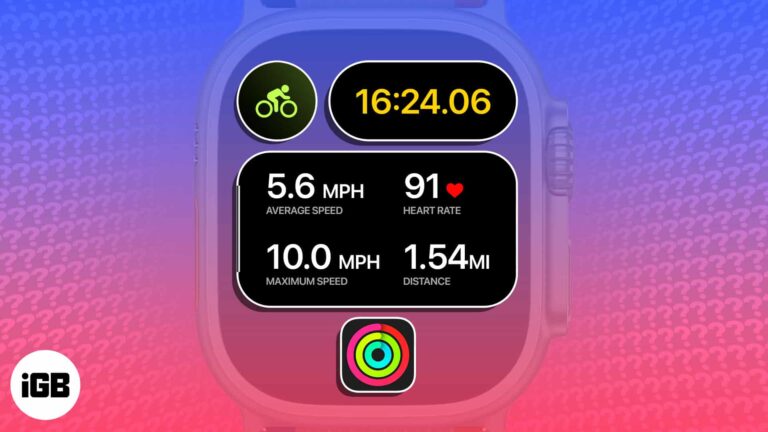
Apple just dropped a game-changing feature for cyclists. You can now view the Apple Watch’s live cycling metrics – heart rate, speed, distance, elevation, and more – directly from the iPhone’s Live Activities. To unlock this native feature, you need…
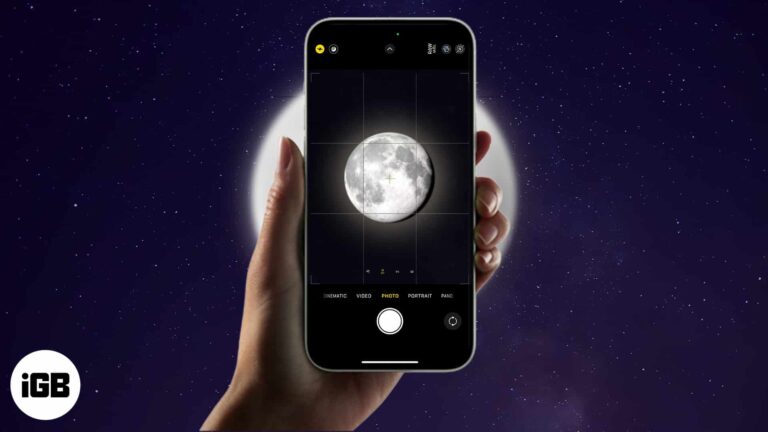
The idea of capturing the close-up pictures of the Moon with your iPhone sounds fantastic. But it requires patience, extreme carefulness, and advanced techniques. To simplify this, I will share how to take a picture of the Moon with your…
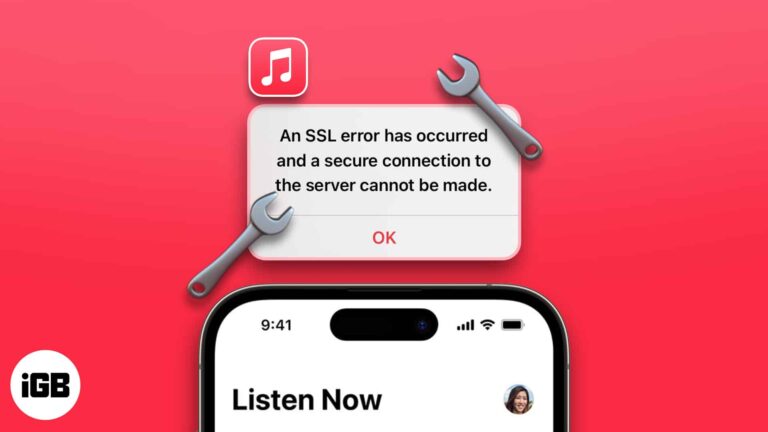
Being a music lover, I understand the importance of uninterrupted access to our favorite tunes. And nothing can be more frustrating than encountering technical hurdles in this experience. If you are bothered by an SSL error in Apple Music on…
Your iPhone helps you to generate strong passwords on Safari automatically and syncs with iCloud Keychain. But those may be too long with special characters and don’t always satisfy some website criteria. But you can alter them effortlessly. Let’s learn…

Android TV has no native AirPlay, but several apps bridge the gap. Here are four ways to mirror an iPhone screen, plus what to do when video jumps to an AirPlay device unprompted.
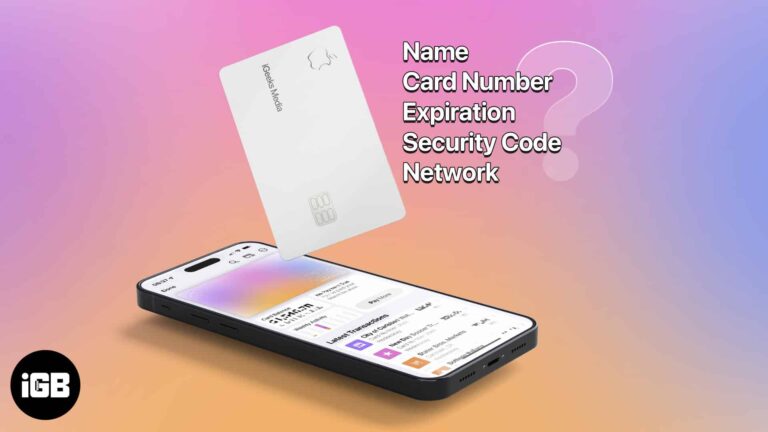
You probably noticed when you received your titanium Apple Card that it’s not just pretty but pretty bare as well. You can’t see the card number, expiration date, or security code. While this is a wonderful security feature, what do…
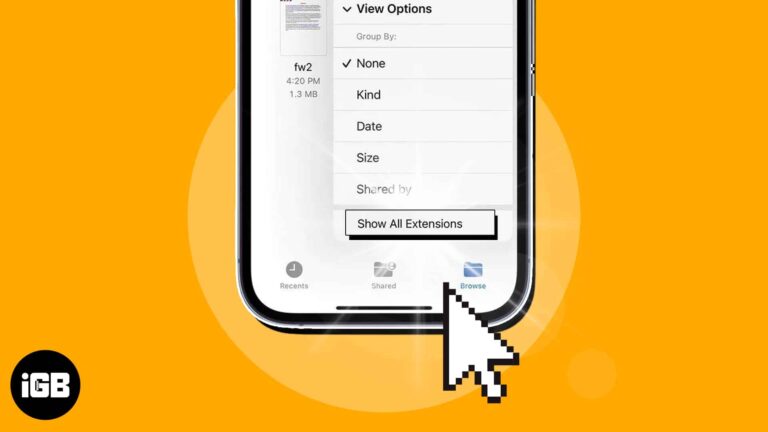
Want to use a file in a specific app on your iPhone, but the format is not supported? Worry not! Using the built-in Files app on your iPhone, you can quickly view the file extension and save them in a…
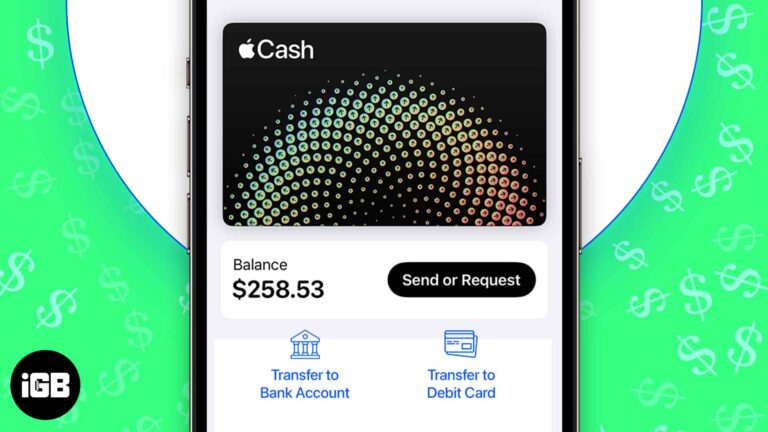
Whether you earn Daily Cash from using your Apple Card or receive funds from others via Apple Pay, your Apple Cash balance can build up over time. While you can use your Apple Cash to make certain purchases, you may…
Find My tracks every device signed in to your Apple Account. Here is how to set it up, add a new device, remove one you have sold, and erase a lost device remotely.
Slow Wi-Fi is often the phone, not the router. These 10 fixes work through placement, forgetting and rejoining the network, removing a thick case, updating iOS, and resetting network settings.
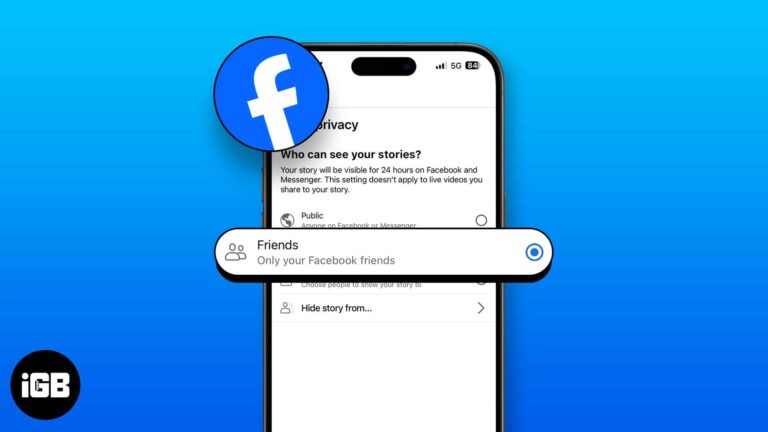
Stories default to your whole friends list, which is rarely what you want. Here is how to hide yours from specific people, control the audience, mute other people's, and undo any of it.
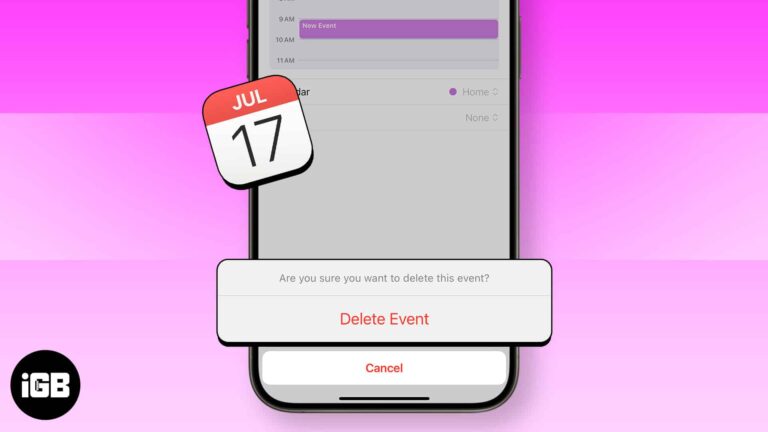
The Calendar app on the iPhone and iPad is a handy tool that lets you add, edit and delete events. It makes sure you do not miss birthdays, anniversaries, holidays, and special days. What’s even better is that once you…
Safari is the browser that comes with your iPhone — and all Apple devices, for that matter. But what if Safari isn’t quite your cup of tea? The good news is Apple not only lets you download a different browser…
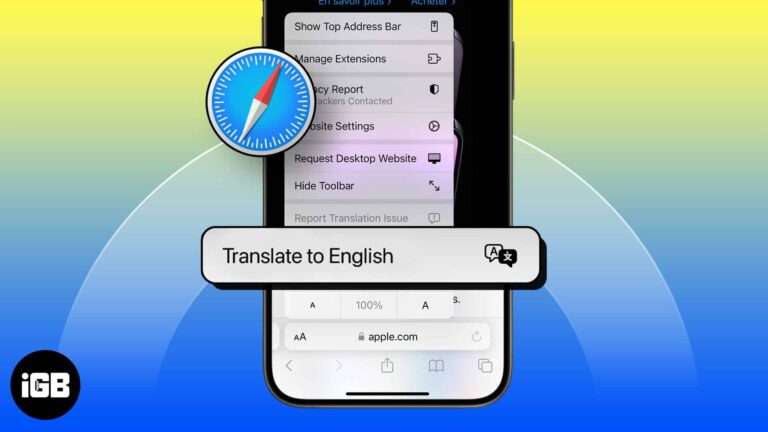
Safari translates whole pages natively on iOS. Here is how to use it, how to add languages to the list, why the translate button sometimes disappears, and what to do about it.
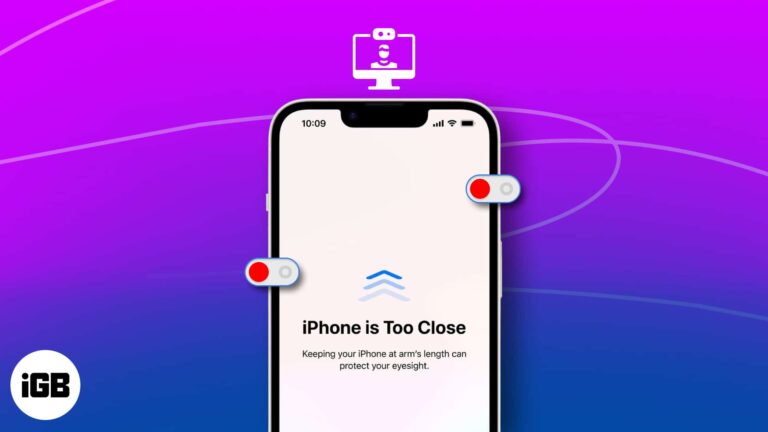
The Screen Distance feature helps you break the habit of holding your device too close to your face. It’s a helpful feature that uses Face ID and your device’s camera to alert you about the proximity. In this guide, I’ll…
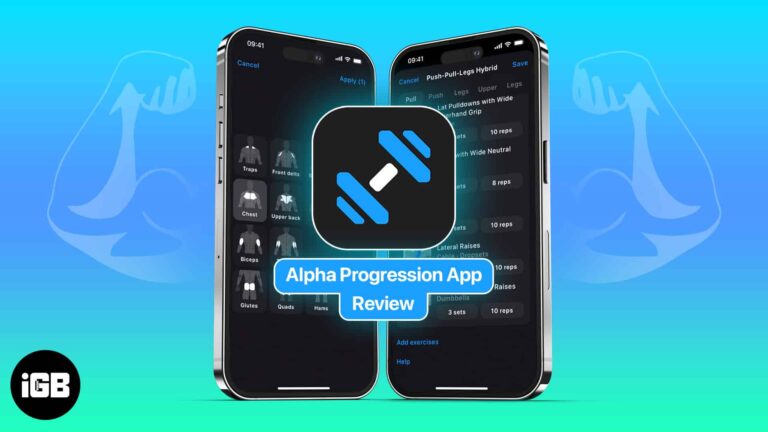
Gym Workout Alpha Progression is an iPhone app for weight trainers. Whether you’re a beginner or at an expert level, you can create individual workouts and custom plans to meet your fitness goals. Choose from over 600 exercises and track…
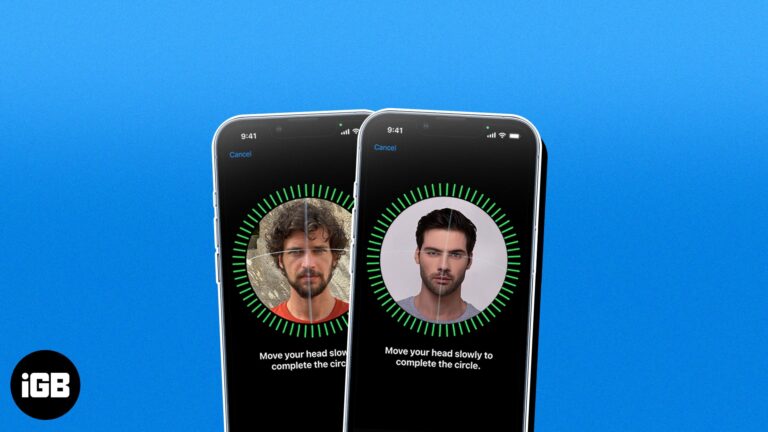
Face ID supports one alternate appearance, which doubles as a way to enrol a second person. Here is why you might want that, how to set it up, and how to remove the extra face later.
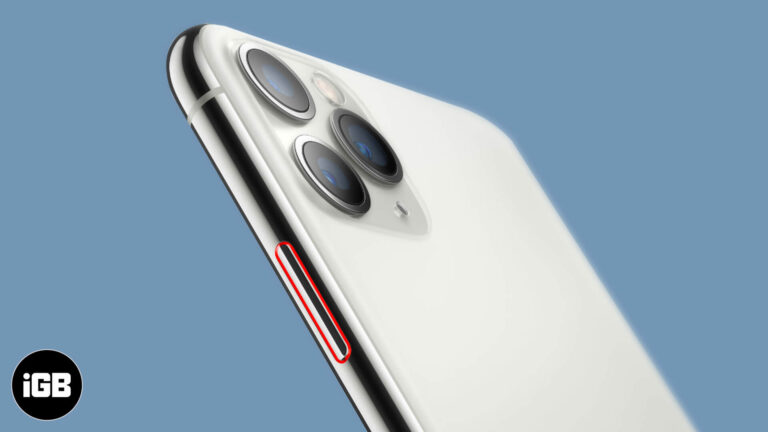
A stuck power button is often dust or a tight case rather than a broken switch. Here is how to keep using your iPhone with AssistiveTouch, adjust the click speed, and when to book a repair.
There’s nothing more disappointing than realizing the iPhone keyboard has disappeared right when you want to use it. From what I’ve gathered, the problem can occur due to a variety of reasons, but most notably these three: the iPhone is…
Maps stops working when location permissions are denied, the cache is corrupted, or the app is out of date. These fixes work through each setting so navigation and search behave again.
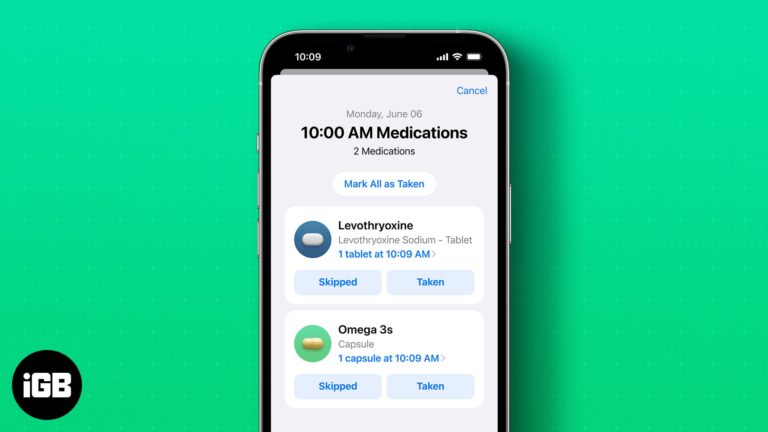
With the new iOS 17 update, Apple has introduced enhanced medication reminder features on both iPhone and Apple Watch, making it easier than ever to stay on top of your medication schedule. In this blog post, we’ll guide you through…
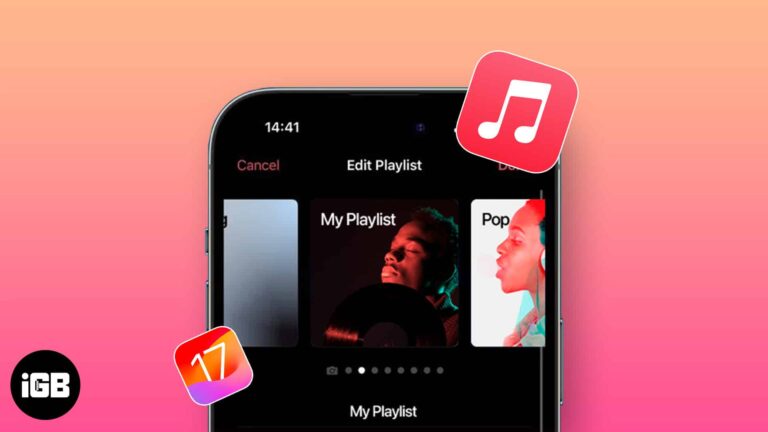
There’s more to the music you love than just listening. You can add custom artwork in Apple Music on iPhone. In the past, you’ve been able to use a photo of your own for a playlist. But with iOS 17.1,…
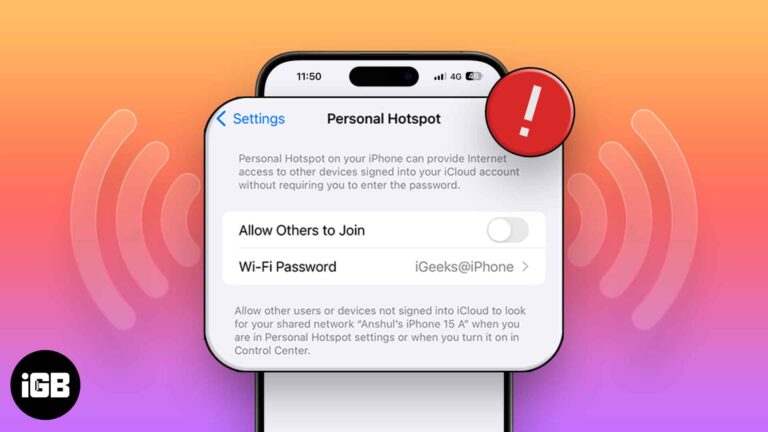
A vanished Personal Hotspot is nearly always a carrier provisioning issue. These 12 fixes cover carrier settings updates, APN certificates, plan checks, and a full network settings reset.
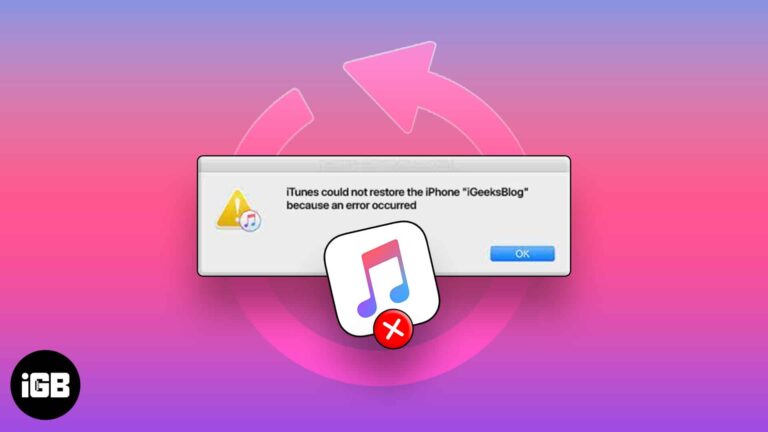
A failed restore usually traces to the cable, a version mismatch, or insufficient space. These seven fixes work through each cause so your backup actually loads onto the device.

WhatsApp recently experienced a data breach that affected 500 million users, leading to increased fraud and scam calls. WhatsApp responded promptly by introducing a helpful feature within the app that allows you to silence unknown callers on iPhone. Here’s how to do…
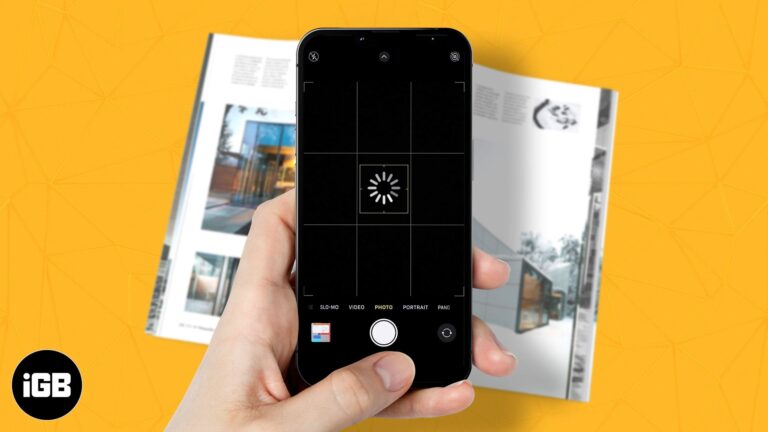
A laggy Camera app usually means low storage or too many apps held in memory. These nine fixes address each cause so you stop missing shots while the viewfinder loads.