FaceTime Like a Pro
Get our exclusive Ultimate FaceTime Guide 📚 — absolutely FREE when you sign up for our newsletter below.

FaceTime Like a Pro
Get our exclusive Ultimate FaceTime Guide 📚 — absolutely FREE when you sign up for our newsletter below.


An iPhone that runs hot throttles performance and ages its battery faster. Here is what actually causes overheating, and the settings and habits that bring the temperature back down.
When Spotlight stops returning results, the index has usually stalled or an app has been excluded. These six fixes cover search settings, reindexing, restarts, and app-level permissions.
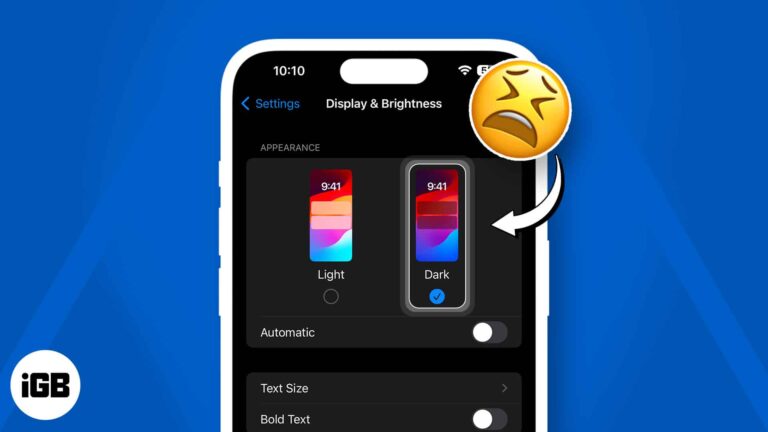
Dark Mode is one of the most useful features in iOS. It helps reduce eye strain to allow for a more comfortable viewing experience, especially in a dimly lit or dark environment. However, a small section of iOS users prefer Light Mode…

 Ayush Patel and Yash Wate
Find My must be off before you sell a device or send it for repair, since Activation Lock blocks the new owner. Here is what turning it off changes and how to do it on every Apple device.
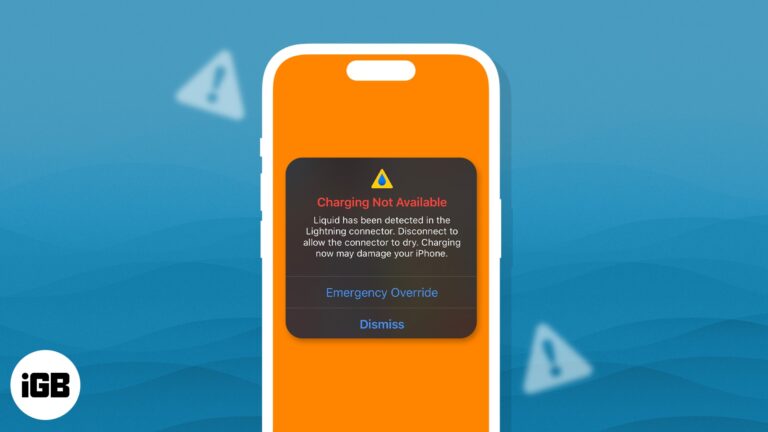
One of the selling points of the iPhone is its water resistance. While it can certainly handle splashes, getting it too wet can lead to hardware damage. To prevent hardware damage, your iPhone will alert you whenever it detects liquid…
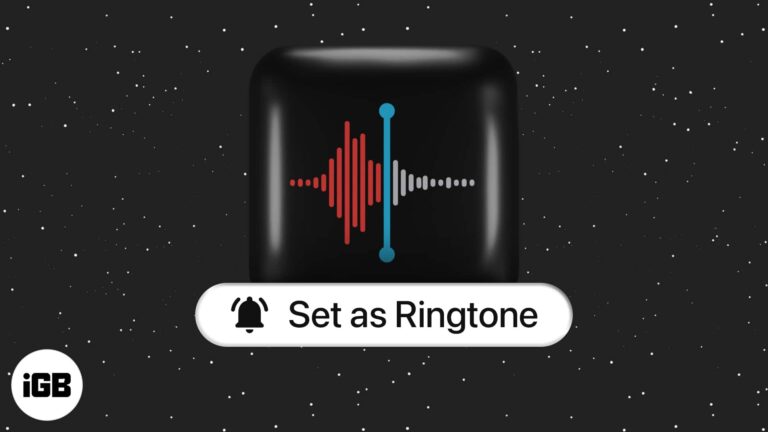
Are you bored of the iPhone’s default ringtone? Here’s the good news: you can make a voice memo ringtone on your iPhone without using a computer. So, use your child’s voice or set your partner’s funny voice note as a…
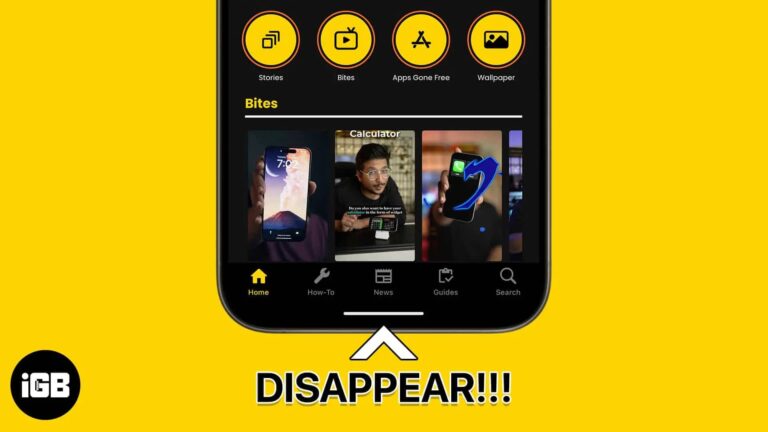
Learn how to remove the grey home bar on iPhone with simple steps so your screen looks cleaner and distraction-free.
Imagine trying to take a selfie on your iPhone, and all you see is a black screen! It can be even more frustrating when your rear camera works but your front doesn’t. Now, from app glitches to hardware damages, the…
iOS does not show file sizes by default. Here is how to check any document through the Files app, and how to see the size and dimensions of a photo without moving it to a computer.
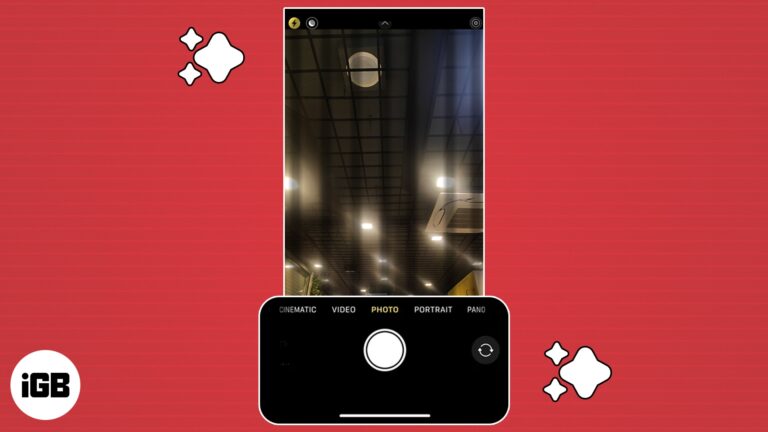
If your iPhone’s camera is blinking, you’re not alone. Unfortunately, it’s a fairly common problem reported by many Apple users. It can be frustrating when your iPhone hinders your ability to capture clear, focused photos and videos. But don’t worry;…

As we all know, Instagram has been caught ripping off features on Snapchat in daylight multiple times, and even after that, they don’t seem to take any chill pill. Meta recently rolled out the Bitmoji, oops, Avatars to Instagram, a…

WhatsApp hides plenty of useful behavior behind long presses and settings. These 25 tips cover pinning messages, formatting text, editing what you sent, dark mode, wallpapers, and more.
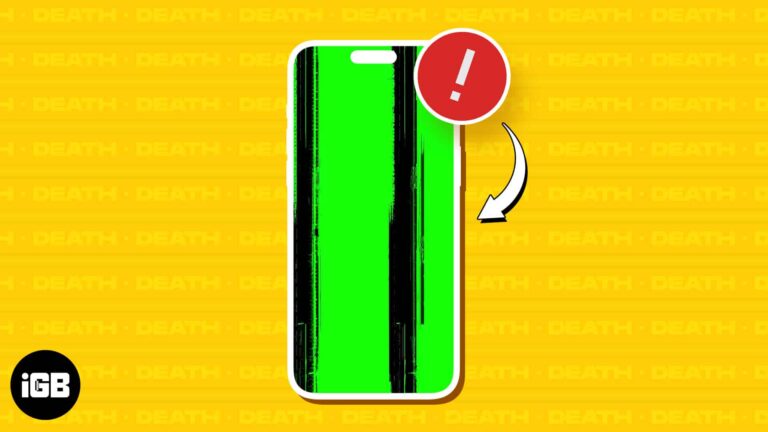
Your iPhone can get stuck on a green screen due to specific hardware or software issues, and the severity can range from subtle flickering green lights and lines to a complete screen immersed in a green hue. In most cases,…
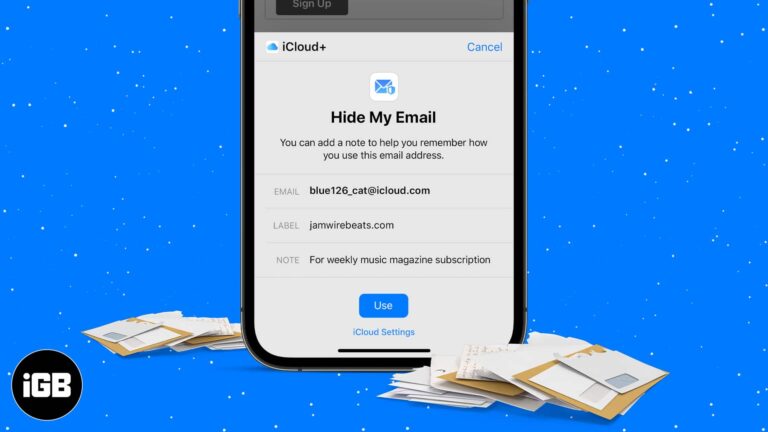
Hide My Email generates random forwarding addresses so sites never see your real inbox. Here is how it works, how to create and manage addresses on iPhone, and what iCloud Plus unlocks.
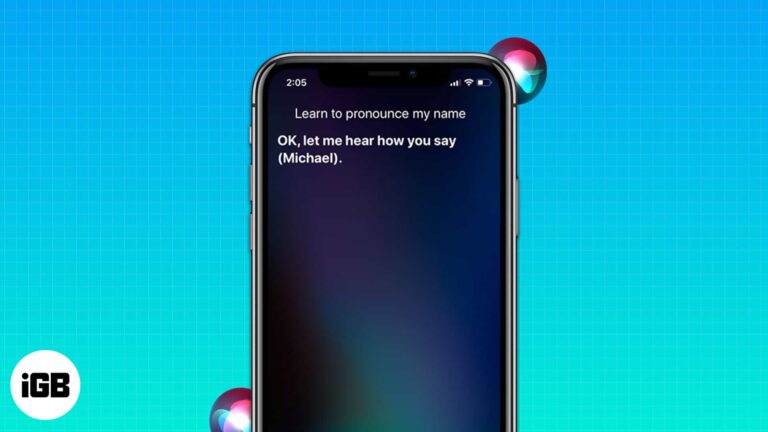
Experiencing difficulties with names is nothing new. Anyone, including our beloved Siri, can encounter it. It is one of the most trusted virtual assistants, and I understand how frustrating it can be when Siri mispronounces names. Today, I’ll explain how you…
Bigger text makes an iPhone far easier to read. Here is how to change the system size, use Accessibility for even larger text, turn on bold, and set a different size for specific apps.
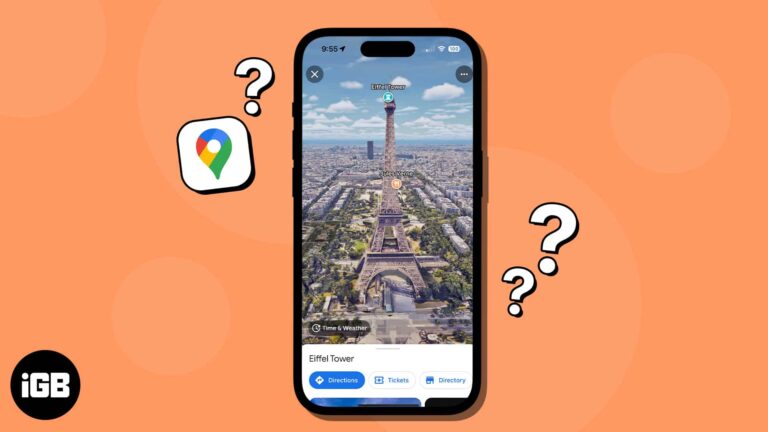
We can’t all be world travelers, but with map apps, we can feel like we are. Using Google Maps Immersive View on iPhone, you can enjoy breathtaking scenes of the cities and landmarks you’ve always wanted to see in person.…
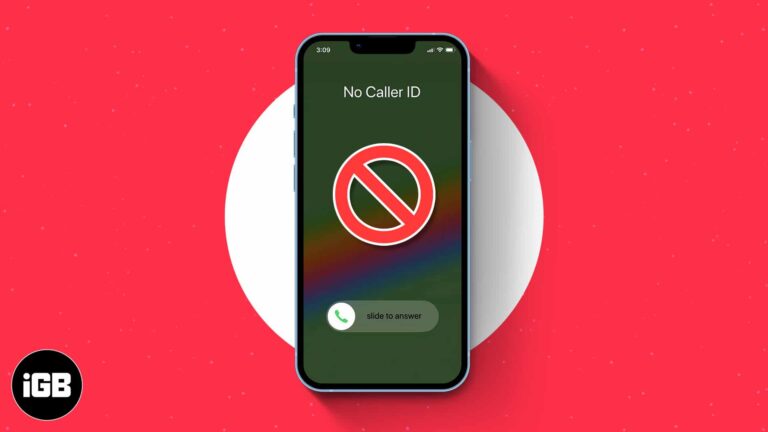
Key Takeaways >To block no caller ID on iPhone, use the Silence unknown callers feature. Go to Settings > Phone > Silence Unknown Callers > Turn on Silence Unknown Callers. Additionally, Do Not Disturb mode is another way to stop no caller ID on iPhone.…
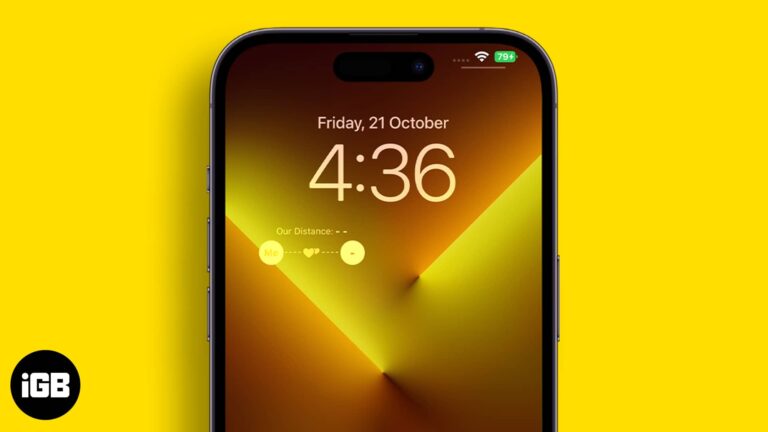
A single day doesn’t go by when I don’t see a tweet about iOS Lock Screen customization. The internet is filled with depth effect wallpapers, lock screen widgets, and more. Recently, a TikTok video made one such lock screen widget viral…

In this modern era of digital convenience, electronic wallets are becoming a necessity. Venmo, a mobile payment service owned by PayPal, is one of the most popular e-wallet services in the world. If you have an Apple device such as…
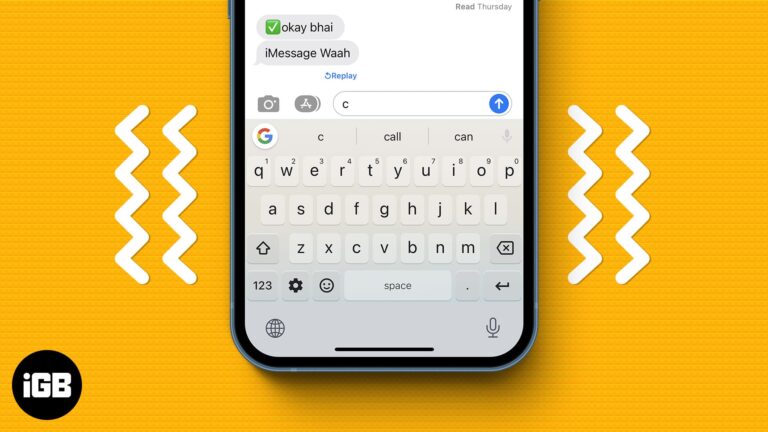
Not everyone likes to keep their keypad mute while typing. For some, it’s the keypad sound that motivates them to chat. For others, it’s the tingle that comes from the vibration of their iPhone keyboard. While you had to depend…
iCloud backup makes it convenient to keep your data secure and within reach. Therefore, it can be annoying to run into the ‘iCloud Backup Failed’ error. This is relatively common, but the good news is that you can try several…
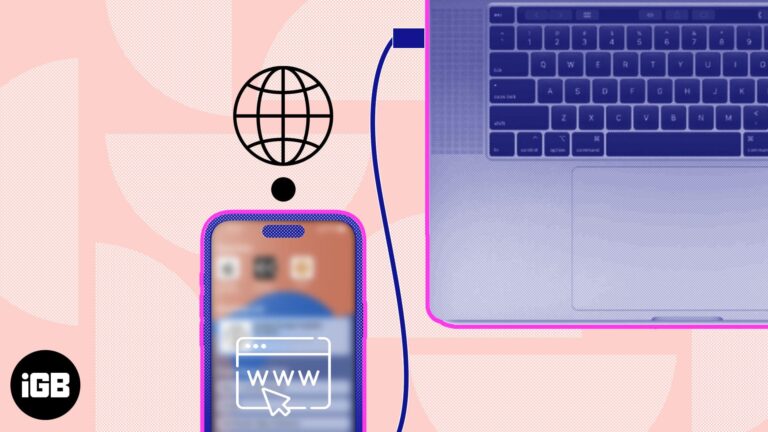
Tethering allows you to share the internet connection on your iPhone with another compatible device. While the Personal Hotspot from your iPhone makes the job easier, tethering comes in handy if the Wi-Fi on the Mac or PC isn’t working.…
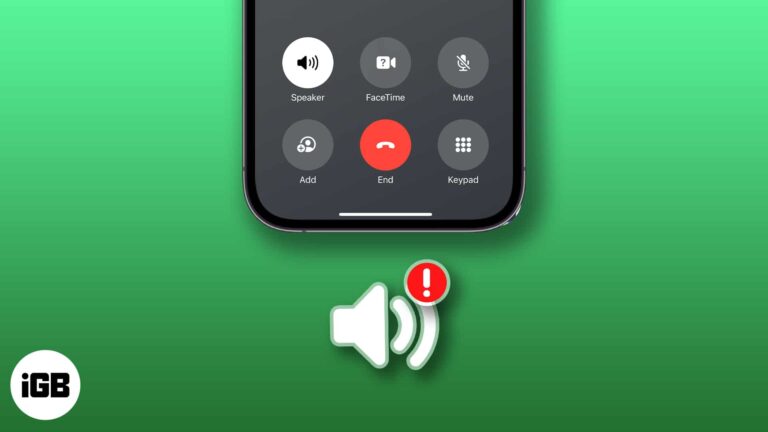
Calling is one of the primary functions of your iPhone. However, sometimes during regular or FaceTime calls, you may not hear much or any sound coming from your speakers. You may notice the call on the other end’s voice breaks…
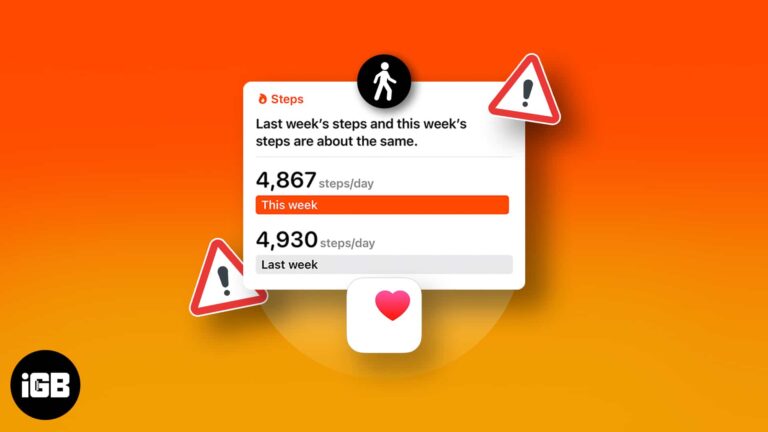
Apple has developed the Health app for iPhone so advanced that you don’t need any additional fitness tracking services. It offers a convenient way to count the number of steps you take in a day and running or walking distance…
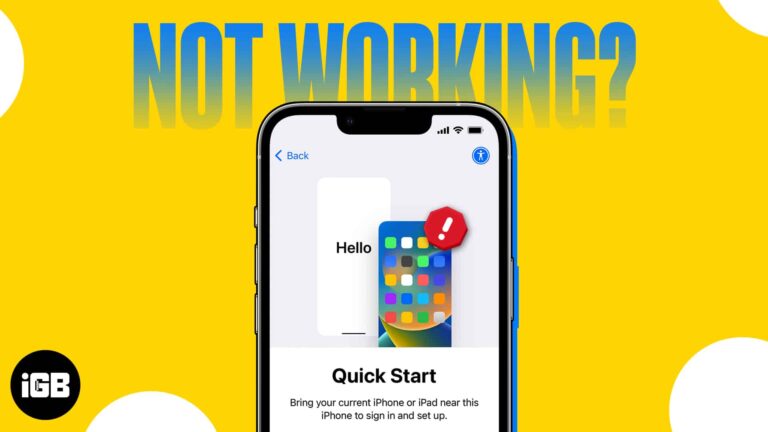
If you’re a traditional Apple user, then you must have encountered a situation where you had to transfer your data from your old iPhone to a new one. Thankfully, the company has made this process very simple with its Quick…
Missing likes and messages usually means notifications are blocked at the iOS level or muted inside Instagram. Here is how to check both, plus Focus modes and background refresh.

Facebook added clicks and pops to ordinary scrolling. Here is where the in-app sound setting hides in the Facebook app on iOS, and how to silence Messenger sounds too.