FaceTime Like a Pro
Get our exclusive Ultimate FaceTime Guide 📚 — absolutely FREE when you sign up for our newsletter below.

FaceTime Like a Pro
Get our exclusive Ultimate FaceTime Guide 📚 — absolutely FREE when you sign up for our newsletter below.


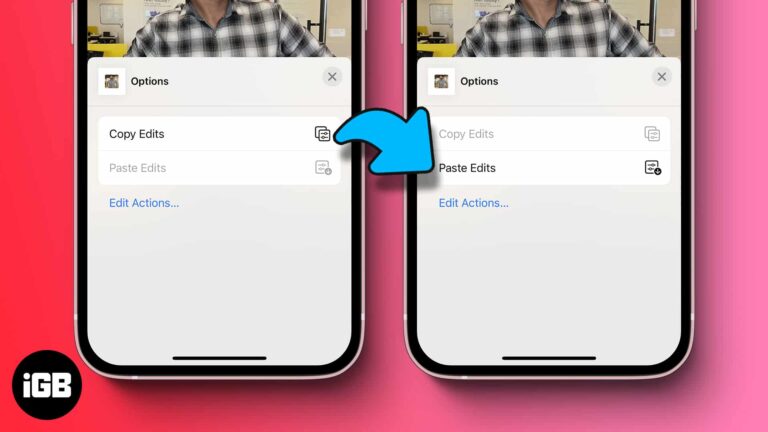
Apple’s built-in batch editing feature lets you select multiple photos and apply edits to all of them simultaneously. This hack can be really useful when you want to edit (and resize) images in bulk and retain uniformity. It not only…
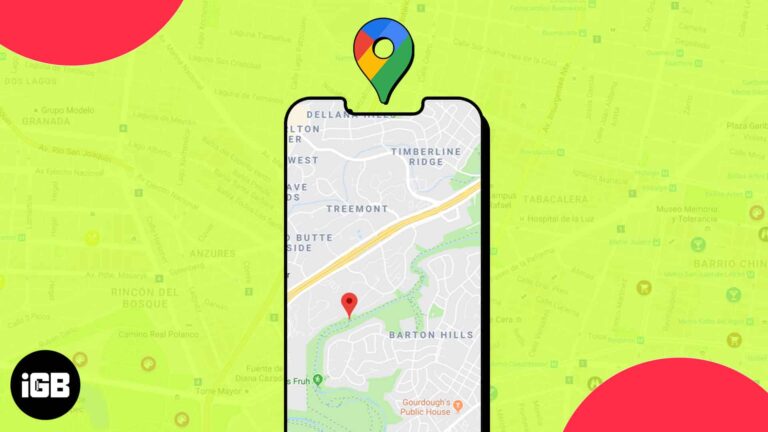
Google Maps is probably the best navigation and mapping software available to us. The service is used to find places and location, which can be used for navigation later on. When you find a location, you can drop a pin…
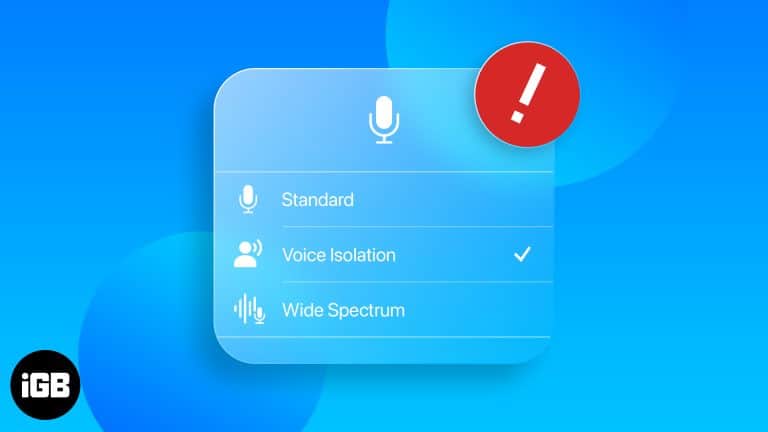
Voice Isolation makes your voice clearer on iPhone calls. While the feature works smoothly for most users during a phone call or FaceTime call, some have reported on Apple discussions that Voice Isolation is not working optimally for them. If you are…
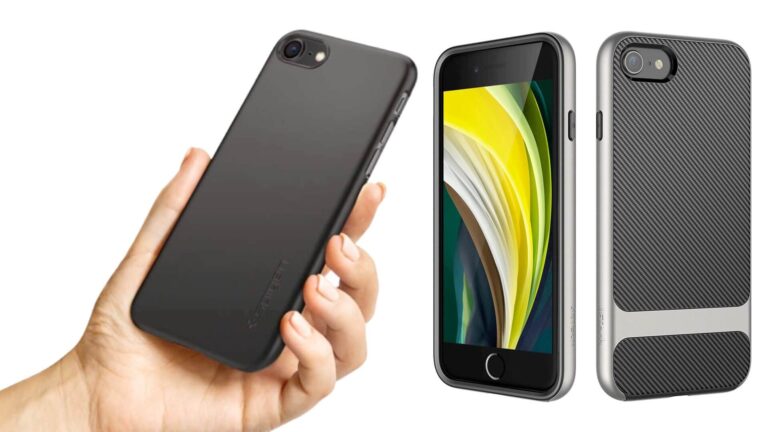
Not everyone wants a rugged case. These slim iPhone SE 2 options add grip and drop protection while keeping the phone pocketable, including clear, carbon fiber, and low-profile wallet designs.
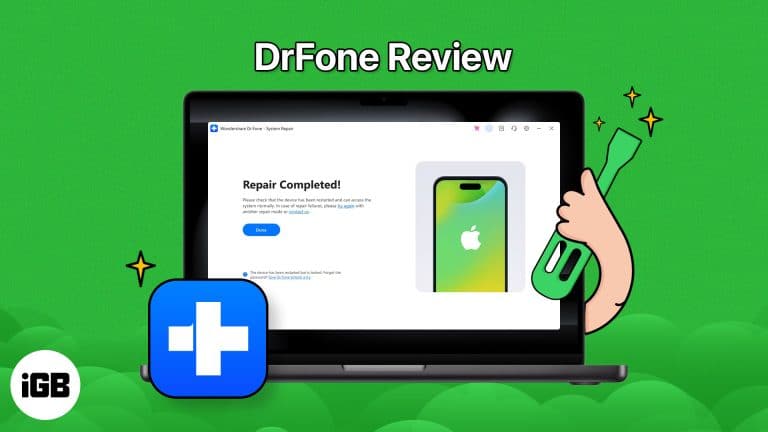
iOS System Repair by Wondershare Dr.Fone is a tool that fixes a wide range of iOS issues without the need for iTunes Besides fixing iOS issues, it can upgrade or downgrade iOS to the latest or beta version. Pros Cons…
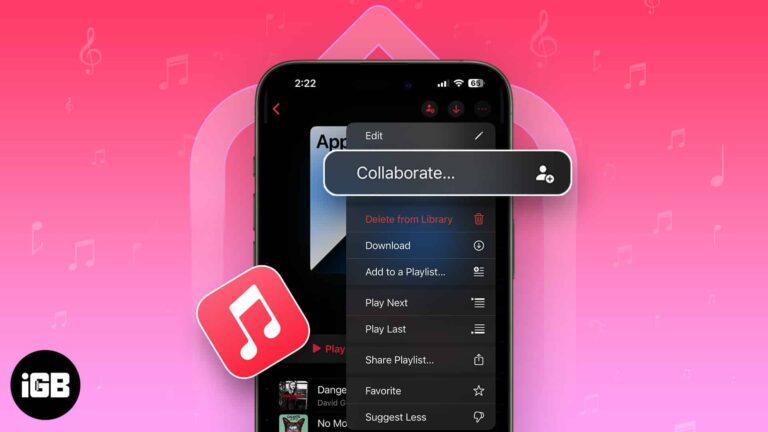
Key Takeways With collaborative playlists in Apple Music, collaborators can add or remove songs in a playlist and react to them with different emojis. To create collaborative playlists in Apple Music on iPhone, go to Library > Playlists > Choose…
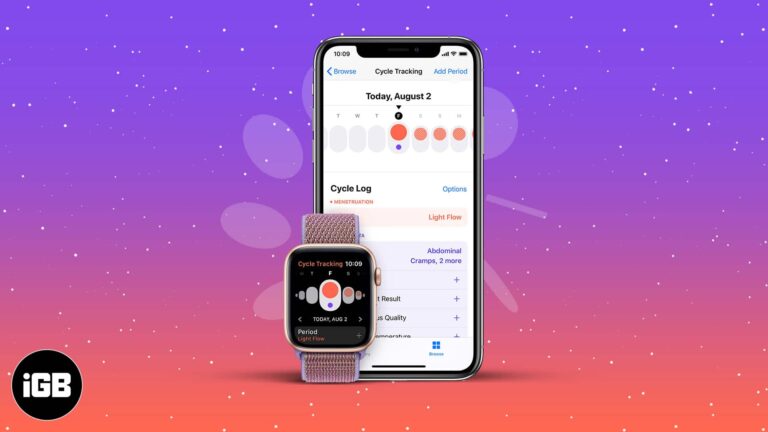
Cycle Tracking works across iPhone and Apple Watch, using wrist temperature for retrospective ovulation estimates. Here is how to set it up, customize logging, and enable deviation notifications.

Continuity Camera needs both devices on the same Apple ID with Wi-Fi and Bluetooth on. These fixes work through every requirement plus the software checks that usually restore the connection.
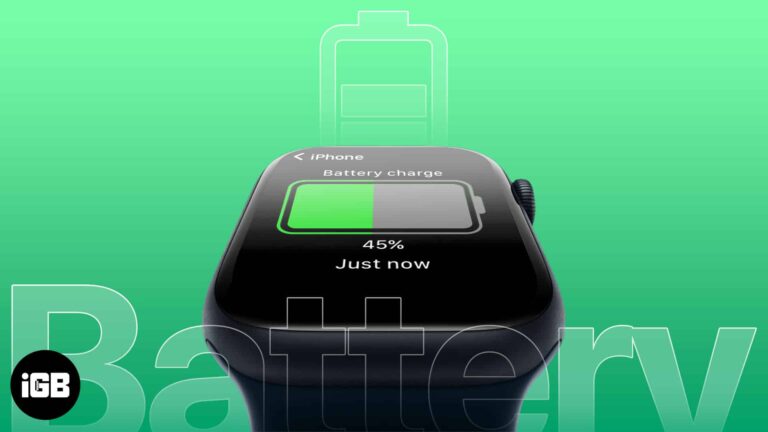
watchOS has no built-in iPhone battery complication, so an app is required. Here are the best options for checking your phone's charge from your wrist and how to add them to a watch face.
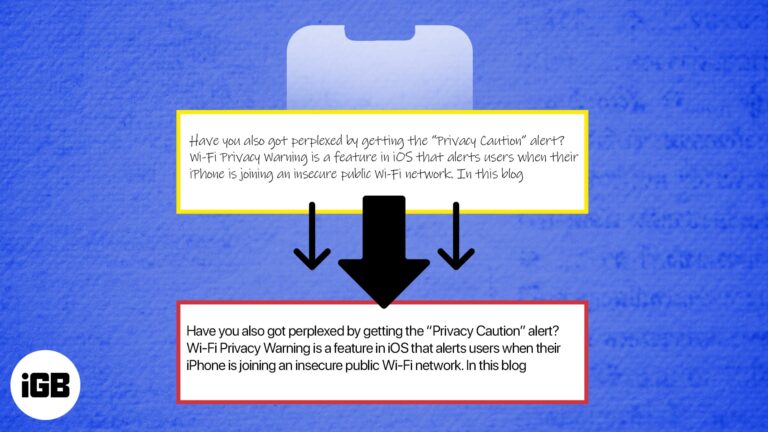
Effective time management skills can help you squeeze maximum output with little effort. iPhone allows you to up your time game by facilitating swift conversion of handwriting text into digital text. For this, you must know the role of Optical…
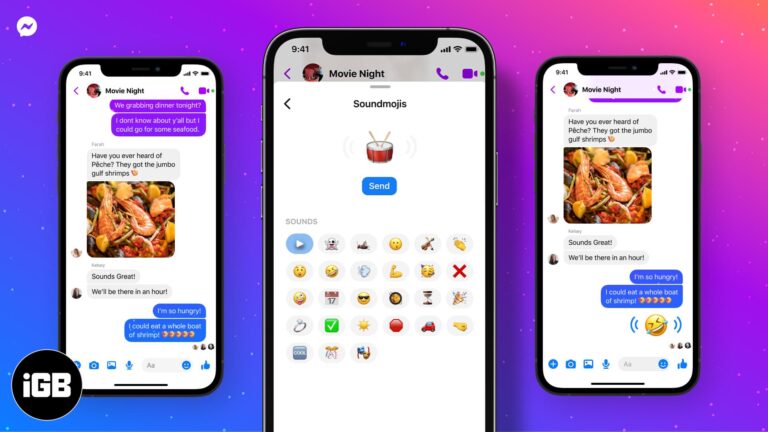
Soundmojis are emoji that play a sound clip when tapped. Here is what they are, where the Soundmoji drawer hides in Messenger on iPhone, and how to send one in a conversation.
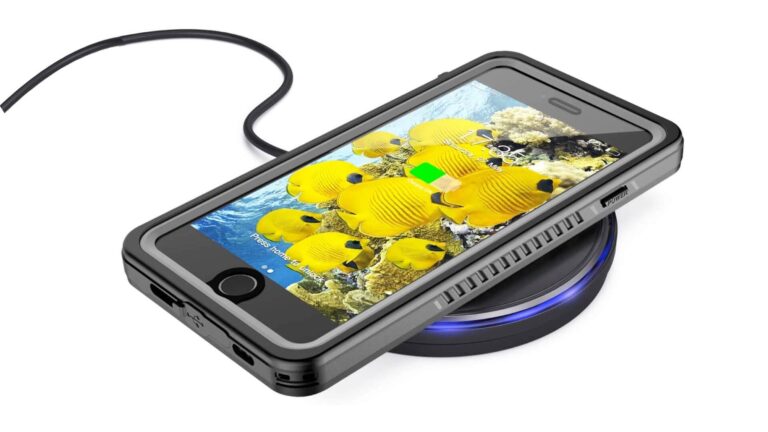
Not every case passes power through cleanly. These iPhone SE 2 options are confirmed to work with Qi wireless charging, and include clear, kickstand, bumper, and wallet designs.
If you always link your Instagram account with almost every app and website, you have compromised its security, and there is a high chance of it being hacked. Even if you are not that kind of a person and always…
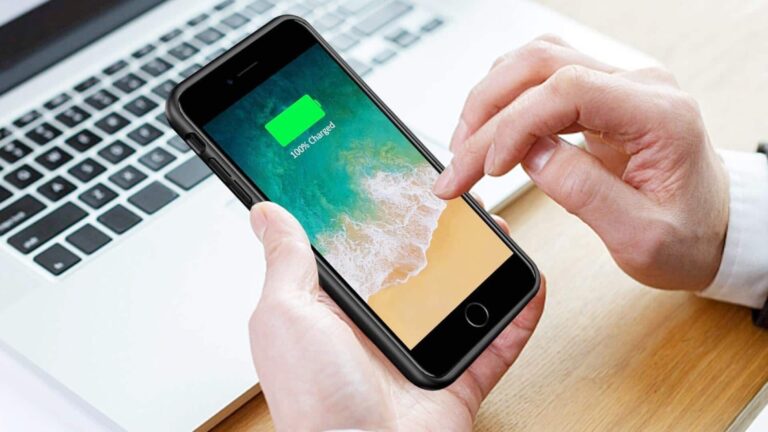
The iPhone SE 2 packs only an 1821mAh battery, which struggles under heavy use. These battery cases add meaningful runtime, compared here on capacity, thickness, and charging convenience.
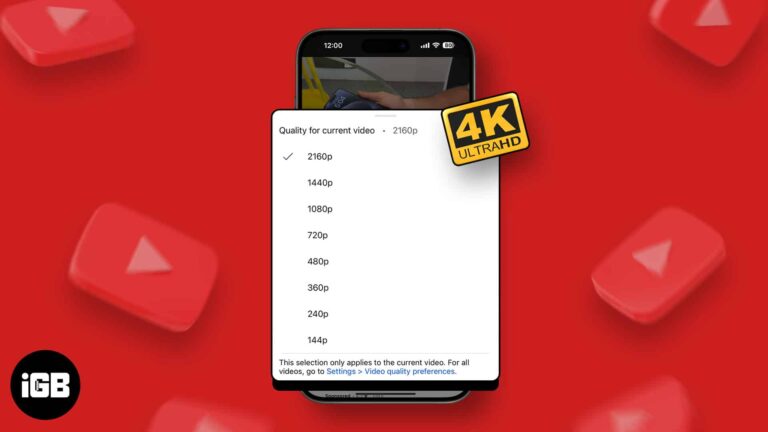
4K offers superior video quality and sharper details. If you have a fast, unlimited internet plan, you may naturally want to stream YouTube videos in the absolute best 4K resolution. Here’s how you can play YouTube videos in 4K on…
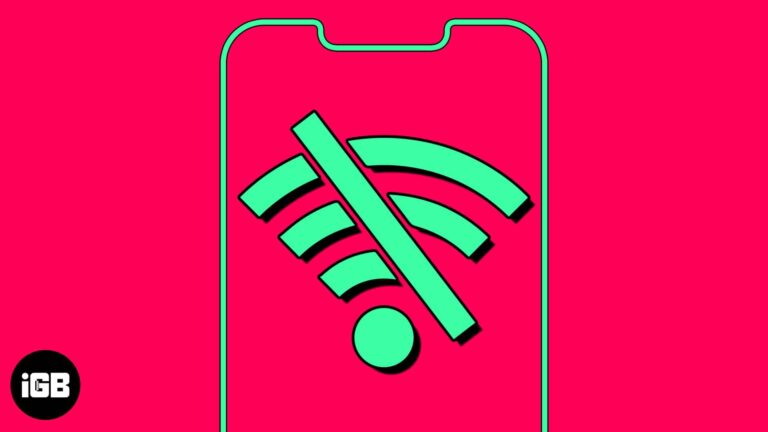
Automatically connecting to a saved Wi-Fi network saves time. However, it may be annoying when your device keeps auto-joining known Wi-Fi without permission. Also, this can raise security threats if you’re on the move and your device connects to public…
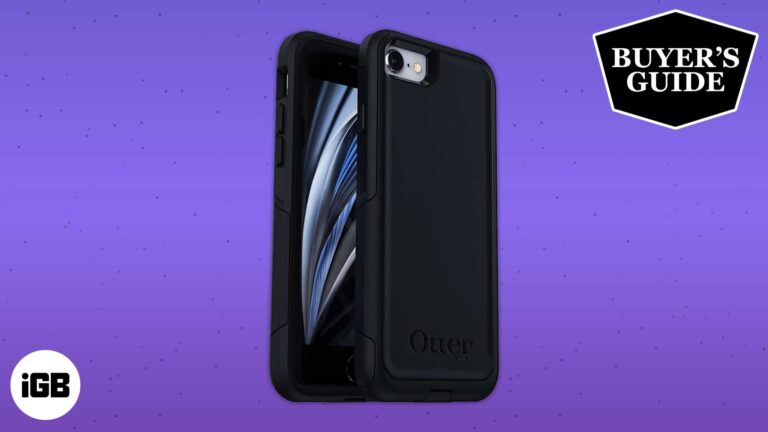
A good case is still worth buying for an older iPhone. These picks for the 7 and 7 Plus span rugged, slim, and wallet designs, compared on drop protection, grip, and bulk.
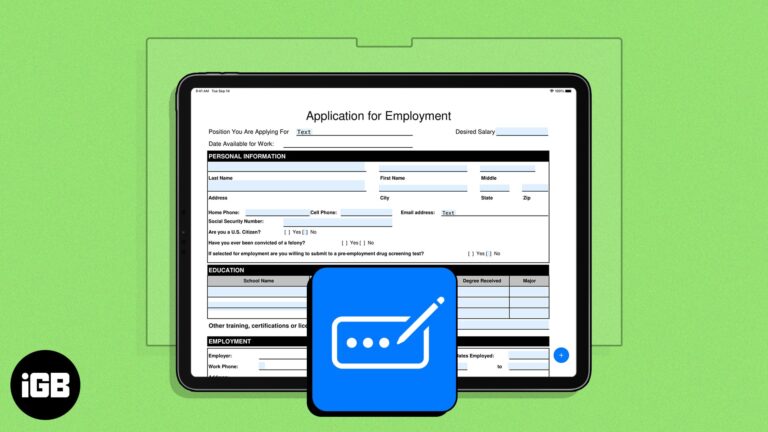
Earlier limited to the Safari app, Apple’s enhanced AutoFill feature has now branched out to PDF files across the system. Unlike Safari, there isn’t a specific setting you need to enable. All you need to do is ensure you have…
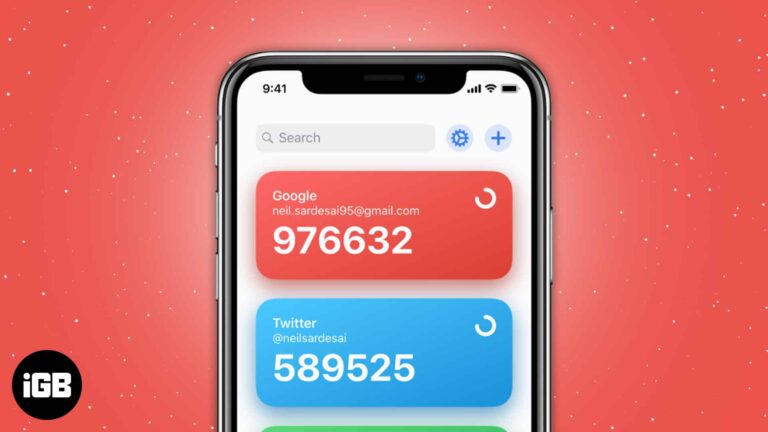
Protect your accounts with top two-factor authentication apps for iPhone that generate secure codes and keep your logins safer.
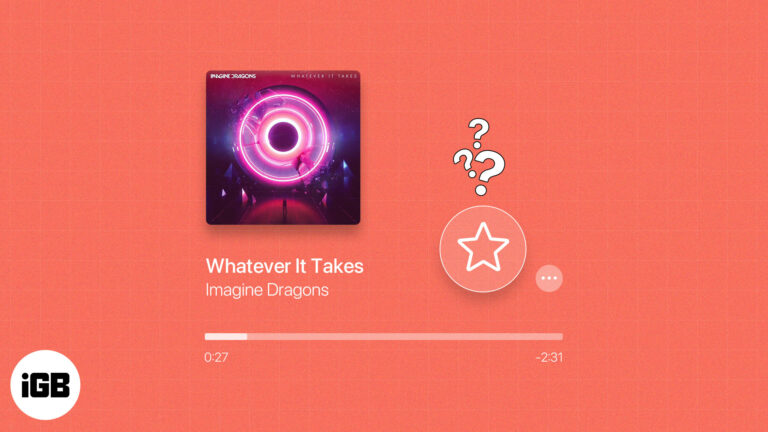
You can have favorite contacts, websites, and locations, so why not music? If you subscribe to Apple Music, you can take advantage of the Favorites feature. Introduced with iOS 17.1, iPadOS 17.1, and macOS Sonoma 14.1 and then expanded, you can…
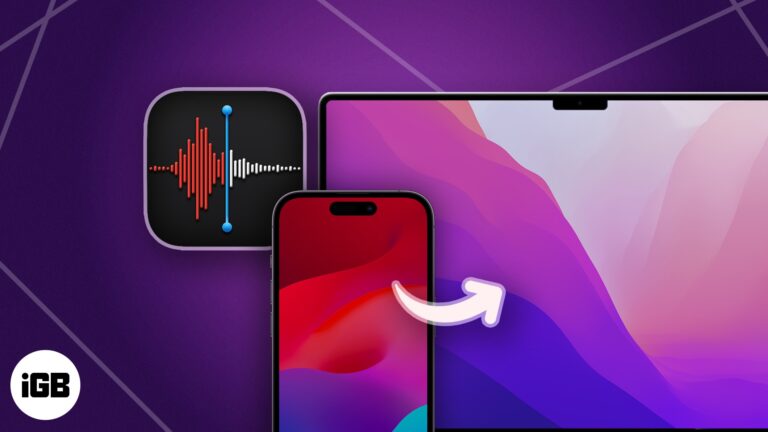
Voice Memos of meetings and ideas deserve a backup off your phone. Here are six ways to move recordings to a computer, from automatic iCloud sync to AirDrop and cloud storage.
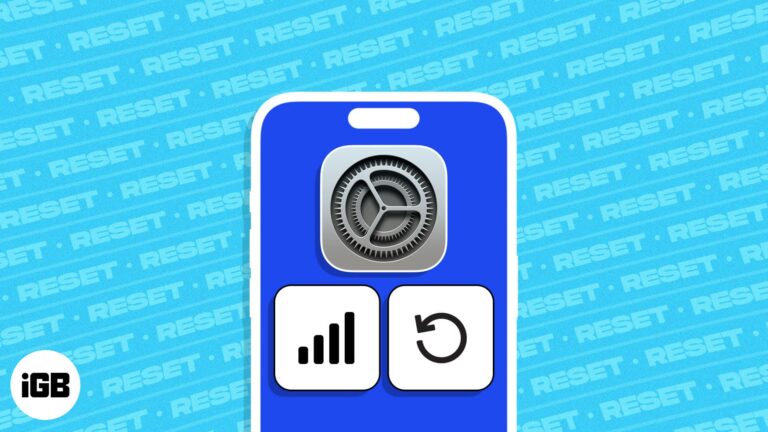
Is your iPhone struggling to connect to Wi-Fi signals or establish a stable cellular connection? Resetting Network Settings on your iOS device can resolve the issue indefinitely. In this blog post, we will be discussing how to reset Network Settings…
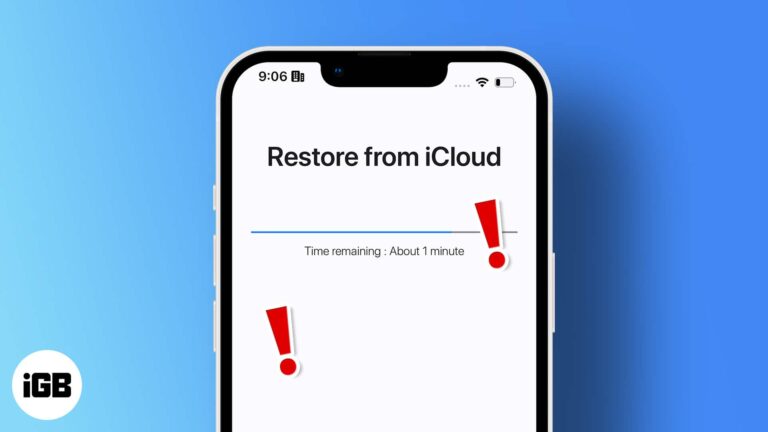
A restore that sits at the same percentage for hours is usually a connection or Apple server issue. Here is what causes the stall and how to get the restore moving again safely.
Notes handles simple tables well, which suits lists and comparisons. Here is how to insert a table on any Apple device, add and remove rows and columns, rearrange them, and format the text.
There are instances where the negativity from social media platforms like Instagram may affect your mental health. Hence, limiting comments becomes crucial. If you are facing a similar problem and looking to turn off comments on Instagram from your iPhone,…

Welcome to the world of PUBG/BGMI, where your imagination meets reality in the form of a first-person shooter game. If you’re an active iPhone gamer, it would be impossible for you to stay away from the most popular battle royale…
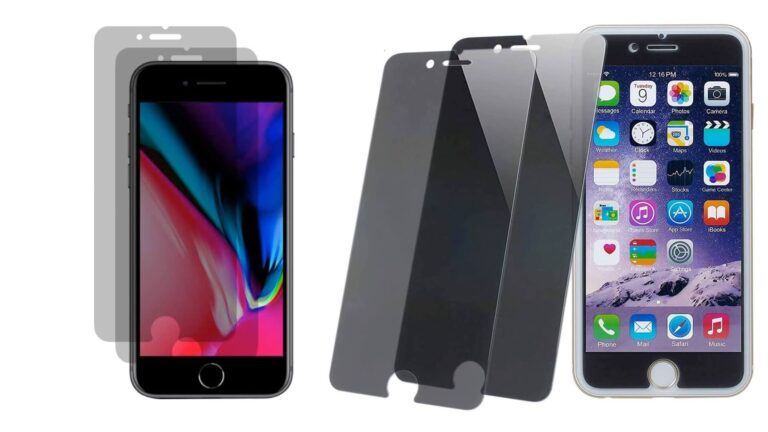
Anti-spy glass narrows the viewing angle so only you can read the screen. These iPhone SE 2 privacy protectors are compared on darkening, touch sensitivity, edge coverage, and installation.
Apps freeze or refuse to open because of outdated versions, server outages, connection problems, or Screen Time restrictions. These 11 fixes work through each cause in order of how quickly it can be ruled out.