
FaceTime Like a Pro
Get our exclusive Ultimate FaceTime Guide 📚 — absolutely FREE when you sign up for our newsletter below.

FaceTime Like a Pro
Get our exclusive Ultimate FaceTime Guide 📚 — absolutely FREE when you sign up for our newsletter below.


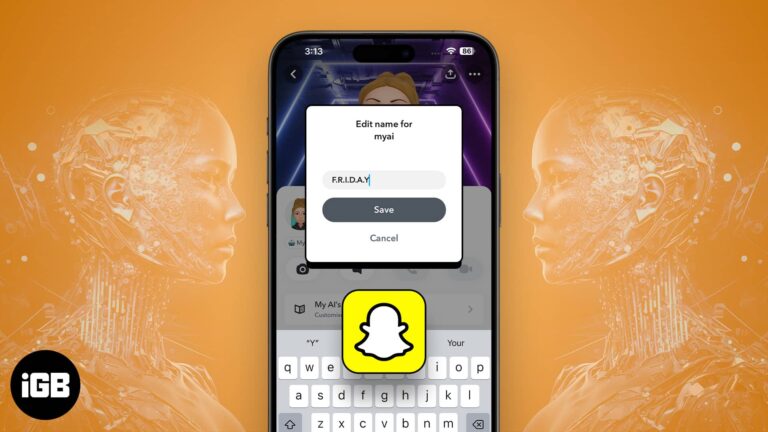
If you, too, are bored of the dull look of My AI on your Snapchat, then you’re in for a treat. Allow me to introduce you to a simple and effective way to change My AI gender and name in…

You might be familiar with cleaning iPhones with aluminum or stainless steel. However, it’s the first time Apple used a titanium frame in the iPhone 15 Pro series, and if you have your hands on one, you’d be cautious about…

Pinching to zoom works differently in playback and in the editor. Here is how to zoom a video while watching it in Photos on iPhone or iPad, and how to crop and zoom while editing.
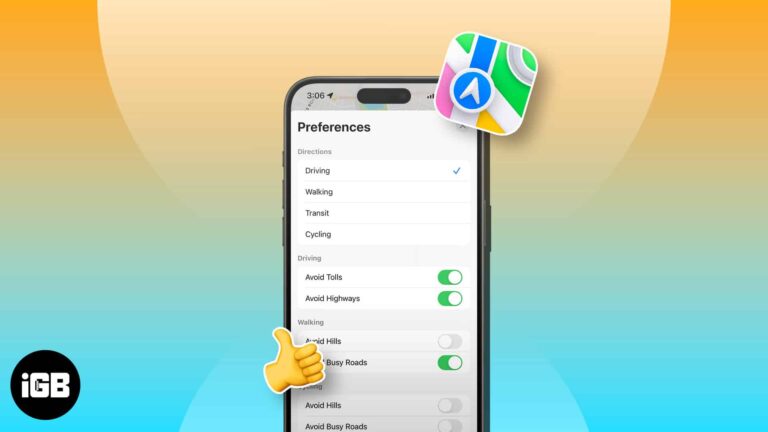
Opened Apple Maps to get navigation but only got driving directions? Don’t worry! You may change this to walking, cycling, or public transit mode. Here, I’ll show you how to change the default direction type in Apple Maps on your…
Deleted photos sit in Recently Deleted for 30 days and still occupy storage. Here is how to erase them for good, and how to recover an image before that window closes.

Unfriending removes a connection quietly, while blocking cuts off all contact and visibility. Here is exactly what each one does, how to do both on iOS, and how to reverse a block.
If callers cannot hear you, the mic is usually blocked, muted by an app permission, or hijacked by a Bluetooth device. These seven fixes work through each cause on iPhone.
You’ll take many photos of your pet if you’ve got one. Before iOS 17, it was harder to find your pet’s photos individually. Apple introduced the People & Pets album with iOS 17, iPadOS 17, and macOS Sonoma, categorizing photos…
A missing Apple Card is less alarming than a normal card, since the number lives in your iPhone. Here is how to lock it, order a replacement, and what to do if the phone is gone too.
Gboard adds glide typing, search, and translation to the iOS keyboard. Here is how to install it, grant full access, set it as your keyboard, and remove it if you change your mind.
FreeCast is a free app for streaming TV shows and movies. You can choose from a variety of in-app channels for live TV shows or connect to your subscription streaming service, such as Netflix or Apple TV+. Search for shows…
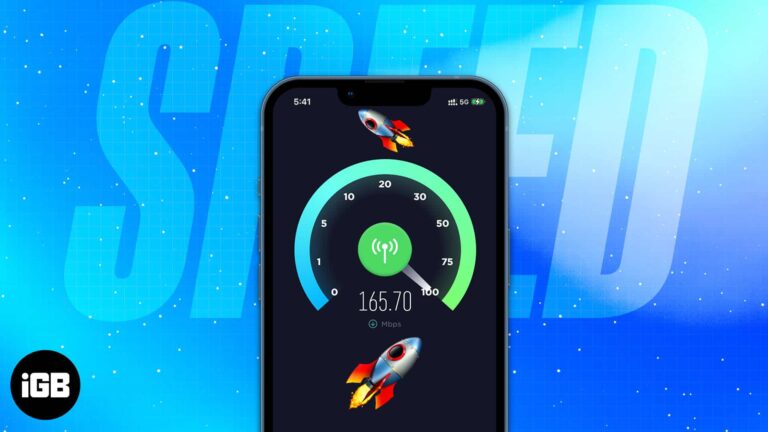
Slow mobile data is often the phone's configuration rather than the network. These 16 tips cover network mode, carrier settings updates, background data, VPN checks, and a network reset.
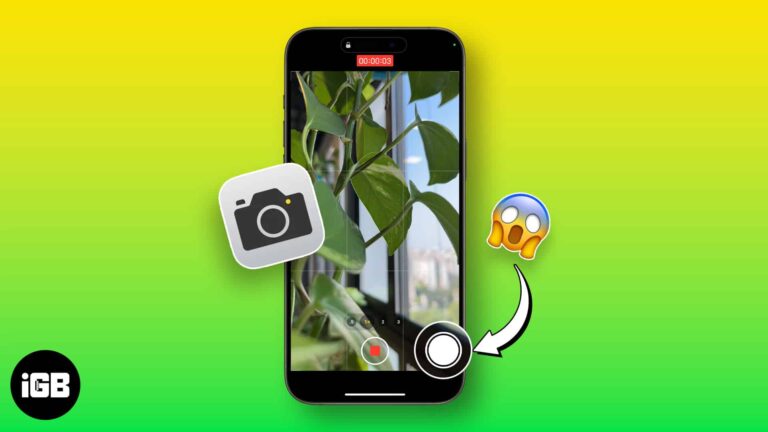
You can capture a still mid-recording without stopping the video. Here is where the button hides in the Camera app, and why those photos are lower quality than a normal shot.

Telegram has no global disappearing messages toggle like Signal or WhatsApp. Here are two ways to get the same effect on iPhone, using Secret Chats and self-destructing media timers.

Whether you’re a dog mom or a cat dad, you love your pet and probably snap tons of photos of them. Using the newly introduced feature of pet recognition with iOS 17, iPadOS 17, and macOS Sonoma, you can now…
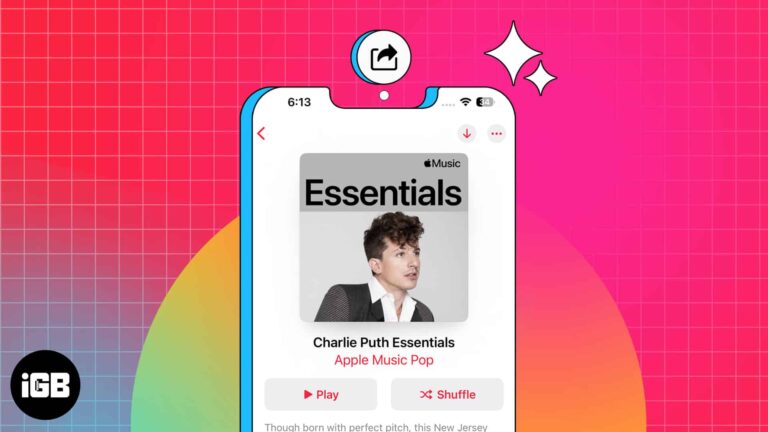
Apple Music is among the best online music streaming apps that lets you create and share playlists with your friends and family. You can pick your desired melodies from various genres, create playlists, and share them with other Apple Music…
Dark Mode on iOS is an excellent feature to reduce glare on your screen, preserve battery life, or even just to switch things up a little. As the name suggests, it darkens the visual appearance of your iPhone or iPad’s…
Slide-showing your pictures is one of the best ways to create stories with your memories. You can pull this up with your iPhone to entertain your friends and family members when they visit. The Photos app on your iPhone not…
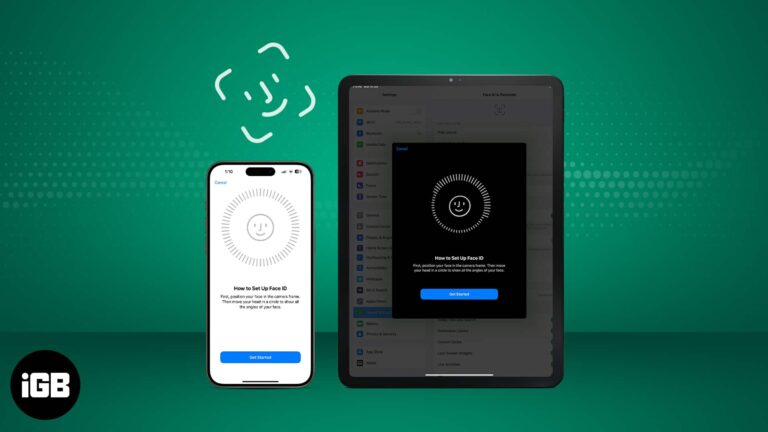
It’s advisable to use Face ID on your iPhone and iPad Pro because it’s a smart, fast, and highly secure way of unlocking your device. According to Apple, there is only a one in a million chance of someone else being…
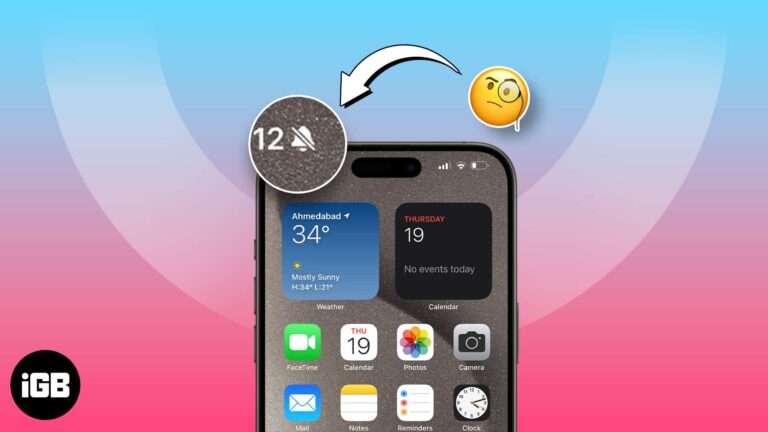
With the iPhone 15 Pro series, Apple removed the mute switch and replaced it with an Action button. Unlike the mute switch, the Action button doesn’t indicate the mute status. To solve this, Apple added a bell icon in the…
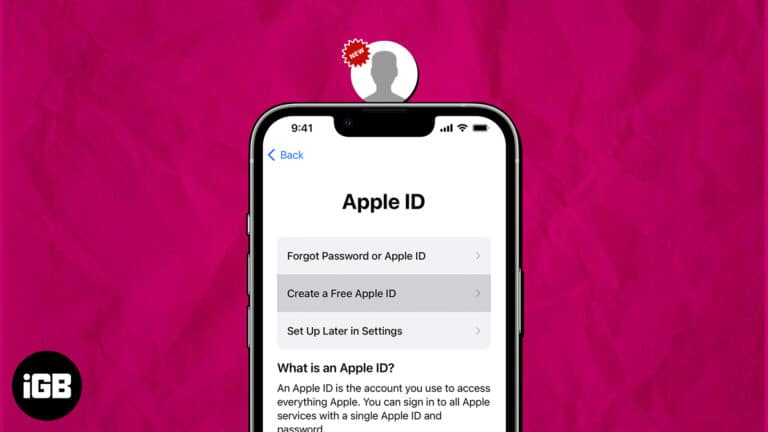
If you are a pro Apple user, you might already have an Apple ID. But if you are someone who is not well-versed with the ecosystem and just wants to try out a few of Apple services, you are welcome,…
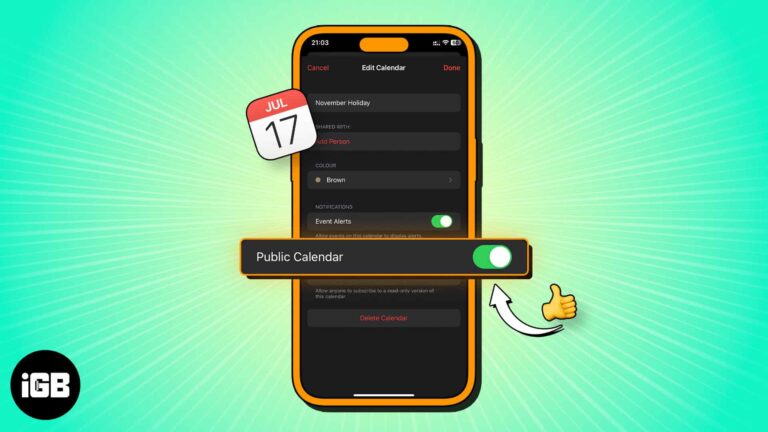
A public calendar produces a link anyone can subscribe to, including non-Apple users. Here is what a public calendar is, how to create one on iPhone, and how to share the subscription link.

What about jamming with your friends or singing along to your favorite songs with time-synced lyrics? Luckily, Apple Music lets you see the song lyrics on the full screen. Sounds interesting, right? In this guide, I’ll show you how to…
Shared Albums have made sharing precious memories and photos with loved ones easier than ever. However, it can be frustrating when you can’t share your favorite photos or access your shared albums. In this article, I’ll address possible reasons why…
Wondering when the alarm system was turned off or who unlocked the door after curfew? Using Activity History in the Apple Home app, you can see these types of actions – when they took place, and by whom. Here’s our…
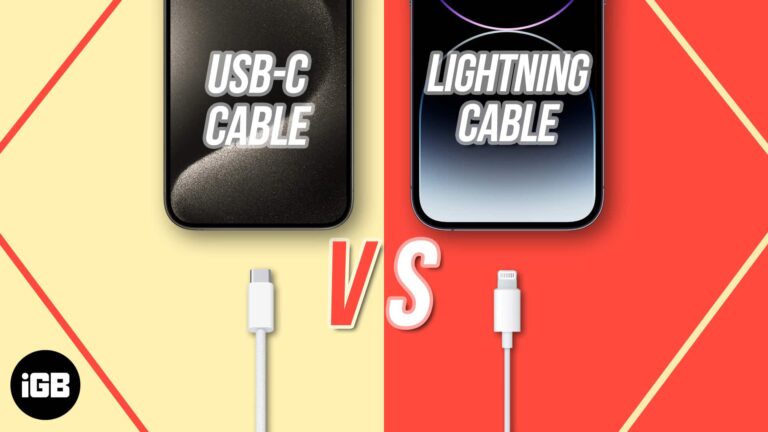
Apple unveiled the iPhone 15 series at its Wonderlust event. The highlight of the event, however, was the announcement of a USB-C port instead of the iconic Lightning port. Even though the two charging ports appear to be similar, there…
The Action Button is a welcome addition to the iPhone 15 Pro series, letting you do all sorts of things with just a tap. Rocking an older model? Don’t feel bad! There’s a nifty workaround for you to get a…
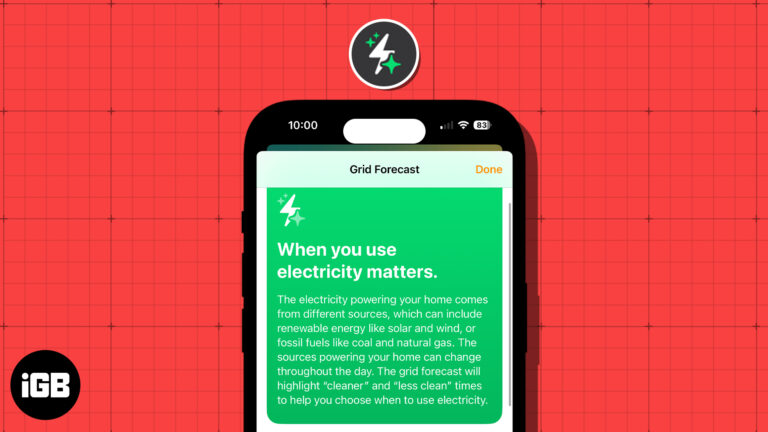
These days, people are more concerned about energy and its sources than ever before. With this in mind, Apple introduced the Grid Forecast feature in the Home app with iOS 17. This allows you to see the best times for…
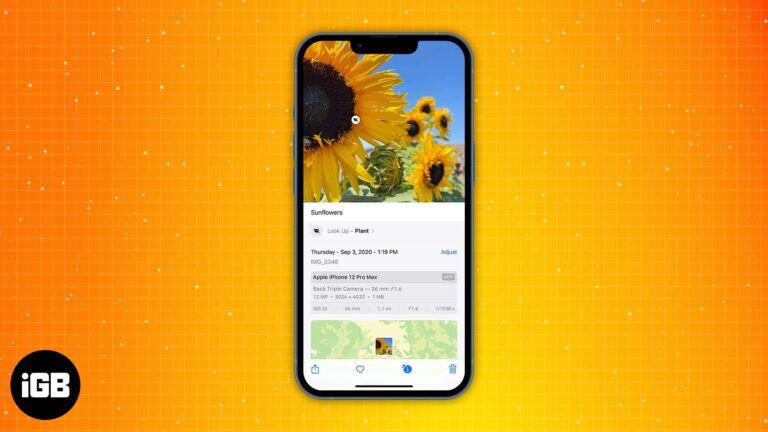
Captions make a huge photo library actually searchable. This guide shows how to add a caption to any photo or video, edit or remove it later, and find images by searching your caption text.
Learn how to forward calls on your iPhone with any carrier in just a few simple steps.


