
FaceTime Like a Pro
Get our exclusive Ultimate FaceTime Guide 📚 — absolutely FREE when you sign up for our newsletter below.

FaceTime Like a Pro
Get our exclusive Ultimate FaceTime Guide 📚 — absolutely FREE when you sign up for our newsletter below.



WhatsApp safeguards our conversations using end-to-end encryption. Its security code is an indication that the conversation between you and the receiver is encrypted. Changing WhatsApp security codes will help establish your contact is legitimate and the conversation is encrypted. This article…
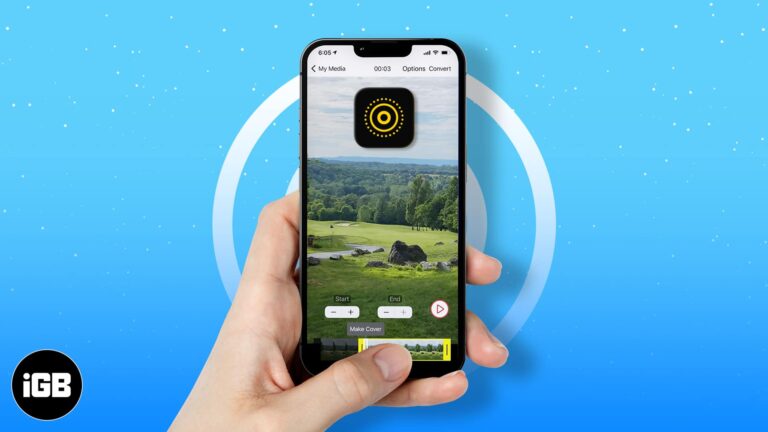
iPhone will not accept a video as wallpaper directly, but a Live Photo works. Here is how to convert a video or GIF into one, set it as your wallpaper, and the apps that do it best.
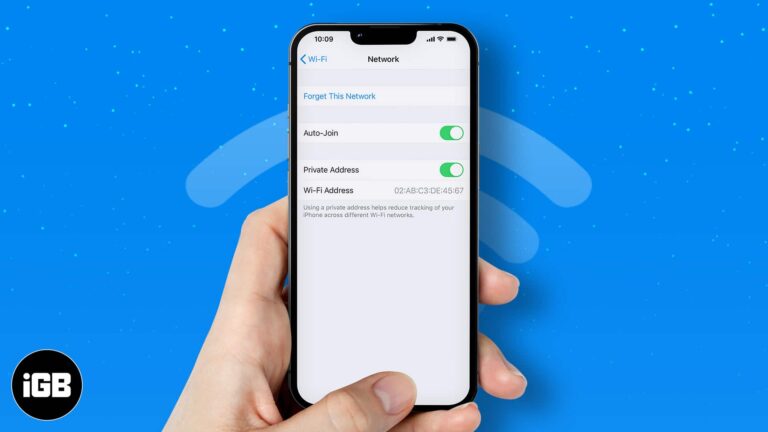
Some companies or organizations operate on a close Wi-Fi network. So it’s not uncommon for them to ask their staff for their MAC address. Well, you might be confused about what this strange acronym means. To start, MAC stands for…

It can be frustrating when you can’t find important messages or chats on Facebook. You might’ve even concluded that you’ve deleted them already. However, Facebook has a reputation for keeping memories (read data). Hence, there are ways to recover deleted…
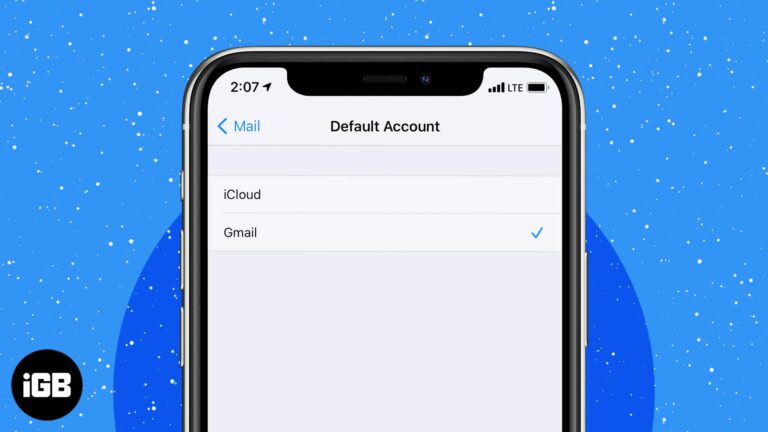
The first account you add becomes the default sender, which catches people out when work and personal mail mix. Here is how to change it, switch accounts mid-message, and remove old ones.
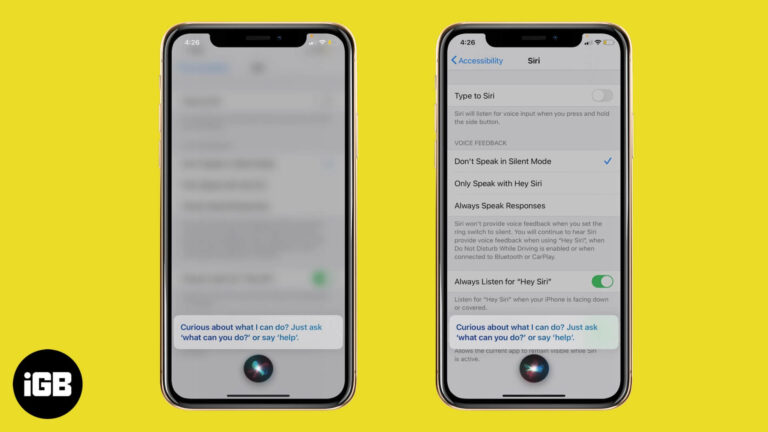
Since iOS 14, Siri appears as a small circle rather than taking over the display. Here is how to restore the full-screen interface on iPhone, and how to return to the compact version.
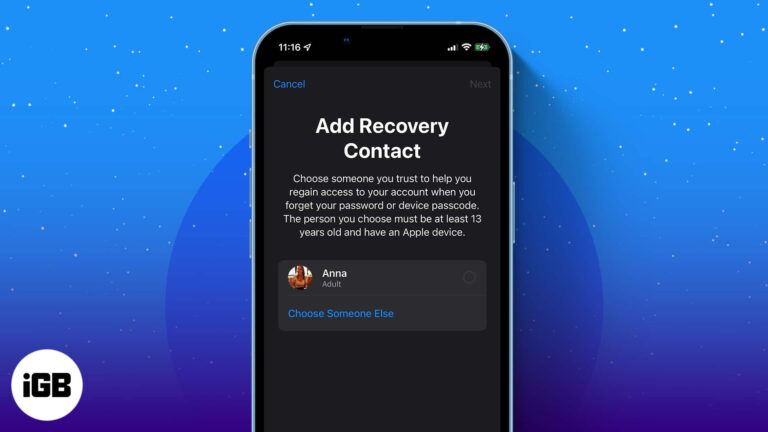
Whether you forgot your Apple ID password or the device passcode, recovering your Apple ID has always been a tad bit difficult. However, thanks to a new feature, the unlock key is now just a call away. All you have…
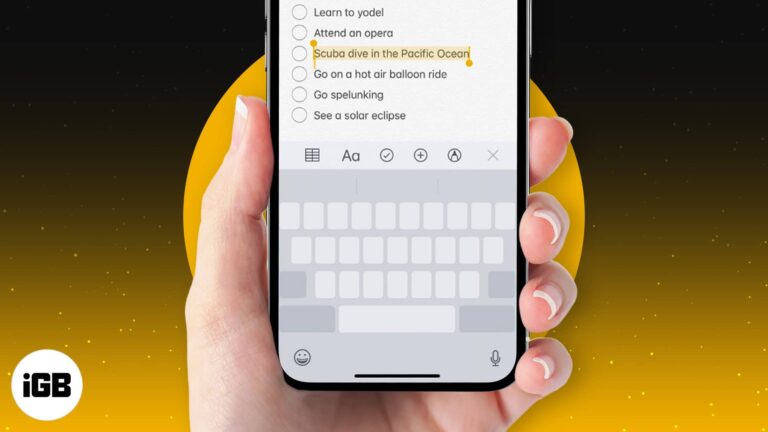
Despite the stiff competition from the best third-party keyboards, Apple’s QuickType keyboard remains my firm favorite for various reasons. Among several neat features, one that I find incredibly user-friendly is the ability to turn the iPhone keyboard into a super…
Zoom works well on iOS once you know its layout. This guide covers setting up the app, starting an instant meeting, joining with a meeting ID, and hosting a scheduled call from iPhone or iPad.
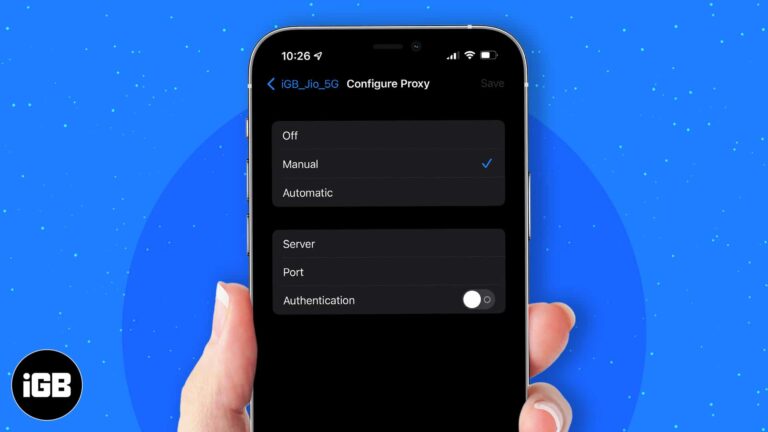
More often, a workspace or school network requires you to use a proxy. This redirects your network requests to a proxy server. However, it can also be helpful if you want to hide your IP address or access geo-blocked websites.…
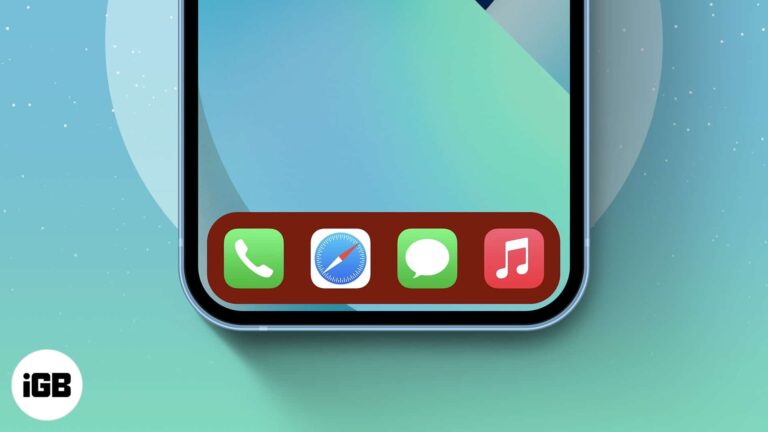
iOS gives no official Dock color control, but the Dock tints itself based on your wallpaper. Here is how to exploit that to get the Dock shade you want on iPhone or iPad.
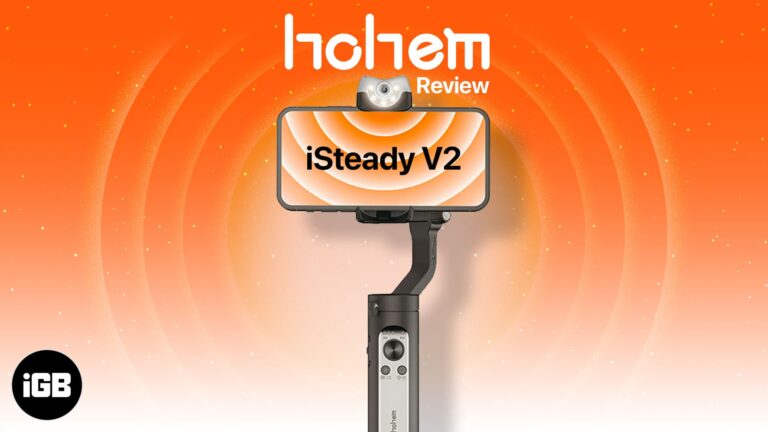
The iSteady V2 combines three-axis stabilization with AI subject tracking and a built-in light. We cover the build, stabilization quality, tracking accuracy, setup process, and whether it is worth buying.
An iPhone is a significant purchase, and how you pay changes the total cost. We compare Apple's upgrade program, carrier financing, credit cards, and personal loans on interest, terms, and flexibility.
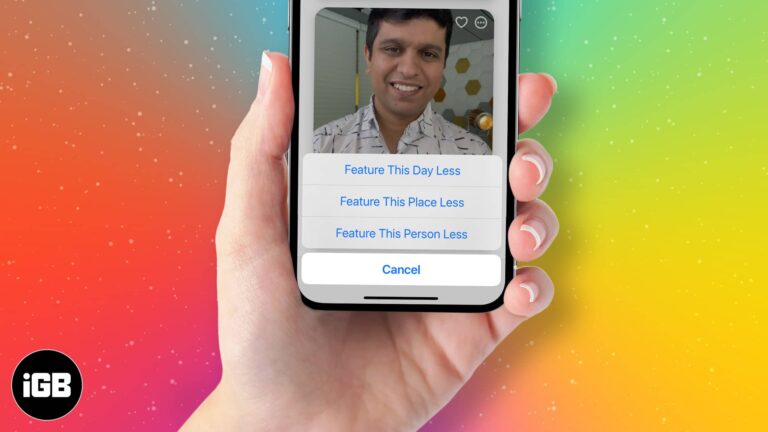
Memories can resurface people or events you would rather not see. Here is how to block someone from appearing, show a day or place less often, and restore them to your Memories later.
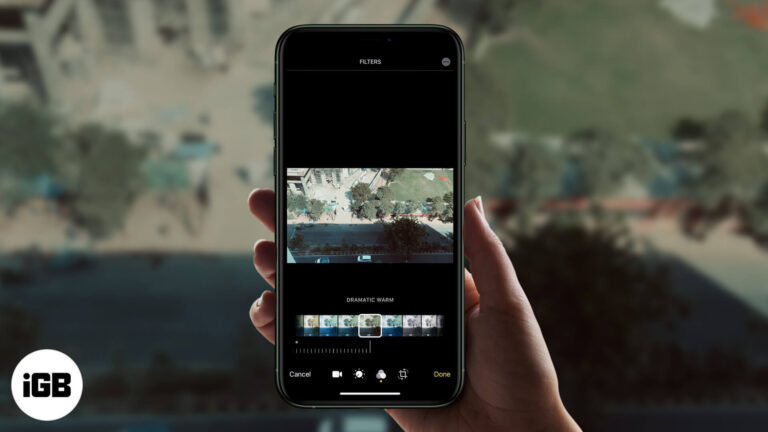
The Photos app applies filters to video, not just stills, and the change is fully reversible. Here is how to do it on iPhone, along with the third-party apps worth using for stronger looks.
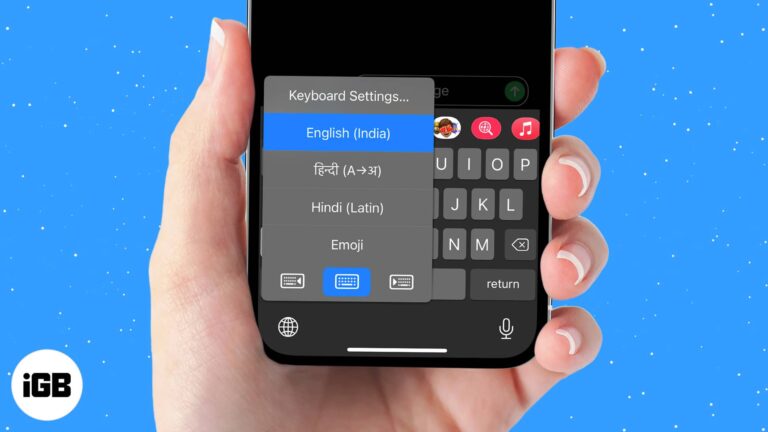
iOS lets you install extra language and third-party keyboards and swap between them mid-sentence. Here is how to add one, set your preferred default, and switch quickly with the globe key.
A phone that will not appear in iTunes is usually a driver or trust-prompt problem, not a cable fault. These six fixes cover drivers, the Location and Privacy reset, and a clean iTunes reinstall.
Apple News crashes are usually caused by a stuck app process or an outdated iOS build rather than a damaged install. These four fixes escalate from a force quit to a clean reinstall.

Alexa handles some requests better than Siri and controls a wider range of smart home gear. Here is how to set up the iPhone app, use it day to day, and add a Home Screen widget.
Anyone with your email address can share files into your Drive, spam included. Here is how to block a sender on iPhone and Android, what blocking actually prevents, and how to undo it.
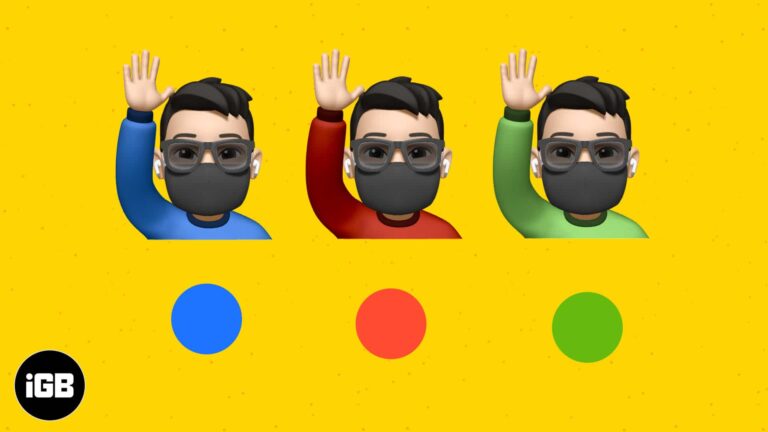
Memoji customization goes well beyond hair and eyes. This short guide shows exactly where the clothing options live in Messages and how to change your Memoji shirt color on iPhone or iPad.
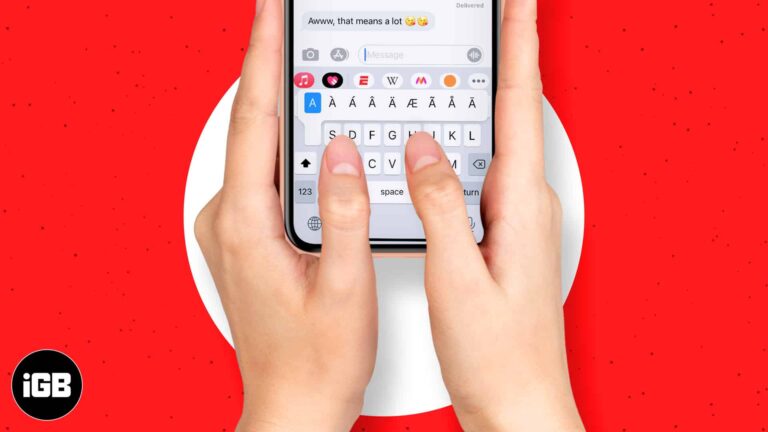
Accented characters are hidden behind a long press on the iOS keyboard. Here is what diacritical marks are and how to type every accent your iPhone or iPad keyboard offers.
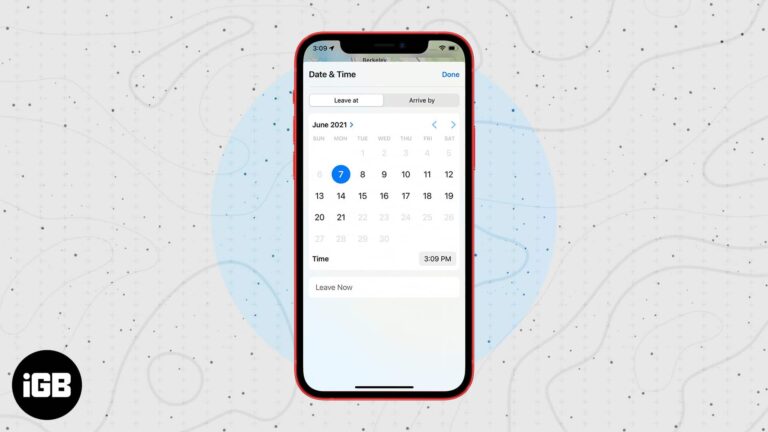
Apple Maps can work backwards from when you need to arrive, factoring in expected traffic. Here is how to set a leaving or arrival time on iPhone and use it to plan your trip.

Grid Studio takes a real iPhone 3GS apart and mounts every component in a framed display with labels. We look at the presentation, build quality, and who this nostalgic piece actually suits.
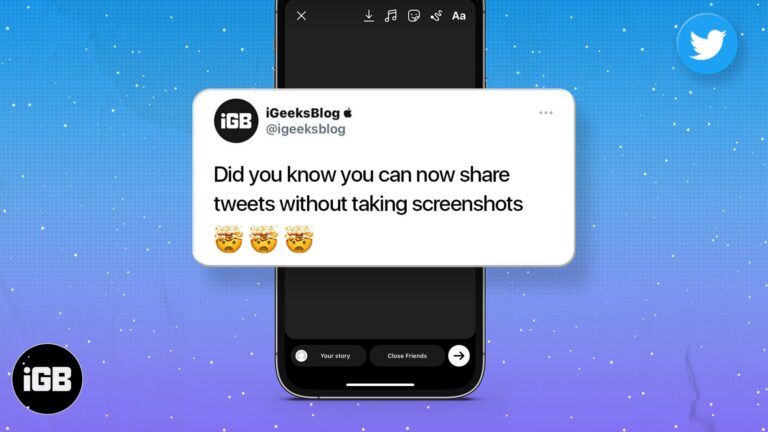
Screenshotting a tweet gives you an awkward crop. Here is how to share a post from X directly to your Instagram Story on iPhone and Android, keeping the formatting clean.
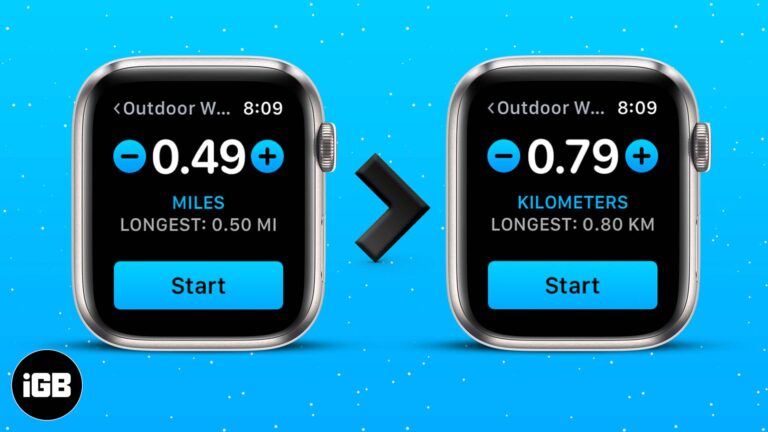
The distance unit follows your region setting by default, which is wrong for plenty of people. Here is how to change miles to kilometers on Apple Watch and in the Health and Fitness apps on iPhone.
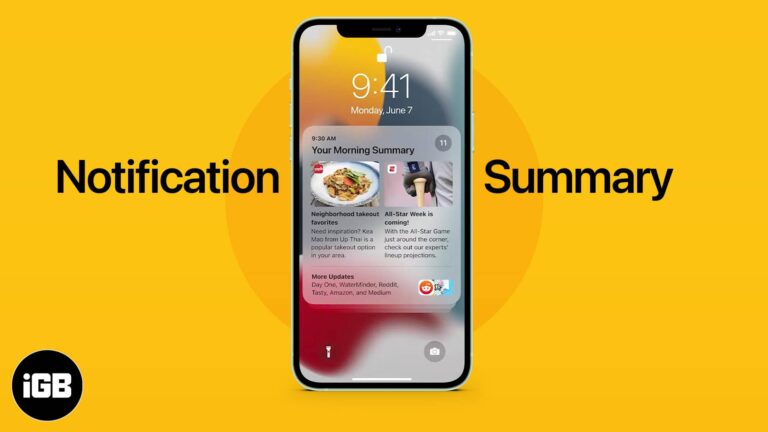
Notification Summary holds low-priority alerts and delivers them at times you choose. Here is what it does, how to enable it on iPhone, which apps to include, and how to set the schedule.

We can’t keep calm!!! Apple has revealed iOS 15 to the world, and man, is it power-packed? The features of iOS 15 span from much-needed improvements in FaceTime, iMessage, and Safari to significant app notifications update and beyond. Let’s dive…
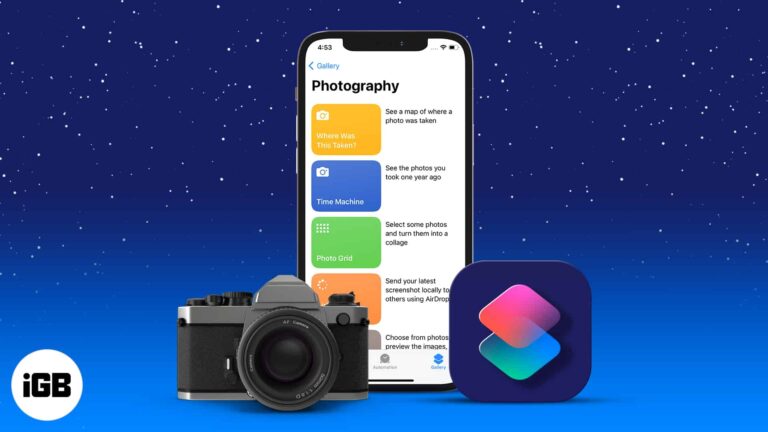
The Shortcuts app can automate the tedious parts of iPhone photography. These seven shortcuts handle batch conversions, resizing, metadata, and edits, plus how to add and run each one.
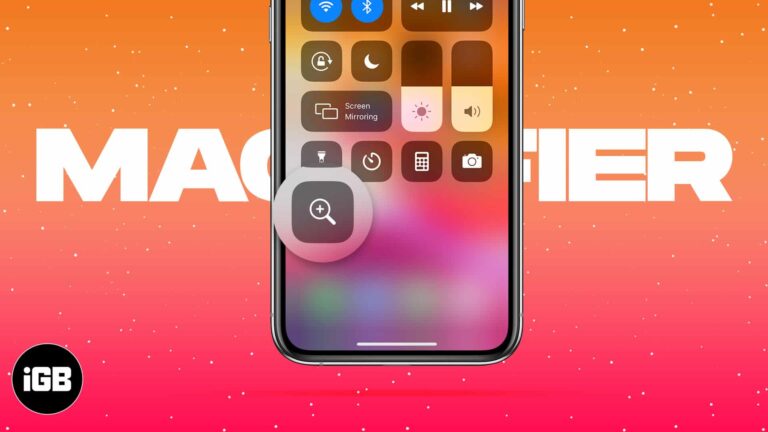
Magnifier turns your camera into a magnifying glass with adjustable zoom, filters, and freeze frame. Here is how to enable it, reach it fast, save images, and tailor its controls.


