FaceTime Like a Pro
Get our exclusive Ultimate FaceTime Guide 📚 — absolutely FREE when you sign up for our newsletter below.

FaceTime Like a Pro
Get our exclusive Ultimate FaceTime Guide 📚 — absolutely FREE when you sign up for our newsletter below.


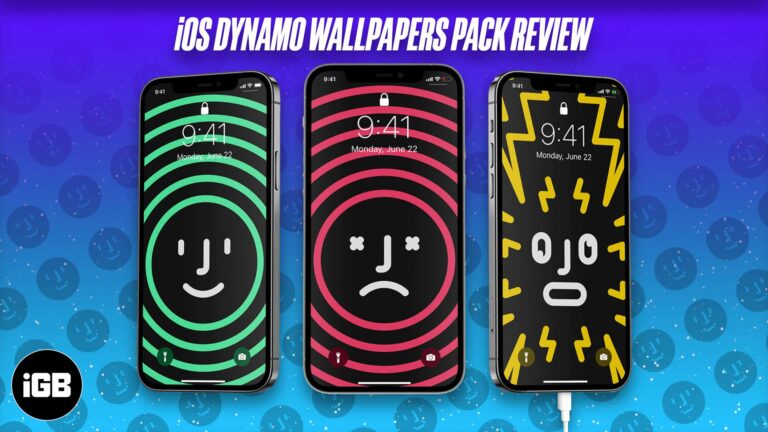
Are you constantly worried about your iPhone battery running low? Well, here’s an ingenious way to track it and never be caught unaware. In this article, I’ll tell you about a pack of Dynamo wallpapers for iOS that automatically change…
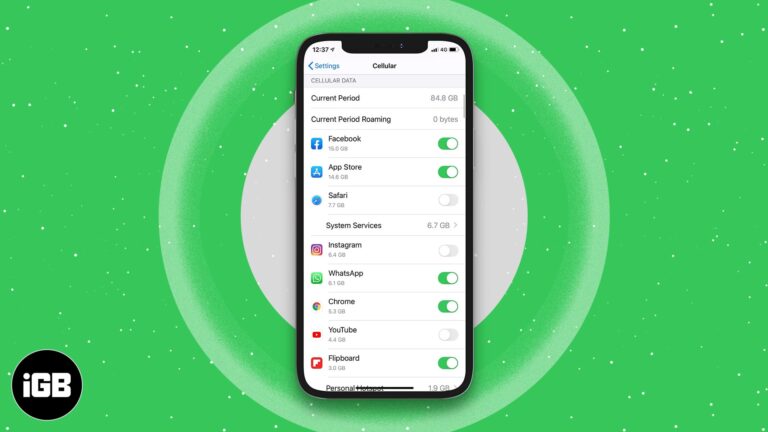
A handful of apps consume most of your data allowance. Here is how to restrict individual apps to Wi-Fi only on iPhone and iPad, and how to block their cellular access completely.

Instagram deliberately prevents you enlarging a profile picture. Here are two ways to get a closer look at someone's profile photo from an iPhone.
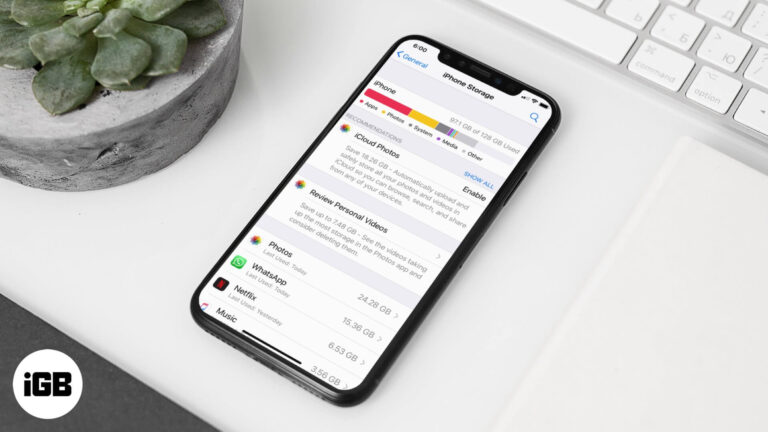
Documents and Data is cached app content that quietly consumes gigabytes. This guide explains why apps cache, how to see what each one stores, and the safest ways to clear it on iPhone and iPad.
A white page at midnight is punishing. Here is how to enable dark mode in the Google Docs app on iPhone and iPad, and how to get a dark editor in Chrome on Mac.
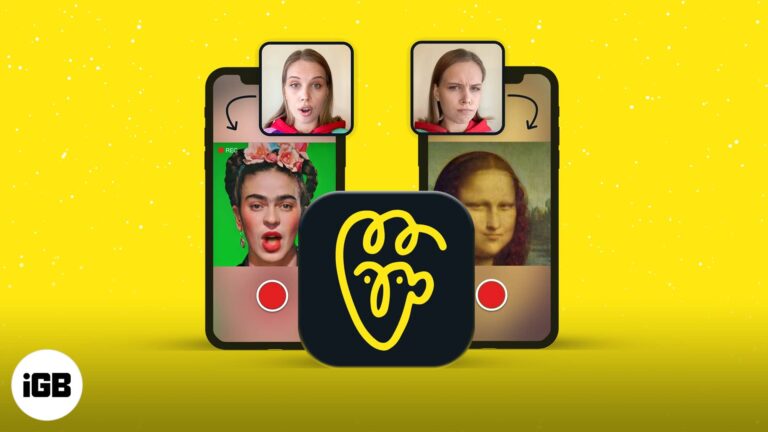
Avatarify maps your expressions onto a still portrait, producing the animated memes filling social feeds. Here is what the app does and how to create your first clip on iPhone.
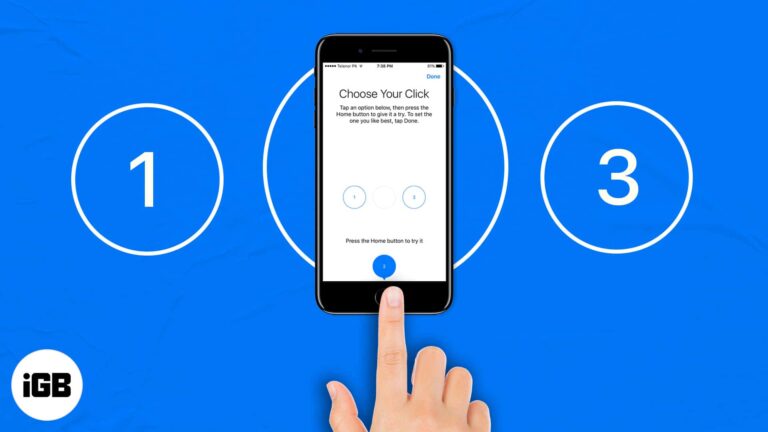
Whether you own an iPhone 6s (or earlier) or iPhone 7, 8, or SE powered by an enhanced Taptic Engine, the Home Button can at times be challenging to deal with (like missing to double-press the Home button fast enough).…
Accessibility Zoom leaves the screen enlarged and hard to navigate. The three-finger double tap is the fastest way out. Here are five fixes, including turning Zoom off through Finder.
Netflix only offers its own avatars in the app. Here is how to swap your profile picture on iPhone, plus the browser extension route if you want to use a custom image instead.
One Google account controls Gmail, Drive, Photos, and YouTube, which makes it a high-value target. Here is how 2-step verification works, how to enable it, and how to set up Authenticator.
Apple offers a direct transfer tool that copies your library to Google Photos without downloading everything first. Here is how to use it, and the manual route if you want more control.

Scrolling back years in Messenger is painful. Here is how to search your chat history on iPhone and in a browser, find hidden message requests, and download a complete archive.
Sort order and display order are two separate settings on iPhone, which explains a lot of confusion. Here is how to change both, and the other options for organizing a large contact list.
Clubhouse is audio-only and works differently from every other social app. Here is how to get in, set up a profile that gets you invited to speak, join clubs, and decode the terminology.
Moving content between the two apps means saving it locally first. Here is how to get a Snap onto your Instagram Story from iPhone, and how to share Instagram posts back to Snapchat.
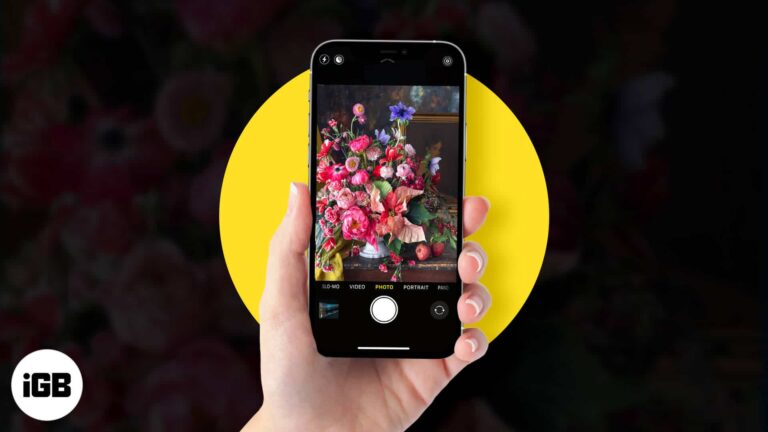
Flowers are harder to shoot well than they look. These tips cover lighting and setup, framing a strong composition, capturing in ProRAW, and editing the result in the Photos app.

A VPN encrypts your traffic and hides your location, which matters most on public Wi-Fi. Here is how VPNs work on iPhone, the features that count, and how to configure and use one.
Siri can learn which music service you prefer, so requests route to Spotify or another app instead of Apple Music. Here is how to set it, and the limits of what the change actually does.
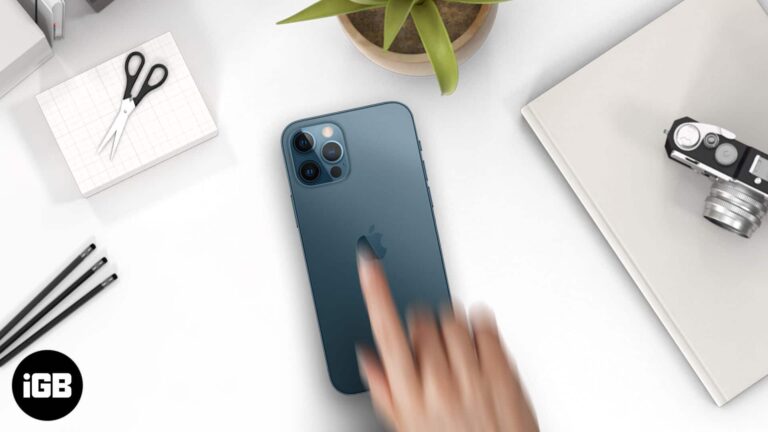
Back Tap needs iPhone 8 or later and can be blocked by a thick case. These six fixes cover compatibility, case interference, settings checks, iOS updates, and a full settings reset.
Hiding a comment removes it from public view while leaving it visible to its author and their friends, which avoids a confrontation. Here is how to hide, unhide, and the alternatives worth considering.
WhatsApp gives no official way past a block, but two workarounds sometimes reach the person. Here is how the group chat method and the account reset approach work, and their real limitations.
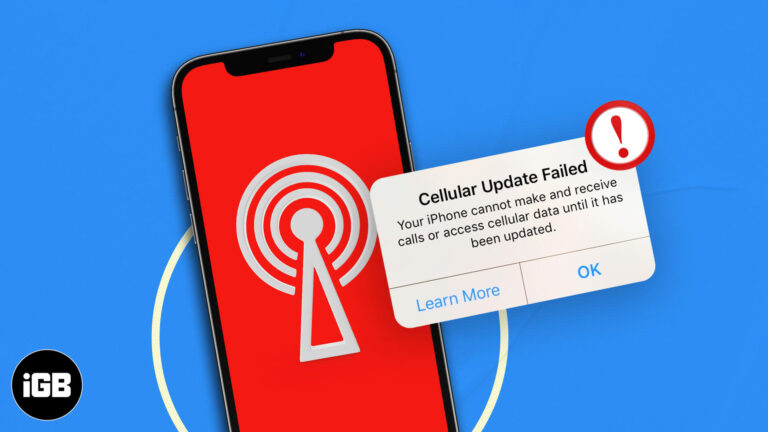
This error usually appears alongside No Service and points to a carrier settings problem. Here is what triggers it and how to fix it without a trip to the store.

Stadia streamed games from Google's servers to a browser, sidestepping the App Store entirely. This guide covers how it worked on iPhone and iPad, though the service has since closed.
Recovery software promises more than physics allows. Here are the two conditions that determine whether data is recoverable, and the myths about damaged phones and backups worth abandoning.

A phone code alone is weak protection for Telegram. This guide covers enabling 2-step verification on iPhone, choosing a recovery email, turning it off, and what to do if you forget the password.
Shazam is built into more places than most people realize. Here is how to identify and play music through Apple Music, Snapchat, Spotify, and Deezer, and keep a record of your Shazams.

Deleting Telegram removes your messages, contacts, and group memberships for good, with no way back. Here is what you lose, plus the exact steps to close the account permanently from your iPhone.
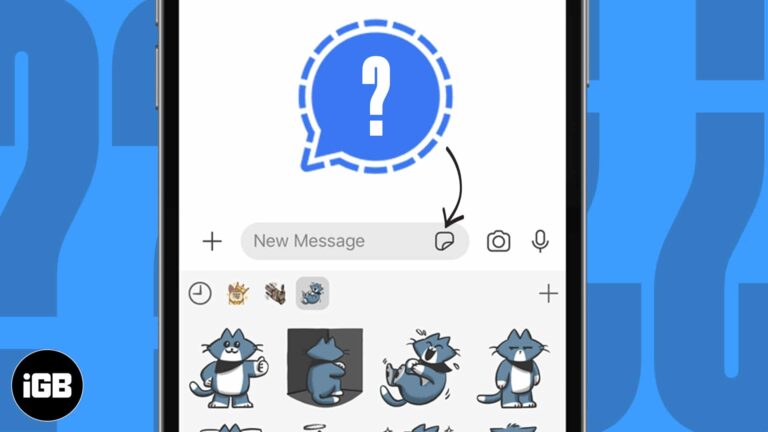
Signal supports stickers without giving up its privacy model. Here is how to use the built-in packs on iPhone, add third-party ones, and send your own Memoji stickers in a conversation.
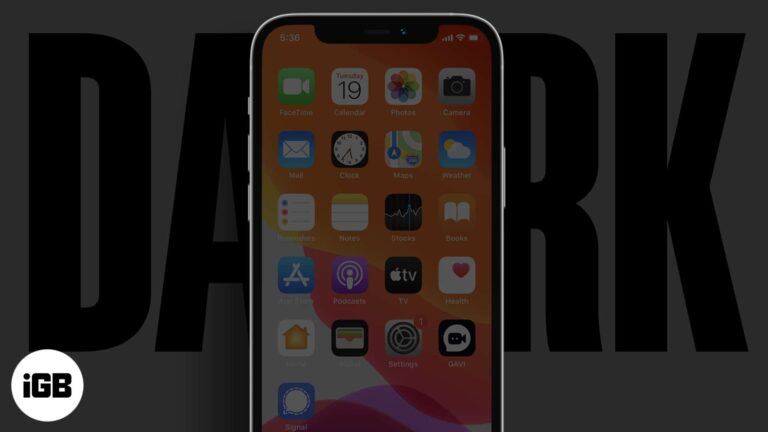
The minimum brightness slider is still too bright in a dark room. Here are three ways to dim an iPhone further, including the Accessibility shortcut that enables ultra-low brightness.